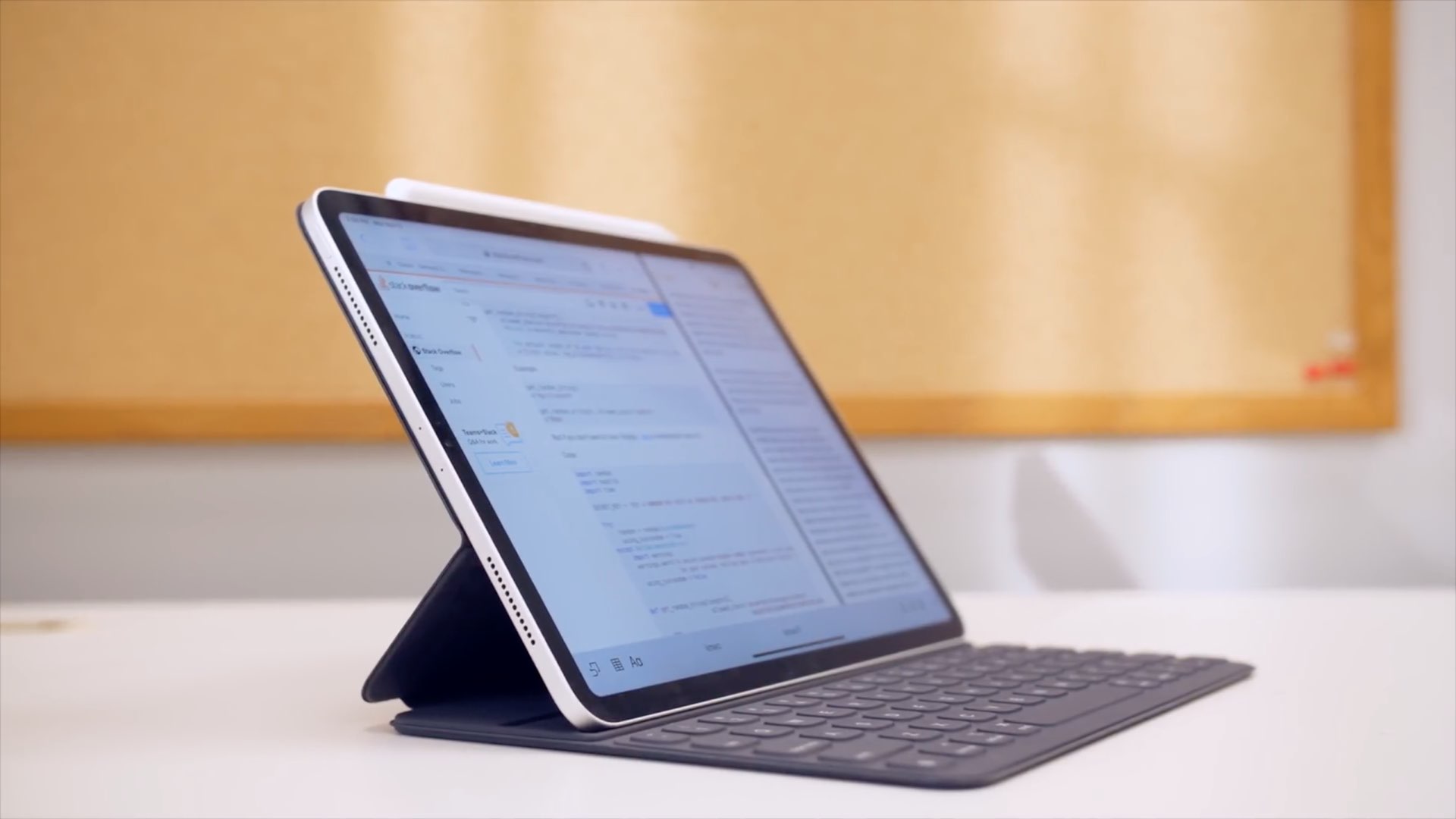
Check out these ways to use your iPad as a desktop workstation with an external monitor or a Mac to enhance your productivity.
3 ways to use your iPad as an external display
From the latest news to the most comprehensive tutorials, learn how to get the most out of your iPad with our step-by-step guides and expert tips.
Check out these ways to use your iPad as a desktop workstation with an external monitor or a Mac to enhance your productivity.
There’s no doubting the fact that smartphones are receiving larger displays by popular demand, and while this can be considered a benefit from the standpoint of media consumption, it also tends to be a shortcoming by way of one-handed usage.
Apple tries to make things on handsets with large displays easier to reach with just one hand through a native Accessibility feature called Reachability, but using it can be cumbersome, and it tends to lack much-needed functionality. For those who demand more out of their one-handed smartphone usage, it’s tough to go wrong with a jailbreak tweak called OneHandWizard 2 by iOS developer sharedRoutine.
Windows giant Microsoft today announced its Defender Advanced Threat Protection (ATP) security platform is coming to mobile devices powered by iOS and Android.
I take so many screenshots on my iPhone day in and day out that I nearly take having the ability to capture my display as an image file for granted. Many others are in the boat I am, but whether you take many screenshots or not, one thing we may all be able to agree on is that Apple could make the screenshot interface a lot more intuitive.
Enter ScreenshotActions, a newly released and free jailbreak tweak by iOS developer P2KDev that makes it a whole lot easier for users to share and interact with screenshots after snapping them.
If you’re lucky enough to have a jailbroken iPhone or iPad at your disposal and you’re looking for a fun and quirky way to make your handset’s Home screen stand out from the average Joe’s, then you just might come to appreciate a newly released and free jailbreak tweak called Central by iOS developers Kritanta and Falc0nDev.
As depicted in the screenshot example above, Central adjusts your Home screen’s application icon layout in such a way that the final row on the Home screen funnels down to just three icons in the center of your display.
The Sileo Team took to Twitter late Wednesday evening to share that it had released an updated version of the Sileo package manager dubbed v1.7.1 with various improvements, but that wasn’t all. The Tweet also noted that the new Sileo build was available for both Chimera and checkra1n jailbreak users.
The Sileo Team attempted a checkra1n port for its Sileo package manager just before the new year, and despite a flaky initial release that quickly crashed and burned, it now seems that the Sileo Team is making a second attempt – this time with some help from Diatrus, a name that might sound familiar if you’ve ever used an unofficial Sileo port before.
The unc0ver jailbreak only just picked up official support for iOS 13.0-13.3 on A12(X)-A13 devices this past weekend. Given just how young the new support is, it’s not overly surprising to learn that there were some bugs that needed to squashed.
In a Tweet shared just this afternoon, Pwn20wnd announced the release of an updated version of the unc0ver jailbreak dubbed version 4.0.3 with important bug fixes:
For Spark email users, the update we covered bringing features like dark mode, avatars, and productivity tools to iPad was great news. And another terrific feature with that update came the ability to customize the email actions toolbar on iOS.
You’ve seen that toolbar at the bottom of an email and used it plenty of times. But modifying it with the actions you need most is another super reason to use Spark. To help you out, here’s a short tutorial on how to customize that Spark email action toolbar.
If you’ve recently jailbroken iOS 13 with checkra1n or unc0ver and you enjoy listening to your favorite songs or media through Apple Music or Spotify, then we have a feeling that you might enjoy a newly released jailbreak tweak called ColorFlow 5 (iOS 13) by iOS developer David Goldman.
As you might’ve inferred from the tweak’s name already, ColorFlow 5 is the fifth iteration of this tweak, and it automatically colorizes the Now Playing interface using the dominant colors from the current track’s album artwork. Examples of this are shown in the screenshots above.
Cyanea is a newly released jailbreak tweak by iOS developer Sirius24 that incorporates a surfeit of fun new ways to customize your jailbroken handset’s system-wide aesthetics and behavior.
Cyanea is the highly-evolved successor of an older tweak called Chameleon that we showed you last year. It permits those users to personalize their device with custom color gradients, color palettes, animations, and more.
Ever since Apple first introduced an OLED display in its smartphone lineup, there’ve been countless jailbreak tweak releases attempting to take full advantage of it. From always-on displays, to revolutionary new notification indicators, there has been no shortage of innovation on this front.
The latest addition to the party is a newly released jailbreak tweak called Dots 2 by iOS developer Shyam Lad, and as depicted in the screenshot examples above, this tweak displays pulsating colorful dots for missed notifications at the top of an always-on pitch black display when the device is locked.
Despite the coronavirus outbreak, future Apple products are thought to be on course for unveilings, with a new twelve-inch iPad Pro rumored to arrive as soon as this March.