iOS

What to know about ‘YiSpecter,’ new malware targeting all iOS devices

Just as all the hoopla surrounding the XcodeGhost attack appears to have died down, security researchers over at Palo Alto Networks have identified a new type of harmful malware.

Dubbed YiSpecter, it can install itself on both jailbroken and non-jailbroken iOS devices and is the first iOS malware that exploit Apple's private APIs to implement malicious functionalities.

Here's everything you need to know about this new type of attack, what Apple is saying about the malware and what you can do in order to protect your devices from becoming infected with YiSpecter.

Apple promises to open up universal search on Apple TV

When the new Apple TV launches toward the end of this month, it will allow viewers to use their voice to search movies and television shows across iTunes, Netflix, Hulu, Showtime and HBO. Fans of the device were initially concerned that the new box would offer preferential treatment to the aforesaid services. Thankfully, that won't be the case.

As CEO Tim Cook noted in an interview this weekend with BuzzFeed News's John Paczkowski, the new box will allow apps beyond launch partners to expose and make their content discoverable and searchable via iOS 9's universal search feature.

It's a crucial confirmation: content from other broadcasters and studios such as NBC, Disney and CNN must be exposed through the Apple TV's Siri-based search if the device is to streamline the user experience.

How to quickly access Wallet and Apple Pay on the Lock screen

Hand holding an iPhone with Apple Pay screen showing added payment cards

Those who have tried Apple Pay can attest that paying with your iPhone couldn't be simpler. You just hold your device near the contactless reader with your finger on Touch ID or your face authenticated with Face ID to pay for the goods or services you bought.

But wouldn't it be great if you could choose any payment cards, passes, and loyalty cards from your Apple Pay account on the Lock screen, without having to unlock your iPhone?

You can now make your purchases by double-pressing the Side button or Home button to access Wallet without unlocking your iPhone, a feature partially borrowed from the Apple Watch. You then simply choose a card and authenticate your purchase via Touch ID or Face ID.

Here's how you can enable Wallet access right from the iPhone's Lock screen with just a few taps.

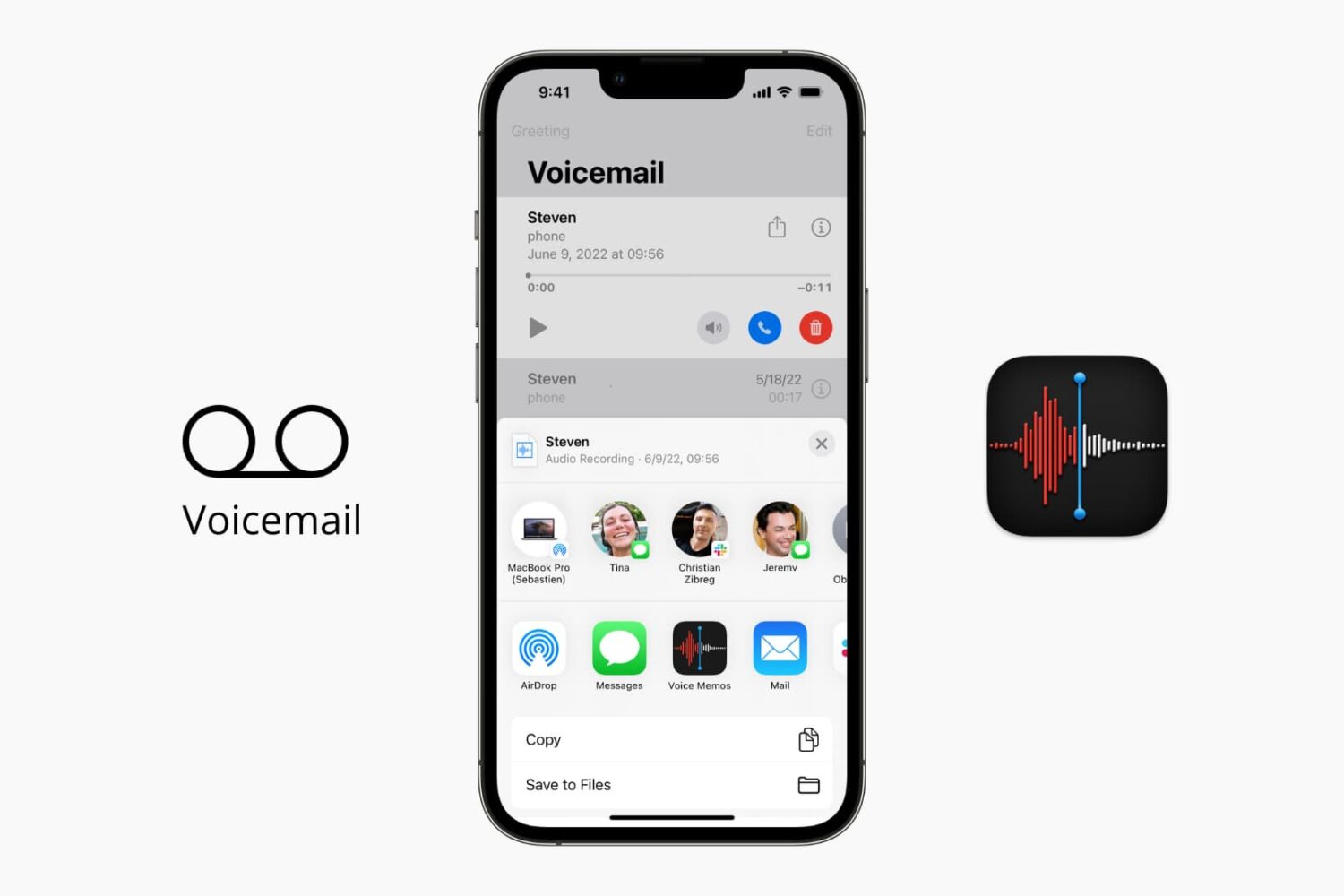
How to save your iPhone voicemails to the Voice Memos app

Save your iPhone voicemail to the Voice Memos app

The iOS Phone app makes it easy to save your voicemail to the Voice Memos app. Saving voicemails as voice memos lets you trim the audio before sharing them with others. Plus, the files in the Voice Memos app are automatically uploaded to iCloud and stay safely saved. So, if there is a memorable voicemail, you can keep it forever in iCloud.

In this brief tutorial, we show you how to save your voicemail as an audio note.
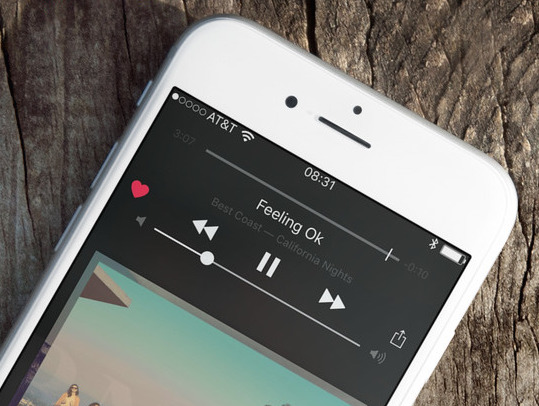
How to play Apple Music high quality streams on cellular

Apple Music on iOS includes an option to stream your music at high bitrates over a mobile data network at all times. As you know, Apple Music defaults to high-quality streams on Wi-Fi.

With this toggle, you can control your cellular data usage by enabling or disabling high bitrates when streaming or downloading music over your carrier's cellular data network.

iOS 9.0.2 fixed vulnerability that allowed Lock screen access to photos and contacts

iOS 9.0.2 has patched a potentially disturbing vulnerability which allowed malicious users who have access to your device to use Siri from the Lock screen in order to browse your photos and contacts.

According to Apple' official iOS 9.0.2 release notes, the software has fixed the issue which allowed access to photos and contacts on a locked device by “restricting options offered on a locked device.”

The vulnerability was left unpatched in iOS 9.0 and iOS 9.0.1 and affected the iPhone 4s and later, fifth-generation iPod touch and later and iPad 2 and later.

Skype’s iPad and Mac apps now support new multitasking features in iOS 9 and El Capitan

Microsoft-owned Skype for iPad was refreshed in the App Store earlier this morning with support for new multitasking features provided by iOS 9. It's now easier to chat with friends on Skype while surfing the web, reading your email or running other apps in side-by-side Split View multitasking mode (requires iPad Air 2 or iPad mini 4).

In addition to Split View, Skype for iPad also supports Slide Over mode. Both instant messaging and voice calling are supported in Split View and Slide Over.

How to make your iPhone and iPad more secure with 6-digit passcodes

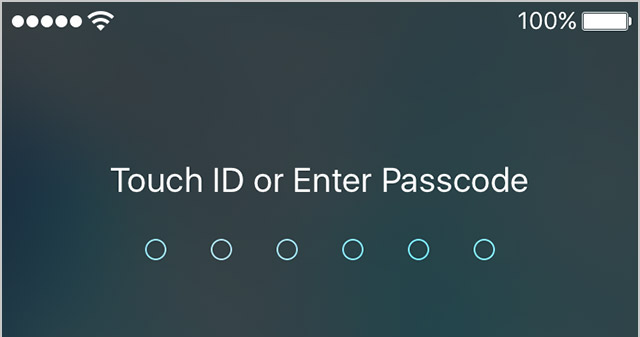
Starting with the release of iOS 9.0.1, Apple has increased your security by defaulting to 6-digit passcodes on Touch ID devices. “If you use Touch ID, it’s a change you’ll hardly notice,” says Apple.

Compared to 4-digit passcodes which have 10,000 possible combinations, their 6-digit counterparts strengthen your security with one million possible combinations, meaning 6-digit passcodes will be a lot tougher to crack.

Non-Touch ID iPhones and iPads still default to less secure 4-digit passcodes, however. You can enable a 6-digit passcode with a quick trip to Settings, here's how.

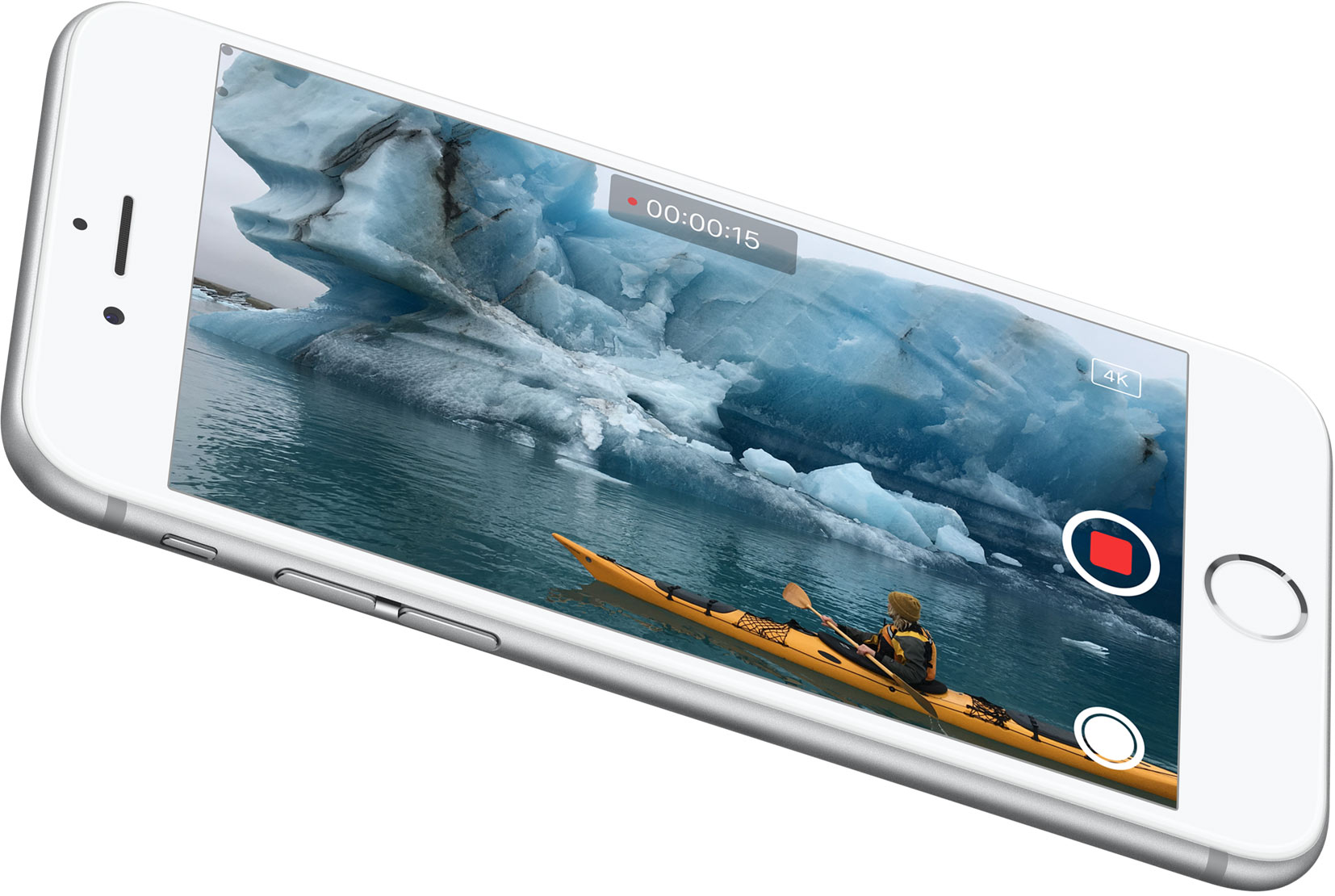
Some iPhone 6s users report poor low-light camera performance with Live Photos enabled

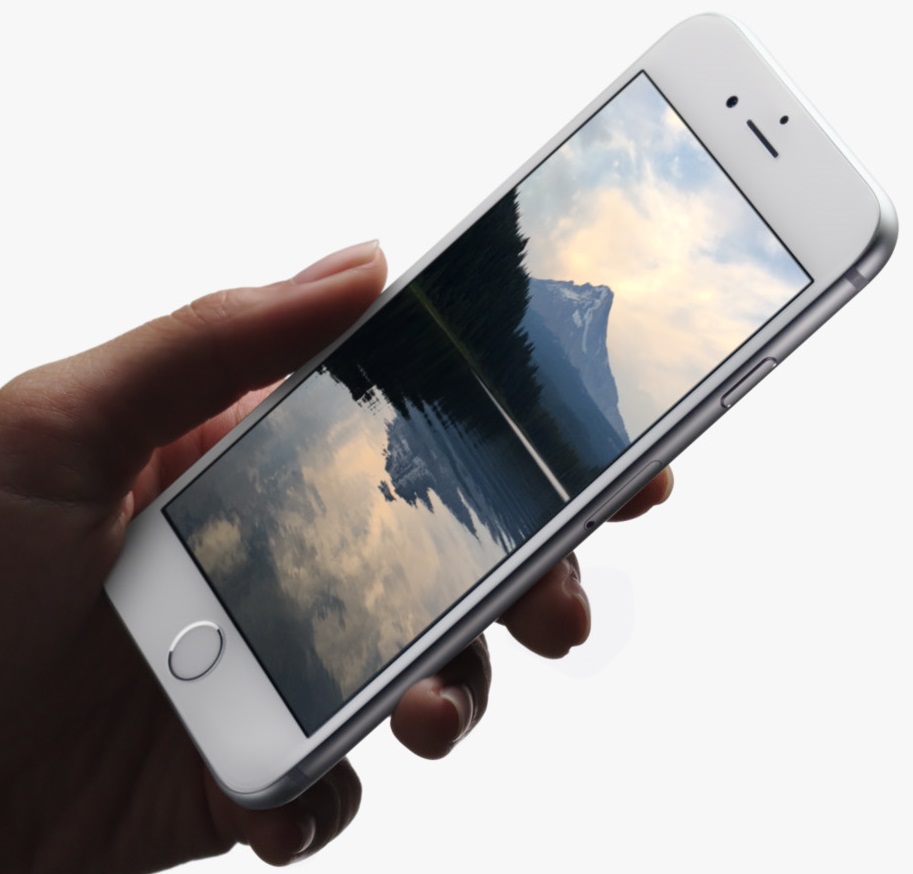
Some iPhone 6s owners took to Reddit to say that using Live Photos degrades low-light photography performance on their iPhone 6s and iPhone 6s Plus. We have yet to confirm their claims independently but it would seem that the issue stems from how taking Live Photos works.

When you enable Live Photos in the Camera app, your iPhone 6s records 1.5 seconds of video before and after the still photo is snapped, allowing you to see small bursts of motion and sound.

Here's why using Live Photos might degrade your camera's performance in low-light conditions.

If iOS 9 is gobbling up all your mobile data, you should turn Wi-Fi Assist off

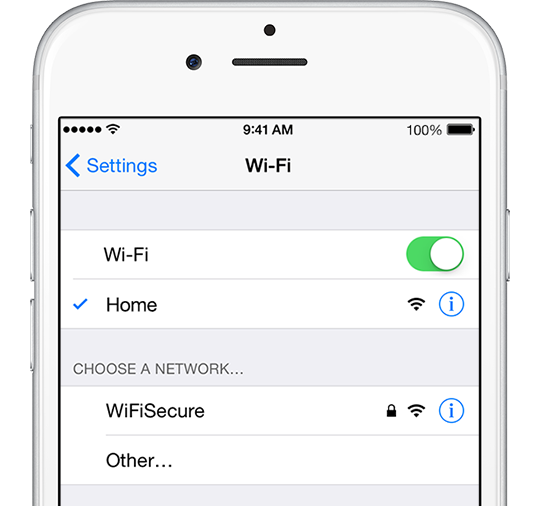
iOS 9 includes a new feature designed to optimize network performance by automatically switching to a mobile data network if a poor Wi-Fi signal is detected or Wi-Fi responds painfully too slow. It's called Wi-Fi Assist and comes enabled by default on iPhones and cellular iPads running iOS 9 or iOS 9.0.1.

As first noted by Quartz, some iPhone owners with poor Wi-Fi reception are seeing dramatic increases in their mobile data usage after updating to iOS 9.

For example, some folks are reporting a jump from one to as much as seven gigabytes since updating to iOS 9. To avoid unwanted overage fees on your wireless bill, disable Wi-Fi Assist with just a few taps, here's how.

iPhone 6s may suffer from iOS 9 bug affecting some apps which tap into compass and gyroscope data

Apple's new iPhone 6s and iPhone 6s Plus seem to be affected by a potential software bug present in iOS 9.0 and iOS 9.0.1 that appears to affect some, but not all apps which rely on data collected from the handset's compass and gyroscope sensors.

As first reported by AppleInsider, developer Fifth Star Labs has confirmed that reported issues with the Compass feature in its Sky Guide stargazing app are indeed limited to the new iPhone 6s and iPhone 6s Plus and do not extend to older hardware.