iOS

iOS 9 now powering 61 percent of devices

Apple's latest iOS 9 mobile operating system is now powering a total of 61 percent of active iPhone, iPod touch and iPad devices in the wild, according to Apple's official numbers published on its portal for developers.

By comparison iOS 9 was found on 57 percent of devices just two short weeks ago. The latest data point was calculated by monitoring  App Store access on October 19, 2015.

Google Translate gains Split View multitasking

Google's native translator app in the App Store has received a productivity-focused update earlier this morning. The free of charge software was bumped to version 4.2 and the big news in this edition is support for iOS 9's side-by-side Split View multitasking mode on supported devices like the iPad Air 2, iPad mini 4 and the upcoming iPad Pro.

In addition to Split View multitasking, Google Translate 4.2 for iOS has picked up camera translation from German and English to Arabic, joining other language packs.

New in iOS 9: scrub through your photos quickly

On the surface, the refined Photos app in iOS 9 hasn't changed much from the previous release. But scratch a little deeper and you'll discover a few gems that might not be readily apparent but will leave you wondering how you lived without them.

For example, images taken with your iPhone's front-facing camera automatically go into a new 'Selfies' album.

Similarly, screenshots taken by simultaneously pressing the power and Home buttons get saved into a new 'Screenshots' album. Today, I want to talk about another new feature in iOS 9's Photos app: quick photo-scrubbing.

Apple seeds iOS 9.1 beta 5 to developers

Less than a week following iOS 9.1 beta 4, Apple on Monday issued a brand new, fifth beta of what would become iOS 9's first major software update.

iOS 9.1 beta 5 (build 13B137) for the iPhone, iPod touch and iPad is available to both members of the Apple Developer Program and public beta testers.

In addition, the software is available as a standalone download through Apple's portal for developers.

iOS 9’s Wi-Fi Assist, fully explained and demystified

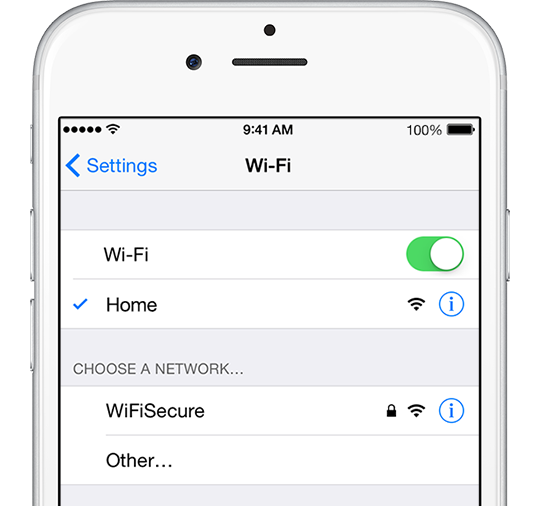
Wi-Fi Assist, a new feature in iOS 9, was initially met with some skepticism as Apple did a lousy job detailing how it works beyond stating that Wi-Fi Assist automatically uses cellular data when Wi-Fi connectivity is poor.

“With Wi-Fi Assist, you can stay connected to the Internet even if you have a poor Wi-Fi connection,” the iPhone maker said somewhat critically.

However, inexperienced users might encounter some unwanted effects when using their devices in areas with low Wi-Fi signal because Wi-Fi Assist will activate their carrier's mobile data network and therefore possibly lead to increased data consumption and unwanted overage fees on the wireless bill.

Here's what Apple is saying how Wi-Fi exactly works.

Google launching deep integration between search and iOS 9 apps by month’s end

Google announced today that Apple fans who are running iOS 9 on their iPhone, iPod touch and iPad devices will soon start seeing app content in their search results in the Safari browser.

The company's so-called App Indexing feature is now compatible with HTTP deep link standards for iOS 9. Owners of iOS 9 devices should expect app content to begin surfacing in search results by month's end.

iOS 9 adoption hits 57 percent after three weeks

According to Apple's own data, the adoption rate for iOS 9 has reached 57 percent of iPhone, iPod touch and iPad devices in the wild after three weeks of availability, as measured by the App Store on October 5, 2015. By comparison, it took iOS 8 nearly six weeks to zoom past the 50 percent barrier.

A total of 33 percent of iOS devices running iOS 8 visited the App Store on October 5, while earlier version of the mobile operating system accounted for the remaining ten percent of hardware in the wild.

Fantastical gains iOS 9’s productivity-enhancing features, Apple Watch complication and more

Hot off the heels of its big Mac update, developer Flexibits today issued an update to Fantastical for iPad, iPhone and Apple Watch. The new software takes advantage of the new productivity-enhancing features provided by iOS 9 and watchOS 2.

These include 3D Touch support for iPhone 6s owners, a dedicated Fantastical complication for Apple Watch wearers, Slide Over and Split View multitasking modes on the iPad Air 2 and iPad mini 4 and much more.

What to know about ‘YiSpecter,’ new malware targeting all iOS devices

Just as all the hoopla surrounding the XcodeGhost attack appears to have died down, security researchers over at Palo Alto Networks have identified a new type of harmful malware.

Dubbed YiSpecter, it can install itself on both jailbroken and non-jailbroken iOS devices and is the first iOS malware that exploit Apple's private APIs to implement malicious functionalities.

Here's everything you need to know about this new type of attack, what Apple is saying about the malware and what you can do in order to protect your devices from becoming infected with YiSpecter.

Apple promises to open up universal search on Apple TV

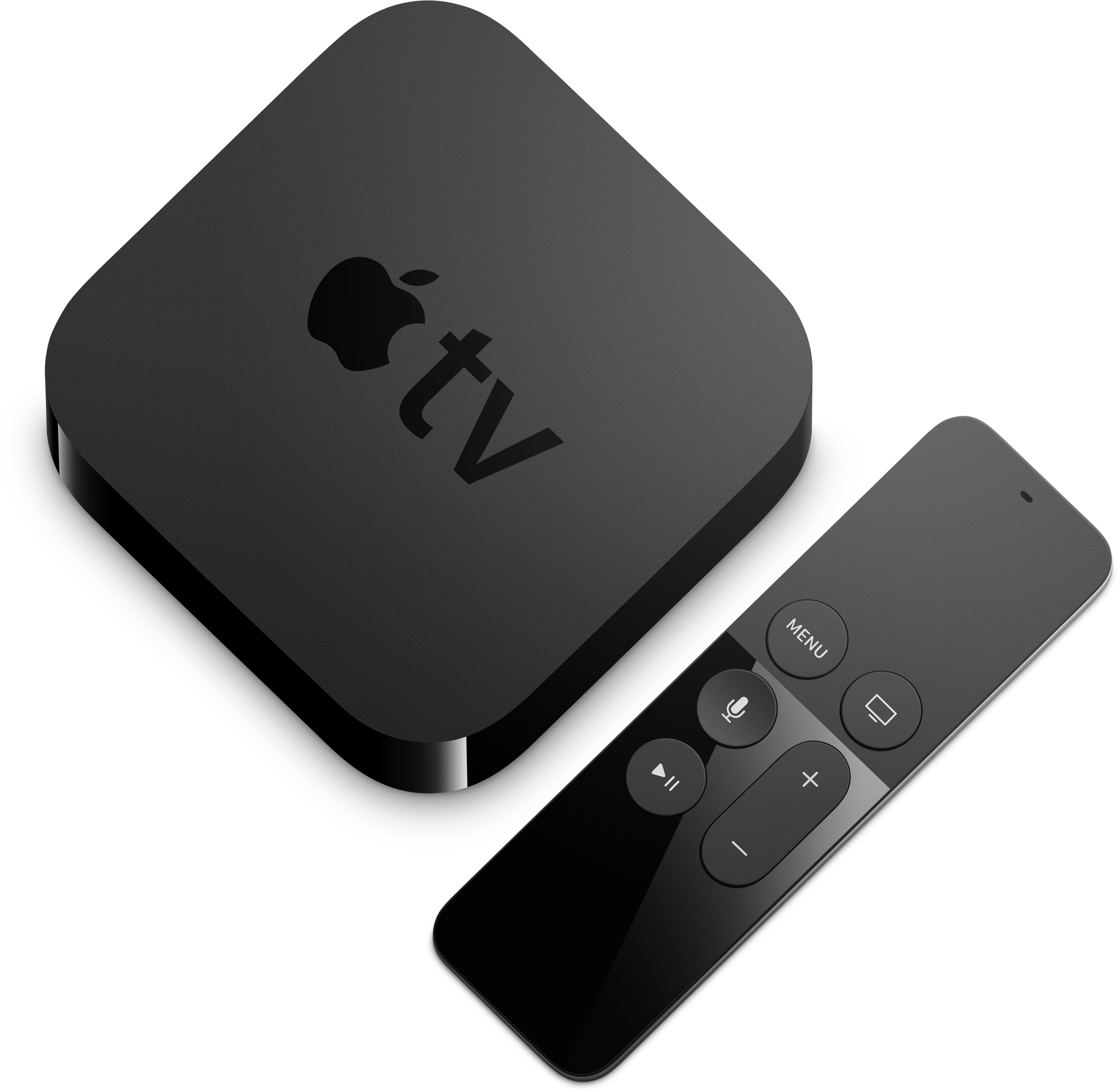
When the new Apple TV launches toward the end of this month, it will allow viewers to use their voice to search movies and television shows across iTunes, Netflix, Hulu, Showtime and HBO. Fans of the device were initially concerned that the new box would offer preferential treatment to the aforesaid services. Thankfully, that won't be the case.

As CEO Tim Cook noted in an interview this weekend with BuzzFeed News's John Paczkowski, the new box will allow apps beyond launch partners to expose and make their content discoverable and searchable via iOS 9's universal search feature.

It's a crucial confirmation: content from other broadcasters and studios such as NBC, Disney and CNN must be exposed through the Apple TV's Siri-based search if the device is to streamline the user experience.

How to quickly access Wallet and Apple Pay on the Lock screen

Hand holding an iPhone with Apple Pay screen showing added payment cards

Those who have tried Apple Pay can attest that paying with your iPhone couldn't be simpler. You just hold your device near the contactless reader with your finger on Touch ID or your face authenticated with Face ID to pay for the goods or services you bought.

But wouldn't it be great if you could choose any payment cards, passes, and loyalty cards from your Apple Pay account on the Lock screen, without having to unlock your iPhone?

You can now make your purchases by double-pressing the Side button or Home button to access Wallet without unlocking your iPhone, a feature partially borrowed from the Apple Watch. You then simply choose a card and authenticate your purchase via Touch ID or Face ID.

Here's how you can enable Wallet access right from the iPhone's Lock screen with just a few taps.

How to save your iPhone voicemails to the Voice Memos app

Save your iPhone voicemail to the Voice Memos app

The iOS Phone app makes it easy to save your voicemail to the Voice Memos app. Saving voicemails as voice memos lets you trim the audio before sharing them with others. Plus, the files in the Voice Memos app are automatically uploaded to iCloud and stay safely saved. So, if there is a memorable voicemail, you can keep it forever in iCloud.

In this brief tutorial, we show you how to save your voicemail as an audio note.