iOS

What to do when Siri doesn’t pronounce your name right

Siri is an amazing piece of software and Apple has tried so hard to make it capable of pronouncing everyone's names right, but there are just too many names in the world for Siri to be perfect and pronouncing all of them.

On the other hand, if you're sick of Siri not being able to pronounce your name correctly, there is a way to train her so she will pronounce it right going forward.

We'll show you how this is done in this quick tutorial.

MacID for iOS and Mac updated with a slew of new features and fixes

The popular app for iPhone and iPad that lets you unlock your Mac with your Touch ID sensor over a low-energy Bluetooth connection has received an important update on Tuesday that adds a number of new features to the app and fixes a number of previously-known issues.

The update is free for everyone who owns MacID already for both the iOS and OS X apps, and make the new features and stability available across both platforms immediately following installation.

Customize Spotlight features to your liking with PersonalSpotlight [jailbreak]

iOS 9 came with a totally new Spotlight experience for the iPhone, iPod touch, and iPad, but there still remains a lot that could be changed to better suit individual users' needs.

Thanks to the jailbreak community, however, customization is never really a problem.

A new free jailbreak tweak called PersonalSpotlight is now available that gives users the ability to personalize their Spotlight experience in a way that better suits them, and we'll show you how the tweak works as we go hands-on in this review.

Jailbreak tweaks of the week: Prenesi 3, LetMeSwitch, & more…

Despite the dry Cydia pipeline that continues on due to the lack of a fresh jailbreak, existing iOS developers are still launching jailbreak tweak releases.

This week hasn't been much more impressive than the last, but nevertheless, we'll still recap on everything that's new. We'll start with our favorites, and then we'll finish off with the rest of this week's releases.

Prenesi 3 enables video downloads and more in the Facebook app [jailbreak]

Facebook users who are looking for a little more oomph from their app experience are going to love a new jailbreak tweak release called Prenesi 3.

This tweak not only supercharges the app with additional features, but it even lets users further configure the app's behavior and features to their liking.

A long story short, if you're rocking a jailbroken device and you use Facebook regularly, then this is a tweak you don't want to miss.

Bummed by iOS’s erratic text selection in Safari? Try this simple trick

Sometimes it feels like I'm wrestling with iOS's text-selection feature in Safari instead of it making my life easier. Increasingly, certain webpages either wouldn't let me copy body text at all or would leave me struggling trying to make a precise selection.

More often than not, zooming doesn't prove much of a help. This issue is particularly infuriating when trying to highlight a URL. But don't worry, this is where iDownloadBlog's how-to series comes to the rescue!

Here's a simple trick which helps override this behavior, letting you highlight and copy text on webpages that don't necessarily play nicely with iOS's text-selection feature.

PayPal is ditching its apps for Windows, BlackBerry and Kindle devices

PayPal is dropping support for its mobile apps on Windows, BlackBerry and Kindle Fire devices, the online payments firm announced in a blog post. Existing users will be required to upgrade to the latest version of the mobile PayPal app for iOS and Android, which in February received its long-overdue makeover. Starting on June 3 through June 30, those on older versions of the PayPal mobile app must upgrade to the latest version, 6.0.

Tip: create empty spaces between apps on the Home screen, no jailbreak needed

One of the top things that those without jailbreaks wish they could do is put blank spaces between app icons on the Home screen.

Whether it's to help with your creative organization technique, or to simply add a personal touch or pattern to your Home screen, you may be excited to hear that it's possible to create blank spaces between your app icons on a completely stock, non-jailbroken iOS device.

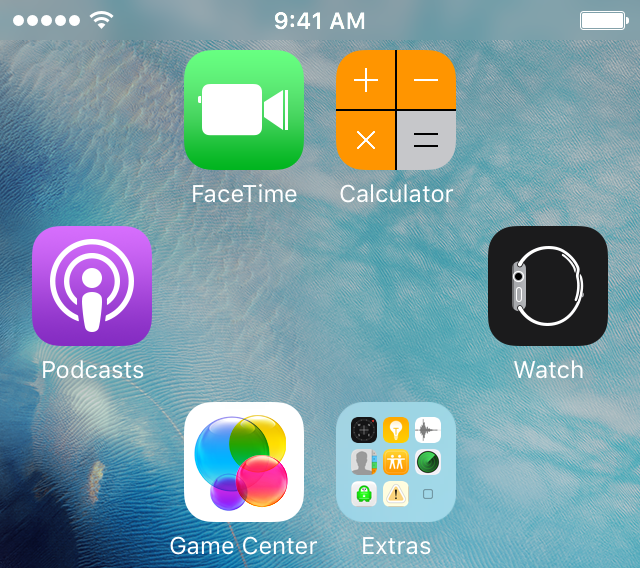
In this tutorial, we'll talk about how you can generate blank spaces between your app icons on the Home screen, as shown above, without having a jailbreak.

LetMeSwitch is a tweak that improves keyboard switching in iOS

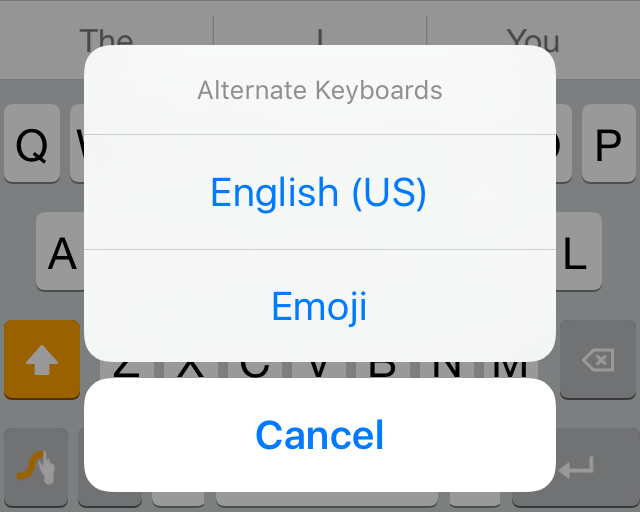
One of the things that can be really peeving about third-party keyboards in iOS is how you can only jump to the next keyboard instead of actually being able to pick a new keyboard to use immediately after.

iOS developer PoomSmart has the right idea with a new free jailbreak tweak called LetMeSwitch, which makes switching from a third-party keyboard to a different keyboard easier than ever.

Facebook not loading on your iPhone? Try this

I am a Facebook user, as I am sure many of you are too. With that being said, you may or may not be familiar with loading problems that can occur while using the social network via the free iOS app. In this troubleshooting tutorial, we'll talk about some ways you can try to fix problems where the Facebook or Facebook Messenger app refuse to load.

Jailbreak tweaks of the week, Kairos, ThemeStore, & more….

It's been another quiet week for the jailbreak community as the looming atmosphere of no recent jailbreak continues to surround this week's tweak releases.

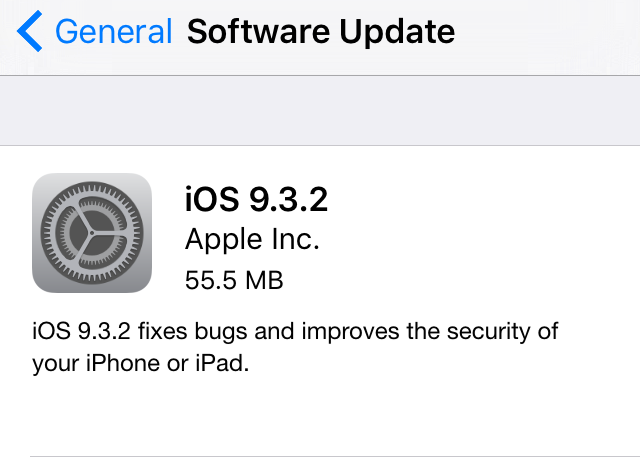
Now with iOS 9.3.2 available to the public, any team that has been testing a new jailbreak would have yet another software version to try and break into.

Nevertheless, there were still some good tweak releases this week, and we'll start by showing you our favorites, followed by the rest of them in this roundup.

How to use your iPhone as a keyboard for your Mac or PC

iPhone and MacBook kept on a table

Mobile Mouse Remote is a great app that turns your iOS device into a powerful utilitarian accessory for your Mac or PC. So far, we've shown you how the app can be used as a mouse or trackpad for your computer and how you can use the app as a remote control for your computer, but it also has a lot of keyboard functionality built into it to make your device into a software-based keyboard for your computer.

In this tutorial, we'll show you how you can use Mobile Mouse Remote to type or perform keyboard commands on your Mac or PC directly from your iPhone or iPad.