iOS

CasualAlarm uses random songs from your music library for alarm sounds

Tons of people use their iPhone as a means of waking up every morning thanks to the built-in alarm feature, and while there are a number of alarm tones to pick from and despite being able to choose any local song on your device as an alarm sound, there is very little diversity whenever you choose either of these methods.

A new free jailbreak tweak called CasualAlarm aims to spice things up by randomizing whatever your alarm might be when it’s time to wake up in the morning, and it does this by shuffling through your very own music library. With it, you will have something different to listen to each morning when it’s time to wake up.

Hide or show your Home screen dock on demand with ShyDock

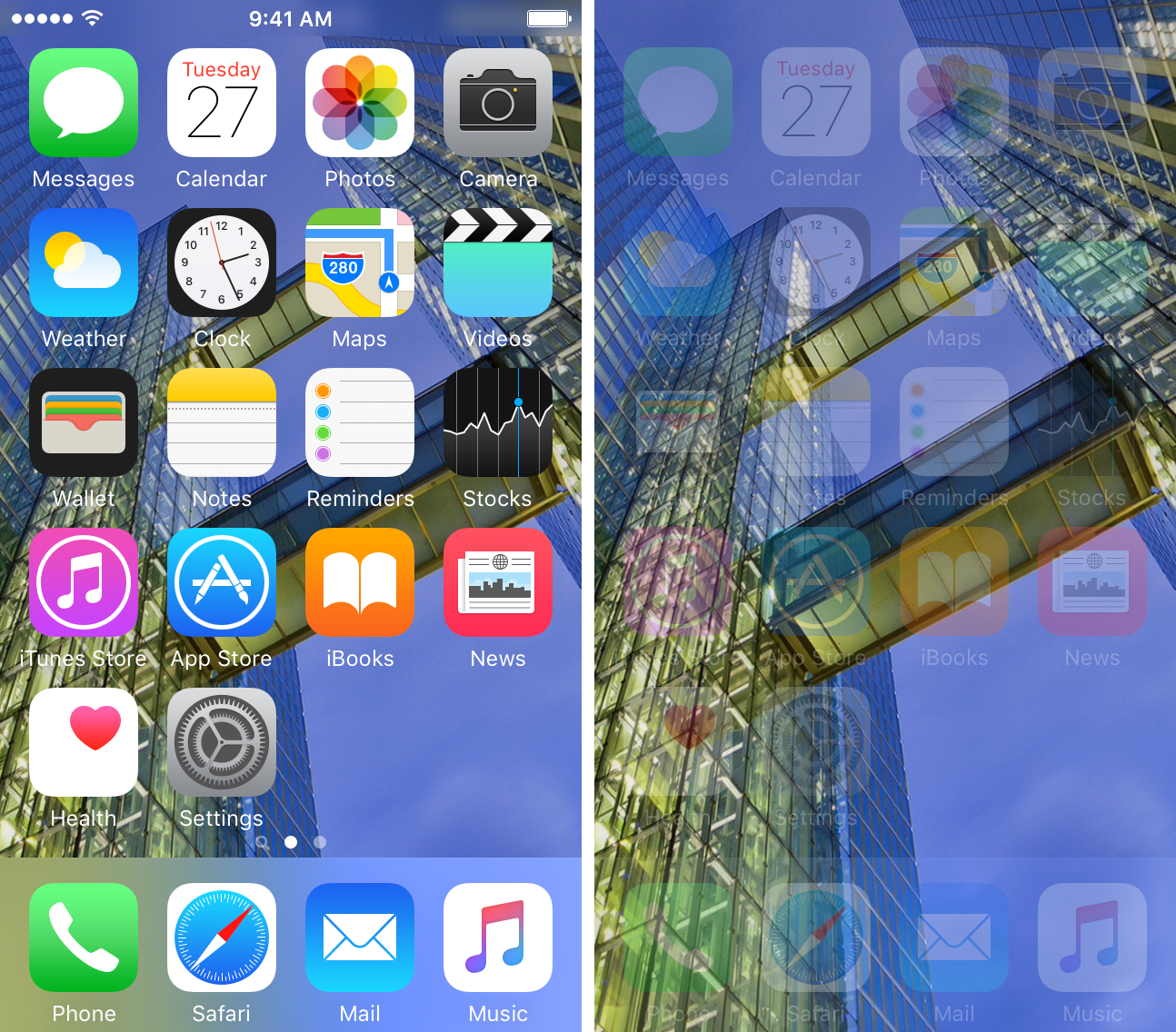
In macOS, you can configure your application dock to hide away and only appear when you need it, so wouldn’t it be nice to bring that kind of functionality over to your iPhone or iPad as well?

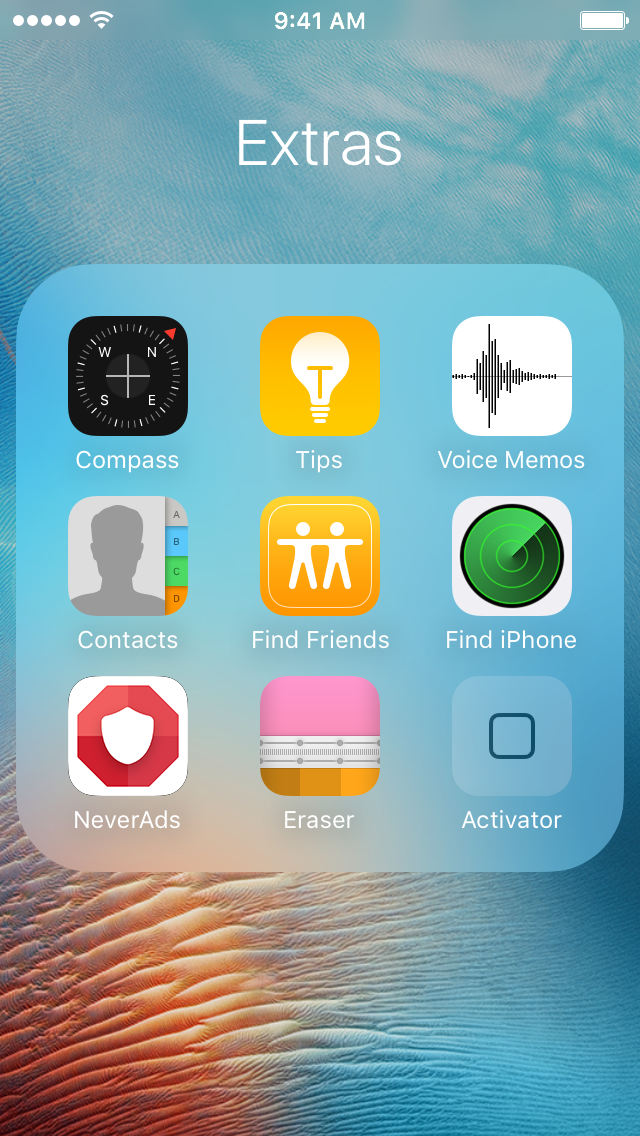
With a new free jailbreak tweak dubbed ShyDock, you can hide or show your app dock on demand with a simple Activator action.

The best VR apps and games available on the App Store right now

For years, techy gifts have been on an unstoppable rise and these holidays more than ever, new VR headsets of all kinds were added to the mix. If you are one of the lucky receivers of a Cardboard or any other generic pair of VR goggles compatible with your iPhone, your first address to go for VR-ready apps should of course be the App Store.

To help you get on top the bulk of apps available and break the tedious ‘download, try and delete’ chain, we have been weeding through the vast app-scape and given VR-ready apps a hard look. If you want to put your new toys to good use, here is a list of some of the best VR games and apps we believe you will want to embark on first.

Jailbreak tweaks of the week: CCLowPower, CCRecord, Evanesco, & more…

We were in a lull for quite a while, but the jailbreak community seems to be making a comeback as of late, especially in the midst of a jailbreak for iOS 10.1.1 by Luca Todesco, which is currently in beta.

This week, there have been a number of jailbreak tweak releases, and we'll be rounding them all up for you as we always do on Sunday. We'll start with our favorites, and then talk about the rest afterwards.

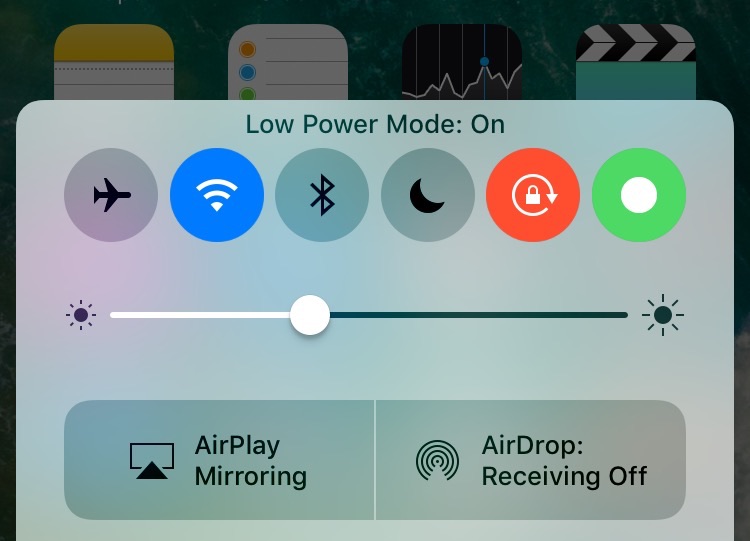
CCLowPower adds a Low Power Mode toggle to Control Center

As many of us use our iPhones a whole lot more than others do, we find ourselves combating the ongoing issue with conserving battery life, and that’s why Apple introduced a handy little feature known as Low Power Mode.

Although it’s useful at times, it still requires you to dig through the Settings app to get to it, which is not only cumbersome, but also inconvenient. To fix that problem, a new free jailbreak tweak made especially for iOS 10 called CCLowPower will let you enable Low Power Mode via a new toggle button in Control Center.

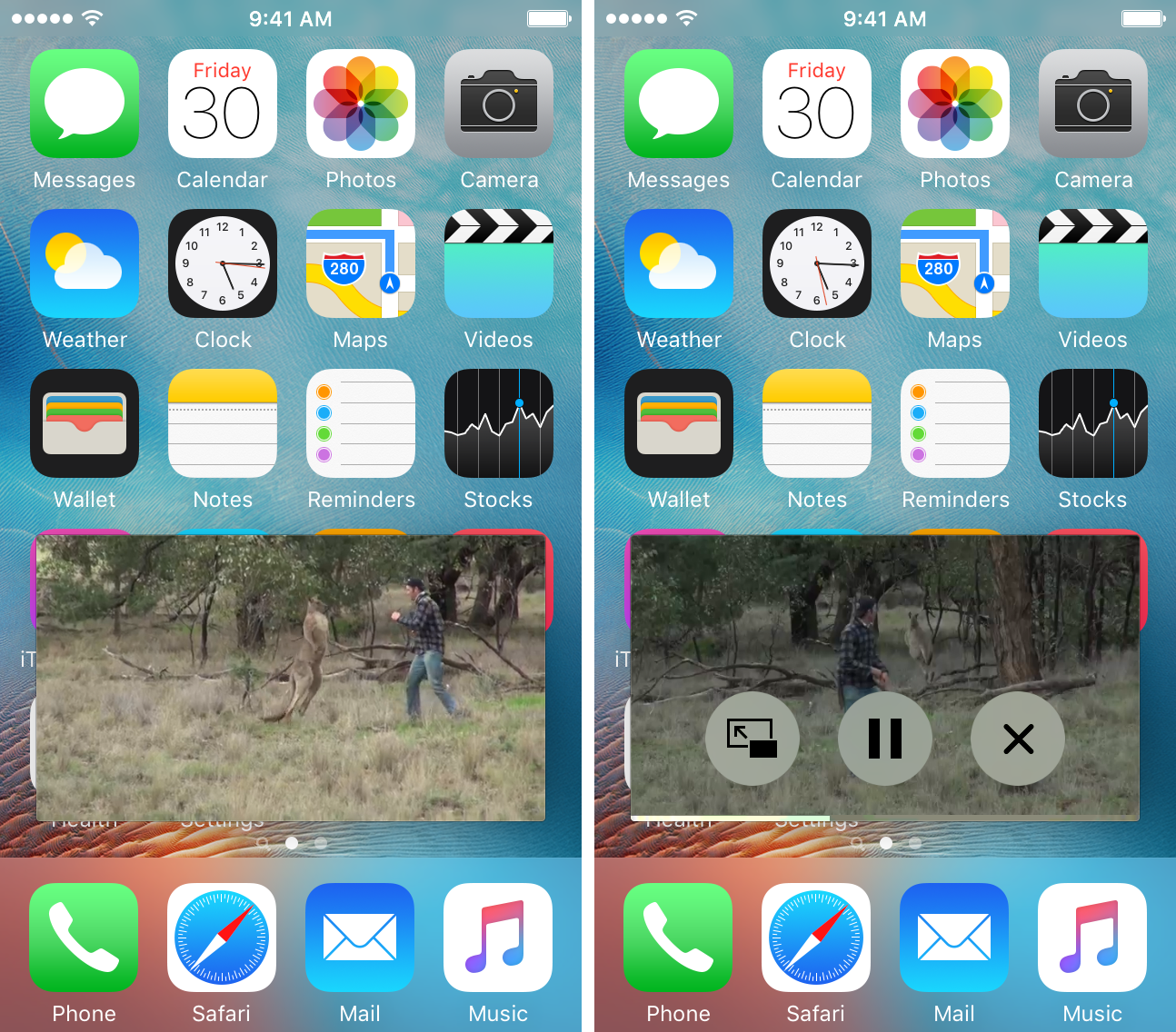
ForceInPicture enables Picture in Picture mode on unsupported devices

Picture in Picture mode is a type of multitasking that was introduced with iOS 9 so you could complete other tasks while simultaneously watching video. Unfortunately those with iPhones, iPod touches, and even some models of iPad can’t use it because it's restricted to certain models of iPad only.

A new jailbreak tweak called ForceInPicture is now available in Cydia that will enable Picture in Picture mode on all unsupported devices, so long as you’re running iOS 9 or iOS 10 on them.

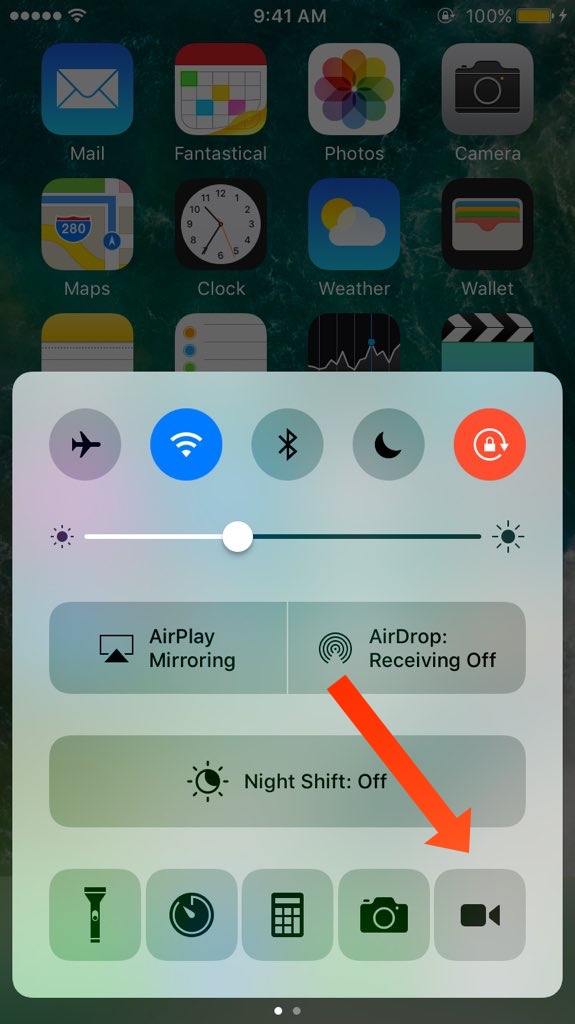
CCRecord: a tweak to quickly and easily record your iPhone screen

Display recording tweaks have long been a favorite utility of the jailbreak community, and now you don’t even need to put an app icon on your screen to utilize this kind of functionality.

A new free jailbreak tweak called CCRecord adds a display recording toggle button right to Control Center on all jailbroken iOS 10 devices, making the feature more convenient than ever before.

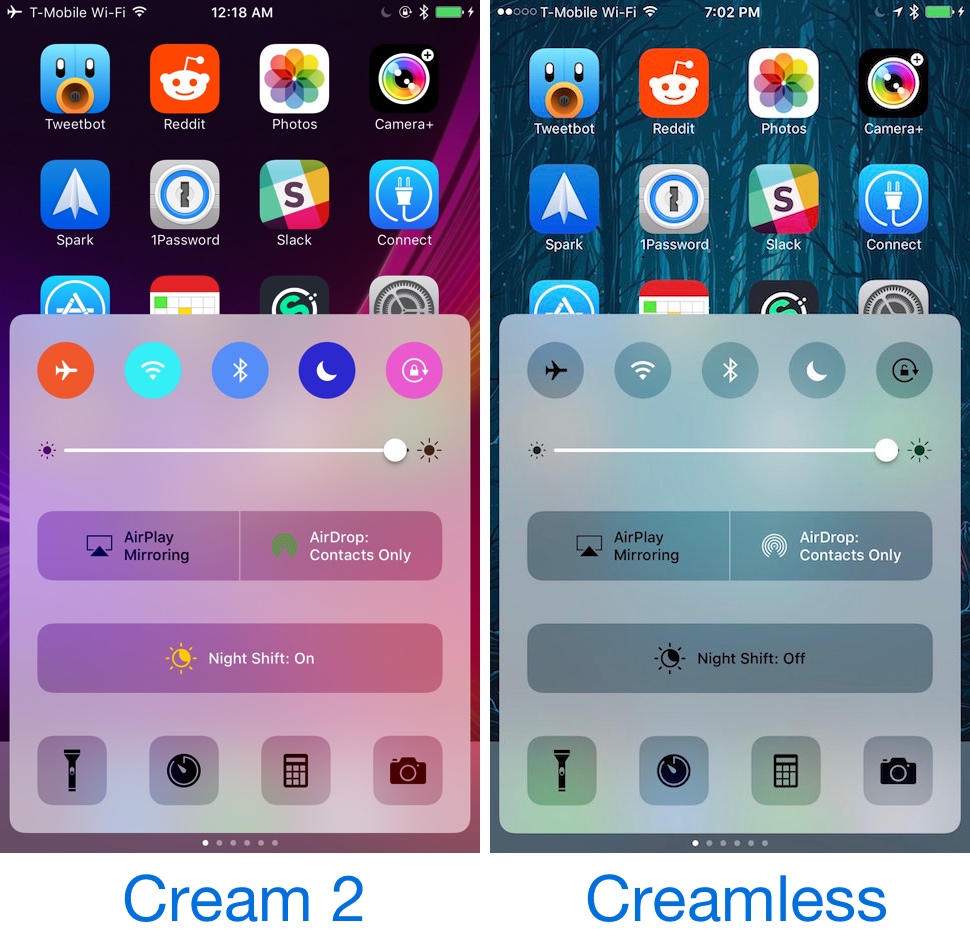
Customize your iOS 10 Control Center toggle colors with Cream 2 and Creamless

Starting with iOS 10, your Control Center toggles are colored whenever they’re toggled on. This includes the toggle buttons at the top, in addition to the AirSharing buttons and the Night Mode toggle.

On the other hand, anyone who doesn’t like the appearance of the new colorizations in Control Center in iOS 10 and is jailbroken with the beta iOS 10.1.1 jailbreak by Luca Todesco can use one of two new free jailbreak tweaks called Cream 2 and Creamless to either customize all of Control Center's colors or disable them altogether.

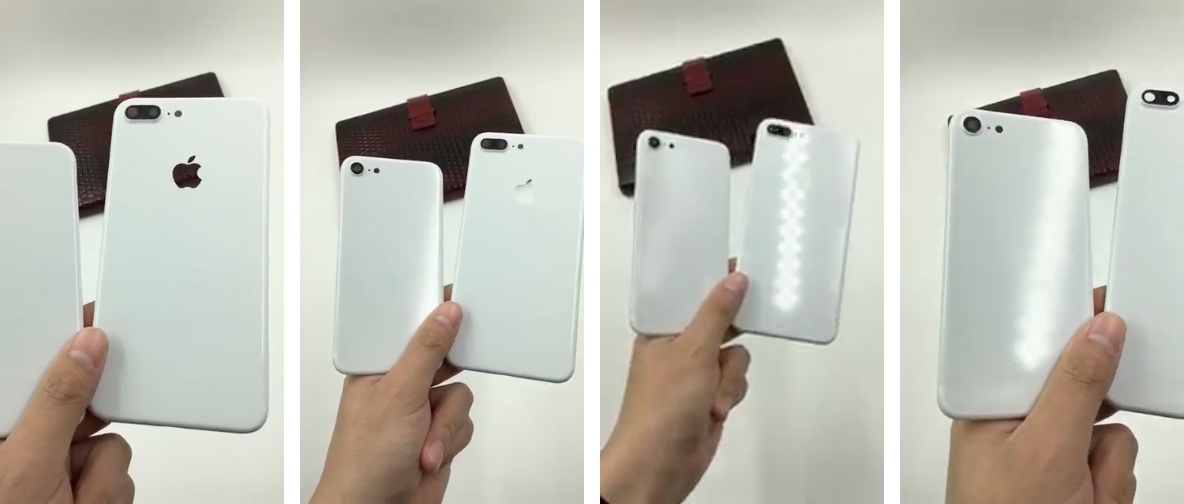
Why Apple shouldn’t pass on the rumored Jet White iPhone 7

On Tuesday, Apple afficionados were treated to a new wave of white shell iPhone 7 mock-ups and purported leaks hitting the internet, advancing the notion that the Cupertino-based company could plan to release a white counterpart to their Jet Black coating some time around March 2017.

From an aesthetic standpoint, everyone is going to have their two cents on the necessity of it in the grand scheme of things. Simply by moving the discussion from the fashion sphere to the finance department though, the ambivalence in regard to whether or not this iPhone release is genuinely necessary quickly crumbles and clearly comes down on one side of the fence.

As we will learn in late January, Apple’s first quarter of the fiscal year 2017 is going to look after itself nicely, but in view of the Q2 figures and a long summer following, Jet White definitely needs to happen. Two key reasons must be paid attention to in order to understand the imperative of a Jet White iPhone for a healthier bottom line in the fiscal year of 2017.

Reminisce more efficiently with ‘Show Photos from this Day’ in iOS

The holidays are a natural time to sit down with friends or loved ones and flip through all of your photos ad nauseam. iDB features help and guides aplenty for confident navigation of the Camera and Photos app, however one little trick has managed to fly under the radar for many, albeit its capability to save you valuable time when browsing your compendium of years and years of photos.

The tutorial below will teach you how to ask your iPhone or iPad to show you all remaining photos captured on the same day the footage you were initially looking at has been taken. In simpler words, say you are laughing at a vacation video taken at the pool and want to reminisce what else went on that day - here is what you should do instead of going back to your collection and painstakingly scanning your catalogue for that day.

StatusFolder displays the Status Bar even when you’re in a folder

Just yesterday we showed you a tweak that brought the Status Bar to the App Switcher on jailbroken iOS 10 devices, and if you’ve gotten used to seeing it there already, you probably wish you could see it in your folders too.

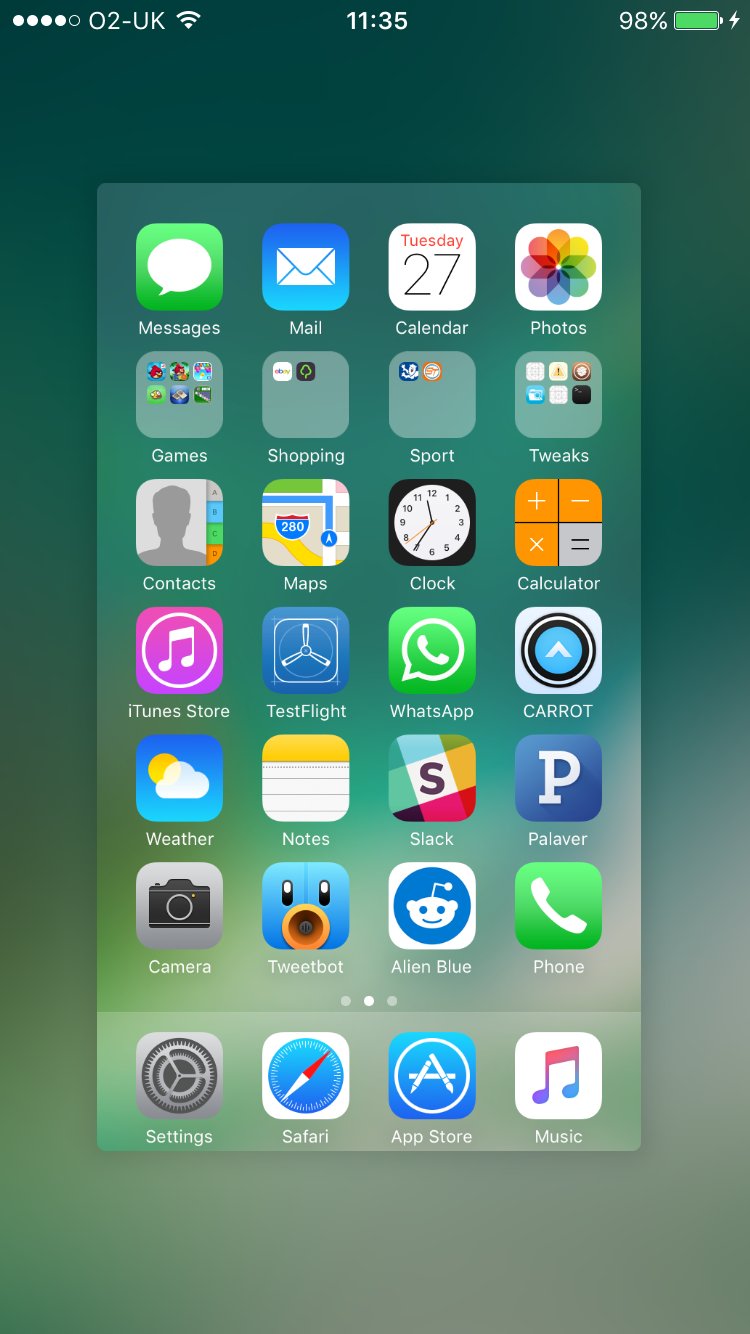
A newly released jailbreak tweak in Cydia called StatusFolder adds the Status Bar to the iOS folder interface whenever you’re peering inside folders to search through the apps within them.

Cuttlefish tints 3D Touch menu backgrounds on the Home screen to match the app color

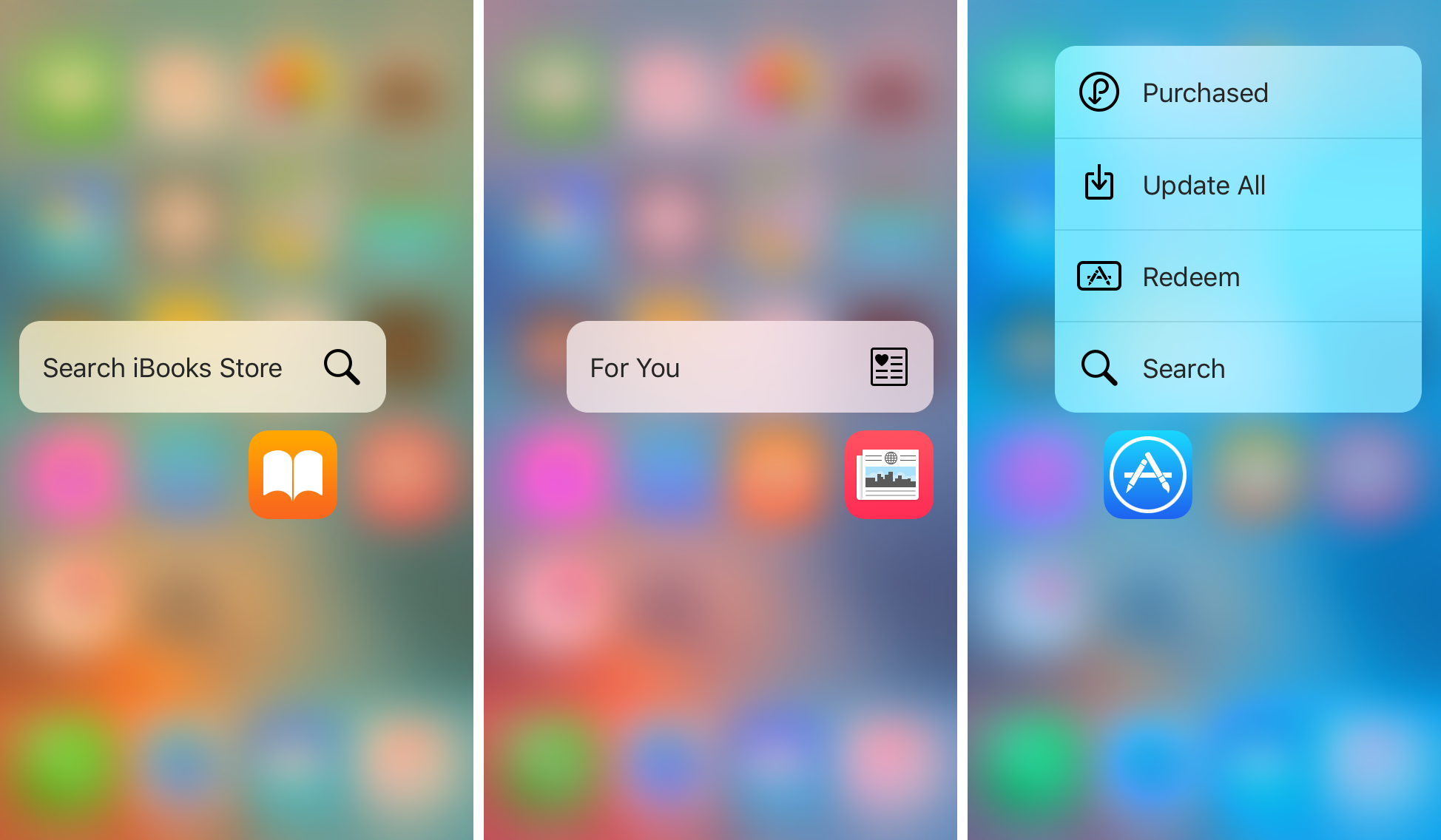
Those who use 3D Touch to access the Home screen menu shortcuts from application icons know its usefulness for getting to specific app actions quickly. On the other hand, all of the 3D Touch Home screen menus are pretty bland, and no matter what app you use the 3D Touch gesture on, the menu is always the same color.

A new free jailbreak tweak called Cuttlefish aims to change that by dynamically colorizing the menu background blur to match the dominant color of the application icon you’re using the 3D Touch gesture on.