iOS

StatusSwitcher brings the Status Bar to the App Switcher

Luca Todesco’s jailbreak for iOS 10.1.1 is now in beta, and jailbreak tweak developers have started jumping on the train early to begin releasing tweaks for the updated software.

One of the first is a new free jailbreak tweak called StatusSwitcher, which adds the Status Bar to the App Switcher on iOS 10 devices.

Jailbreak tweaks of the week: SnapchatNoClickbait, TwitterThemeToggler, & more…

We've gone a long time without a jailbreak on Apple's latest firmware (iOS 10), but there's a chance we might be out of the dark tunnel, as iOS hacker Luca Todesco has launched a beta jailbreak with support for a limited set of devices on iOS 10.1.1. Obviously, we don't recommend using it yet until it's stabilized, but it's a start!

Regardless, those who are already jailbroken know that there were a small number of jailbreak tweak releases this week, and this roundup will put the spotlight on those. We'll show you our favorites first, and then move on to the rest afterwards.

Have any Health information at a glance with HealthFace for Apple Watch

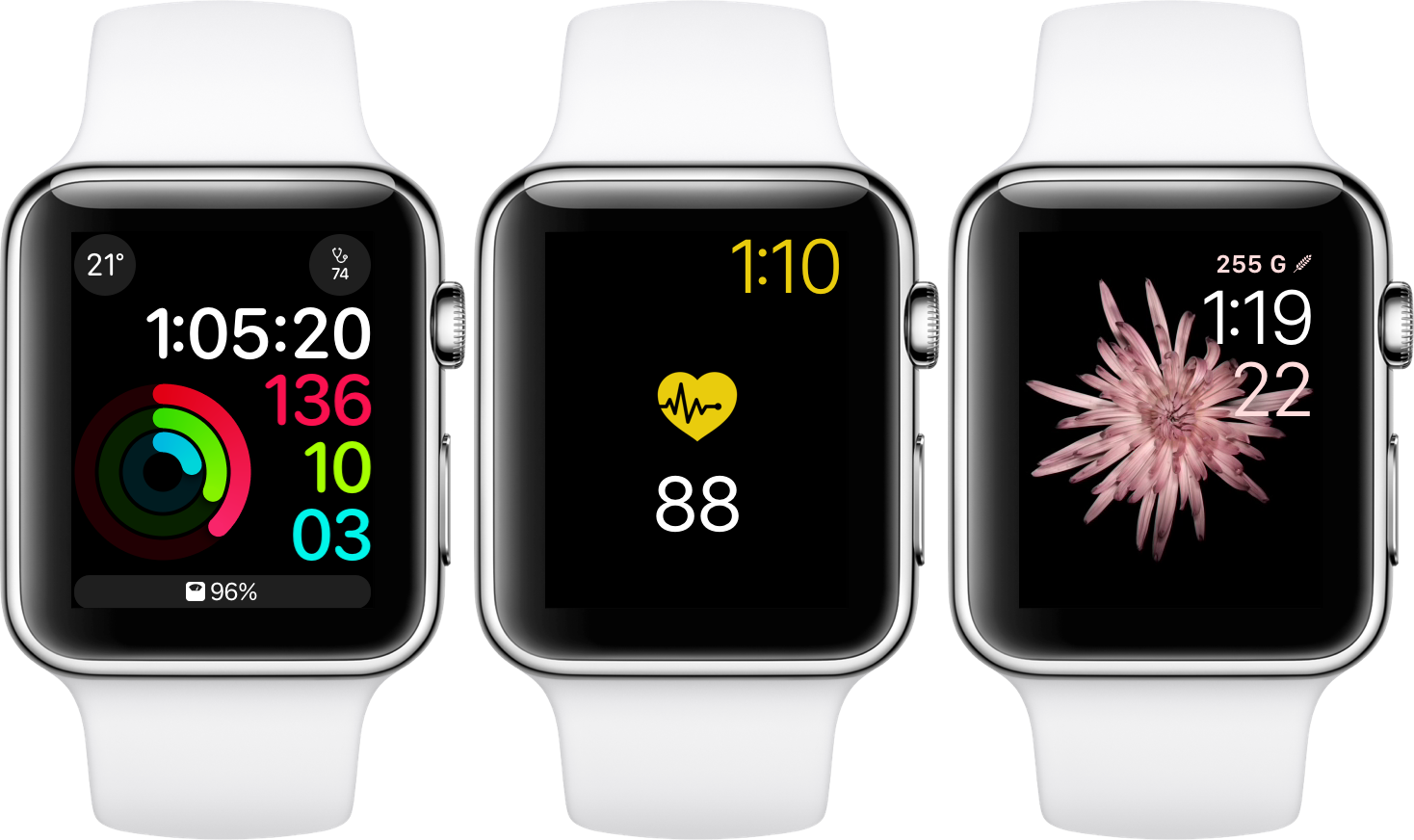
The developer team at Crunchy Bagel has taken the wraps of HealthFace, a product designed to assist regulars of Apple’s Health app in monitoring their vital data on the fly. HealthFace is capable of reaching deep into your personal Health catalogue and displaying virtually any data point in form of a complication on your wrist.

For users constrained to keeping a close eye on their vitals, food intake or other health related parameters, the app sets out to become a quasi extension of Apple’s Health app.

TwitterThemeToggler makes it much easier to toggle Night Mode in the Twitter app

Image showing a blue Twitter bird with a black shadow set against an all-white background

One of the saving graces of using Twitter at night is the built-in night mode theme that lets you cut down on all the white space by switching to it a darker background with light text.

Once you enable this dark mode, your eyes can finally take the load off and stop straining, but Twitter doesn’t exactly make toggling this feature on and off a cinch. That’s where a new free jailbreak tweak called TwitterThemeToggler comes into play.

How to log out of all active Facebook sessions from your iPhone

If you have a Facebook account, then chances are you access it on more than one device. You might forget from time to time to sign out of sessions on other machines you don't intend to use again, such as those in schools or at the workplace, potentially handing over access to your Facebook account to the next person(s) who uses the machine.

Facebook fortunately comes with a feature that lets you sign out of all active sessions on your account with just a few taps. We'll show you how you can do this in this tutorial.

SnapchatNoClickbait removes the clickbaity links from the Stories tab in Snapchat

Snapchat is one of the world’s most popular ways to send photos and short video clips to friends, but it also comes with additional clutter inside the app that many users feel they could really do without. Among said clutter are the clickbait-like links in the Stories Tab.

A new free jailbreak tweak called SnapchatNoClickbait will help clean up the Snapchat app of all that junk for anyone who’s tired of looking at uninteresting links and information.

Delta iOS emulator beta: first impressions

Today saw the start of the beta program for the long-awaited iOS emulator from developer Riley Testut, Delta. Capable of emulating a wide range of vintage game consoles, this spiritual successor to GBA4iOS boasts a broader feature-set and a polished UI. We managed to get one of the prized places on the Delta beta testing program, and can give you an early glimpse of how it's shaping up.

Error messages popping up from failed automatic iOS updates? Here’s the fix

Your iPhone and/or iPad can perform over the air (OTA) software updates automatically during the night while you're sleeping, so long as it’s connected to a power source and you've given it permission first. While this feature is incredibly convenient for anyone who doesn’t have the time to wait for software updates during the day, it can sometimes be problematic.

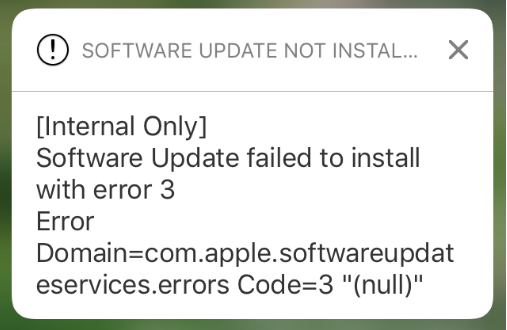
There are all kinds of error messages that might pop up, but one of the more common messages you may come across, especially on iOS 10 devices, will look a lot like the one you see above. In this piece, we’ll talk about troubleshooting steps you can take to fix various types of similar error messages once and for all and get your device up to date.

Apple launches beta 2 of iOS 10.2.1 and macOS Sierra 10.12.3

Apple on Tuesday seeded to members of the Apple Developer Program a second beta of iOS 10.2 and a second beta of what would become the third major update to macOS Sierra. iOS 10.2.1 beta 2 (build 14D15) and macOS Sierra 10.12.3 beta 2 (build 16D17a) are now available to install over-the-air via Settings → General → Software Update on iOS devices and under the Mac App Store's Updates tab on the Mac.

How to delete your Super Mario Run game data without deleting the app

The popular new Super Mario Run game by Nintendo doesn’t have a whole lot of levels to play, but if you ever get to the point where you want to just delete all your in-game progress and start all over again, then you’ll be happy to know there’s a way to do that.

In this tutorial, we’ll show you how you can delete all your Super Mario Run game progress data without having to delete the game from your device and re-download it later on.