iOS 13's Photos app brings new ways to browse and edit not just images, but videos too.
iOS 13’s Photos prettifies your library, brings sliders everywhere & lets you edit videos
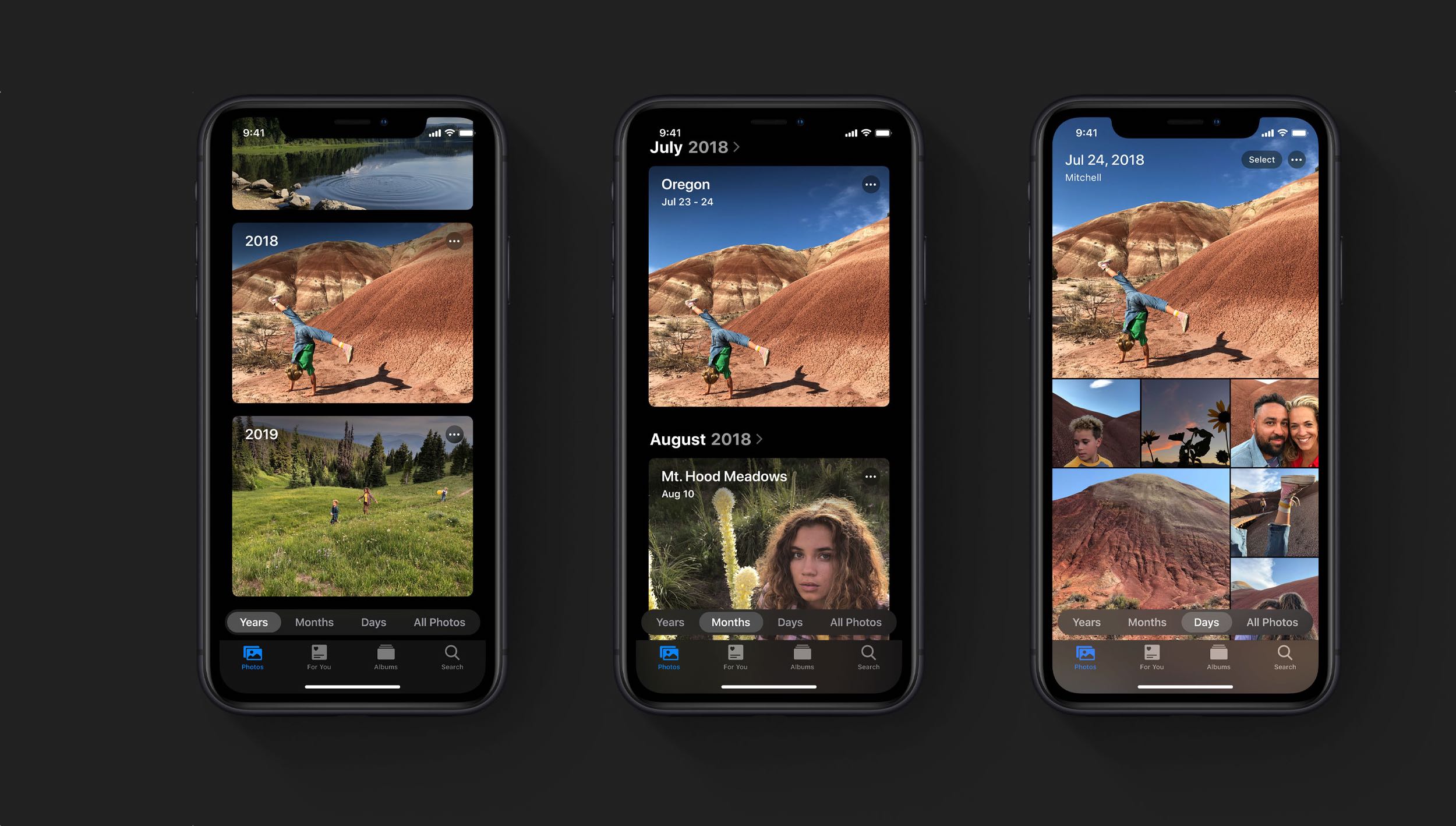
iOS 13's Photos app brings new ways to browse and edit not just images, but videos too.
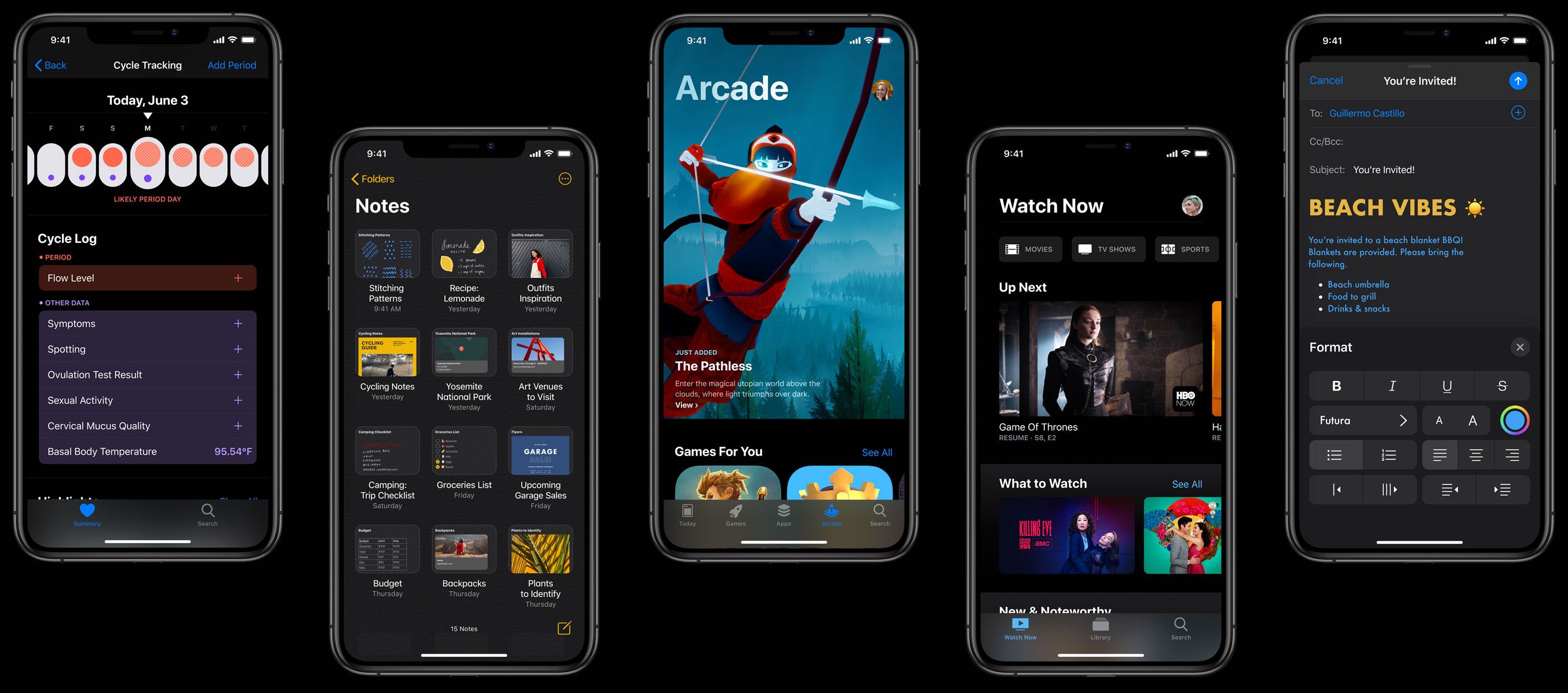
A long-rumored Dark Mode for iPhone and iPad has finally surfaced after its Mac debut in macOS Mojave last year. It's coming to everyone via a free iOS 13 software update in the fall.
No other feature is more important to iPhone users than iOS's vaunted smooth performance. While some iOS releases did make our devices run slower, that has changed with iOS 10 which laid the groundworks three years ago for what would come in iOS 12 the following year: significant speed gains. iOS 13 continues on that trajectory with additional under-the-hood tweaks and optimizations that bring notable speed advances over iOS 12.

Apple launched the first developer beta of iOS 13 just this afternoon after the WWDC 2019 Keynote presentation came to an end, and despite how new this beta software is, talented security researchers are already findings ways to crack it.
In a Tweet shared just this evening, @iBSparkes flexed his l33t hacking skills by sharing what appears to be a demonstration of an undisclosed 0day vulnerability:
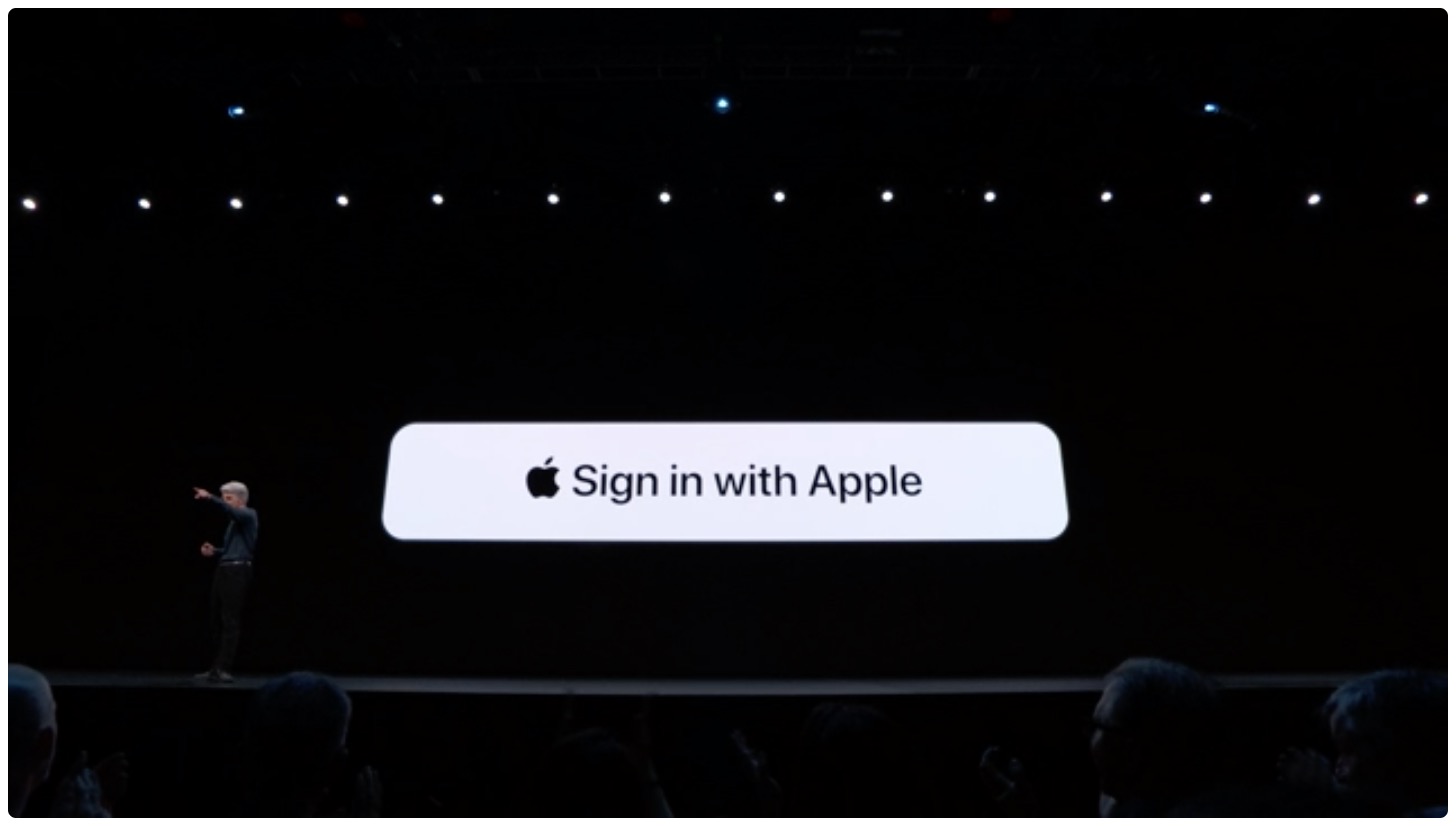
We're still swimming in all of the announcements Apple has made thus far during its WWDC keynote, but one in particular we knew was worth a quick mention is the new Sign in with Apple feature. As the name indicates, users will soon be able to login to third-party apps and services using their Apple ID and password.

Looks like Apple will unveil an iPad-focused operating system at WWDC later today.
It's been in beta for what seems an eternity, but the pace of development seems to be picking up of late and the most recent builds have brought some major updates, including cloud syncing and NES support. Now Delta, the successor app to GBA4iOS, has reached Beta 8.
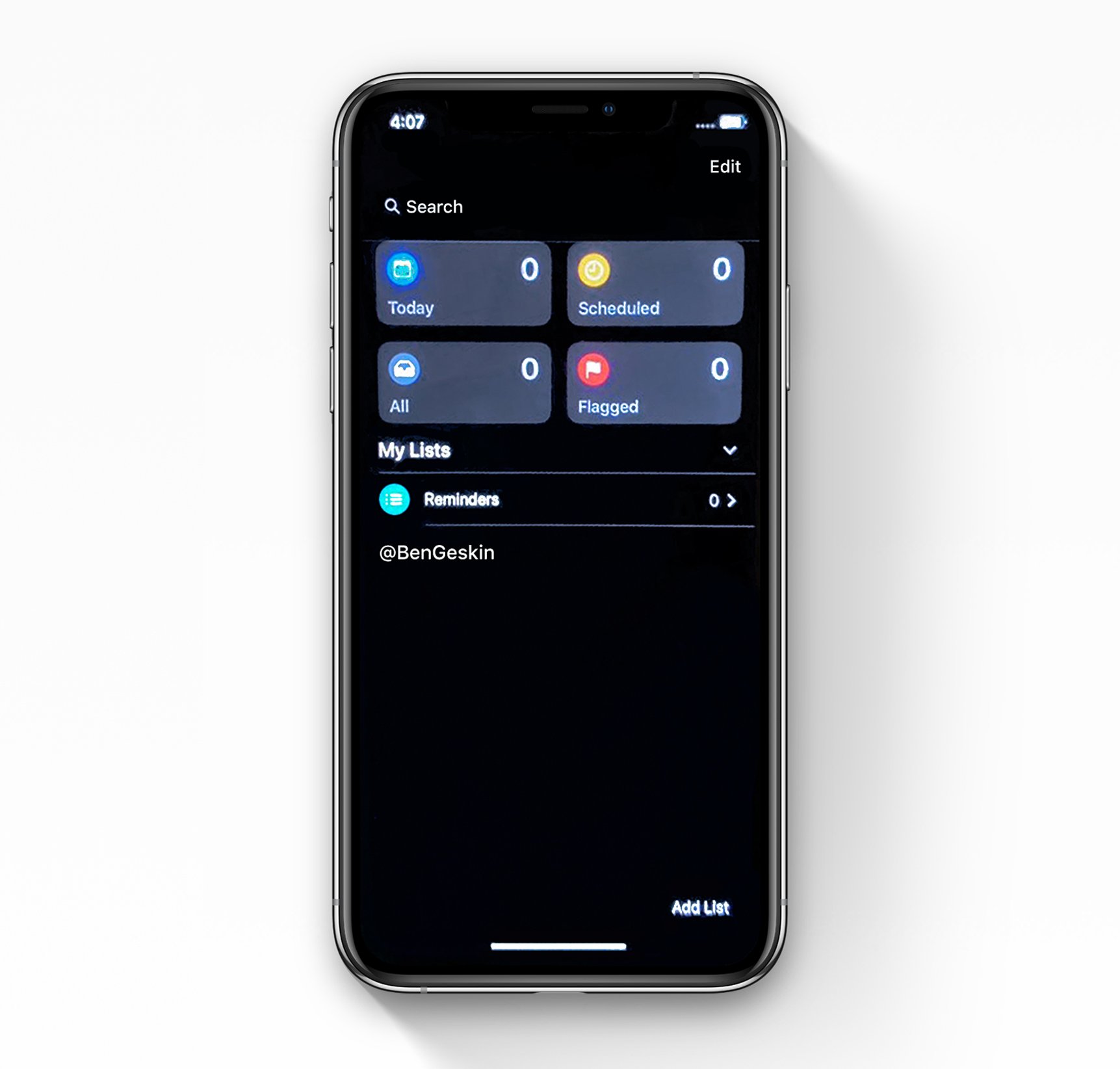
A few hours before the WWDC 2019 keynote is scheduled to kick off, Benjamin Geskin posted a claimed iOS 13 screenshot that pictures a redesigned Reminders app in Dark Mode.
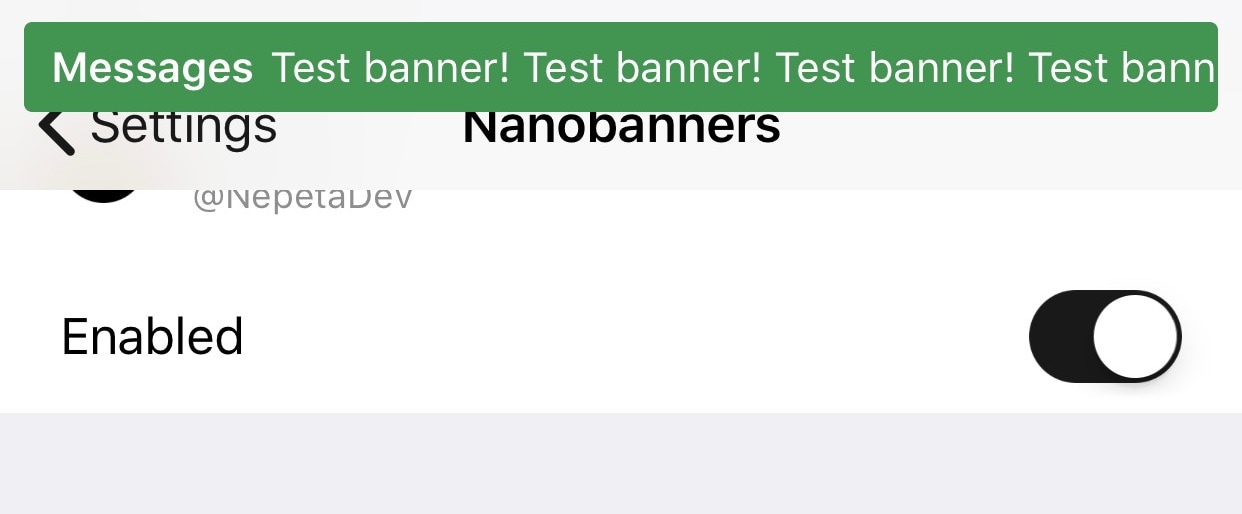
Veteran iOS users probably still remember the day when Apple introduced notification banners to their mobile operating system to replace the intrusive notification alerts that used to pop up in the middle of your display. But it seems like modern banner notifications are a lot taller than they need to be.
Those interested in shrinking down the size of their handset’s incoming banner notifications will come to appreciate a newly-released and free jailbreak tweak called Nanobanners by iOS developer Nepeta. This tweak takes a no-BS approach to making your handset’s banner notifications more tolerable, as shown in the screenshot example above.
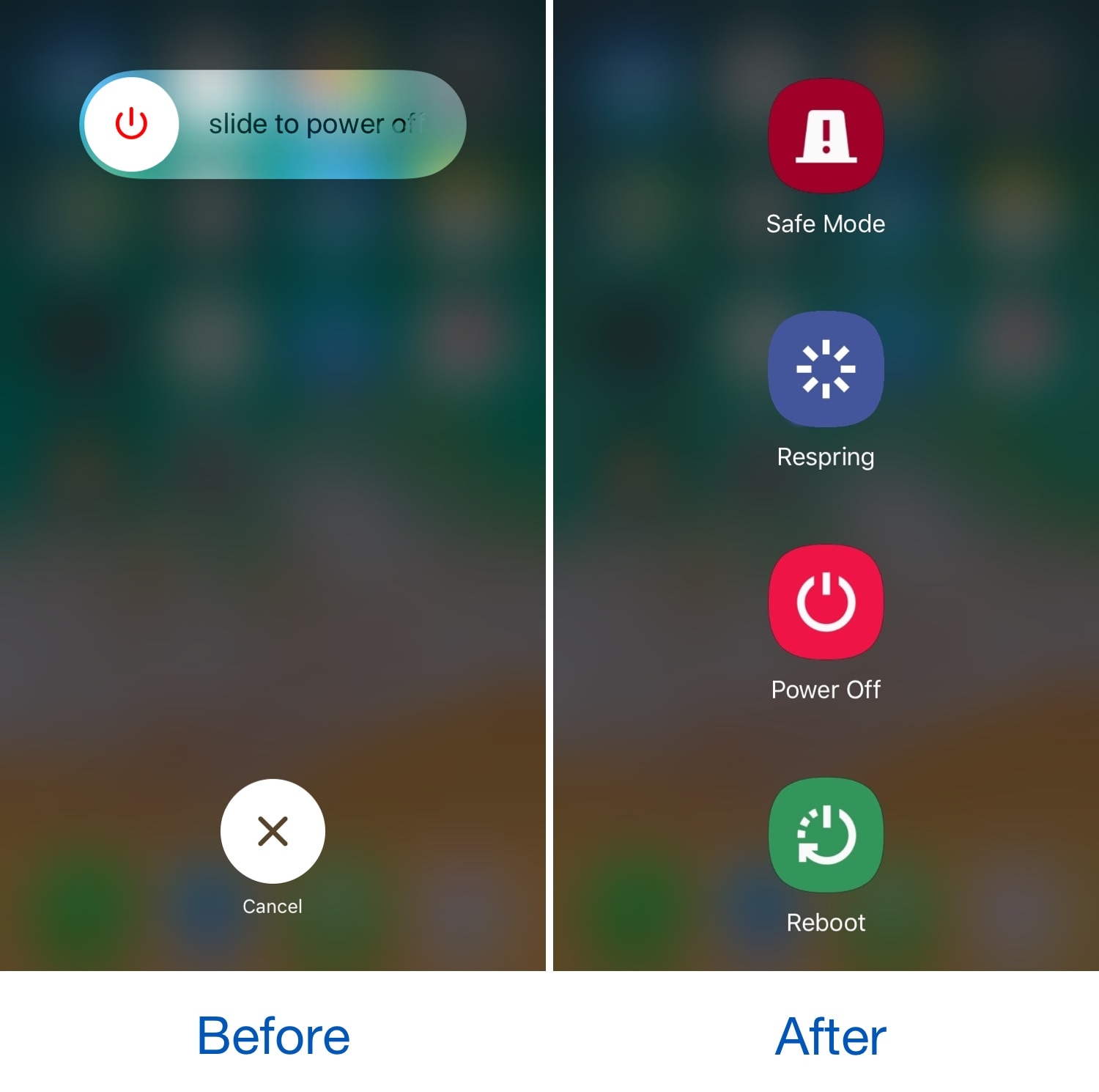
You can access the power down screen on any iOS device with a hardware button gesture that varies depending on the handset, and while it comes in handy at times, many would agree that the interface is somewhat lacking and leaves a lot to be desired.
Here to help in this department is a newly-released jailbreak tweak called SamsungPowerDown by iOS developer DevNTNghia, which as the tweak’s name implies, gives your handset’s native power down screen a Samsung-esque makeover.

It was only yesterday that Pwn20wnd released unc0ver v3.2.0 with a completely designed user interface and native dark mode, but today, the hacker and project lead developer is updating the iOS 11.0-12.1.2-centric jailbreak tool once more with a slew of additional bug fixes and improvements.
Pwn20wnd announced the release of unc0ver v3.2.1 just this morning via Twitter, noting that it would resolve several known issues:
