iOS

This jailbreak tweak ports the iPad’s Camera app interface to iPhones

As anyone with both an iPhone and iPad can tell you, there’s a distinctive difference between the Camera app interface on each type of device. The iPhone’s Camera app layout takes a horizontal approach to button positioning, while the iPad’s Camera app layout takes a vertical approach to button positioning.

Apple likely has its reasons for designing things how they did, likely to make accessing controls on the iPad easier when your thumbs are on either side of the device as you control it. But wouldn’t it be nice if there was at least some form of synergy between the two platforms? If you answered yes, then you might enjoy a newly released and free jailbreak tweak dubbed iPad Cam by iOS developer pholic.

Sana is a new jailbreak tweak for customizing the iOS 13 volume HUD

When Apple released iOS 13 last year, one of the most substantial new features was the redesigned volume HUD interface. It not only moved the volume HUD off to the side and out of the way, but it also made the interface touch-sensitive, enabling finger-based granular volume adjustments when visible.

If, however, you were hoping for some form of customization with regard to the new volume HUD, then you would have been let down. Fortunately, a newly released and free jailbreak tweak called Sana by iOS developer samoht provides some relief.

iPAPatcher comes out of beta as developer re-writes tool for v1.0

Just under two weeks ago, developer Brandon Plank launched a beta macOS app dubbed iPAPatcher that allowed users to merge Dynamic Libraries (dylib) or jailbreak tweaks (.deb files) with iPhone or iPad apps (.ipa files) before installing them on a handset of your choosing. In essence, one might describe it as akin to enabling hacks and perks in your favorite apps without the need for a jailbreak.

As of this week, however, iPAPatcher is officially coming out of beta. The source code of version 1.0 of this handy utility is now published on the developer’s GitHub page, and as you might come to expect, it comes with a plethora of improvements that benefit the end user.

Break free of the Photos app’s zoom limits with Max Photo Zoom

As you use the native Photos app on your iPhone or iPad to browse all the pictures you’ve taken yourself or saved from the internet, you’ll notice that iOS imposes limits on just how far that you can zoom in to your images. This has long left me scratching my head, as there are often times when I want to zoom far into a photography to see a small detail more clearly, and many others appear to be in the same boat.

If you agree, then there’s absolutely no doubt that you’re going to love a newly released and free jailbreak tweak called Max Photo Zoom by iOS developer Brandon Robinson. With it, you can bust through Apple’s natively-imposed zooming limits in the Photos app, enabling you to get closer to your photos than you ever have before.

This tweak lets you zoom while snapping selfies on pwned iPhones

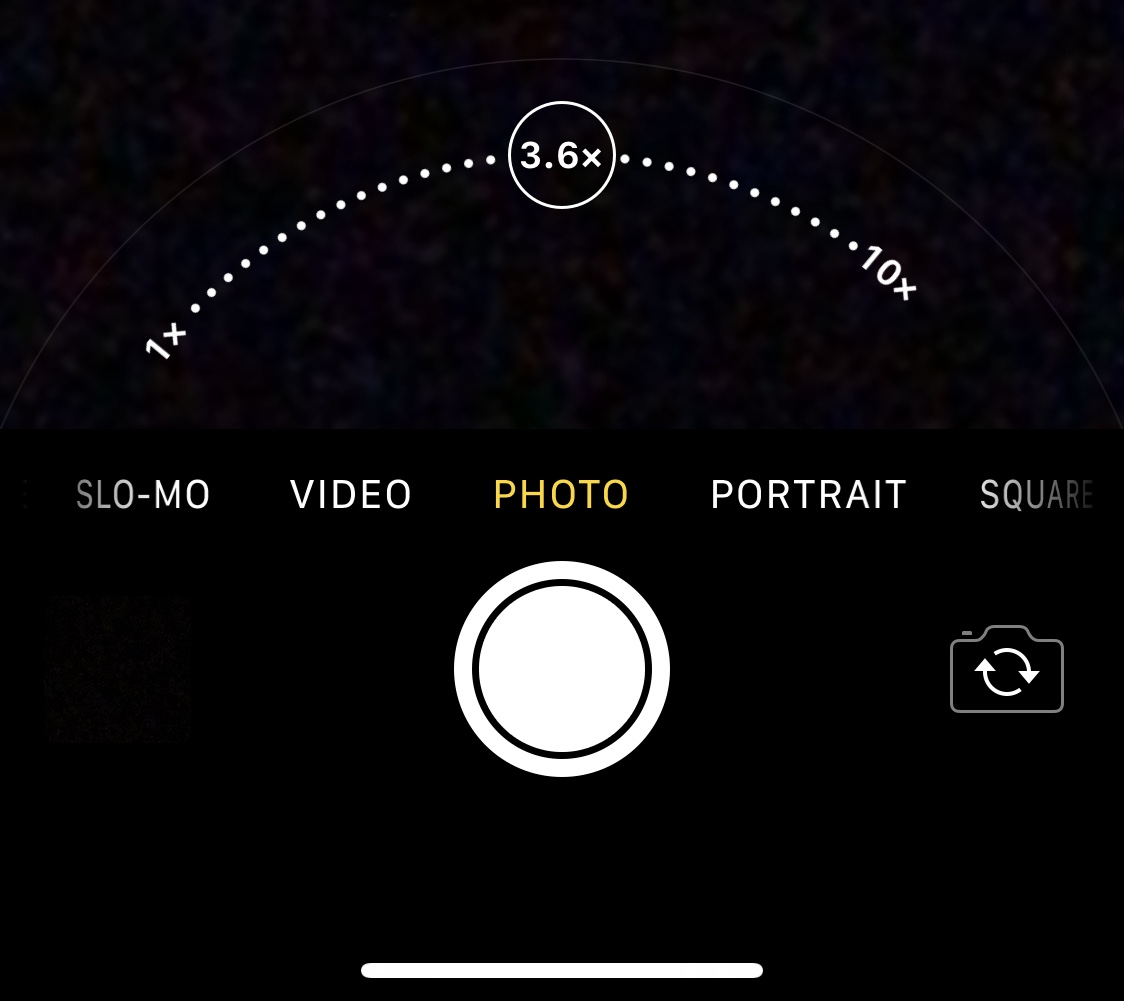
There’s absolutely no question that Apple goes all-in on making the rear-facing camera on its iPhones as powerful as possible through the combination of great hardware and user-friendly software. Unfortunately, it’s blatantly obvious that Apple doesn’t even come close to investing in their handsets’ front-facing cameras, as many seem to lack obvious features such as the ability to zoom while snapping selfies.

Fortunately for jailbreakers, iOS developer Brandon Robinson has released a solution in the form of a new and free jailbreak tweak called Front Zoom Dial. Just as the name implies, Front Zoom Dial adds the familiar zoom capability that we all take for granted from the rear-facing camera to the front-facing camera as well.

Apple bars downgrades to iOS 14.0.1 following launch of iOS 14.1

Leave the iOS 14 beta

In a rather unsurprising move, Apple closed the signing window for iOS & iPadOS 14.0.1 Tuesday evening, one full week after unleashing iOS & iPadOS 14.1 to the general public to introduce various bug fixes and improvements for the company’s user base.

By closing the signing window for this particular version of firmware, Apple has effectively built a firewall against those wanting to downgrade their iPhone or iPad’s firmware for one reason or another. But this shouldn’t take anyone by shock; after all, Apple loves being in control of its users and signaling what they can and can’t do with their devices. This is nothing new.

Change iOS’ native interface accentuation color with Twister

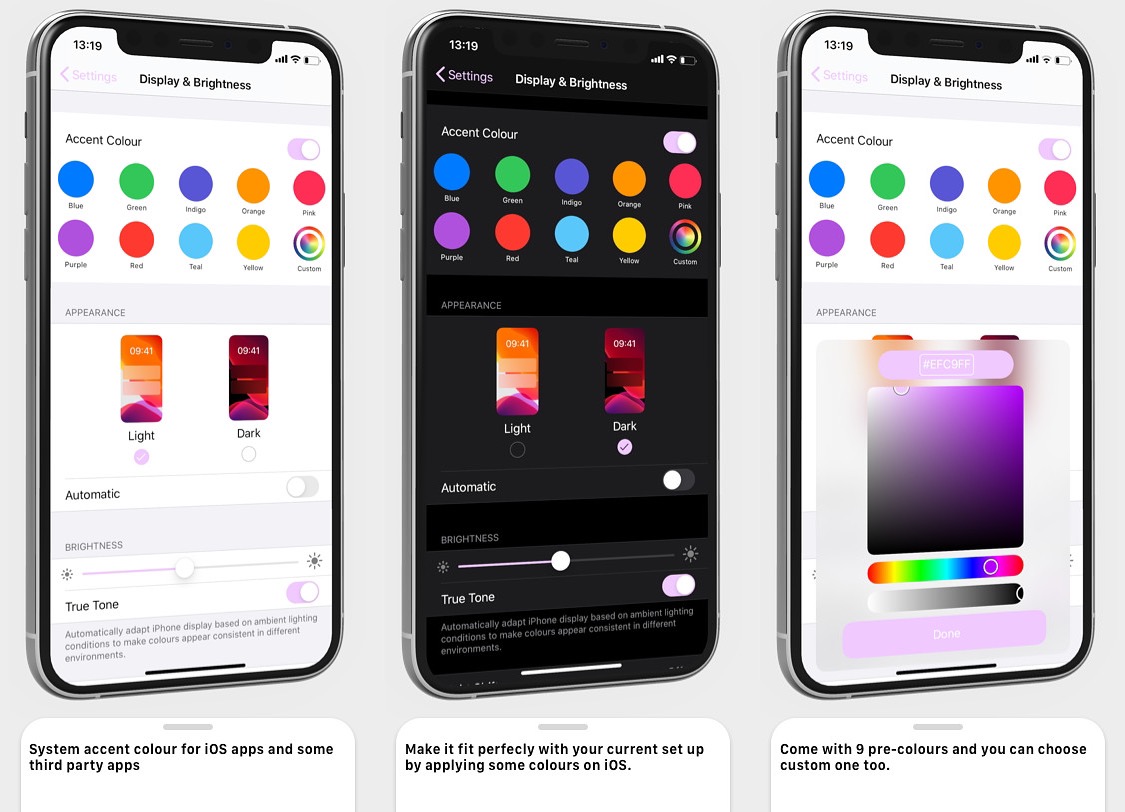
Apple has used the color blue to accentuate buttons, sliders, and more for as long as I can remember. But if you have a favorite color besides blue, then you might find it disappointing that Apple doesn’t offer any way to customize these color accentuations out of the box.

That’s where a newly released jailbreak tweak called Twister by iOS developer SouthernGirlWhoCode can help. This tweak provides users with the option to change iOS’ default accentuation color for the aforementioned interface elements, and it does so in a fashion that looks and feels like it was made Apple themselves.

FloatingDarkMode gives jailbreakers an always-visible dark mode toggle

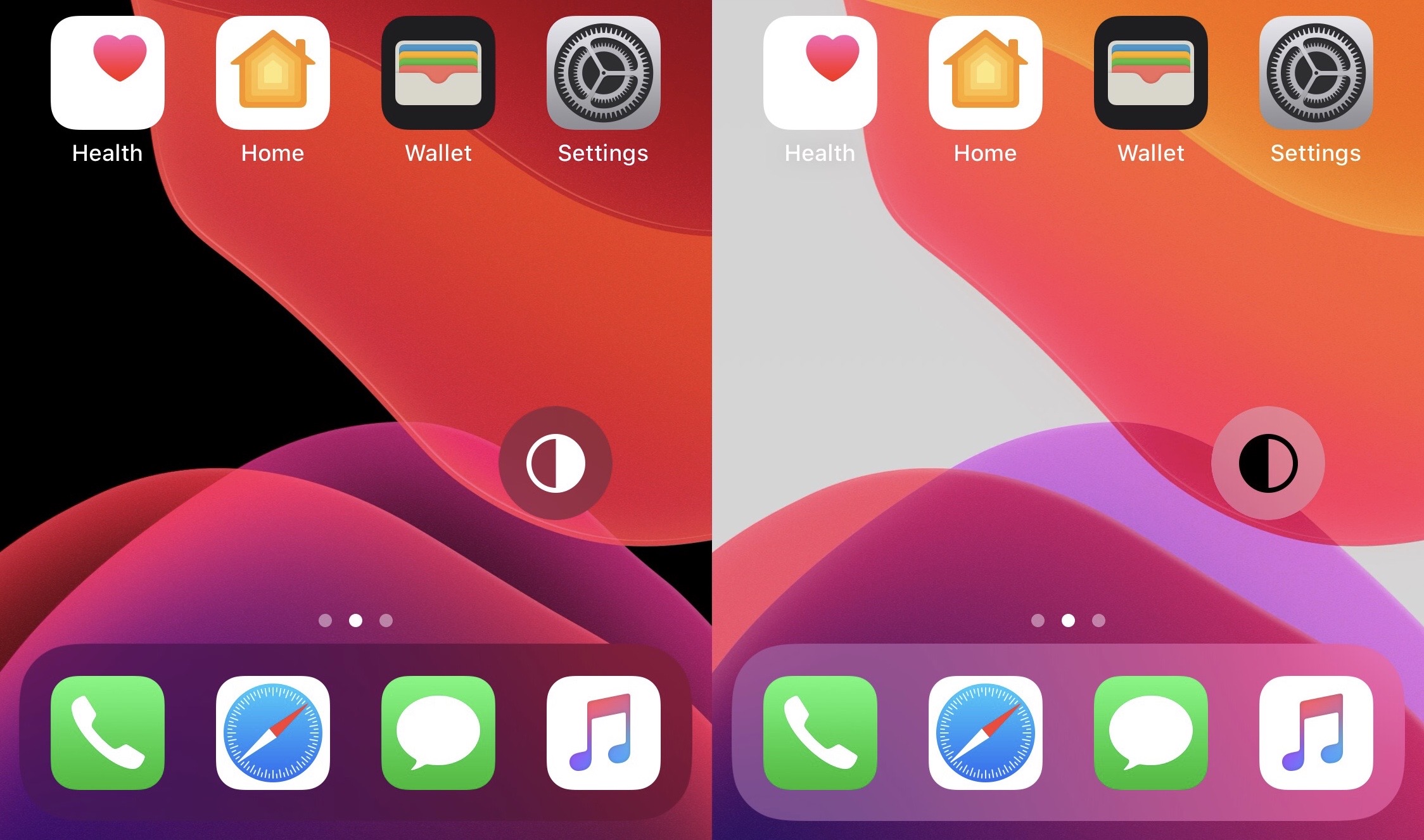
The addition of dark mode support was perhaps one of the biggest new features of last year’s iOS 13 release, and it’d be an understatement to say that Apple delivered a wonderful dark mode-centric user experience. On a stock device, dark mode can be toggled on or off from the Settings app, or via Control Center if the user has added the dark mode toggle module.

But for those who are too lazy to deal with either of the above options, a newly released and free jailbreak tweak called FloatingDarkMode by iOS developer Ethan Whited brings an always-accessible dark mode toggle button to jailbroken handsets that floats over any user interface.

FreeTheSandbox is now searching for testers with iOS 13.5.1-13.7 devices

Matrix code hacked iPhone.

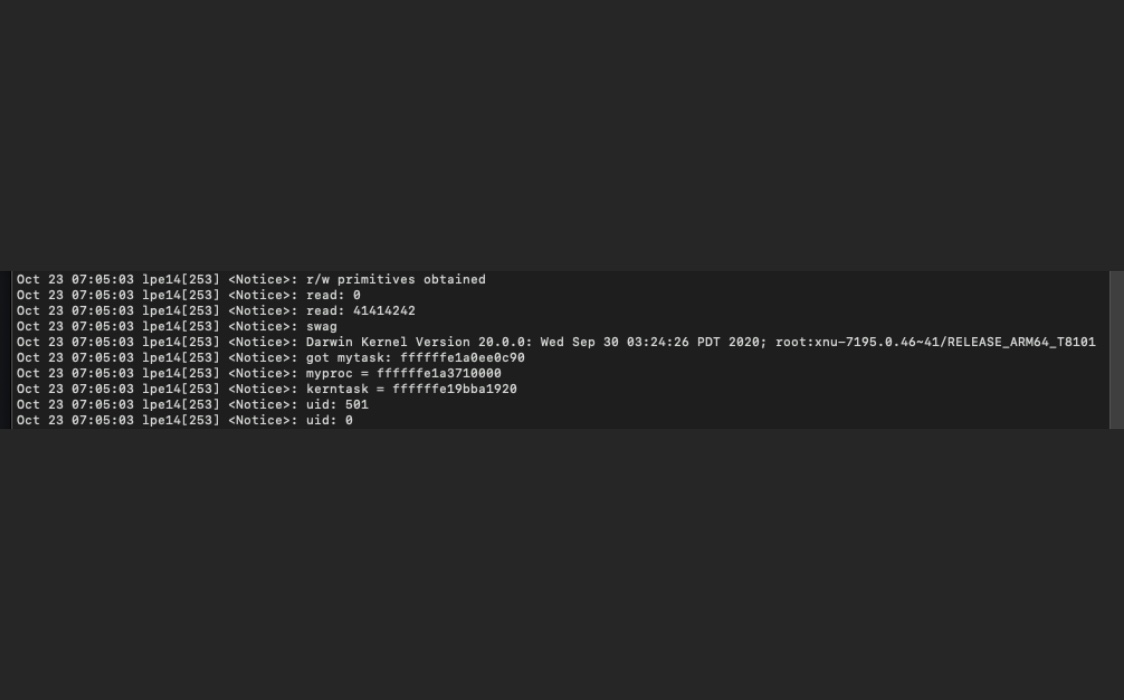
If you’ve poked your nose in the jailbreak community’s trending news lately, then you’ve undoubtedly caught wind about a developing jailbreak for iOS 13.5-13.7 devices. Software security researchers associated with FreeTheSandbox first announced plans to release such a jailbreak at the end of September, and there have been a number of other teasers since then.

Just this afternoon, the @FreeTheSandbox Twitter account generated more excitement among jailbreakers after it turned to the community in search of potential testers. The Tweet, shown below, appeared seek users of certain types of devices running iOS 13.5.1 through 13.7, as these will be the handset and firmware combinations that the jailbreak supports when released.

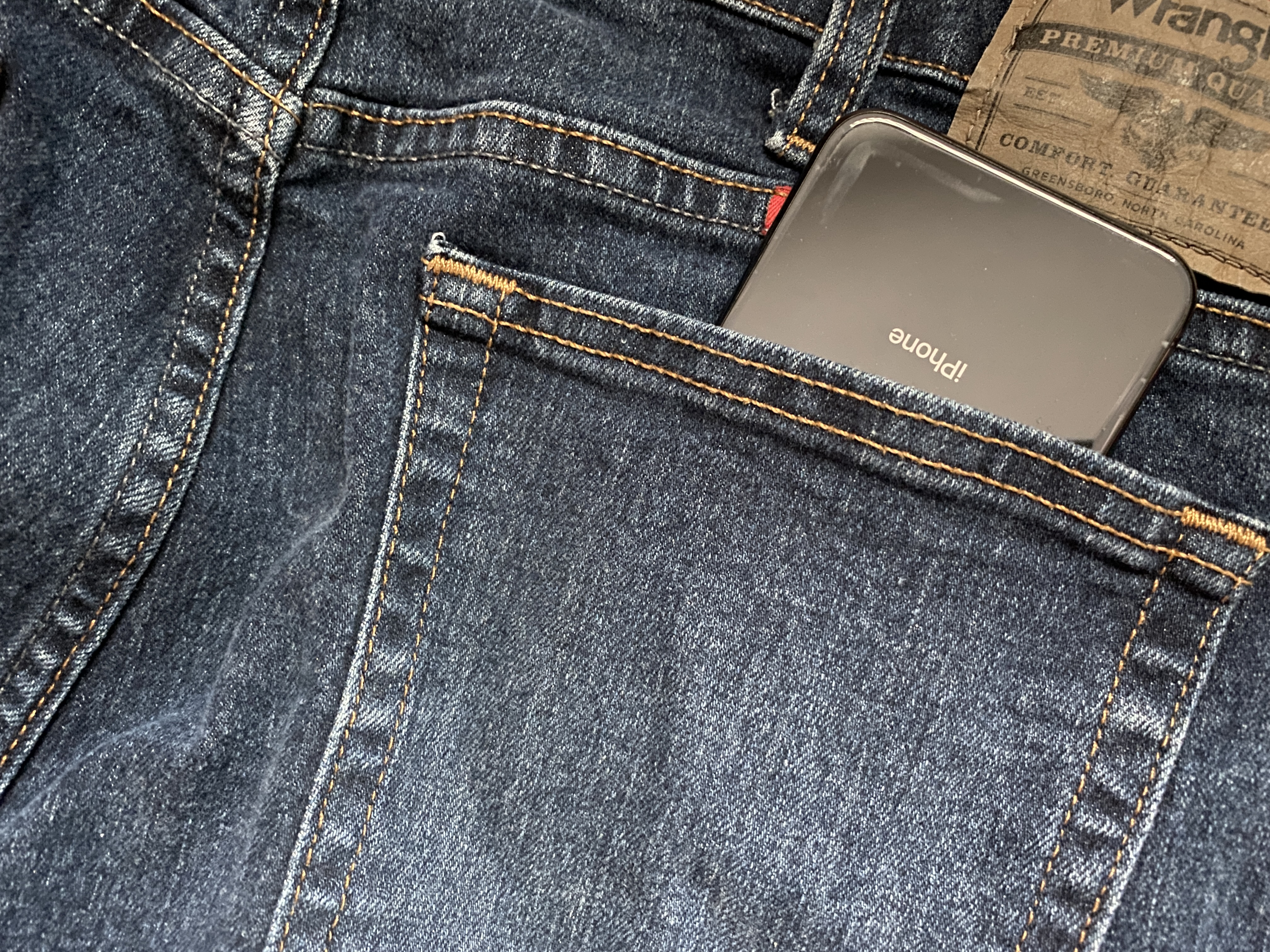
PocketProtector prevents accidental butt-dials on jailbroken iPhones

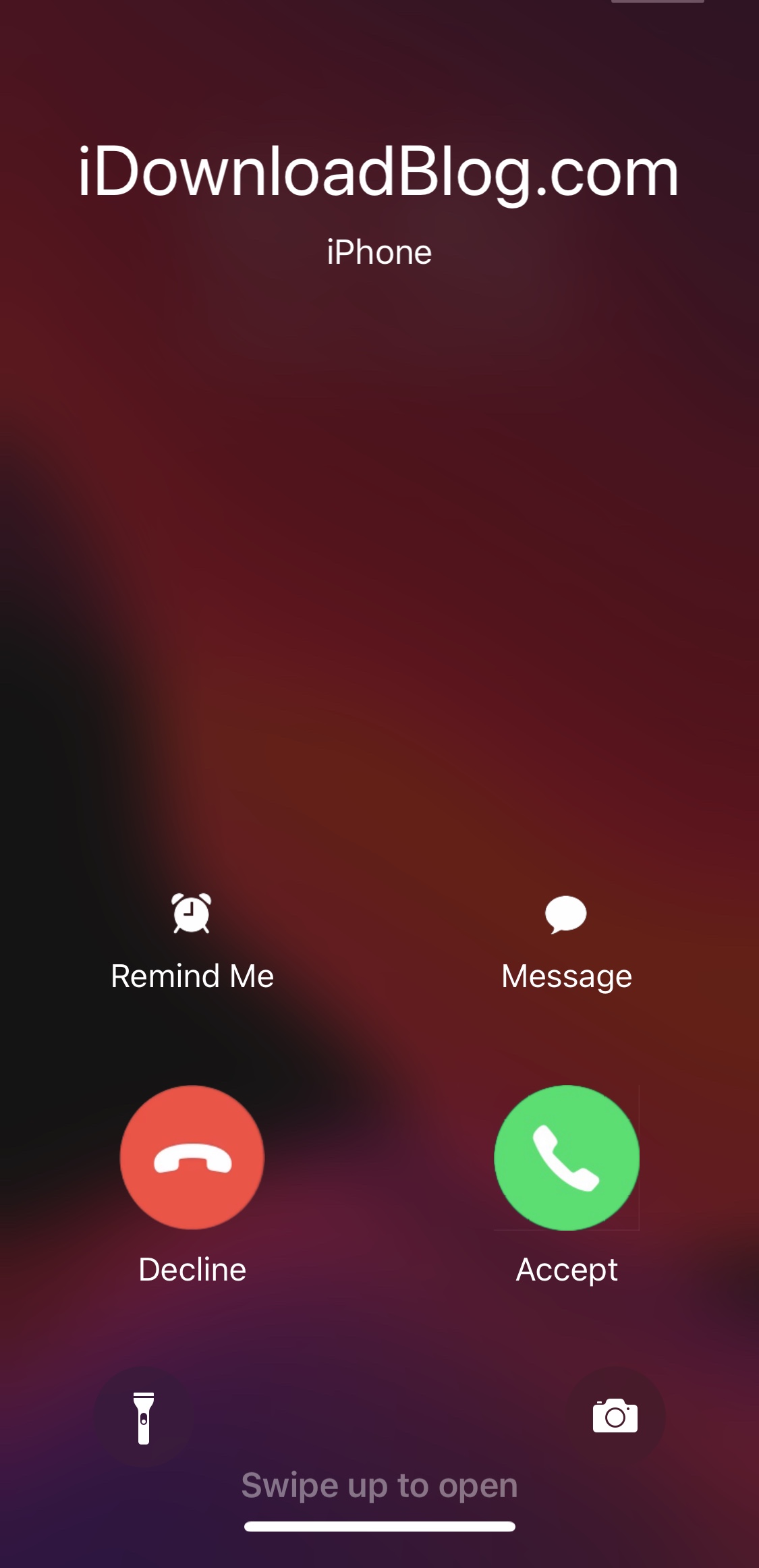
We’ve all heard of butt or pocket-dialing – the act of accidentally calling someone with your phone as it sits in your pocket. In theory, this seems a lot less likely on modern devices that require Face ID or Touch ID authentication to function; nevertheless, it still seems to happen to some people either because they don’t lock their device before pocketing it or because of some other mind-bending anomaly.

Despite how seemingly impossible butt-dialing or inadvertent smartphone operations on a pocketed phone might be at first glance, those who experience these anomalies for one reason or another can now take advantage of a newly released and free jailbreak tweak called PocketProtector by iOS developer Brady Holland (Squiddy) to prevent them from happening, once and for all.