It's no secret that I've dipped my toes into the Android waters a time or two during my tenure at iDB, but I always end up hugging my iOS devices in the end. Android has some great ideas, but, at least for me, the experience is still not cohesive enough to warrant a switch.
One of the big takeaways from my last Android experience was how much I loved having third-party keyboards. I've ranted about this in the past on an episode of Let's Talk iOS. It doesn't make sense that we treat software keyboards just like we do a standard desktop keyboard.
We type on each key individually on a desktop keyboard because we have to, but the glass surface of a touch-screen tablet or phone doesn't have this restriction. Why are we still typing in such an antiquated way? It's slower, prone to mistakes, and doesn't take advantage of the software. This is one of the most frustrating aspects of iOS, and one of the key reasons that I had a hard time letting go of my Samsung Galaxy S5.
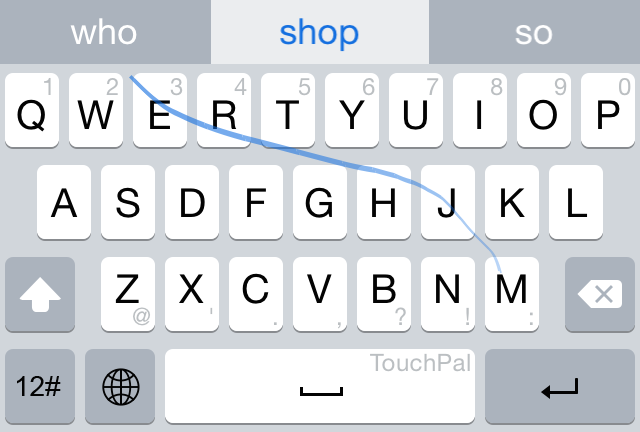
You can only imagine my excitement when Apple revealed that it would be allowing third-party keyboard access in iOS 8. This, not widgets, not extensions, was by far the most exciting thing to me about iOS 8. It's something I've been longing for since I saw how much better it is to type, or should I say swipe, using third-party keyboards.
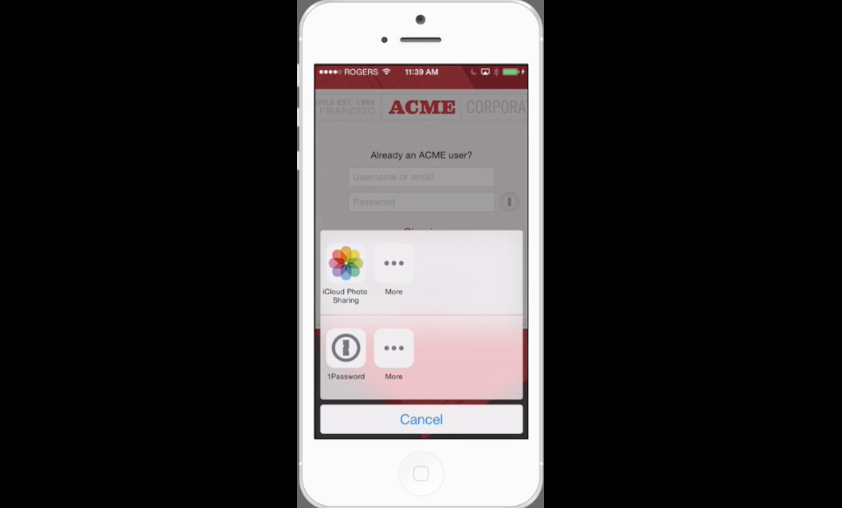
Yesterday, I got the chance to go hands-on with TouchPal—one of the very first third-party keyboards for iOS 8. Watch, as I show you how to enable and use a third-party keyboard in iOS 8.