iOS 14

AlwaysOnMusic: An always-on display for iPhones when music is playing

Apple didn’t introduce always-on display (AOD) functionality with its iPhone 13 lineup this year as many had expected them to do. Fortunately, one advantage to jailbreaking these days is that you can enjoy an always-on display experience on your current iPhone without waiting for Apple to get their bleep together.

In fact, a newly released and free jailbreak tweak dubbed AlwaysOnMusic by iOS developer Jez takes a new and rather exciting approach to always-on display functionality for anyone who enjoys using their iPhone for music consumption.

Vē is a new jailbreak tweak that keeps detailed notification history logs

When you receive notifications on your iPhone or iPad, there are two primary choices you can make: 1) tap on the notification to view its contents in the respective app; or 2) delete and ignore the notification, never to see it again.

Some people do the latter so frequently that they accidentally delete notifications they don’t intend to. As frustrating as this can be, iOS developer Litten has just released a new and free jailbreak tweak called Vē that logs each and every incoming notification you receive so that it can be referenced by the end user later on.

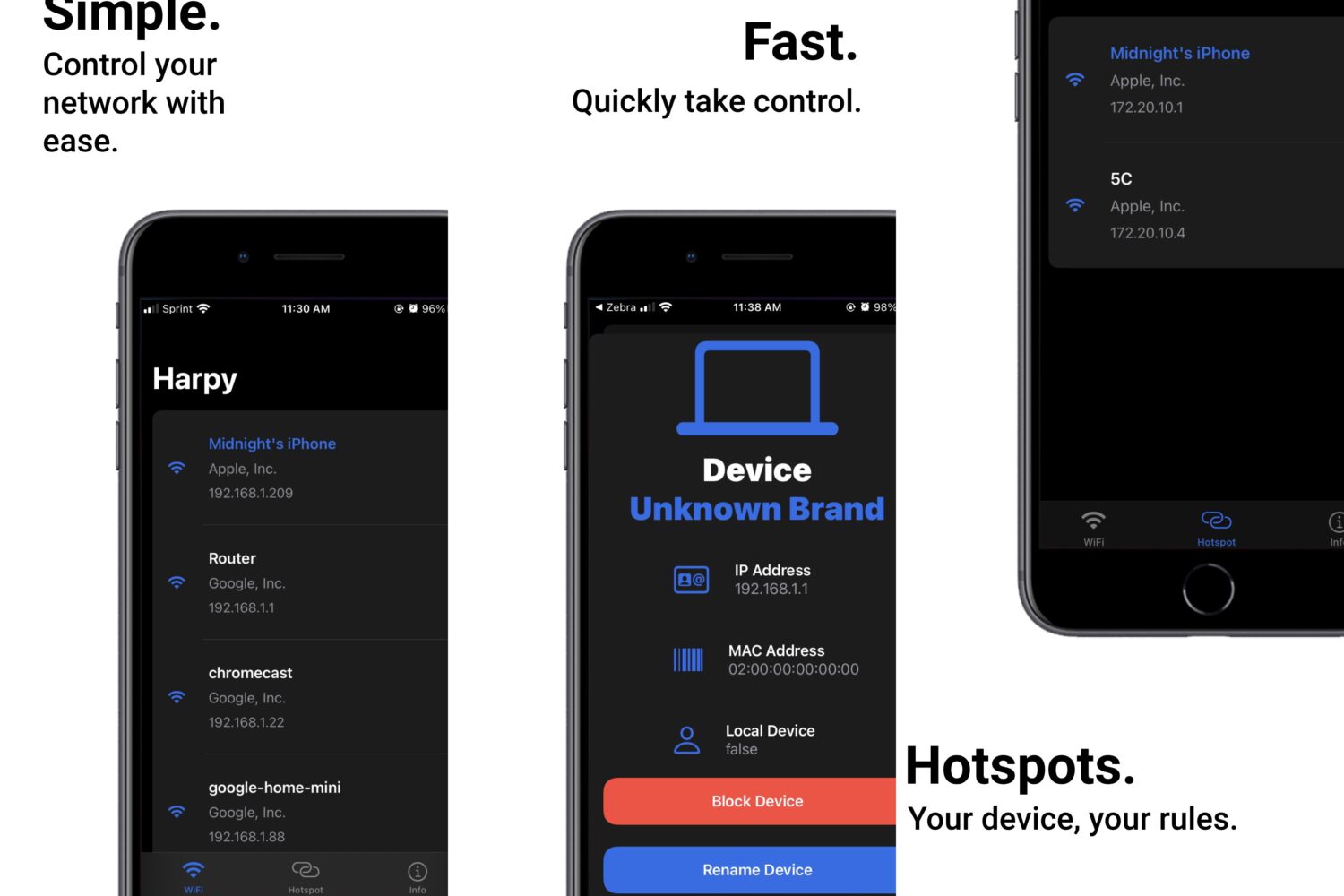
Seize more control over your local network via your jailbroken iPhone with Harpy Reloaded

As capable of an internet communications device as the iPhone is, it seems like Apple doesn’t give users all that many options for Wi-Fi connectivity and network management.

Like most things Apple, the company instead took a user-friendly approach to reduce the number of interactions a user makes with configuration. This makes complicated things more approachable by the masses, but it can be annoying if you’re a power user that demands more capabilities.

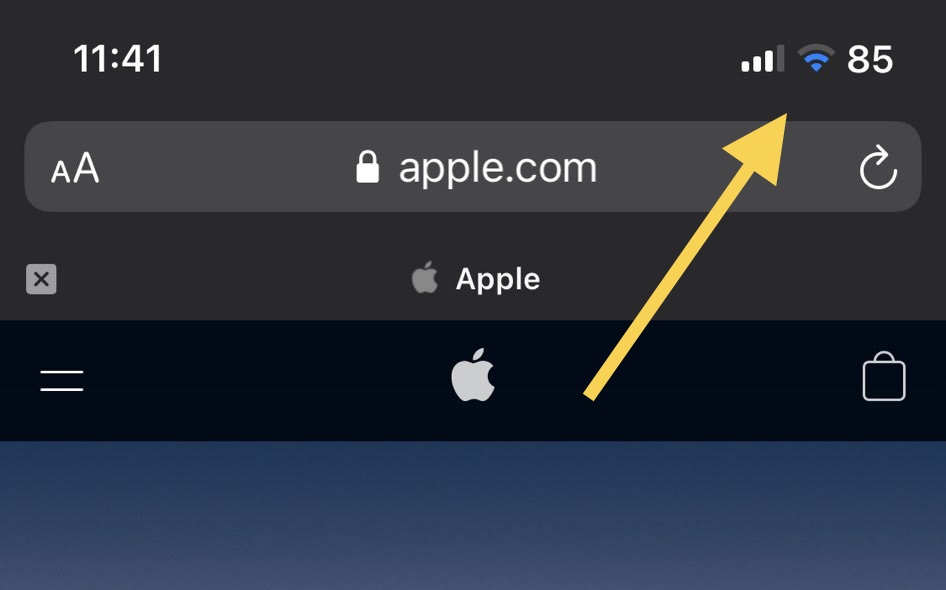
This tweak makes it easier to discern when you’re connected to a VPN on notched iPhones

Virtual Private Networks, or VPNs for short, have become an increasingly popular way for consumers to keep their data private and secure while browsing the web via a computer, smartphone, or tablet.

On iPhones, a VPN icon will be displayed in the Status Bar after you connect to one. But notched iPhones like the iPhone X and later minimize the VPN indicator to interfaces with full-sized Status Bar due to size constraints, such as that of Control Center.