iOS 12

Customize various locking and unlocking sounds on your iPhone with SoundLock

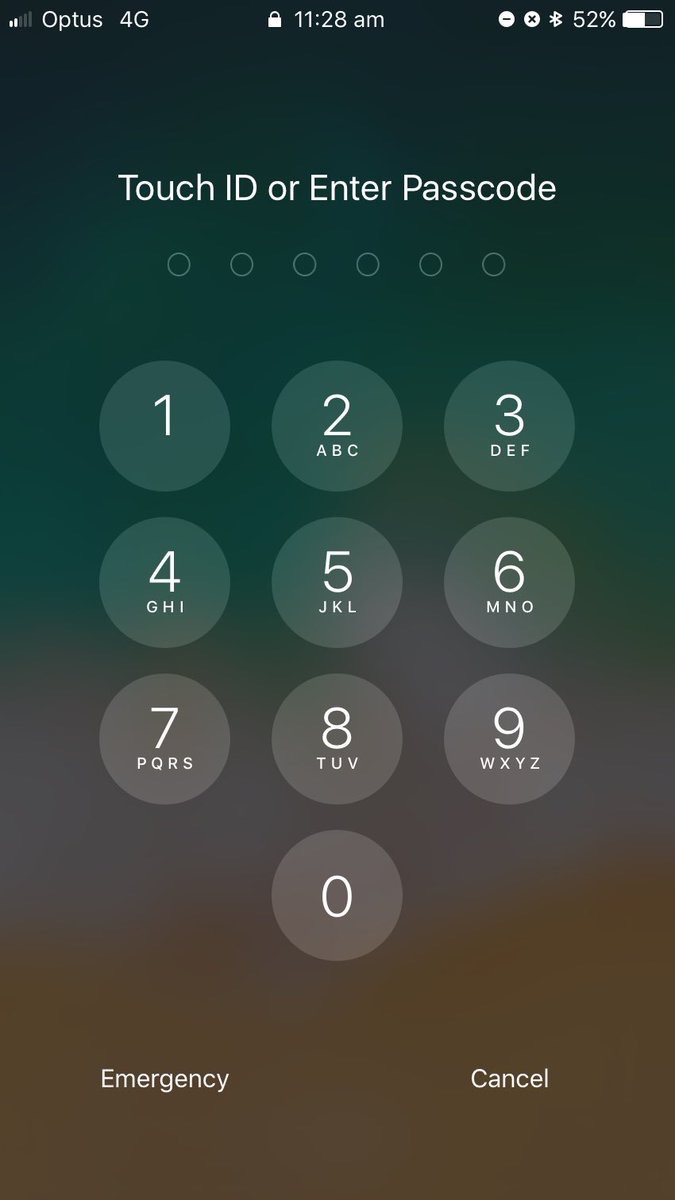
The iPhone’s locking and unlocking sounds have received minor revisions over the years, but perhaps not as many as we’d like. Fortunately, those with jailbroken handsets can get around this quandary by setting custom locking and unlocking sounds without Apple’s approval.

A newly-released jailbreak tweak called SoundLock by iOS developer DevelopApple is now available for free in the BigBoss repository, and it lets you configure custom sounds for a variety of locking and unlocking-centric actions that you might perform daily on your pwned iPhone or iPad.

Unc0ver v3.3.6 released to address Sock Port exploit issues on 4K devices

Pwn20wnd released unc0ver versions 3.3.4 and 3.3.5 just this morning with support for Jake James’ Sock Port exploit, which can be used to jailbreak A7-A9(X) devices running iOS 11.0-12.1.4. But as it would seem, these releases weren’t bug-free, prompting Pwn20wnd to update unc0ver once again this afternoon to version 3.3.6.

Pwn20wnd announced the release of unc0ver v3.3.6 via Twitter not long ago, noting that it would resolve issues with the Sock Port exploit failing to jailbreak specific 4K devices:

Unc0ver v3.3.5 adds support for Jake James’ ‘Sock Port’ exploit

Pwn20wnd released two consecutive updates for the unc0ver jailbreak tool on Friday, with the first being unc0ver v3.3.4 and the second being unc0ver v3.3.5.

The hacker announced the two updated versions of unc0ver just this morning via Twitter, noting that they would add support for Jake James’ Sock Port exploit for iOS 11.0-12.1.4 on A7-A9(X) devices and improve the reliability of other exploits:

Unc0ver v3.3.3 released with iOS 11-centric exploit fixes

Pwn20wnd on Thursday released another update for the unc0ver jailbreak tool, bringing it up to version 3.3.3 and making it better for everyday use.

The hacker announced the update this afternoon via Twitter, and from what we can gather, this update mostly seems to contain bug fixes rather than new features of any sort:

Want an insanely in-depth Twitter app colorization experience? Try twttr

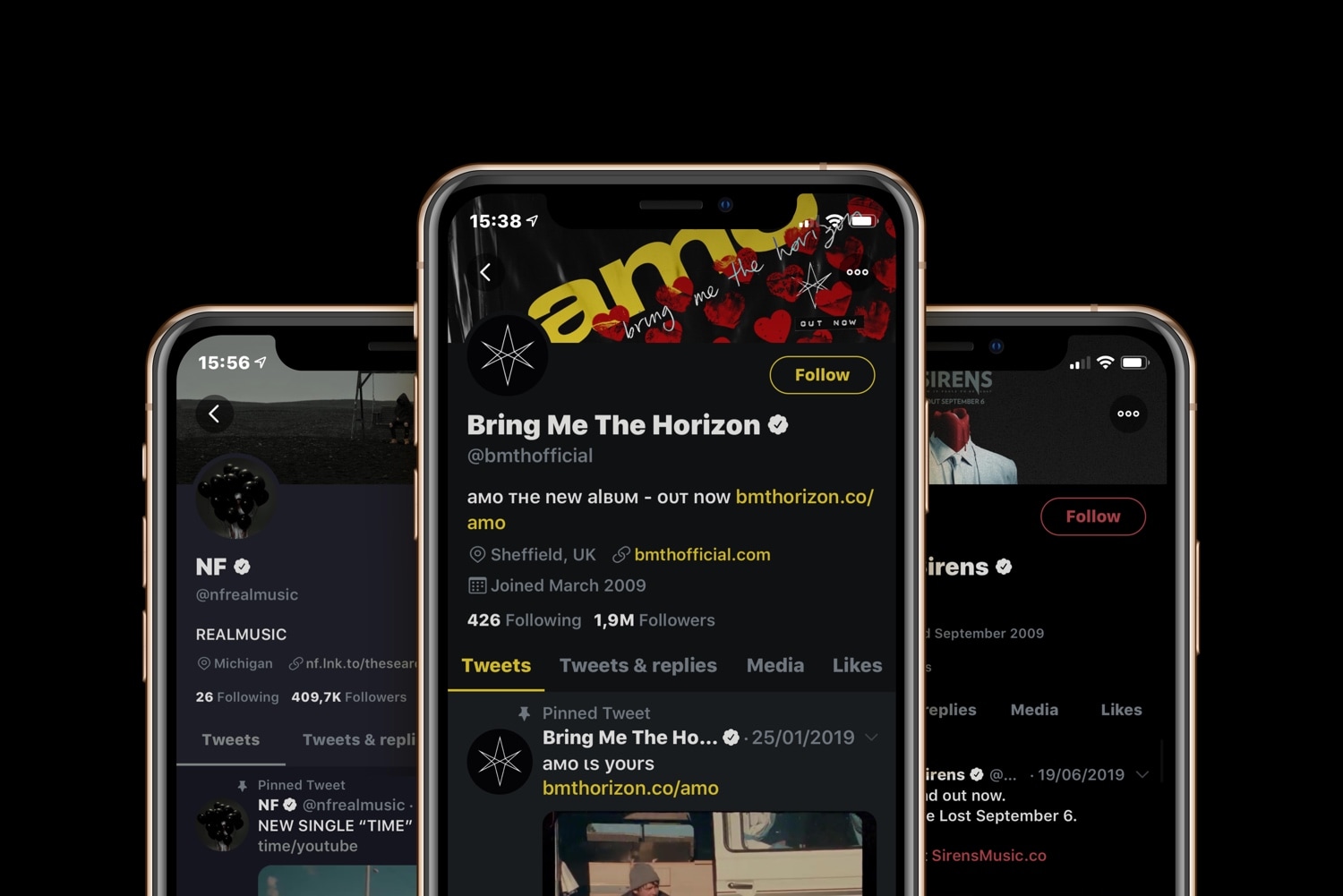
If you use the official Twitter app on your jailbroken iOS device, and you’ve been in search of a jailbreak tweak that can help you theme the app however you want, then you’re in luck. A newly-released and free jailbreak tweak called twttr by iOS developer Aesthyrica brings what is purportedly the ‘most advanced’ colorization experience to the Twitter app to date.

As you’ll notice in the screenshot examples above, twttr lets you colorize individual elements in the Twitter app to your liking with seemingly no limitations. Upon installing the tweak and delving into the dedicated preference pane in the Settings app, you’ll confirm this to be quite accurate:

This tweak makes the Messages app’s timestamp system more useful

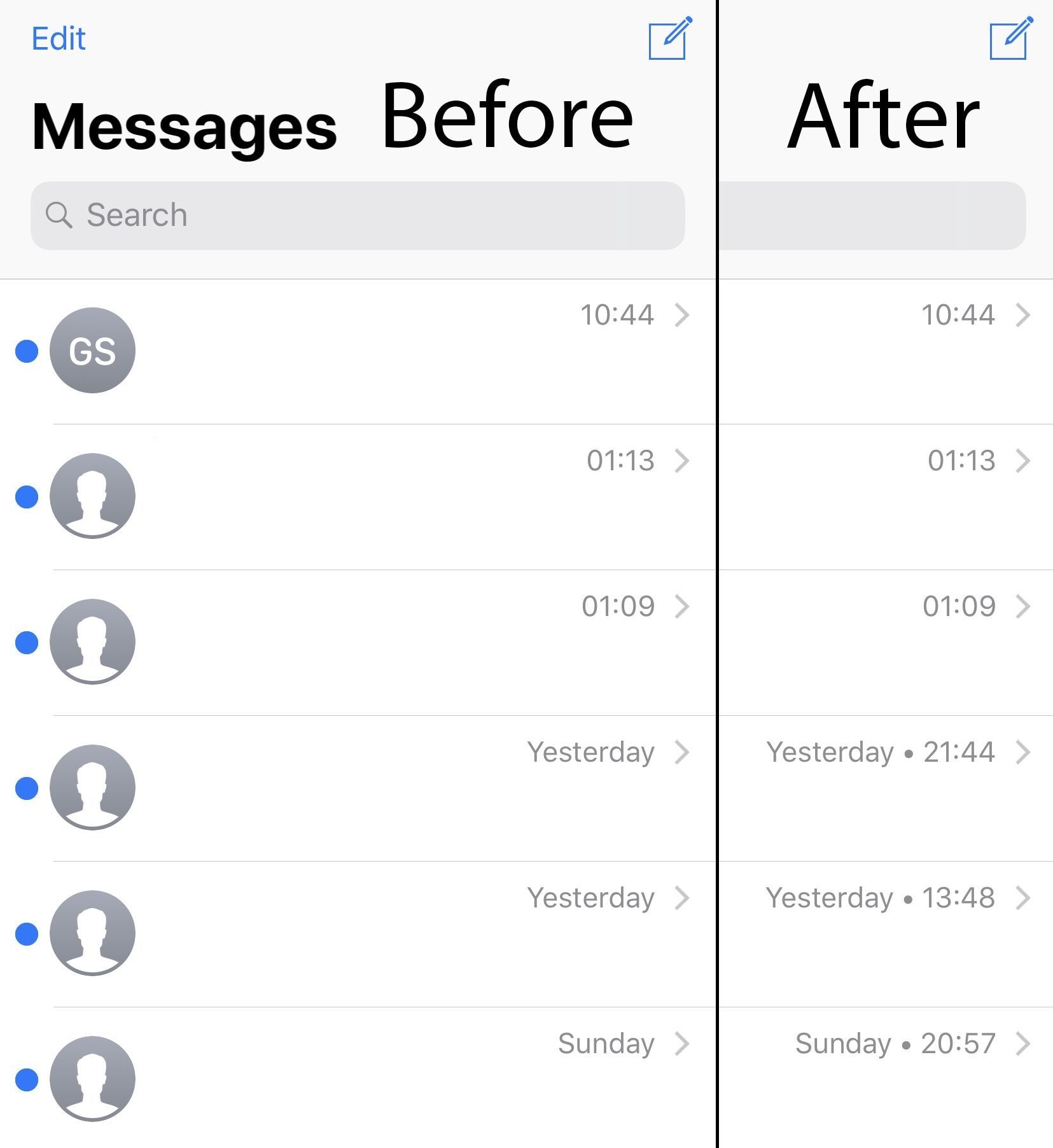
It was just a few days ago that we showed you a jailbreak tweak called ExactTimePhone, which could make your call log history significantly more helpful by detailing the exact time that an incoming or outgoing call transpired if it was more than a few days old. The tweak received lots of positive feedback, but it left the begging question: shouldn’t a similar tweak be made for the Messages app?

If you’re on board with this train of thought, then you’ll probably come to appreciate a newly-released and free jailbreak tweak dubbed ExactTimeMessages by iOS developer gilshahar7, as it makes this same concept a reality in iOS’ native Messages app for both iMessage and SMS conversations.

EasyBrightness makes it easier to revert to an ideal display brightness level

When it comes to your iPhone’s display brightness, you might have a preferred brightness level for both indoor and outdoor usage. Sadly, iOS’ automatic brightness setting tends to be less than optimal, and adjusting the display brightness manually can feel somewhat cumbersome at times.

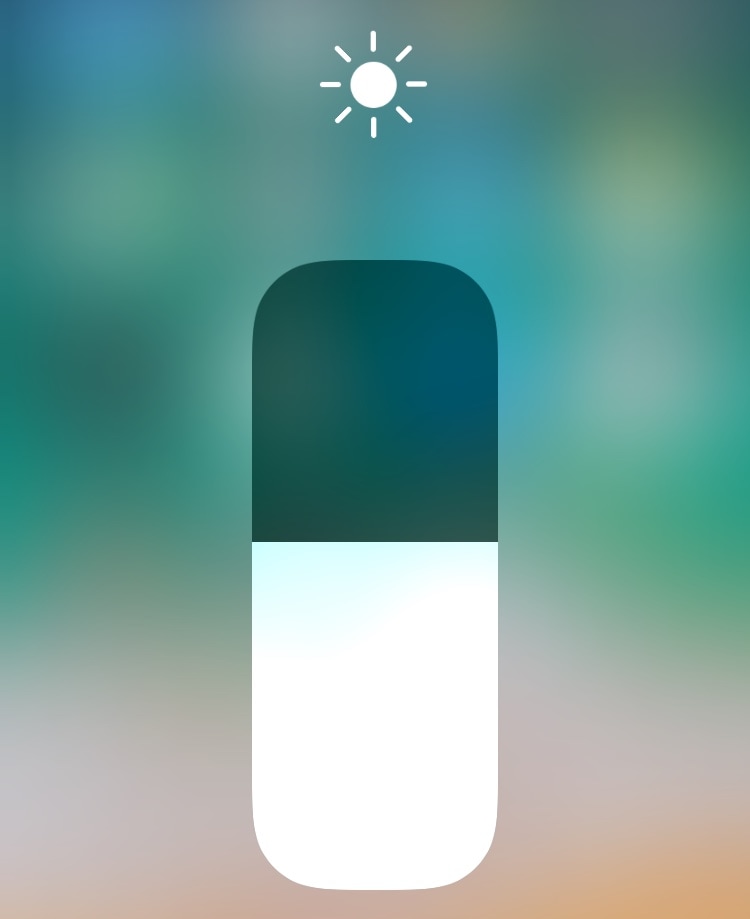
If you’re in the same boat, then you might want to turn your attention to a newly-released and free jailbreak tweak called EasyBrightness by iOS developer gilesgc. This tweak mitigates the problem discussed above by letting you designate a default display brightness level and making it easy to return to it on demand.

Adjust your iPhone’s native tint color with Rainbow

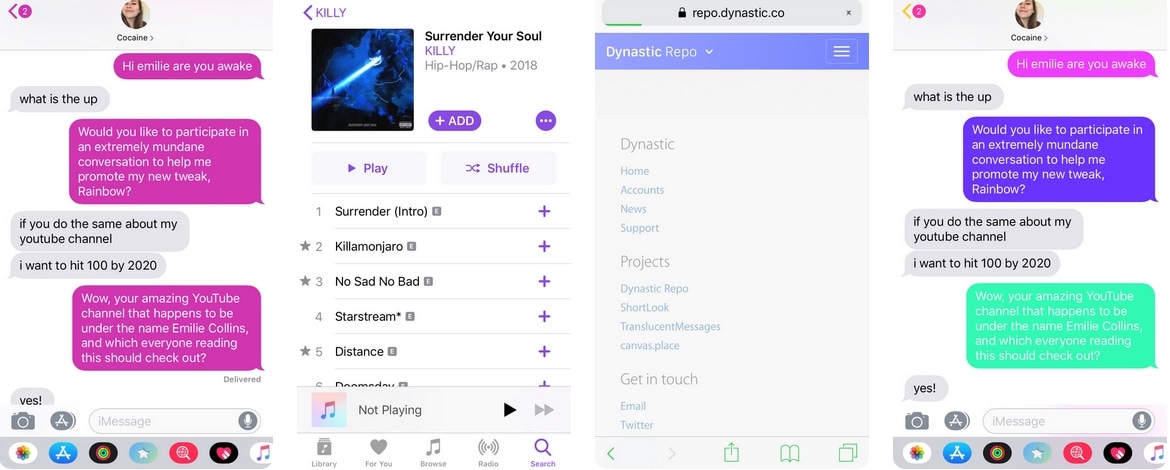
As you use iOS, you’ll find that Apple loves to use Blue as the system’s natural tint color. You’ll find this blue tint across various UI elements, including, but not limited to: iMessage chat bubbles, links, loading bars, and even those shortcuts that appear at the top right of the interface as you navigate preference panes in the Settings app.

Blue is a cool color, but if you’d rather have more control over your handset’s tint color, then we’d suggest turning your attention to a newly-released jailbreak tweak called Rainbow by iOS developer Justin Proulx, as it lets you change this color to almost anything you could ever want.