Learn how to create Highlights from Instagram stories you want to hold onto. These Highlights stay on your profile until you remove them.
How to use Story Highlights on Instagram

Learn how to create Highlights from Instagram stories you want to hold onto. These Highlights stay on your profile until you remove them.
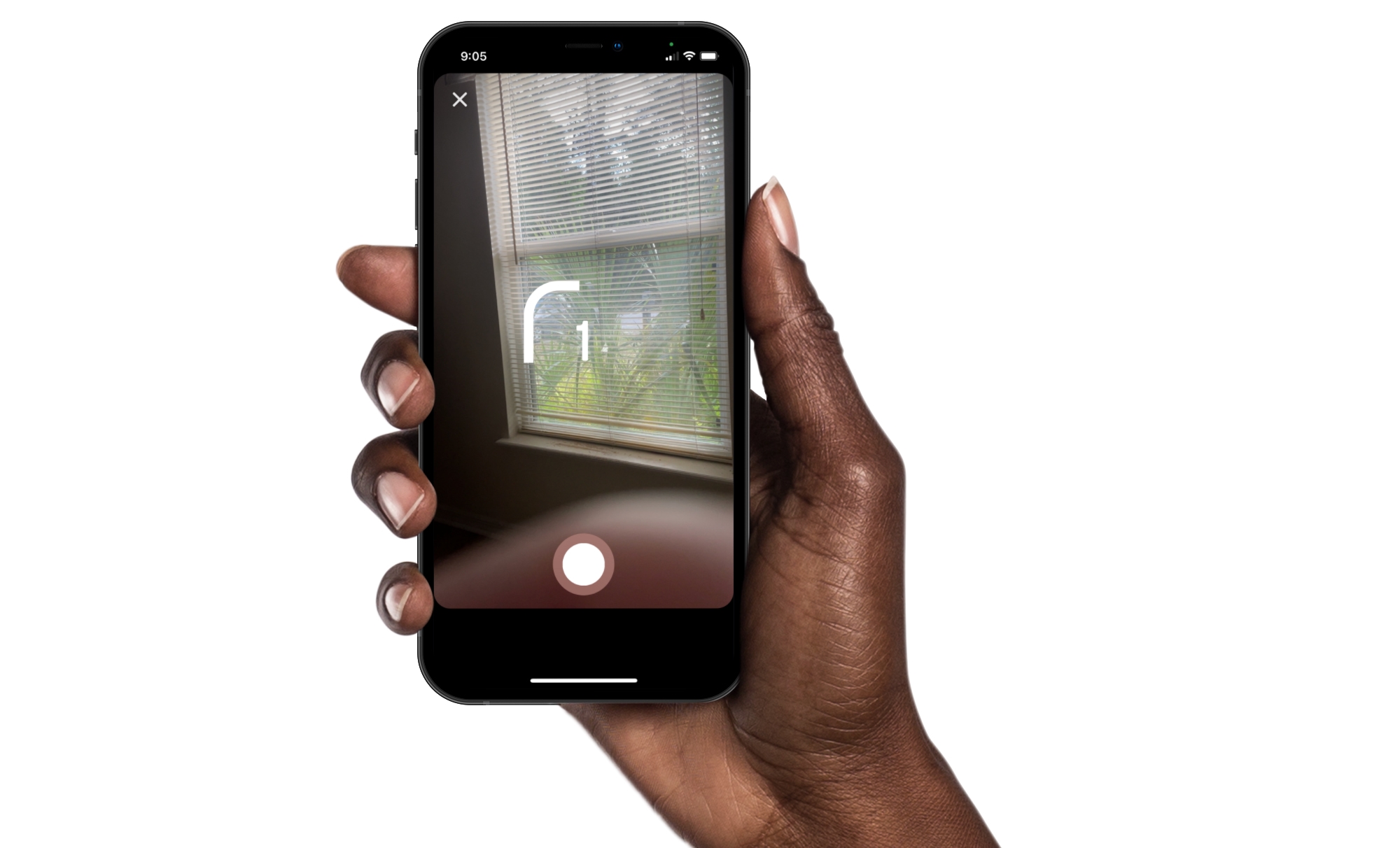
Instagram offers some great features for creating memorable stories and posts. You can use Multi-Capture to quickly snap several photos for your story. And you can use PhotoBooth for that “photo booth” look, which is what we’ll walk through here.
Just like sitting in that photo booth at the mall, you can capture four pictures of you and your pals, pets, or just yourself. Then, add them to your Instagram story for something a little different. Here’s how to use the PhotoBooth feature in Instagram.

New features come and go with apps. And if you’re an Instagram user, you may notice a feature you haven’t used before when creating a story. This feature is called Multi-Capture and it allows you to snap a few photos to add to your story.
Multi-Capture gives you a quick and easy way to create a story on the fly. Shoot photos of yourself or someone else and turn them into an Instagram story instantly, here’s how.

Here are the different methods to post on Instagram from your computer using Safari, Firefox, and Chrome. With this, you can grab those photos or videos saved on your computer and post them to Instagram without opening the app on iPhone or Android.

In this step-by-step tutorial, we'll show you how to add music to your Instagram story to enhance your content with your favorite tunes.

Facebook has confirmed that it is “exploring” building a version of Instagram for children because many kids under the age of 13 are interested in joining the photo-sharing platform.
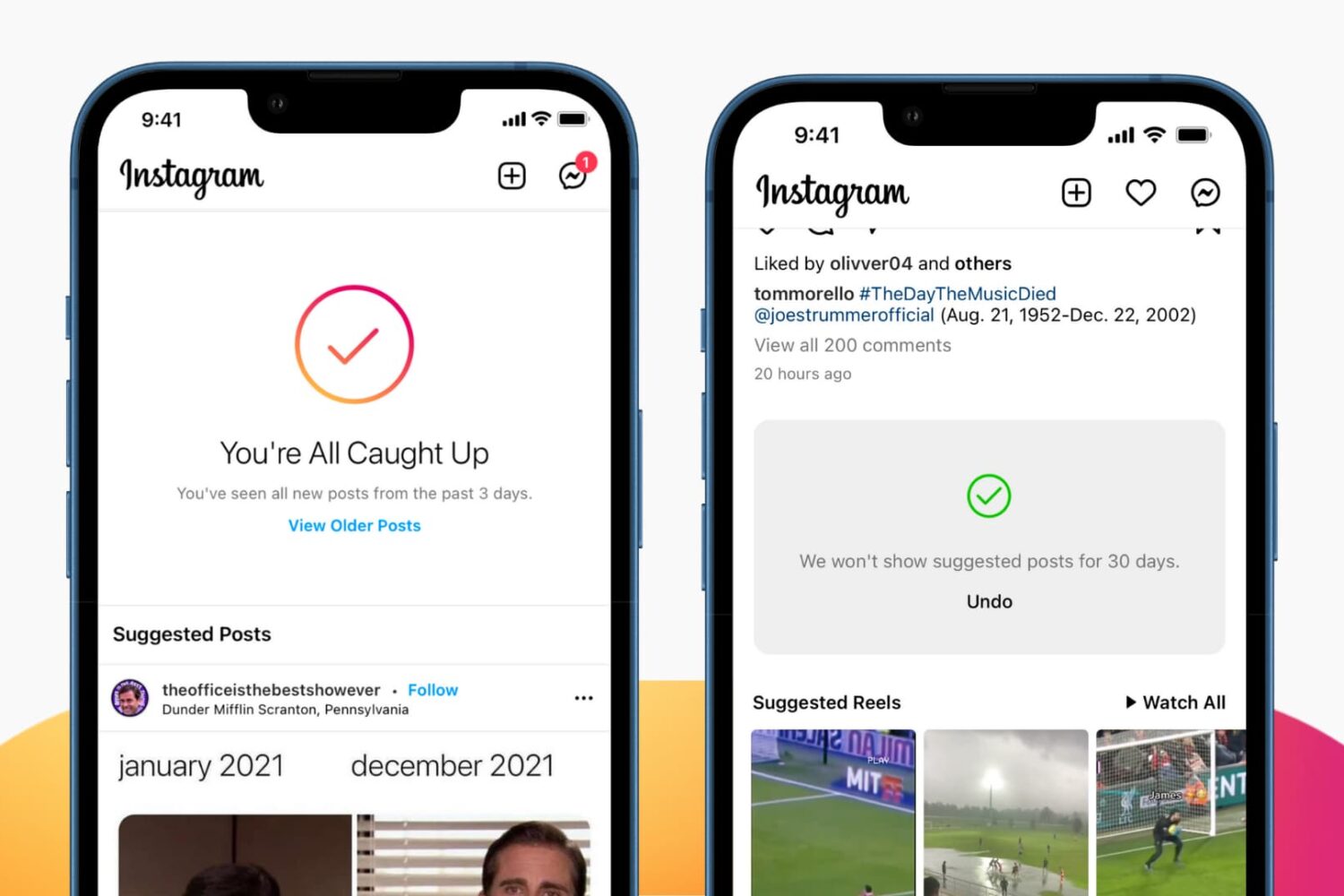
While many find suggested Instagram posts on their Timeline helpful for expanding their interests, others find them less than useful and even distracting. If you'd like suggested posts to stop appearing on your Instagram feed, we have good news and bad news. Have a look.
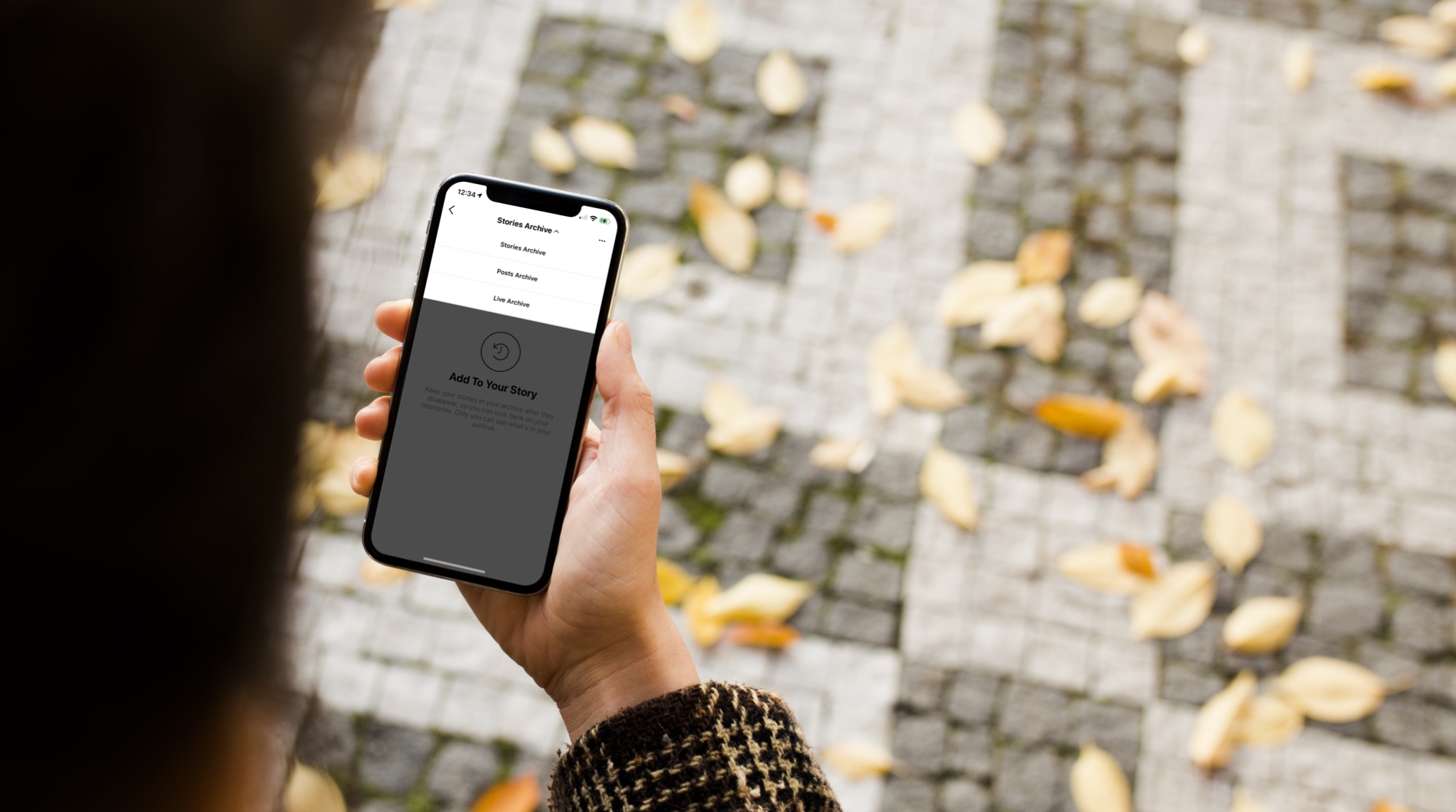
Learn how to use the archive feature on Instagram to move your published posts to a hidden section that's only visible to you and nobody else on the platform.
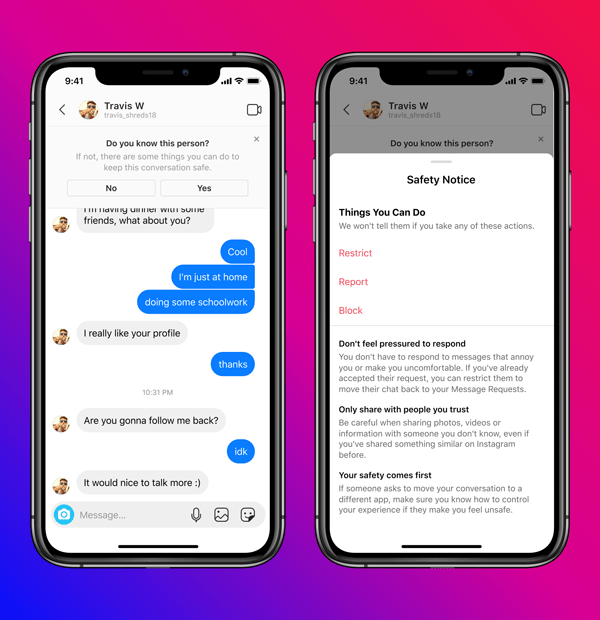
To make its platform safer for teenagers, Instagram today announced new policies to restrict direct messaging between teens and adults they don’t follow. In other words, adults will no longer be able to send messages to Instagram users who are underage and don't follow them.
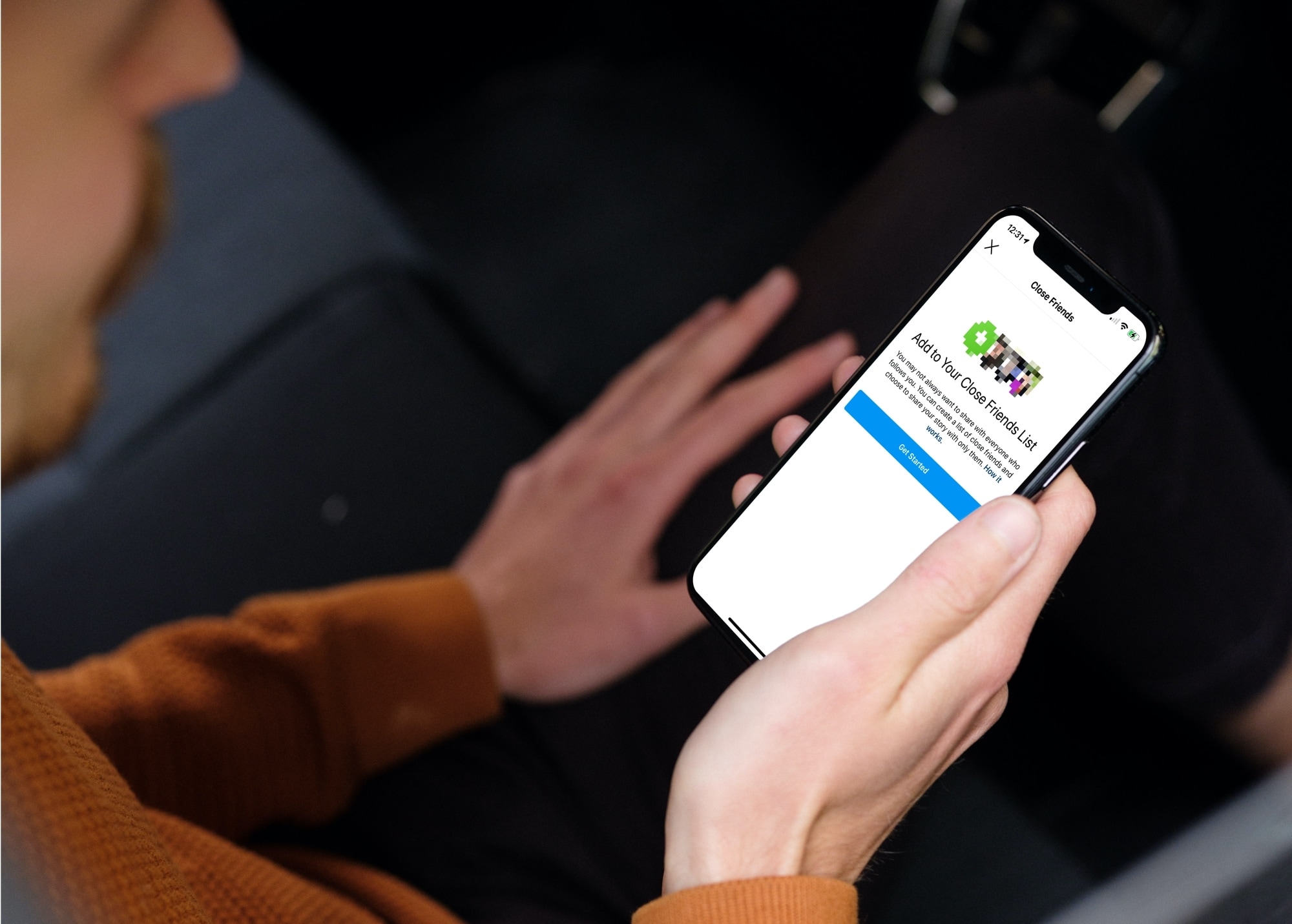
Learn how to create and manage a list of Close Friends on Instagram, and share your story with only the people on this list.
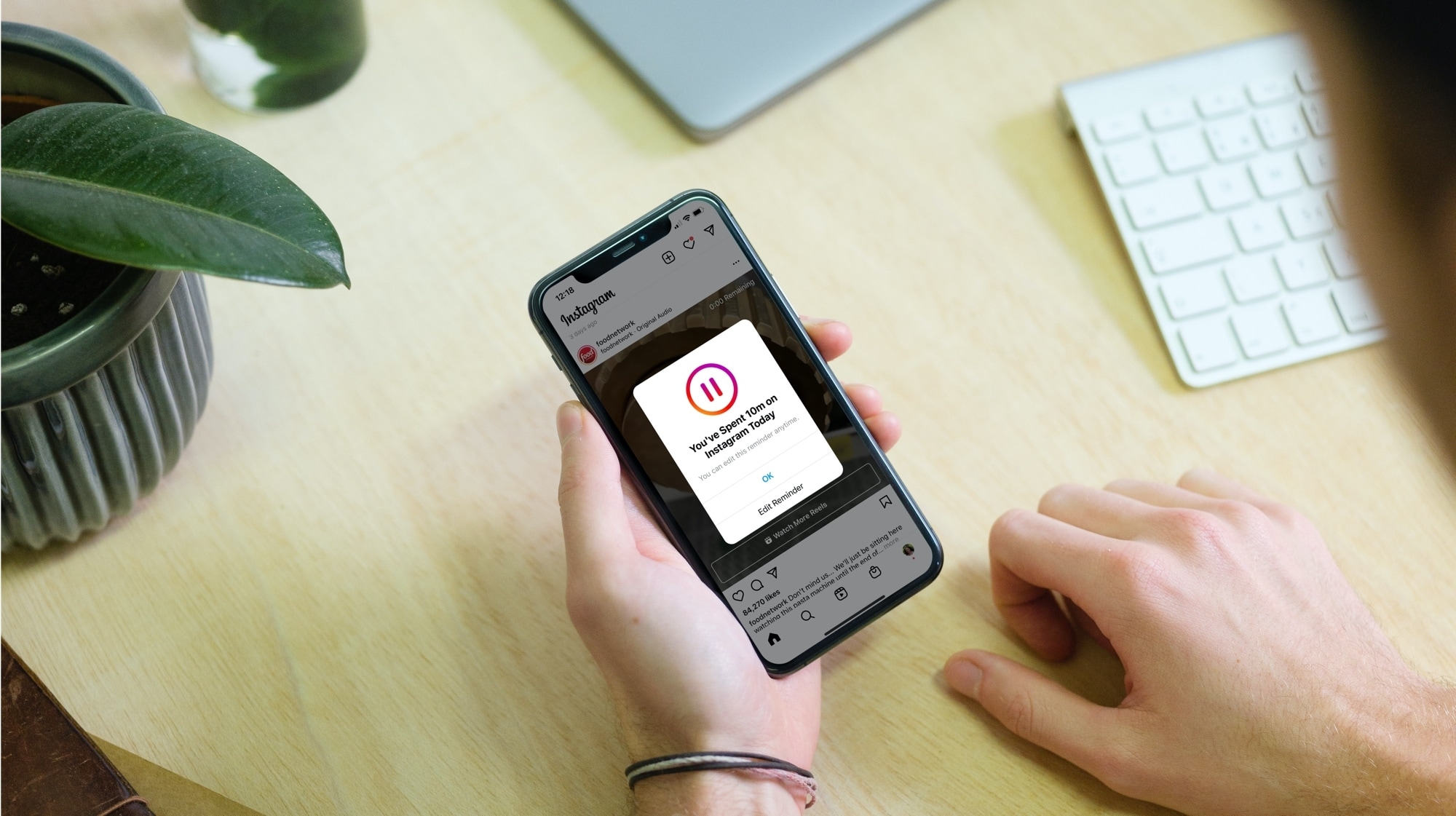
Learn how to reduce the amount of time you spend on Instagram by seeing your daily usage and setting a daily time limit. Once you cross that limit, the app will remind you to close it.
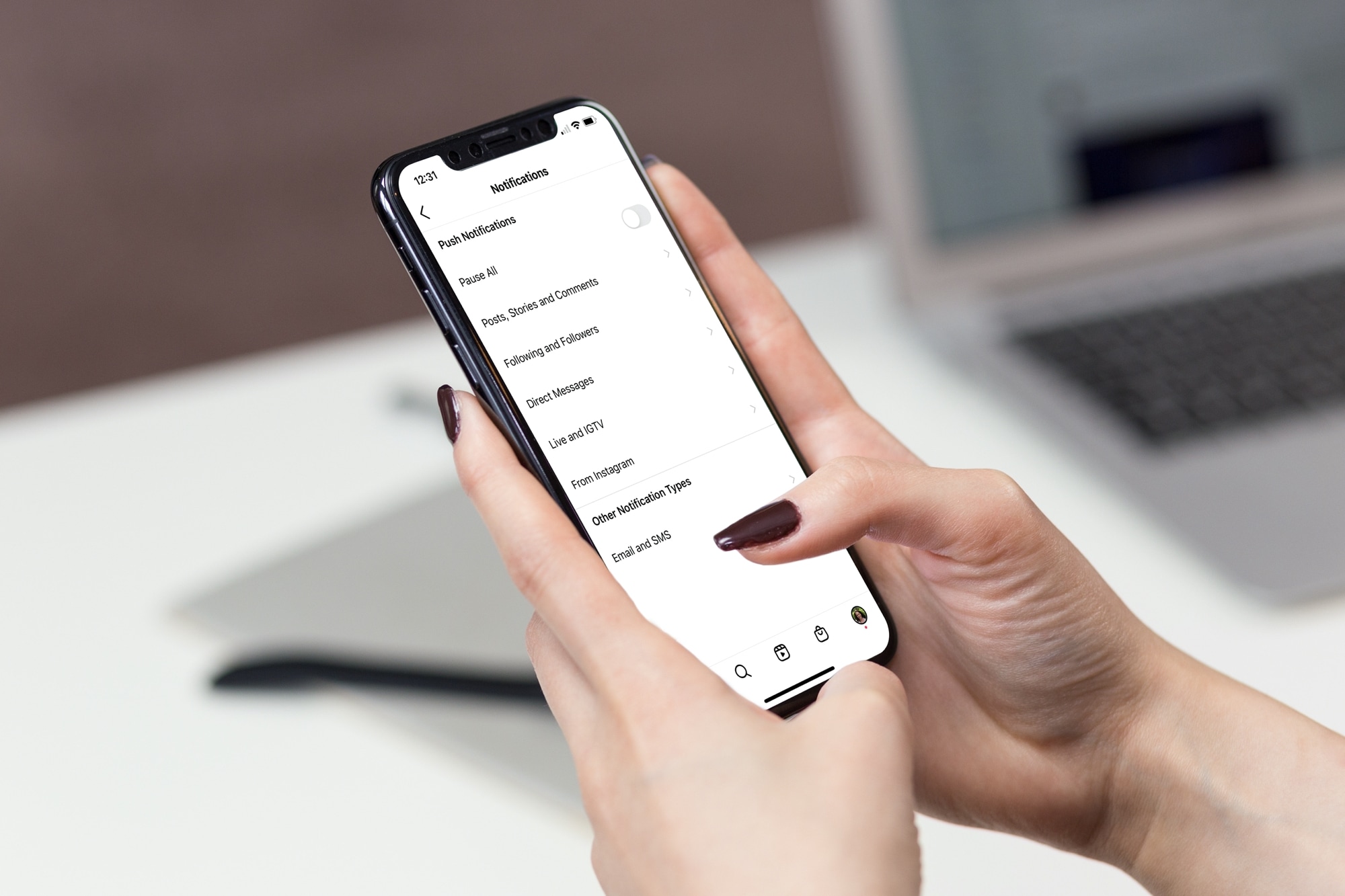
Getting too many or too few notifications or emails from Instagram? Learn how to explore your Instagram notification settings and customize them to pause all alerts or get only the ones that matter to you.