Apple's iCloud service is currently experiencing a widespread outage, with many users potentially impacted.
iMessage, iCloud Calendar, Find My, and many other services experiencing an outage

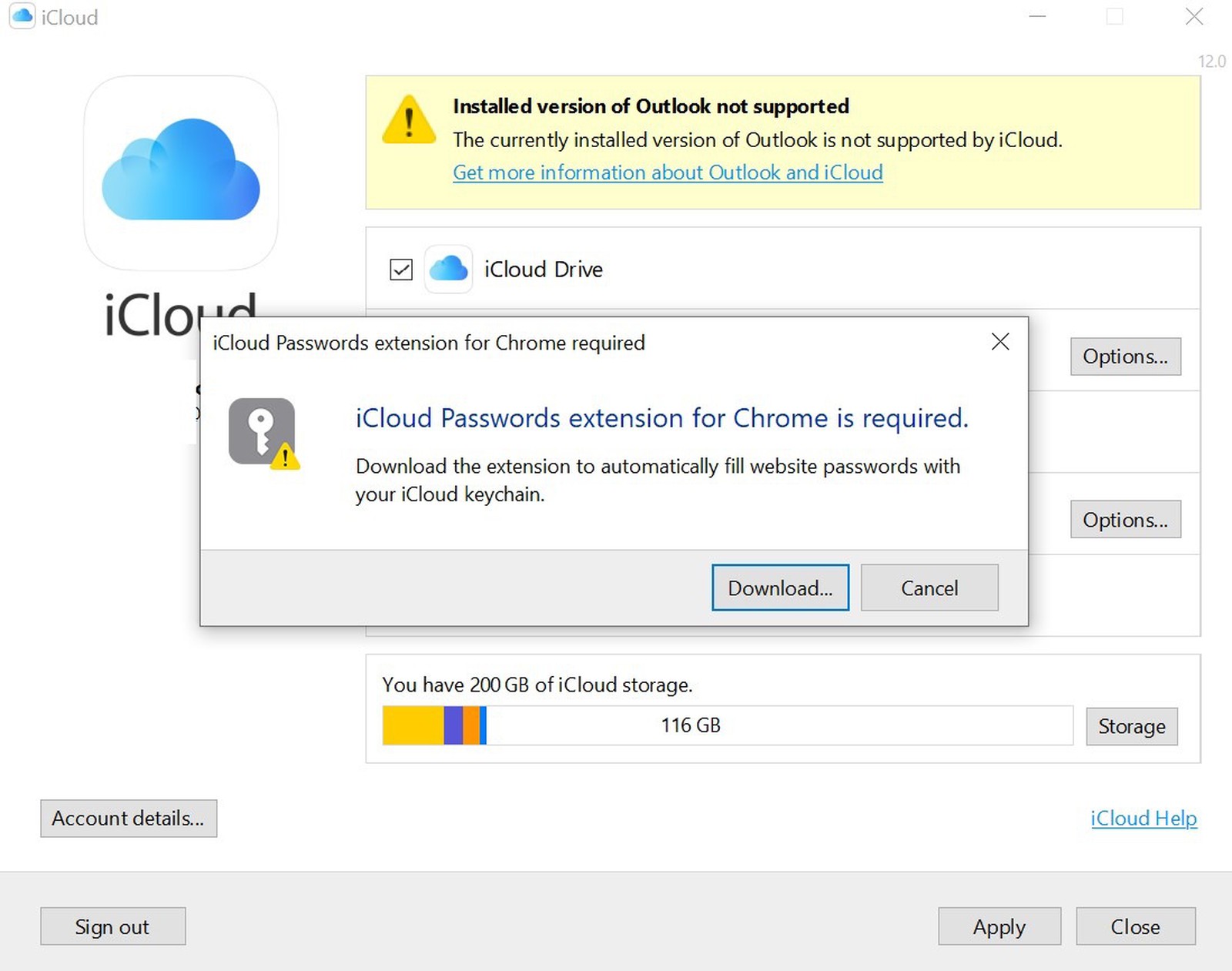
iCloud for Windows has been around for a stretch already, but there's one feature missing that some iOS/Windows users have been requesting: iCloud Keychain. And it looks like support is finally on the way.
If you are experiencing issues with some iCloud services and Game Center, the good news is that it's not just you. The bad news is that there does appear to be some issues.

Today is devoting a healthy amount of time to password manager apps, apparently, and Apple doesn't want to miss the boat.

Dropbox is looking to expand into a new market, one that already has some fan favorites. But if you're in the market for a new password manager, Dropbox may have you covered in the future.
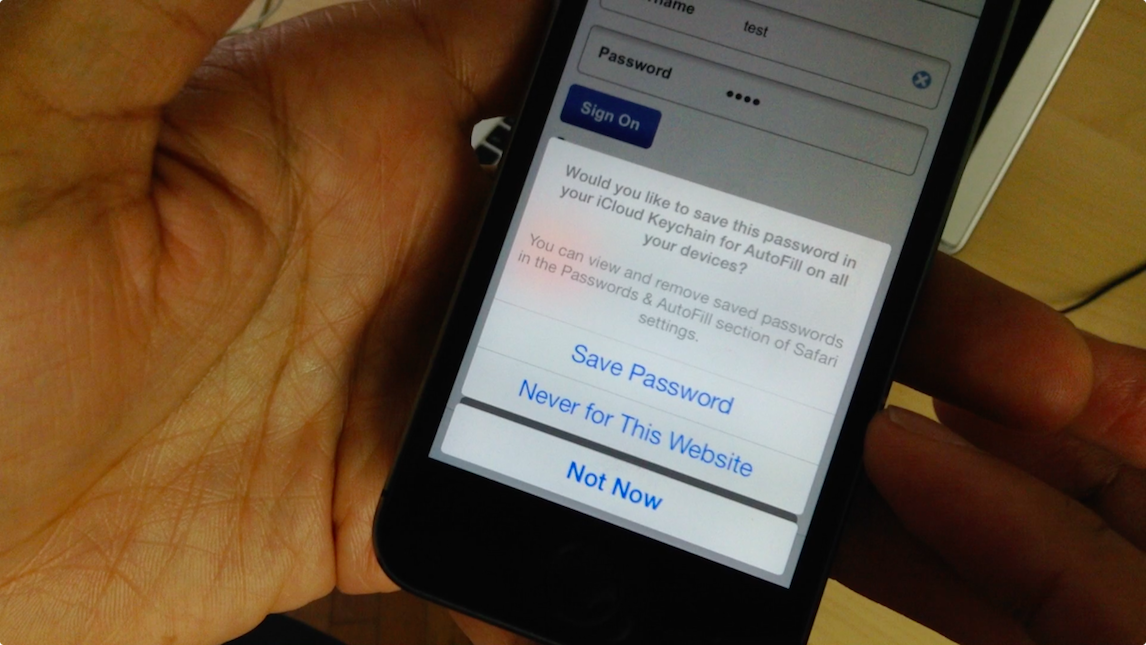
Despite the fact Apple hasn't announced iOS 14 yet, today's report aims to shed light on some significant upgrades coming to the iCloud Keychain feature.
If you’re setting up a new Mac, you can use the Setup Assistant. This will automatically transfer all of your iCloud Keychain passwords for you. But if you don’t use the assistant and want to copy over your passwords, here’s how to export and import your iCloud Keychain passwords, certificates, and keys on Mac.
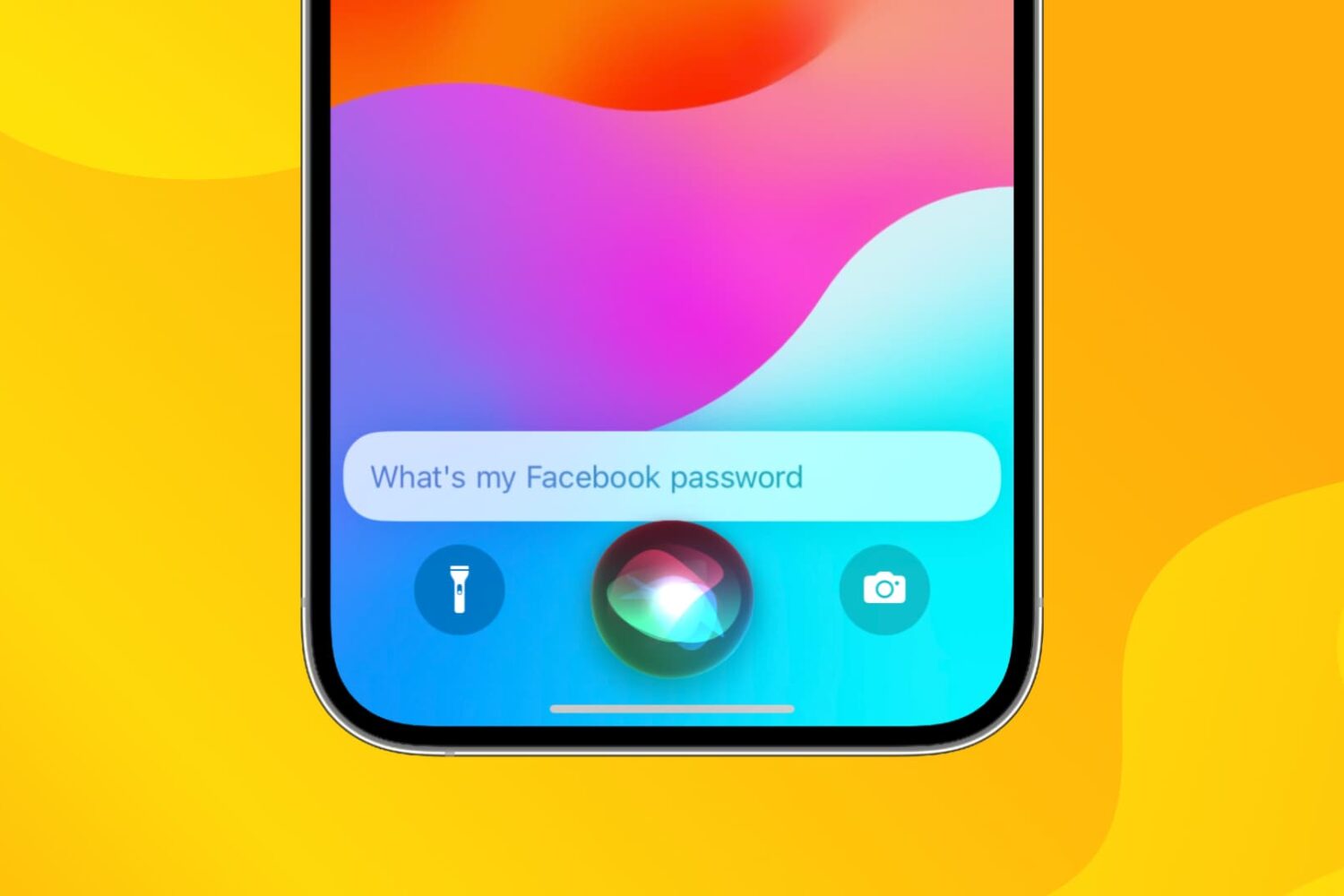
In a hurry and don’t have time to navigate to your saved iCloud Keychain passwords? Here’s how to get your app or website password using Siri on iPhone, iPad, and Mac.
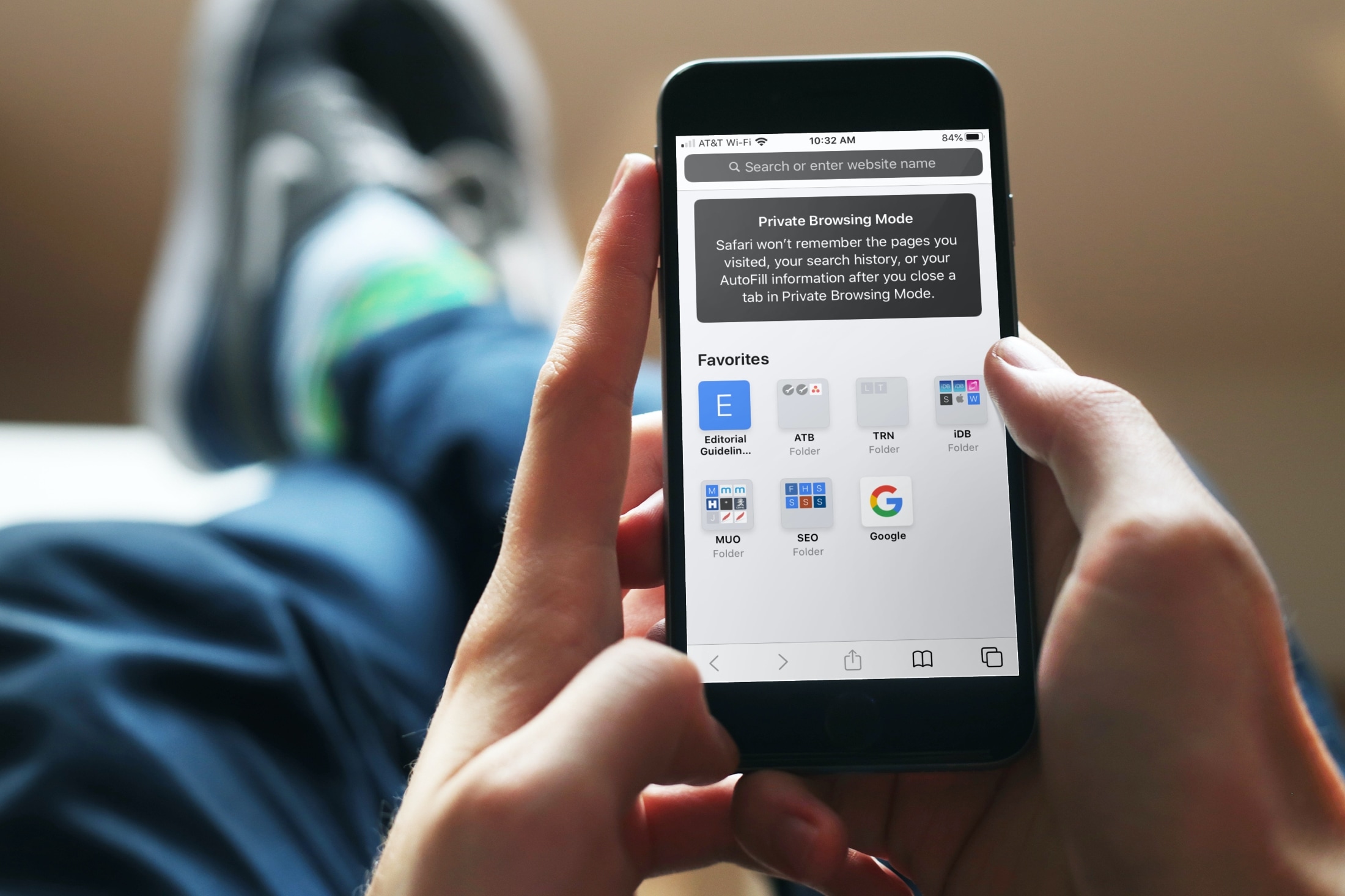
Using iCloud Keychain to save your account names and passwords for websites makes logging into your favorite sites a breeze. You don't have to remember many passwords and can use iCloud Keychain across your devices. It's a fantastic time-saver, except when you find iCloud Keychain not working.
If you're stuck and Safari on iPhone, iPad, or Mac isn't auto-filling your account information or details for your credit card, here are a few things to fix this issue.
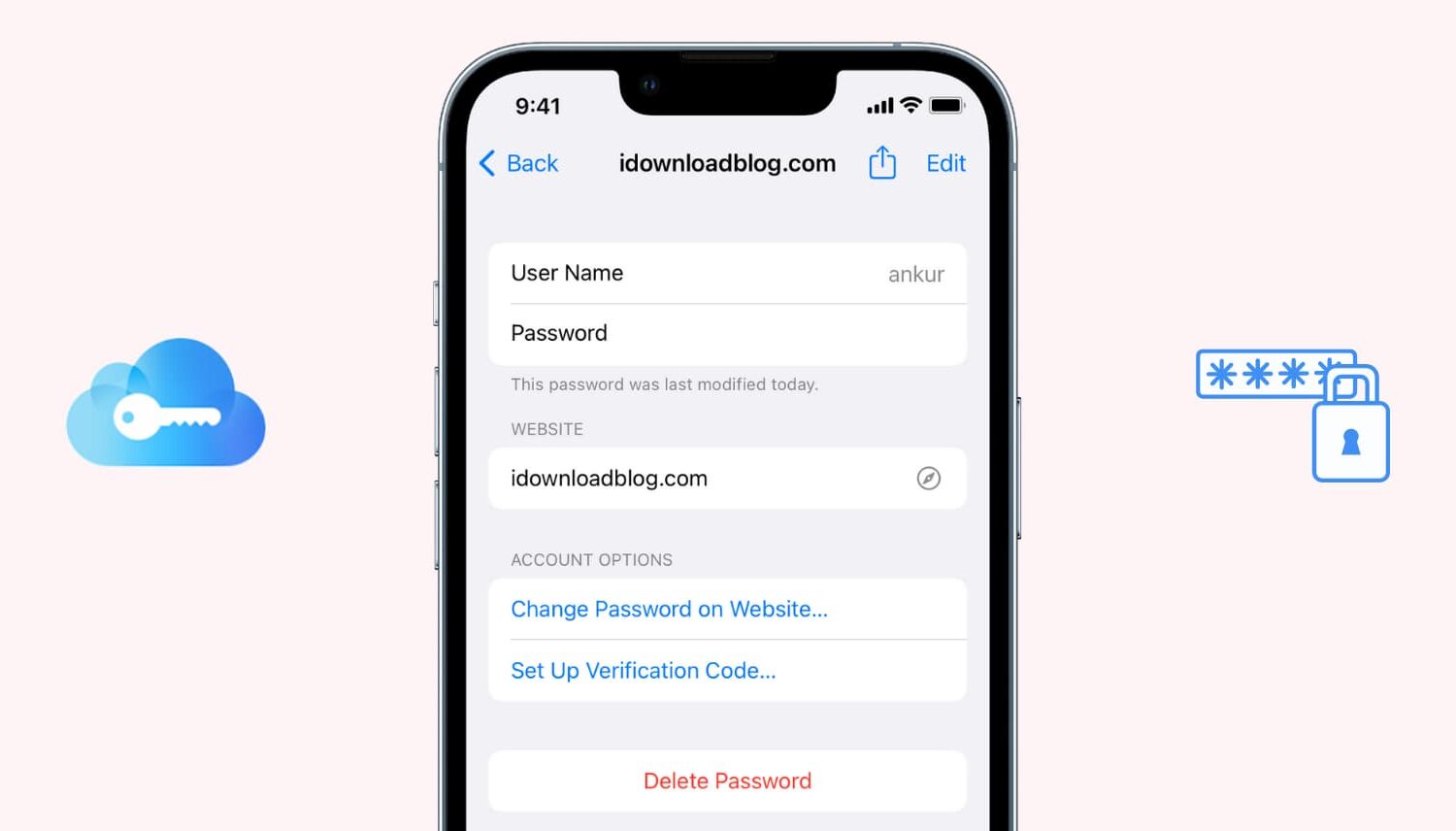
If you use iCloud Keychain to store and remember passwords, there may come a time when you want to view a particular password. Maybe you need it to log in on another device that doesn't have iCloud Keychain, or perhaps you are setting up a new password manager and need those details. Whatever the case, here's how to access iCloud Keychain passwords on iPhone, iPad, and Mac.

Find out how to securely send an account login username and password from your iPhone, iPad, or Mac to another Apple device using AirDrop.
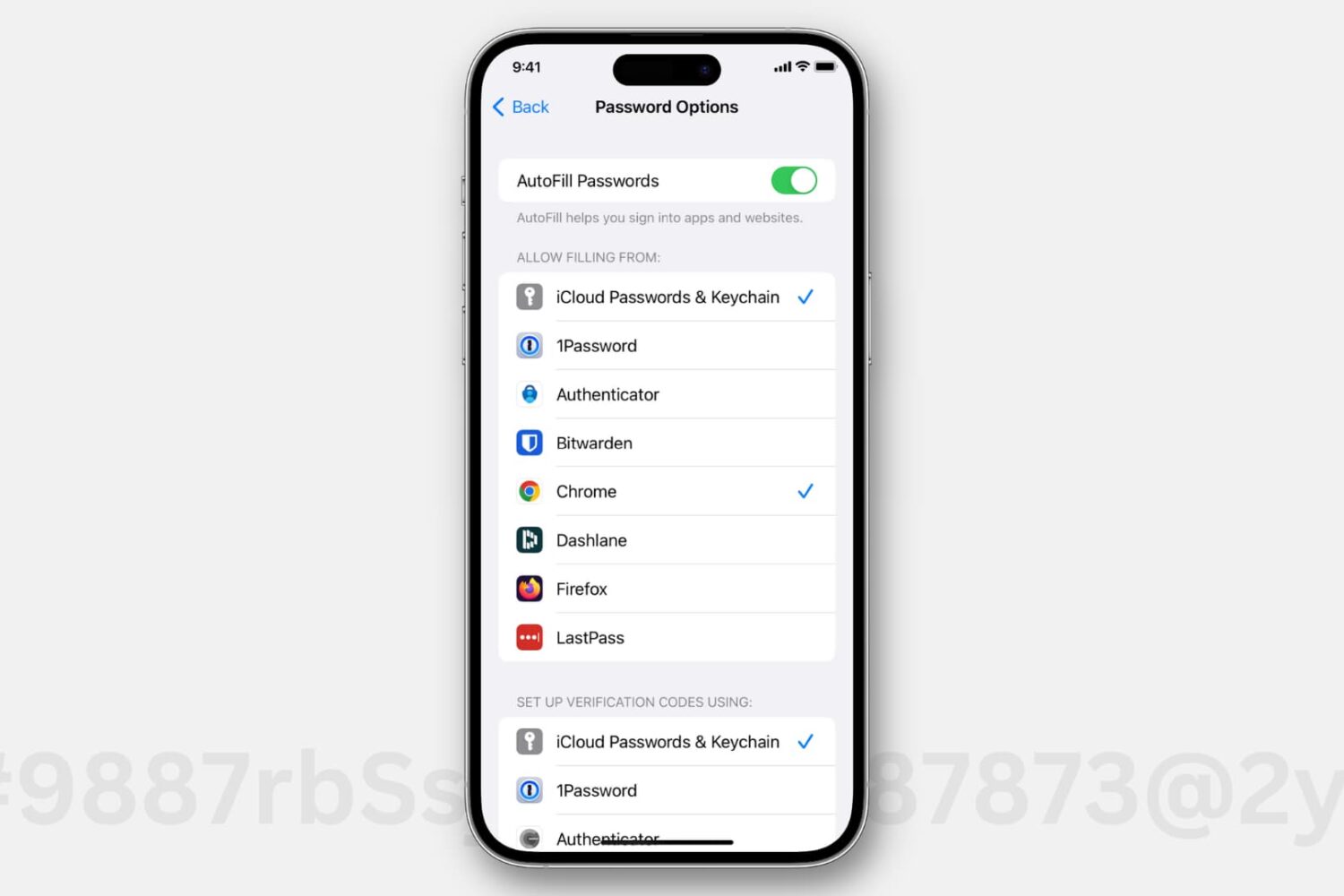
Passwords saved in iCloud Keychain automatically appear as an autofill option when you're logging in to an app or website. However, if you use third-party password managers like 1Password, Dashlane, LastPass, or something else, then you have to allow filling in details from these apps before you can quickly pop your credentials while logging in.
This tutorial shows you how to enable and use the AutoFill Passwords feature with third-party password manager apps on your iPhone and iPad.