Learn how to create an iMessage profile with a custom photo and display name in the Messages app on your iPhone, iPad, or Mac.
How to create an iMessage profile with a custom profile picture and display name
Learn how to create an iMessage profile with a custom photo and display name in the Messages app on your iPhone, iPad, or Mac.
At the time of this writing, all publicly-available jailbreak tools only support up to iOS 12.1.2. But less than two weeks ago, a tfp0 exploit was achieved on iOS 12.2, raising hopes for the possibility of a jailbreak release for this particular firmware version.
To most of the jailbreak community, a full-fledged jailbreak is more than just root access to a device’s filesystem; most users also rely on a tried and true package manager to install their favorite extensions. With that in mind, it should come as no surprise that renowned hackers like Pwn20wnd are currently playing around with Cydia compatibility on iOS 12.2, especially given the latest news.
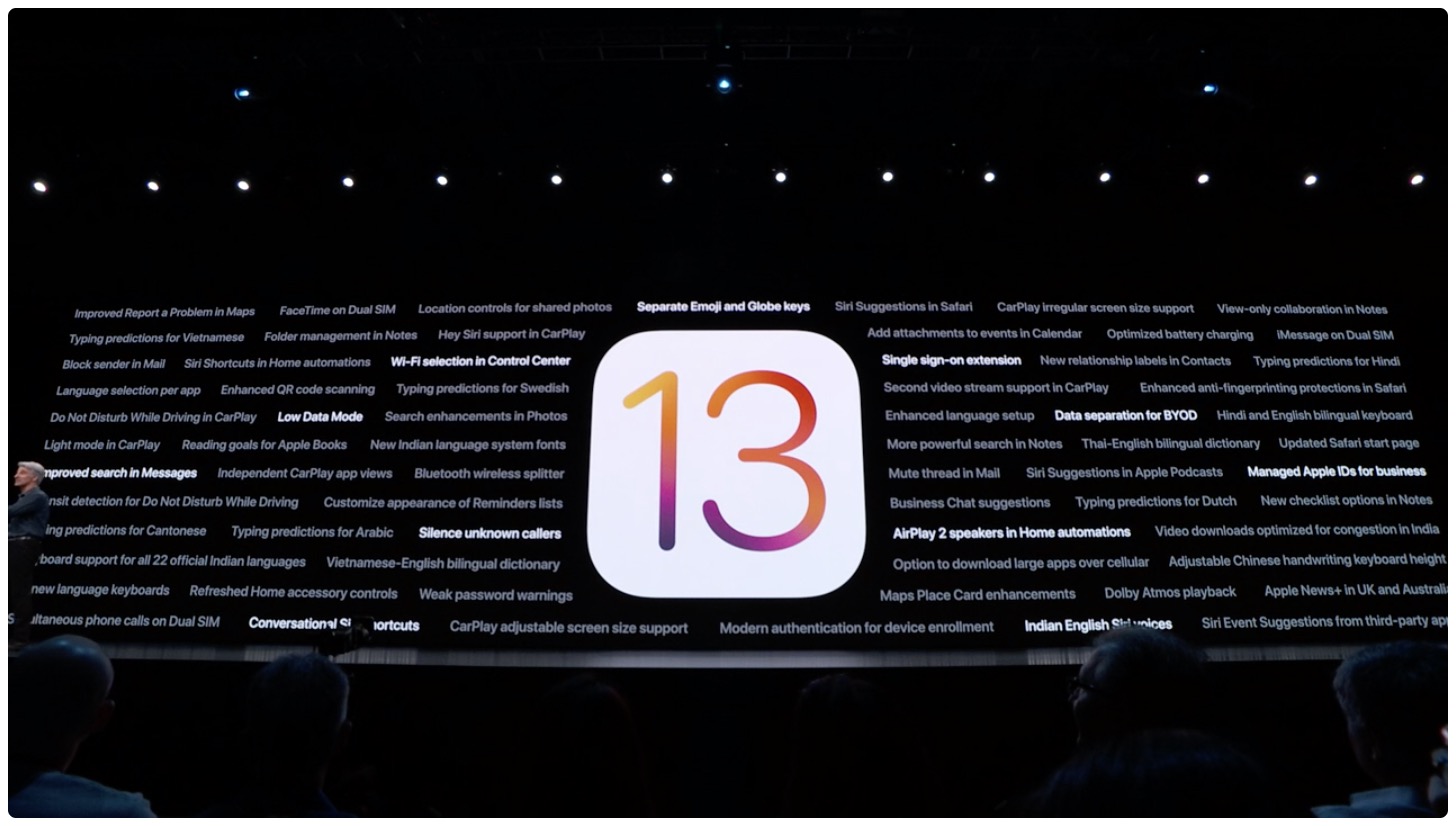
Learn how to silence unknown callers on iPhone and Android phone to automatically send spammers and calls from numbers you haven’t saved straight to your voicemail.
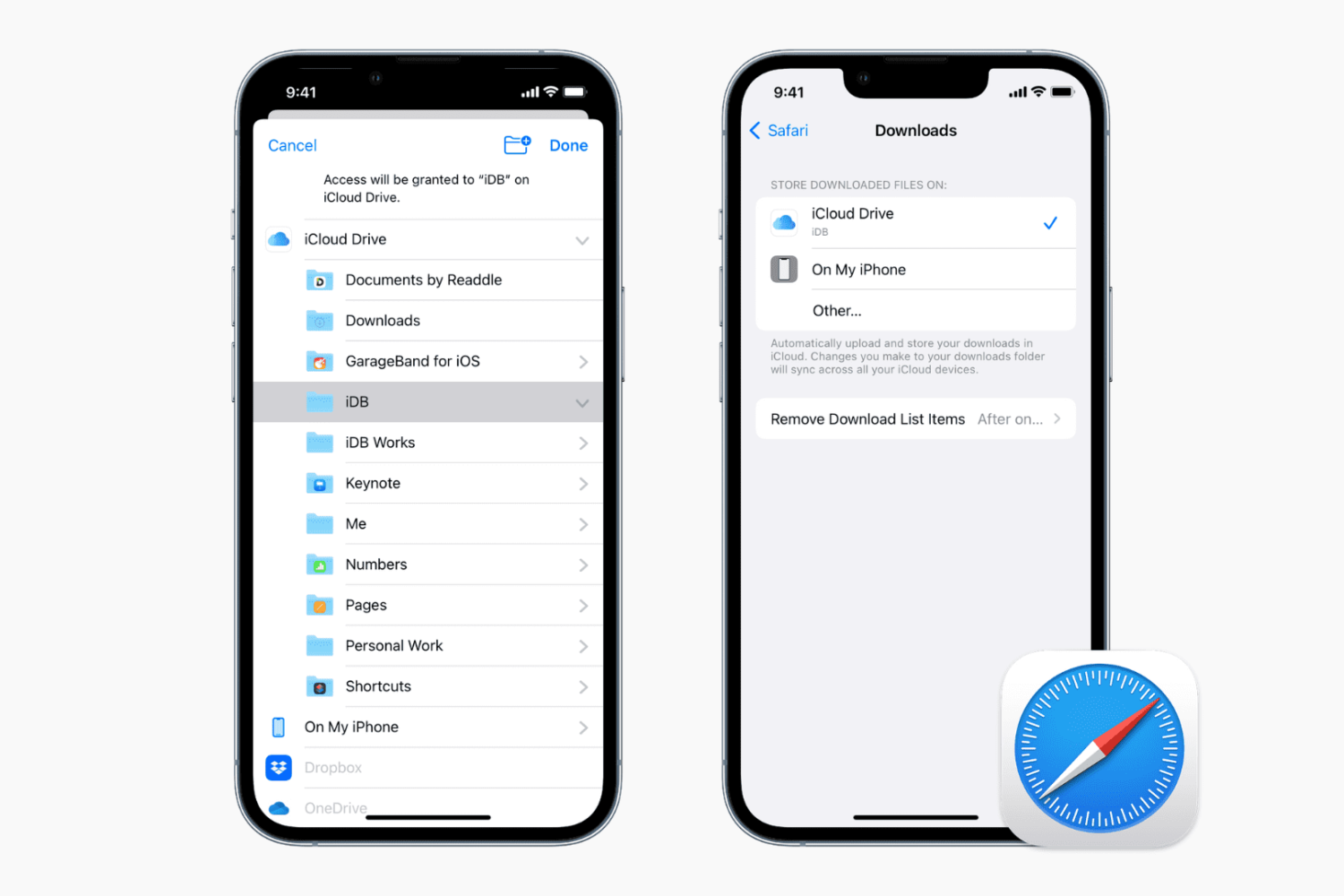
Learn how to change the default save location where Apple's Safari browser stores files you download on your iPhone, iPad, or Mac.
Love it or hate it, Live Photos is one of the unique features that comes bundled into iOS’ photo-taking experience. All devices come with Live Photos enabled by default, and users can opt to disable it any time afterward, but wouldn’t it be nice if iOS toggled it automatically depending on the circumstances?
If you’re in agreeance with the aforementioned notion, then you might take a liking to a newly-released and free jailbreak tweak called AutoLivePhotos by iOS developer Ben Giannis. This tweak attempts to toggle iOS’ Live Photos mode on or off automatically, depending on the photograph’s subject.
Learn how to set Safari to automatically close open tabs after a day, week, or month on your iPhone, iPad, and Mac so that your web browser is not unnecessarily burdened with old, useless tabs.
Apple on Tuesday officially seeded the latest beta of iOS 12.4 to developers ahead of an expected summer launch.
Earlier today, Apple seeded the second public betas of iOS 13 and iPadOS, and now the company is also releasing a slightly revised version of the developer beta as well.
Following the release of the first public beta of iOS 13 and iPadOS back in June, Apple is moving ahead with the second seed.
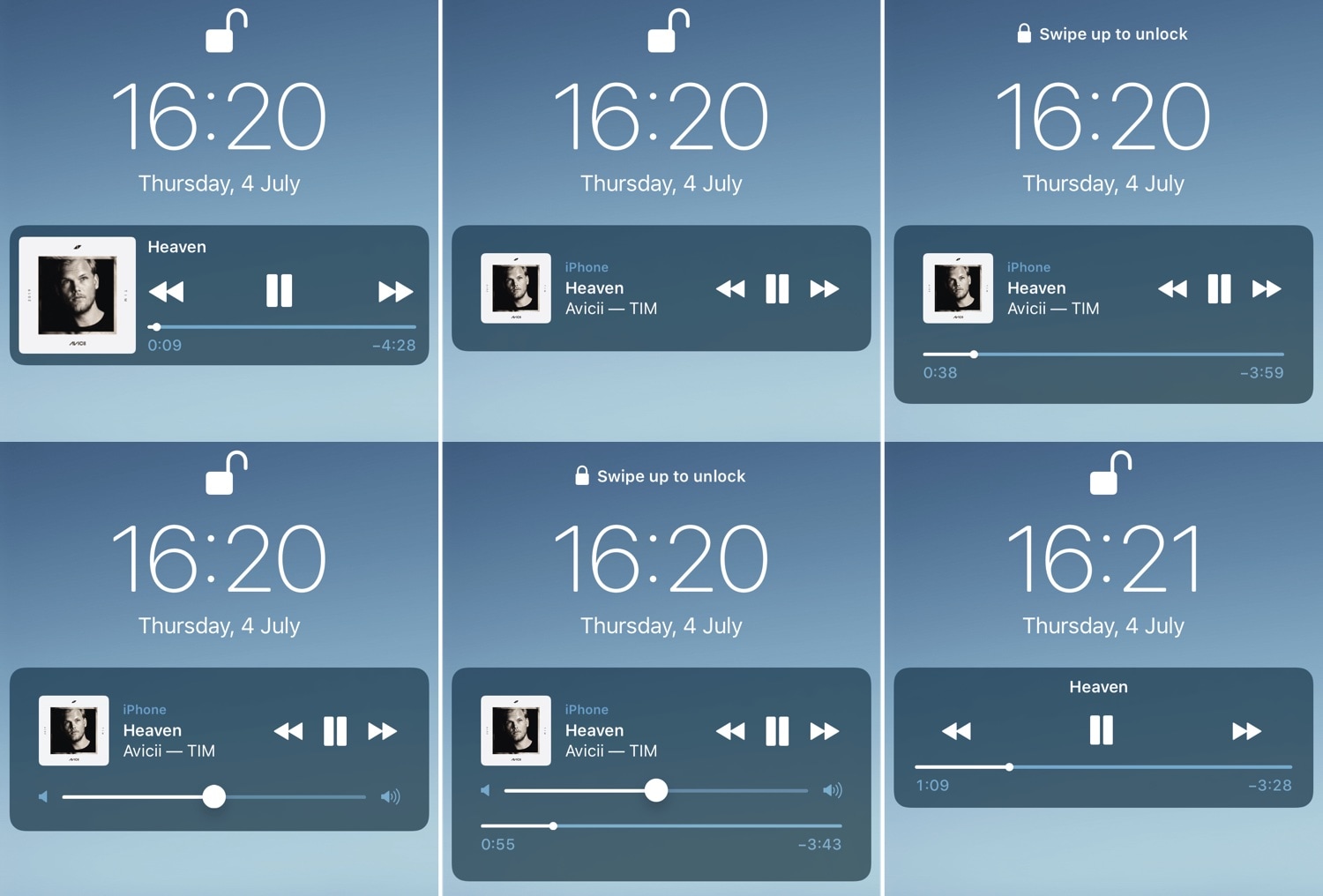
If you listen to music on your iOS device often, then you likely take advantage of the Lock screen’s Now Playing interface to manage music playback as you walk into the dynamics of different environments.
While the native Now Playing interface is adequate for most users, those who demand a more refined experience will do good to check out a newly-released jailbreak tweak dubbed BellePlayer by iOS developer Geometric Software.
iOS users have three different wallpaper options to choose from out of the box: still images, Live Photos, and dynamic wallpapers. Most opt for still images or Live Photos since Apple’s dynamic wallpaper selection feels somewhat limited out of the box; on the other hand, a new jailbreak tweak called Dynamic Apples by iOS developer JGeorge can help with this.
As shown screenshot example above, Dynamic Apples changes the appearance of Apple’s native dynamic wallpapers by replacing their circular sprites with Apple logos.
If you’re in search of a fresh and aesthetically-pleasing Lock screen experience on your iPhone or iPad, then you might take an interest in a newly-released and free jailbreak tweak called Speculum by iOS developer LacertosusDeus.
As shown in the screenshot examples above, Speculum augments the Lock screen experience with customizable new features, including custom text alignment, formatting, colorization, and even a helpful new weather display.