iOS

Electra Team releases Chimera v1.1.0 to fix Sileo app disappearance bug

Chimera Banner Image.

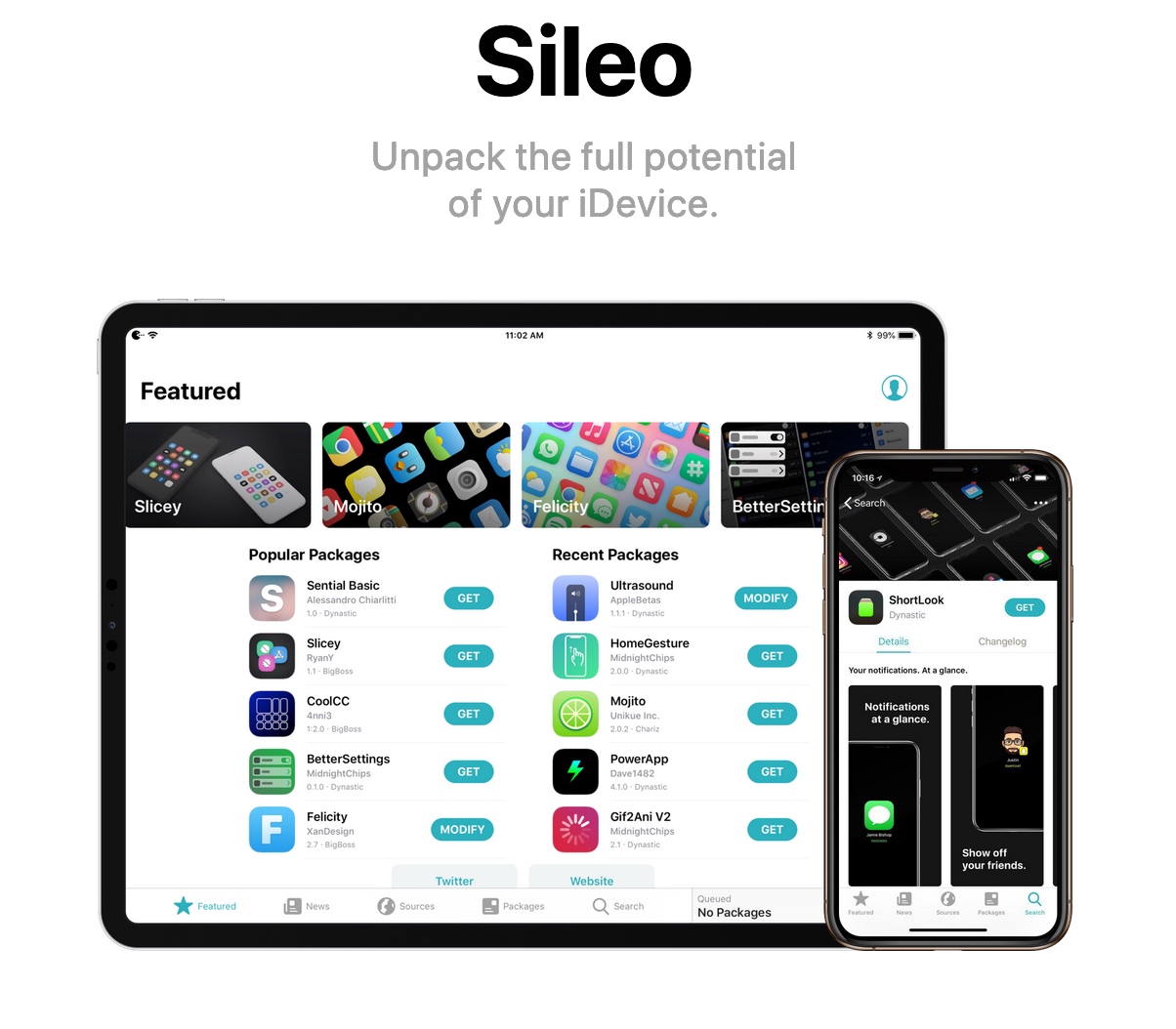
It wasn’t long after the Sileo Team released Sileo v1.1.5 with expanded Swift support that the Electra Team followed up with an updated iteration of the iOS 12-centric Chimera jailbreak tool.

The Electra Team announced the release of Chimera v1.1.0 just moments ago via Twitter, noting that the update would install Sileo v1.1.5 by default and resolve a particularly frustrating bug in which the Sileo app would disappear from the Home screen after jailbreaking:

Sileo v.1.1.5 released with rewritten native depictions and Featured tab based on Swift

The Sileo Team released another update for the Sileo package manager over the weekend, continuing the team’s ongoing efforts to migrate the app’s backbone from Objective-C to Apple’s Swift programming language.

The update was announced late Sunday evening, and as it would seem, Sileo v 1.1.5 brings Swift support to native package depictions and to the app’s integrated Featured tab:

Sileo updated to v1.1.4 with more Swift support, fixes for app crashes

The Sileo Team has been somewhat busy this past week, cranking out regular updates for the Sileo package manager, which handles add-on and extension installations by default on jailbreaks created by the Electra Team, including Chimera and Electra.

As it would seem, this weekend is no different. The Sileo Team announced the release of Sileo version 1.1.4 early Saturday morning via Twitter:

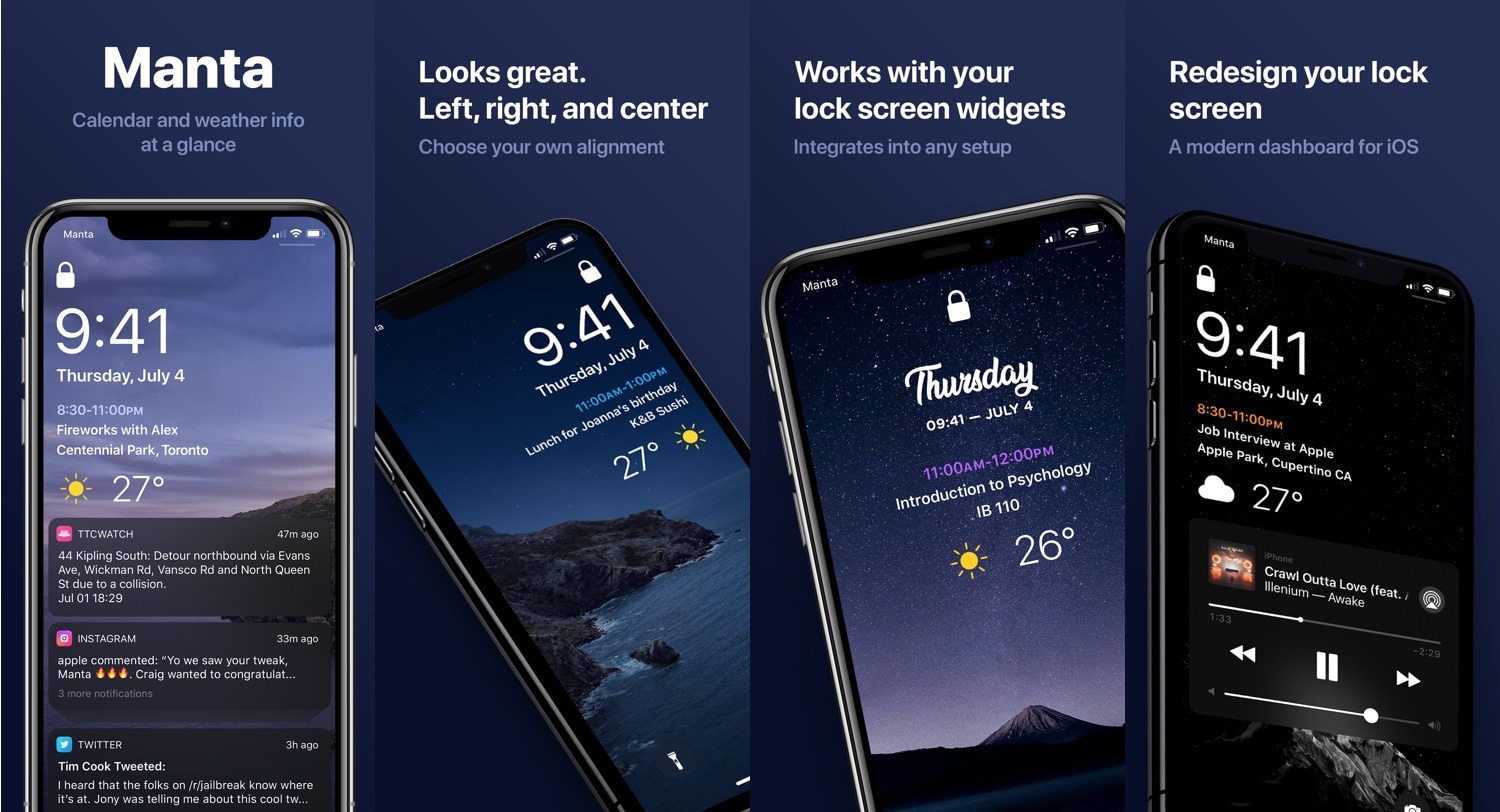
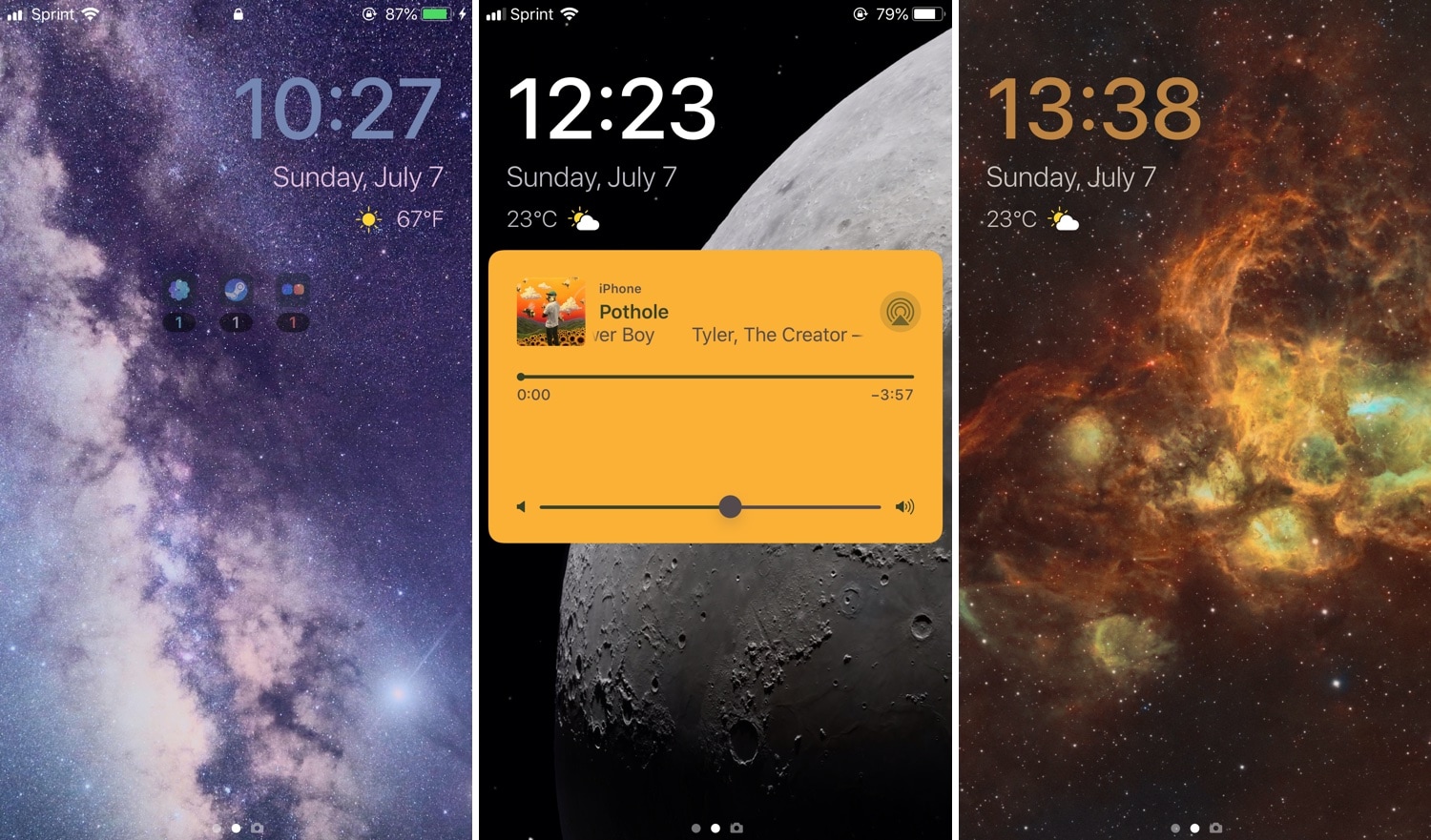
Manta: An uncompromising unified Lock screen experience for jailbroken iPhones

One thing I’ve long wanted from iOS, but still don’t have to this very day, is a fully-integrated Lock screen experience, complete with notifications, weather information, and widgets in addition to the expected date and time indicator.

While the Today page is a compromising feature on Apple’s behalf, it still doesn’t provide that unified experience I’ve wanted for so long. Fortunately, a newly-released jailbreak tweak called Manta by iOS developer Ben Giannis addresses my complaints with the stock iOS Lock screen, and it does so in an incredibly pleasant manner.

Luminous adds a customizable underglow to your Home screen’s app icons

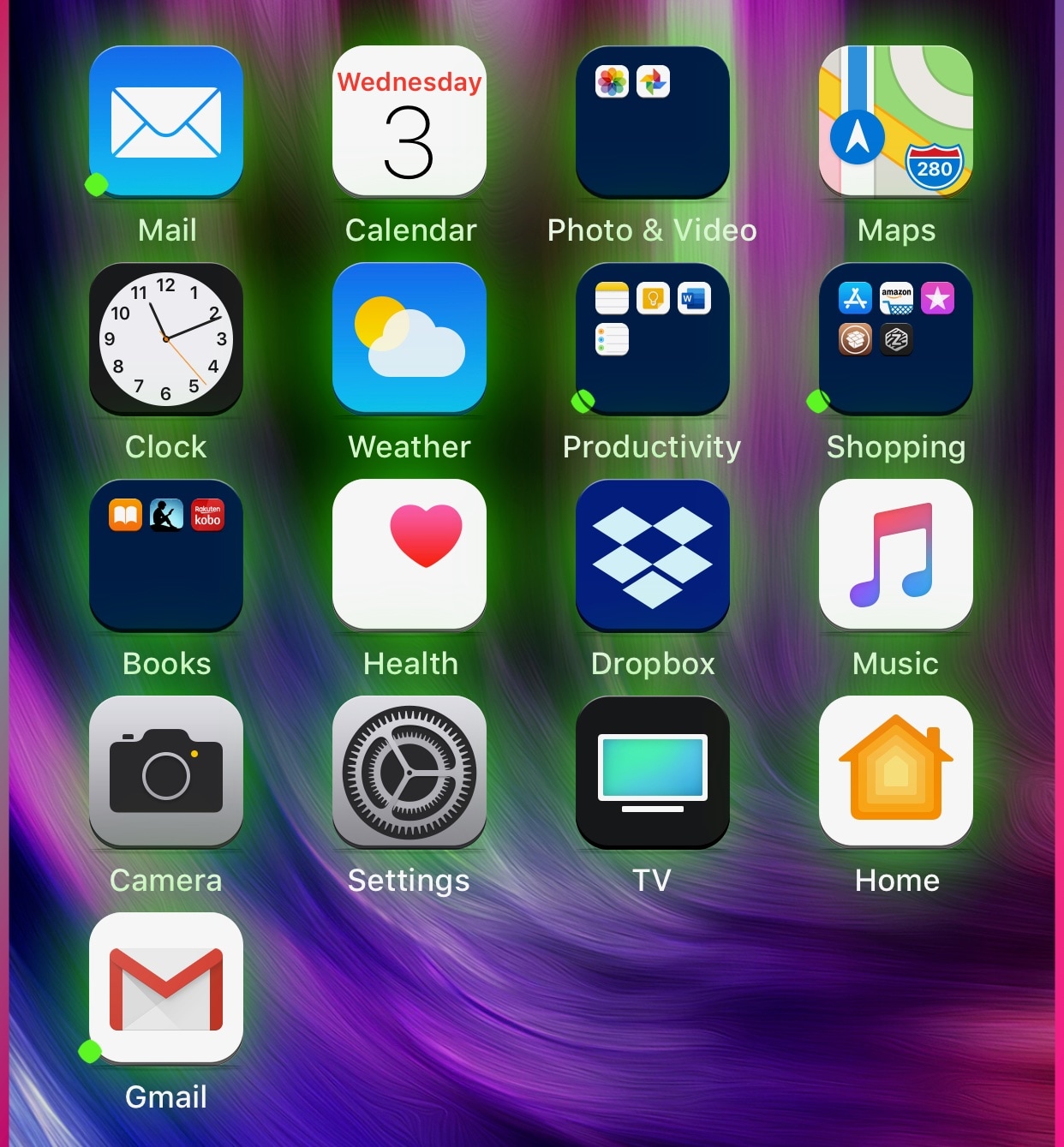
If you’re in the market to add a bit of quirkiness to your iOS device’s Home screen, then you might want to look into a new jailbreak tweak called Luminous by iOS developer Sirius24.

As you’ll notice in the screenshot examples above, Luminous gives every one of your Home screen’s app icons a colored underglow. But perhaps more importantly, the tweak is fully-configurable, allowing just about anyone to achieve the look and feel that they’re aiming for.

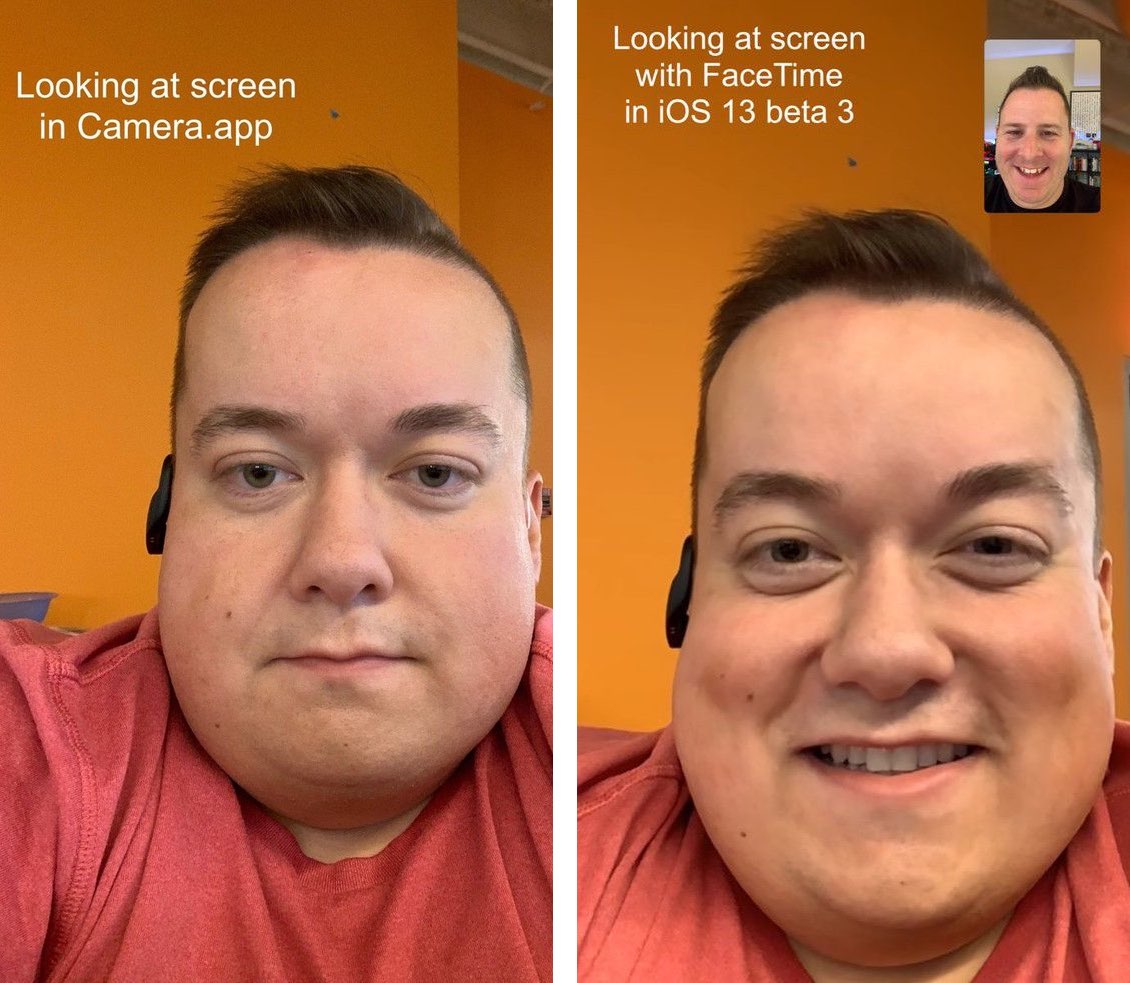
The top 20 hidden features in iOS 13

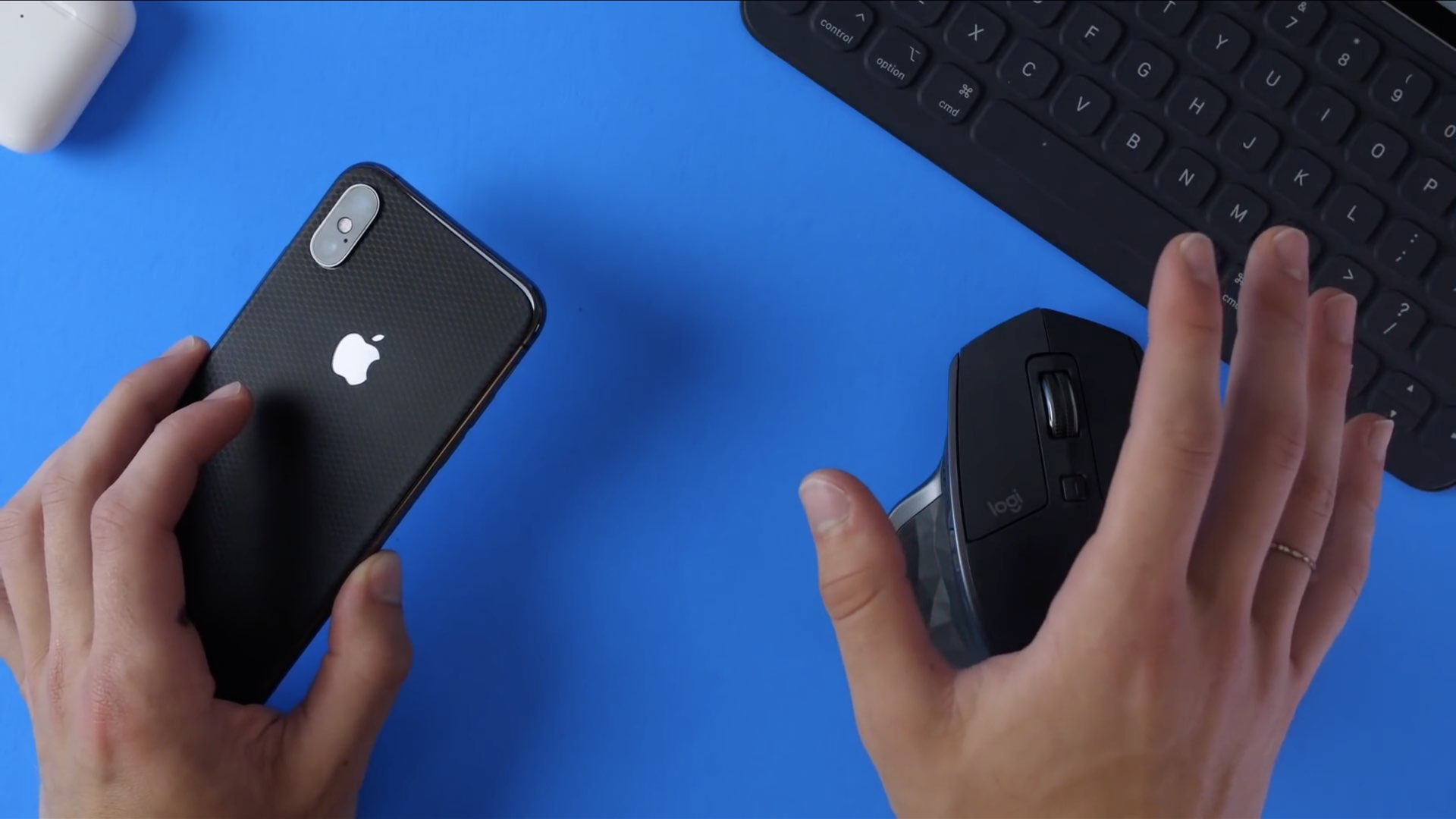
With the iOS 13 beta now available to both developers and public beta testers, we thought it prudent to put a spotlight on some of the smaller yet essential improvements that Apple didn't talk about at WWDC 2019 but we think deserve a quick mention, from auto-naming your scans to iPhone mouse support to Family Sharing in Personal Hotspot and beyond.

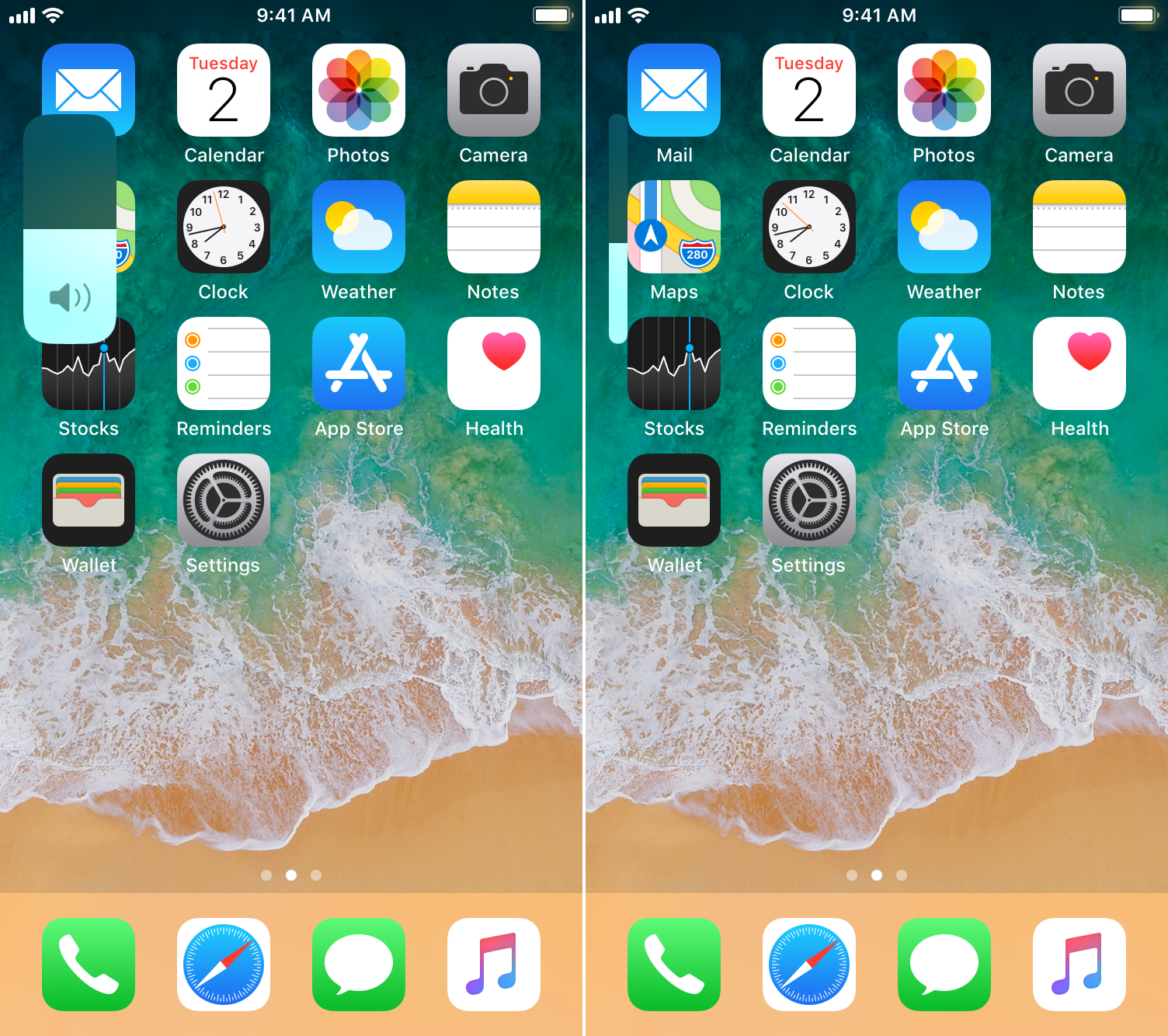
This tweak brings the iOS 13 volume HUD to jailbroken devices

A native dark mode experience is one of the most sought-after features that Apple will include in its upcoming iOS 13 and iPadOS software updates poised to release this Fall, but in addition to that, we’re also particularly fond of the long-overdue volume HUD upgrade that will also come standard with these updates.

If you’re jailbroken and unable to update to iOS 13 or iPadOS when these software updates launch later this year, then you might want to try a newly-released and free jailbreak tweak called 13HUD by iOS developer Muirey03. With it, you can experience the iOS 13-style volume HUD on pwned iOS 11 and 12 devices.