One of the new features Apple introduced into Apple Maps with iOS 13 is "Look Around", and now it's available in one new city in the United States.
‘Look Around’ feature in Apple Maps is now available in Phoenix, Arizona
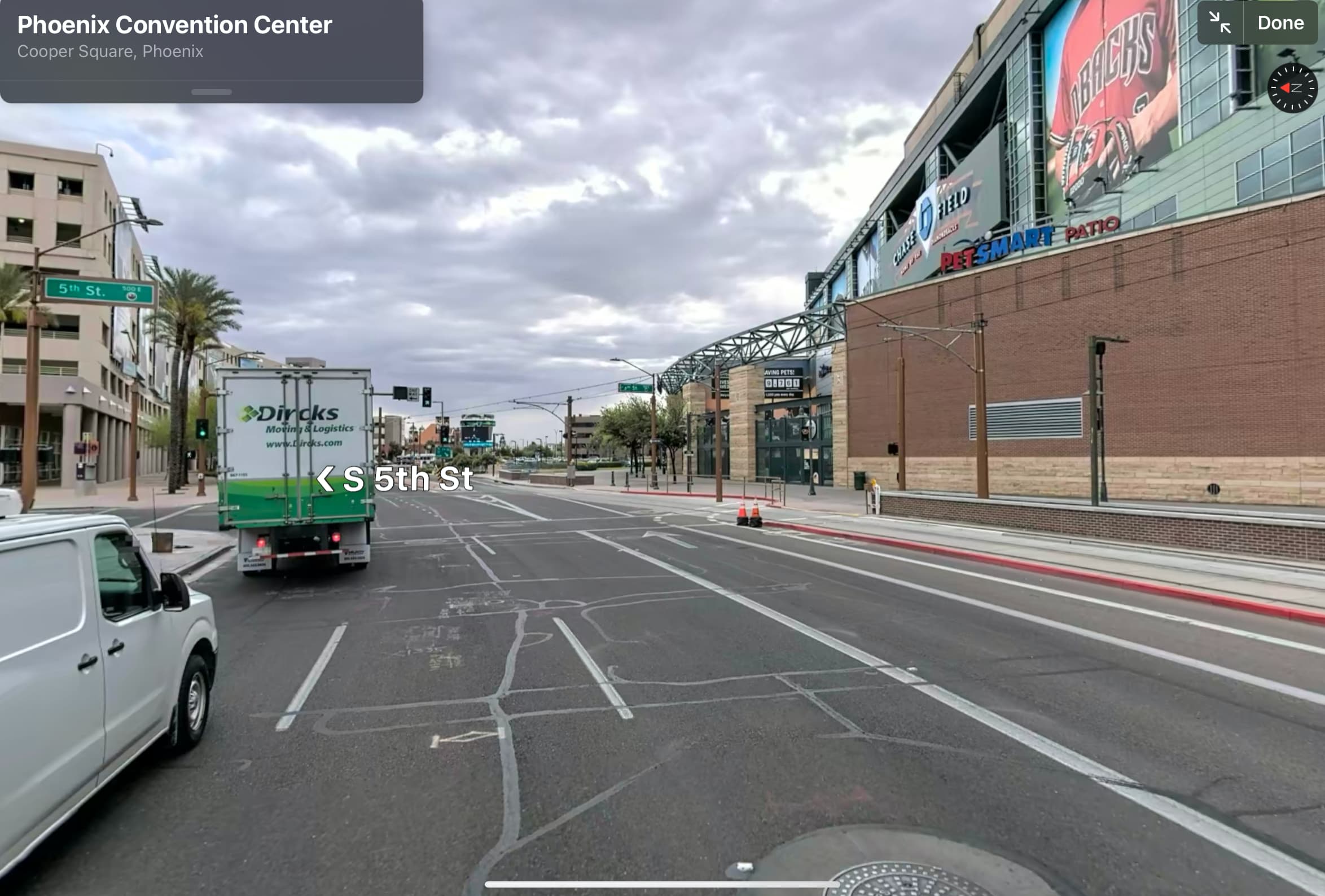
One of the new features Apple introduced into Apple Maps with iOS 13 is "Look Around", and now it's available in one new city in the United States.

Anyone who uses a side-loadable jailbreak like Odyssey or unc0ver should be keenly familiar with AltStore, as it quickly overtook Cydia Impactor as the most popular way to install these jailbreak apps on compatible devices after the latter stopped working for a substantial number of users. Like Cydia Impactor, however, AltStore had one major caveat: it required a Mac or Windows PC.
AltStore lead developer Riley Testut sought to change this about the platform’s user experience, and so a beta package for jailbroken devices dubbed AltDaemon was conceived back in June. AltDaemon’s purpose is to make AltStore a computer-independent experience, effectively permitting users to install, refresh, and update side-loaded apps without a computer. As of Tuesday, however, AltDaemon nowis out of beta and available to the general public.
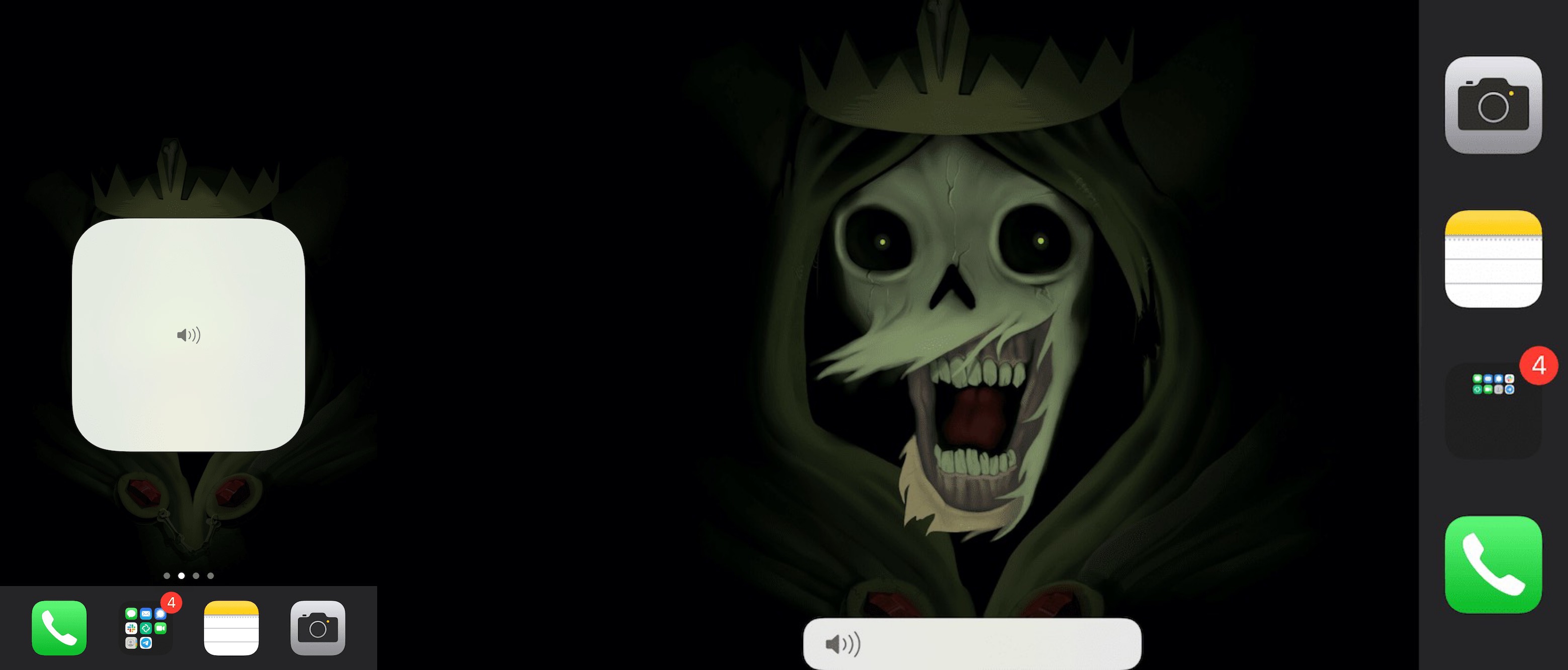
As you interact with the volume buttons on your iPhone or iPad, a subtle yet functional volume HUD appears on the screen for a brief moment to advise you what your current volume level is. Users can also make fine adjustments to their handset’s volume level by performing tap and drag gestures on the volume HUD interface itself.
But let’s say you wanted a different volume HUD shape or X/Y positioning on the screen — this is something Apple doesn’t offer as a native feature on the iPhone or iPad out of the box. Fortunately, a newly released and free jailbreak tweak dubbed Volume Controller by iOS developer Tomasz Poliszuk can help with that.

With a new mobile operating system upon us and a recently teased iOS 14-centric security vulnerability, the wait has started to see if and when a new jailbreak tool will be made and released to liberate Apple’s device users from the company’s so-called ‘walled garden.’ That aside, those who are already jailbroken are surely wondering about the best ways to take advantage of their pwned handset, and that’s what this piece will be all about.
In this roundup, we’ll showcase all the latest jailbreak tweaks to be released from Monday, September 28th to Sunday, October 4th. As always, we’ll kick things off by showcasing our favorite tweaks first and then move on to an outline of all the rest afterward.
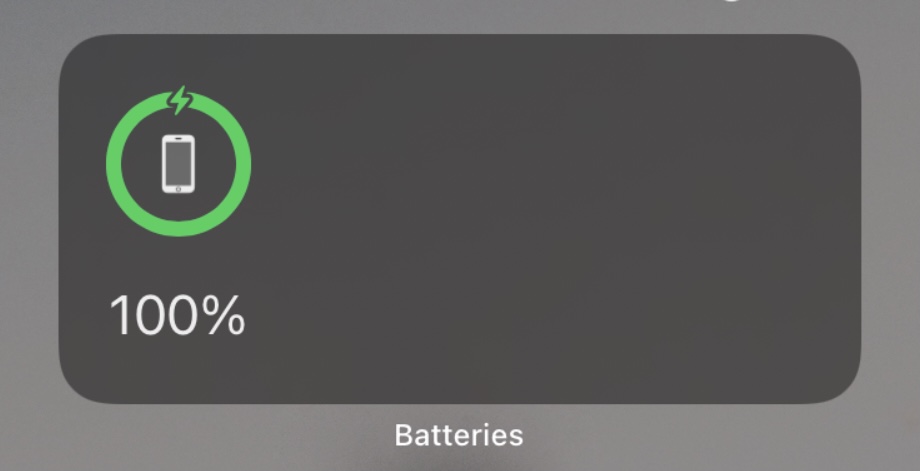
One of the most substantial changes Apple implemented in the new iOS and iPadOS 14 software updates a couple of weeks ago involves widget functionality. Once confined to the Today page, widgets can now be integrated directly into the Home Screen user experience; furthermore, those same widgets have become more advanced and interactive than they were in previous versions of iOS and iPadOS, but they’re still far from perfect.
If you’re fortunate enough to have a jailbroken iOS or iPadOS 14 device at your disposal (currently only possible with the checkra1n jailbreak and an A9 or A9X handset at the time of this writing), then you may now take advantage of a newly released and free jailbreak tweak dubbed Centauri by iOS developer MTAC to unlock new features specifically designed for iOS and iPadOS 14’s native Batteries widget.
All-in-one jailbreak tweaks have become a dime-a-dozen these days as jailbreak tweak developers begin to realize just how much jailbreakers prefer using one tweak that can do everything over using a plethora of smaller tweaks to achieve the same means.
The latest all-in-one jailbreak tweak to hit the shelves is a new and free release called Dove by iOS developer fahlnbg, and it covers a wide variety of iOS elements, including but not limited to the App Switcher, the Home Screen, the Lock Screen, Control Center, and notifications, among other things.
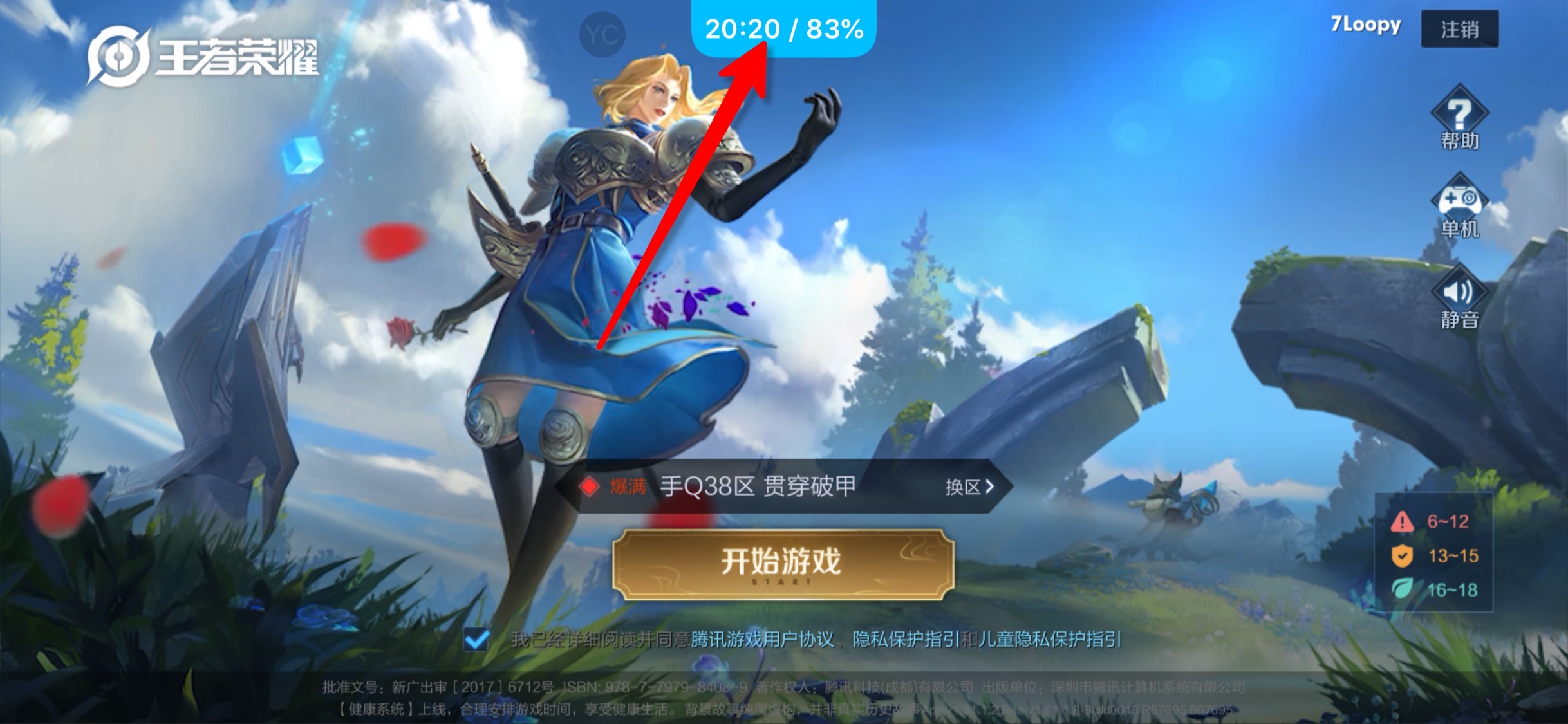
Gamers and full-screen app users alike share the likelihood of benefiting from the likes of a newly released and free jailbreak tweak dubbed PerfectGrabber by iOS developer Netskao.
PerfectGrabber makes it easier to determine the time and your current battery level by incorporating them directly into the Notification Center grabber that traditionally appears when you pull down from the top of the display in a full-screen app, including but not limited to games.
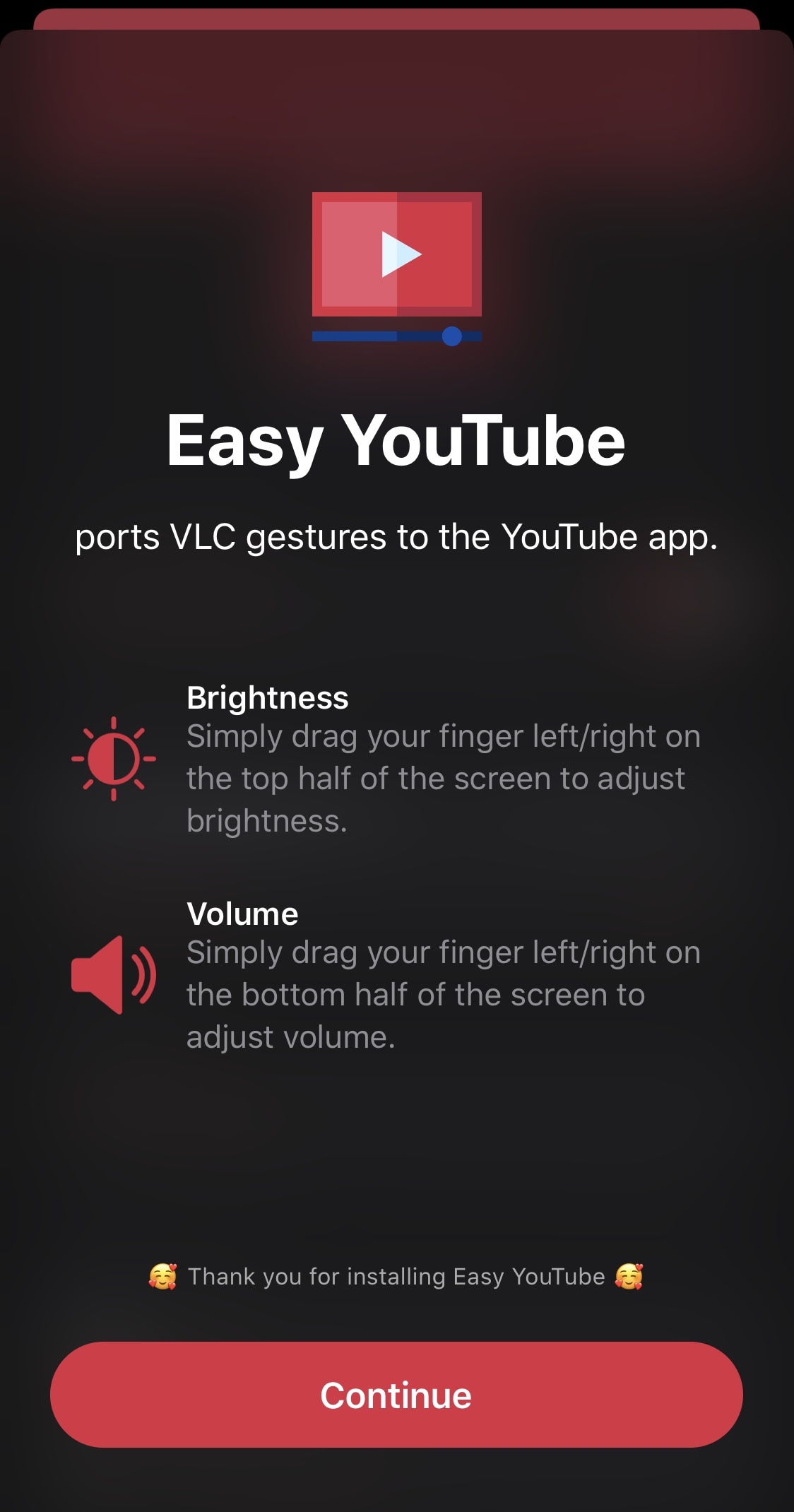
Not only is YouTube one of the most popular ways that iPhone and iPad users enjoy video consumption on the go, but the YouTube app also happens to be one of the top-downloaded apps from the App Store overall. Despite its popularity, however, the YouTube app certainly fosters wiggle room for improvement, and the jailbreak community has taken notice of this fact.
Meet Easy YouTube, a newly released and free jailbreak tweak by iOS developer miro92 that brings two of the VLC media player’s most popular in-frame gestures for adjusting the display brightness and volume levels to the official YouTube app.

Some people are more battery conscious than others, but some folks truly don’t mind letting their battery level get so low that it lurks in the danger zone — a state of inevitable automatic shutdown.
If you align with the latter camp and you’re using a jailbroken device, then this may pose problems for tweak reliability and usability because modern jailbreaks tend to be semi-tethered or semi-untethered. With that in mind, a newly released and free jailbreak tweak called Puck by iOS developer Litten may be a handy addition to handsets that see deeper battery drain than others on a regular basis.
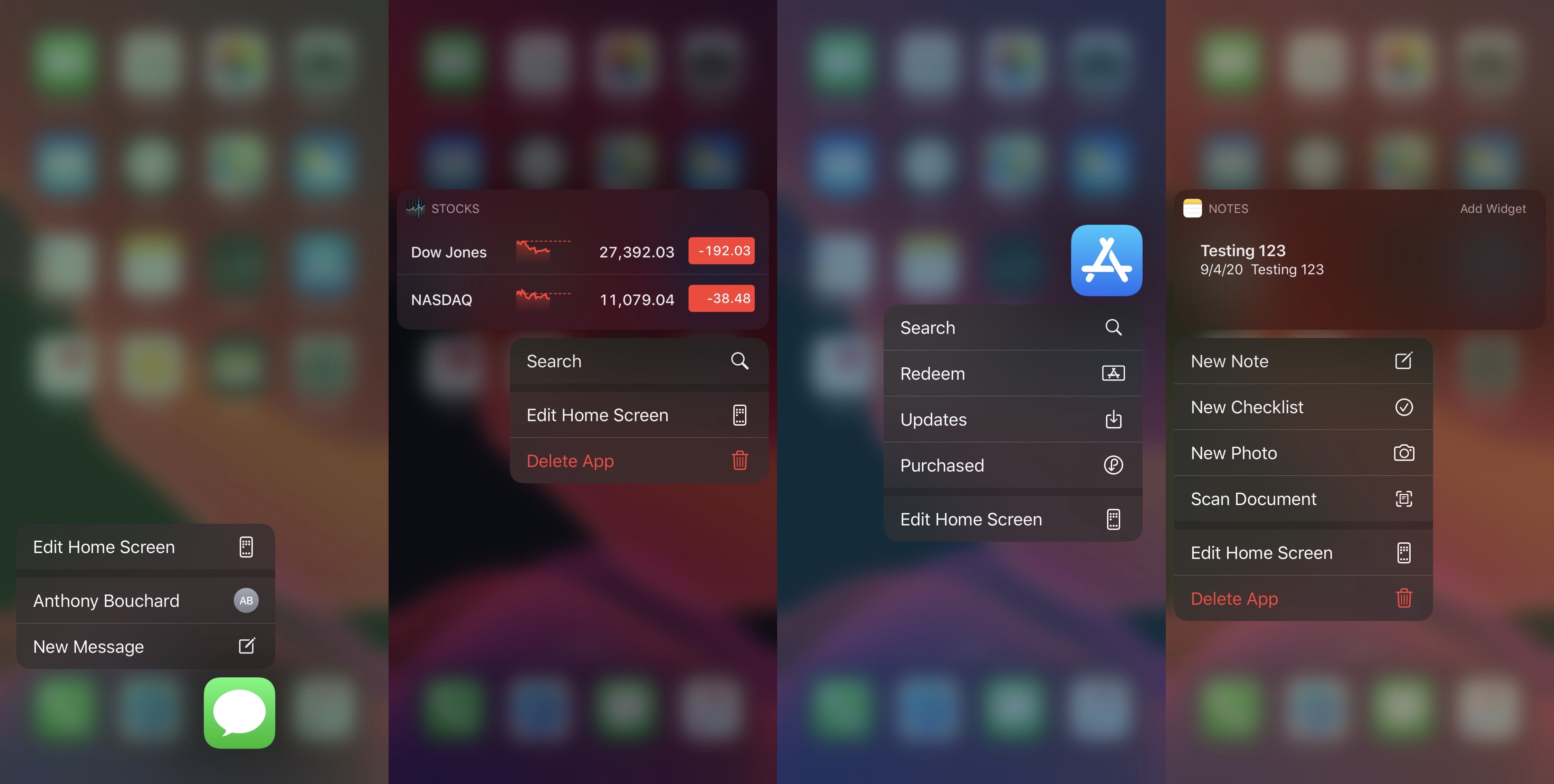
Having the ability to customize iOS or iPadOS’ native aesthetics is one of the top reasons to jailbreak your iPhone or iPad. That said, if you have a pwned handset at your disposal and you enjoy making it stand out from the crowd, then we think you may come to love a newly released and free jailbreak tweak called Koi by iOS developers Litten and woodfairy.
Koi is an incredibly simple tweak that offers its users an aesthetically pleasing color upgrade for the Home Screen’s 3D Touch or Haptic Touch menus, but unlike other tweaks released in the past, Koi colorize the background blur rather than the menu interface itself.
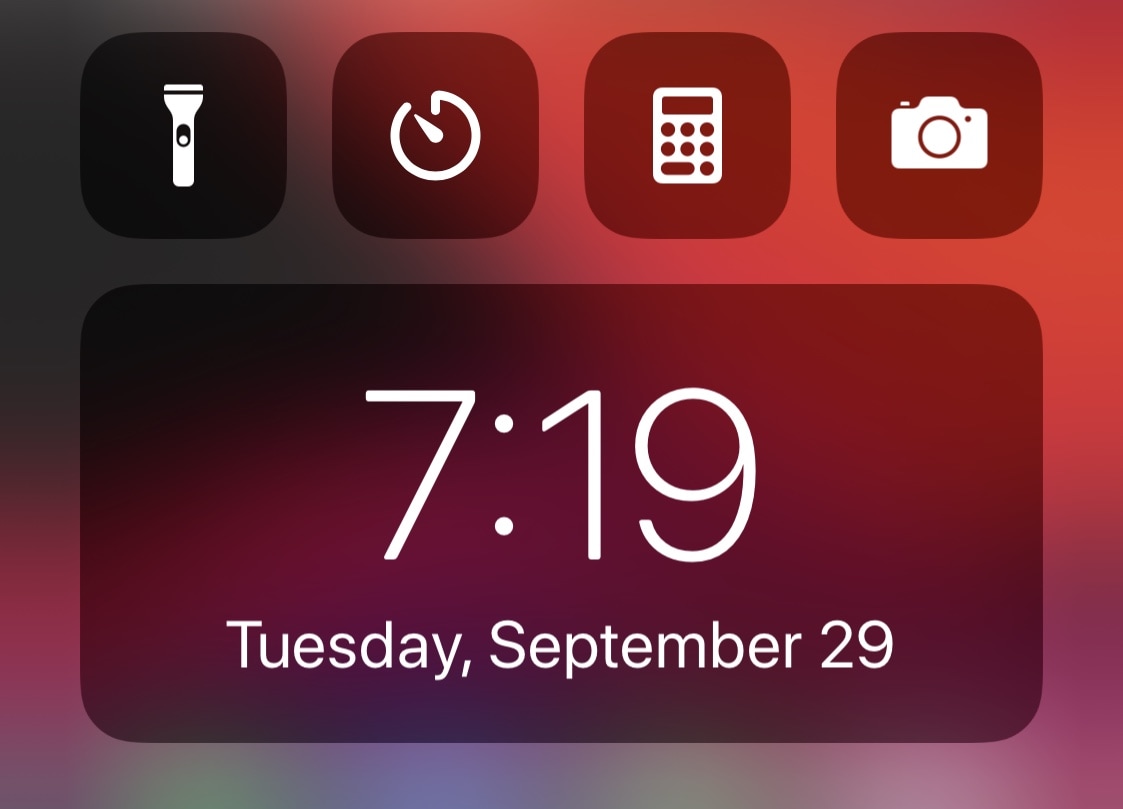
The Status Bar plays host to a digital clock almost all of the time, except of course when you launch Control Center. Once you do, the clock disappears from the Status Bar and is replaced by the cellular and Wi-Fi connection indicators and your carrier’s name instead.
Few people would refer to this as a problem, but it’s an annoyance for some who wish that the time would merely remain in the Status Bar even after Control Center is launched. Fortunately, a new and free jailbreak tweak called CClock by iOS developer Obumbravit offers a useful workaround.
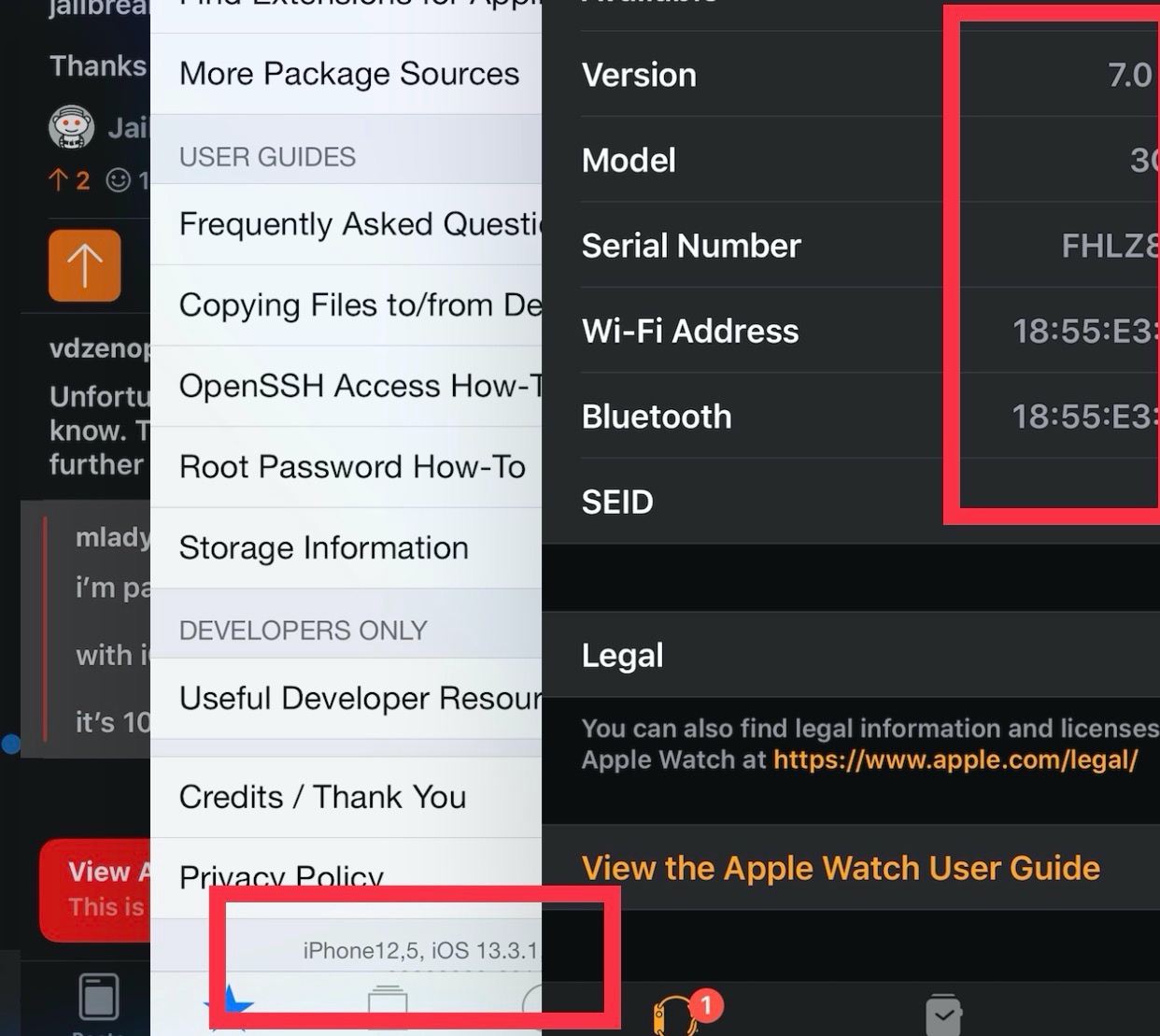
Jailbreakers are often the few prideful few who refuse to update their iPhone’s firmware for the sake of enjoying the plethora of benefits that a pwned device brings to the table. Unfortunately for jailbreakers who use Apple Watches, this means keeping their favorite wearable on a lower firmware too; but that may not be the case anymore.
Enter Legizmo, a new development that was created to allow jailbreakers to update their Apple Watch firmware without upgrading the firmware of their jailbroken iPhone. For example, someone with a jailbroken iOS 13 iPhone should now be able to install and use watchOS 7 without a hitch, something that Apple normally blocks via the Watch app until the iPhone gets updated first.