In this brief tutorial, we show you two easy ways to move files from iCloud Drive to other Mac folders without a confirmation popup warning blocking the process.
How to move iCloud Drive files on Mac without warning

In this brief tutorial, we show you two easy ways to move files from iCloud Drive to other Mac folders without a confirmation popup warning blocking the process.

Learn about several ways macOS can automatically offload large files to iCloud Drive in order to free up local storage space on your Mac’s drive.

Learn how to access, download, add, and remove files and folders saved to Apple iCloud Drive on your Windows computer.

Learn how to stop the iOS Files app on your iPhone or iPad and Finder on Mac from automatically removing the offline version of iCloud Drive files and folders so you can access them at all times without an Internet connection.

Learn how to prevent Pages, Numbers, and Keynote from automatically saving files to iCloud Drive with these easy steps.

You can disable iCloud Drive on iOS 17 without losing iCloud syncing features in third-party apps that use Apple’s CloudKit framework.
Check out three easy ways to access all your images, audio, video, PDF, documents, and other files that are stored in your iCloud Drive account.
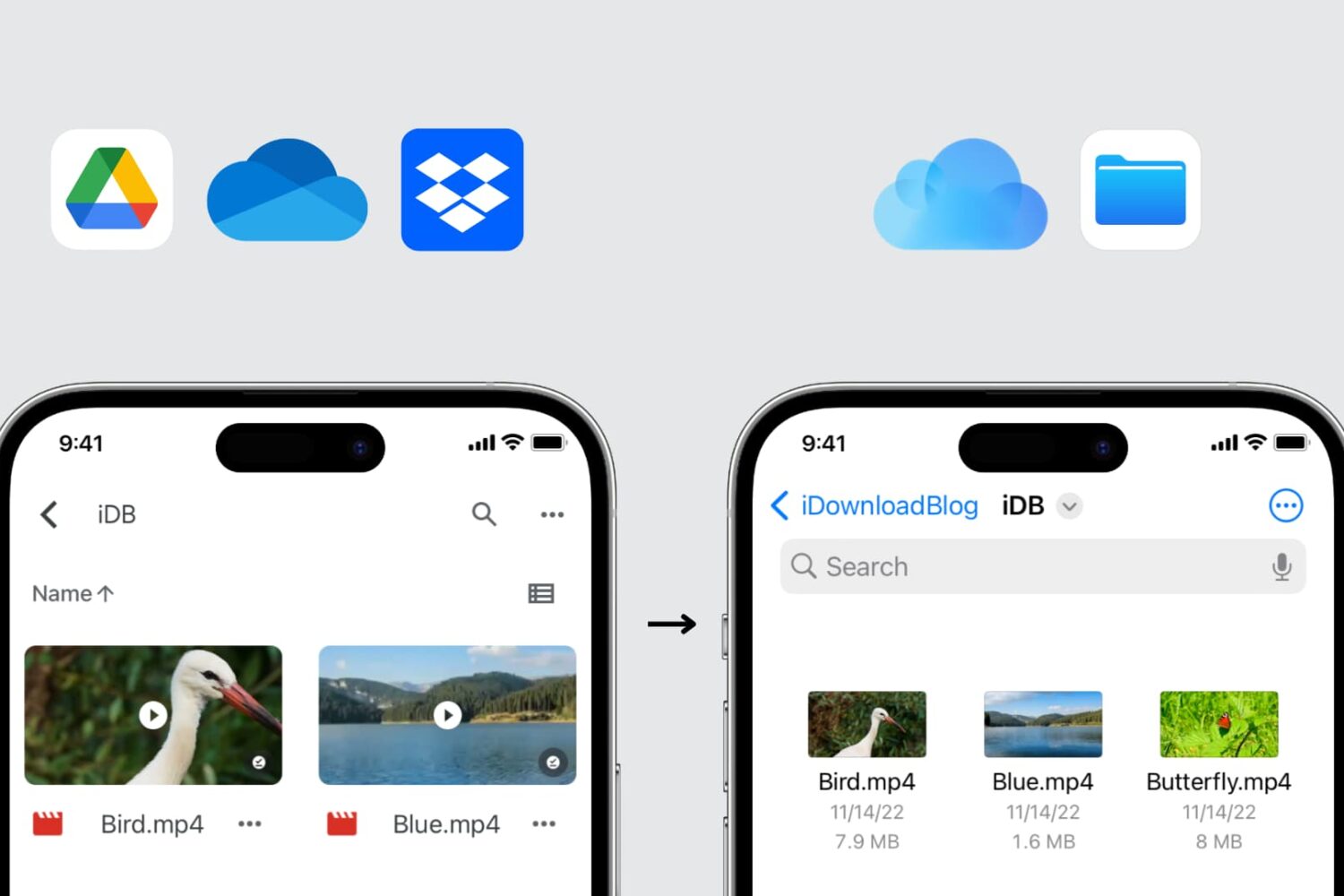
In this guide, we explore three easy ways to transfer files from Google Drive, Dropbox, and Microsoft OneDrive to iCloud Drive using your iPhone, iPad, Mac, or Windows PC.
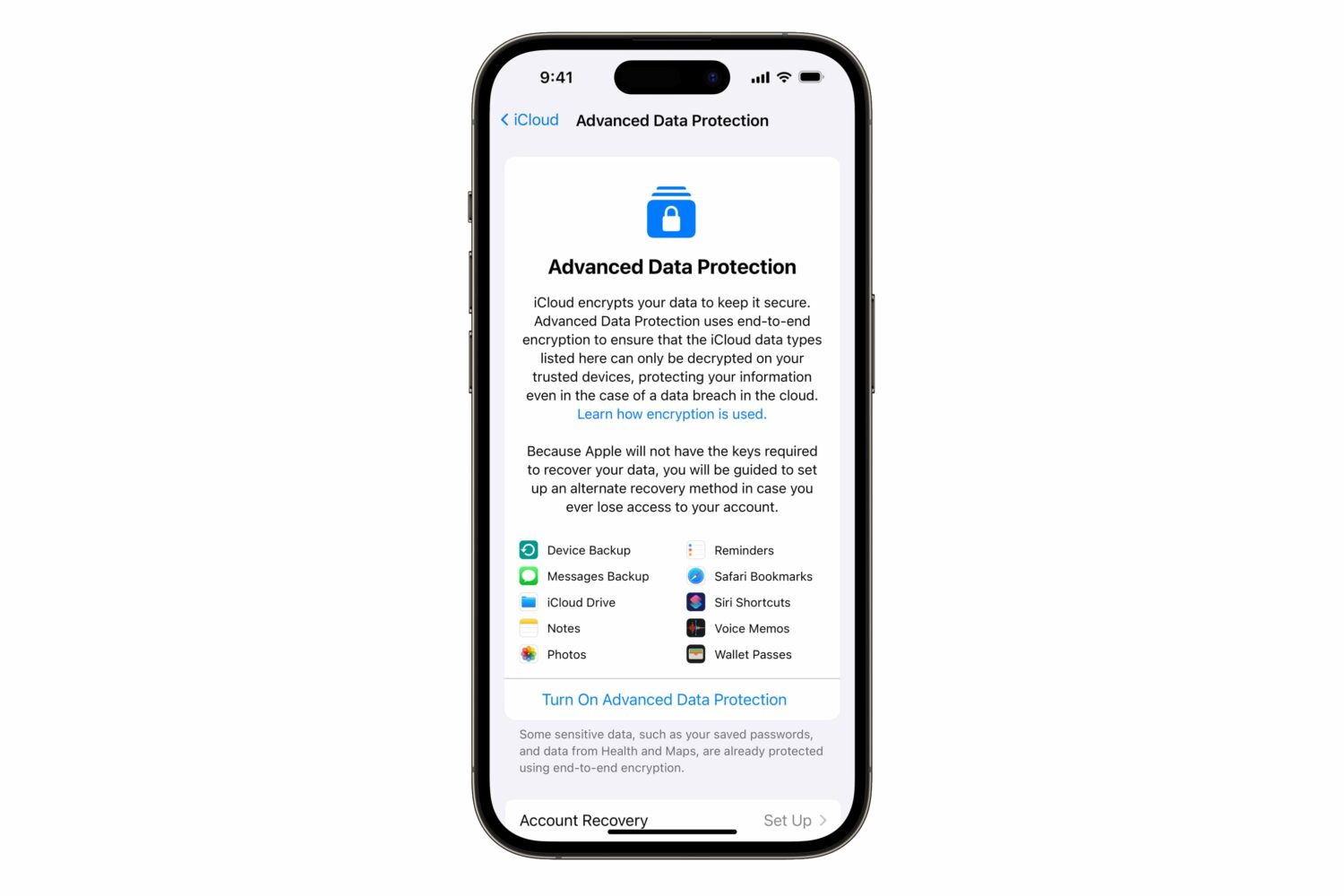
iOS 16.3 has added a two-factor authentication requirement for iCloud Backup and iCloud Drive to make your device backups and files in the cloud more secure.
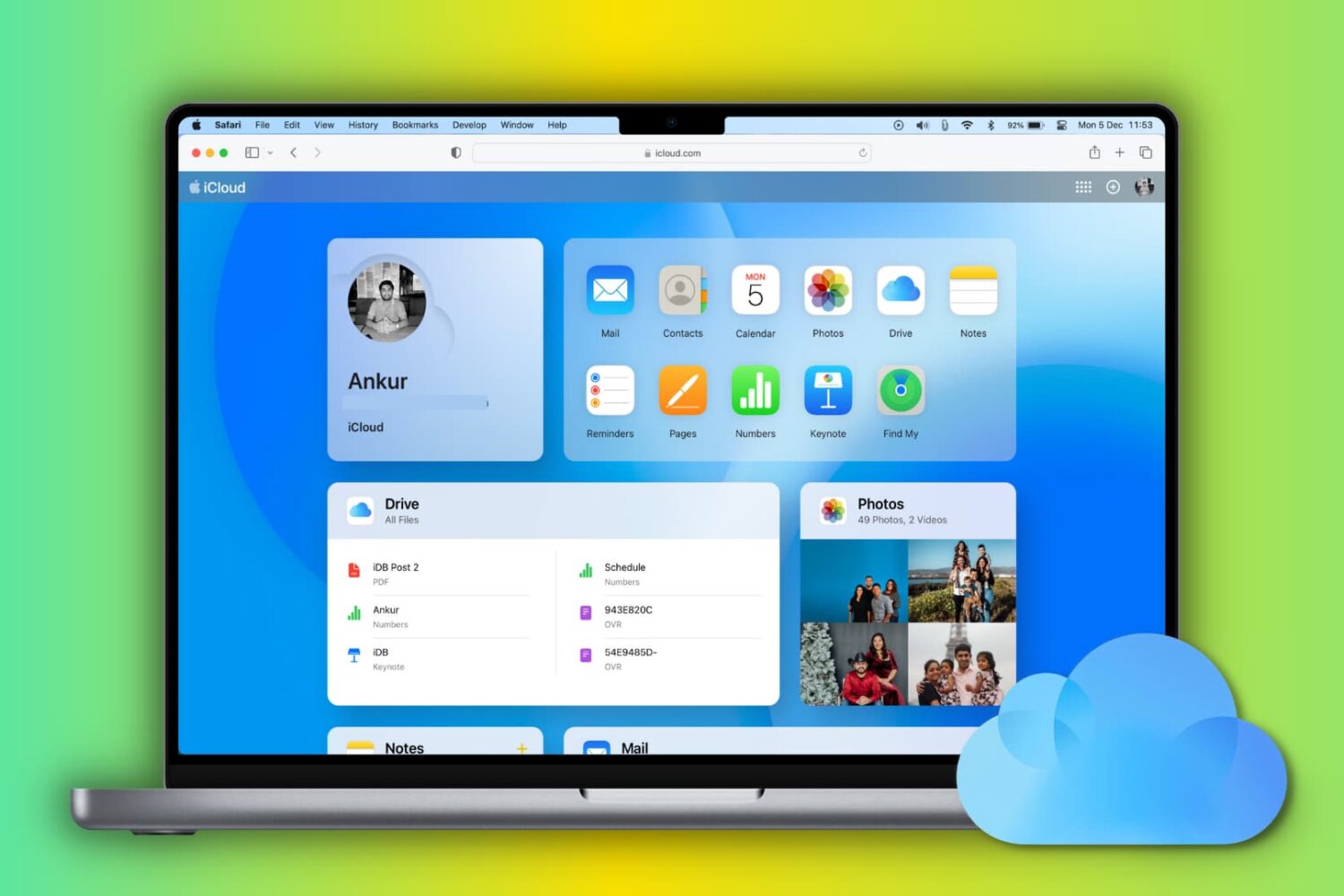
Learn how to set up and use iCloud and iCloud Drive on your Mac to store and sync data across your various Apple devices.

Apple has discontinued its iCloud Documents and Data service. Don't worry, your cloud files are still there but may take a few clicks to view and access.

Every once in a while, Apple's cloud services, and the features/apps attached to them, run into a bit of an issue. Typically speaking, Apple isn't quick to go out of its way to detail what those issues might be. But, the company's official system status page can let us all know when a problem crops up.