Learn how to use text-to-speech on your Apple Watch so it will read aloud whatever you type during in-person conversations or phone calls.
How to use type to speak on Apple Watch
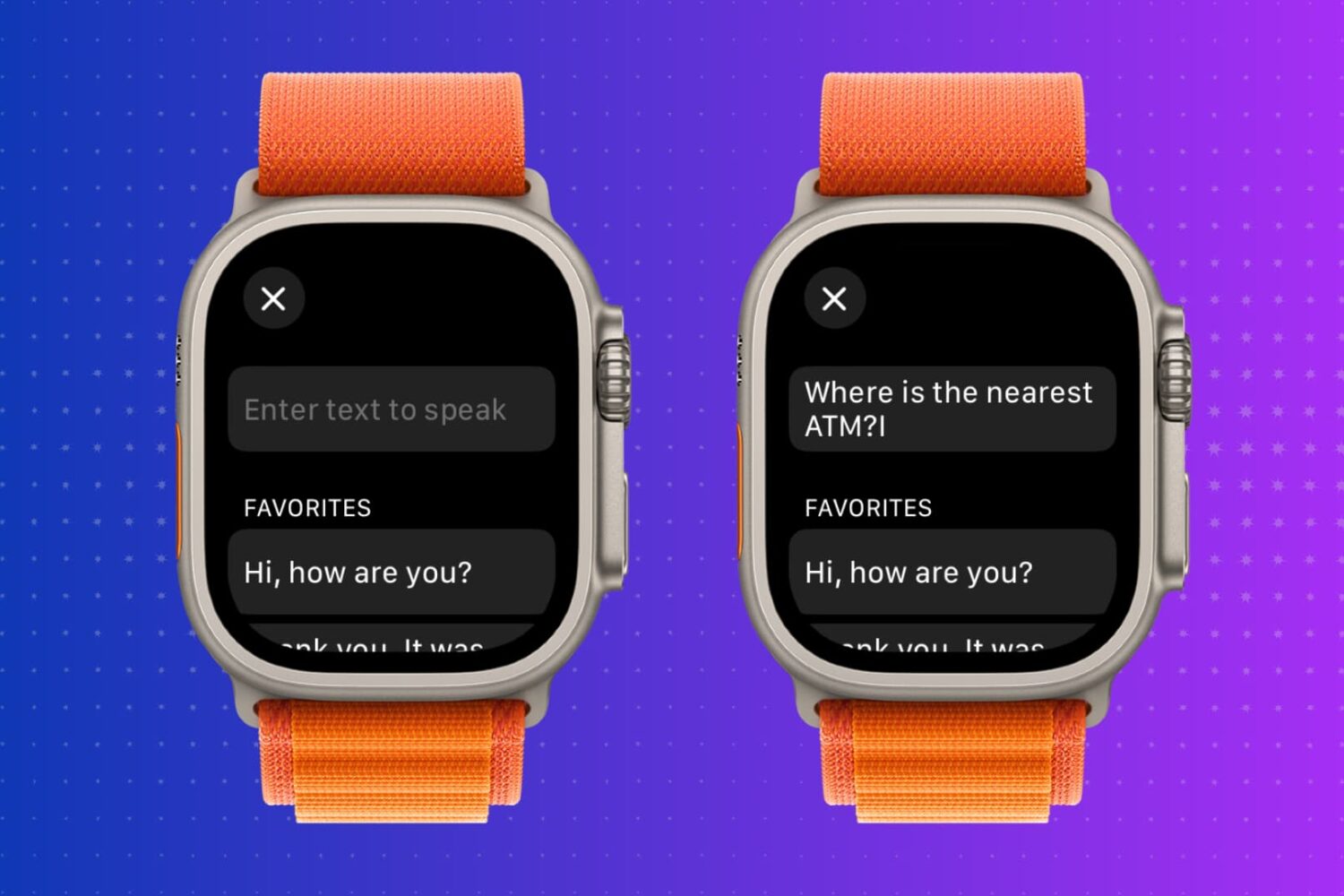
Learn how to use text-to-speech on your Apple Watch so it will read aloud whatever you type during in-person conversations or phone calls.
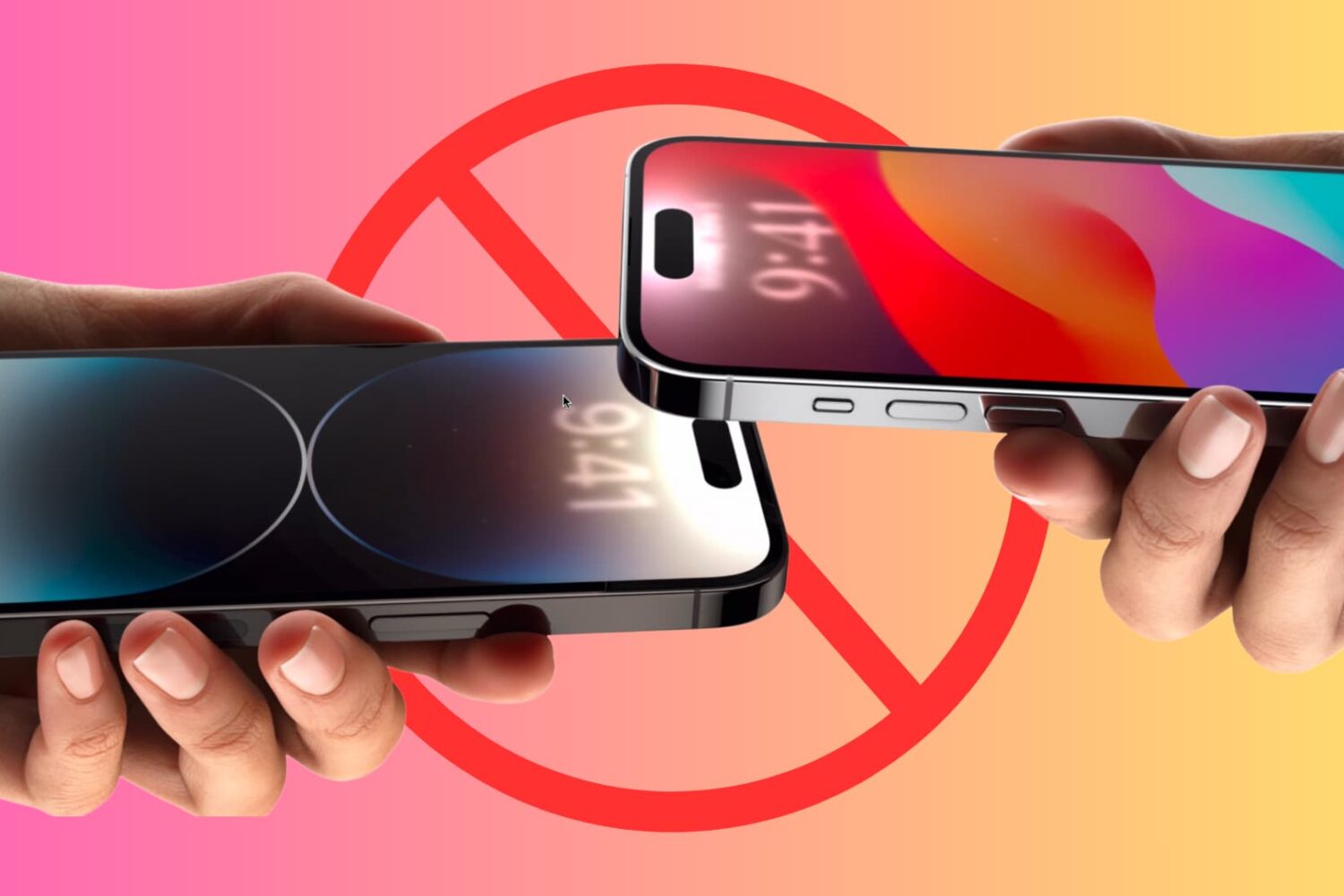
Learn how to prevent your iPhone from sharing data when you bring it near another iPhone.
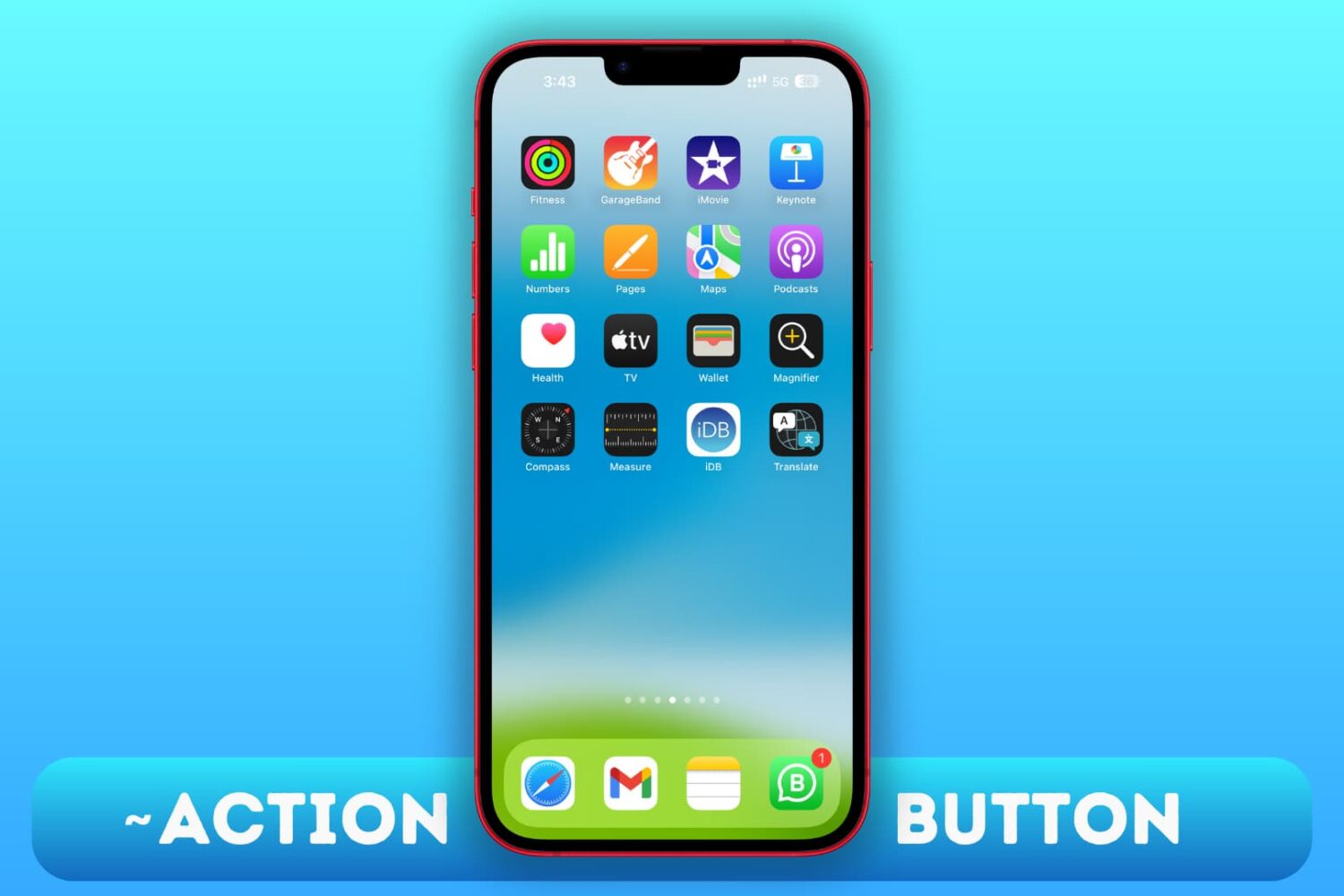
Use these workarounds to replicate the features of the Action button on the iPhone 15, 15 Plus, and older iPhone models.
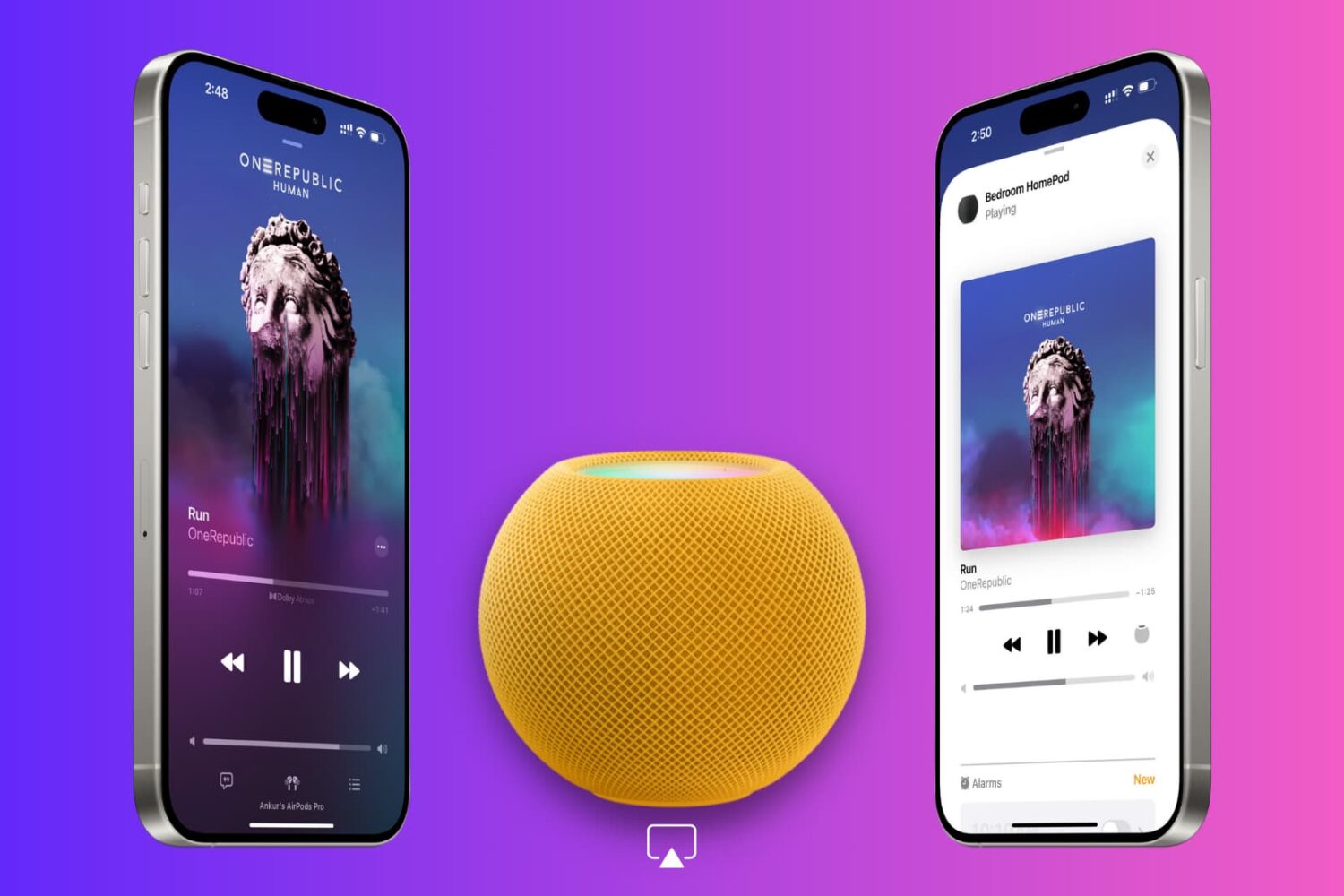
In this tutorial, we’ll explain why your iPhone displays a full-screen Now Playing popup when it’s near your HomePod and how to disable it if it disrupts your ongoing music playback.

Learn how to share your AirTags or third-party Find My Network accessories with family and friends so they can track the item’s location on their iPhone, iPad, and Mac without receiving unwanted tracking alerts.

Learn how to turn off hand gestures that trigger augmented reality reactions in FaceTime and other compatible video calling apps on your iPhone, iPad, and Mac.

Learn how to use the Presenter Overlay feature to show your face during screen sharing to participants on Mac video calls like FaceTime, Zoom, and others.
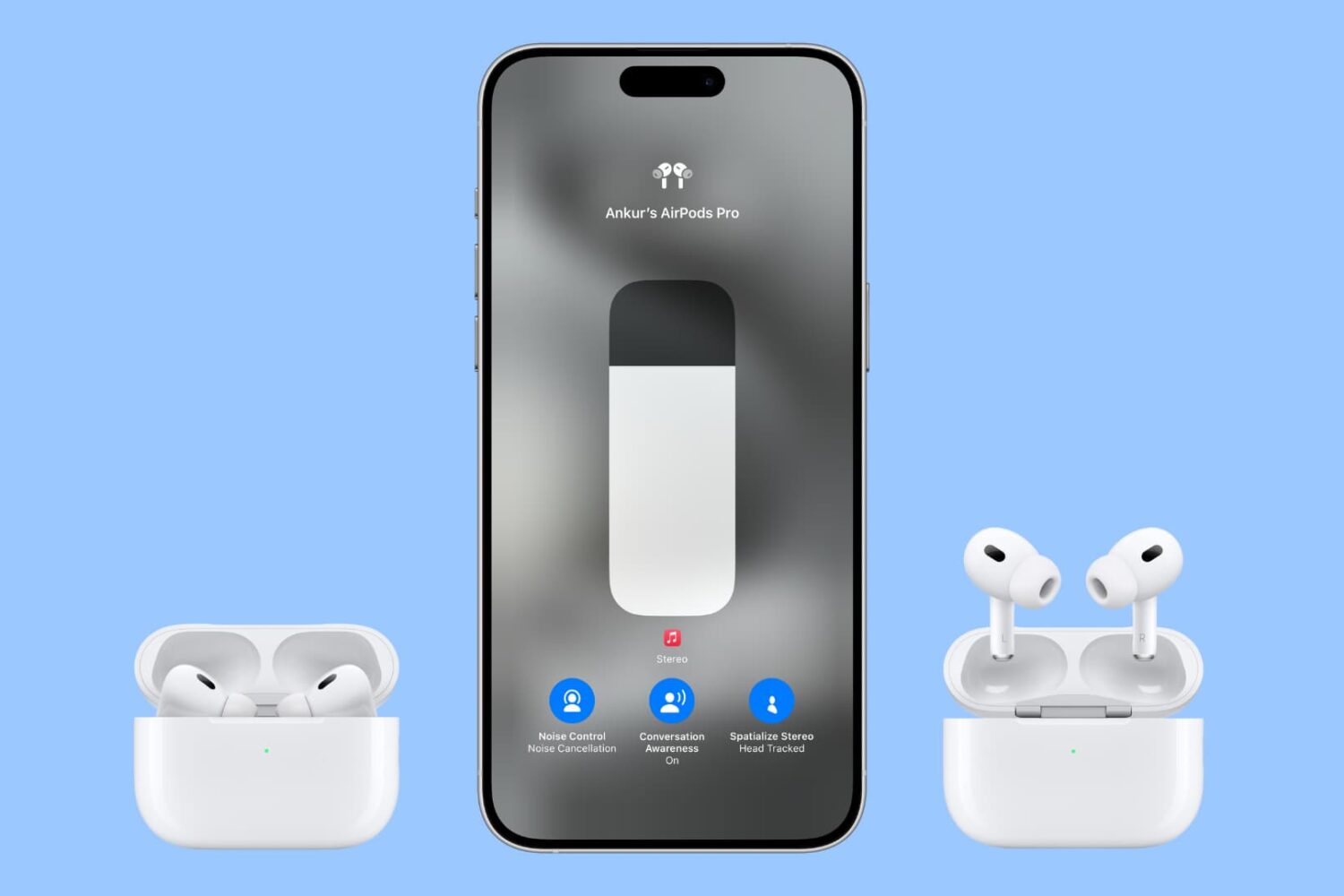
Follow these AirPods Pro tips and tricks to ensure good seal and adjust essential settings like noise control, spatial audio, location tracking, hands-free Siri and more.

macOS 14 Sonoma has added several new useful features to the Mac, and in this guide, we will tell you about the most important ones.

When you download an app from the App Store on your iPhone or iPad, it comes in an encrypted format. This encryption is designed to prevent apps from being shared from one person to another, effectively stopping unauthorized installs. In addition to this, however, encrypted apps also present problems for software tinkerers.