In this tutorial, we will share the simple steps to create a WhatsApp video or voice call link and add it to your phone's calendar so you can get reminded to make the call at the scheduled time.
How to schedule a WhatsApp call on iPhone and Android
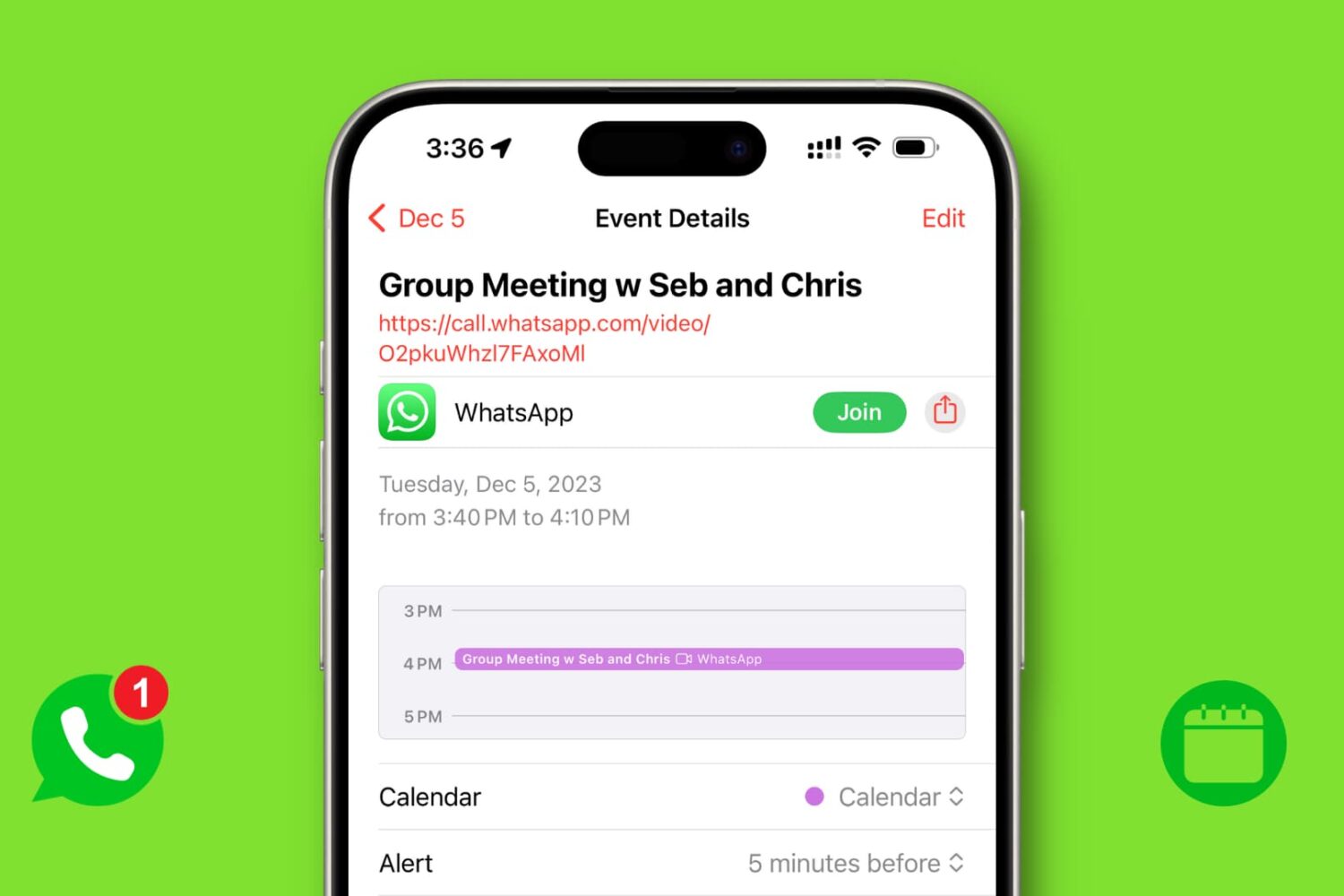
In this tutorial, we will share the simple steps to create a WhatsApp video or voice call link and add it to your phone's calendar so you can get reminded to make the call at the scheduled time.
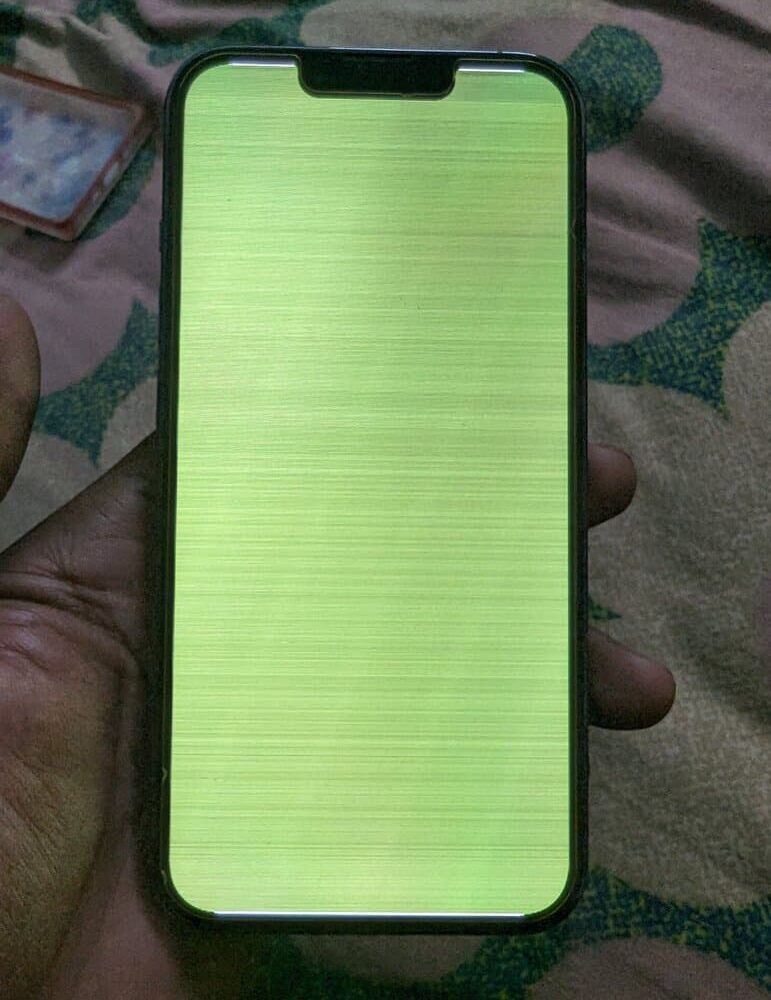
Follow this comprehensive troubleshooting guide to fix the green line or white screen issue on your iPhone.
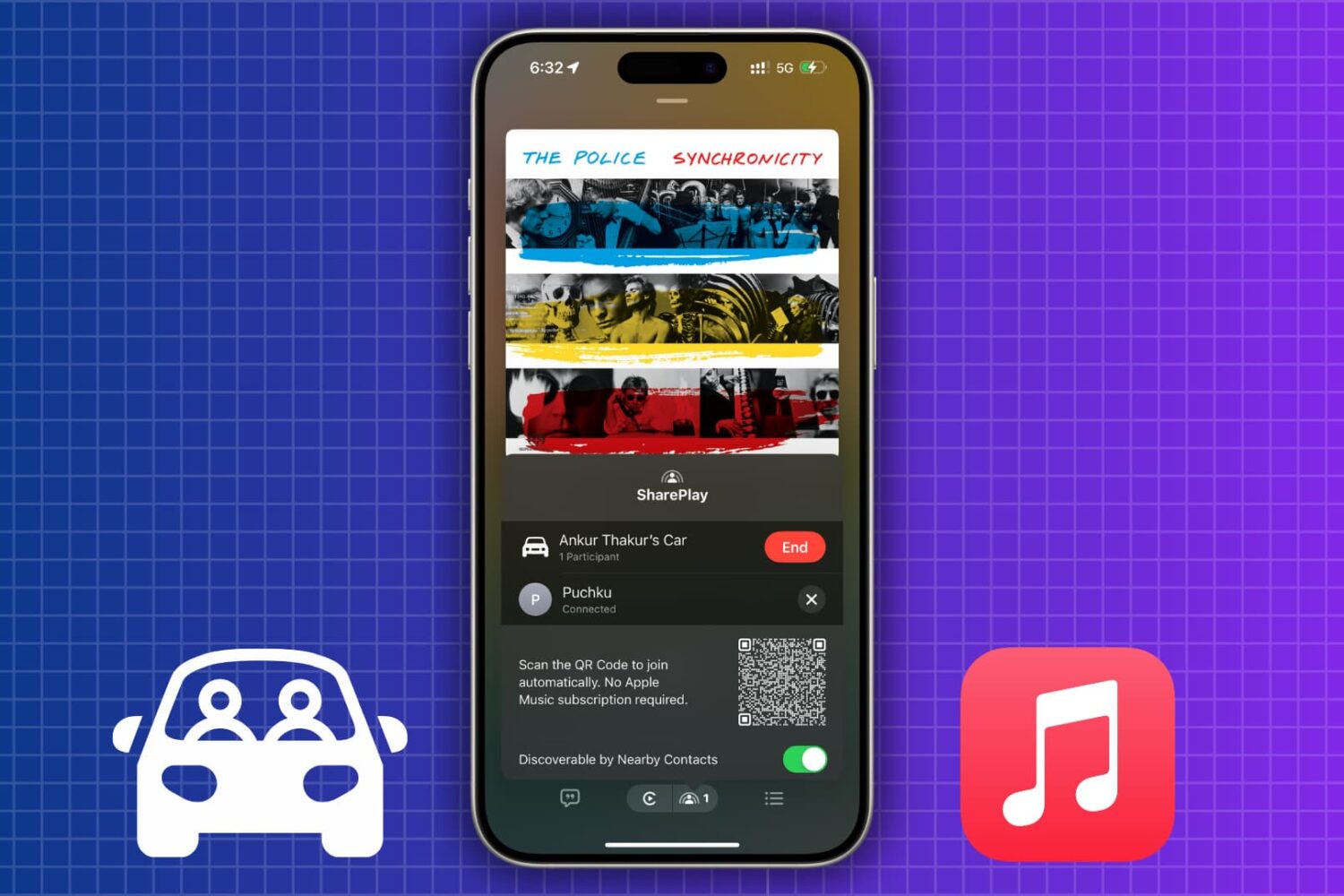
How to let passengers control music in your car via SharePlay, even if they don't have an Apple Music subscription

In this tutorial, we tell you about 10 easy ways to create a fake, anonymous, temporary, burner, or disposable email address on your phone or computer to protect your actual email address.
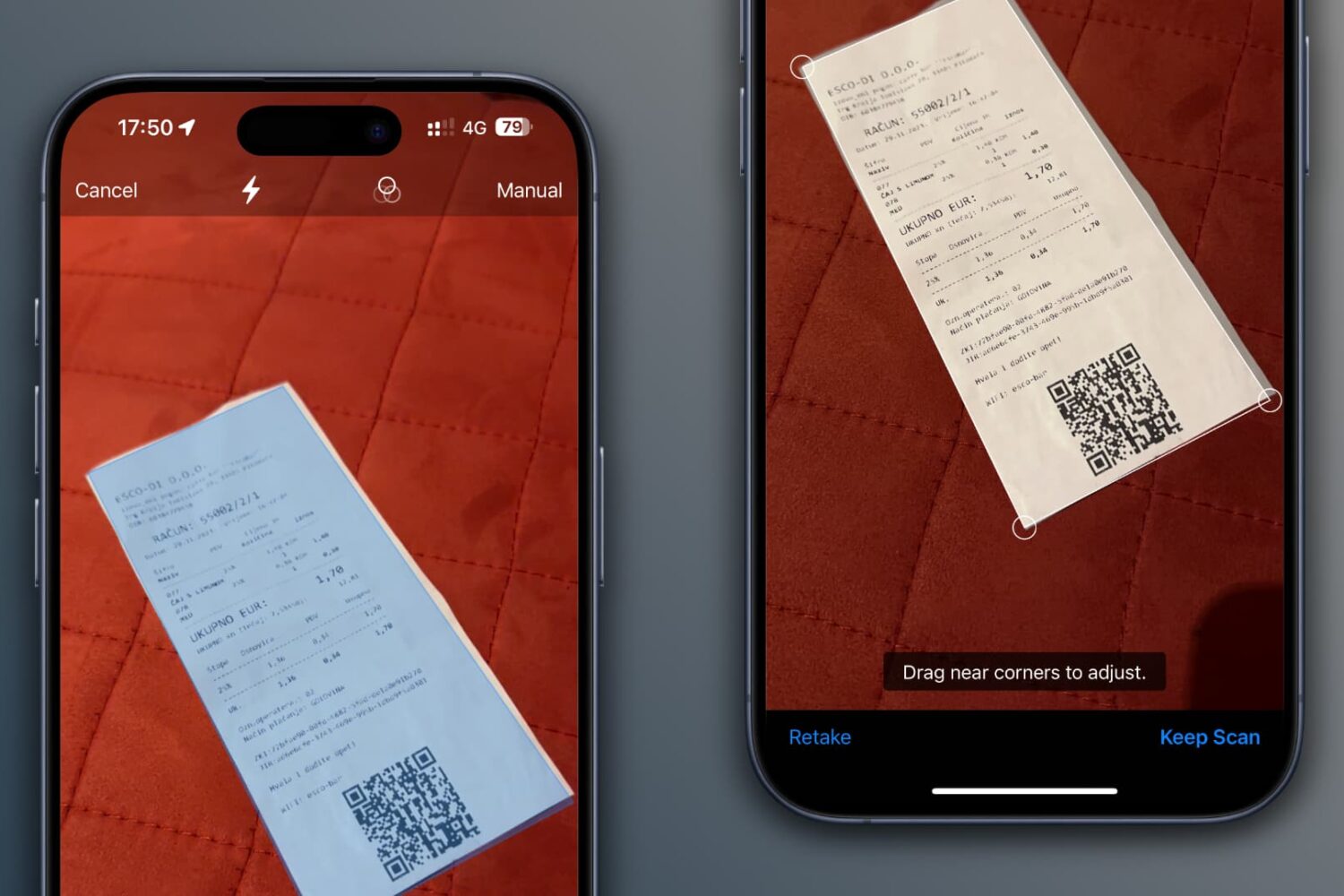
Scan documents, receipts, business cards, letters, and billing statements using the Google Drive app on your iPhone or iPad to save digital copies of these items to the cloud and ensure they are available on all your devices.
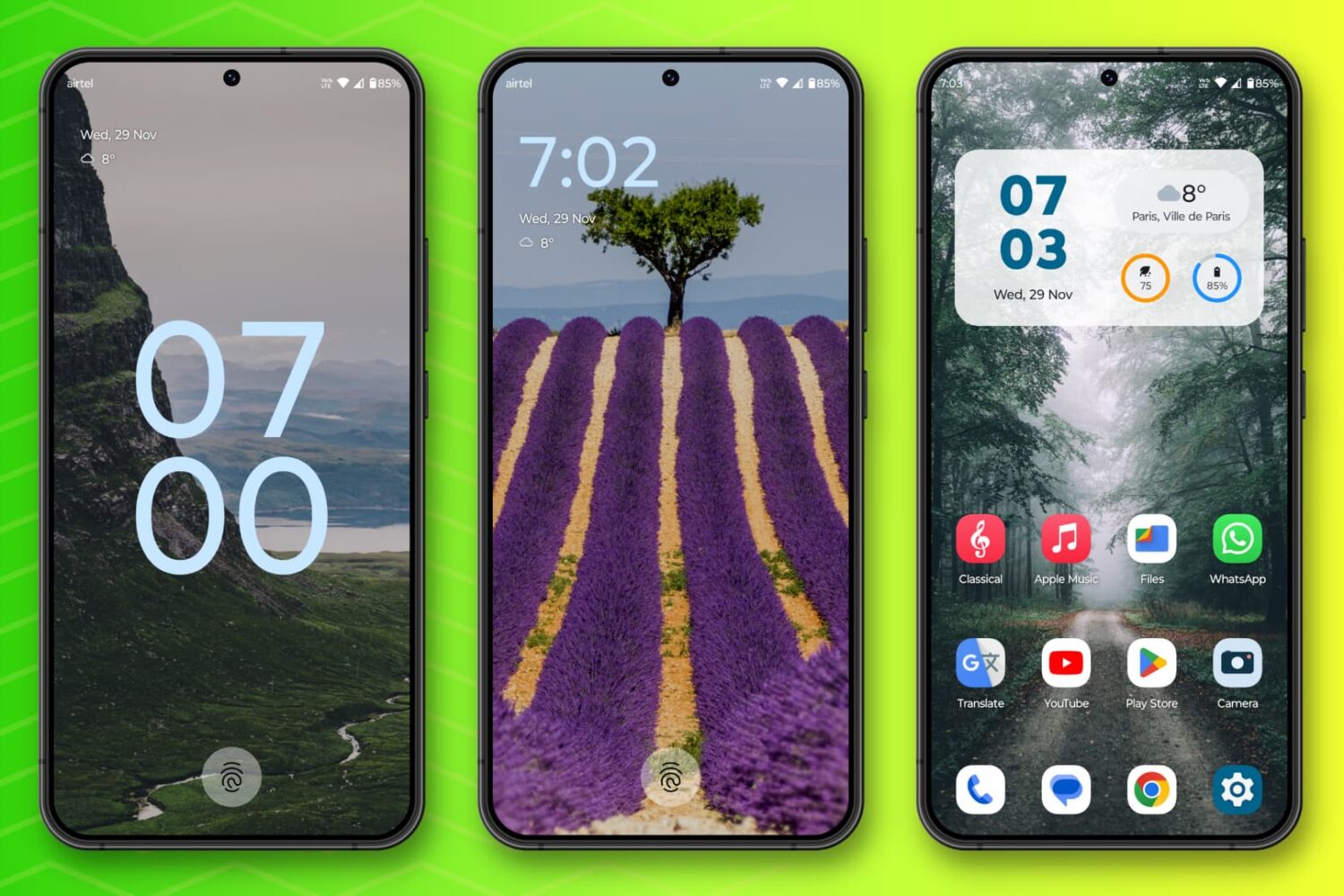
In this post, I talk about 10 Android features I miss on my iPhone and how their absence affects my experience.
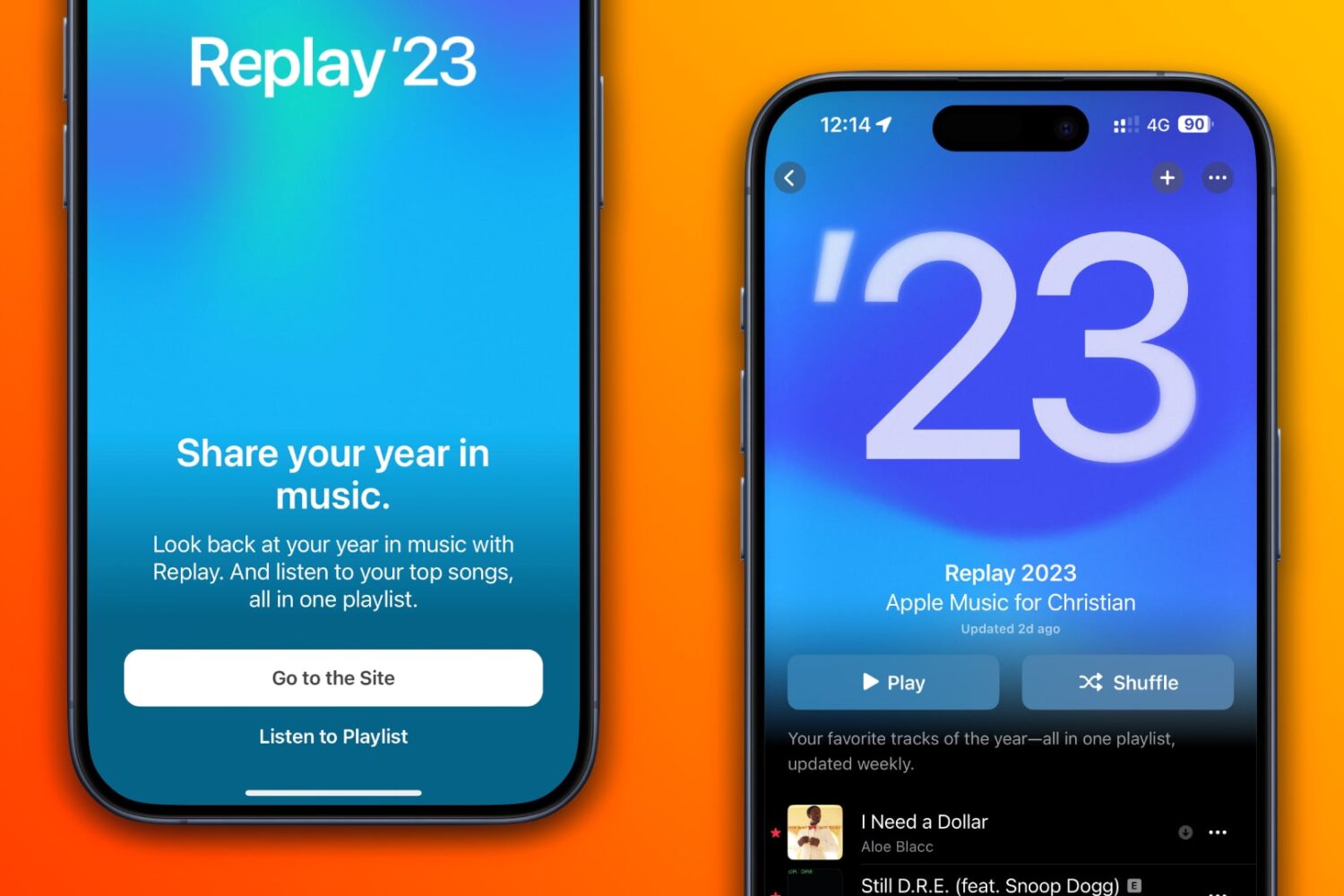
Your Apple Music Replay includes a playlist of your top 100 songs, as well as in-depth highlights and milestones that closed out the year.
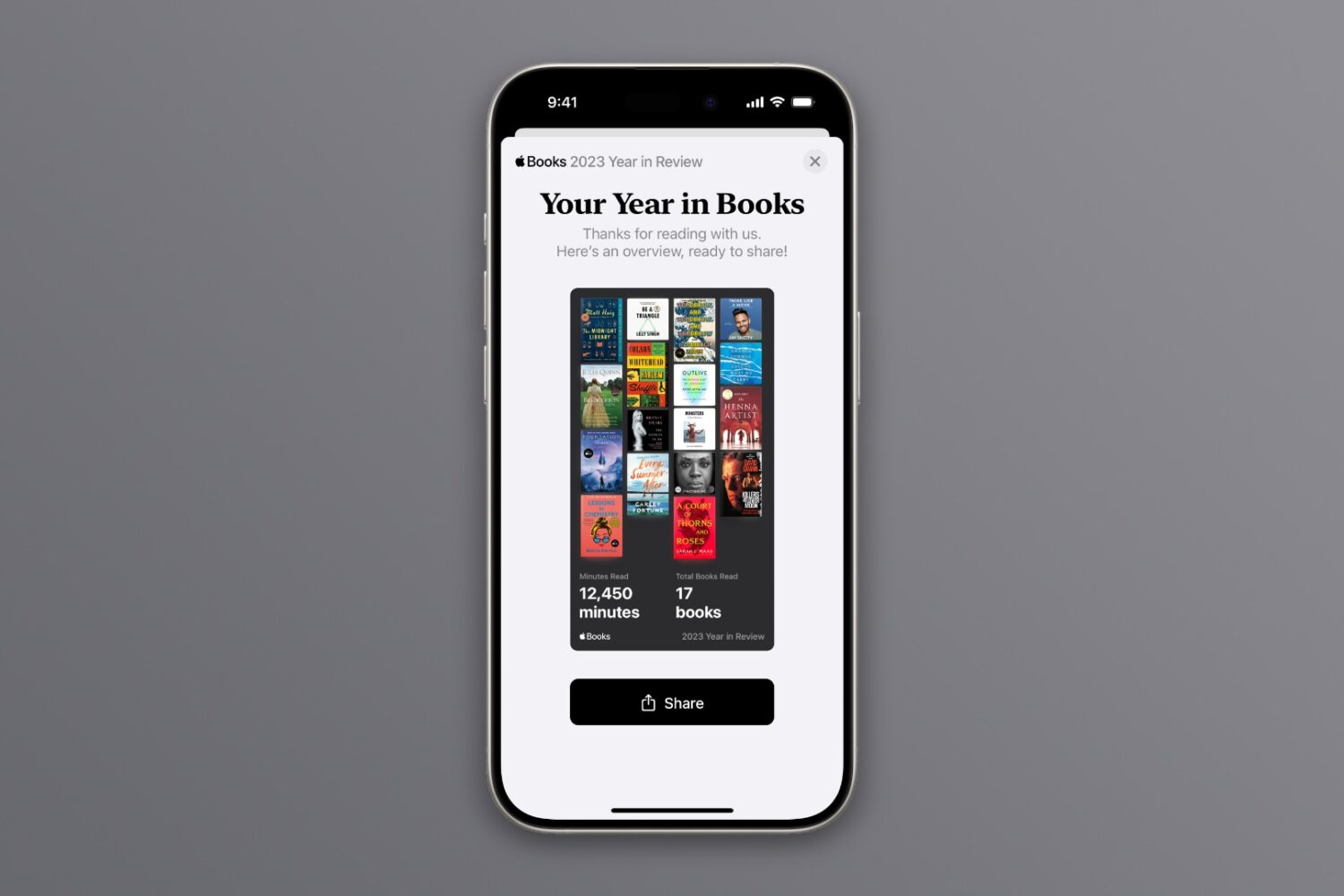
Year in Review is a new feature on Apple Books that brings shareable insights about the reads you've enjoyed the most throughout the year. Here's how to get yours.
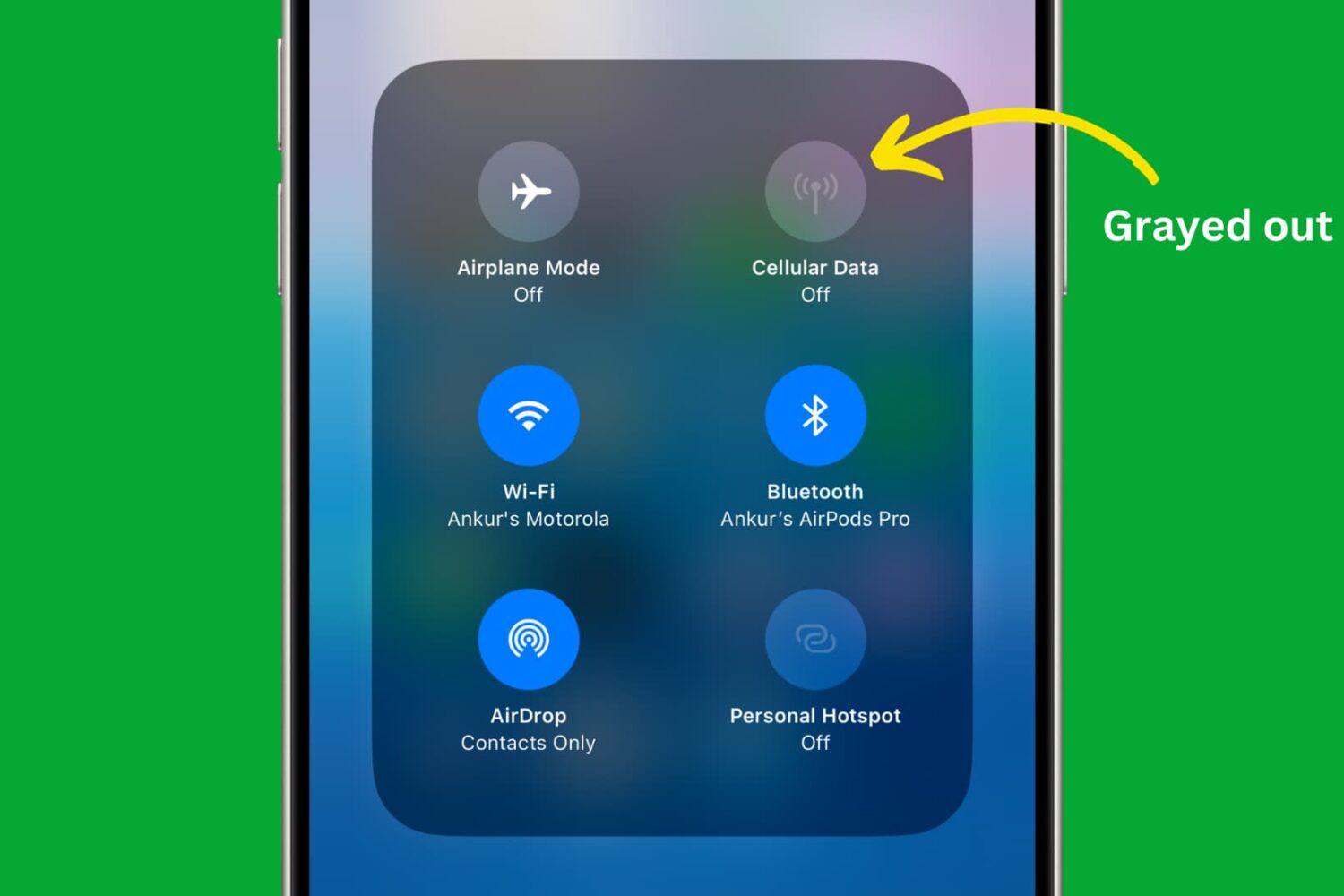
Learn how to use restriction controls on your iPhone or iPad to completely block cellular data usage, avoiding unwanted charges and bill shock.
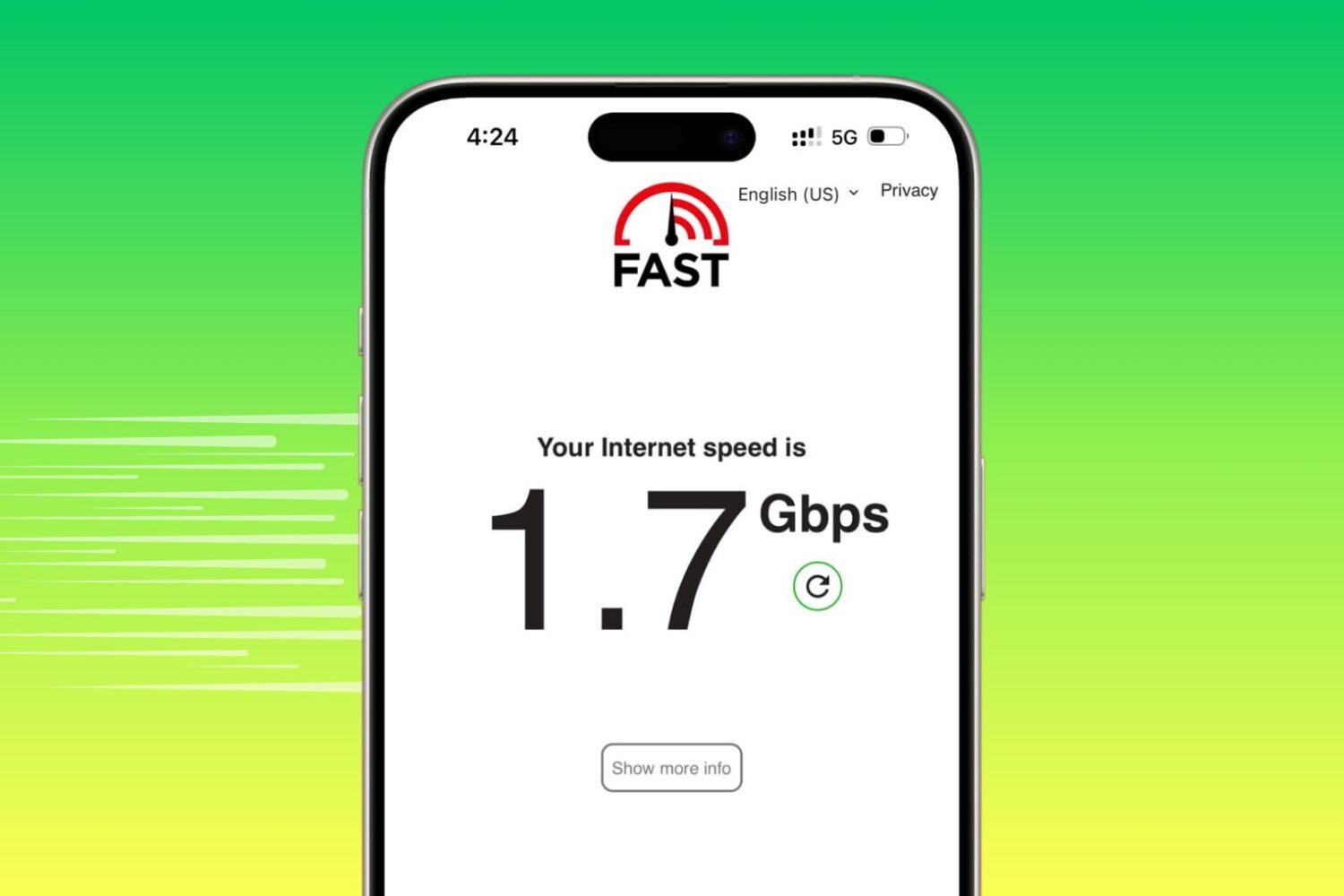
Learn how to turn off data-saving modes on your iPhone to maximize internet speeds and ensure optimal performance.
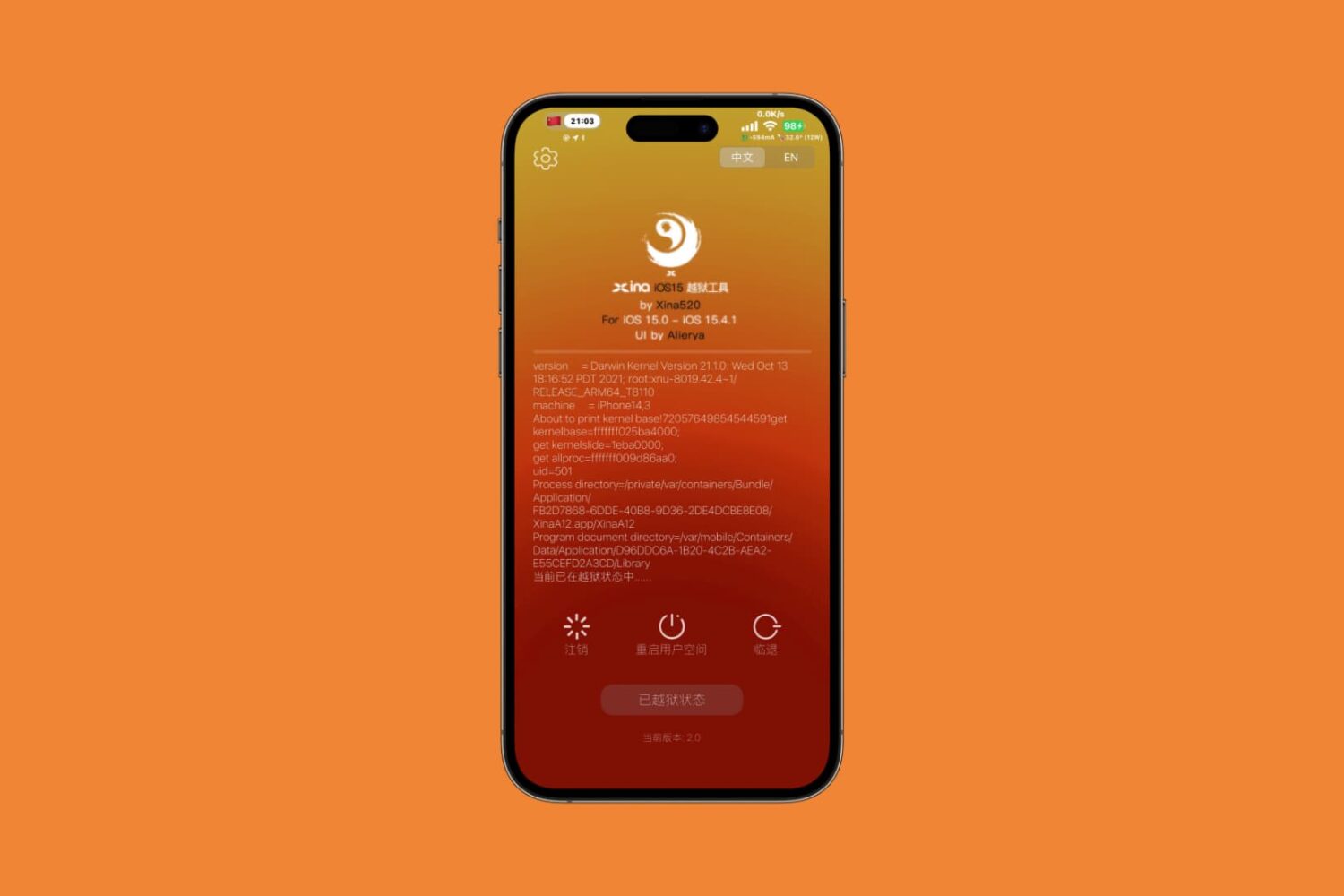
If you haven’t already heard, the XinaA15 jailbreak has made a substantial comeback. XinaA15 v2 launched on Sunday, November 26th in what can only be described as a complete re-write that makes use of Linus Henze’s Fugu15 Rootful developer jailbreak, kfd exploitation, and other goodies that make it leaps and bounds better than the original XinaA15 jailbreak.
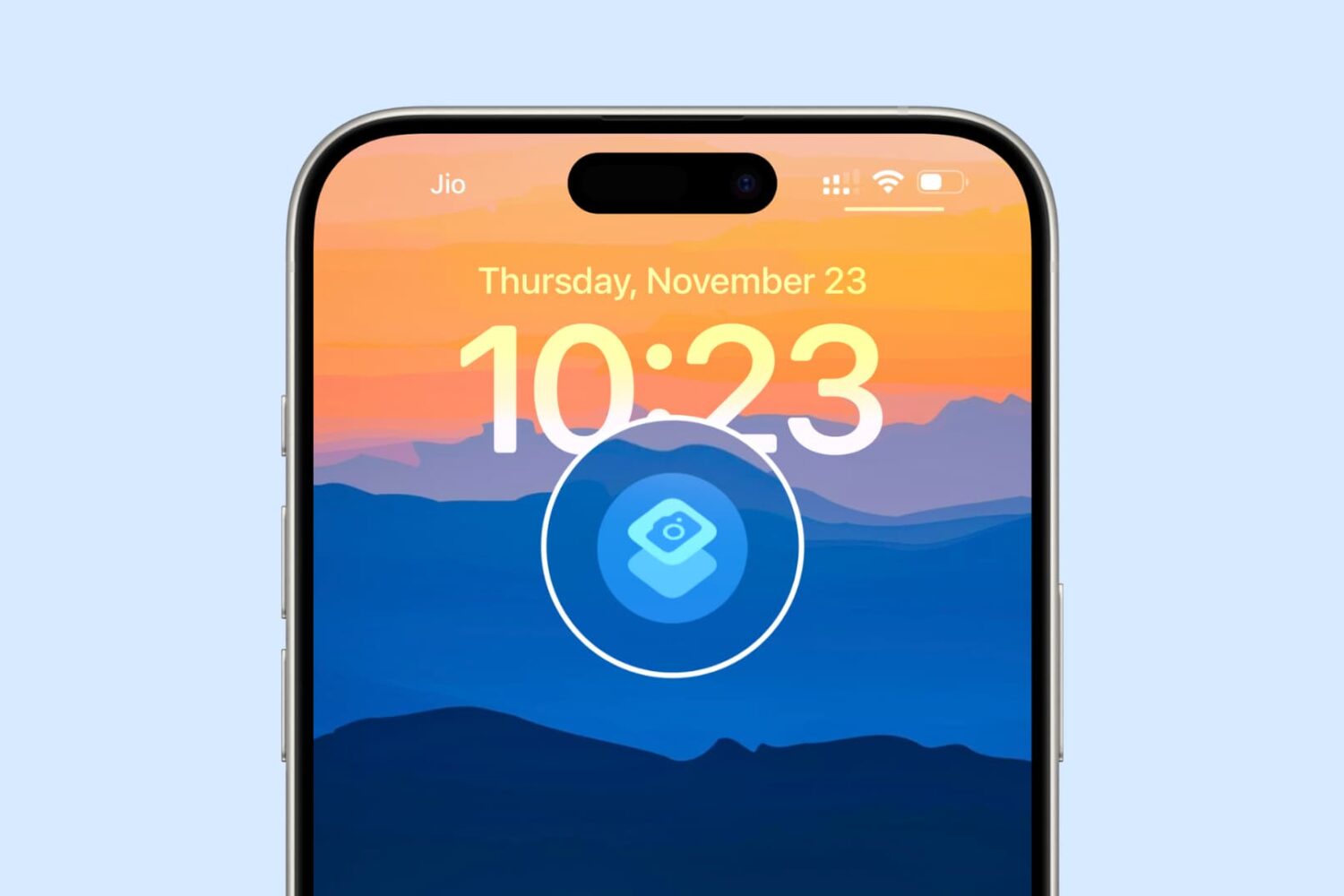
In this guide, we walk you through seven tips to launch the iPhone camera instantly, making sure you never miss capturing a memorable shot.