Learn how to add specific people to your iPhone's DND allow list to continue receiving notifications about their calls and texts in Do Not Disturb mode.
How to allow calls and texts from specific contacts during Do Not Disturb on iPhone
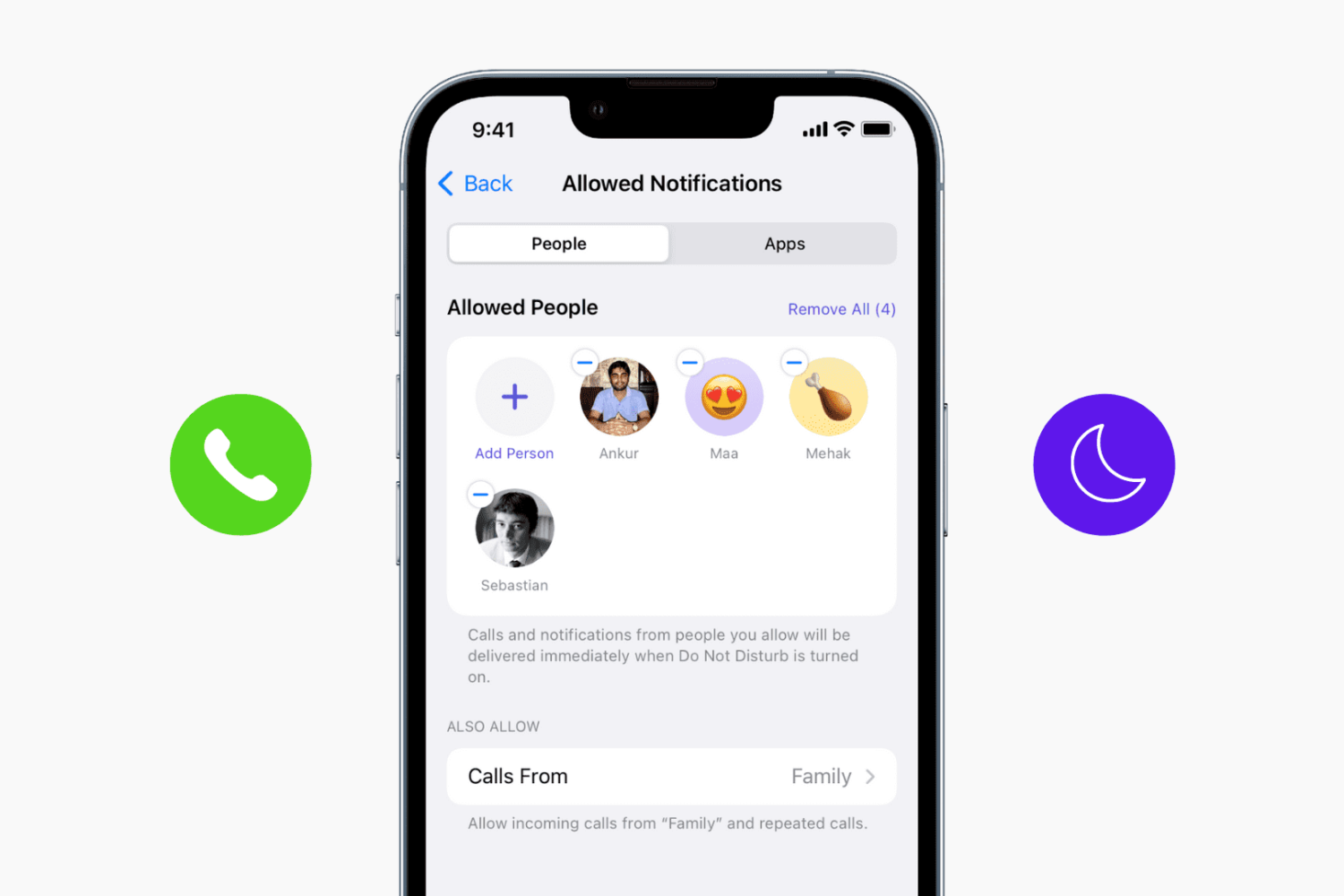
Learn how to add specific people to your iPhone's DND allow list to continue receiving notifications about their calls and texts in Do Not Disturb mode.
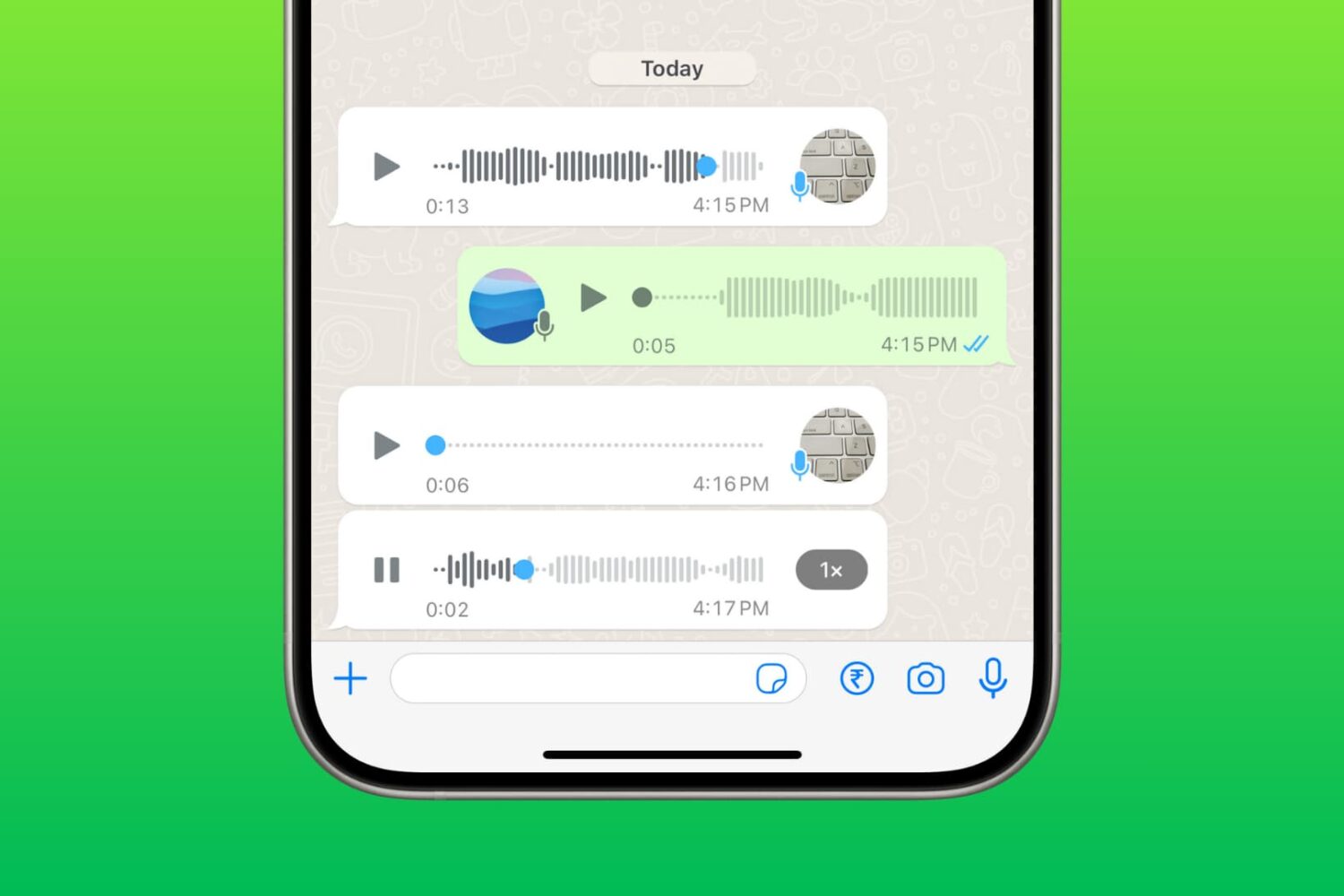
Learn how you can record voice clips inside WhatsApp on your iPhone and send them to a person or group. Additionally, we’ll show you how to listen to voice messages if you receive one and go over some troubleshooting tips in case you can’t do these things.

If you have one Mac, and multiple users, then you might use the built-in Parental Controls to manage what those users can and cannot do. Doing so can help the security of your system in many ways.
In this tutorial, we'll show you how to you can essentially copy the Parental Control settings from one of your Mac's users over to another user so they're managed in the same way.

Create a contact group on iCloud Web so you can bundle similar contacts in one list or use them for group messaging and email.

When you have an iPhone, your carrier’s signal strength can be one of the most important things that helps you decide which carrier to go with. In this tutorial, we’ll show you how to enter Field Test mode on your iPhone and view the dBm (decibels per milliwatt) value rather than just the basic signal bar indicators.
PDF files are among one of the most widely-used forms of sharing documents with others across the internet; especially considering that the idea behind this file type is to have something that is universally readable on any platform.
If you do a lot of PDF handling on your Mac, then it might not be a bad idea to become familiar with how to split a PDF file, so we'll show you how you can do that in this tutorial.
If you have a Mac, then you also have a really useful image importing app called Image Capture lurking in your Applications folder.
To be completely honest, I still use the Image Capture app despite the fact Apple released their new Photos app for OS X last year, and that's because it's a dead simple utility that isn't bloated with extra features I really don't feel like using.
In this tutorial, we'll show you how to use the Image Capture app on your Mac to remove photos or videos from your iPhone or iPad.

Do you have any Mac App Store apps stuck in cyberspace that you don't even know about?
That's a trick question... how are you going to know if you don't check?
In this tutorial, we'll show you how you can check to see if there are any downloads waiting to be completed in the Mac App Store on your Mac.

Learn how to stop your iPhone, iPad, or iPod touch from automatically backing up to your computer when you connect it using a USB cable.
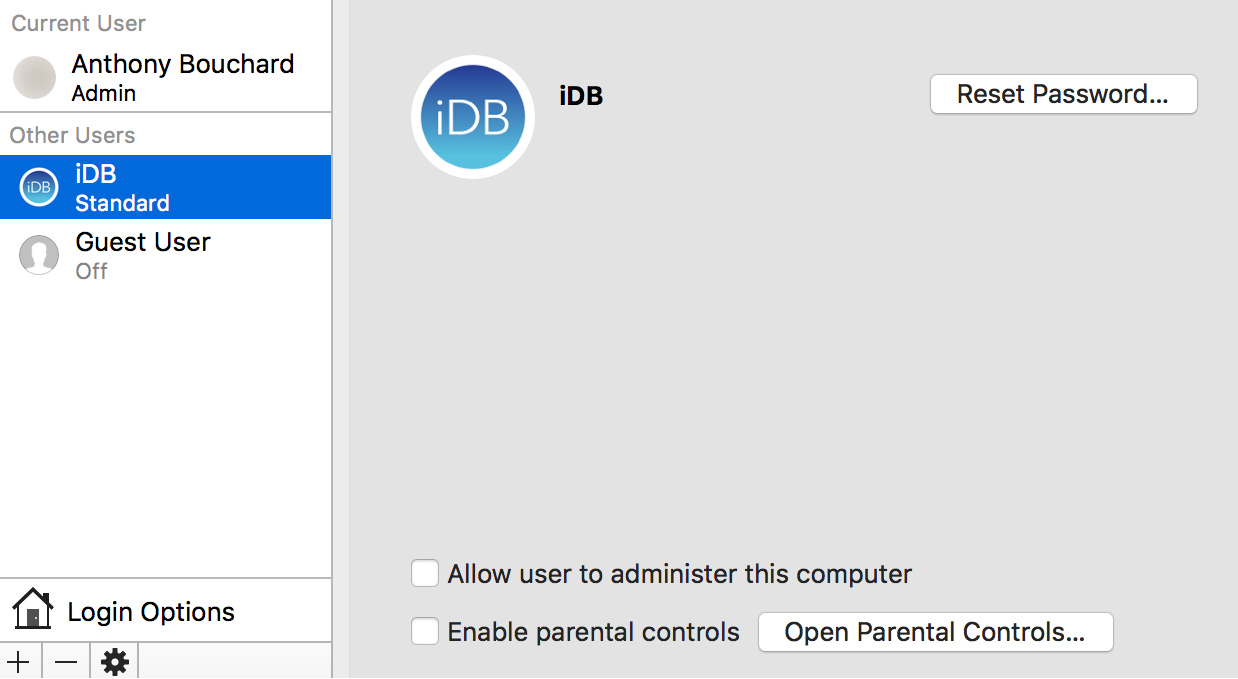
Every Mac has at least one user account on it, whether it's your own or you've made another account for someone else to use.
At some point, you may feel the urge to change the name of one of your user accounts. It doesn't matter if the account is an administrator or a regular user; we'll show you the steps in this tutorial to change an account's user name on your Mac.

Learn about the built-in level tool on your iPhone that you can use when hanging photo frames perfectly on the wall, or measuring whether an object or surface is level, straight, or flat.
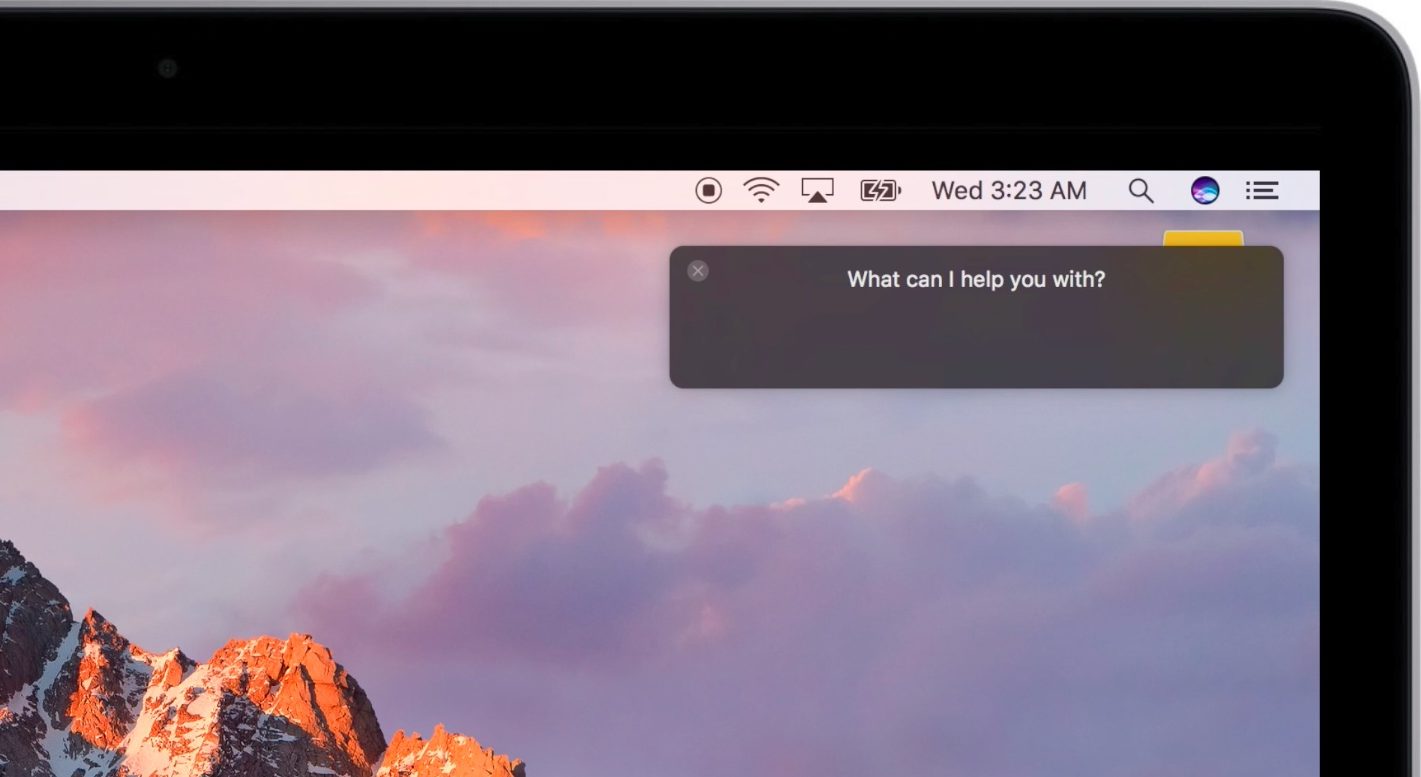
Apple advertises Siri as one of the headlining new features in the forthcoming macOS Sierra software update. Siri on the Mac performs in much the same way as it always has on an iPhone, iPad and iPod touch, except on the Mac tetherless 'Hey Siri' functionality is currently unsupported.
On iOS, tetherless 'Hey Siri' requires Apple's embedded M9 motion coprocessor to monitor microphone input without taxing the battery. Since the battery isn't a major concern with Macs, the decision not to implement 'Hey Siri' on Sierra is eyebrow-raising. As it turns out, you can easily simulate 'Hey Siri' on Sierra without resorting to dark magic, using a simple trickery.