Learn how to enable the Sound Recognition feature on your iPhone or iPad to get notifications for sounds like a doorbell, baby crying, kettle boiling, your dog barking, and more.
How to turn on and use Sound Recognition on iPhone or iPad
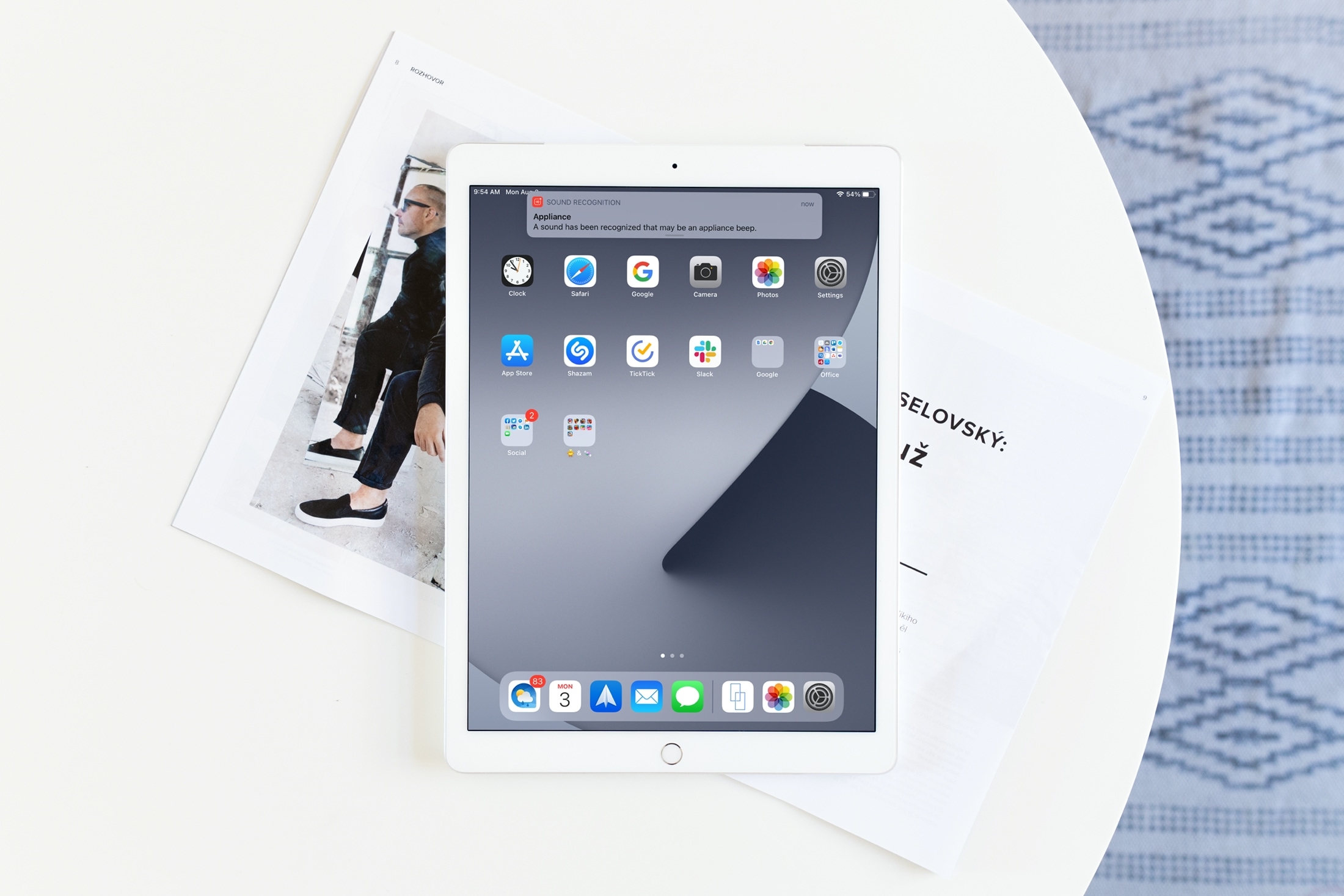
Learn how to enable the Sound Recognition feature on your iPhone or iPad to get notifications for sounds like a doorbell, baby crying, kettle boiling, your dog barking, and more.
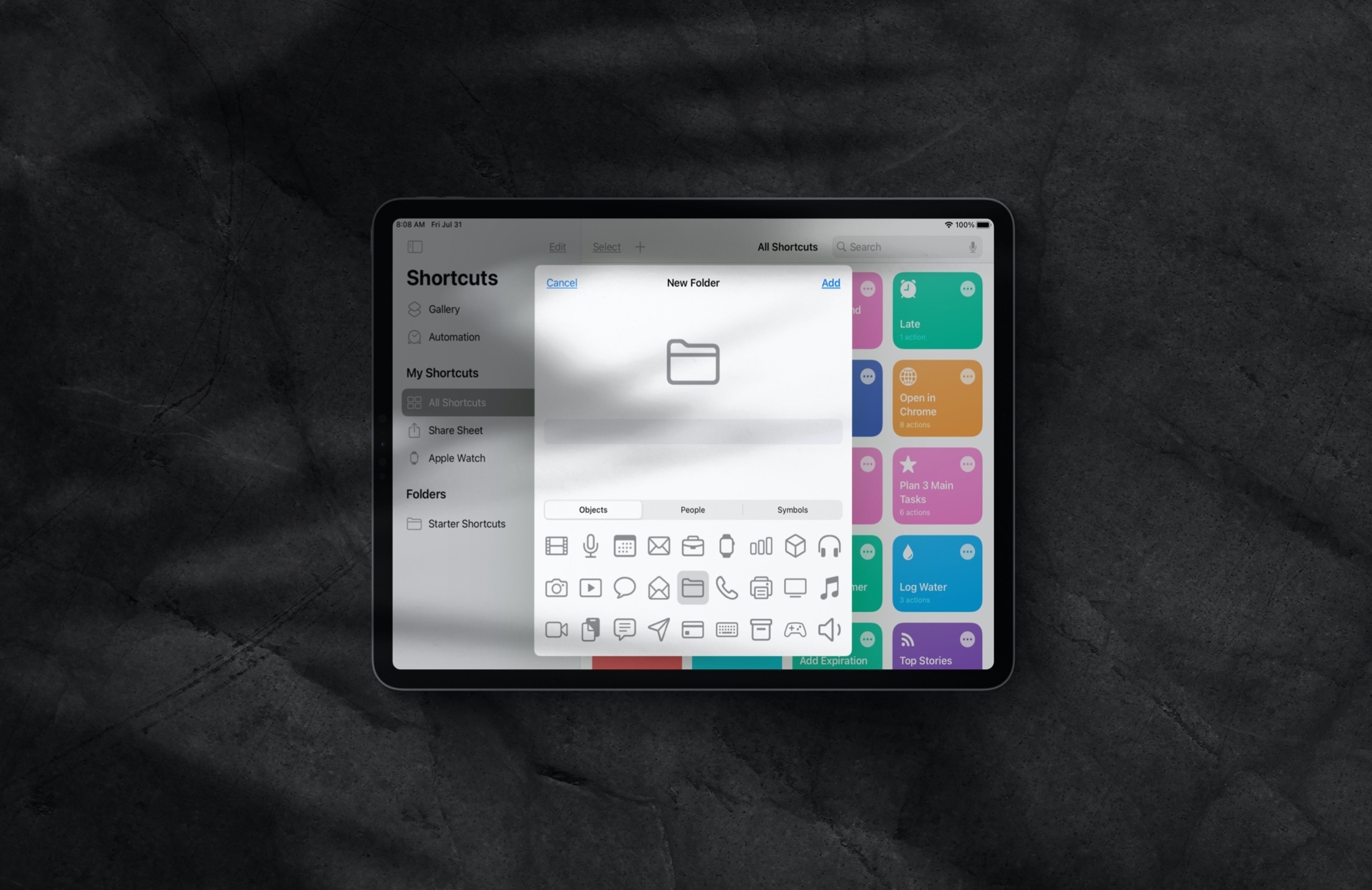
Manage folders inside the Shortcuts app on iPhone and iPad to keep your iOS shortcuts neatly grouped and organized.
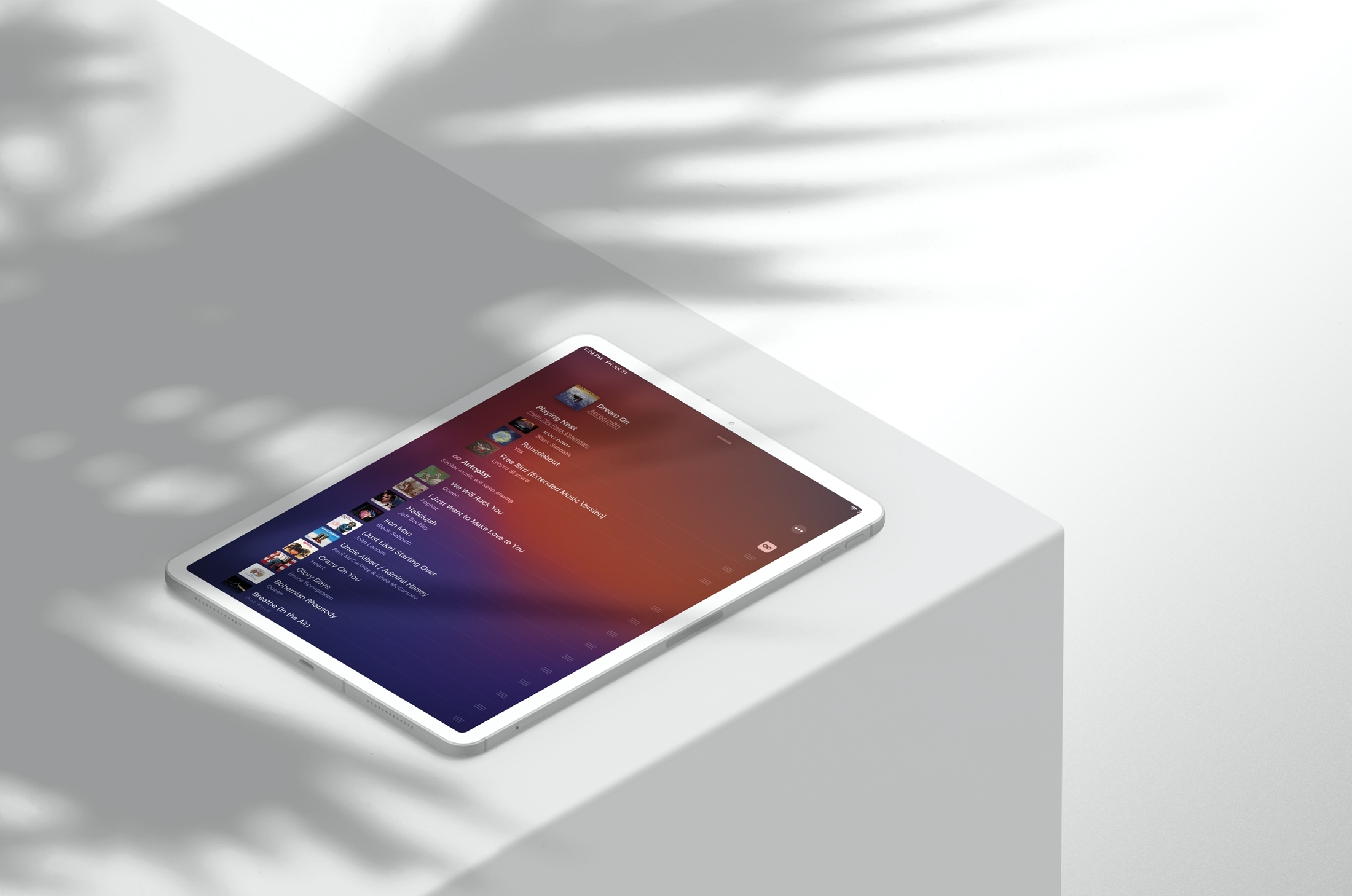
Learn how to activate the smart Autoplay feature in the Apple Music app on your iPhone or iPad so similar songs play nonstop after the one you’re listening to ends.
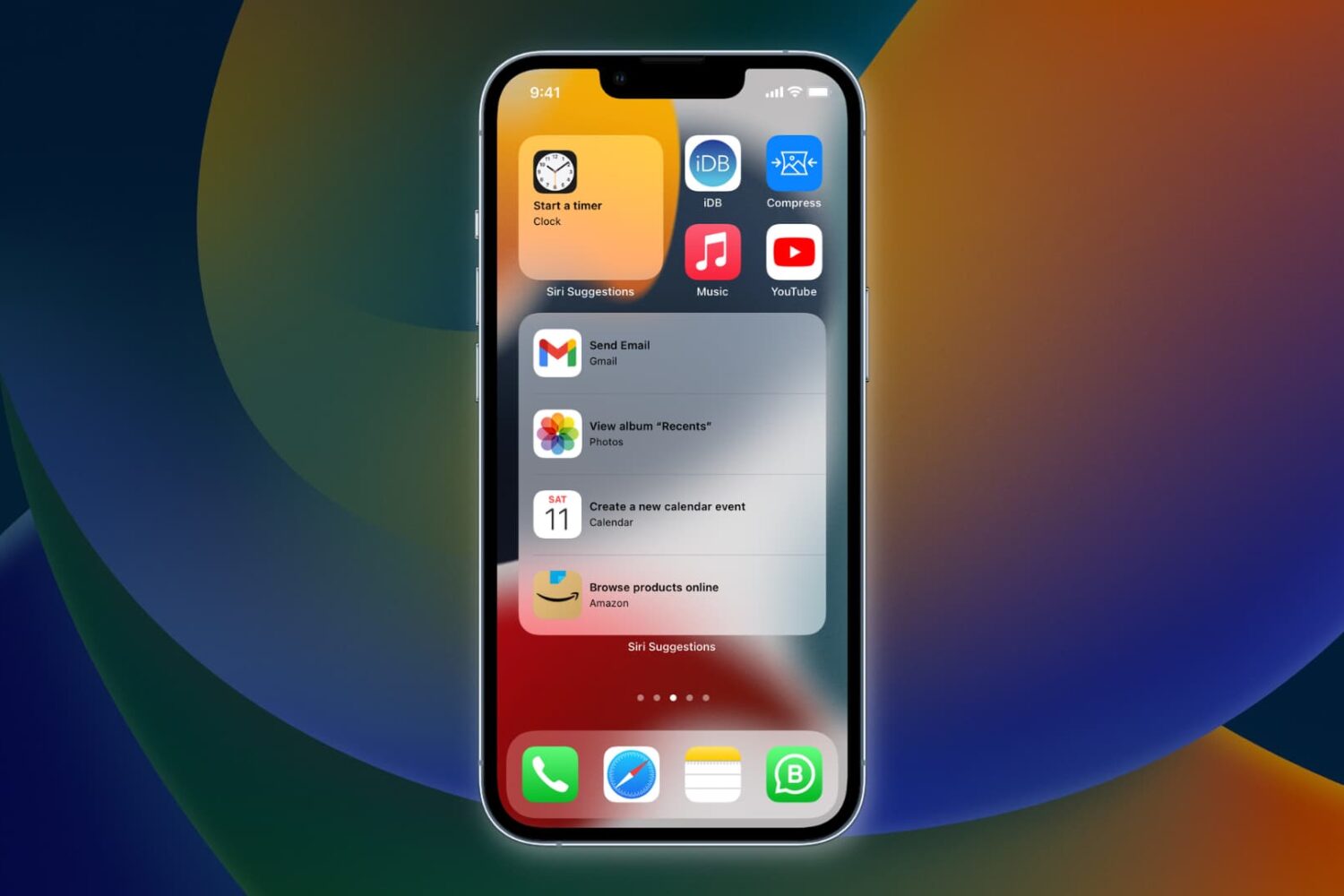
Learn how to have Siri intelligence dynamically curate your apps and show suggested actions right on your iPhone Home Screen in the Siri Suggestions widget.
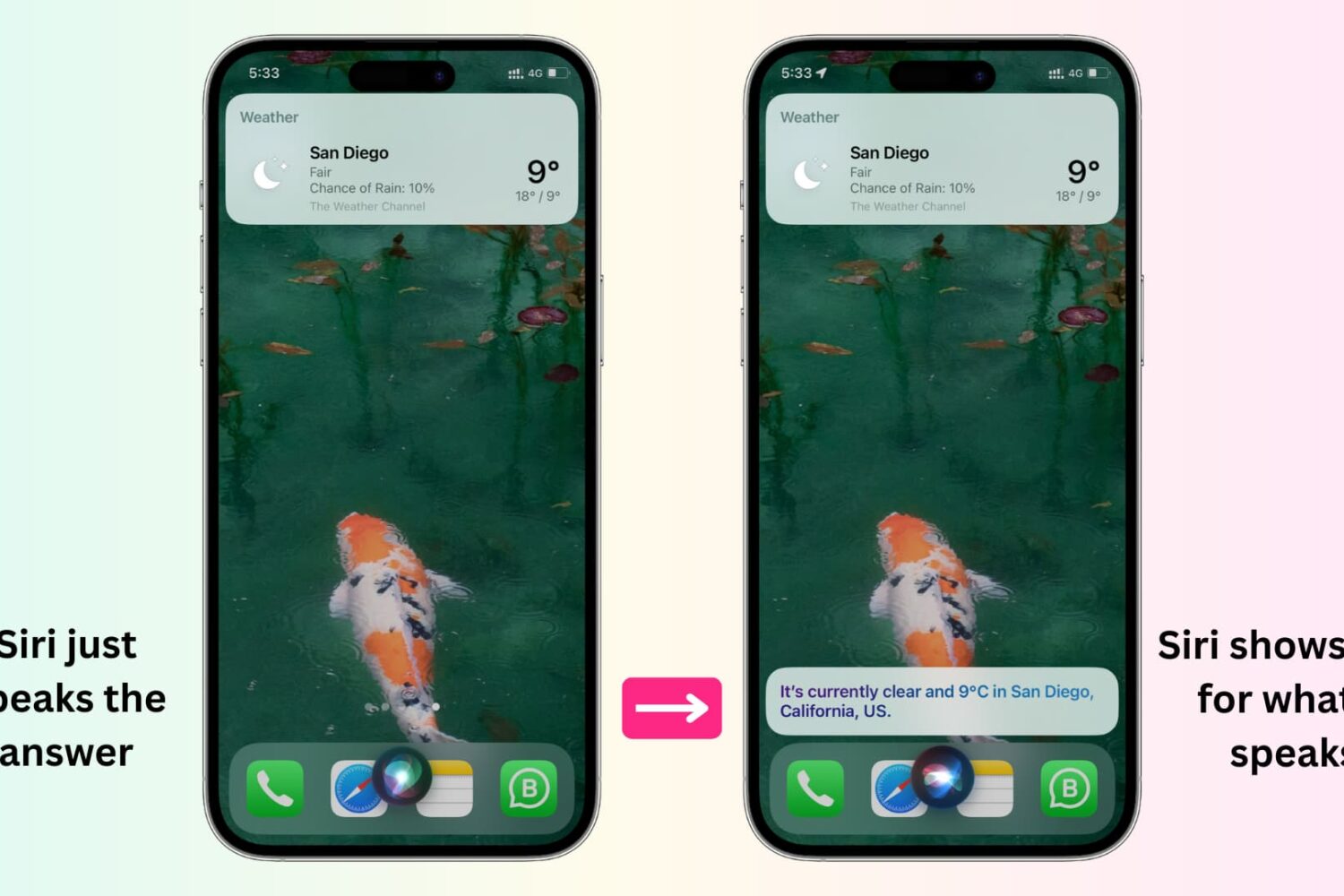
In this tutorial, we'll show you how to display anything Siri says to you on the screen of your iPhone, iPad, Apple Watch, and Mac.
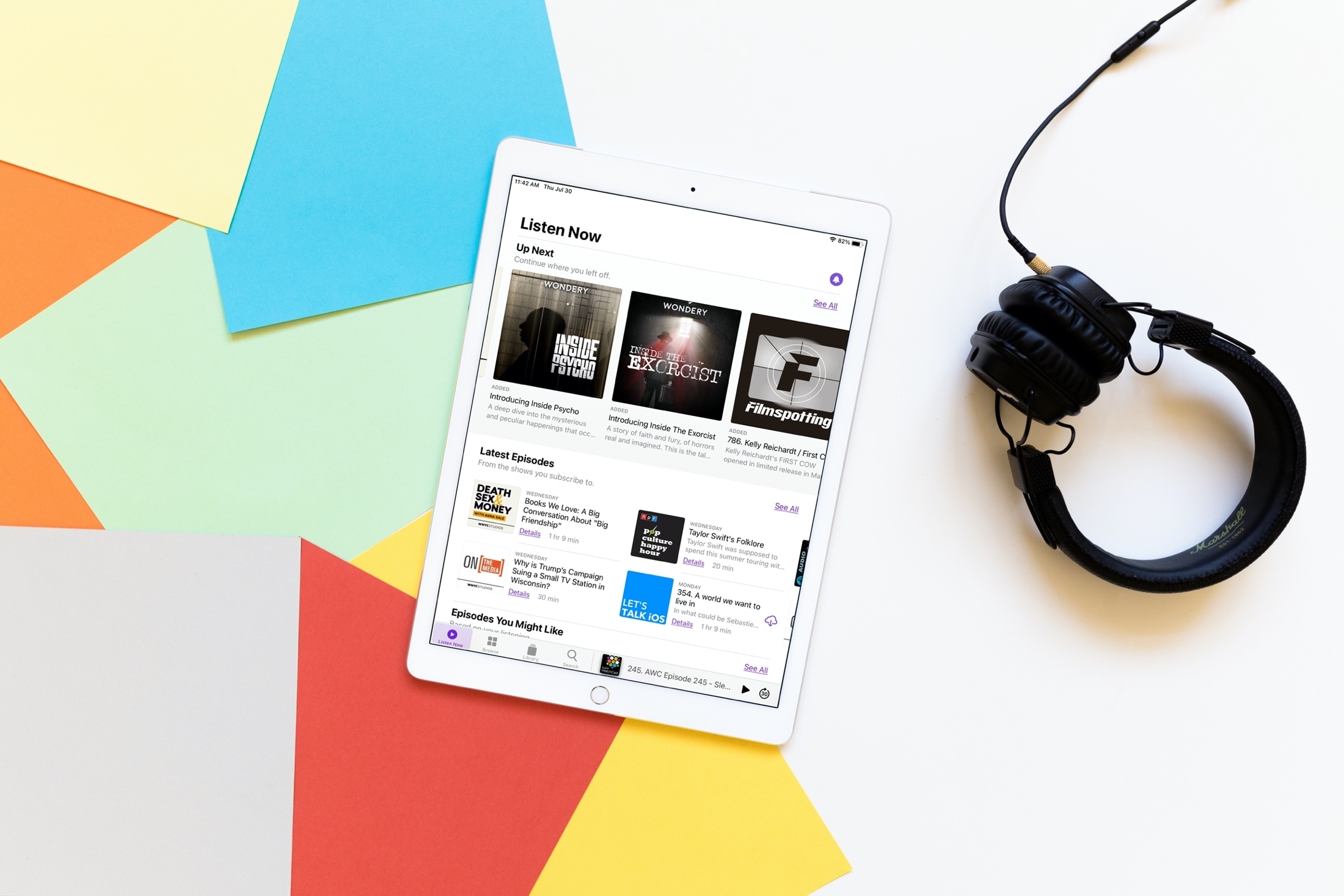
With iOS 14, iPadOS 14, and macOS Big Sur came many enhancements and new features to your favorite and most used apps. And if you enjoy the Podcasts app, you’ll be glad to know this one was not overlooked.
While Podcasts didn’t receive a major overhaul or new slew of features, what it did get will make your experience just that much better. The Listen Now section of the Podcasts app is smarter than ever and here we’ll show you how.
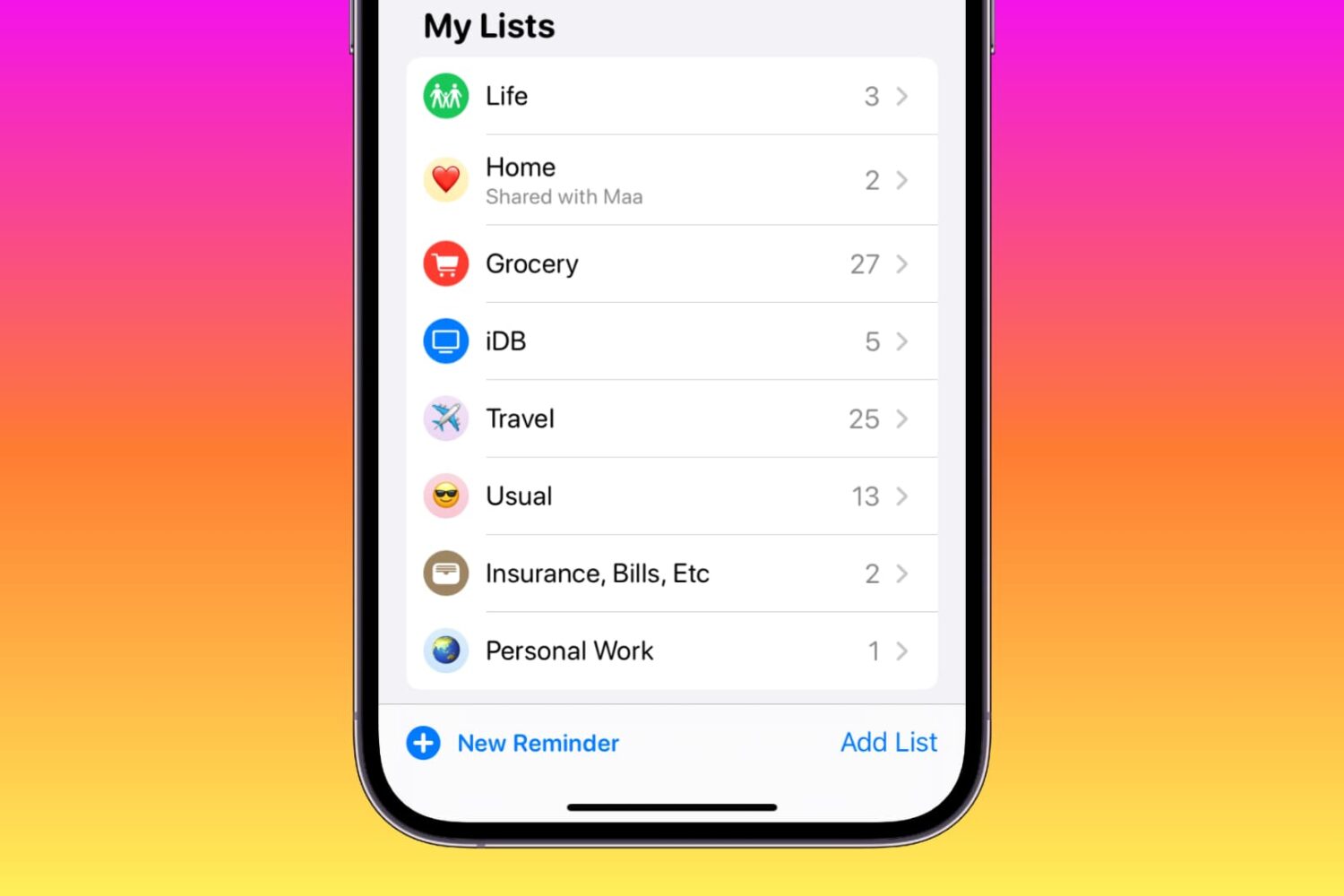
Learn how to customize your reminder lists on iPhone, iPad, and Mac using colors, emojis, and symbols to enhance usability or add a touch of style.
Learn how to view carrier information on your iPhone to confirm whether the device you’re buying or selling is locked or unlocked.
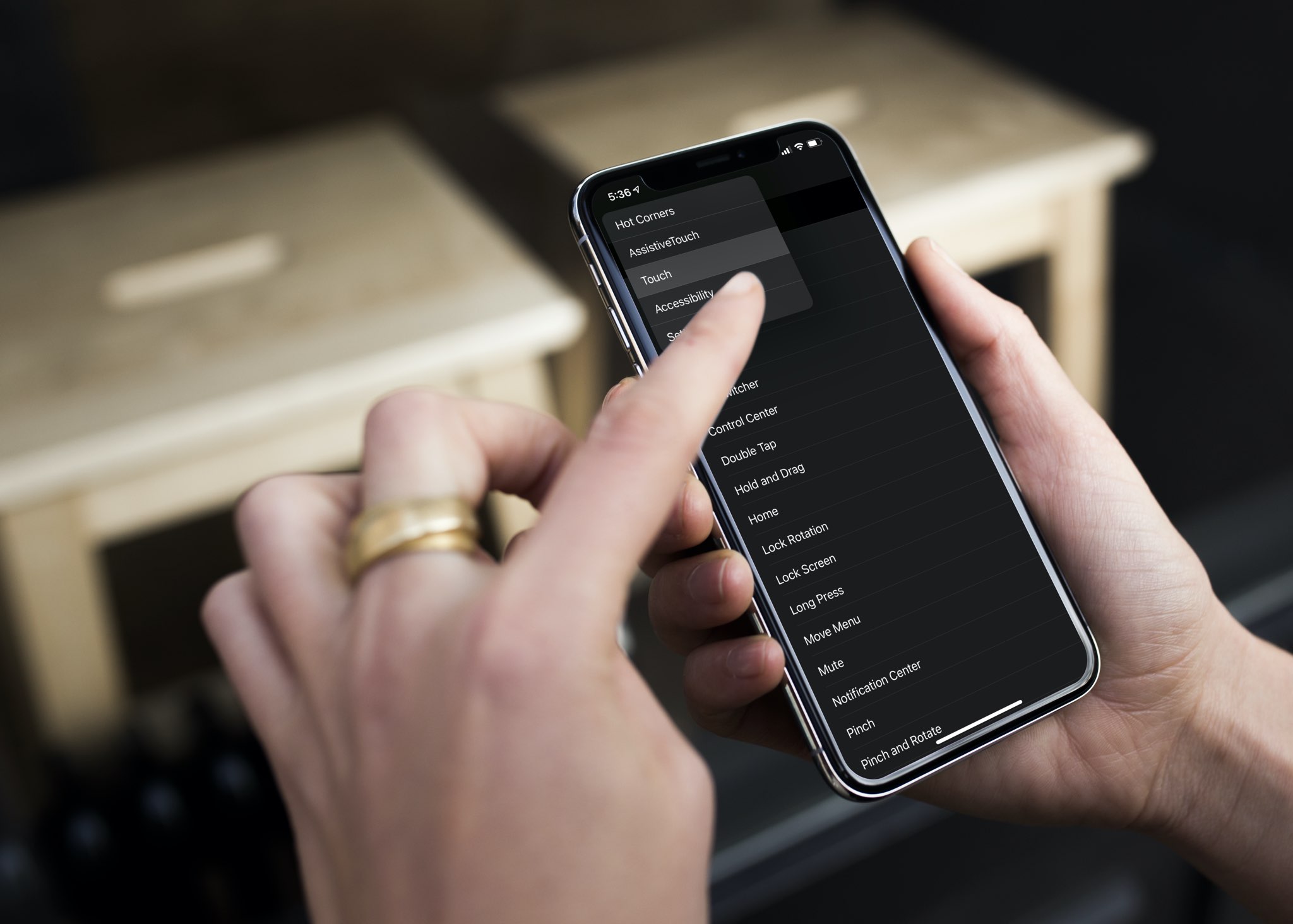
Check out this pro tip to navigate Settings and System Settings on your iPhone, iPad, and Mac faster using the hidden navigation menu.

Learn how to view a transcription of the voice commands you give Siri on your iPhone, iPad, Mac, Apple Watch, and Vision Pro so you can verify that the device is interpreting spoken commands accurately.
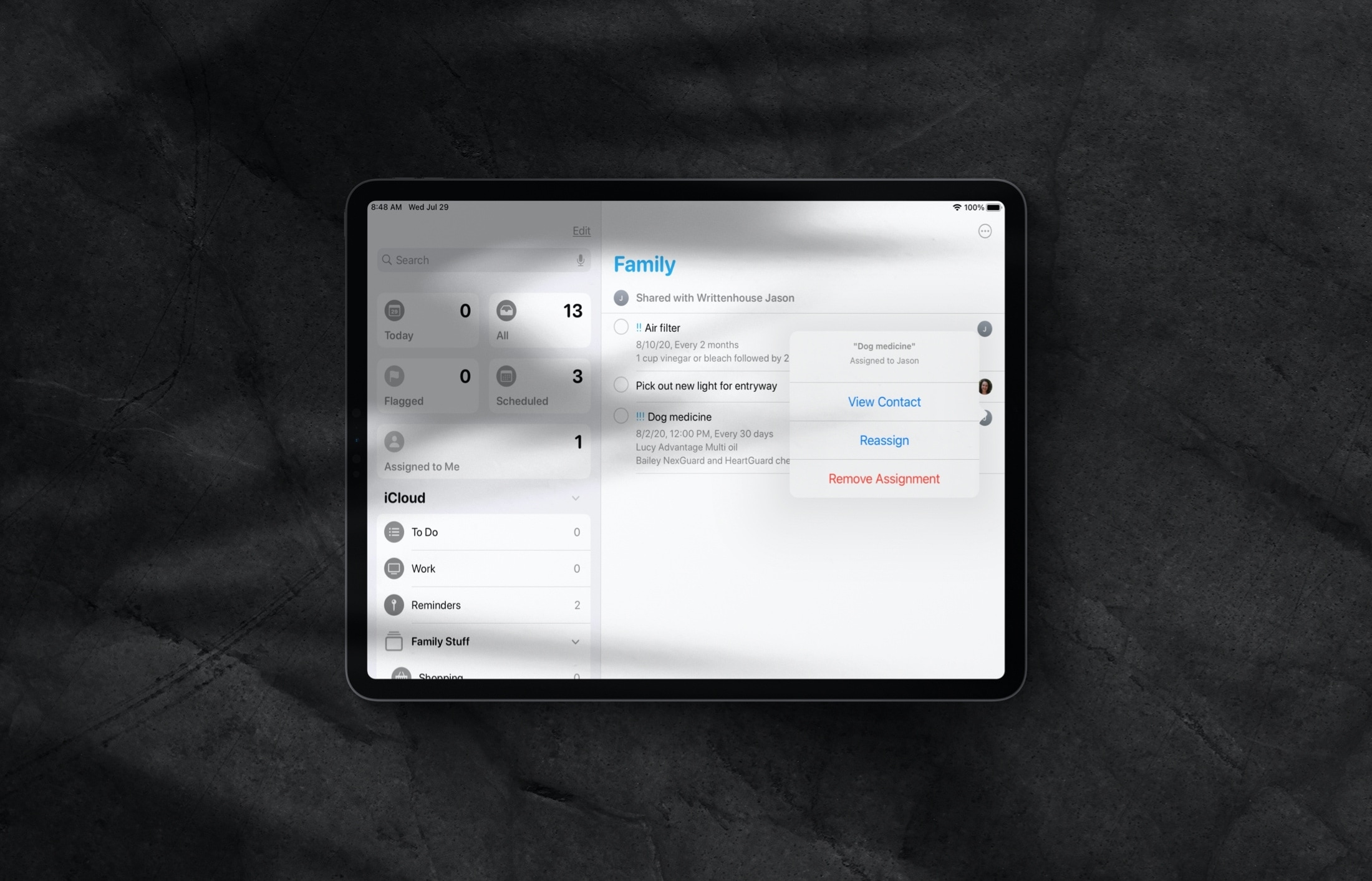
Learn how to assign reminders to different people in a shared Reminders list on iPhone and iPad so everything gets done on time by the right individuals.
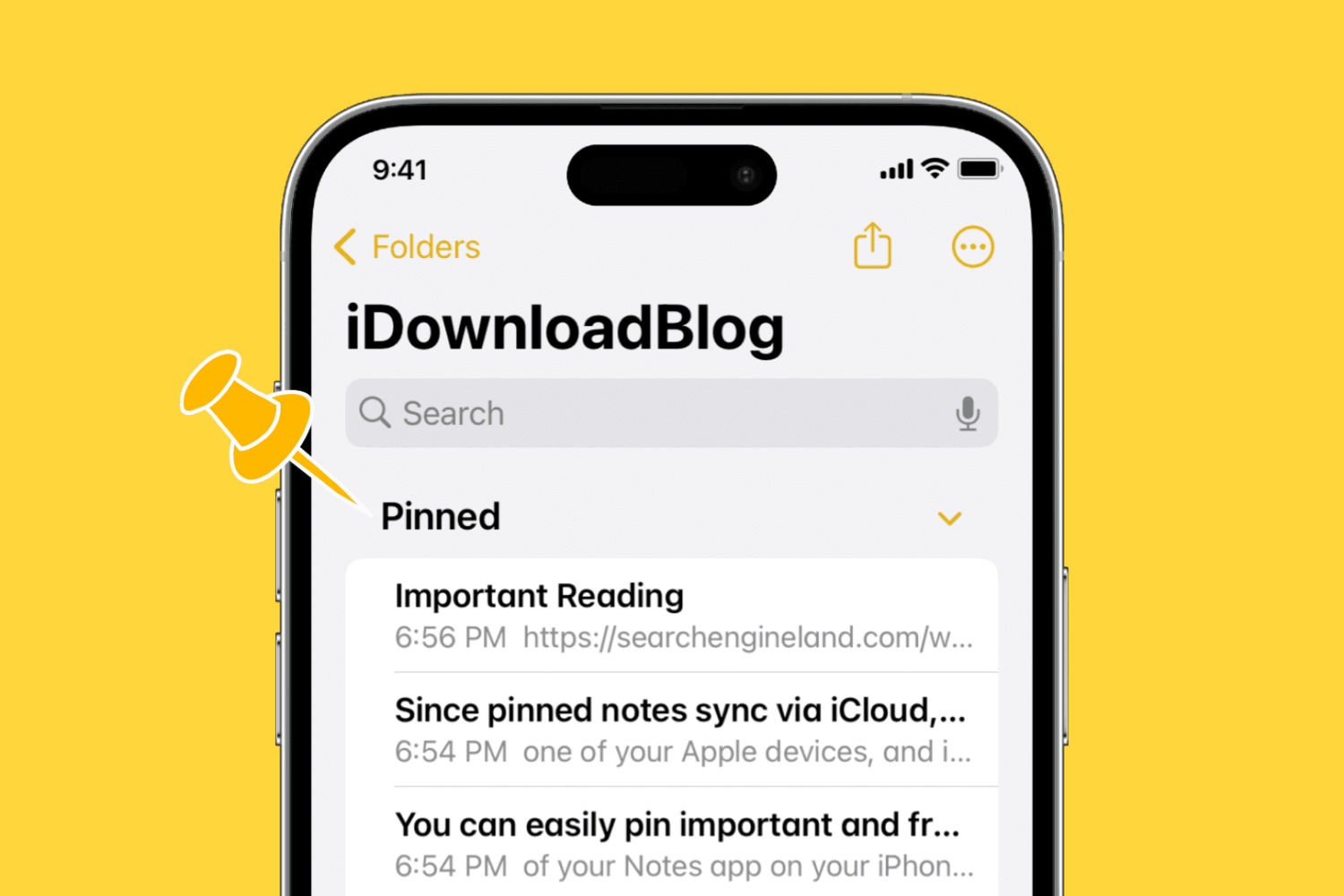
Learn how to pin notes in the Apple Notes app on your iPhone, iPad, and Mac to keep your most important entries easy to access.