Learn 3 simple, free techniques to remove the background of a photo on the Mac and take your visual content to the next level.
How to remove the background of an image on Mac for free
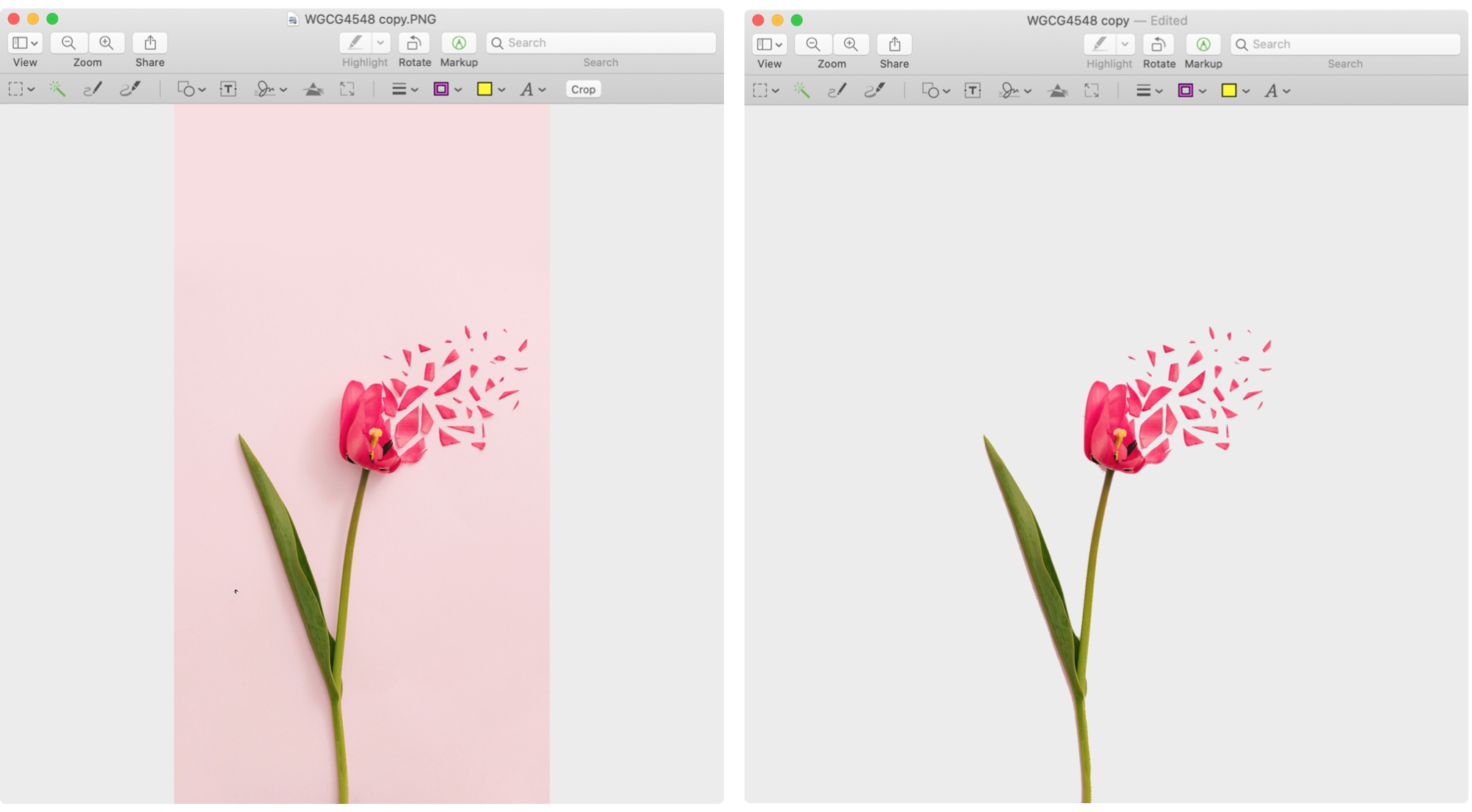
Learn 3 simple, free techniques to remove the background of a photo on the Mac and take your visual content to the next level.

Adjust the sound level of Siri responses on your iPhone, iPad, Mac, Apple Watch, HomePod, and CarPlay, so it’s easy to hear Siri’s answer, or tone it down when you’re in a quiet place.

When browsing doesn’t cut it, you can use the search in Apple Books to find a new book or audiobook or one that’s in your library, and this tutorial shows you how to do that.

Discover essential tips for effectively searching and saving searches in Mail on Mac, boosting your productivity and email management.
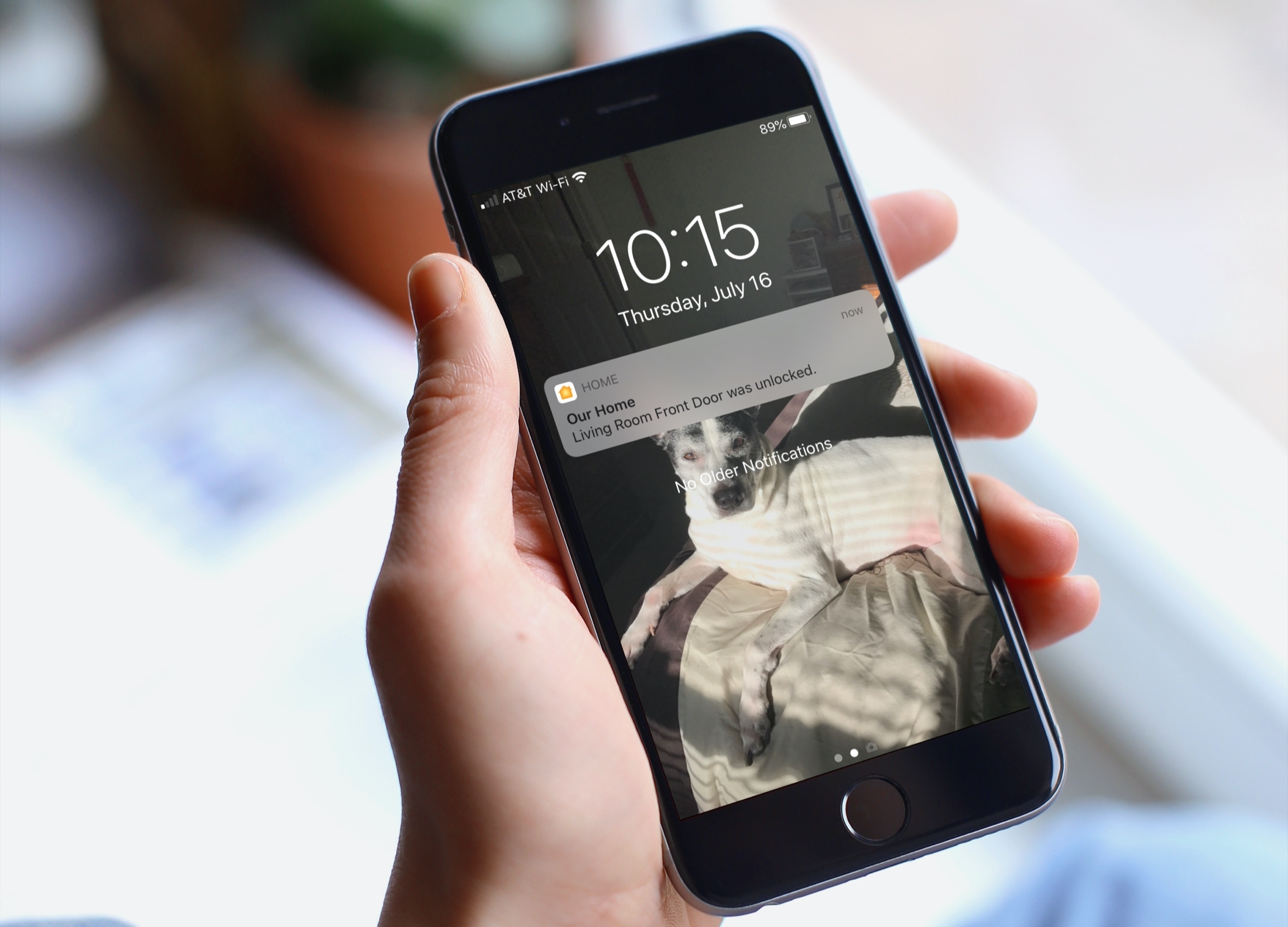
There are certain smart home accessories that do more than turn off or change color. Devices like door locks and motion sensors are used to keep you safe and in control of your home. So it’s with good reason that accessories like these come with notifications.
If you’d like to receive an alert when your door locks or motion is detected, as examples, here’s how to set up notifications for your HomeKit devices.

The Hidden album in the Photos app holds the photos and videos you've manually hidden from plain sight. But to increase the privacy of your Hidden album, learn how to hide the Hidden album itself in the Photos app on your iPhone and iPad.
Need to export photos, videos, or slideshows? Here’s how to change the format, pick the quality, and export media from the Photos app on Mac.
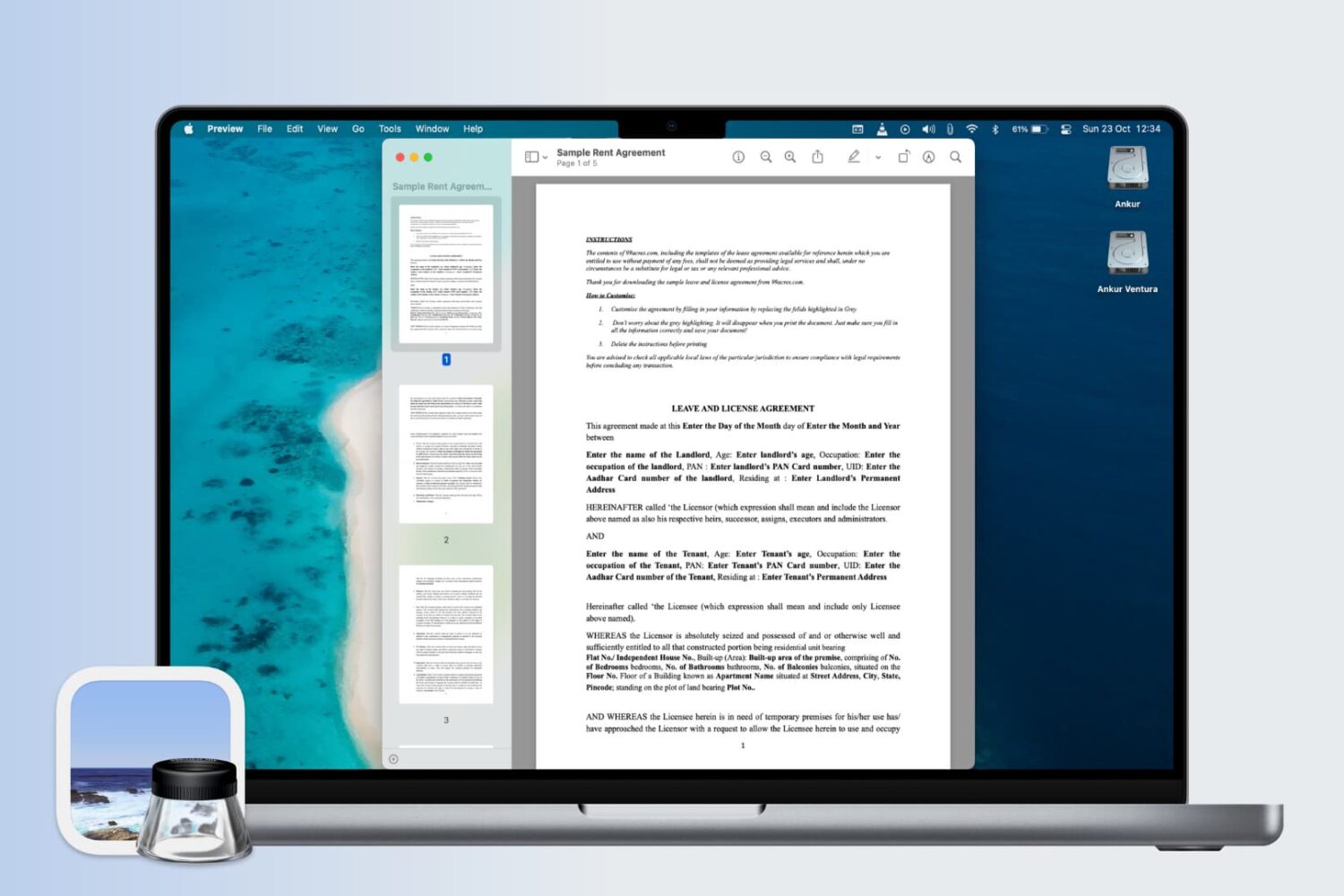
Learn how to change the display settings in Apple's Preview app on the Mac so that images and PDF documents appear in real size on the screen.
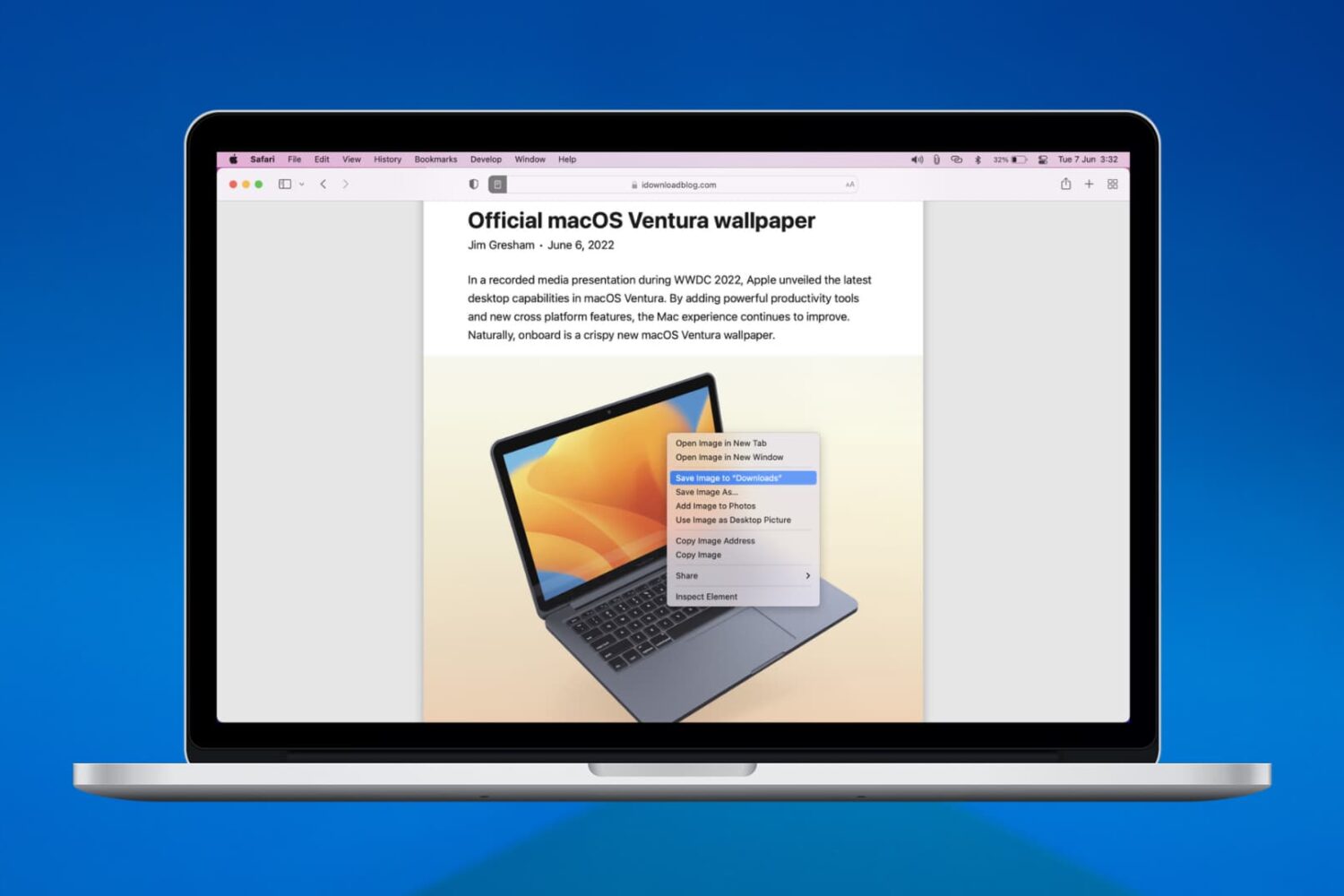
We’ll walk you through six easy ways to download, save, or copy an image on your Mac using Safari in this handy beginner’s guide.
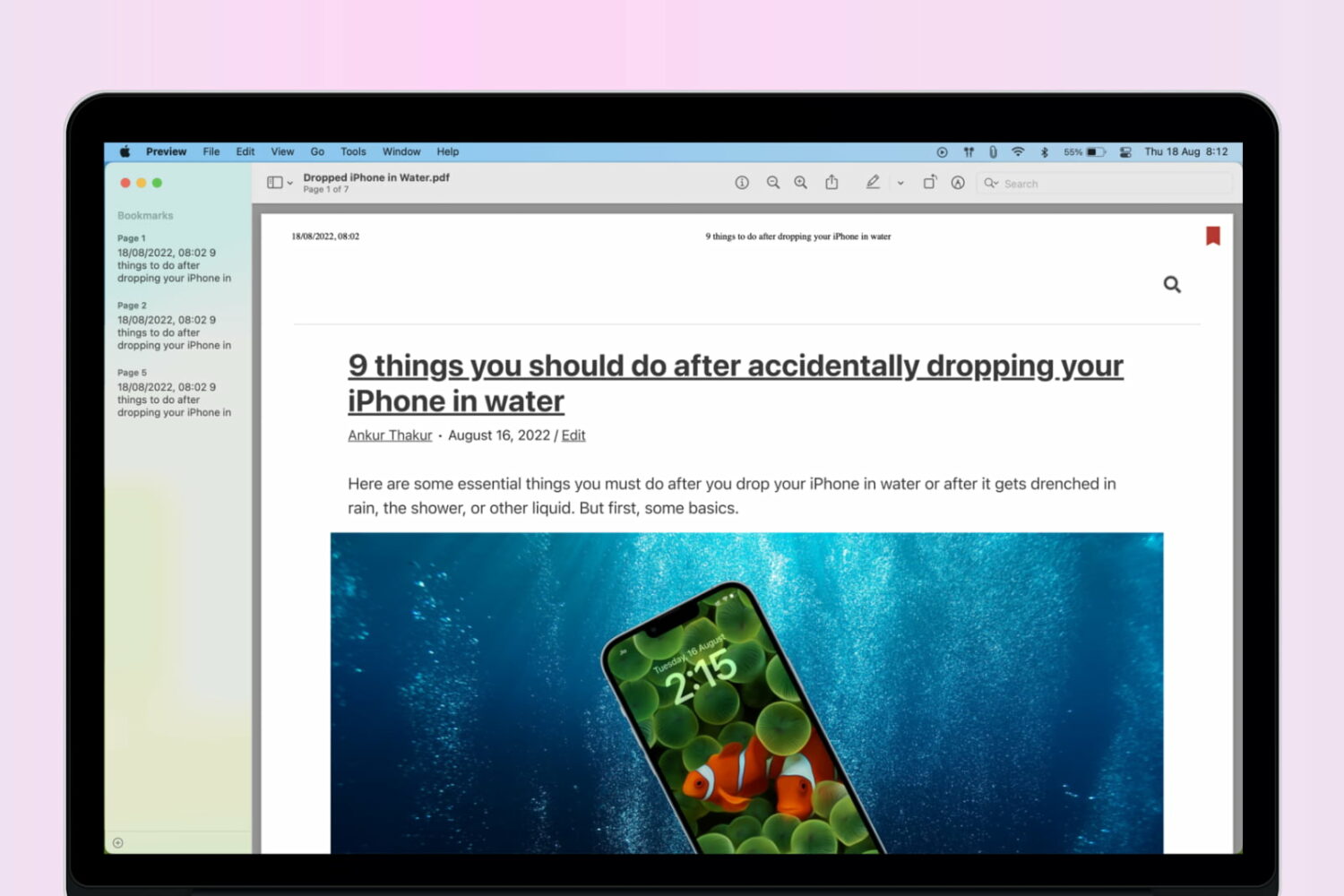
Learn how to add bookmarks in a PDF using the built-in Apple Preview app on your Mac to easily reference sections of a lengthy document.
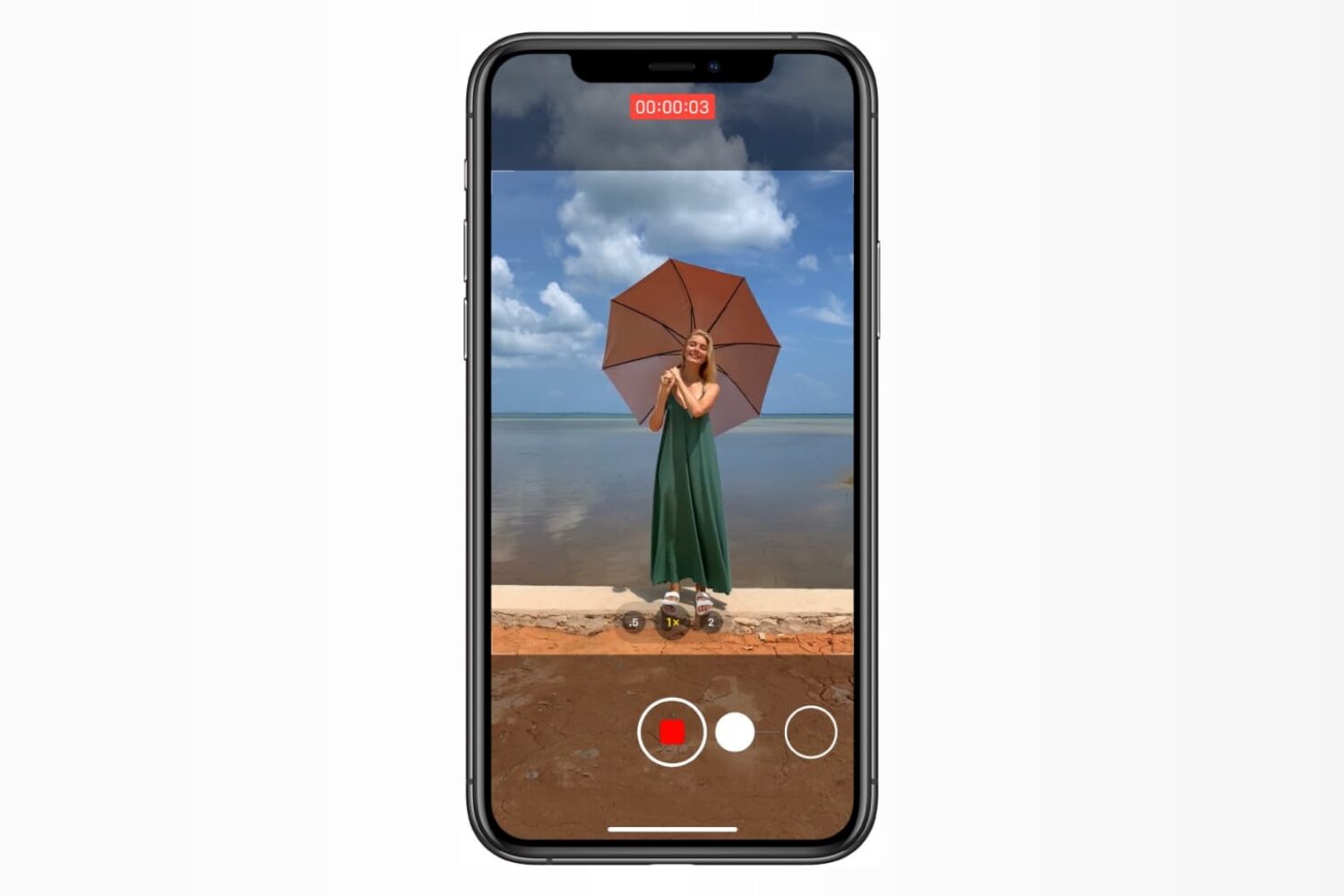
Learn how to use the hidden QuickTake feature in the iPhone's built-in Camera app to record video without switching out of Photo mode and never miss a moment.
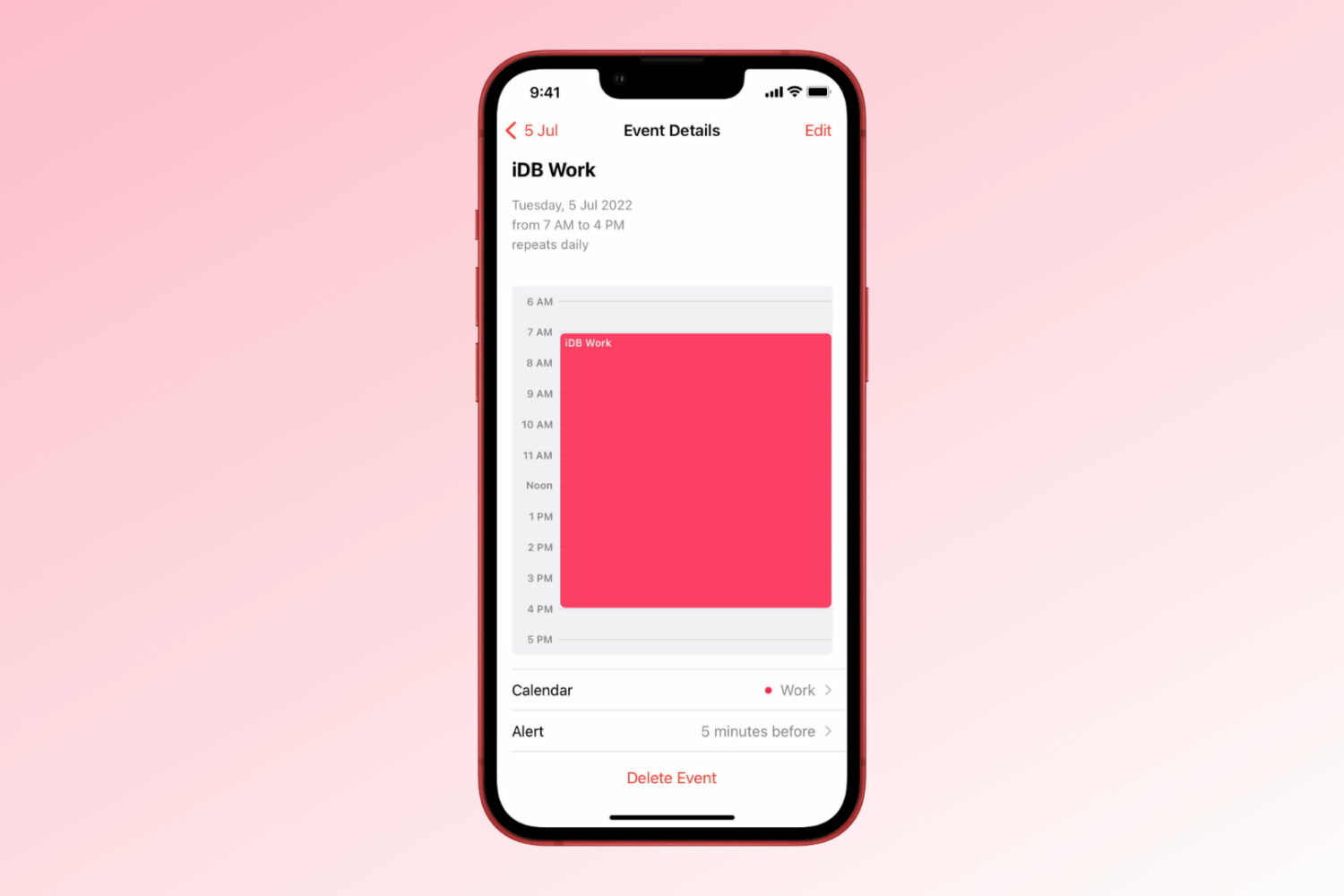
Learn how to create repeating events in the Apple Calendar app on iPhone, iPad, and Mac to get alerted of important events that occur regularly.