Find out what to do if the audio recordings made in the Apple Voice Memos app are not syncing via iCloud from your iPhone, iPad, and Apple Watch to your Mac or vice versa.
How to fix voice memos not syncing from iPhone to Mac and vice versa
Find out what to do if the audio recordings made in the Apple Voice Memos app are not syncing via iCloud from your iPhone, iPad, and Apple Watch to your Mac or vice versa.

Congratulations on buying an Apple Watch! Once you have paired it with your iPhone, here are some things you should do to get the most out of your new wearable and ensure you have a great experience with it.
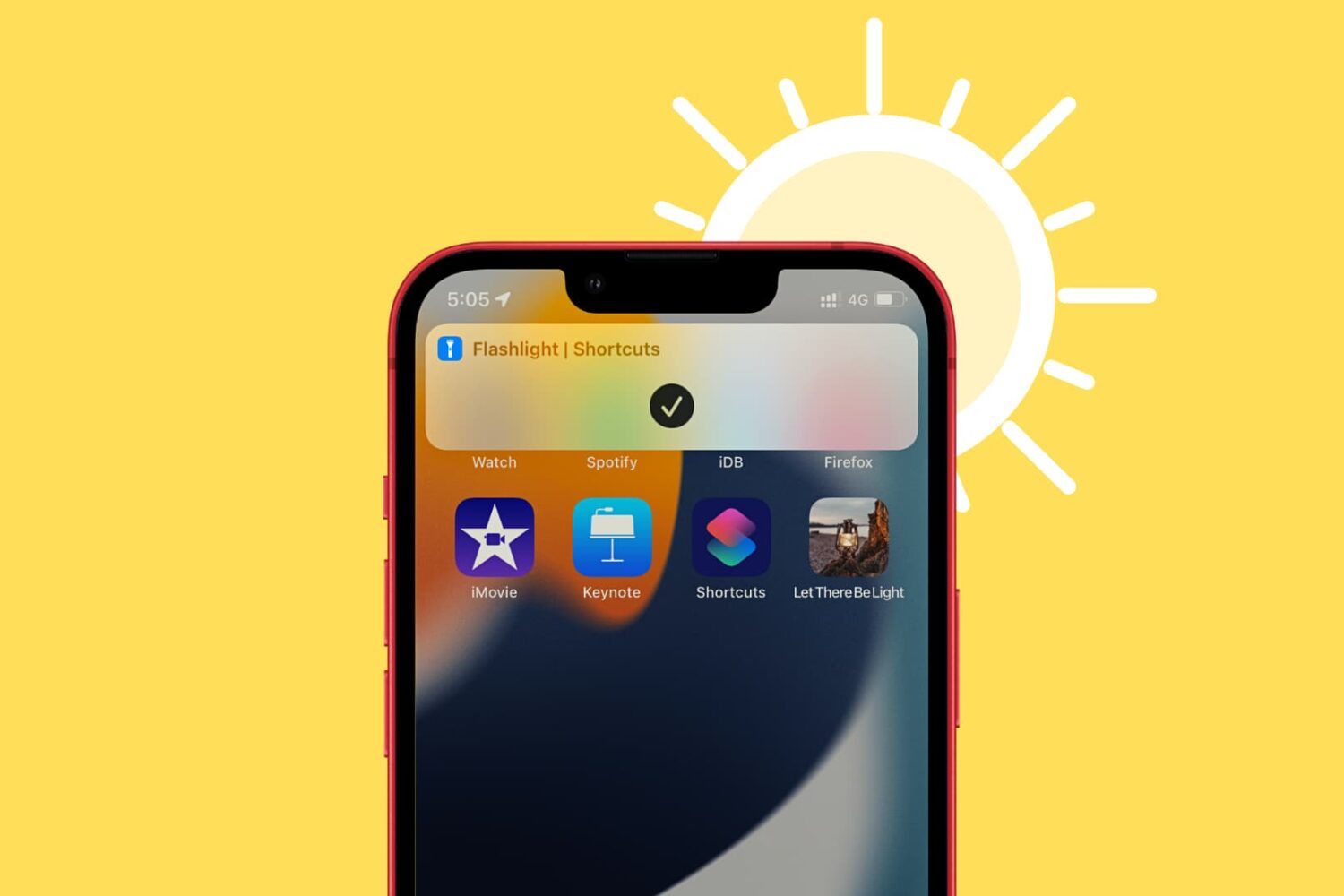
In this brief tutorial, we’ll show you how to create a flashlight shortcut on your iPhone or iPad Home Screen for easier access.
Learn how to quickly refresh a web page in Apple’s Safari browser, especially when using your iPhone with one hand and with the URL address bar displayed at the bottom.
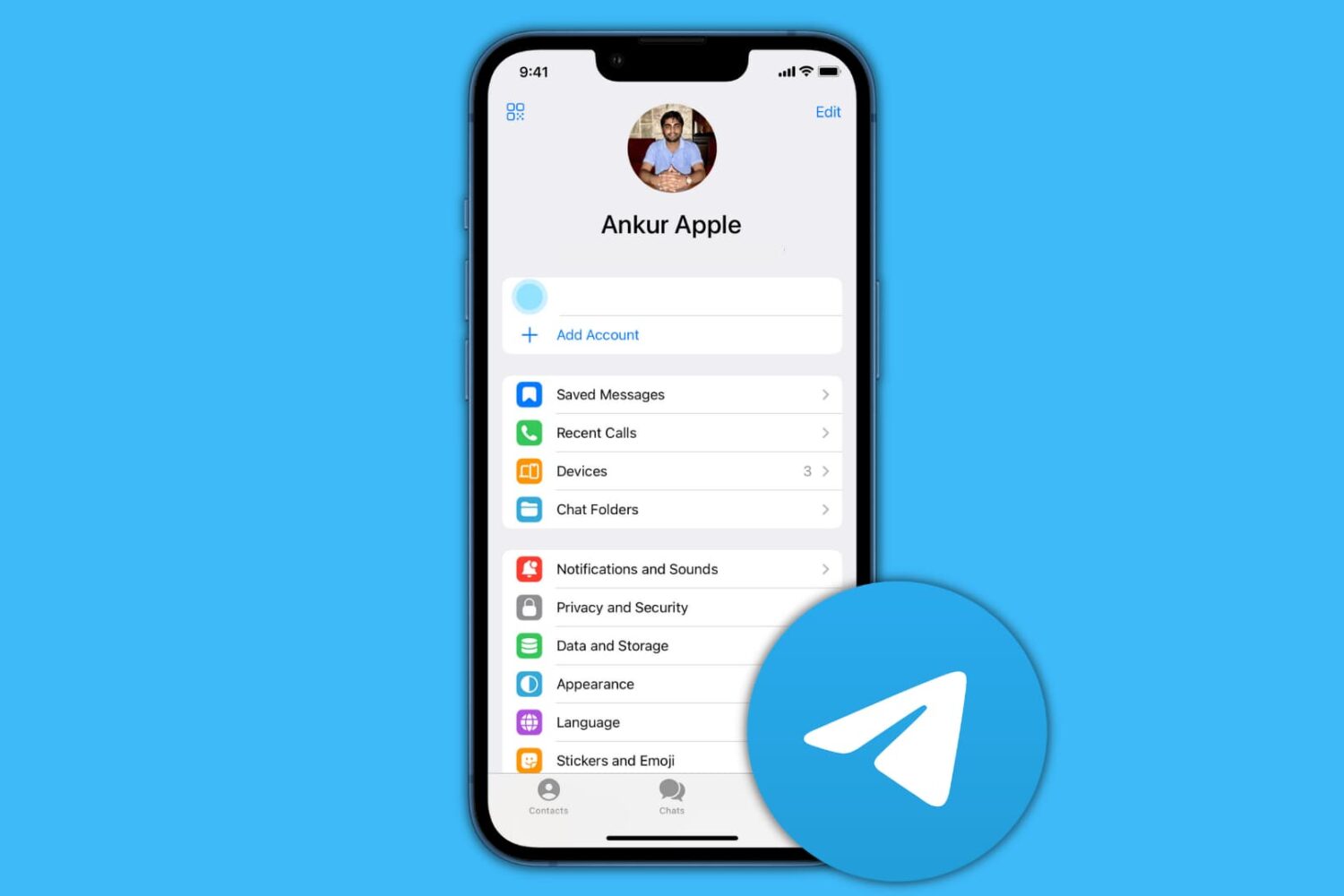
In this guide, we show you how to delete your contacts and chats from Telegram and then deactivate or permanently delete your account.
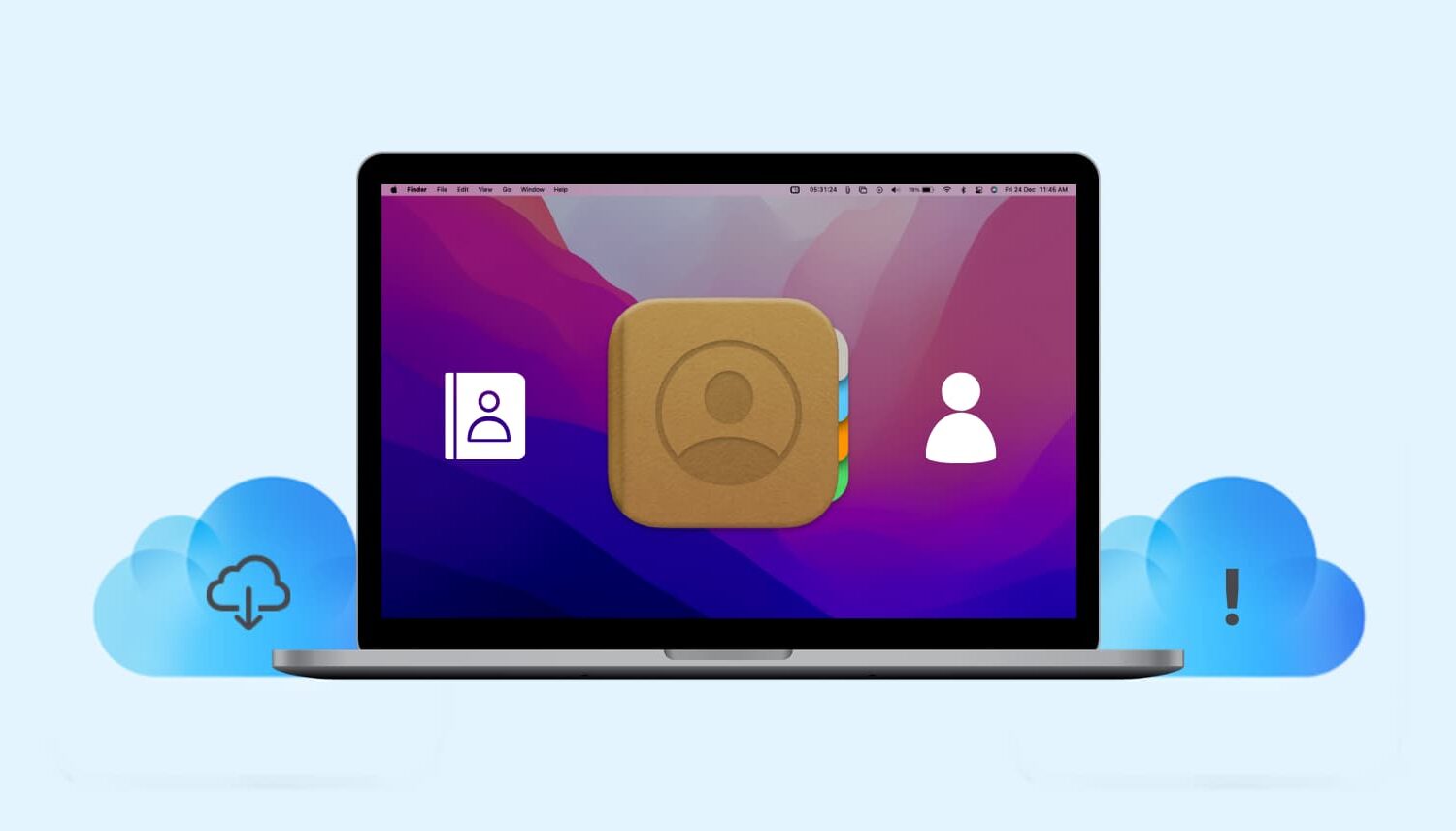
Learn what to do if your iCloud contacts are missing in the Contacts app on your Mac, or if new ones are not syncing properly with it.
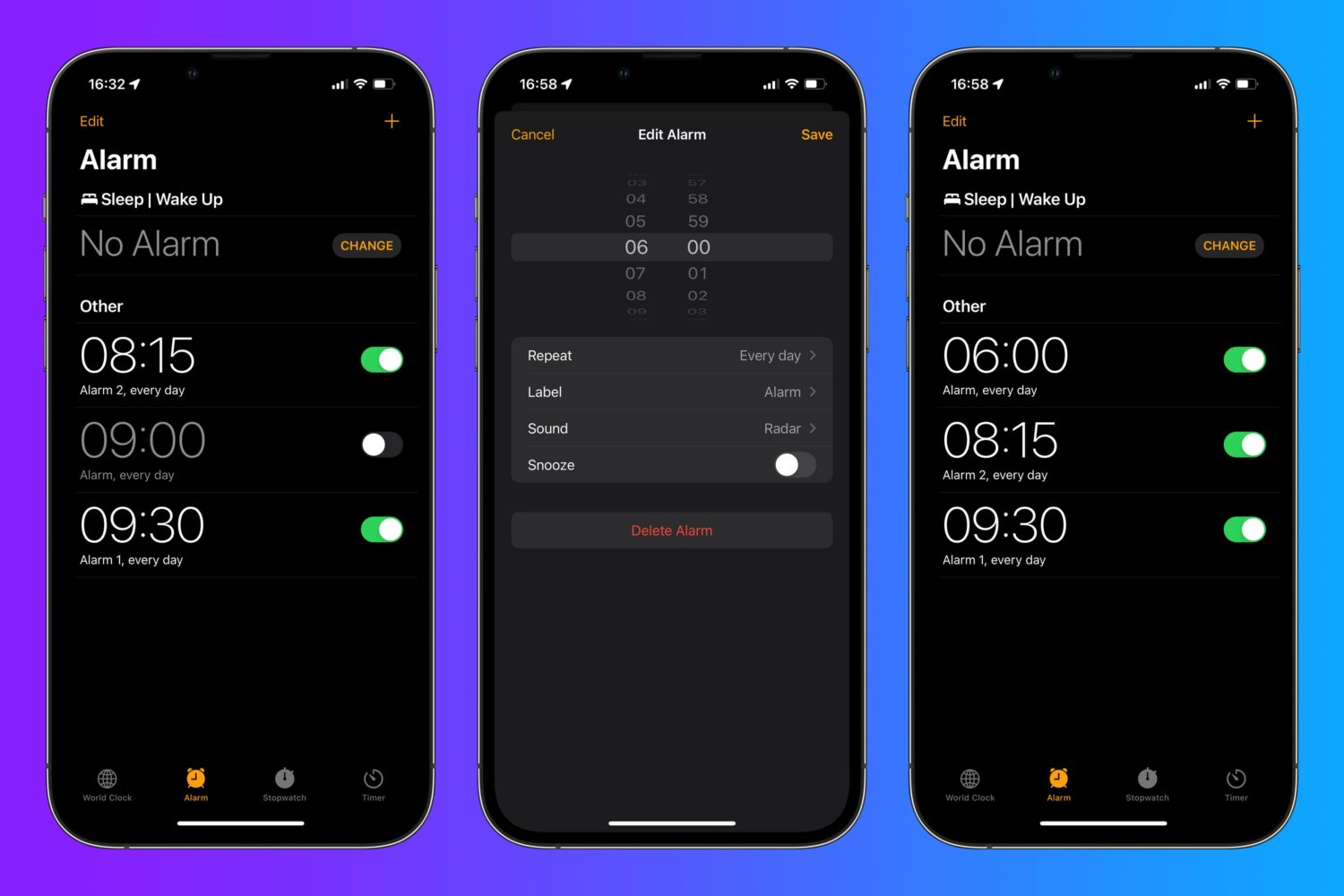
Think twice before concluding there's nothing new to learn about editing iPhone alarms. If you have iOS 15.0 or later on your iPhone, use this handy tip to quickly edit an alarm.
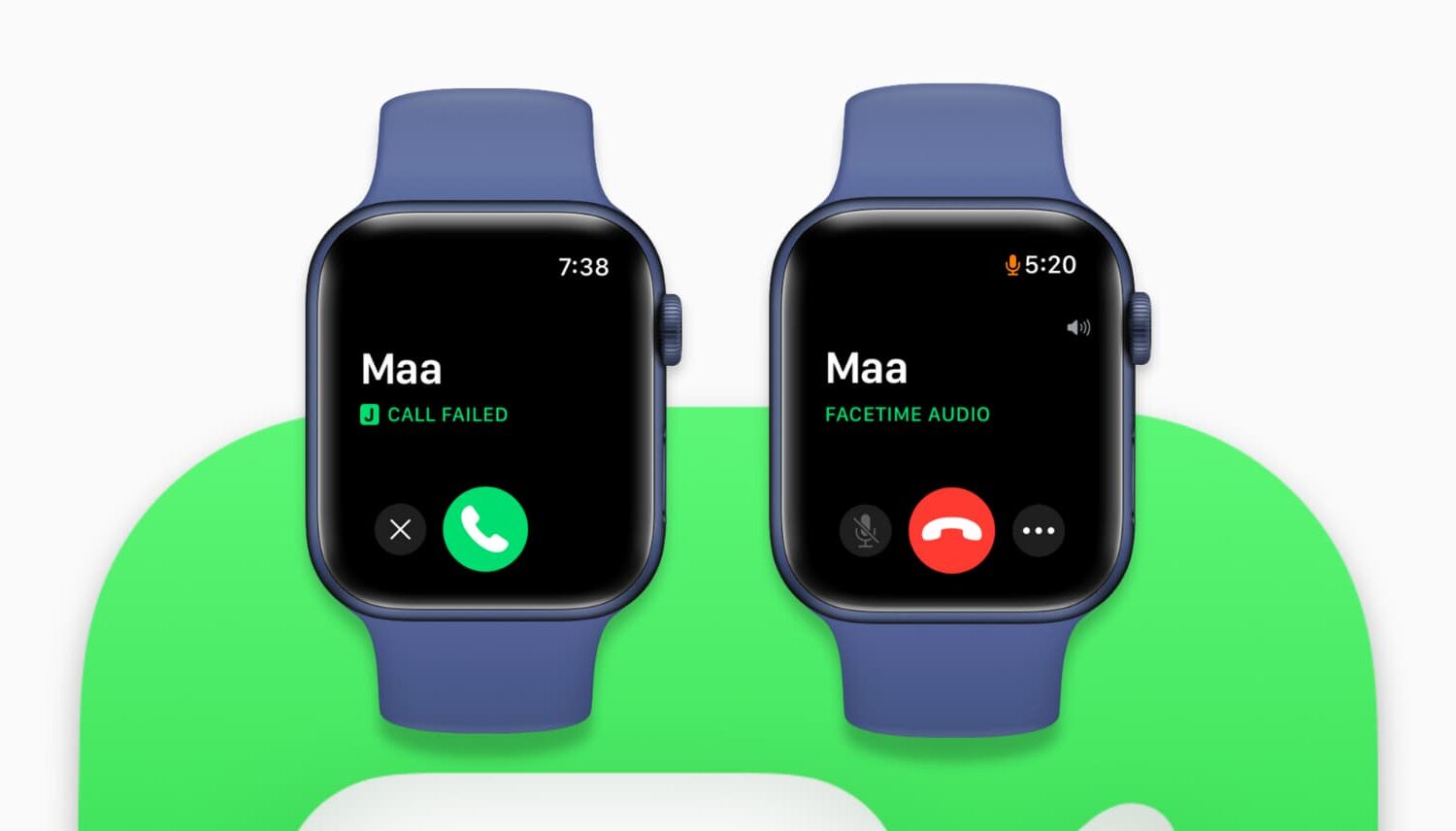
Is FaceTime failing or not working on Apple Watch? Check out these solutions to fix the issue and get back to making FaceTime audio calls right from your wrist.
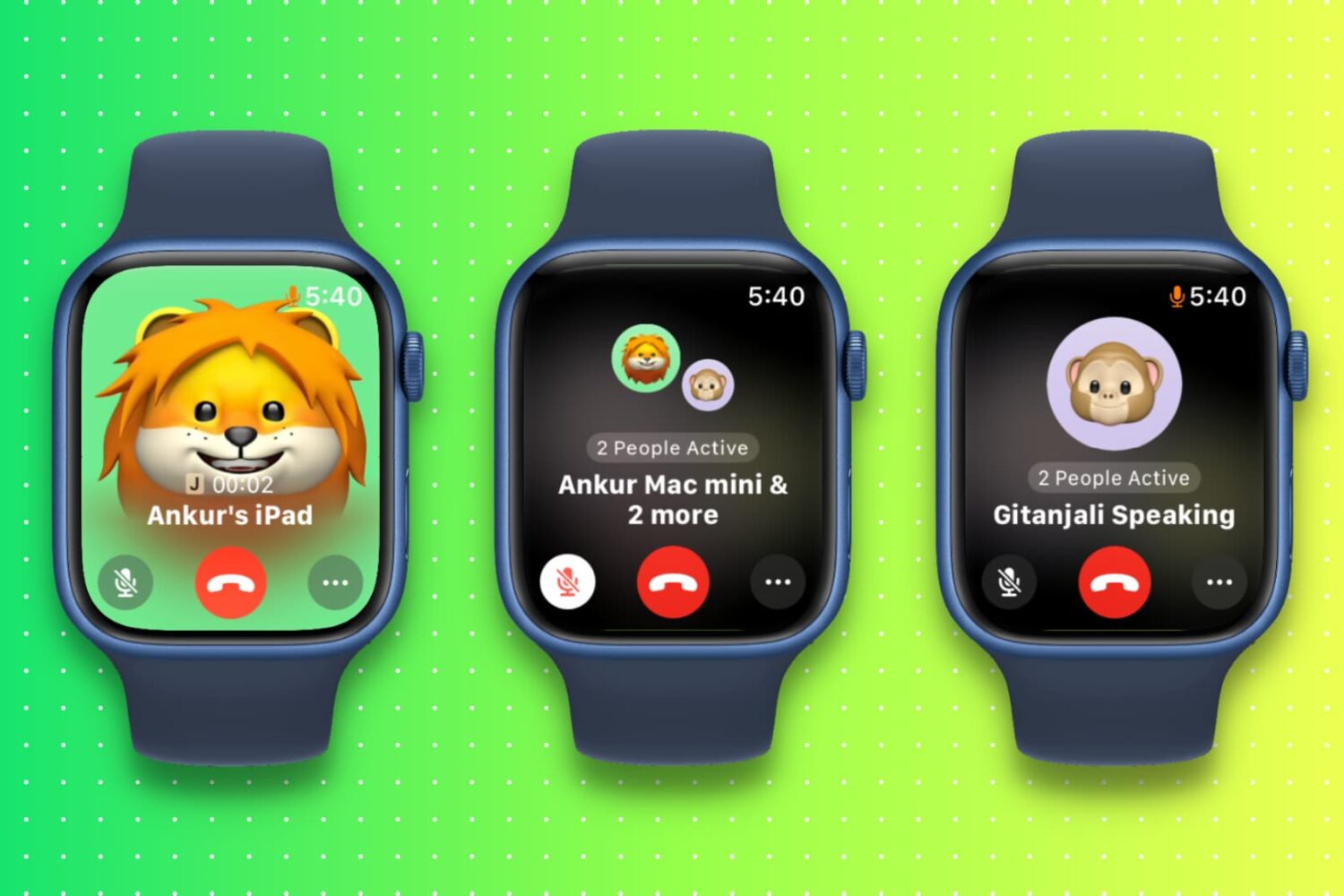
Want to FaceTime from your wrist? Here are different ways to make a single or group FaceTime call from your Apple Watch with or without the iPhone.
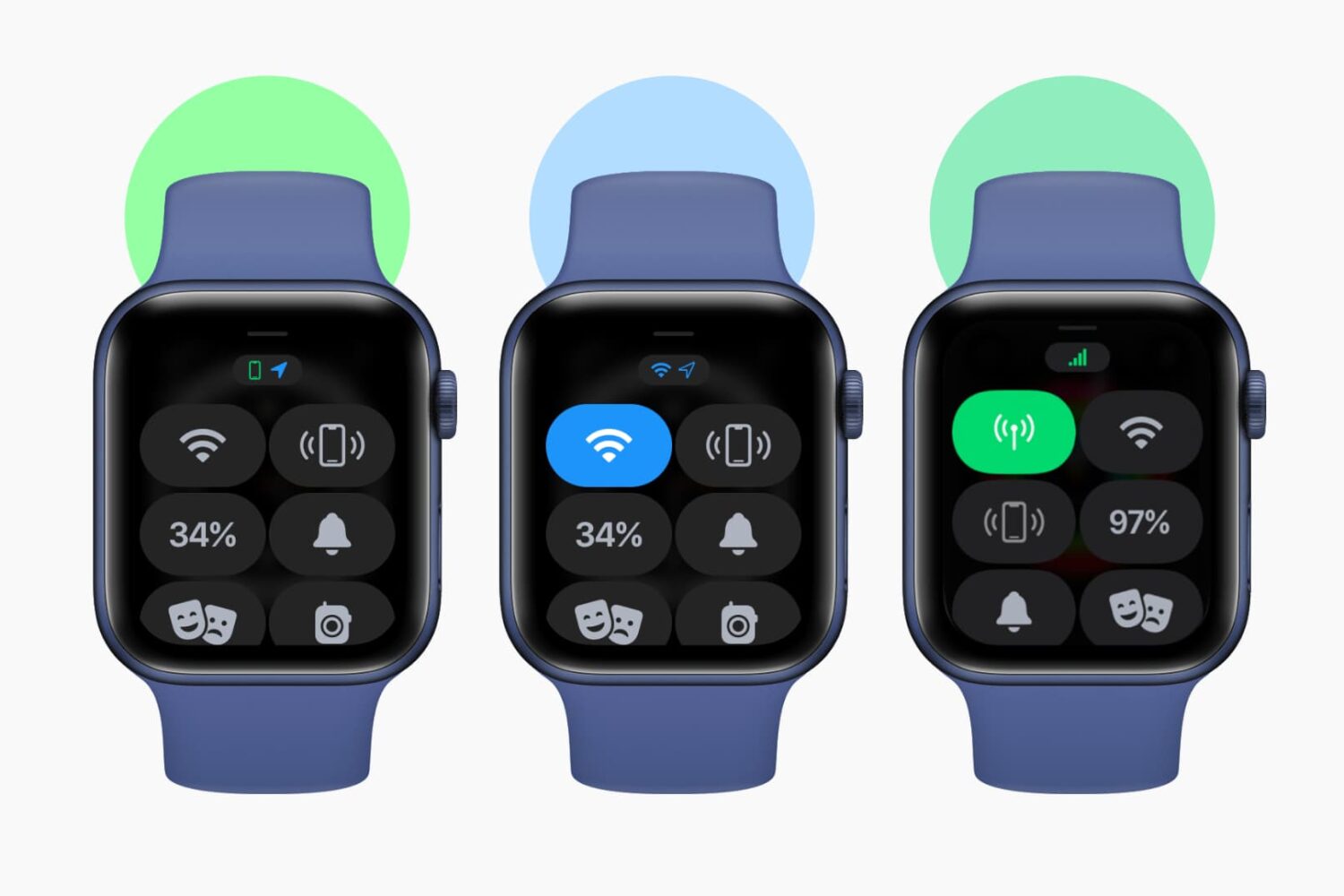
Check out this sure shot way to find out if your Apple Watch has internet connectivity or not.
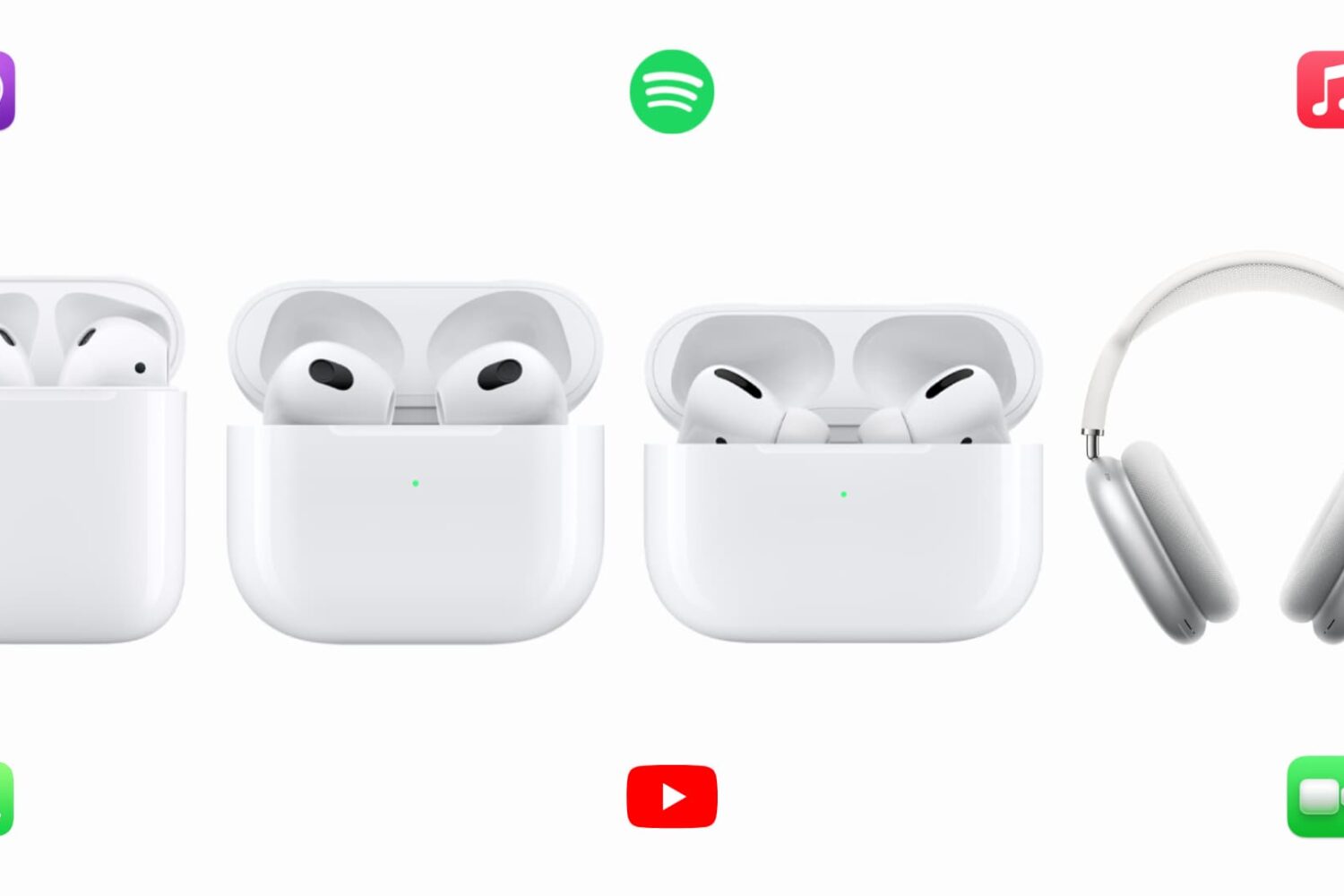
In this guide, we show you how to increase the sound level of any AirPods - 1st, 2nd, 3rd generation, AirPods Pro, and AirPods Max. Some of these solutions will also fix inadequate sound on any other non-Apple earbuds.
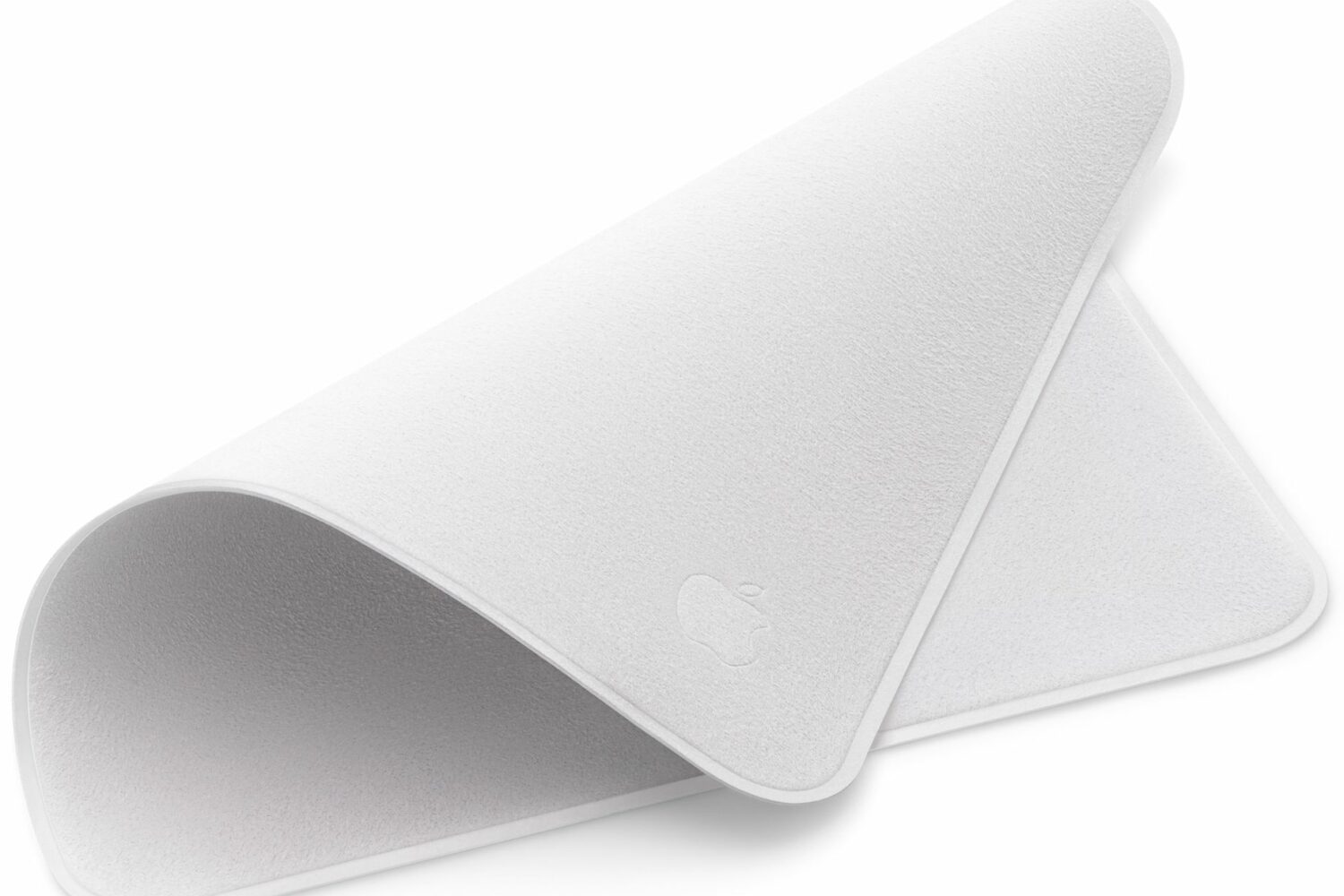
Check out these specific instructions on how to clean Apple’s polishing cloth to prevent damage when removing dust or smudges from your nano-texture glass screen.