Learn how to use Siri suggestions in Safari on your iPhone, iPad, and Mac to get recommendations for useful sites you might want to visit.
How to enable or disable suggested websites in Safari

Learn how to use Siri suggestions in Safari on your iPhone, iPad, and Mac to get recommendations for useful sites you might want to visit.
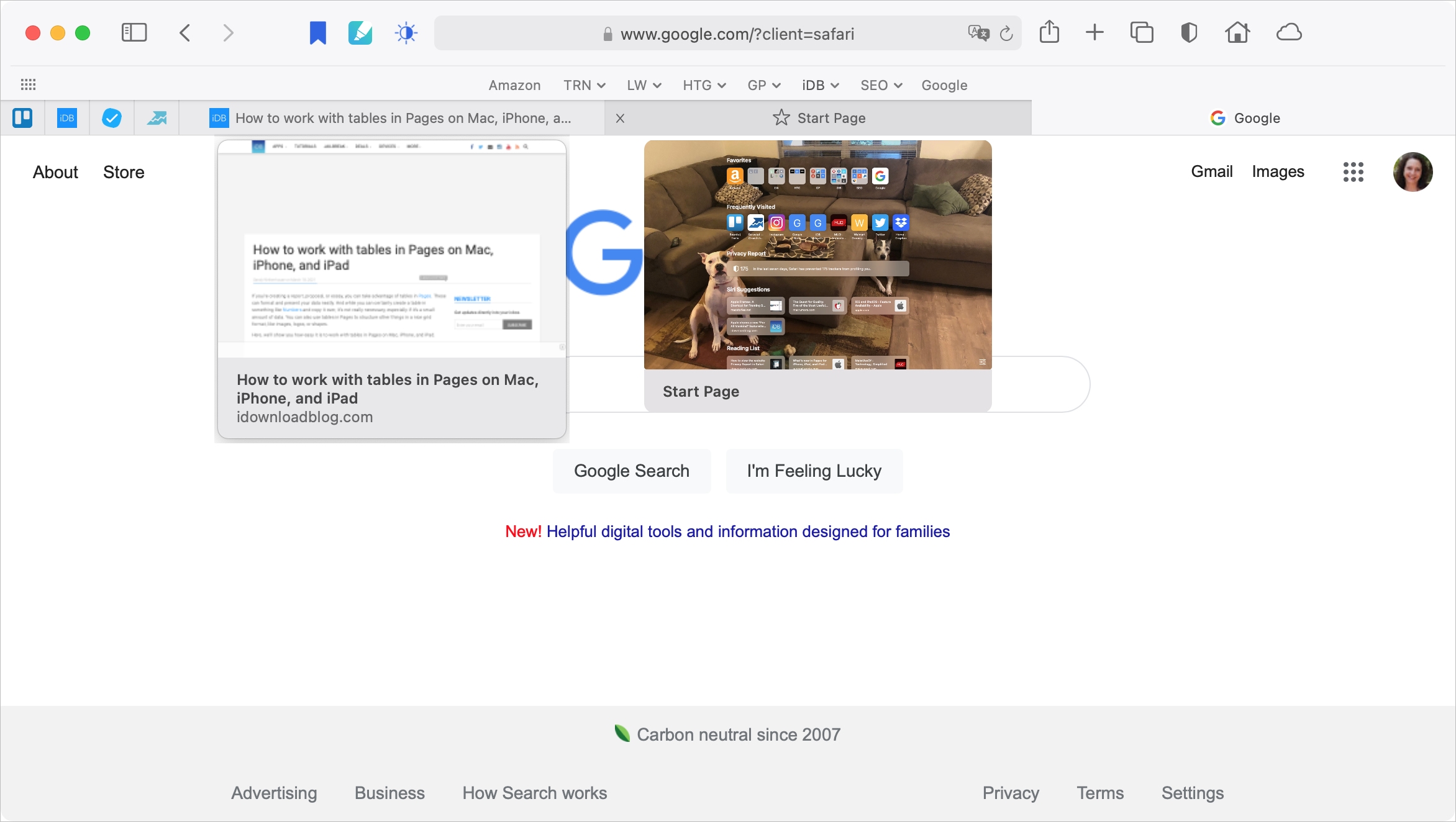
With Safari 14 on Mac came a cool feature for tab previews. This allows you to see a tiny snapshot of a webpage you have open in another tab when hovering your mouse over this tab. The thing with this feature is, it’s simply not for everyone. Some find it distracting. If you fall into this group, we’re here to help. Here’s how to disable the Safari tab previews on your Mac.
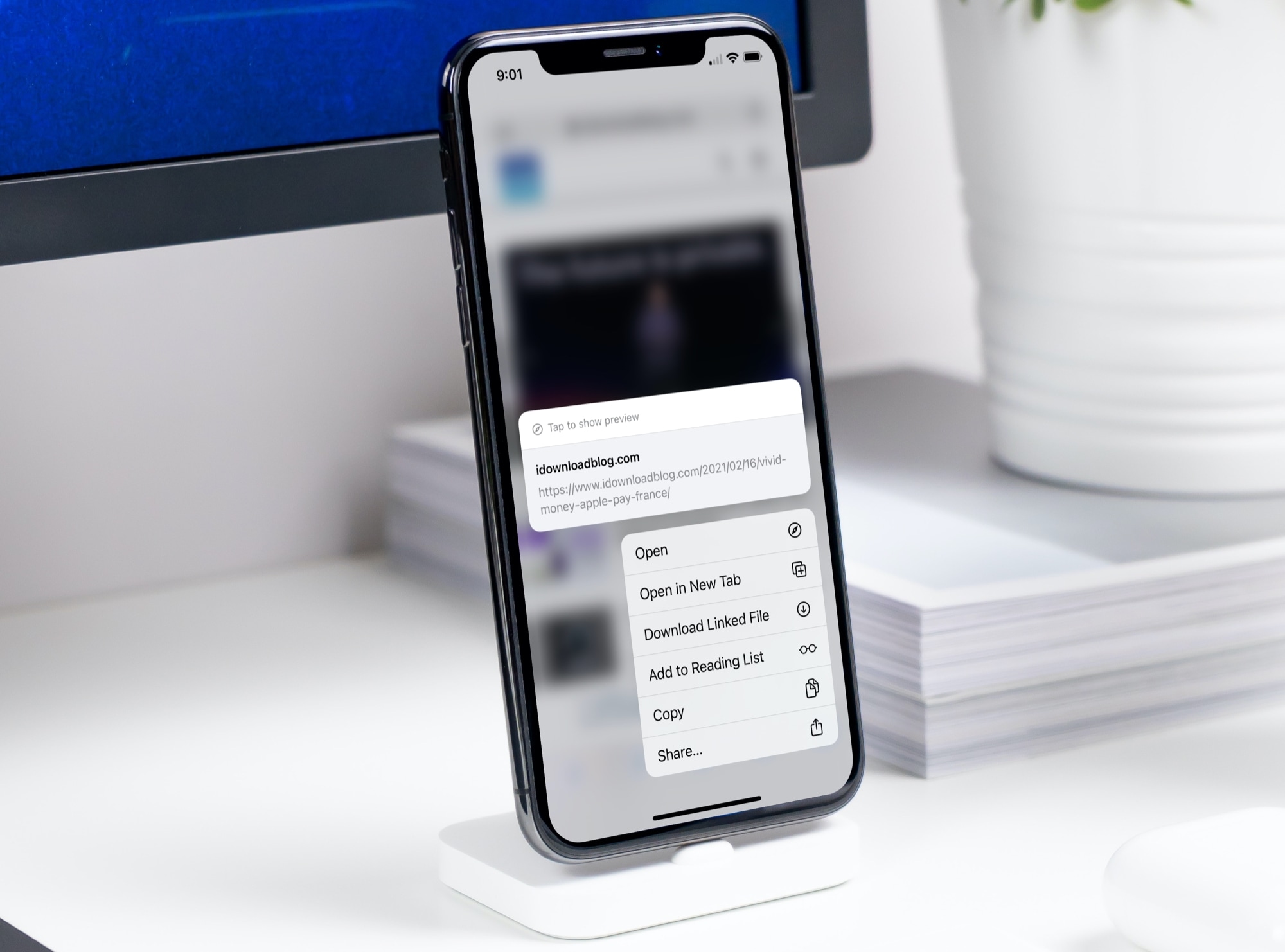
Learn how to set Safari to open links in a new tab or do it on the fly to control how and where links open.
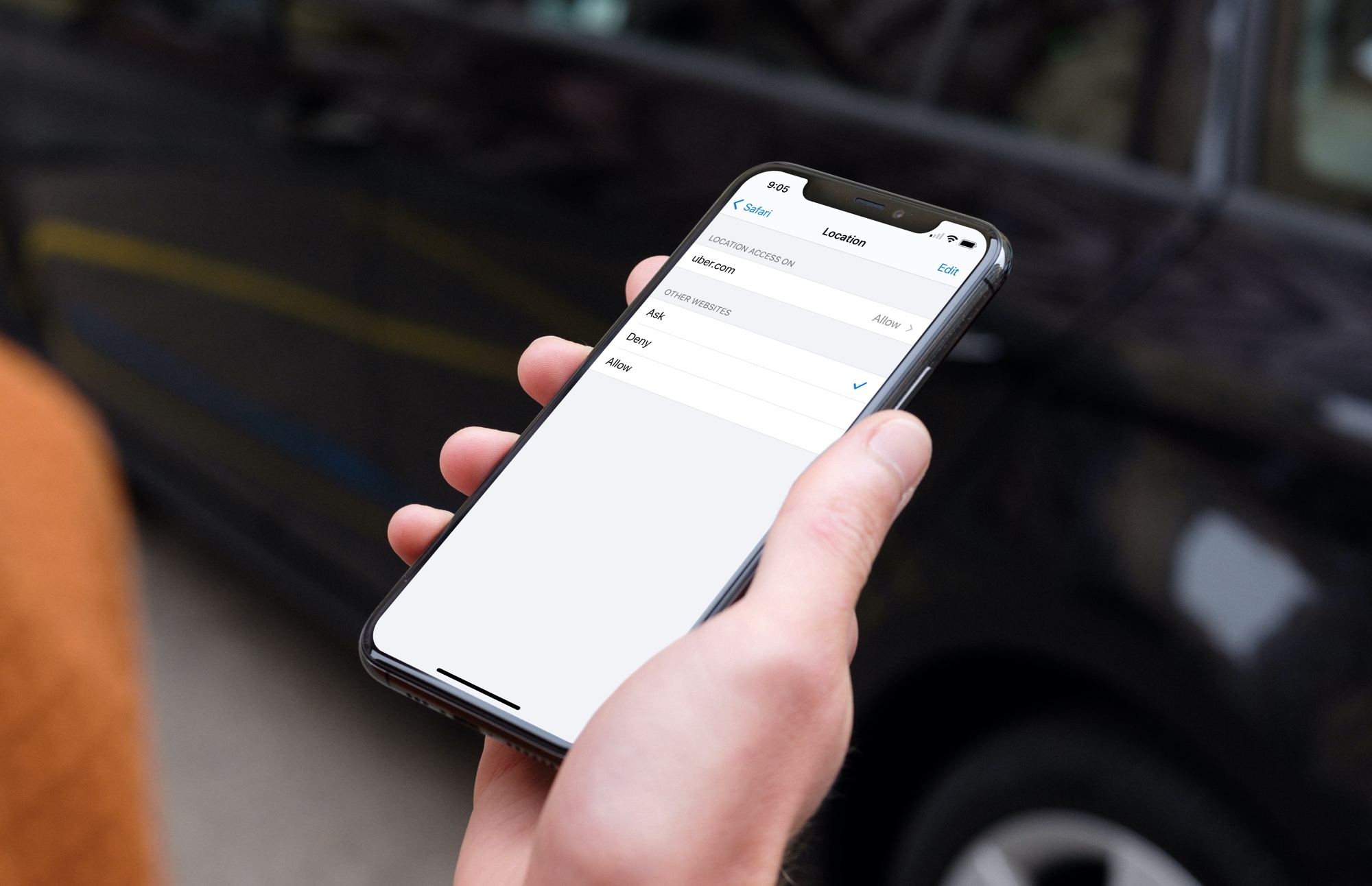
Learn how to configure Safari websites to stop asking for your location on iPhone, iPad, and Mac. You can always allow sites you want and deny those you don’t at any time.
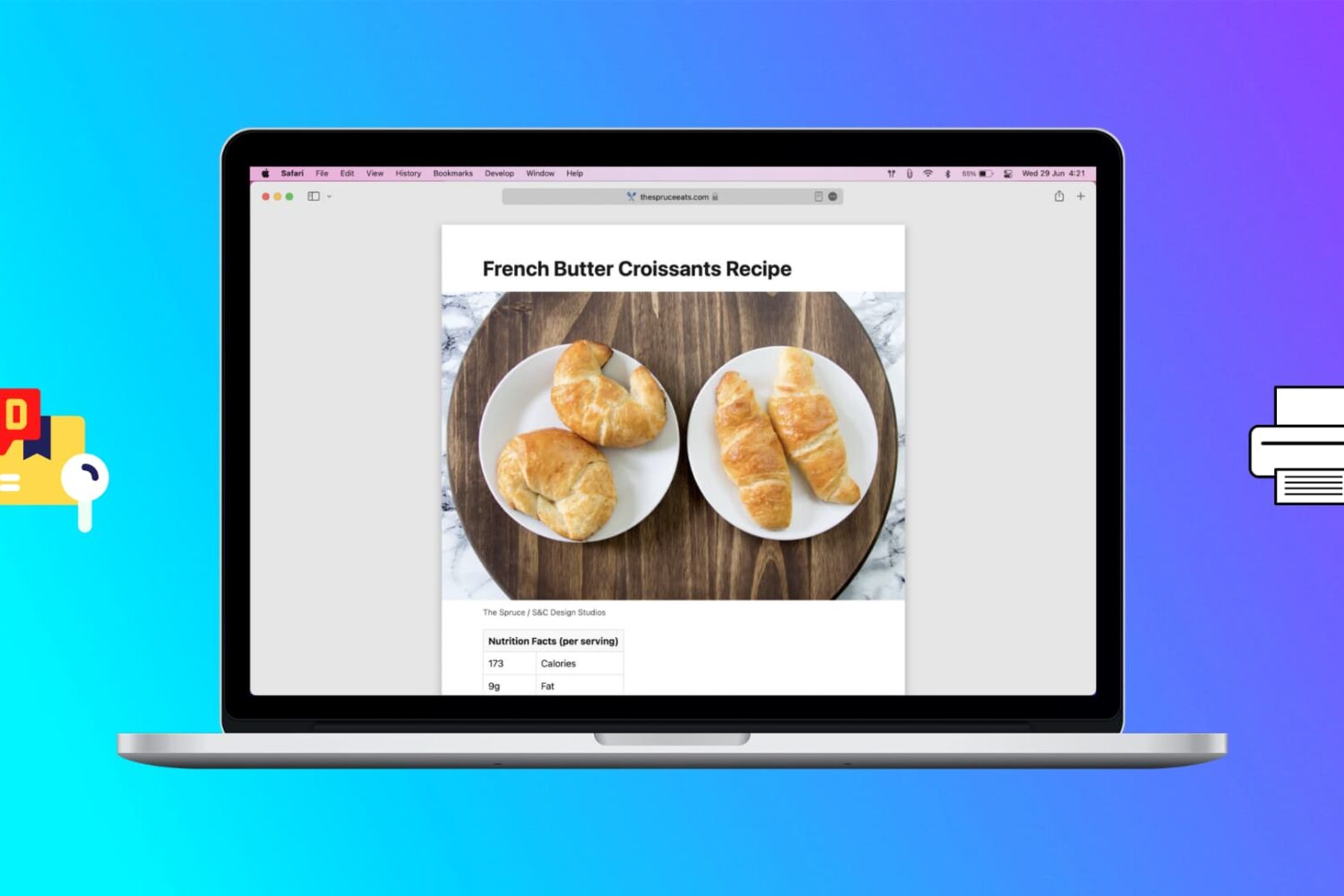
Learn how to print web pages without ads in Safari, Firefox, and Chrome on Mac to have fewer, clutter-free pages.

Did you download a file and can’t figure out where it is? In this tutorial, we’ll show you where those downloaded files are stored on your iPhone or iPad.
Learn how to make a new tab the active page in your Mac web browsers like Safari, Chrome, and Firefox so you are automatically switched to the new tab, thus saving yourself an extra click.

Action Needed: Website Push Certificate Expires in 30 Days. Your Website Push Certificate will no longer be valid in 30 days. To generate a new certificate, sign in and visit Certificates, Identifiers & Profiles.
If you run a website that send browser push notifications, you have most likely received this email from Apple reminding you that your push certificate for Safari is about to expire. I've been receiving the same email for several years now, but every time I scratch my head wondering how do I do that again.
There’s no easier way to capture a note from Safari than with the Notes app. Whether you’re doing research for school or work, planning a trip or event, or just want to make a note of an article, Apple’s integration makes it simple to save Safari webpages or text to the Apple Notes app on your Mac, iPhone, and iPad for quick reference and organization.
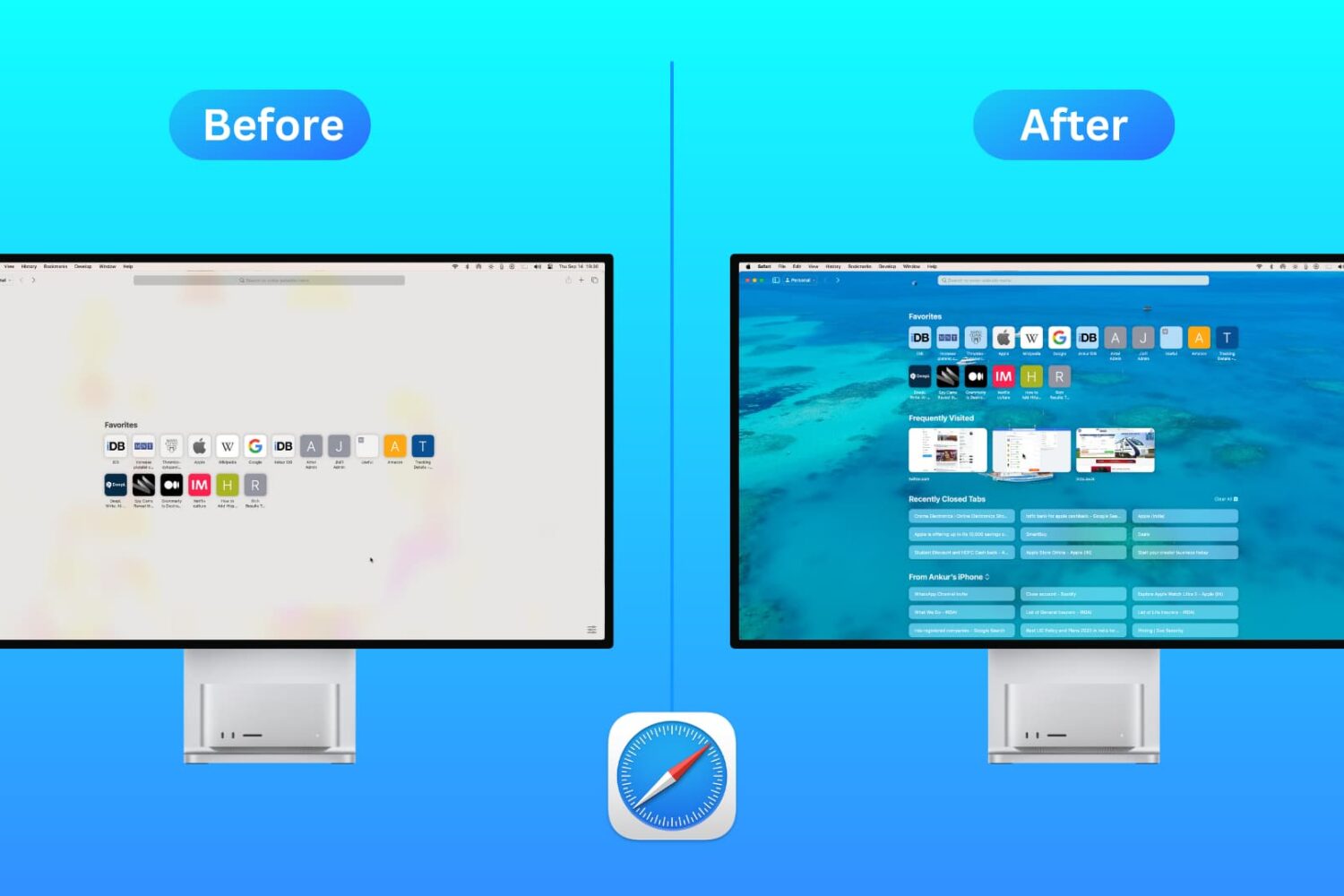
Customize the Safari Start Page on your Mac by selecting just the sections you want to see, using a personal background image, and more.
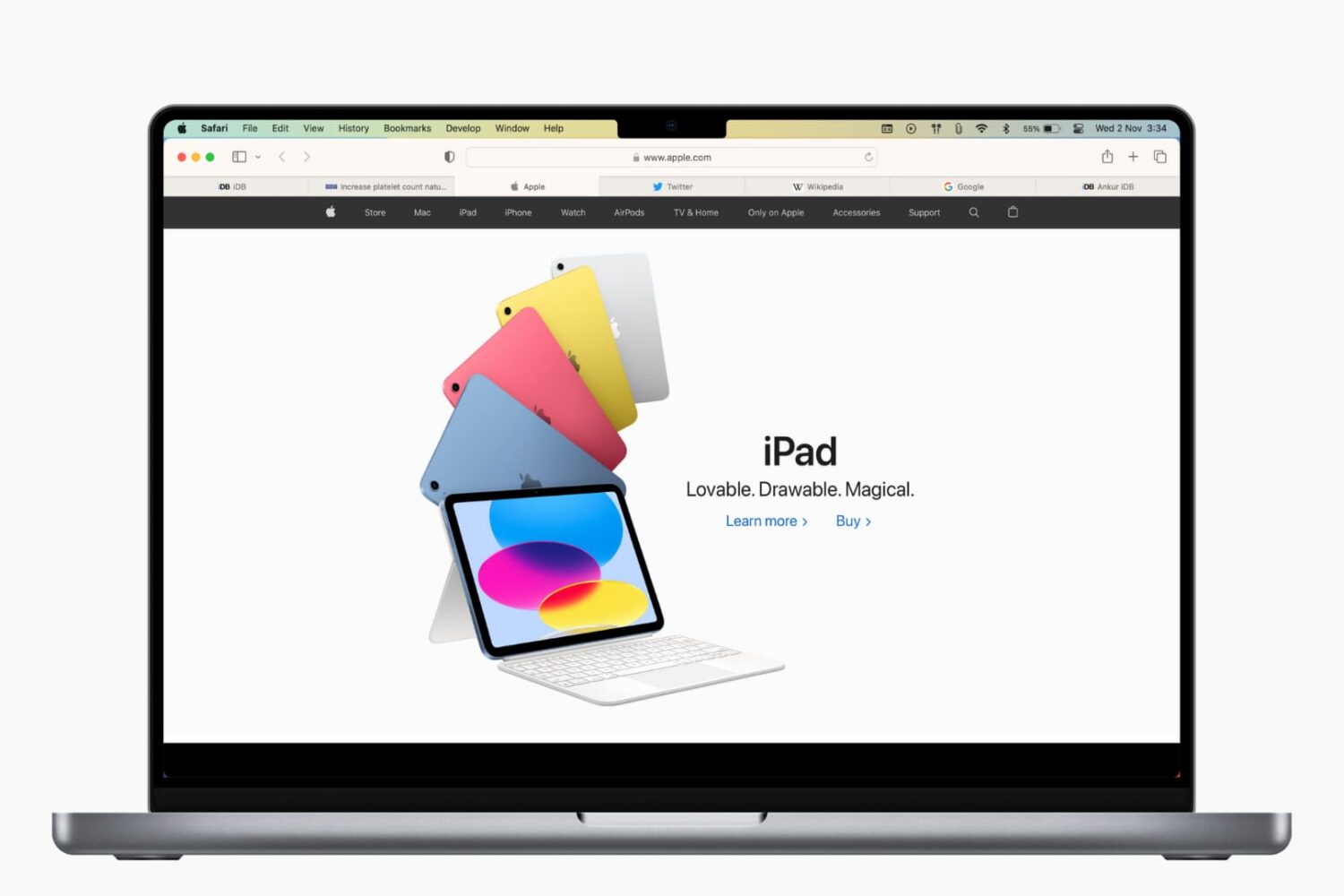
Learn how to refresh Safari favicons on your Mac to force the browser to fetch the new icons and display everything correctly if some website icons are missing or showing unrelated images.
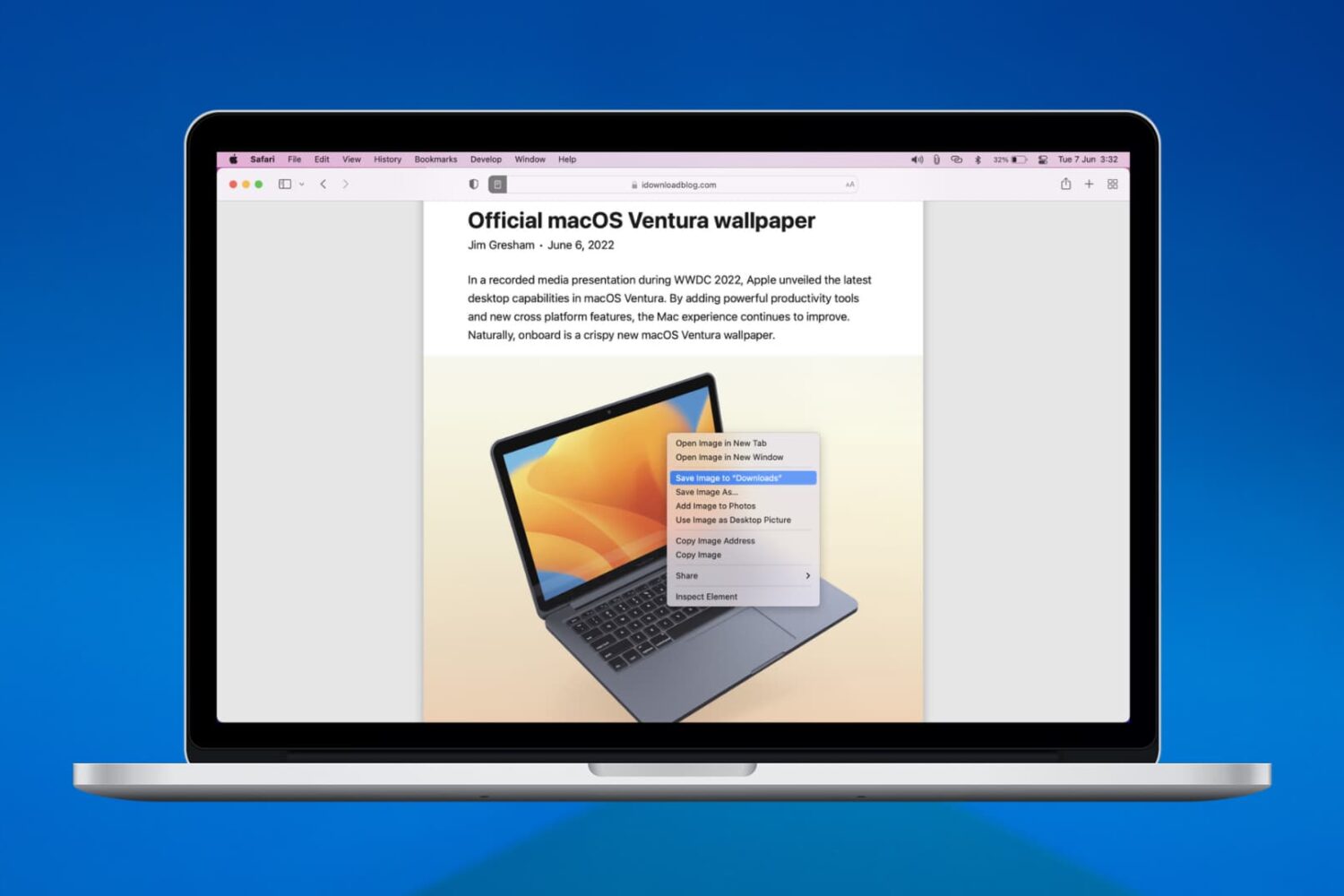
We’ll walk you through six easy ways to download, save, or copy an image on your Mac using Safari in this handy beginner’s guide.