Find out how to clear the DNS cache on your iPhone, iPad, Mac, Google Chrome, Firefox, and Opera to speed up your web browsing experience and troubleshoot related issues.
How to clear DNS cache on iPhone, iPad, Mac, and browsers
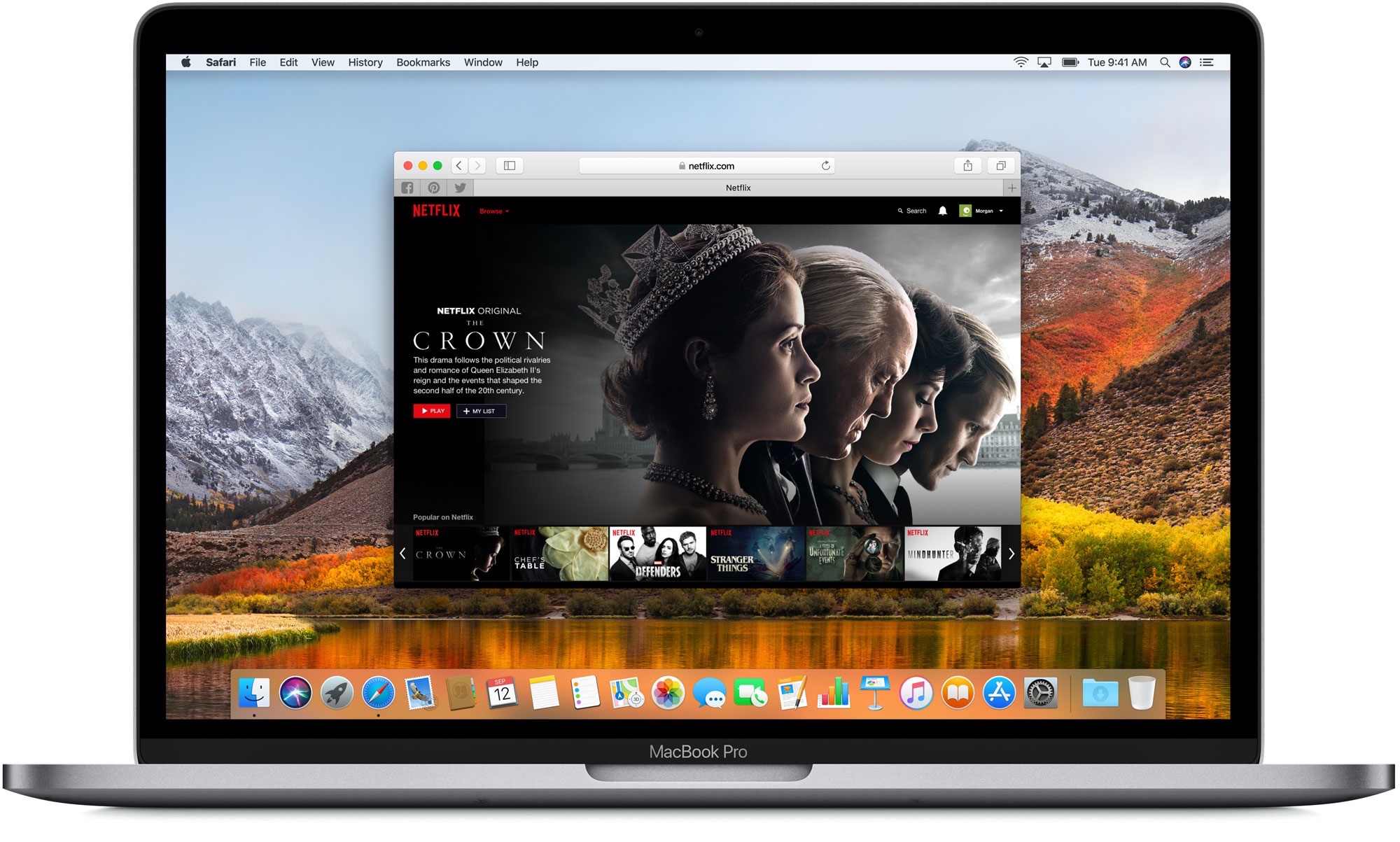
Find out how to clear the DNS cache on your iPhone, iPad, Mac, Google Chrome, Firefox, and Opera to speed up your web browsing experience and troubleshoot related issues.
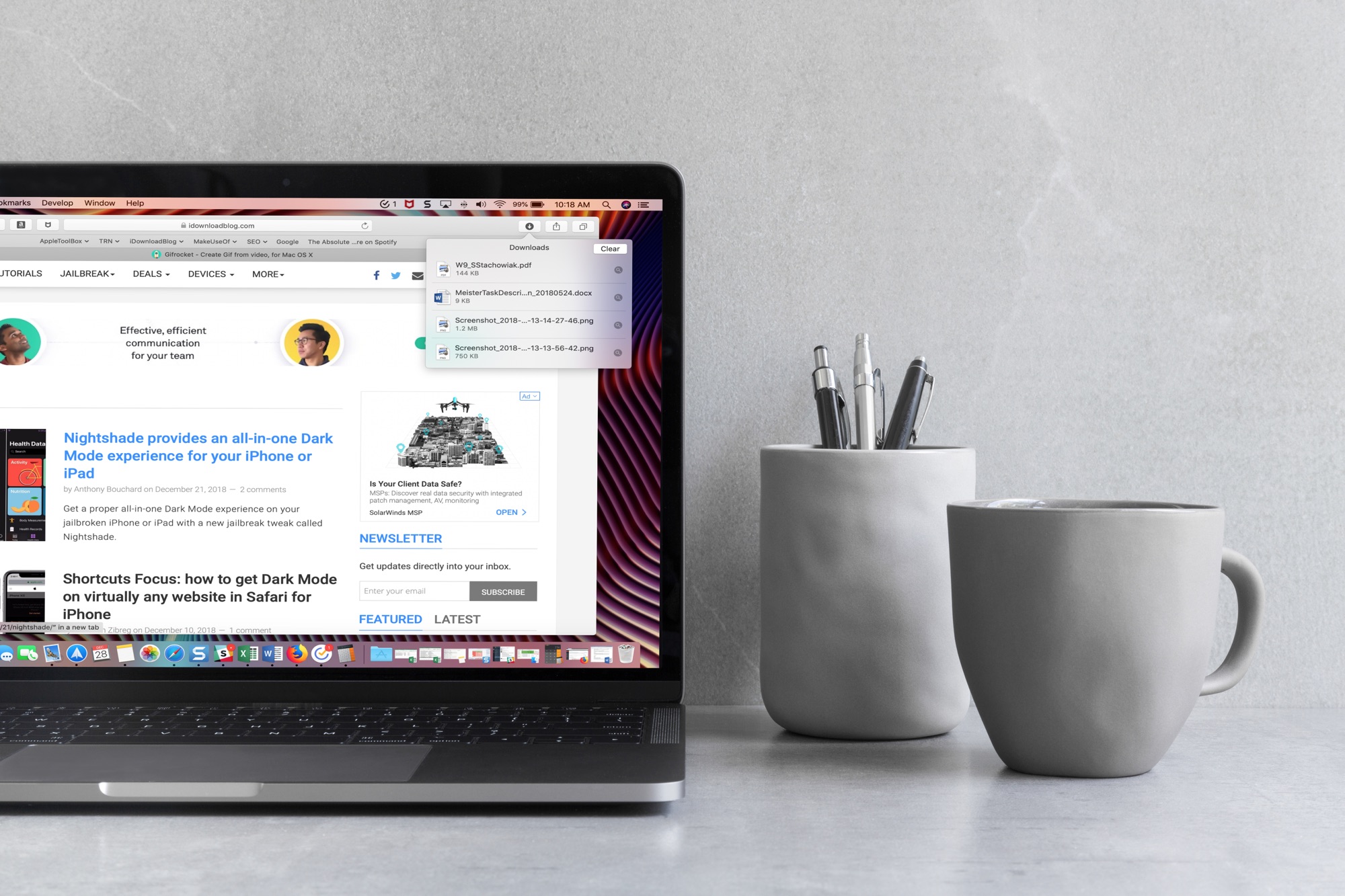
When you download items in Safari, they are all easily accessible from the toolbar. You can see them, pause and resume them, and clear them away.
Here’s how to manage and remove download items in Safari for Mac.
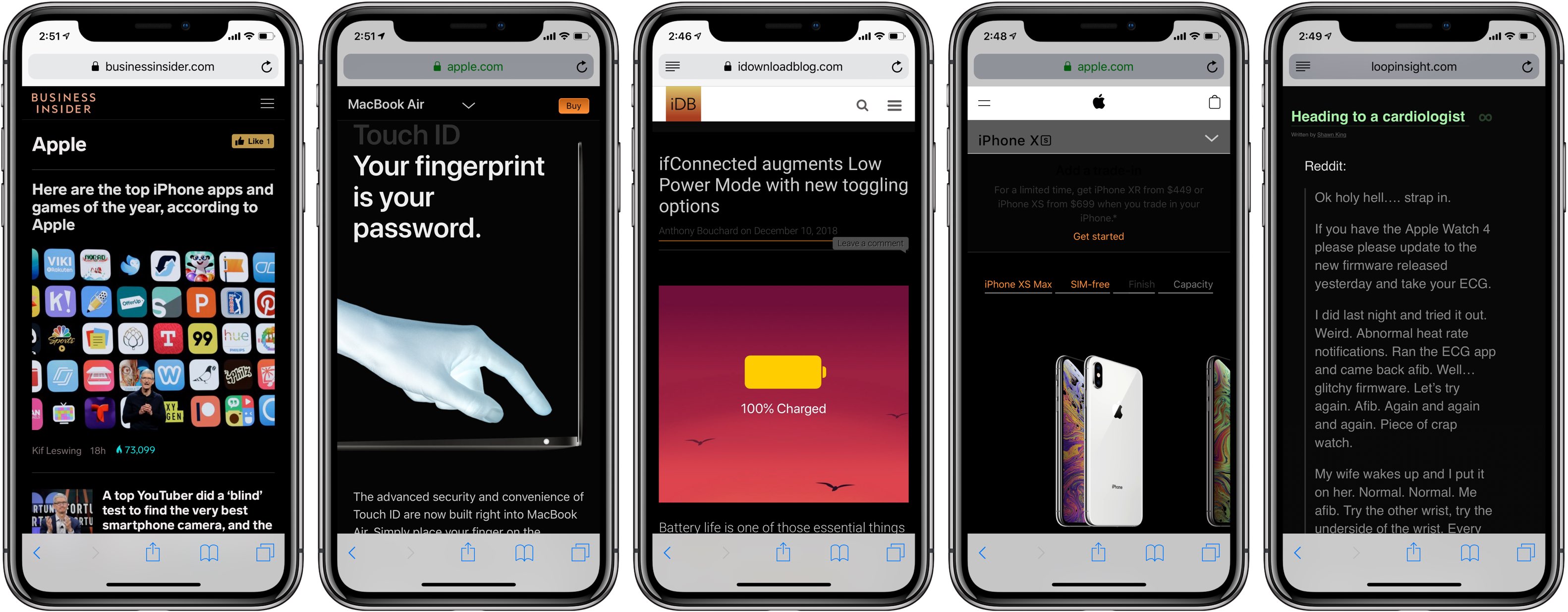
Darkened interfaces look good in apps, not so much on websites. The problem is, web content remains a major source of visual inconsistency as far as the popular Dark Mode feature is concerned. Thankfully, you can get a Dark Mode-alike environment on almost any website thanks to a handy Dark Mode V2 shortcut for your iPhone and iPad.

Are you trying to figure out how to access iCloud on your or someone else’s iOS device? This tutorial shows you how to log in to iCloud.com in a web browser on an iPhone or iPad and customize its appearance and functionality.

Find out how to add a bookmark to Google Chrome right from Safari on your iPhone or iPad if you use both browsers and want to save links efficiently.

Learn how to instantly declutter your desktop by merging all separate Safari windows and using tabbed browsing in a single window instead.

One of the first things I looked for when I started using a MacBook Pro for work was how to navigate web pages faster. Being able to move to the top, to the bottom, or both in small increments and without lifting my fingers from the keyboard was essential.
If you’re like me and want to navigate sites you visit quicker, this list is for you. Here are several keyboard shortcuts to move up, down, and sideways on web pages on Mac.

Learn how to save all images from a web page on your iPhone or iPad without manually downloading them one at a time.
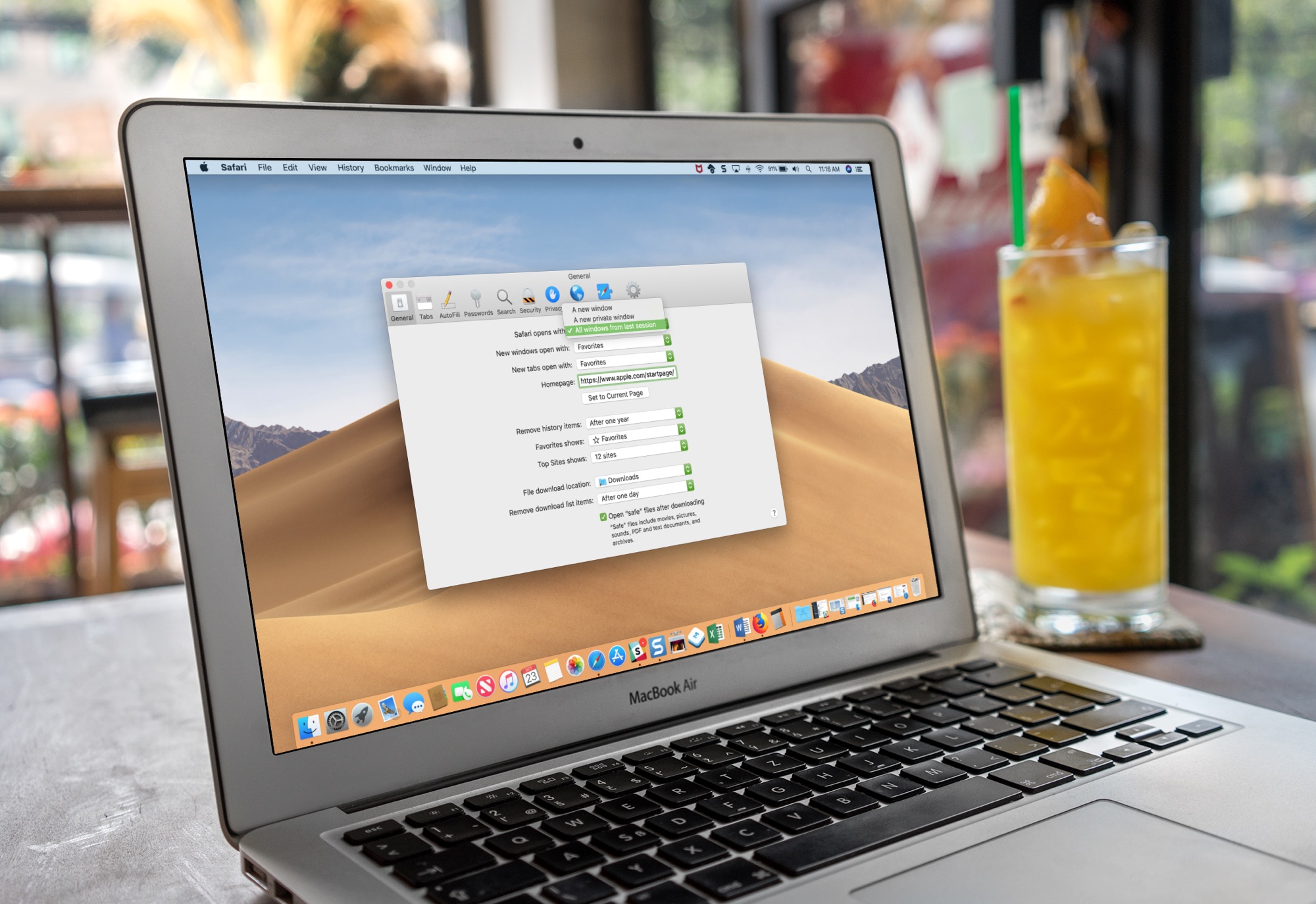
Learn how to set Safari on your Mac to automatically reopen all windows from the last session so you can continue browsing where you left off without skipping a beat.
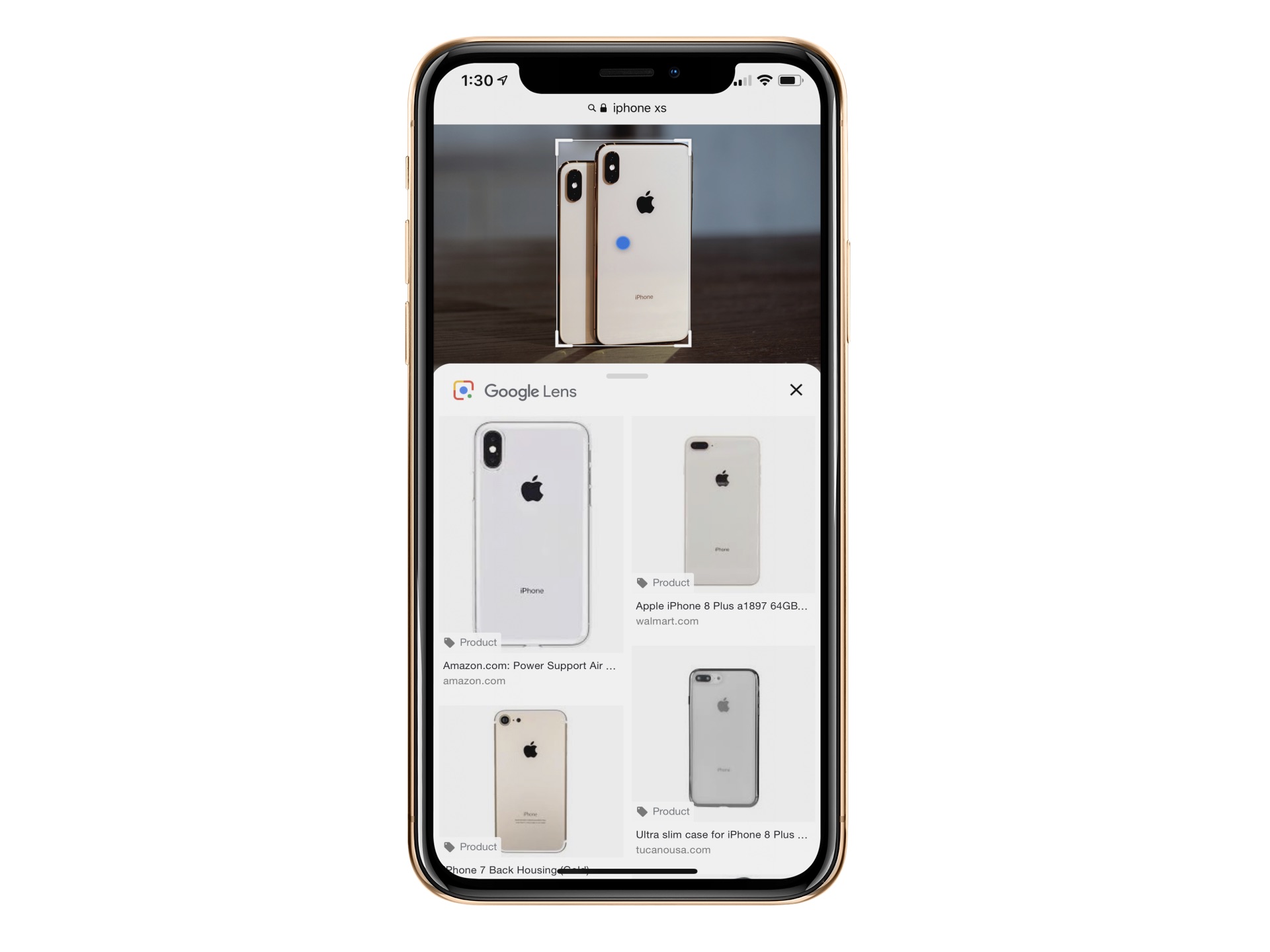
Google Lens is already available in Google Photos and Google Assistant. The object recognition technology is now baked into Google Images for mobile. In doing so, you can now identify an object in an image such as a chair or table and learn more about it, including buying options, when applicable.

Pwn20wnd’s unc0ver jailbreak tool has been receiving lots of updates lately, and if you’re like me, then you’re not always at a computer to download them. Fortunately, a handy online tool called Ignition can help you sidestep Cydia Impactor when you’re nowhere near your computer.
In this tutorial, we’ll walk you through how to use the online Ignition utility to install the unc0ver jailbreak on your iOS 11.0-12.4.1 iPhone or iPad [up to A12(X)] without a computer.
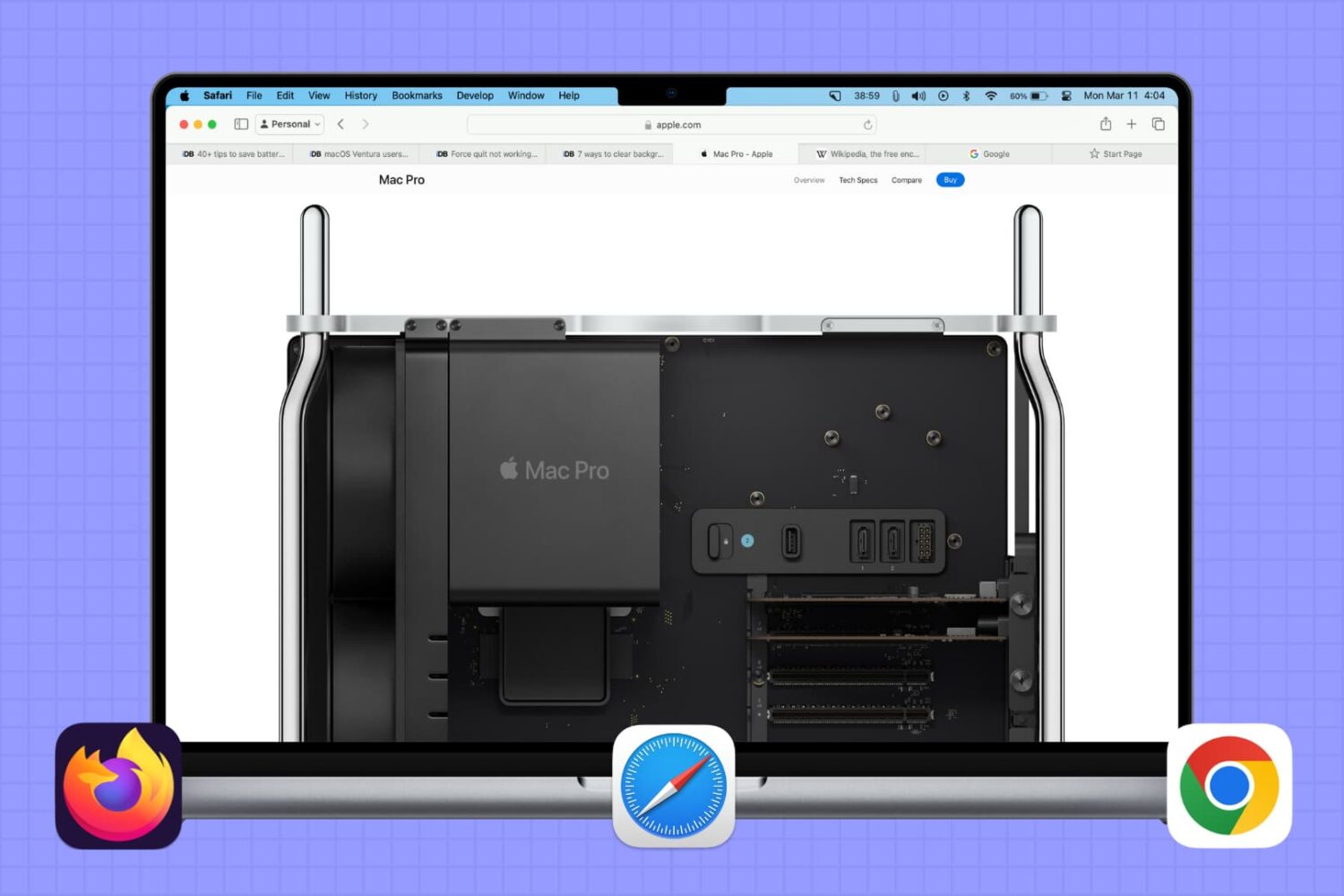
In this brief tutorial, we will share a quick browser tip that lets you select multiple tabs in Safari, Google Chrome, or Firefox and move them to a separate window.