Learn how to export, save, and share your calendar events as a PDF on your iPhone, iPad, or Mac, or print them to get a physical copy.
How to print, save, or share your calendar as PDF on iOS and Mac
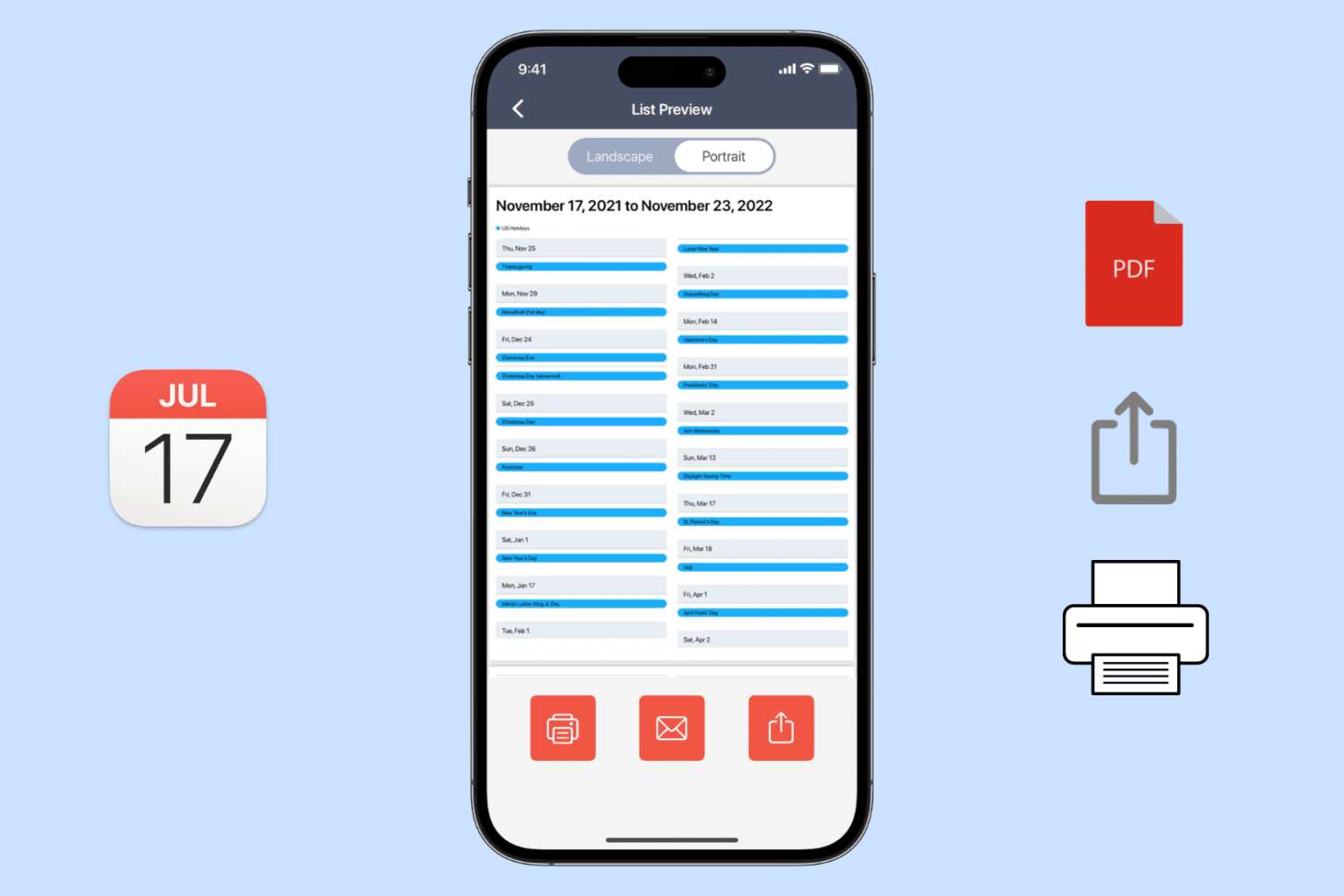
Learn how to export, save, and share your calendar events as a PDF on your iPhone, iPad, or Mac, or print them to get a physical copy.

Learn how to change the default app for opening specific file types on Mac to customize it to your liking.
Getting tired of seeing that persistent notification in your Mac dock to remind you to upgrade to macOS 10.15 Catalina? It's possible to turn off that notification permanently without having to upgrade. All it requires is a little command-line tinkering, if you're up for it. Read on for details.

Take control of your Mac desktop by using Stacks, sorting, sizes, and spacing to organize it for a more efficient workspace.
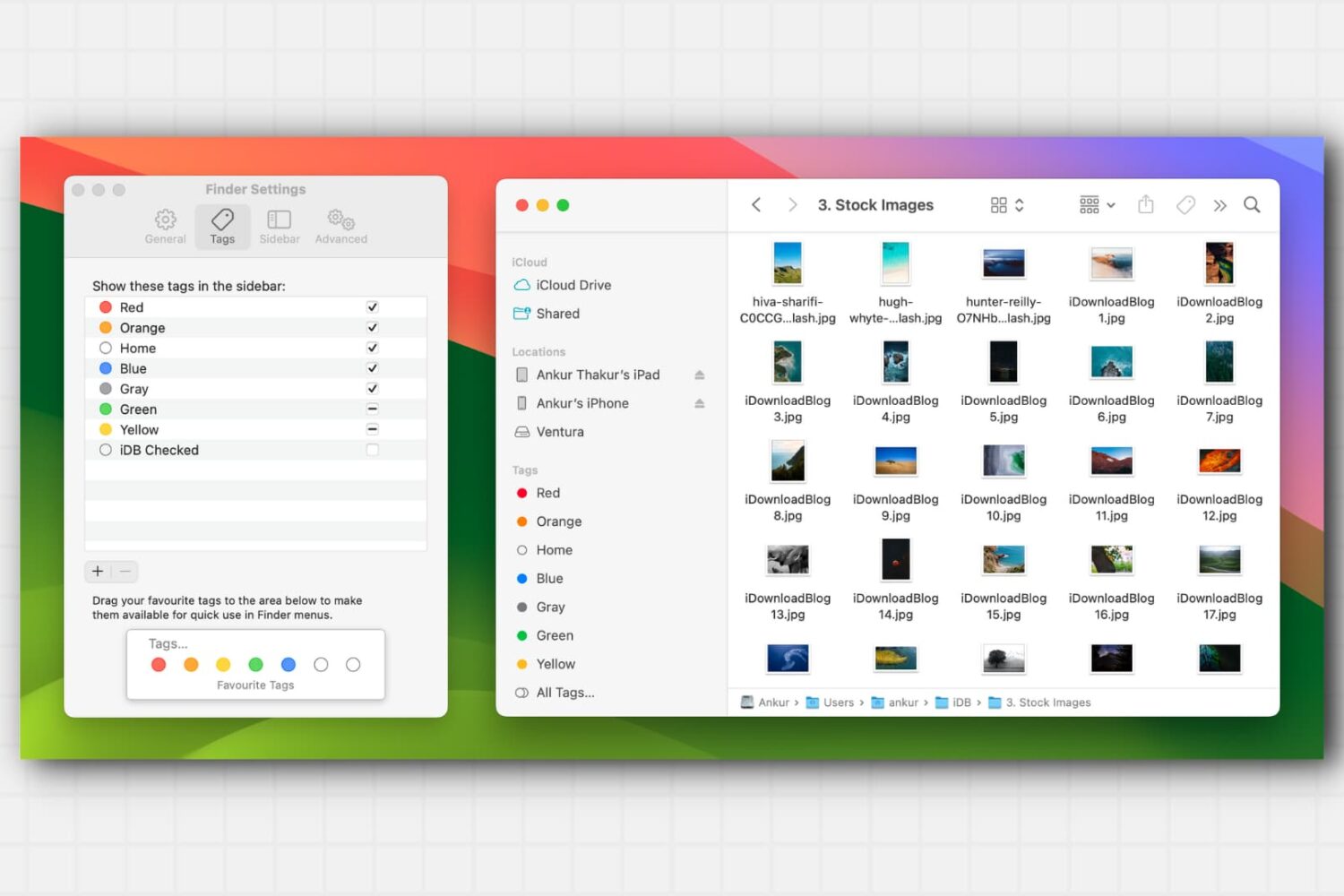
Learn about this simple and efficient method for organizing your files and folders in Finder on Mac using colored tags.
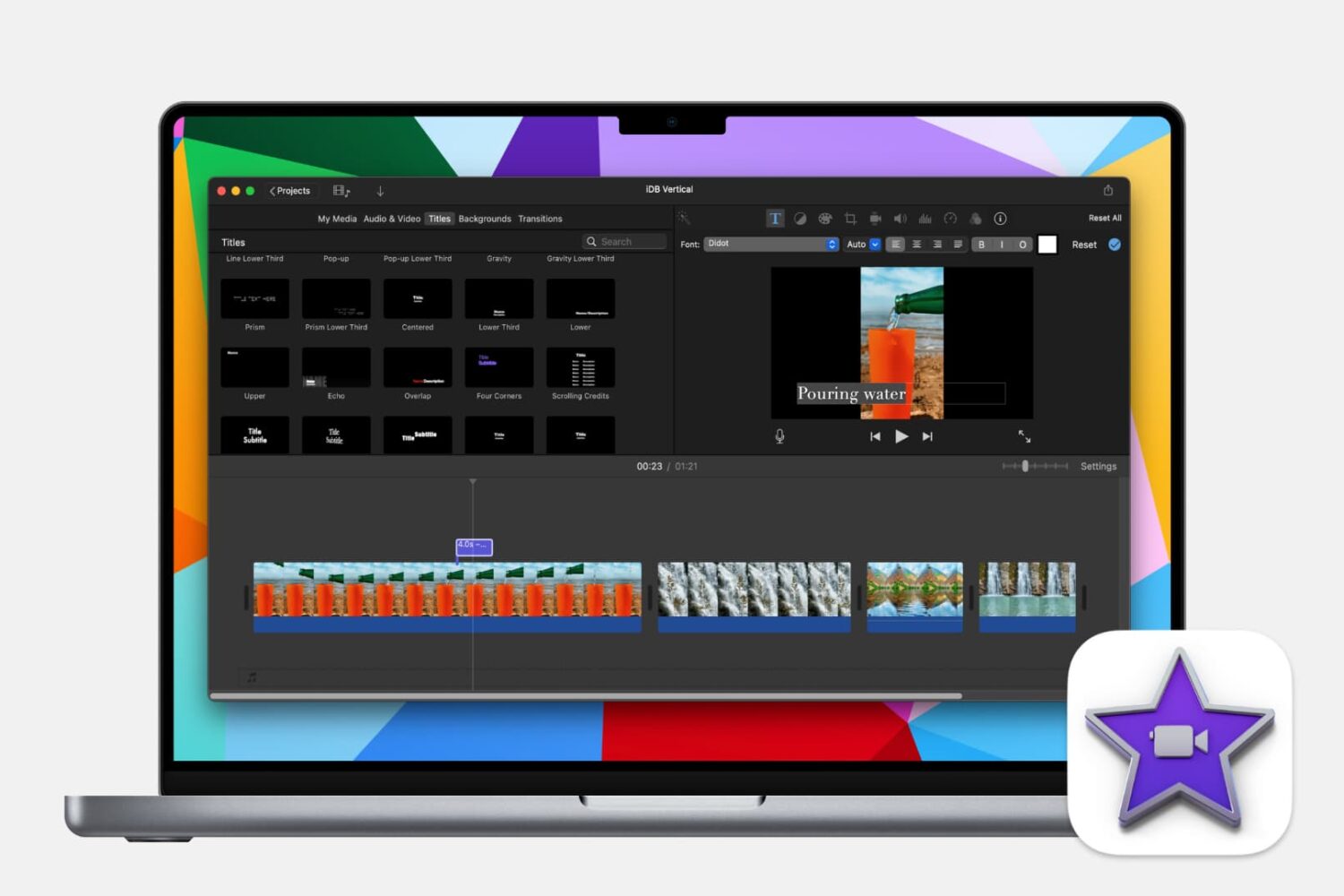
Learn how to make your iMovie creations more accessible by adding subtitles or captions to your videos with this step-by-step guide.
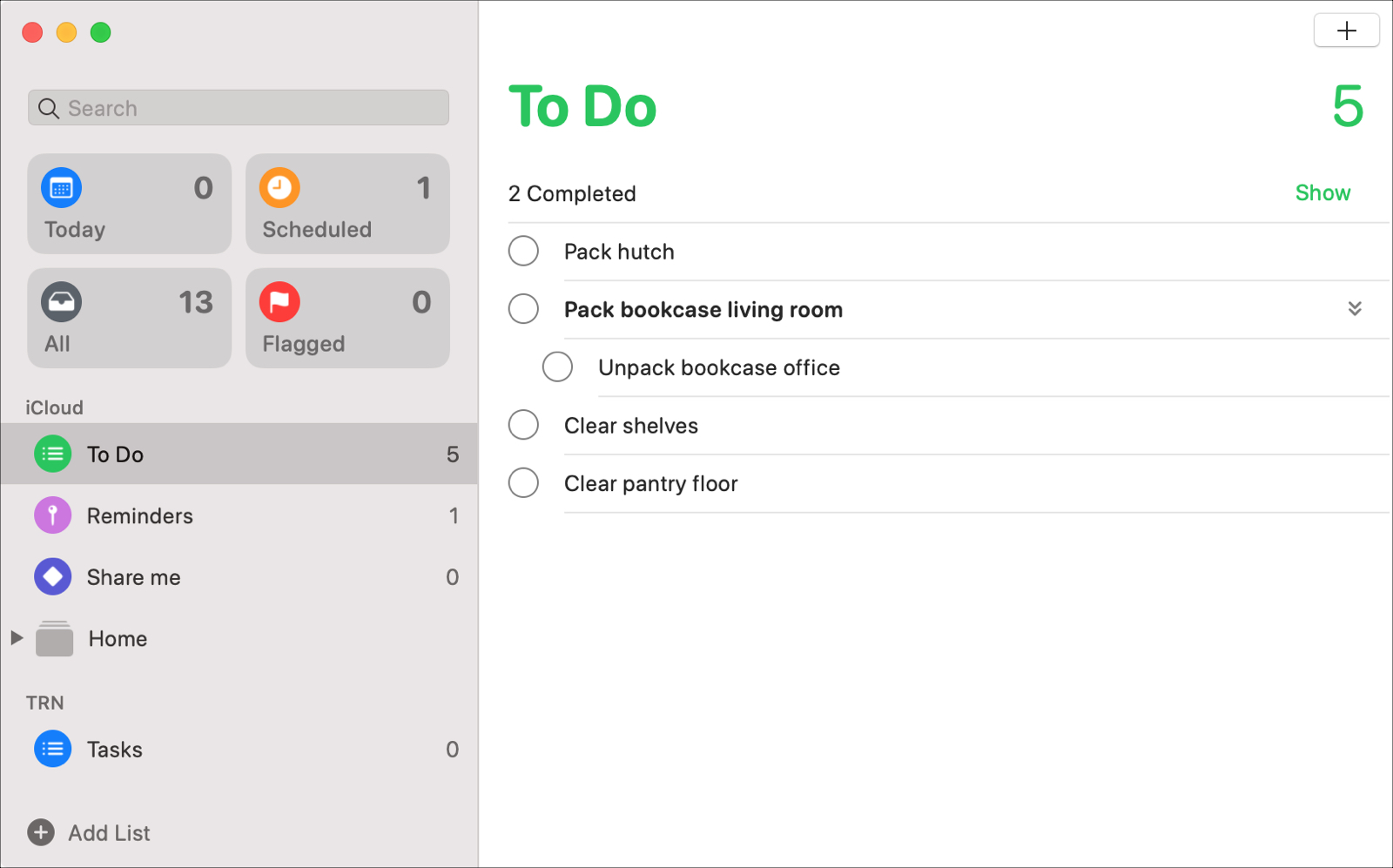
With the macOS Catalina update, users received new apps like Music, TV, and Podcasts along with updates to others like Notes and Mail. The Reminders app also got an update to its appearance and functionality that many have been waiting for.
Enhancements like subtasks and Messages integration, that can increase your productivity both at work and at home, are now part of the package.
Let’s take a look at all of the new features and how to use them in the redesigned Reminders app on Mac.
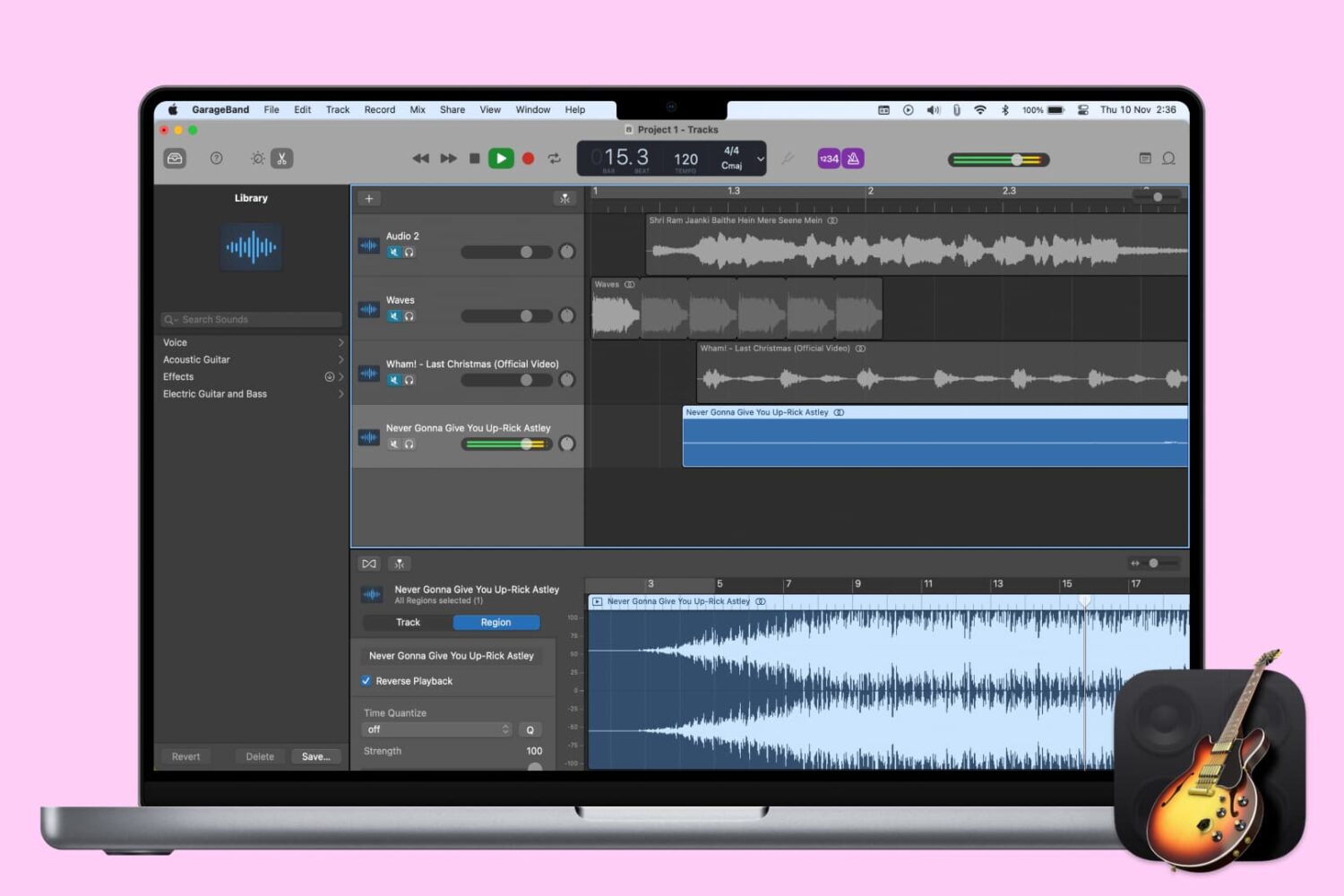
When you’re creating or editing a song in GarageBand, you might want to add something unique to it by reversing a track. Playing a track backwards can give you an unusual sound that you might not be able to replicate another way.
Here’s how to reverse a track (or region) in GarageBand on Mac, iPhone, or iPad.
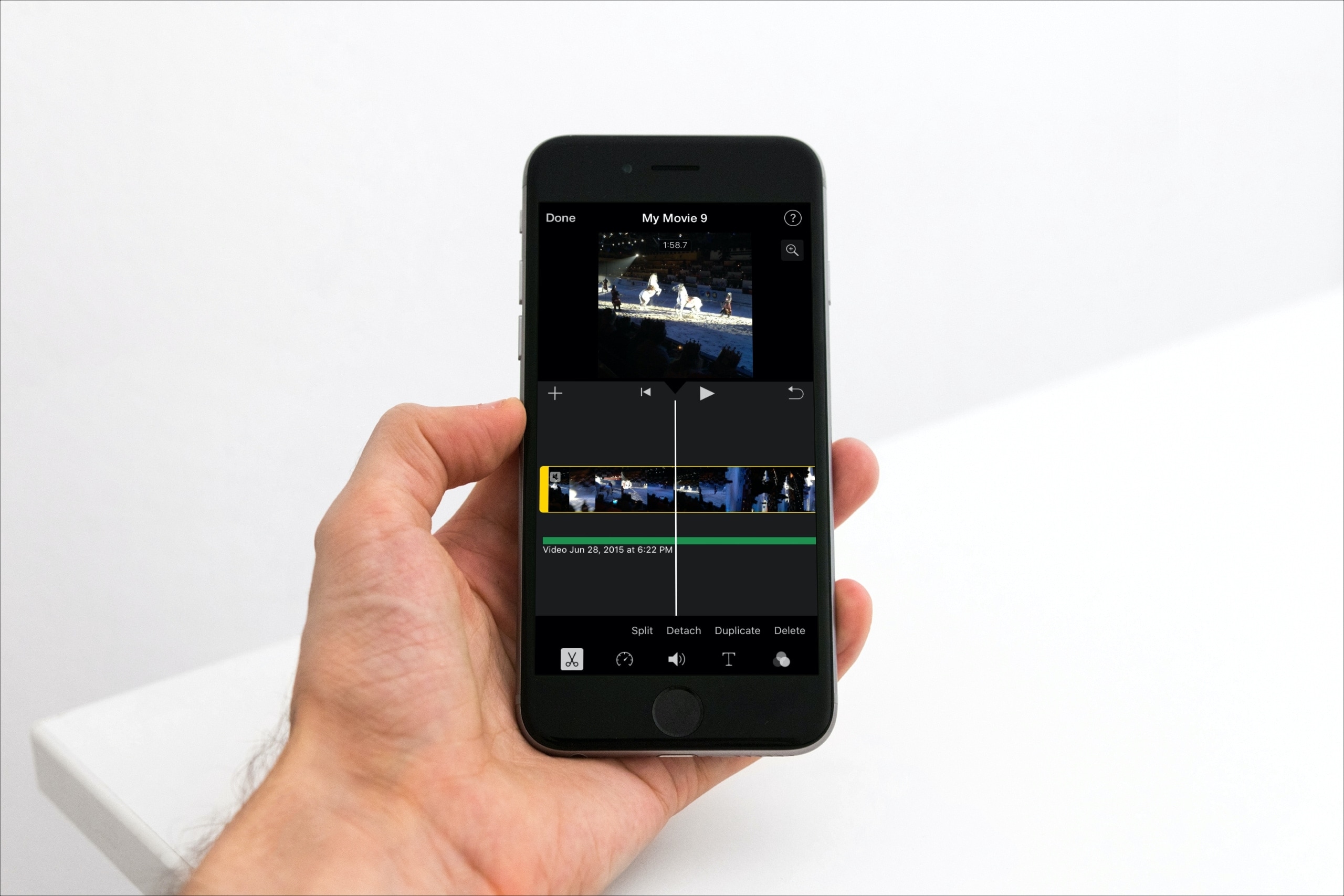
Learn how to detach the audio from your footage in iMovie if you'd like to get rid of the visuals but keep the sound, music, and voices for your video projects.

Apple yesterday launched its original video streaming service, dubbed Apple TV+. Wondering if your gadget is on the list of supported Apple TV+ devices? You’ve come to the right place!
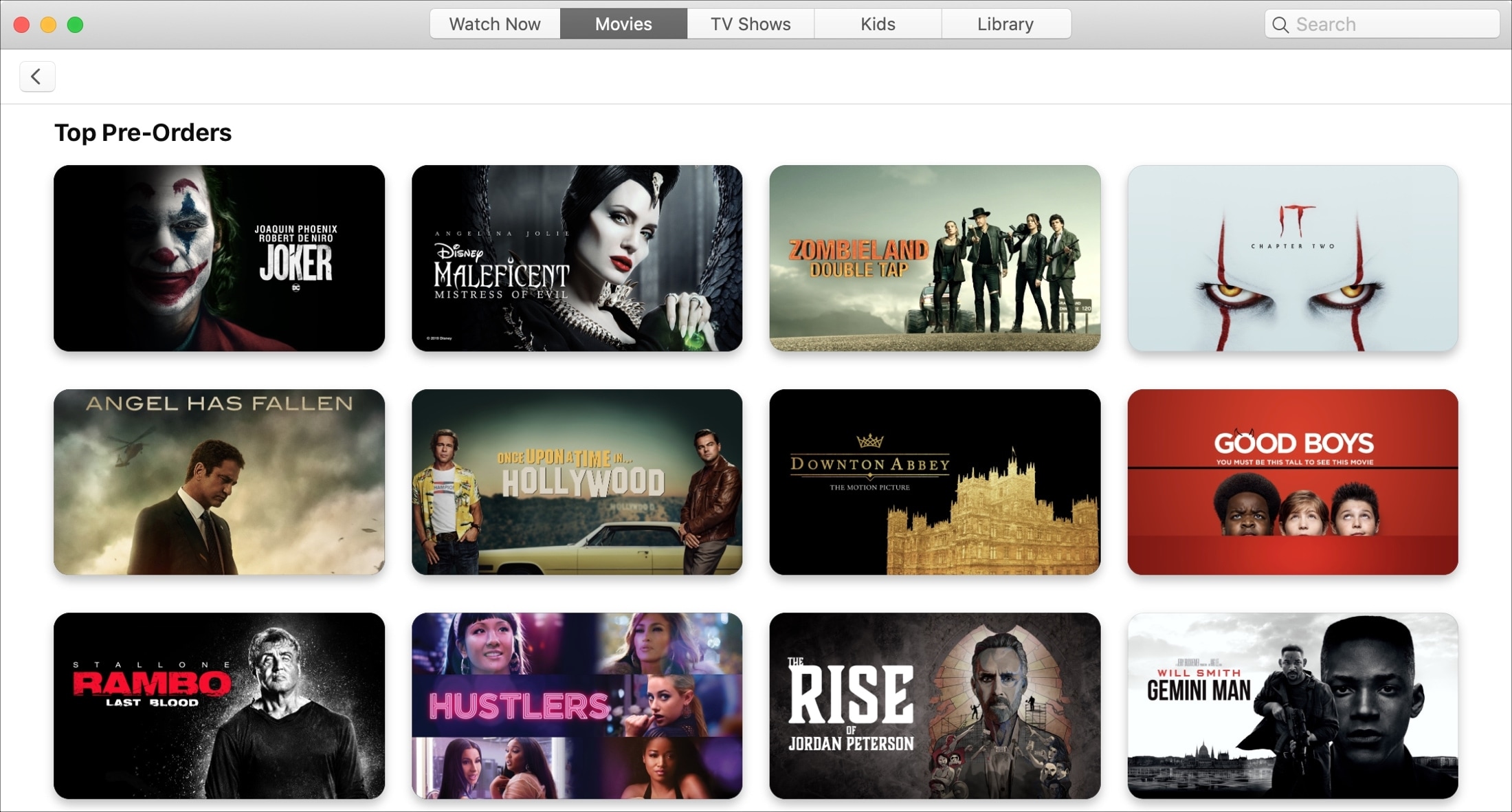
Just like pre-ordering that new iPhone, you can do the same with upcoming movies in the TV app. This is a terrific way to make sure you get the movie you want as soon as it’s released. So you don’t have to mark your calendar or set a reminder.
Pre-ordering upcoming films is easy to do in the TV app on both iOS and Mac. And if you change your mind, you can quickly cancel that pre-order before it’s fulfilled.
This tutorial shows you how to place, view, and cancel pre-orders in the TV app on your devices.
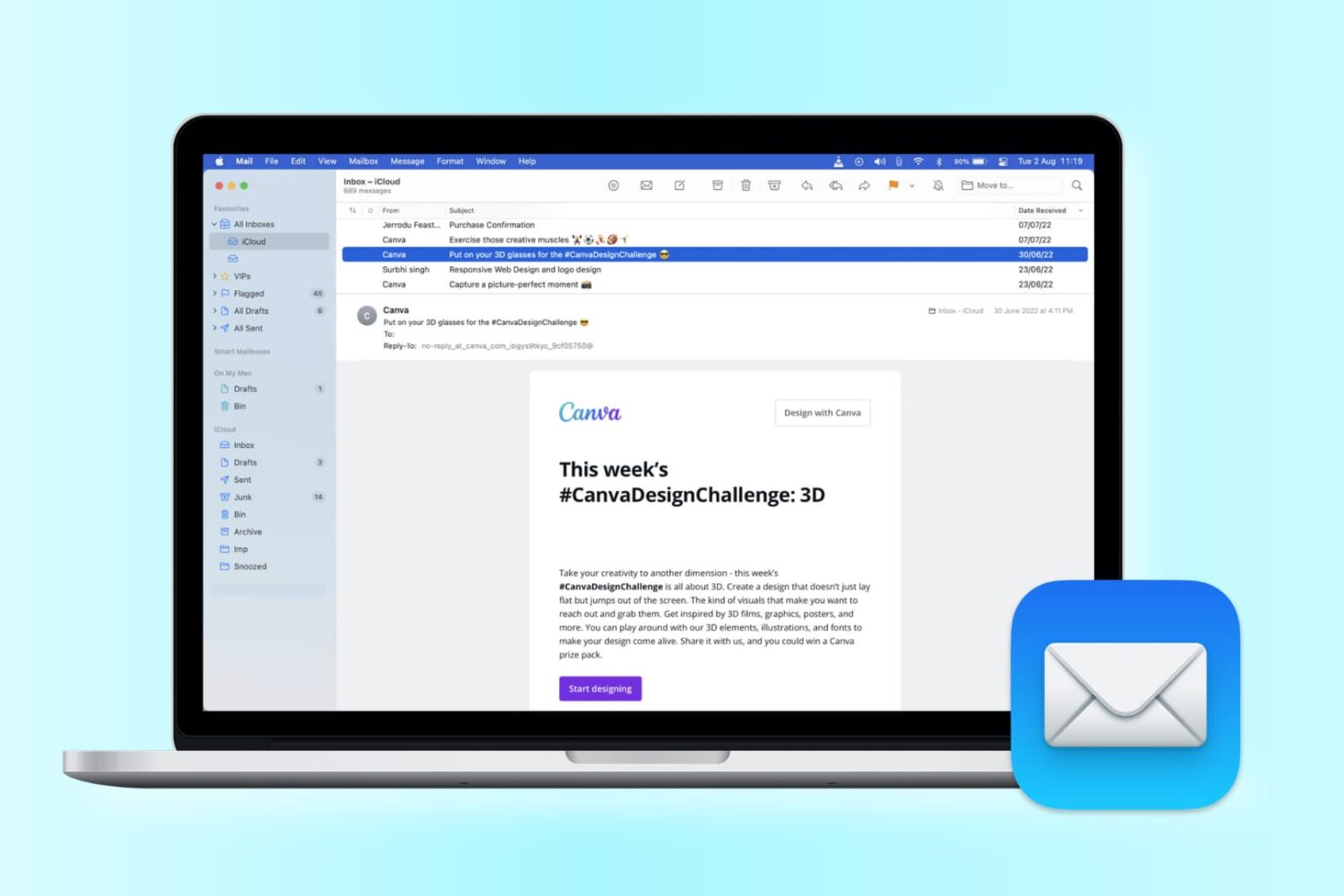
Want to change the look of your Mail app? Check out these handy tips to use sidebar, column, previews, and more to personalize your inbox for increased productivity.