Want a cool way to share your presentation on your website or social media? Here’s how to export your Keynote presentation as an animated GIF from your Mac, iPad, or iPhone.
How to export Keynote presentation as animated GIF
Want a cool way to share your presentation on your website or social media? Here’s how to export your Keynote presentation as an animated GIF from your Mac, iPad, or iPhone.
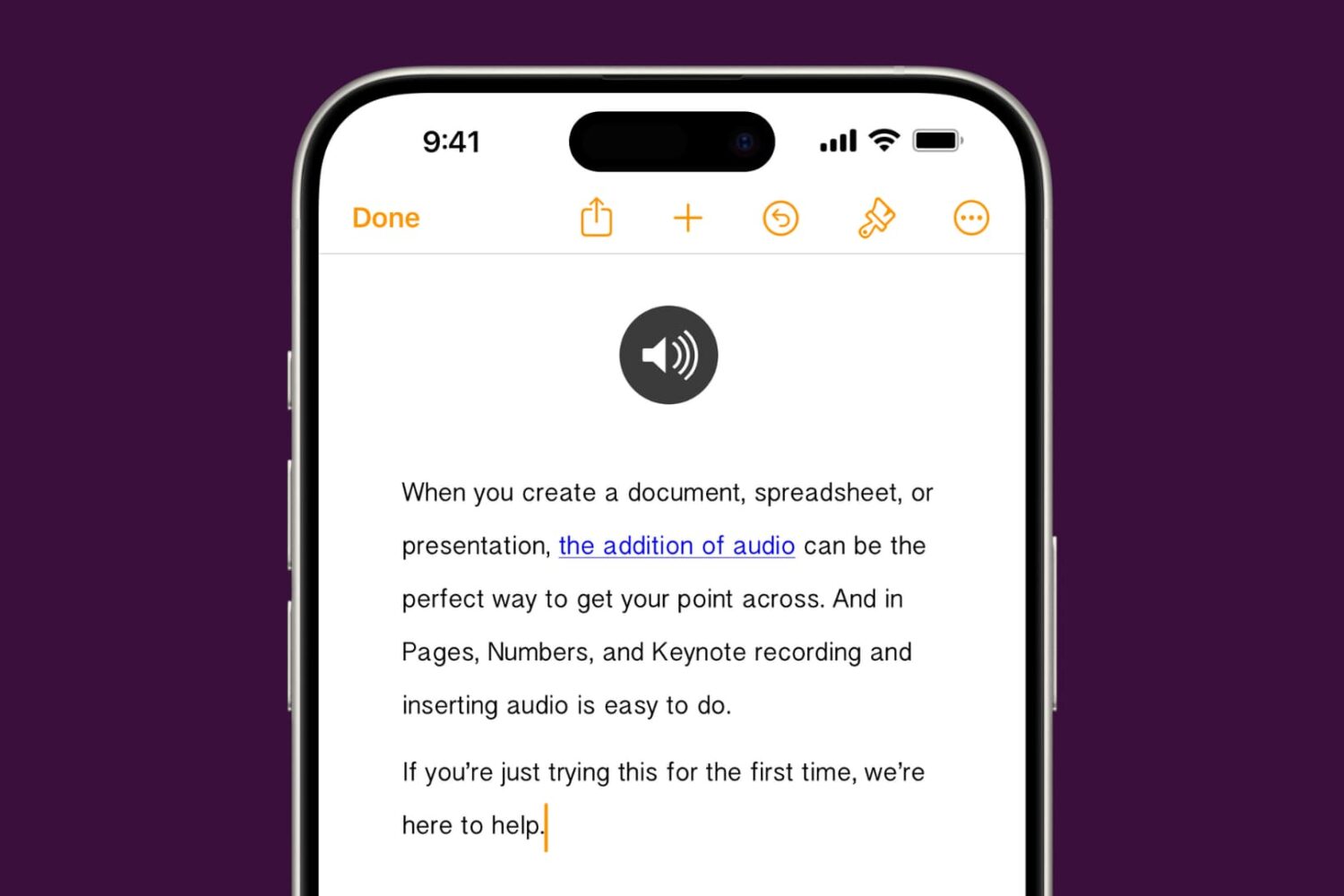
Learn how to add audio to your documents, spreadsheets, and presentations in Apple Pages, Numbers, and Keynote apps on your iPhone, iPad, or Mac to provide a more immersive experience and boost engagement.

In this tutorial, we will show you how to translate an entire document or just the selected text inside the Microsoft Word app on your Mac, Windows PC, and the web.
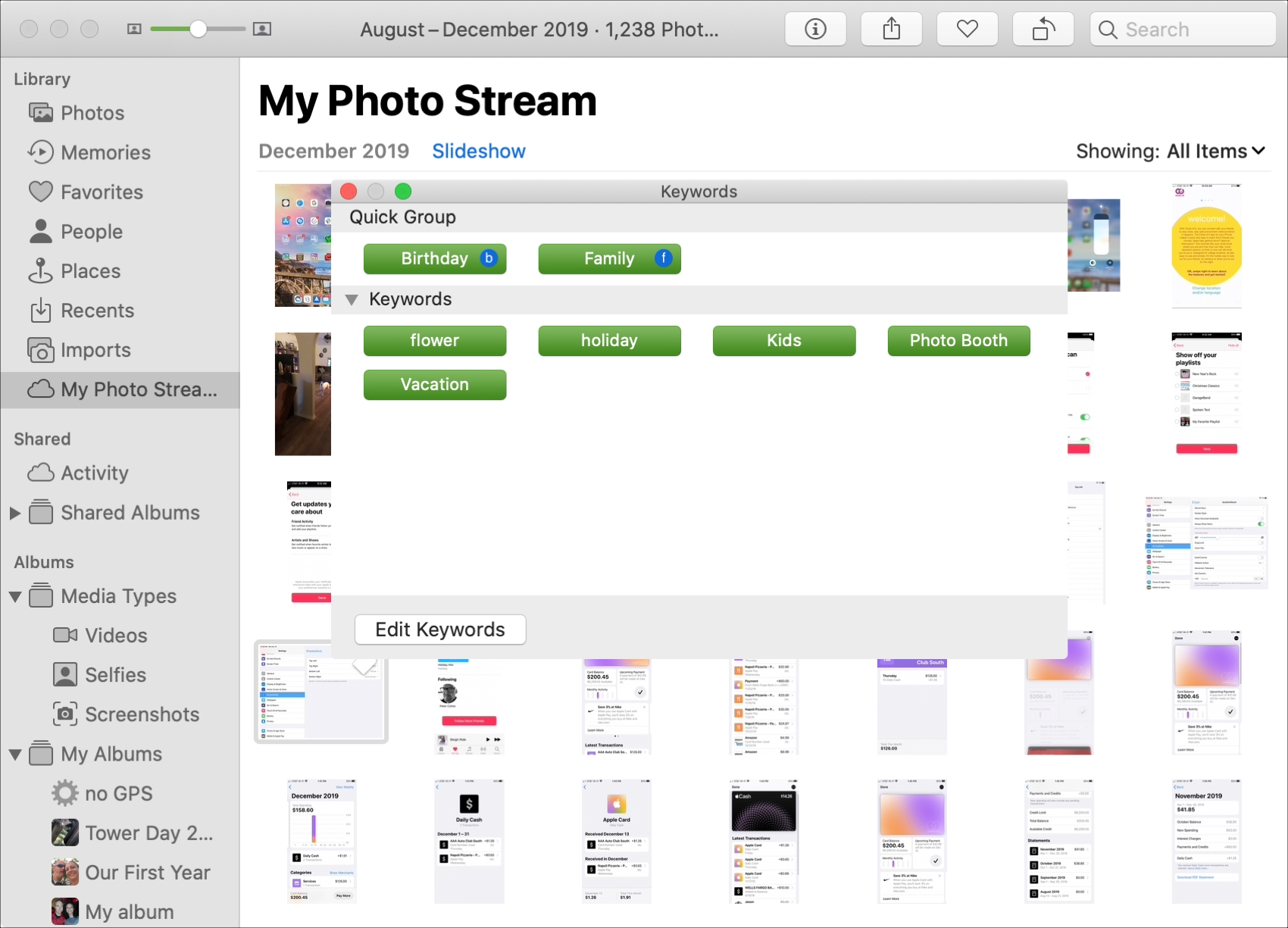
Learn how to add keywords to Photos on your Mac to organize your pictures more effectively and easily find the ones you're looking for.
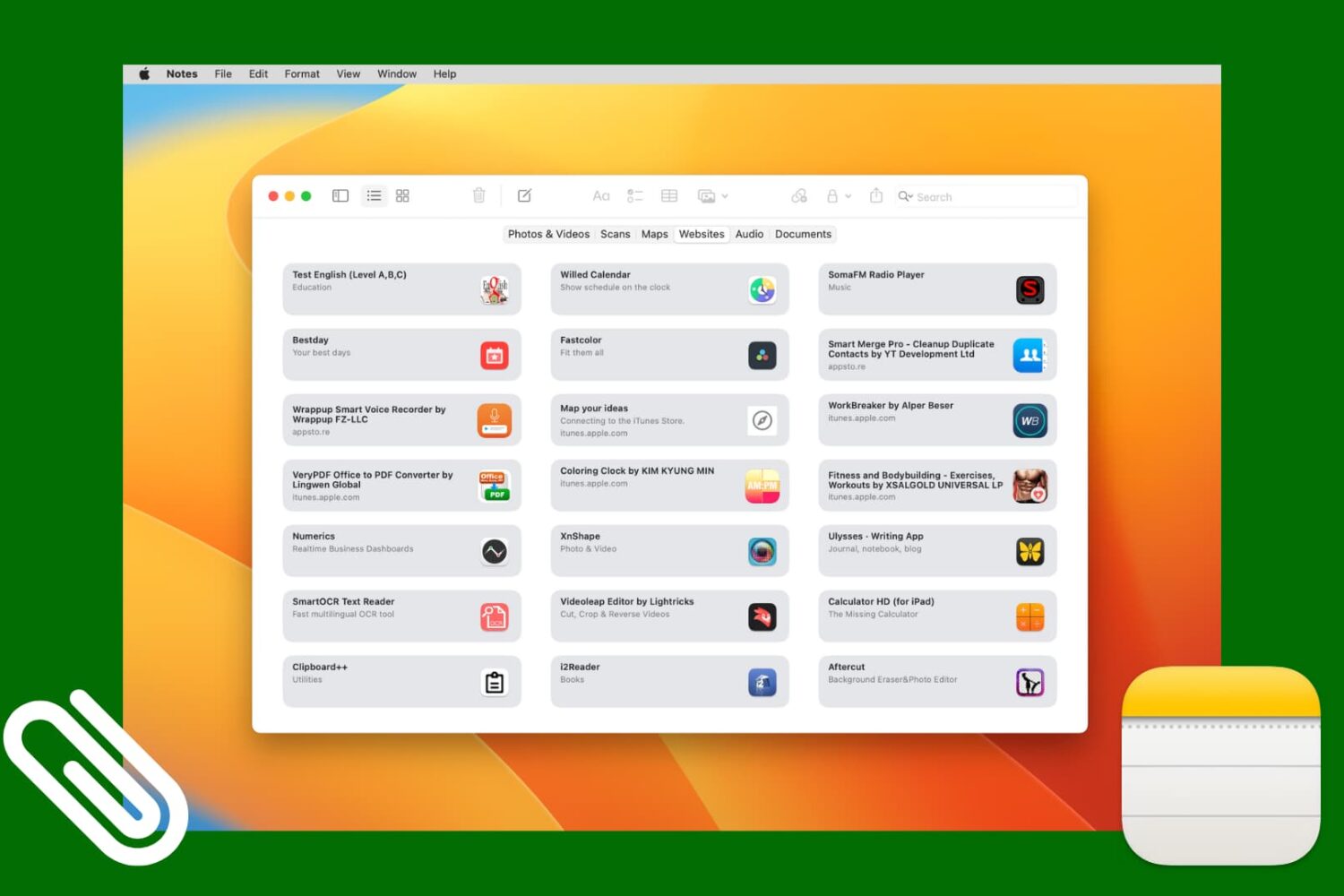
Check out this simple method to access all images, scans, website links, map addresses, audio, or documents attached to various notes in the Notes app on your iPhone, iPad, and Mac.

Learn how to use the built-in Stickies app on your Mac to put a sticky note on your desktop for quick note-taking and reference.
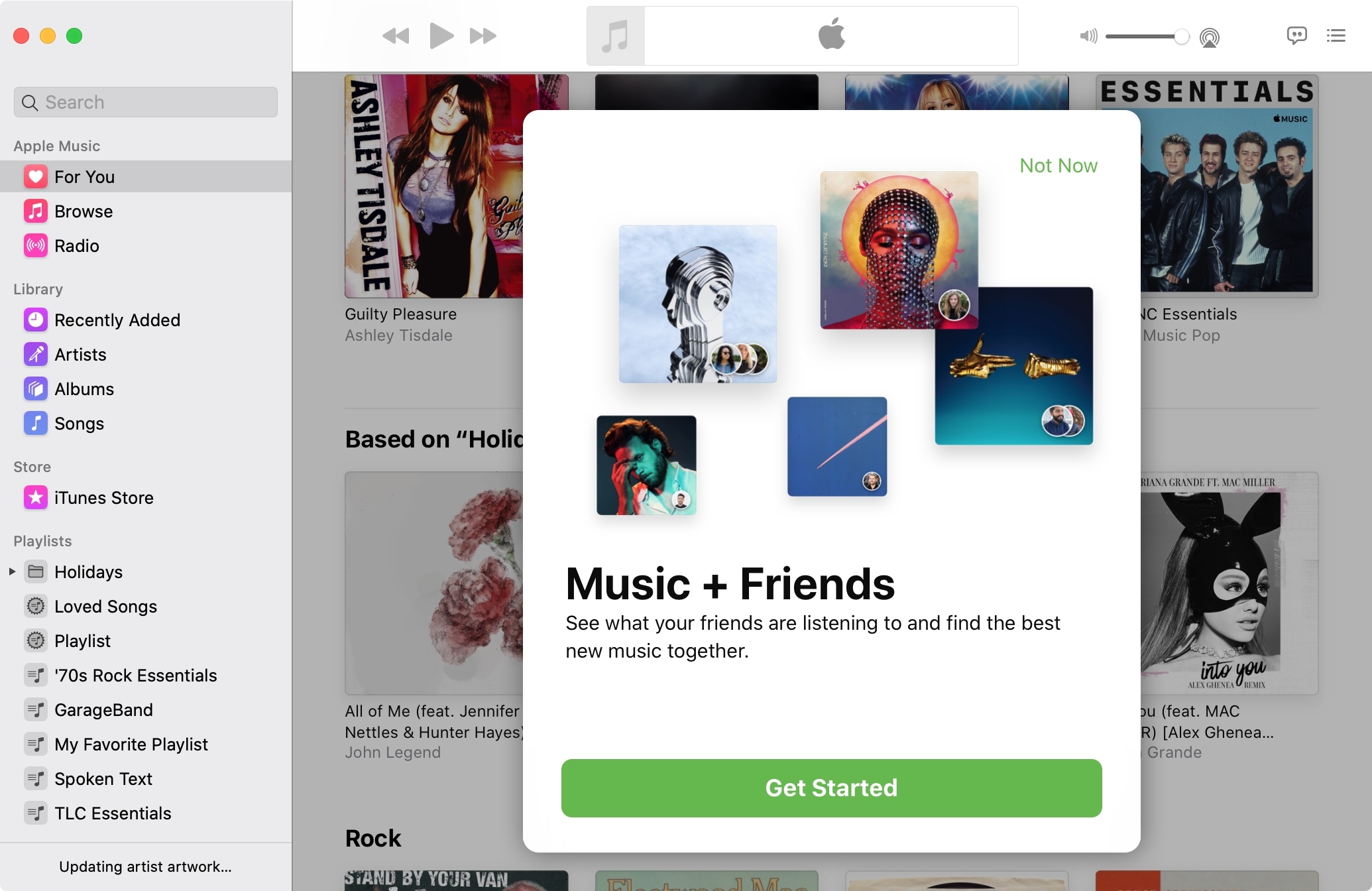
One of the best ways to discover new music is by finding out what others are listening to. And who better to turn you onto something you might like than your pals?
With Apple Music you can easily see what your friends are listening to, on both iOS and Mac, and we’ll show you how.
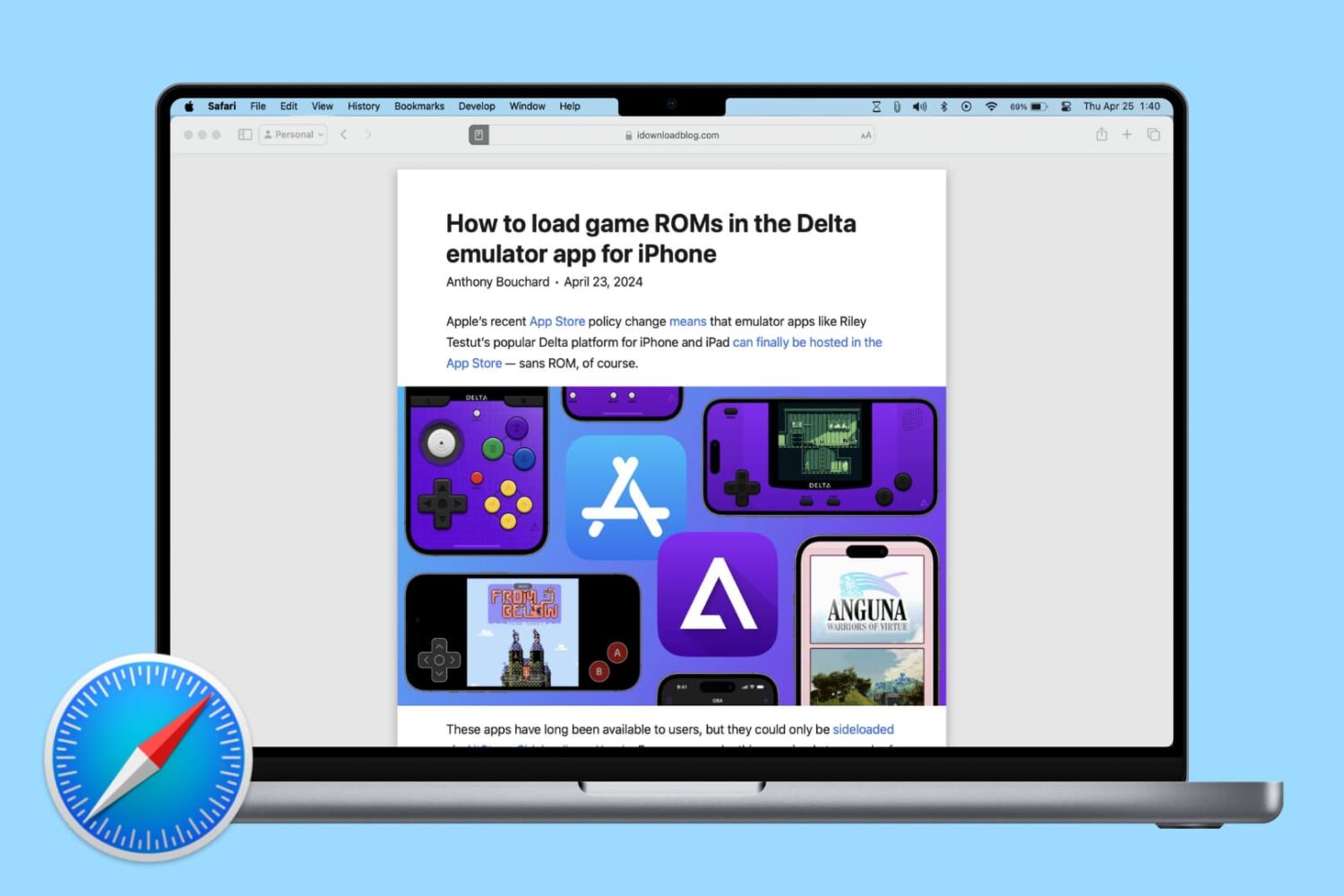
Learn how to change Safari settings on your Mac to make it just the way you like for a personalized and productive browsing experience.

Learn how to preserve all your open Safari tabs as bookmarks on your Mac so you can save them all for later or reopen them with a couple of clicks.
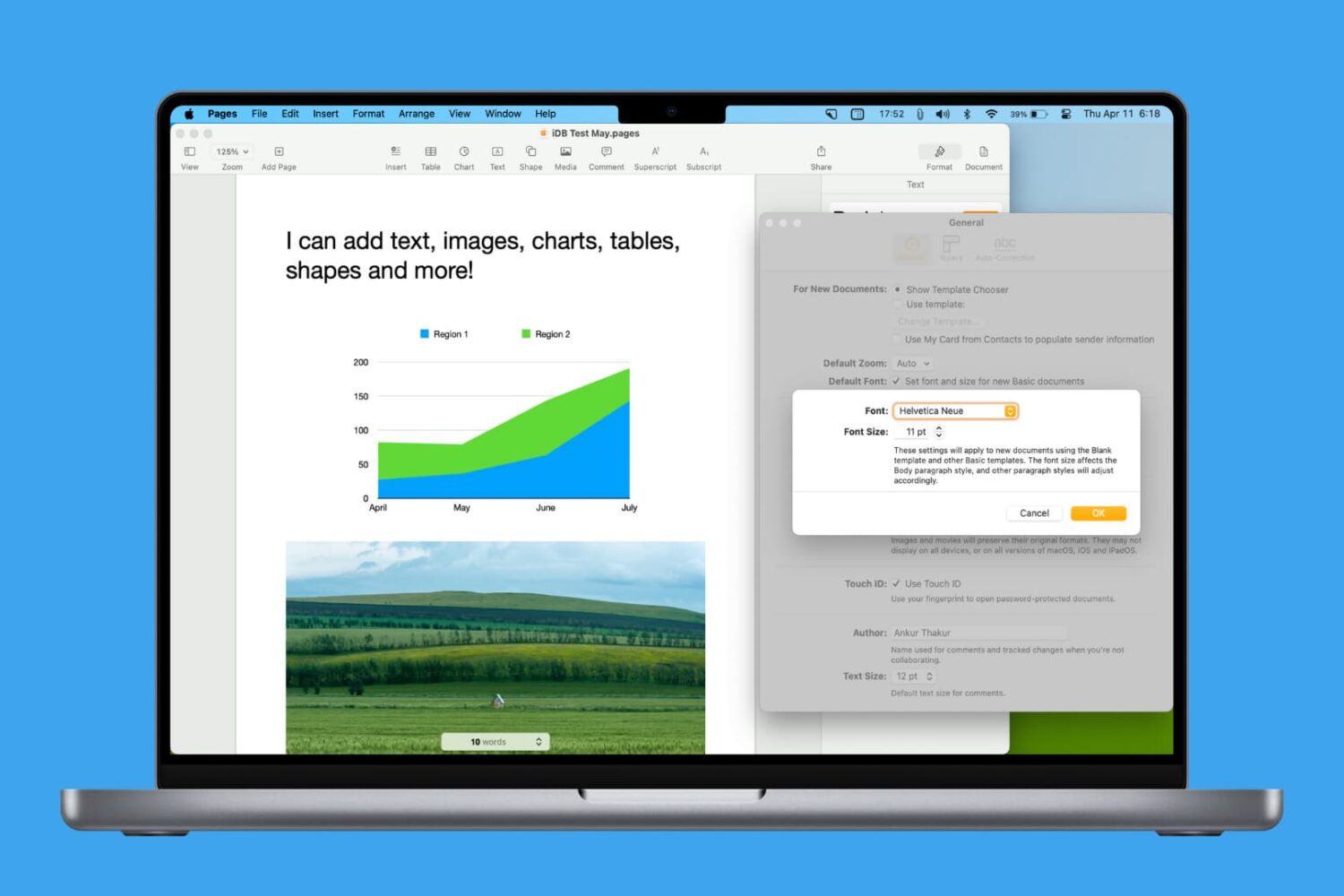
Learn how to personalize your Pages documents by setting another default font on your Mac.

If you're paying for your Apple Arcade subscription month to month, it might be a good idea to switch to the annual subscription and save money by getting twelve months of access for the price of ten, provided you pay upfront. Follow our quick tutorial to learn how you can switch from the $5 per month subscription to its $50 per year annual counterpart.
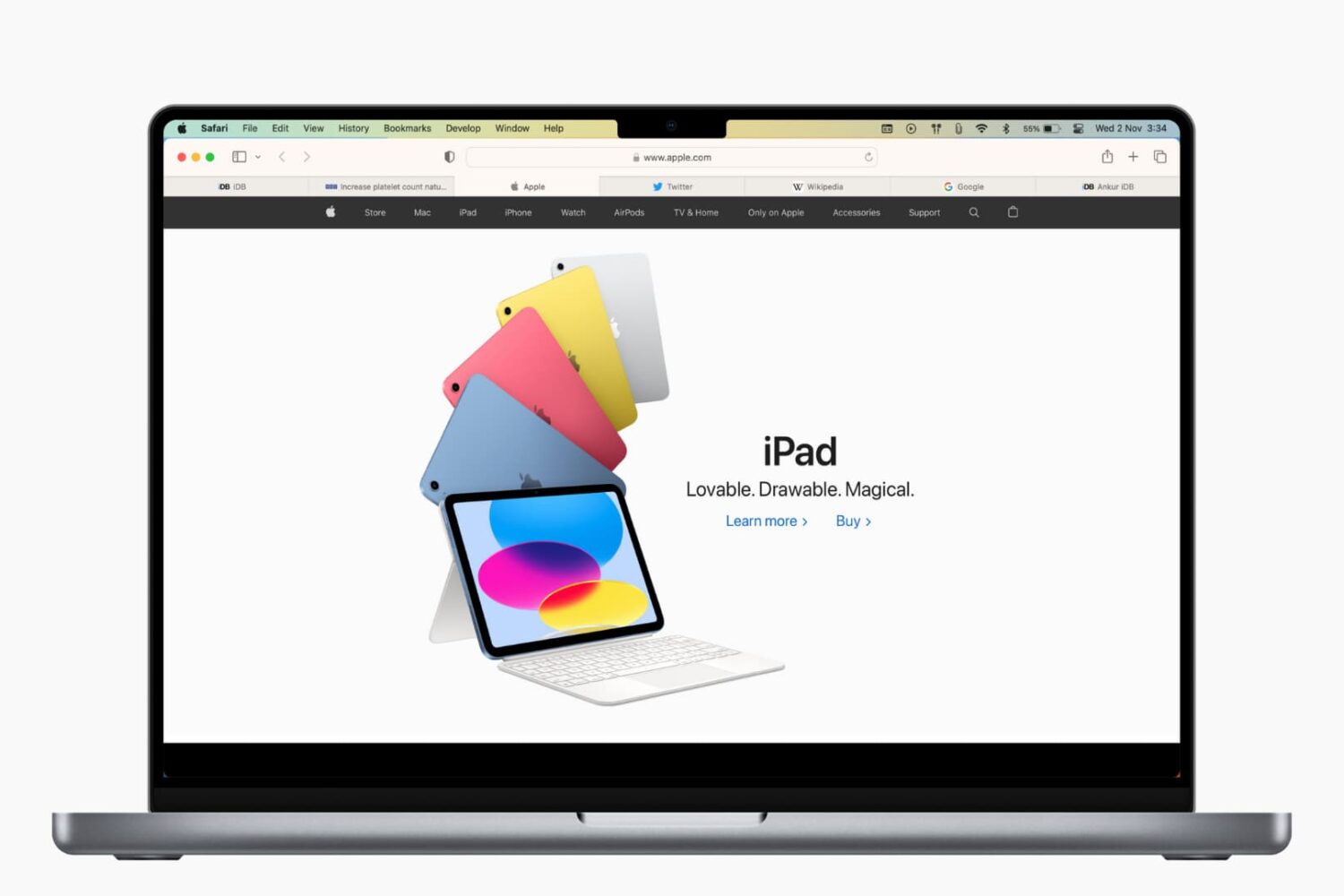
Learn how to save open tabs in Safari on Mac in several ways, which will enable you to revisit them later and pick up right where you left off without skipping a beat.