Learn how to mark a video as a favorite or reject it in iMovie when you’re reviewing your clips. This makes keeping and removing clips easy, so you can use the best ones.
How to rate clips in iMovie as favorites or rejected on Mac
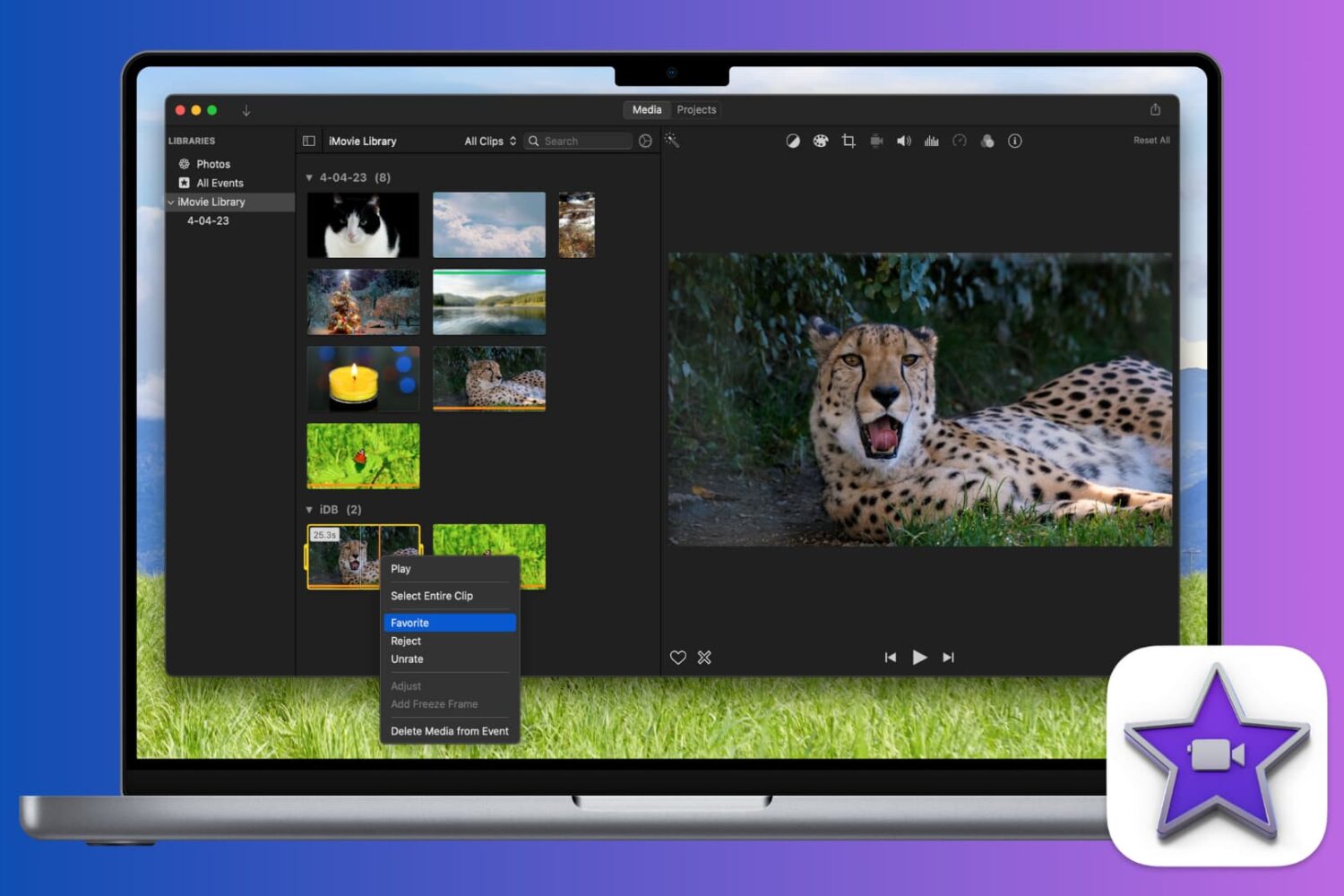
Learn how to mark a video as a favorite or reject it in iMovie when you’re reviewing your clips. This makes keeping and removing clips easy, so you can use the best ones.

From changing your Apple Account email address to checking your Apple Cash Balance, you can access and manage your Apple ID account information right from your Mac’s System Settings, and this guide walks you through it.
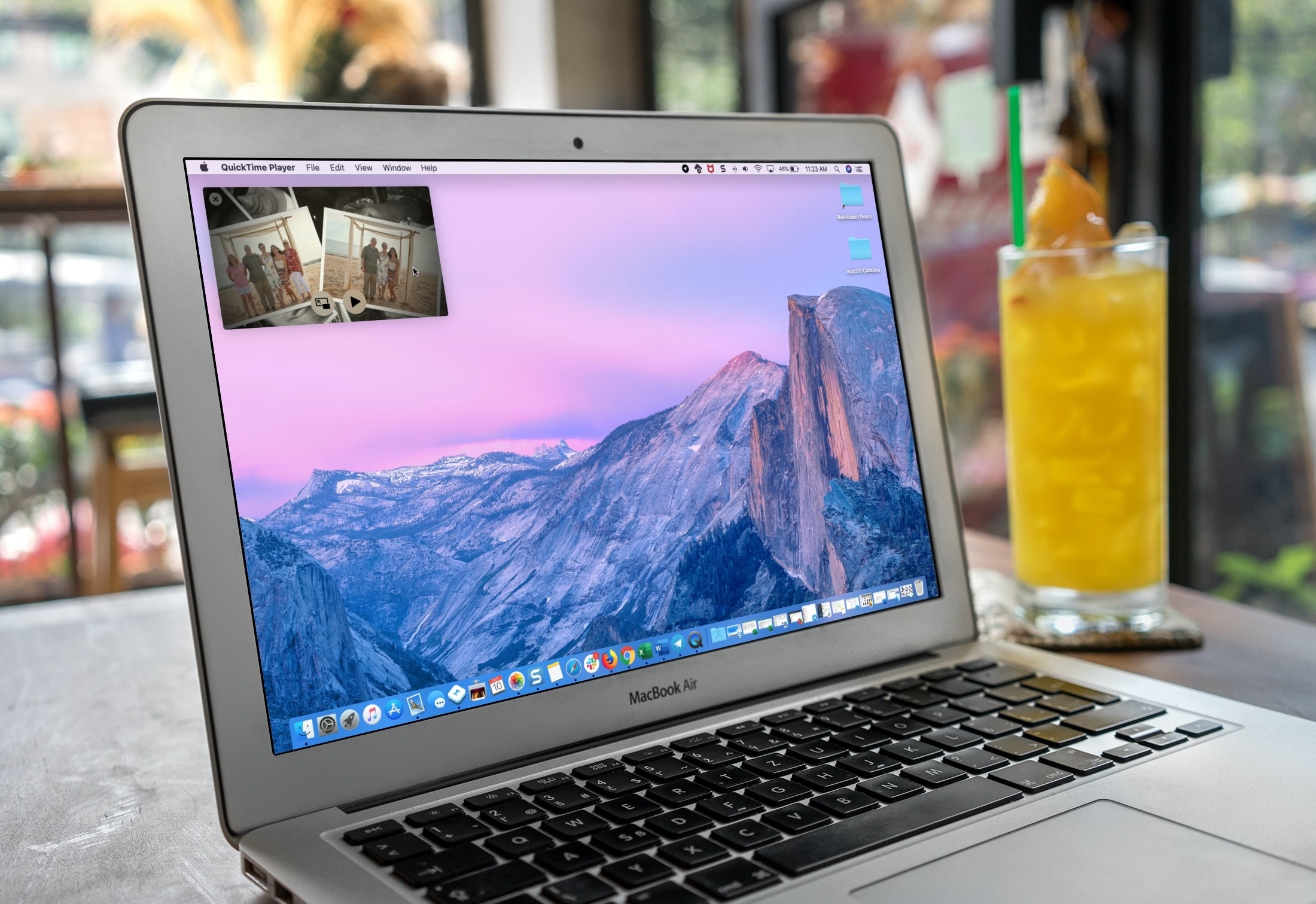
If you use QuickTime Player on your Mac to watch videos and movies, you’ll like its Picture-in-Picture (PiP) feature. It will convert the playing video into a small floating window, which you can resize and place anywhere on the screen.
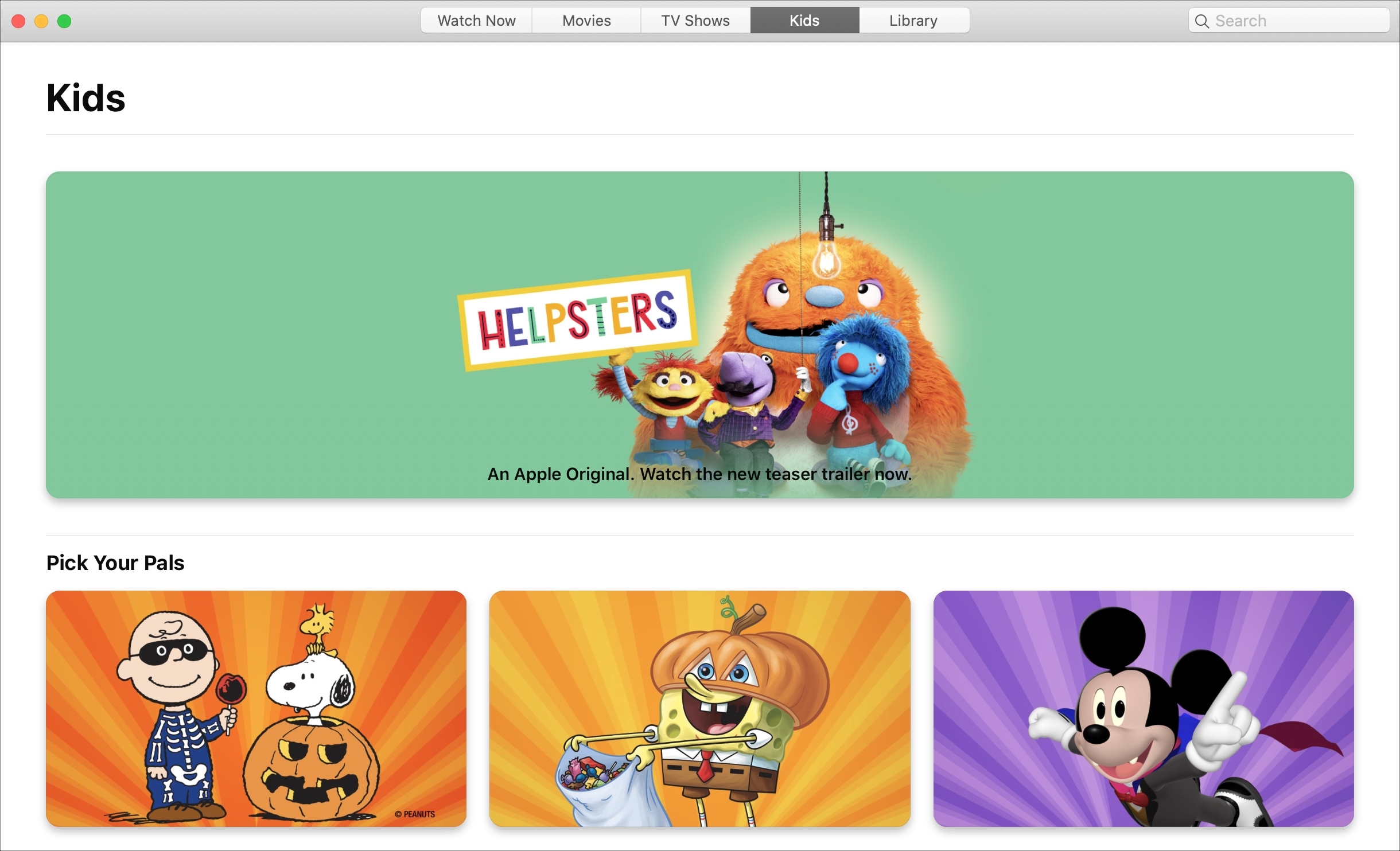
Learn how to block explicit songs, movies, and TV shows in Apple's Music and TV apps on your child's Mac by setting up parental controls to restrict content.
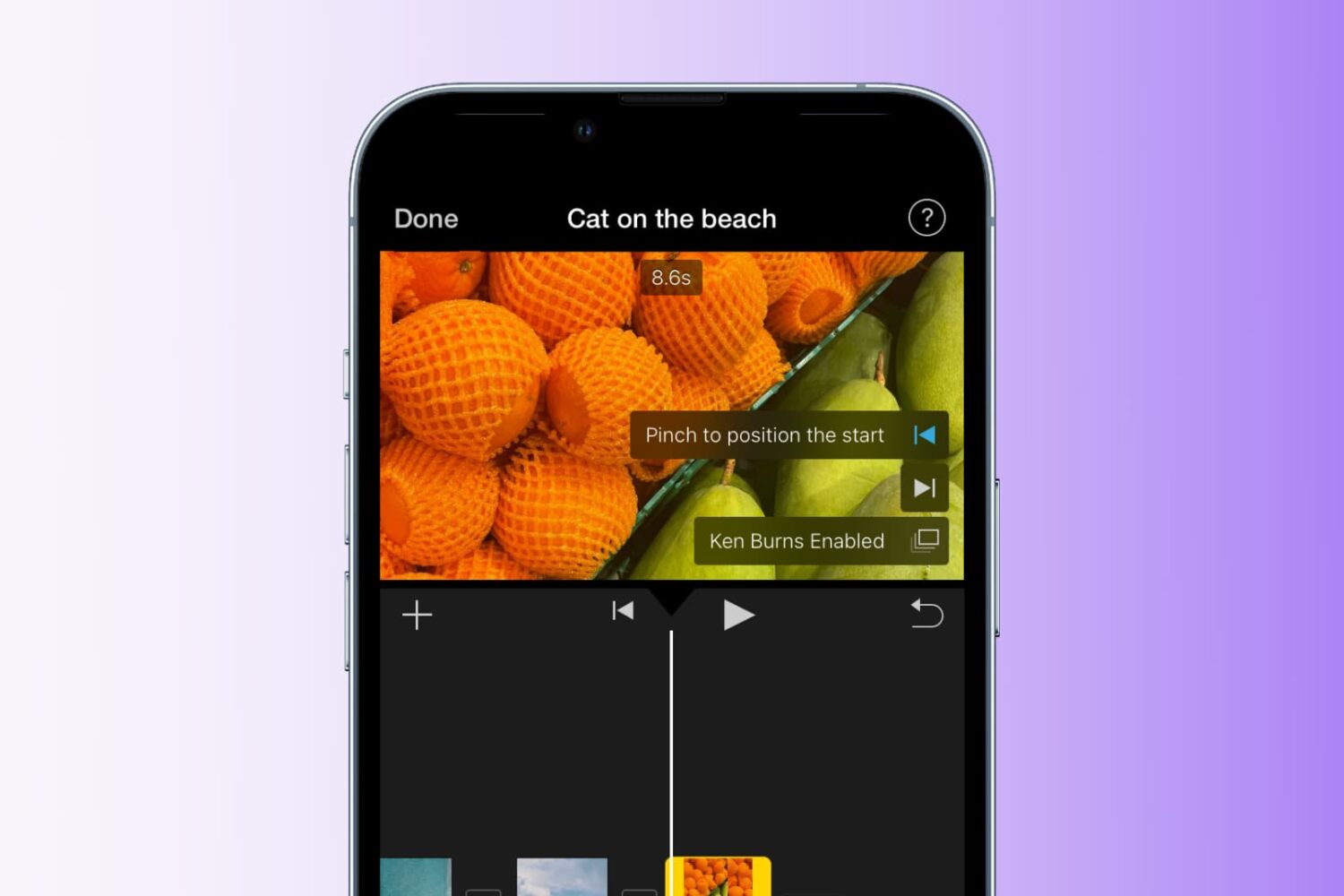
Learn how to add the Ken Burns effect to your images and video clips in iMovie to make them appear as though the camera is moving or zooming in and out, creating a beautiful cinematic effect.
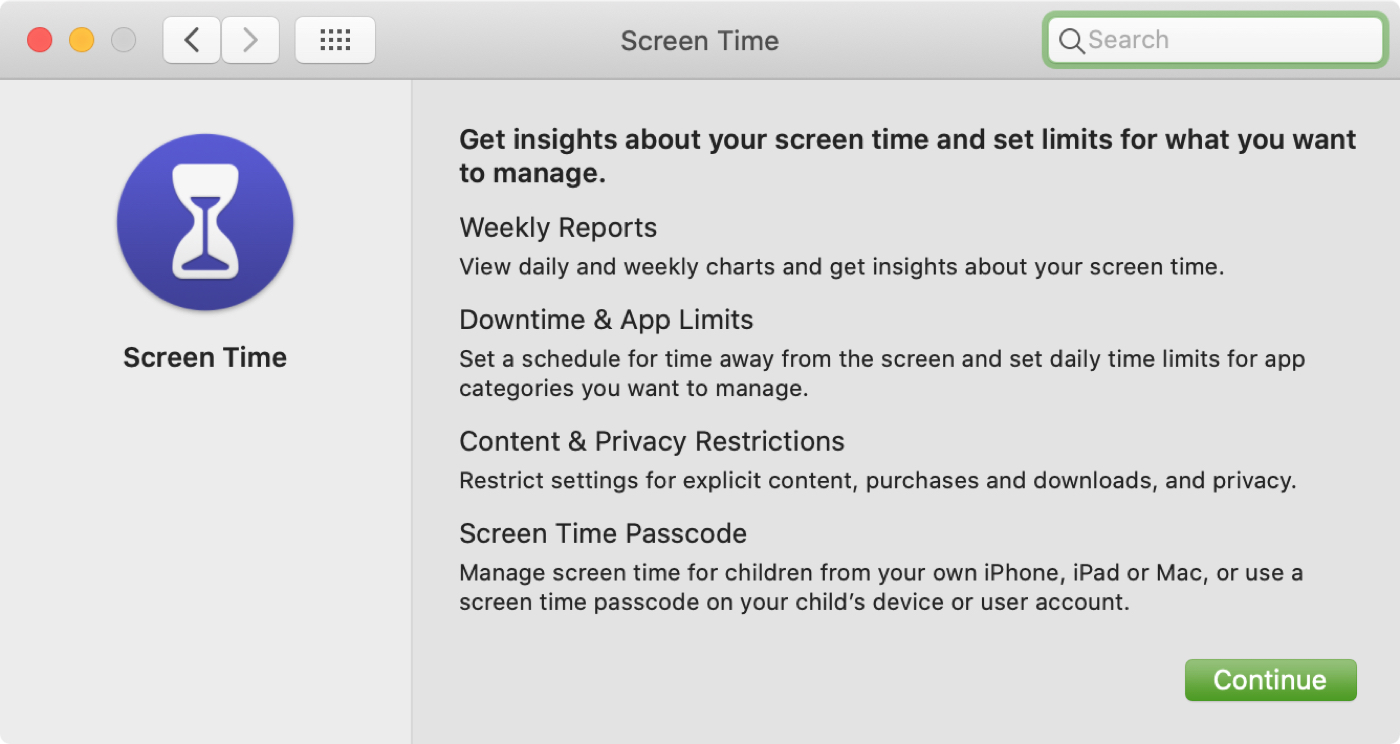
In this tutorial, we will explain how to turn on and use Screen Time on your or your child's Mac to understand device activity, limit app and website usage, set communication limits, and enable restrictions.
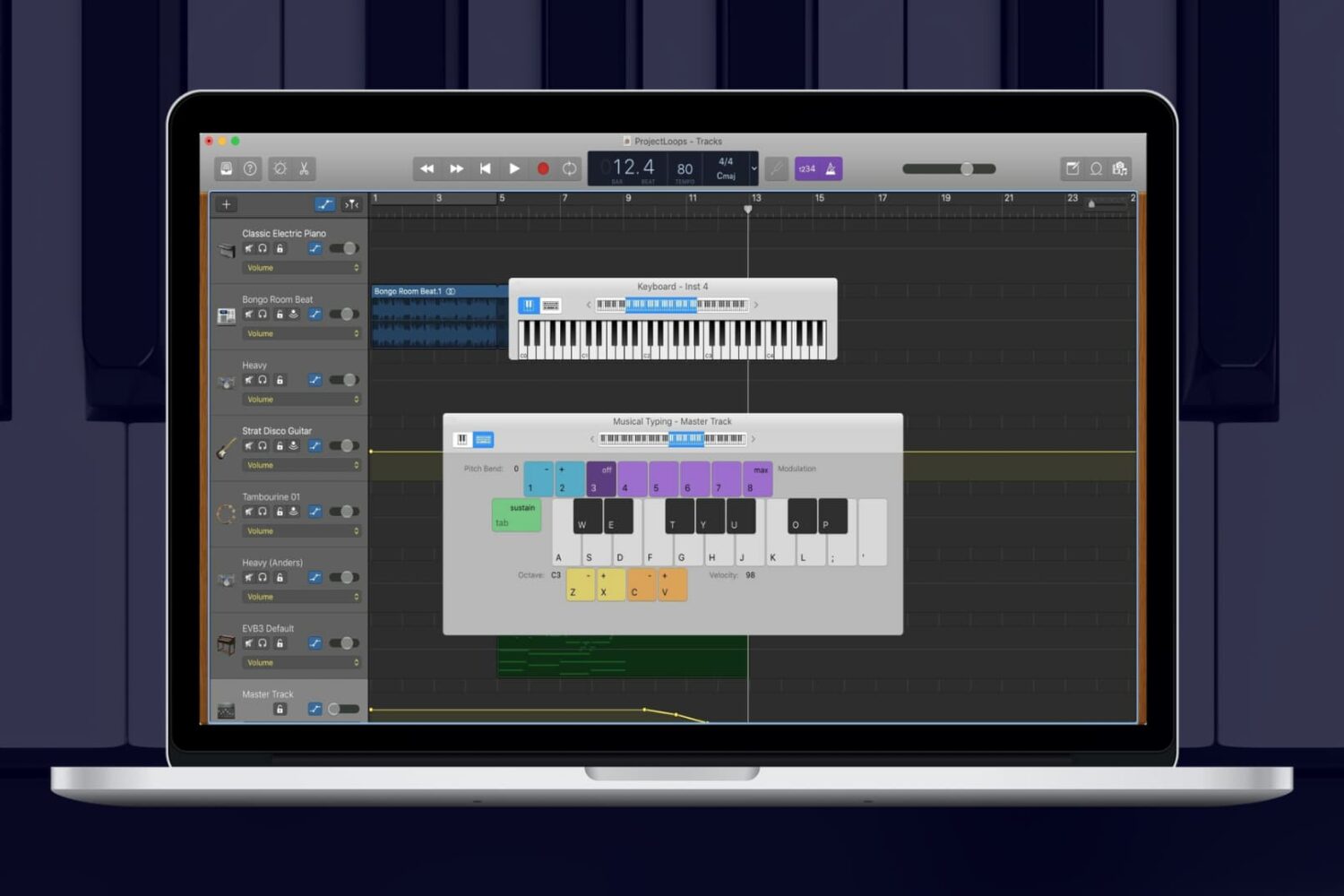
While you can add Apple Loops and import samples to use in your GarageBand creations, you can also use an onscreen keyboard to make music. On Mac, you can use the keyboard as it appears on a piano or organ in addition to musical typing with your computer keyboard. And on iOS, you can tap to open the keyboard and adjust its settings easily.
For making music in GarageBand your way, here’s how to show the keyboard on Mac, iPhone, and iPad.
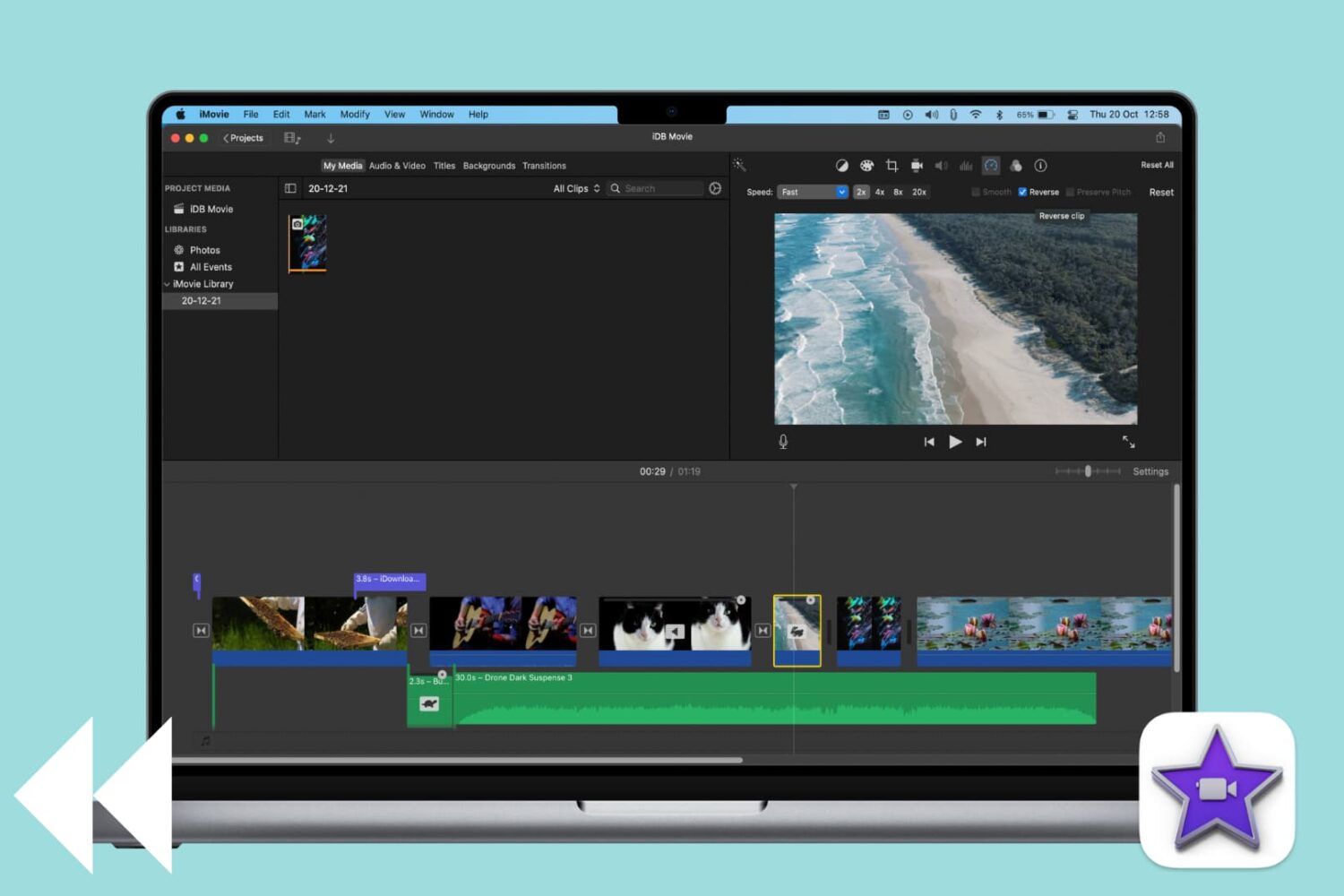
Learn how to reverse a video clip in iMovie on Mac to play it backwards and add a cinematic effect to your project.
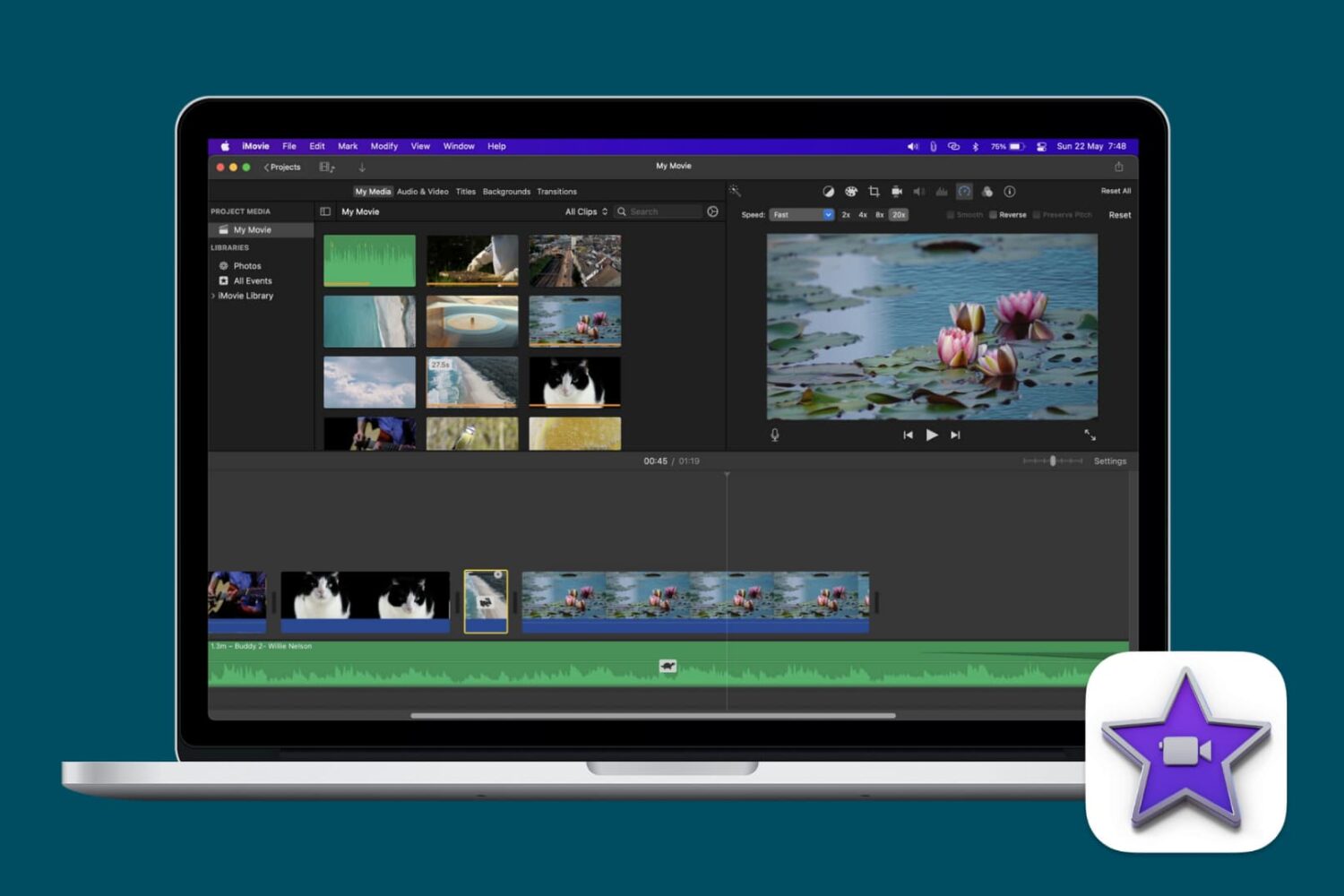
Learn how to speed up or slow down videos in iMovie on your iPhone, iPad, or Mac to highlight specific moments, create dramatic effects, or change its on-screen time.
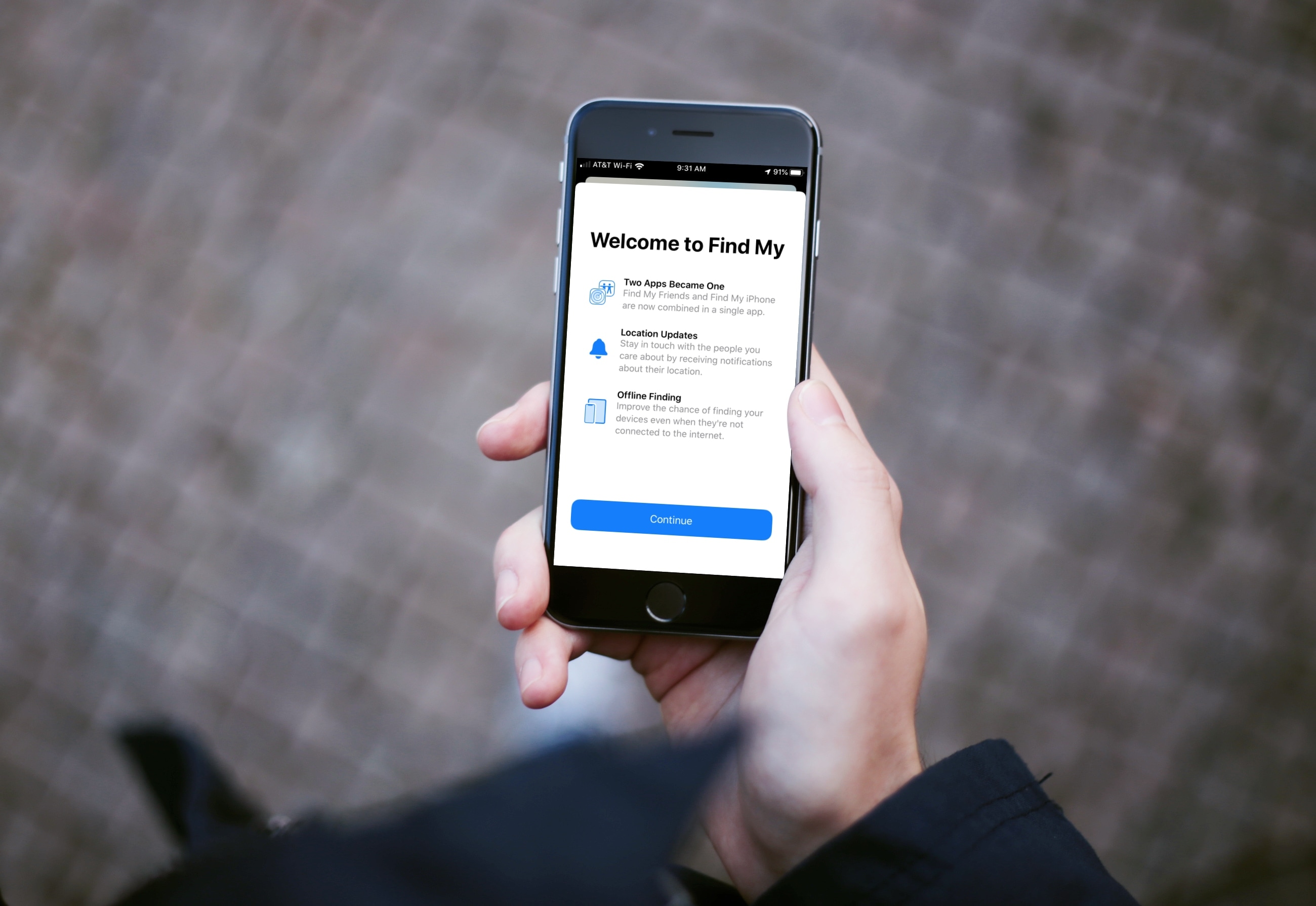
Learn how to use the Find My app on your iPhone, iPad, and Mac to find your devices, share your location, and see other people's location -- all in one convenient spot.

Learn how to block specific email senders in the Apple Mail app on iPhone, iPad, and Mac to make sure you never see an email from that person or company again.
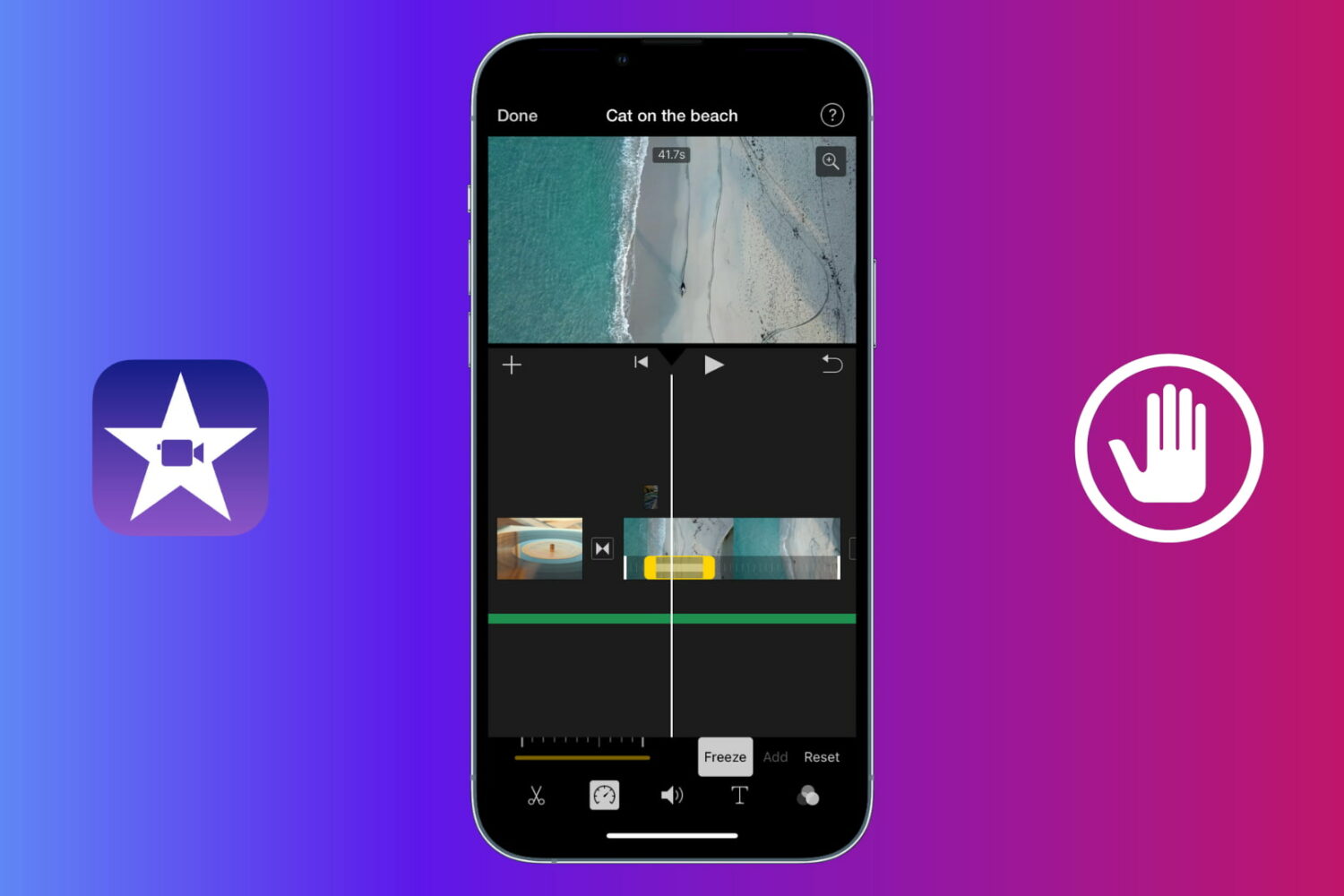
Learn how to use a freeze frame effect in iMovie to pause a scene briefly and direct the viewer's attention to something.