Whether it’s browsing X inside a web browser, a dedicated app, or from your menu bar, here are five ways to use it on your Mac.
5 different ways to use X (Twitter) on Mac

Whether it’s browsing X inside a web browser, a dedicated app, or from your menu bar, here are five ways to use it on your Mac.
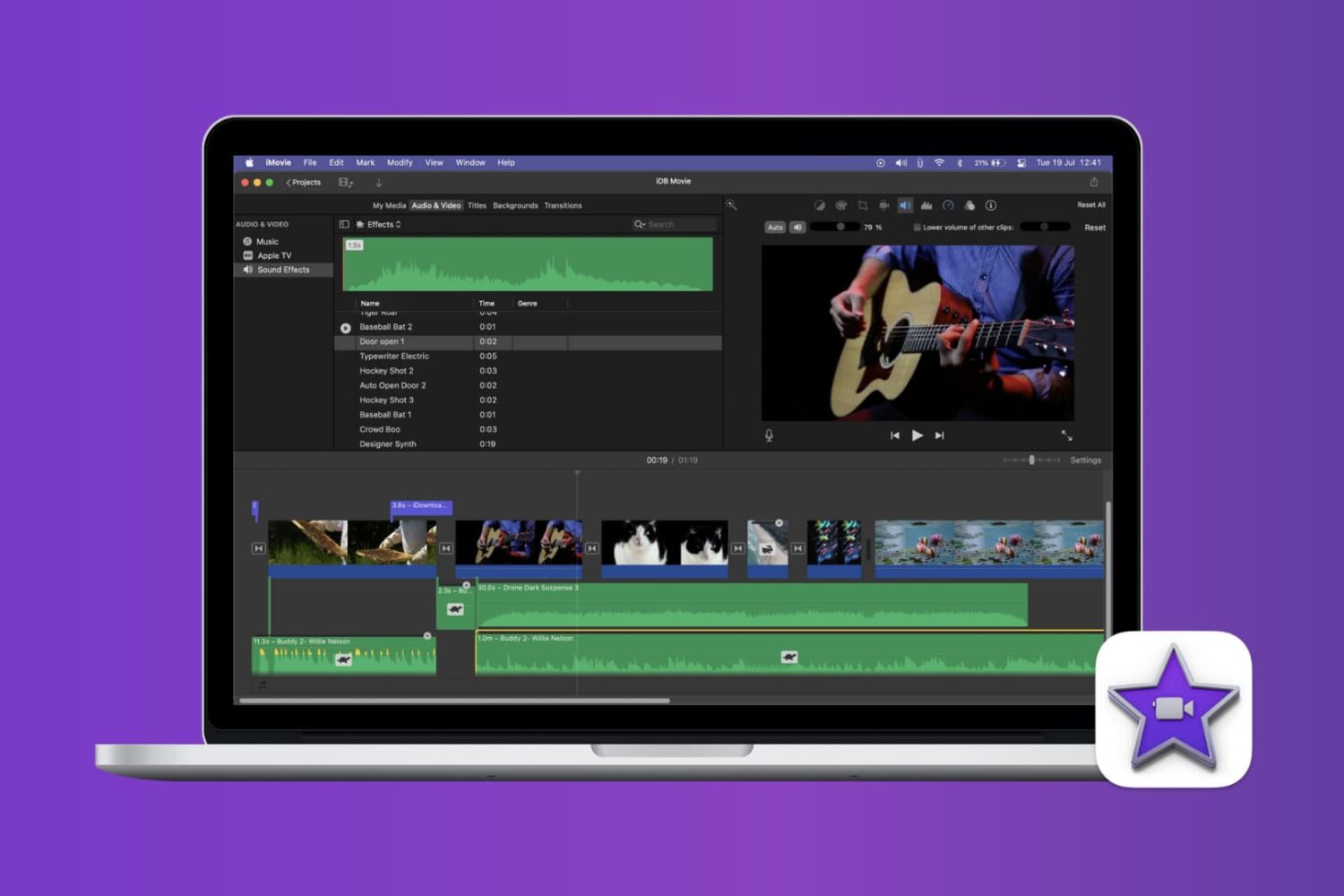
Find out how to mute or bleep explicit words in your iMovie videos on Mac to keep your content clean and professional.
Increase your productivity by using the Mission Control feature on your Mac to conveniently see all your open windows, virtual desktop spaces, and apps that are in full-screen or Split View mode.

Learn how to rotate your Mac’s screen upside down (180°) or vertically (90° or 270°) to optimize screen space for coding, reading, and designing with improved visibility.

Tired of Spotify automatically launching every time you start up your Mac? Check out our step-by-step guide on how to disable this feature.
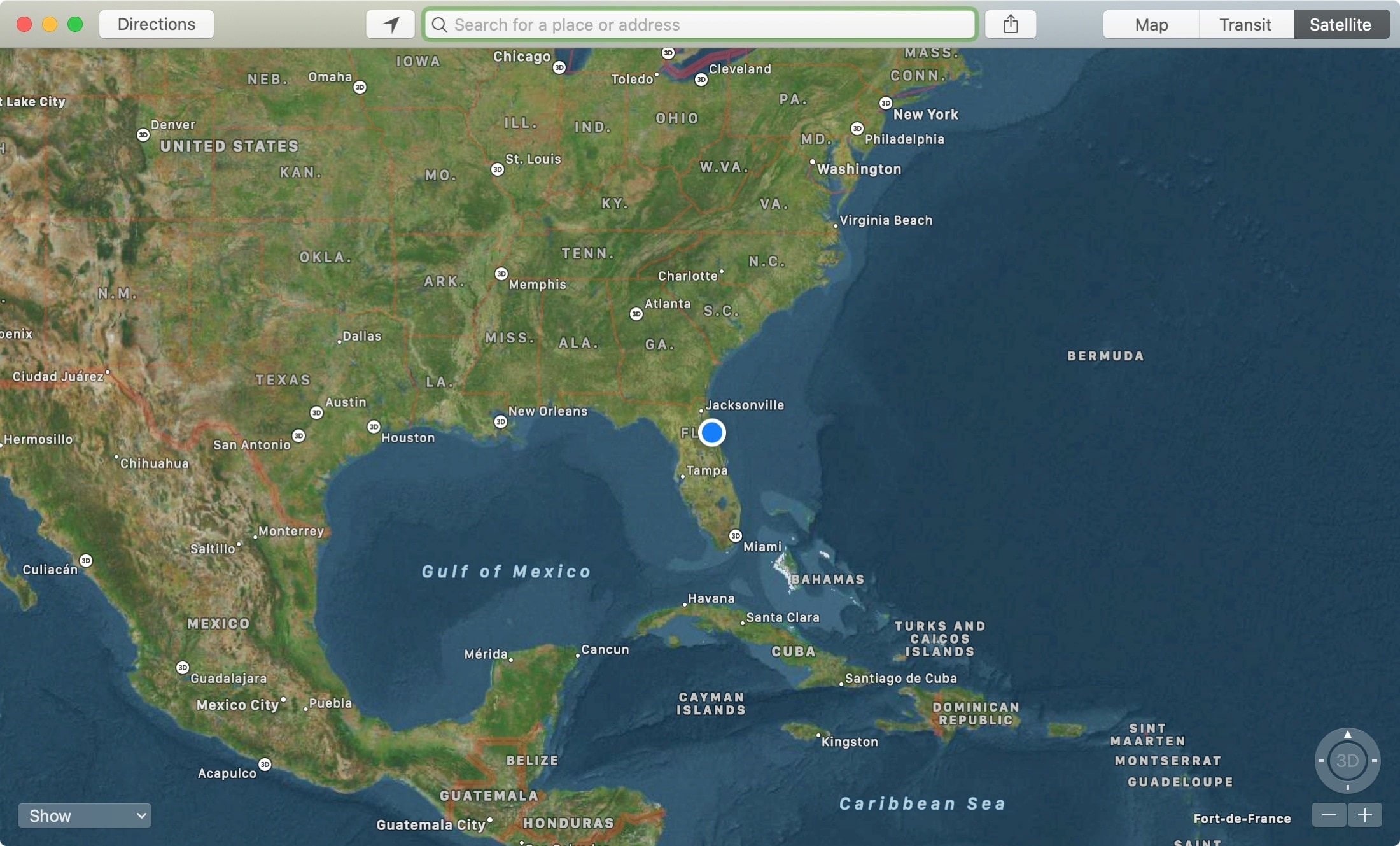
The Apple Maps app is a super handy tool that you likely use on your iPhone more than anywhere else. For getting directions, it makes perfect sense. But, the Maps app on Mac offers some great features as well, like one to send directions straight to your iPhone.
If you’re new to Mac, we’ll show you how to use that feature along with a host of the others you might not know about. Here’s how to make the most of the Apple Maps app on your Mac.

The Mac Help system is a terrific tool for almost any question you have about your Mac, and here are some tips for using it to its potential.
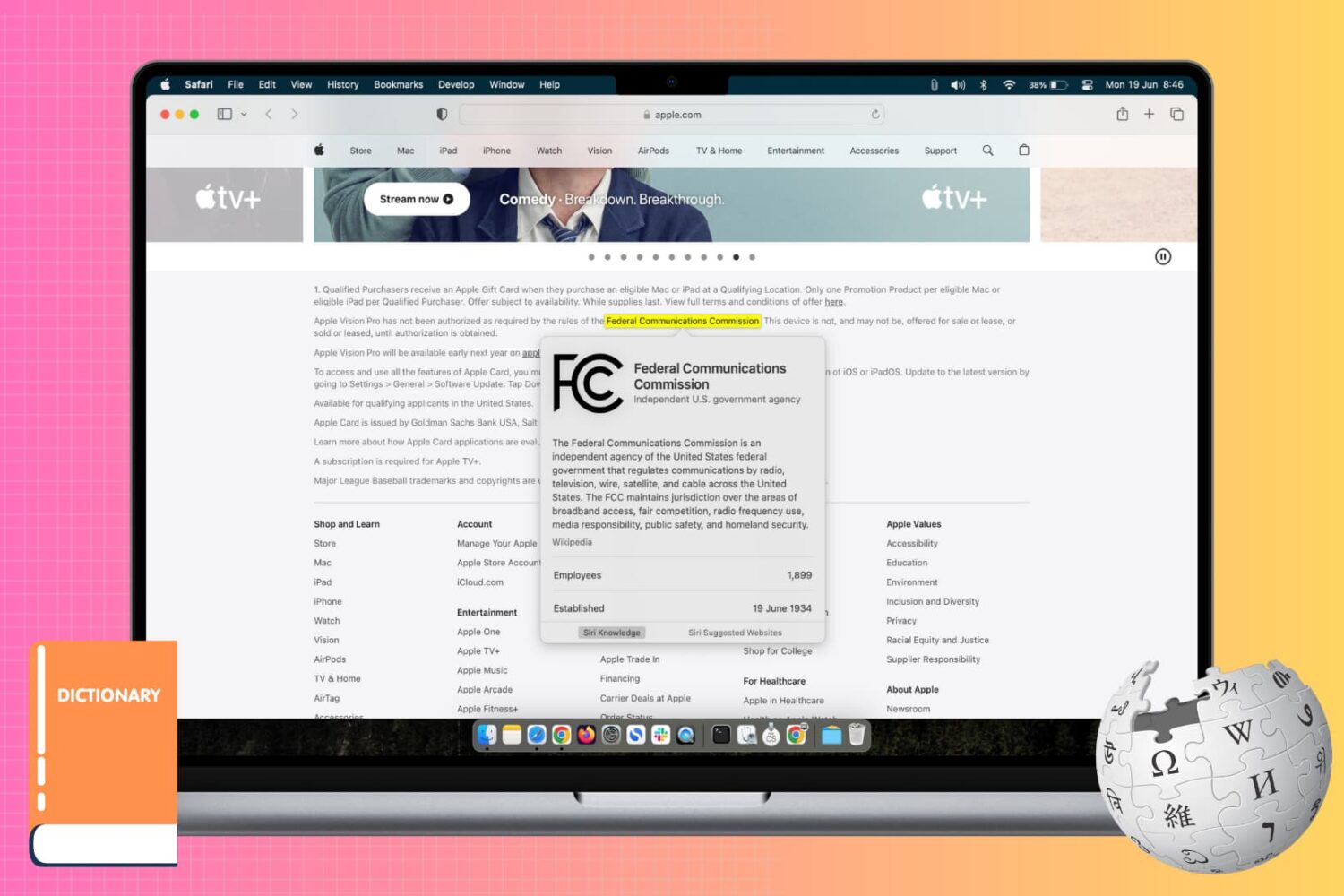
Learn how to use the incredibly useful Look Up tool on your Mac to find the definition and get more information about a word or phrase across all apps.
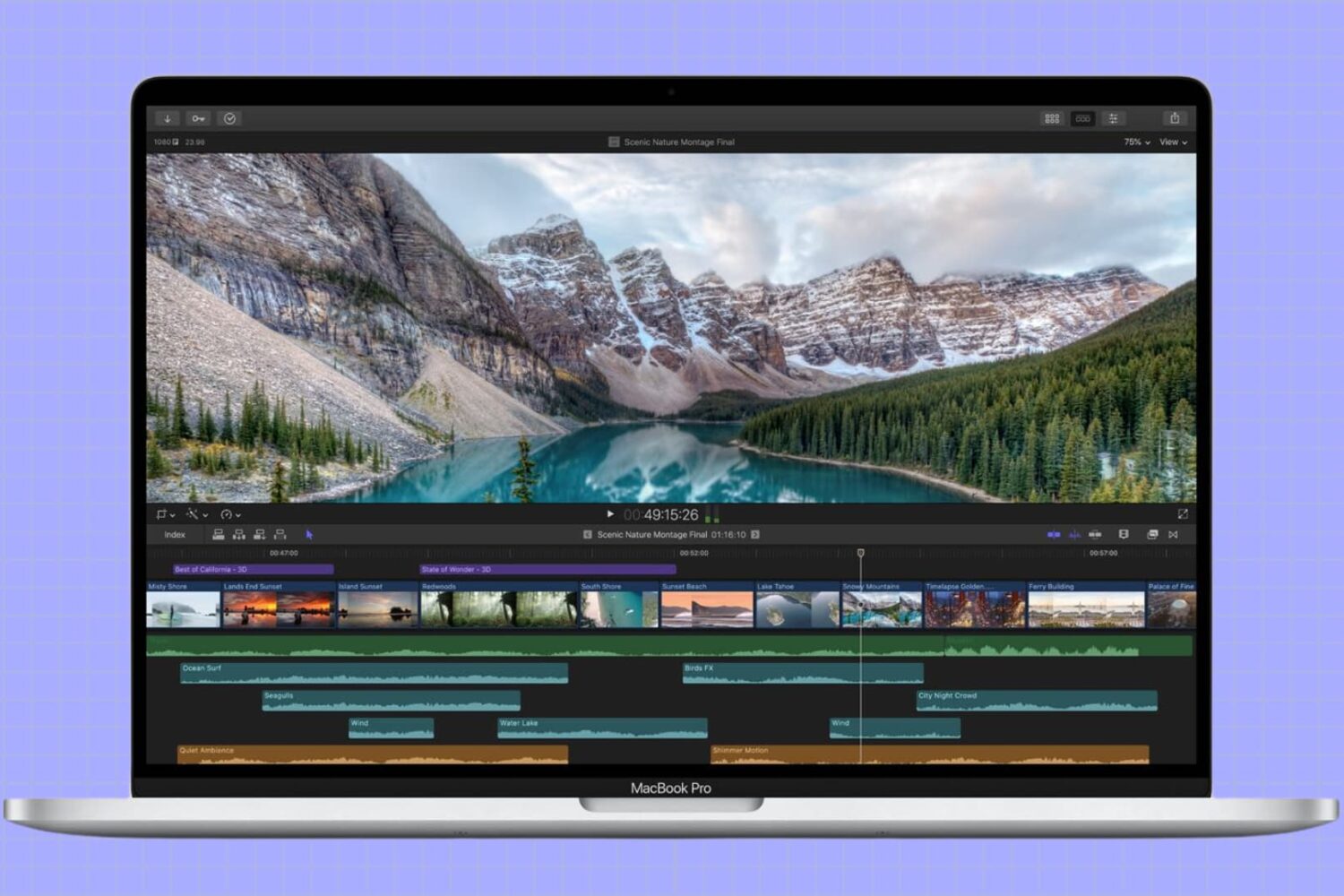
In this tutorial, we’ll show you how to adjust the refresh rate of your MacBook screen or external display for smoother visuals and reduced eye strain.
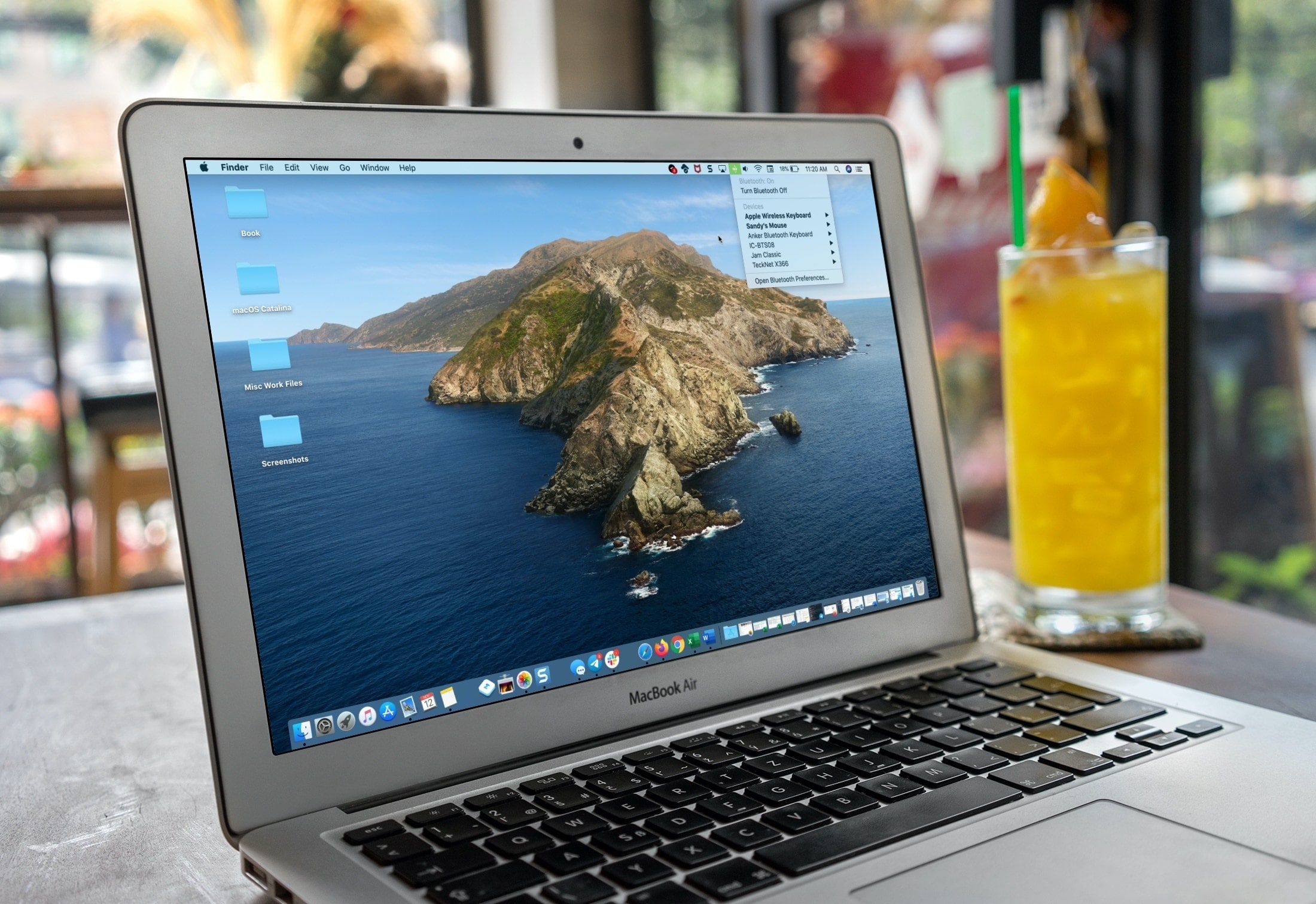
If you’re a new Mac user, we want to help make your macOS experience as productive and efficient as it can be. From understanding the various icons, to customizing its layout, here are the basics of the menu bar that you need to know, along with some tips to help you use it more effectively.

Find out which songs you played recently on Apple Music on iPhone, iPad, or Mac, to listen to them again or delete them from your history.