Learn how to change Safari settings on your Mac to make it just the way you like for a personalized and productive browsing experience.
How to customize Safari settings on Mac
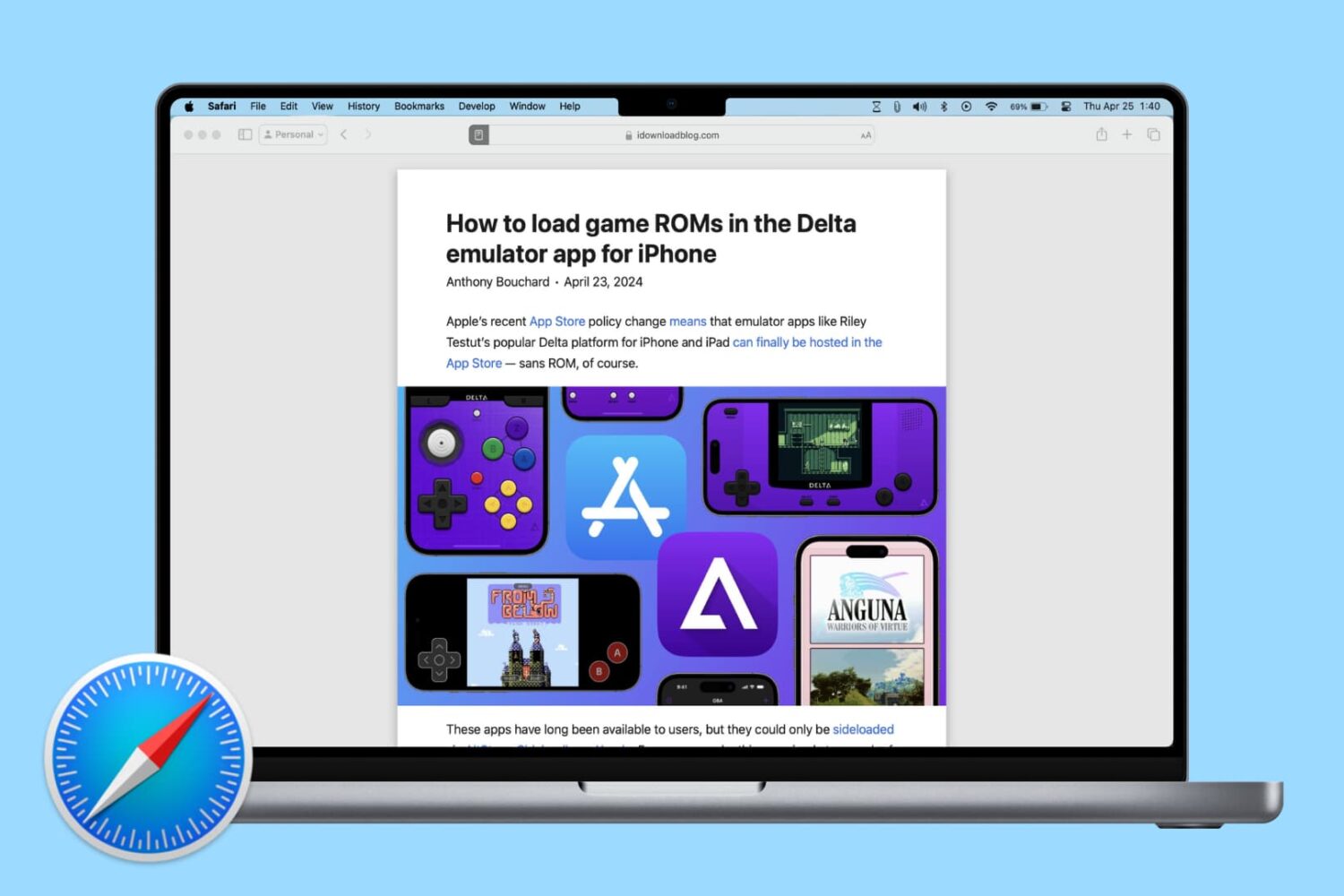
Learn how to change Safari settings on your Mac to make it just the way you like for a personalized and productive browsing experience.

Learn how to preserve all your open Safari tabs as bookmarks on your Mac so you can save them all for later or reopen them with a couple of clicks.
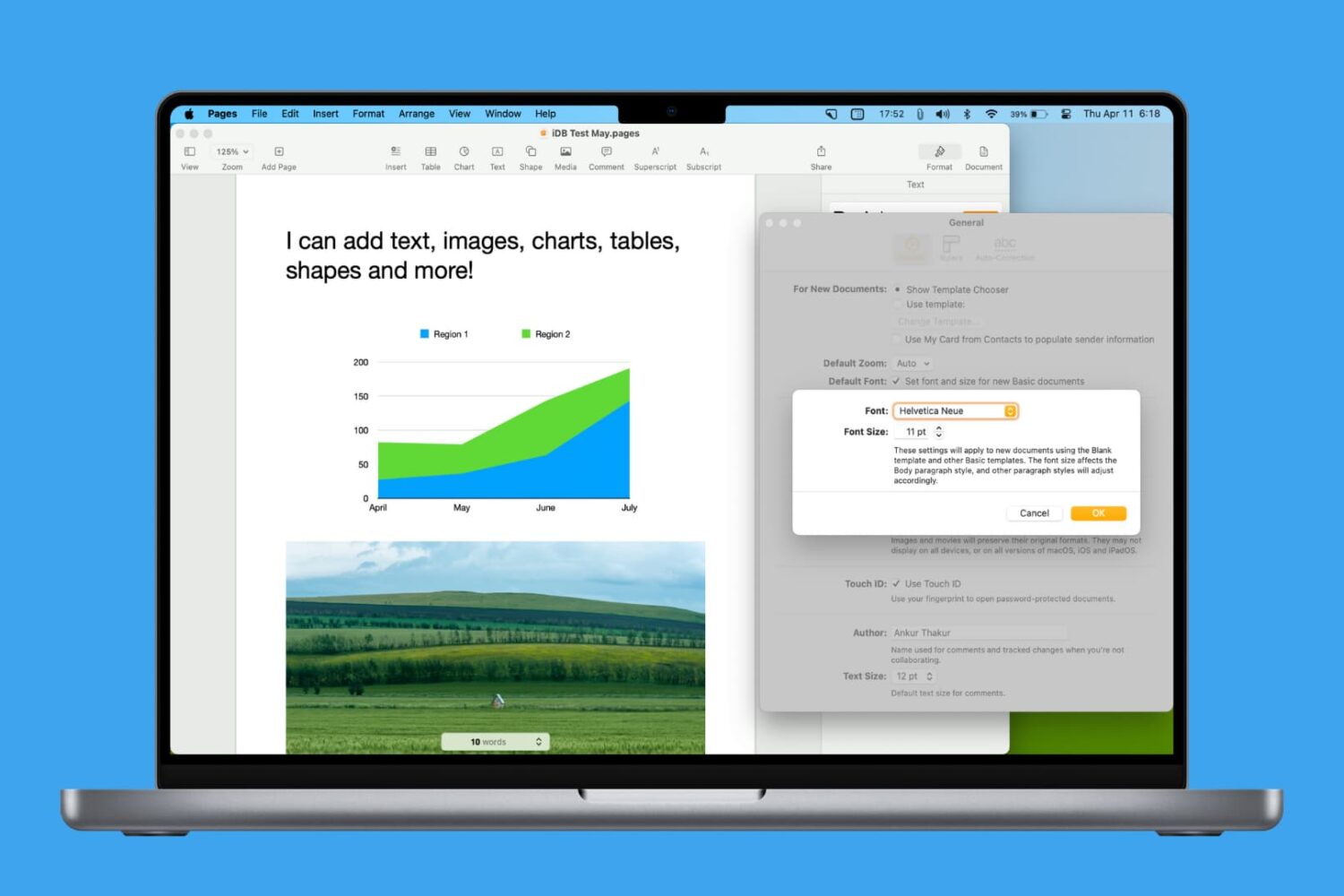
Learn how to personalize your Pages documents by setting another default font on your Mac.

If you're paying for your Apple Arcade subscription month to month, it might be a good idea to switch to the annual subscription and save money by getting twelve months of access for the price of ten, provided you pay upfront. Follow our quick tutorial to learn how you can switch from the $5 per month subscription to its $50 per year annual counterpart.
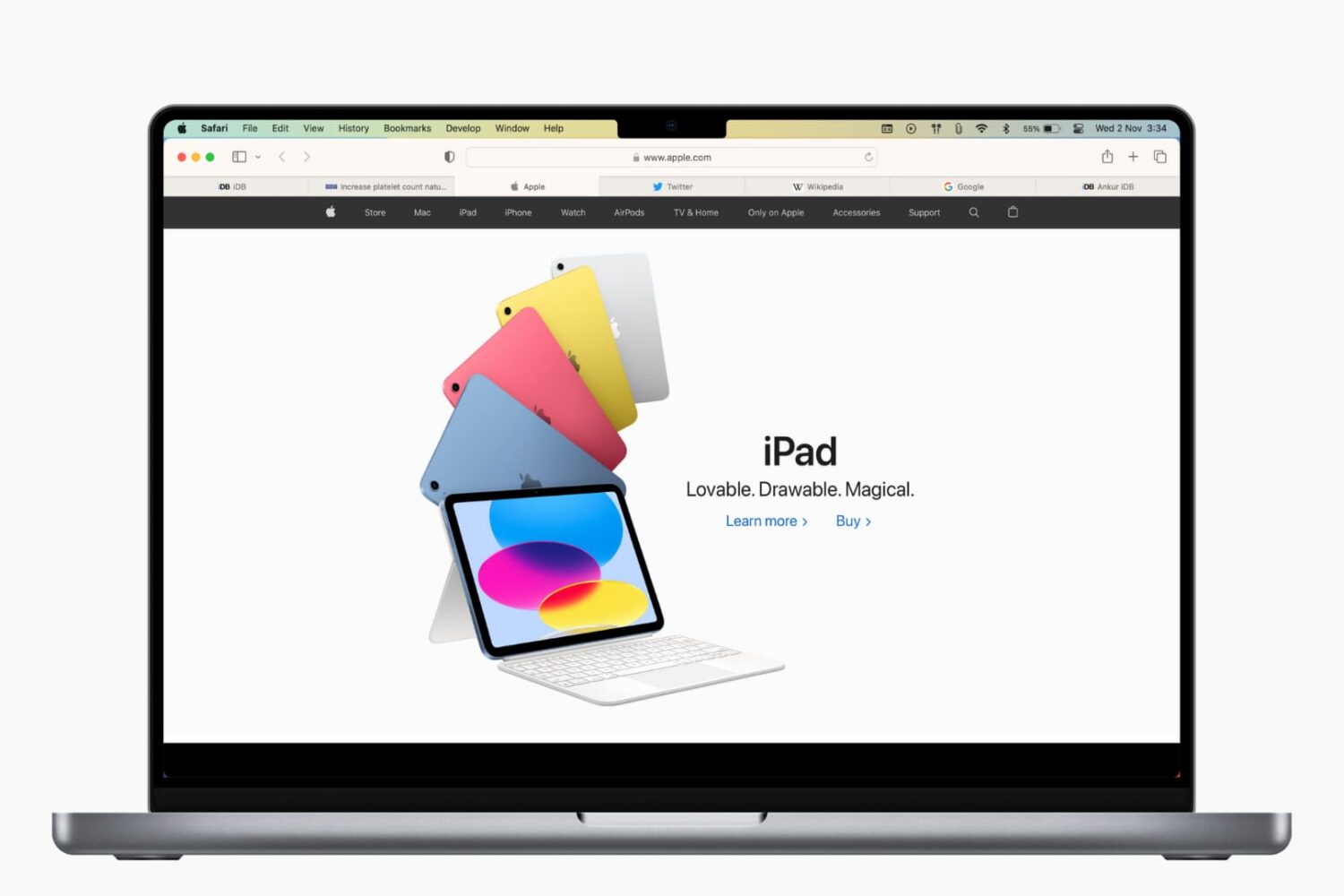
Learn how to save open tabs in Safari for Mac in several ways, which will enable you to revisit them later and pick up right where you left off without skipping a beat.
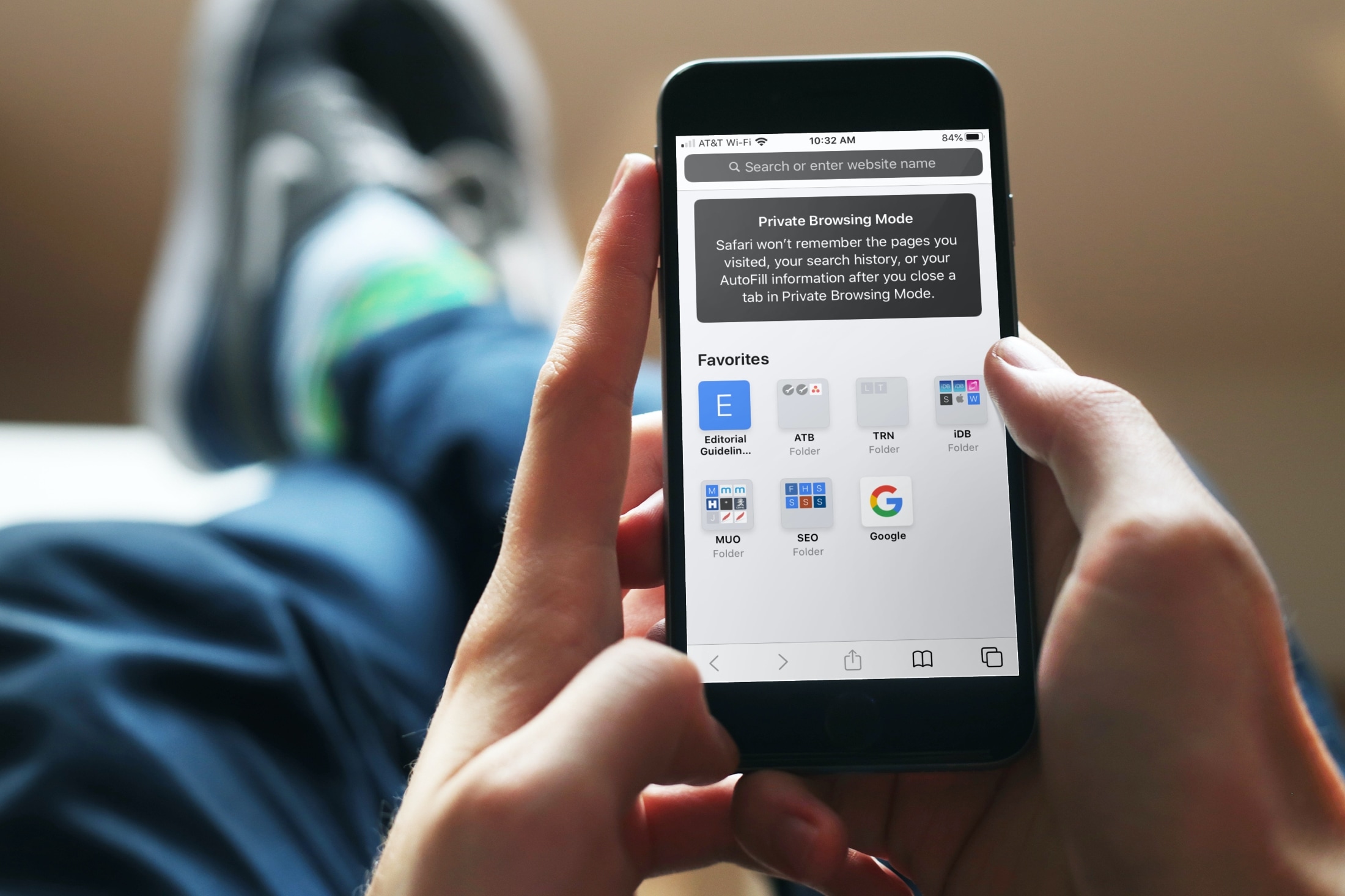
Using iCloud Keychain to save your account names and passwords for websites makes logging into your favorite sites a breeze. You don't have to remember many passwords and can use iCloud Keychain across your devices. It's a fantastic time-saver, except when you find iCloud Keychain not working.
If you're stuck and Safari on iPhone, iPad, or Mac isn't auto-filling your account information or details for your credit card, here are a few things to fix this issue.
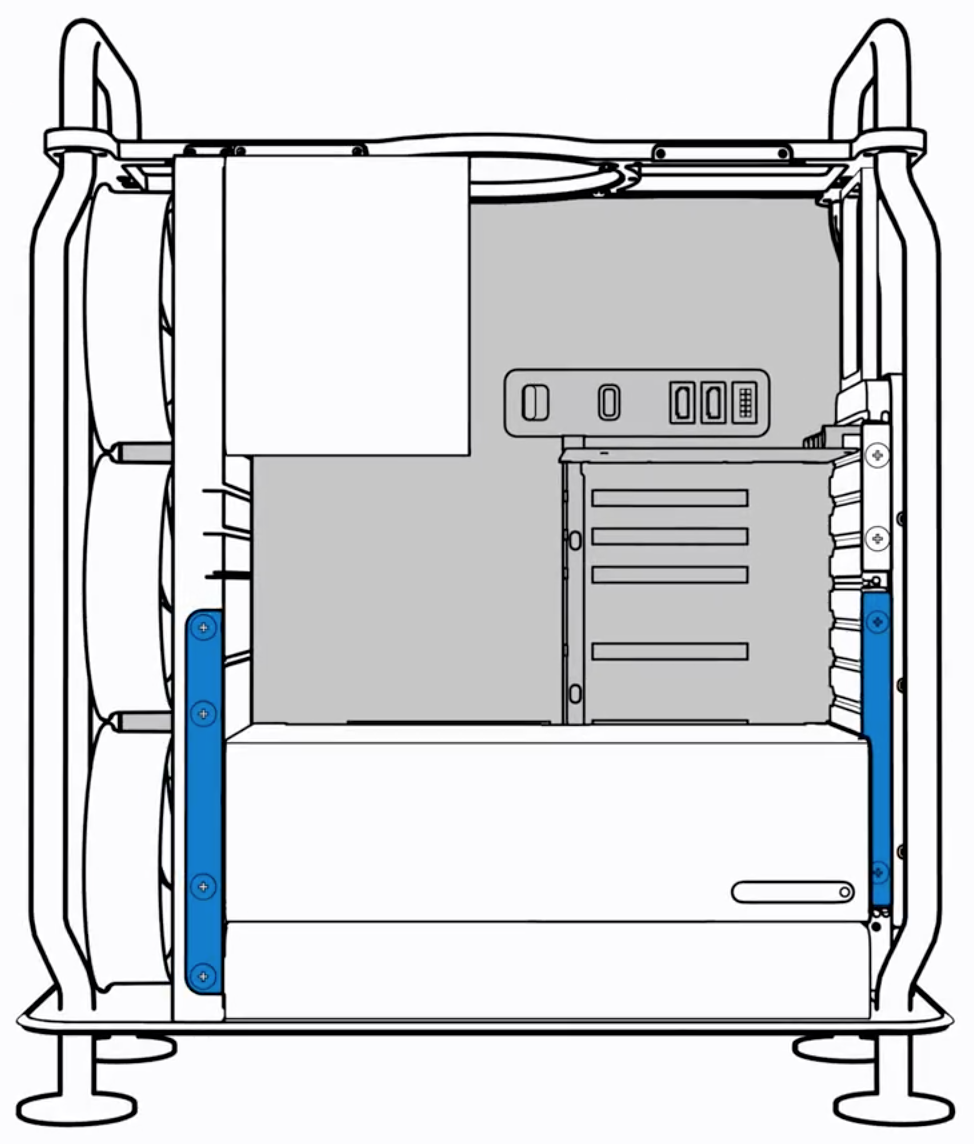
Apple yesterday released its new workstation — the $5,999 Mac Pro — and soon after the company's official support channel on YouTube published a pair of videos demonstrating how to add more memory to your computer and upgrade its graphics subsystem.

Do you have too many shows in your Up Next queue that you’ll never watch? Learn how to remove episodes from Up Next in the TV app on your iPhone, iPad, Mac, and Apple TV.

Safari iCloud tabs enable you to access and view open tabs across your Apple devices, so you can continue your browsing sessions across your iPhone, iPad, Mac, and Vision Pro. Follow along with us as we show you how to set up and use iCloud tabs in Safari.

When you first get your Mac, there's a learning curve as you navigate through its features, set up apps like Messages and Mail, and customize your desktop. After some time, you'll be ready to level up your efficiency by learning useful shortcuts. That's why we've put together a handy list of tips and tricks specifically tailored for macOS beginners, helping you accomplish tasks faster and enhance your overall Mac experience.
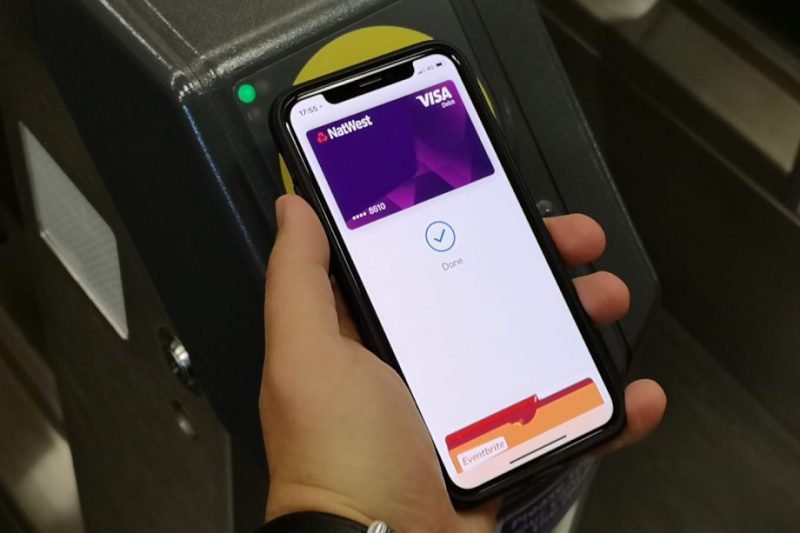
You can remove a payment or transit card from Apple Pay at any time, but the option to remove all cards at once from your device is hidden in plain sight. But worry not, girls and boys, iDownloadBlog comes to the rescue. Just follow this step-by-step tutorial to learn how you can remove all Apple Pay cards from your Apple device in one fell swoop.