Learn how to transfer video, audio, subtitles, and all other kinds of files from your computer to the VLC Media Player app on your iPhone or iPad.
How to transfer video and subtitles from Mac or PC to VLC on iOS
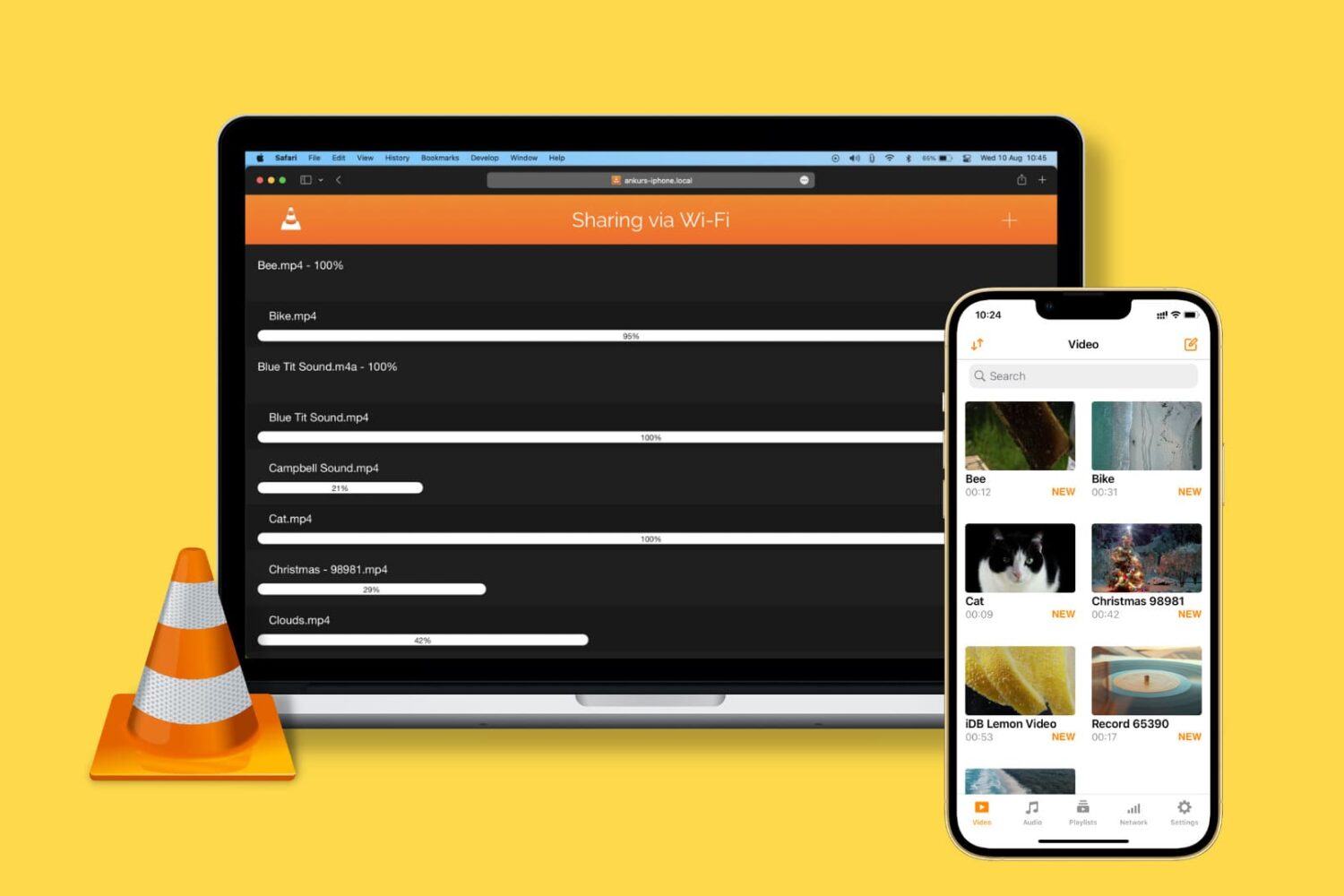
Learn how to transfer video, audio, subtitles, and all other kinds of files from your computer to the VLC Media Player app on your iPhone or iPad.
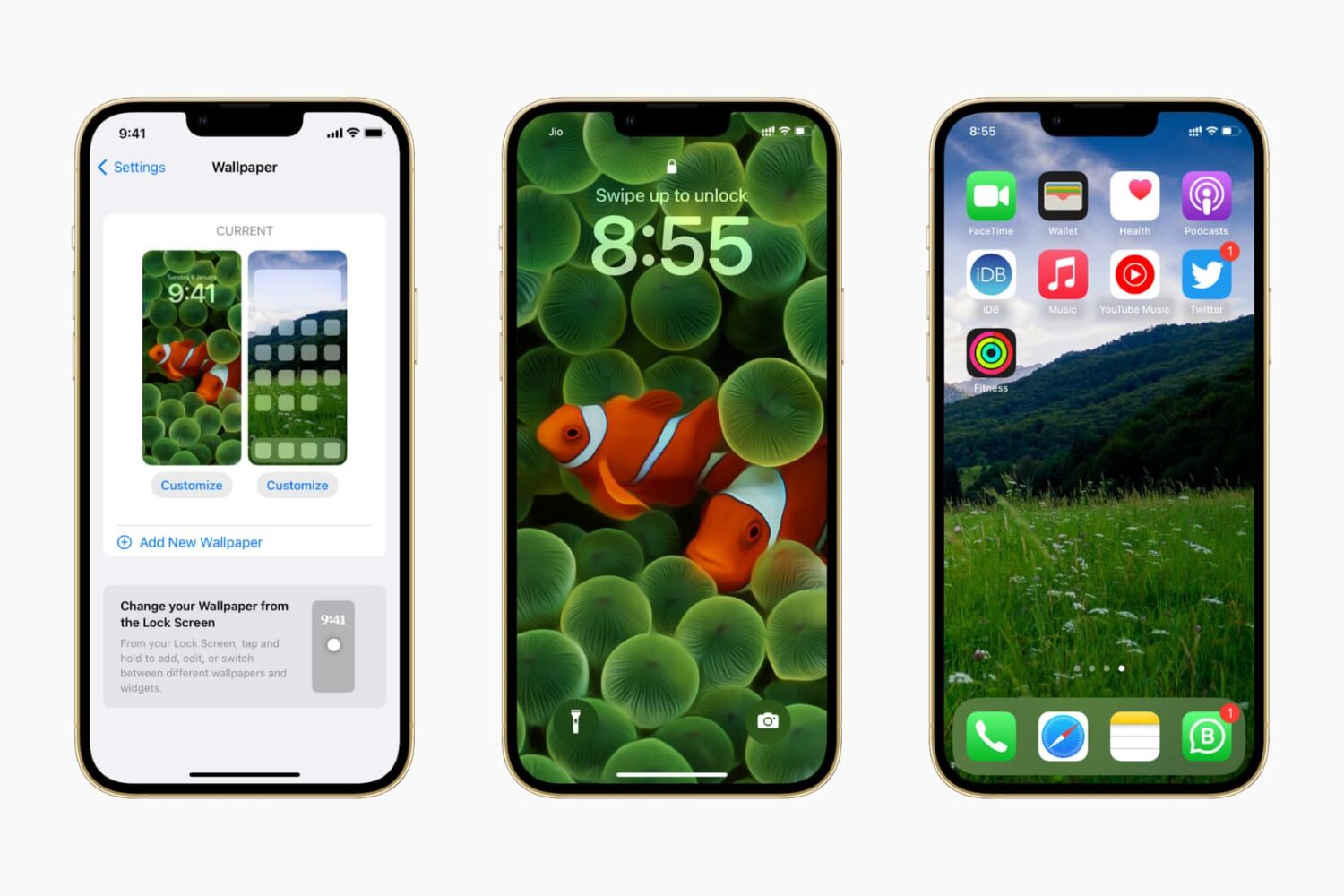
In this guide, we show you where to find some of the very best iPhone wallpapers and other backdrops for your Apple devices for free.

You can enter special symbols like copyright (©), trademark (™), and registered (®) effortlessly on your Mac and iPhone using keyboard shortcuts or the built-in Text Replacement feature. You don’t need to copy & paste or install a third-party app.
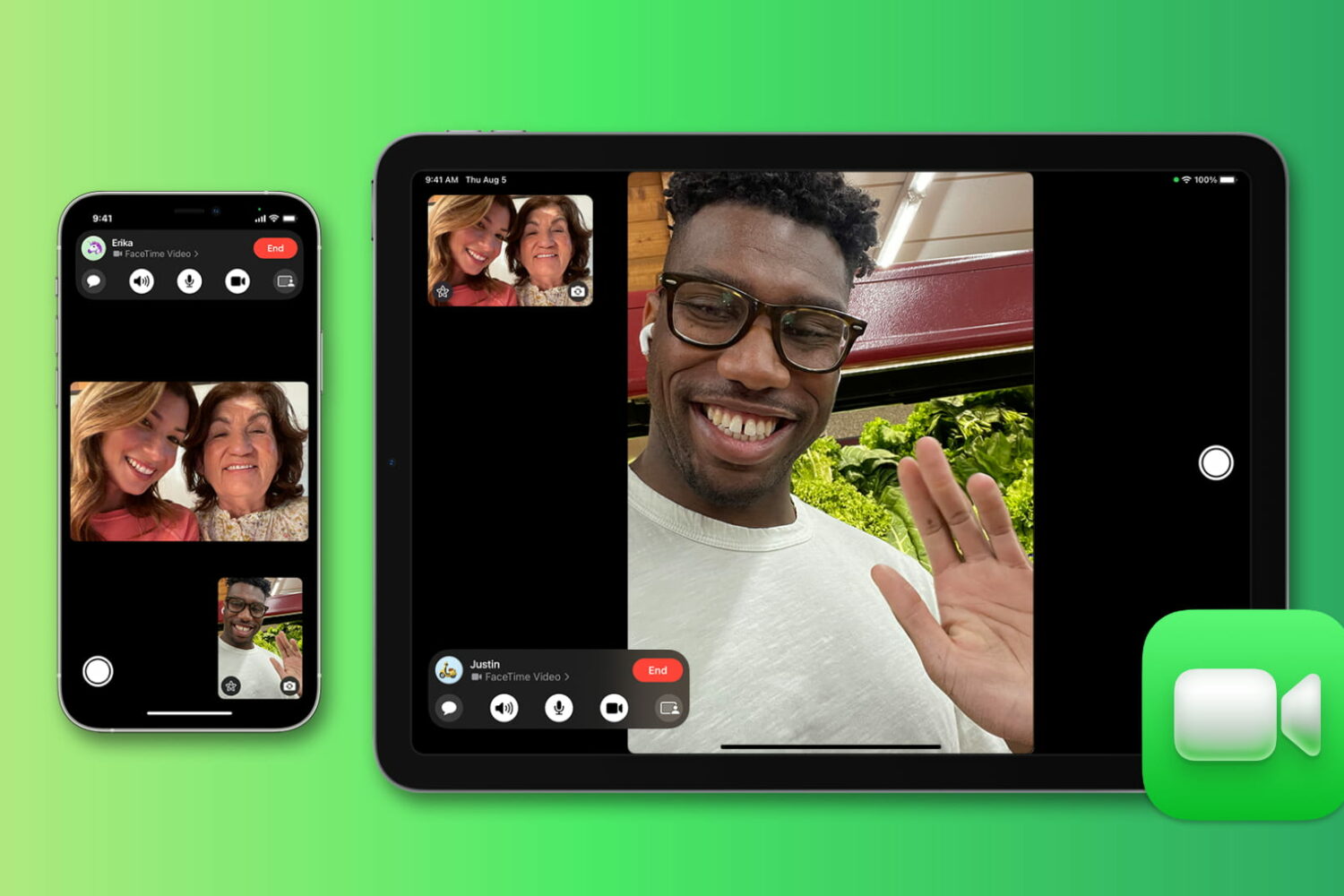
Wondering for how long you talked with a friend or family member on FaceTime? Check out the quick steps to see FaceTime call duration on iPhone, iPad, and Mac.
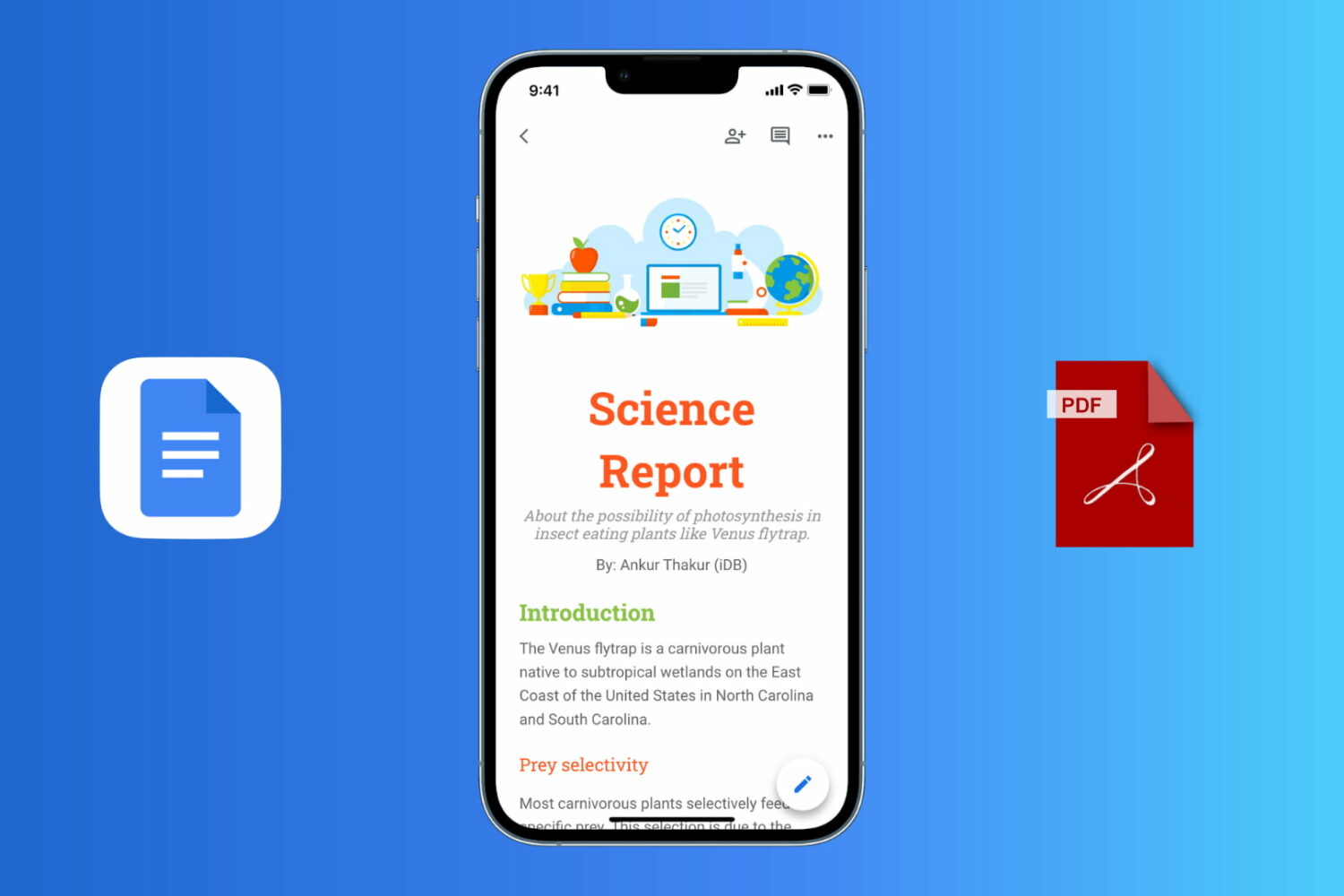
Follow these easy steps to export a Google Docs document as a PDF file on your iPhone, iPad, Mac, or Windows PC.
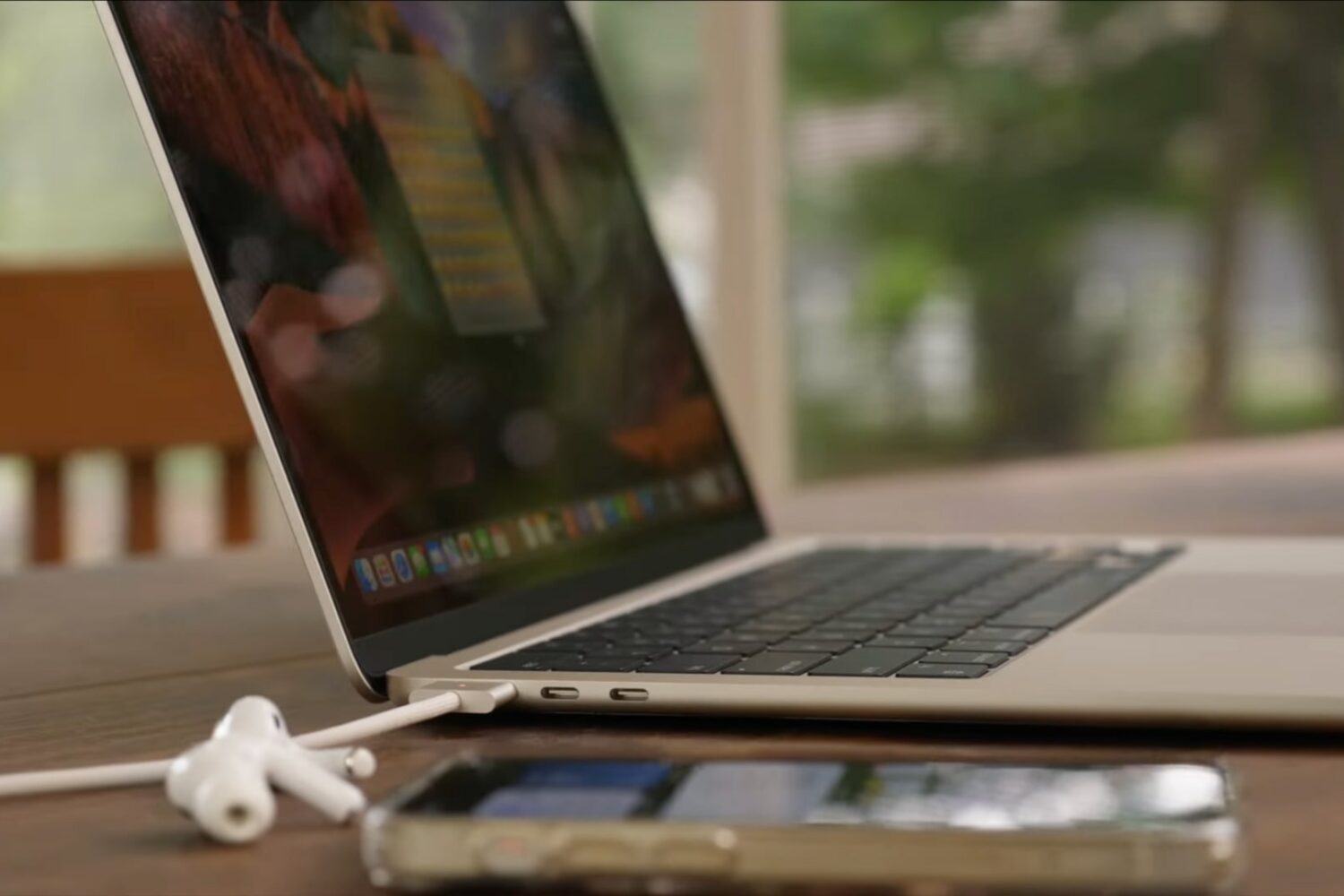
Watch our M2 MacBook Air tips and tricks video to learn how to set up your new Apple notebook, install apps, pick a power adapter for fast-charging and more.
Keep your sensitive information and browsing data safe by ensuring your web browsers are up to date on your iPhone, iPad, and Mac.
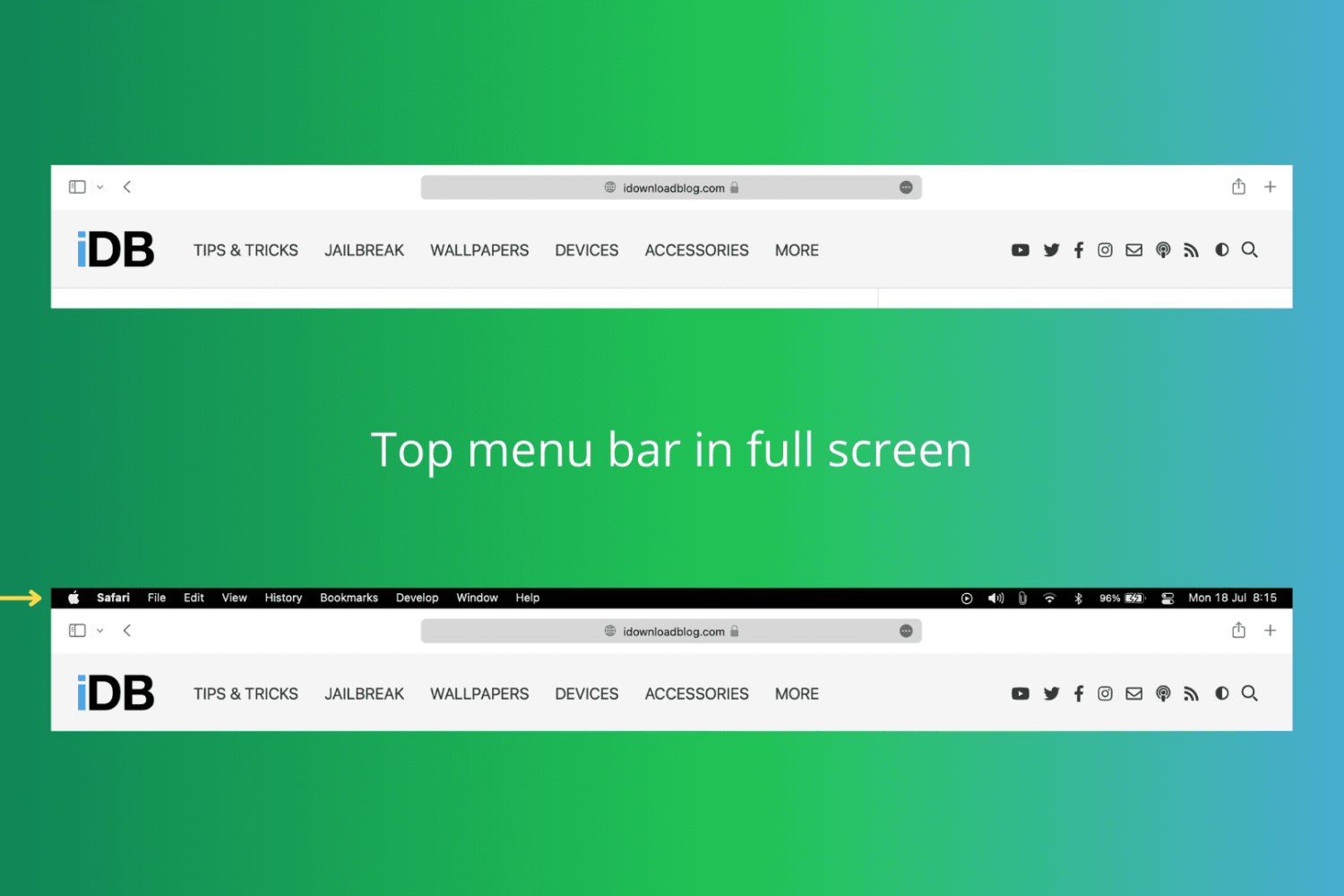
In this tutorial, we show you how to keep the top menu bar visible on your Mac even when you put an app in full-screen mode.
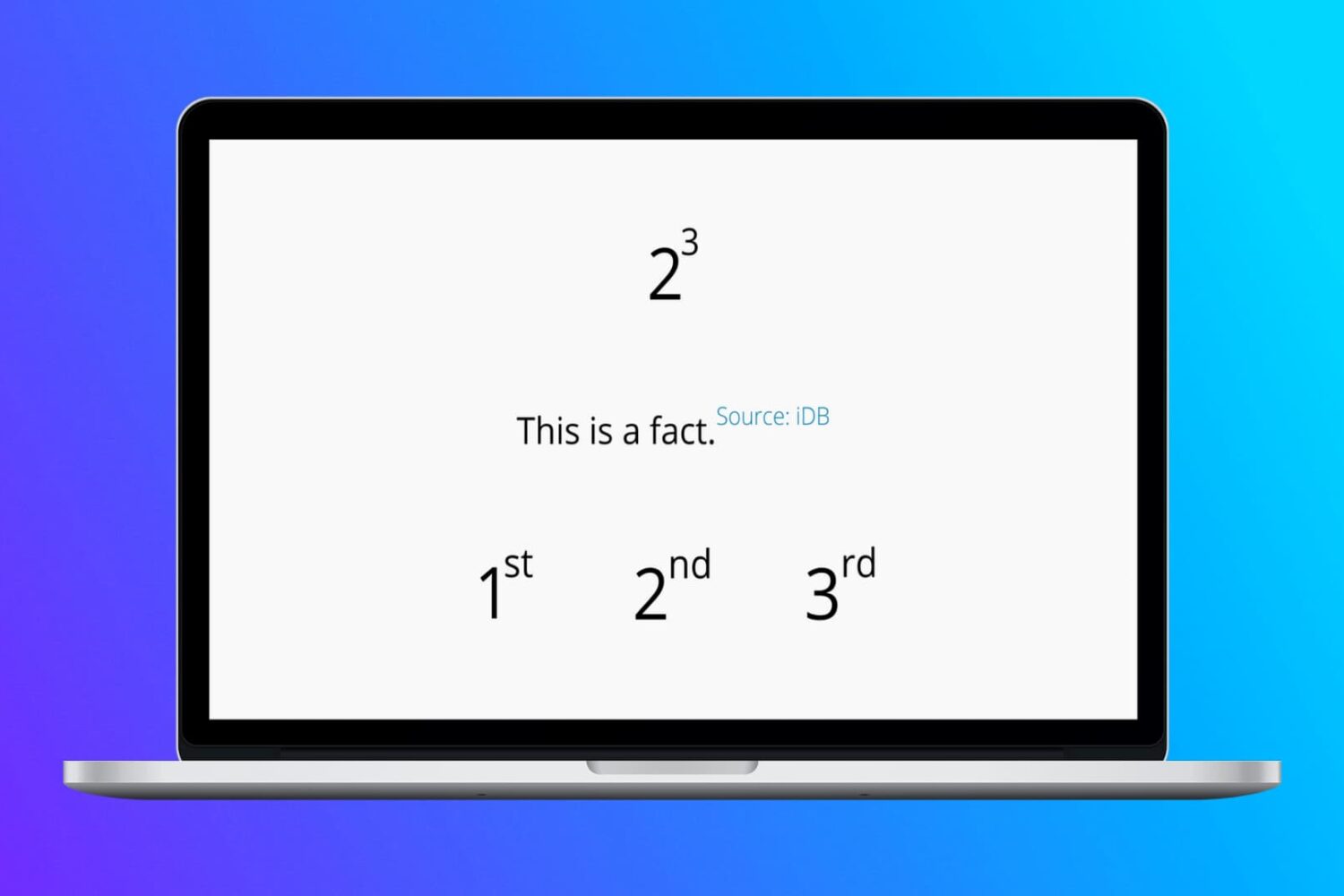
In this tutorial, we show you how to type raised or lowered characters on Mac.
Check out these quick tips and ways to open HEIC or HEIF images on your Mac, even if it’s running an old version of macOS.
Check out these 3 simple methods to delete Chrome apps on your Mac, including from Finder, Launchpad, and Chrome’s built-in settings.
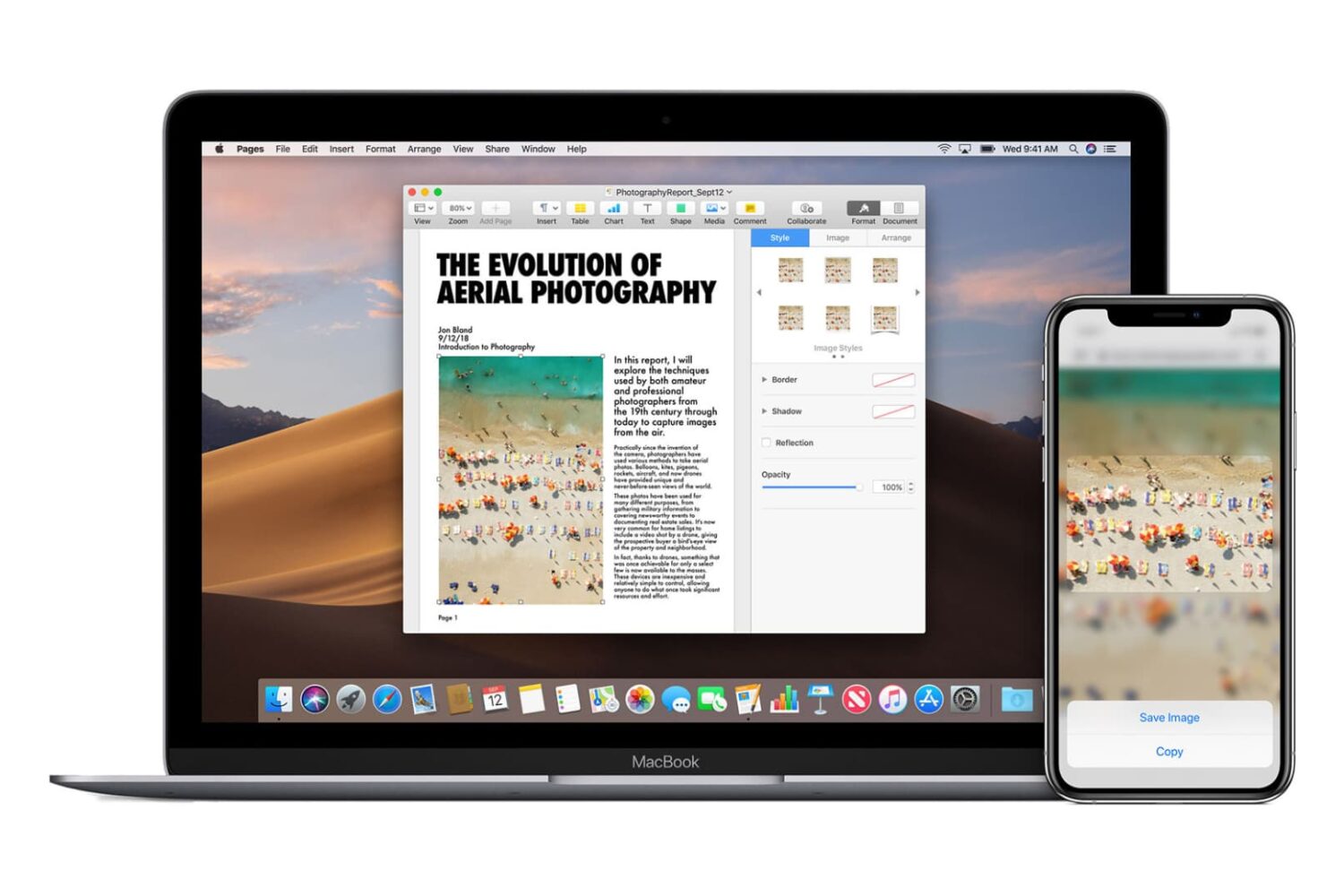
Go through these easy fixes if you cannot copy and paste text, photos, and videos between your iPhone, iPad, Mac, and Apple Vision Pro.