In this Mac tutorial, we show you how to create a new volume using Disk Utility and, if required, erase or delete it.
How to add, mount, erase, and delete disk volume on Mac
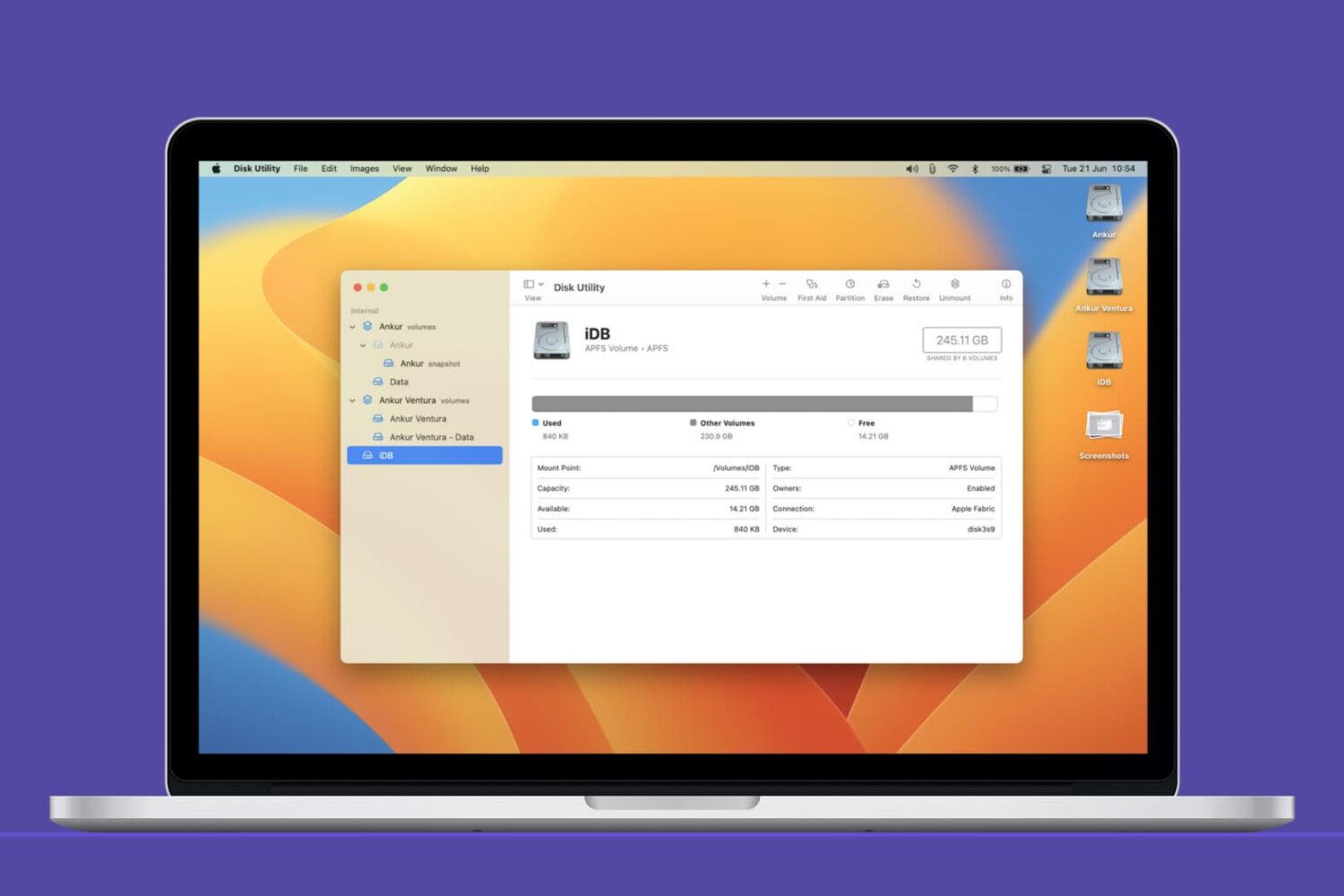
In this Mac tutorial, we show you how to create a new volume using Disk Utility and, if required, erase or delete it.
In this quick step-by-step tutorial, we show you how to copy iCloud contacts that are on your iPhone, iPad, or Mac to Google Contacts using several easy methods.

Learn how to perform a network speed test right from the Terminal window on your Mac.
This tutorial shows you how to create a separate volume (partition) on your Mac’s internal drive to install macOS Ventura on it.
Using this method, you will have two macOS versions on the same Mac. The first volume will have the macOS you’re currently running (likely macOS Monterey), and the second volume will have macOS Ventura. You will be able to start up your Mac into either one.
You can create a bootable installer for macOS Ventura on a USB flash drive or secondary volume. This is useful if you want to install macOS Ventura on multiple Macs and don't want to download the huge 12 GB file every time on each computer.
In this tutorial, we show you how to create a bootable installer for macOS Ventura on an external drive.
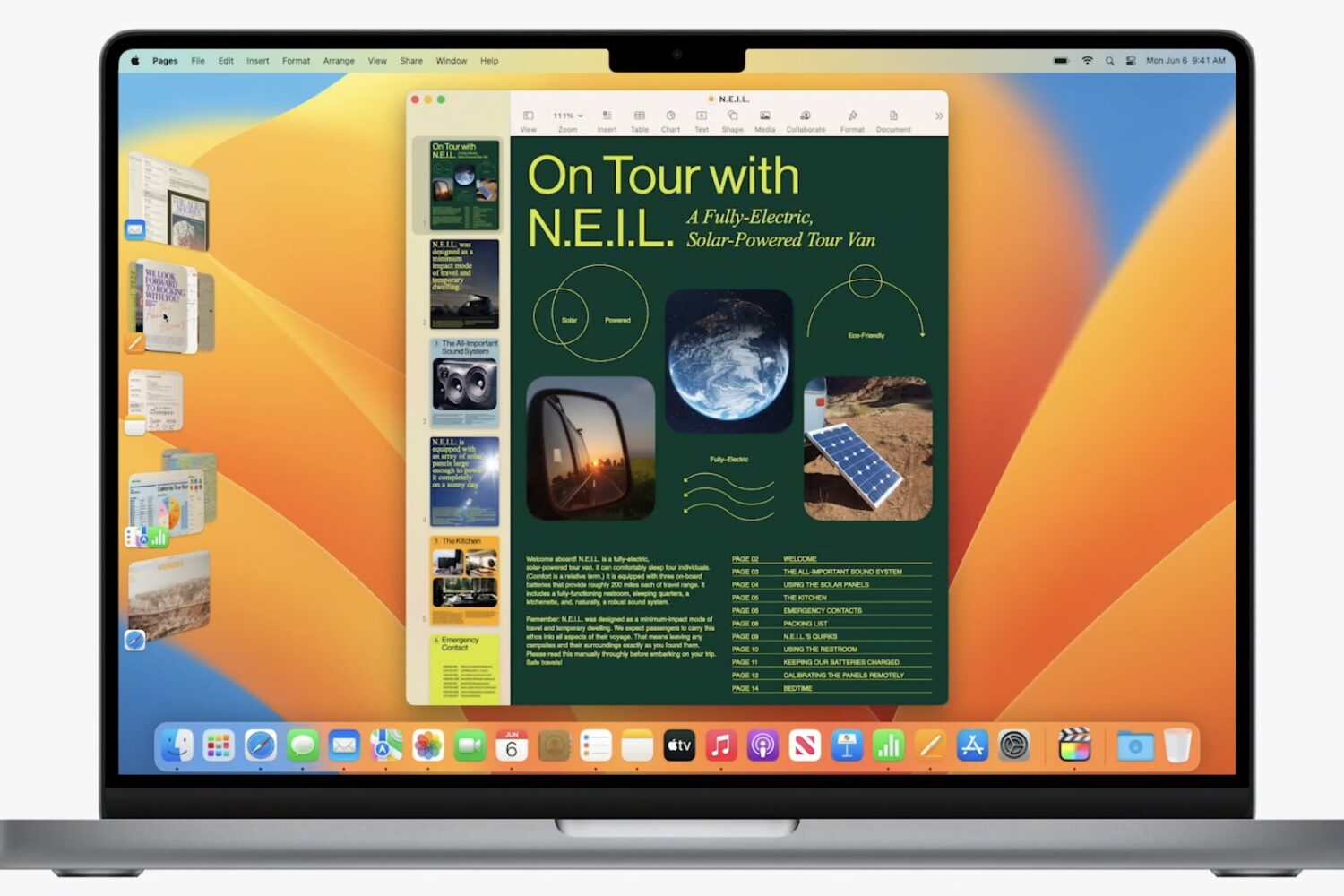
Read the official macOS Ventura system requirements to confirm that your current Mac has the required hardware to run this macOS 13 update when it drops in the fall.
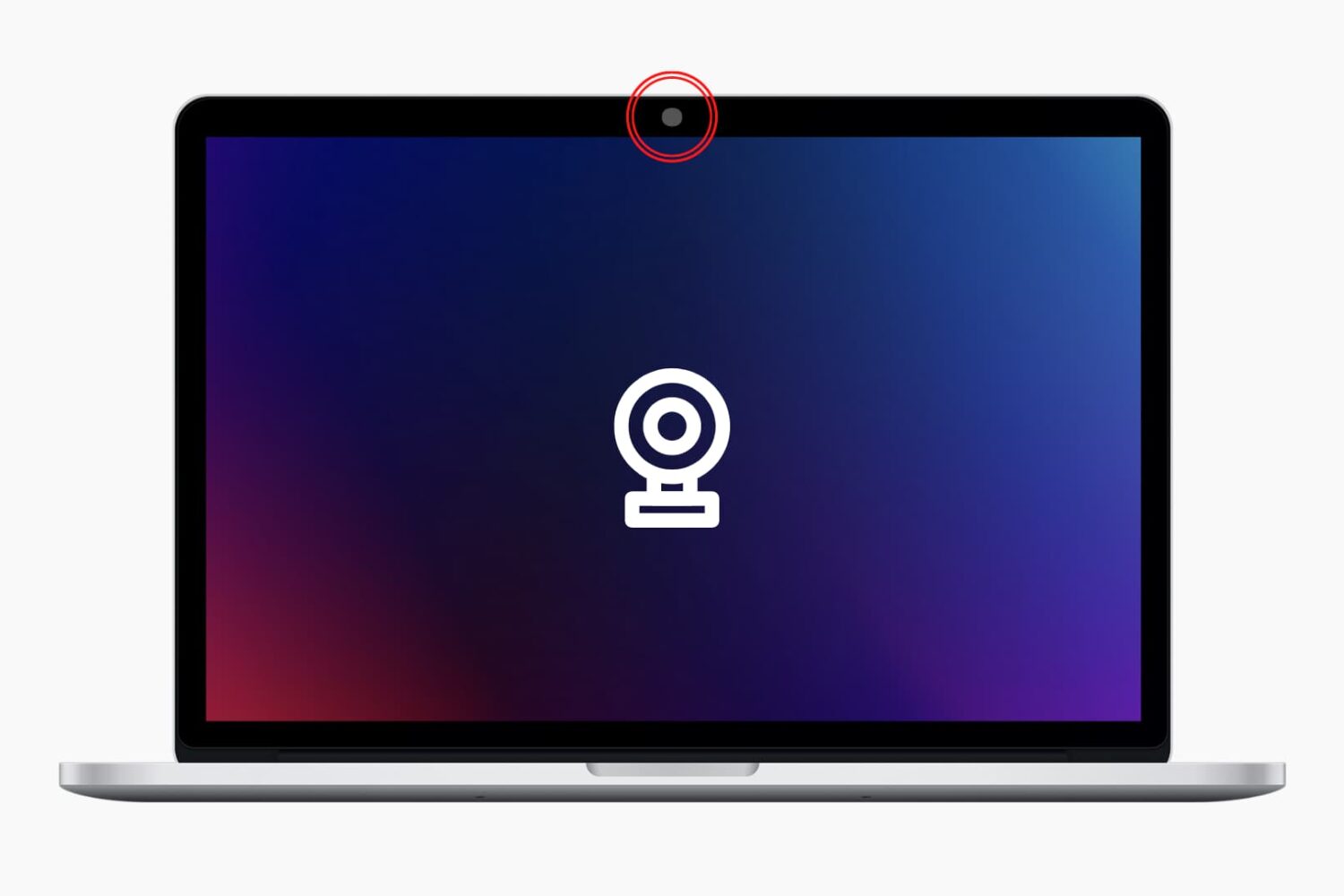
Follow along as we guide you through all the possible solutions to fix the built-in camera or externally connected webcam not working on your Mac.
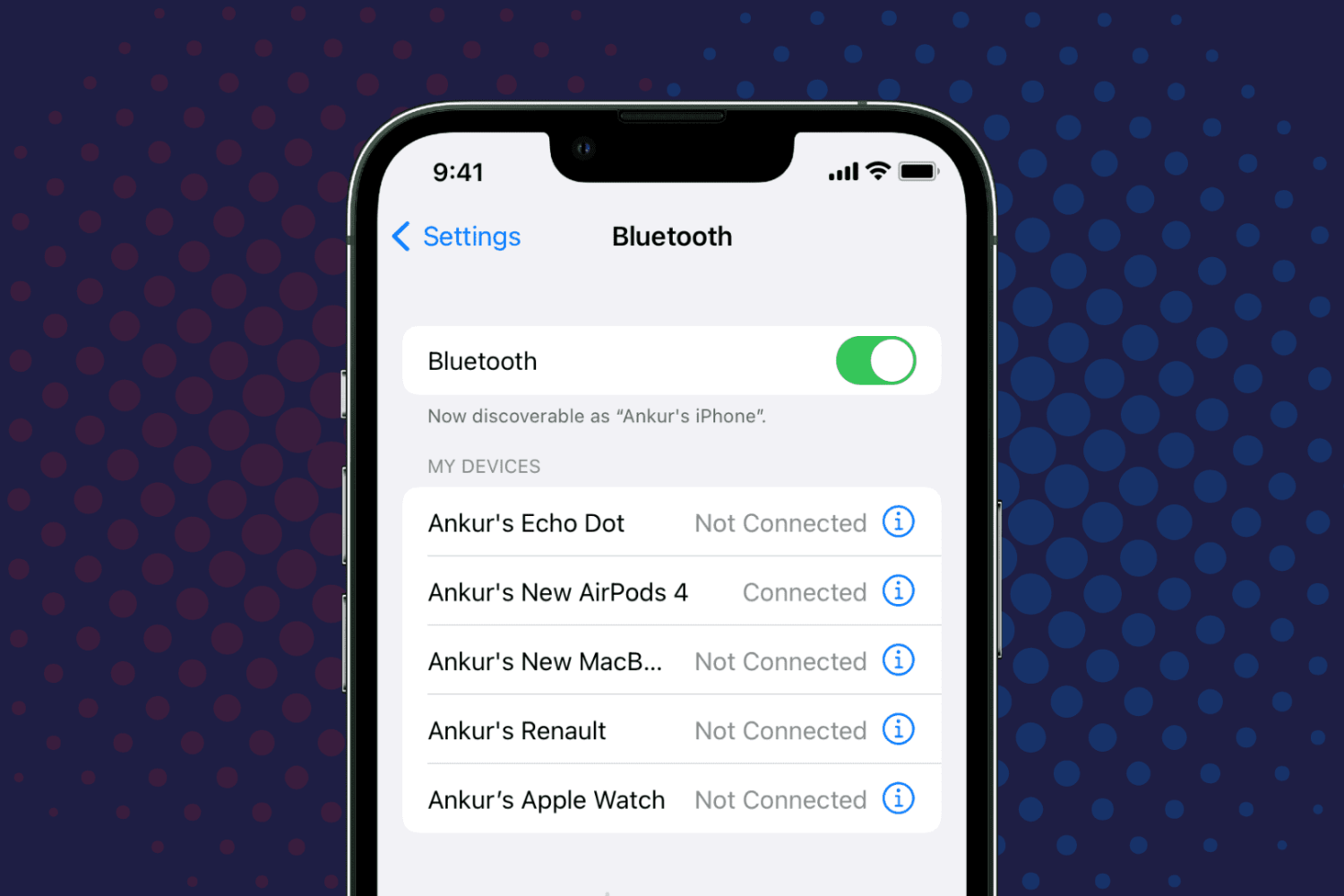
Check out the quick steps to rename Bluetooth devices on your iPhone, iPad, or Mac and find out what to do if you can’t change the name.

Learn how to run a shortcut on your Mac with the Terminal command line interface instead of the usual graphical user interface.
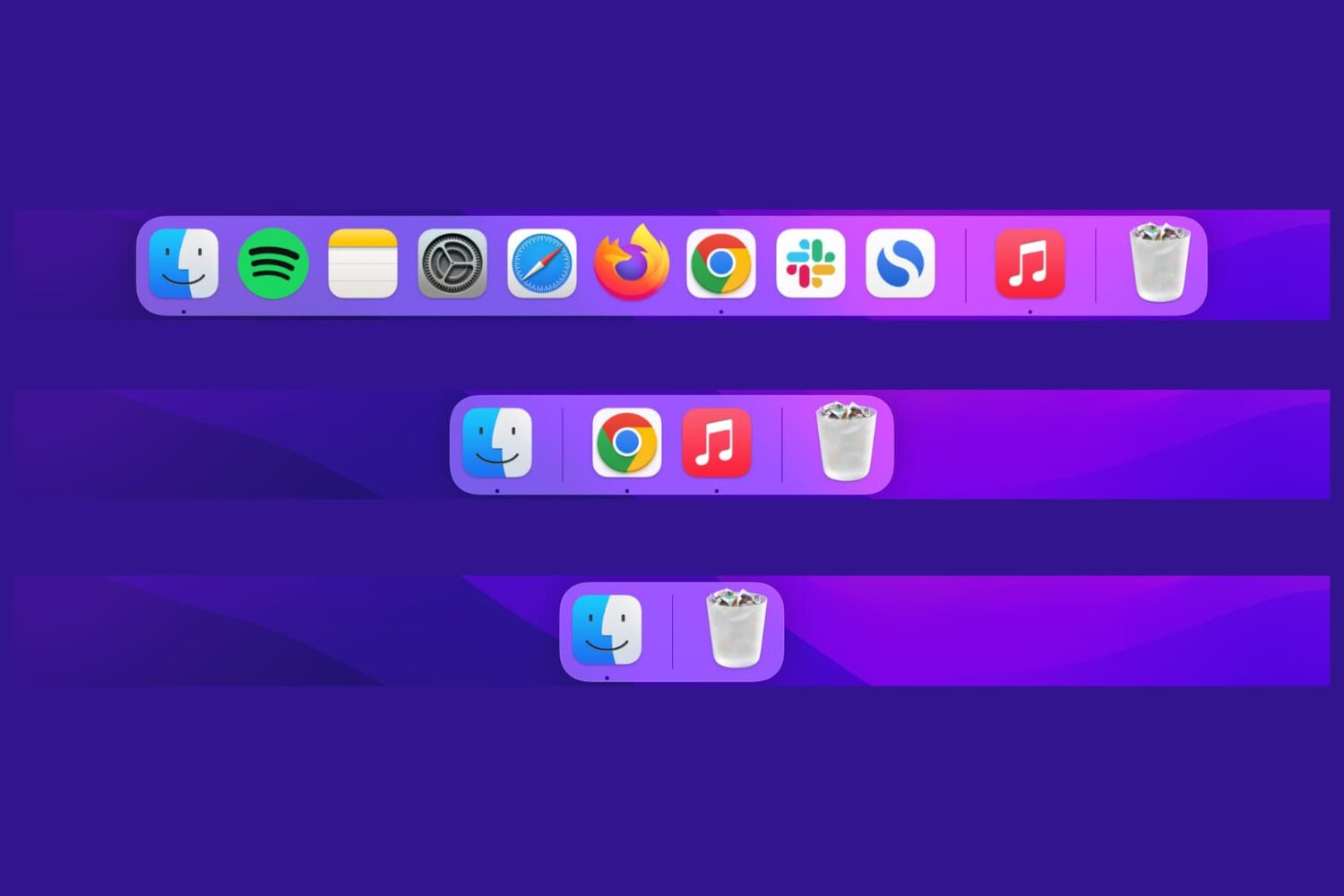
In this quick tutorial, we’ll show you how you can set up your Mac’s Dock to show only the open and active apps to reduce clutter.
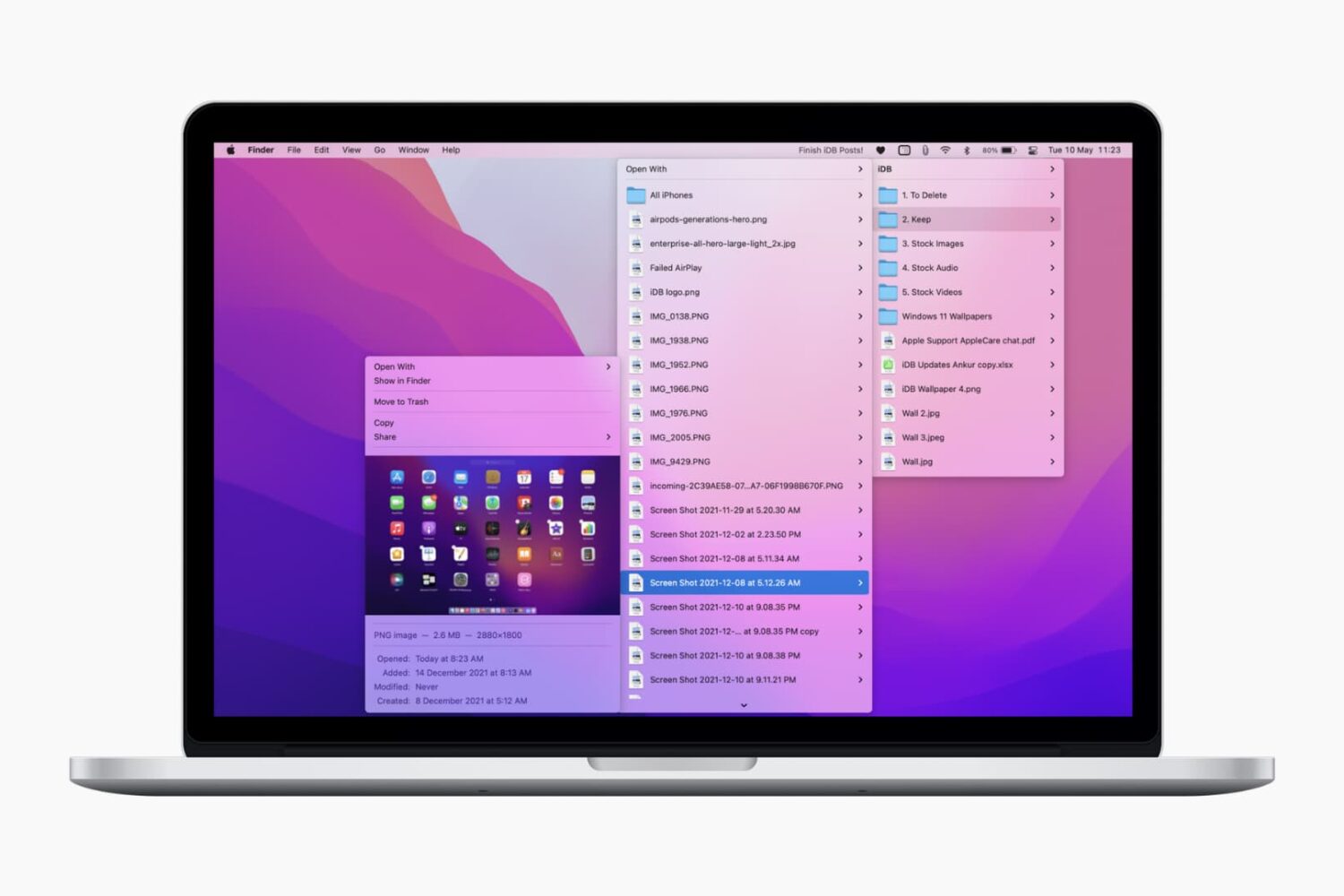
Check out these lightning-fast methods to bookmark important folders on your Mac and open them instantly with just one or a few clicks.

Telegram lets you share your device screen during calls. This makes it ideal for live classes, video presentations, business meets, etc.
Telegram's screen sharing works across platforms, which means you can share your screen no matter which device (iOS, macOS, Android, Windows) you or the participants are using.
In this tutorial, we show you how to share your iPhone or Mac screen with a single person or group on Telegram.