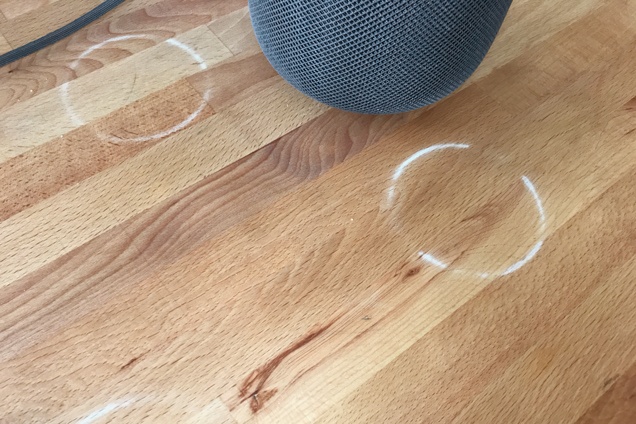
A future HomePod iteration should not leave ring marks on treated wood furniture.
Apple to address HomePod ring marks with a new material
Stay up-to-date on the latest HomePod news, and learn how to get the most out of your device with our comprehensive tutorials. From initial set up to advanced features, we’ve got you covered!
A future HomePod iteration should not leave ring marks on treated wood furniture.
A report Thursday alleged that HomePod sales have been lackluster thus far.
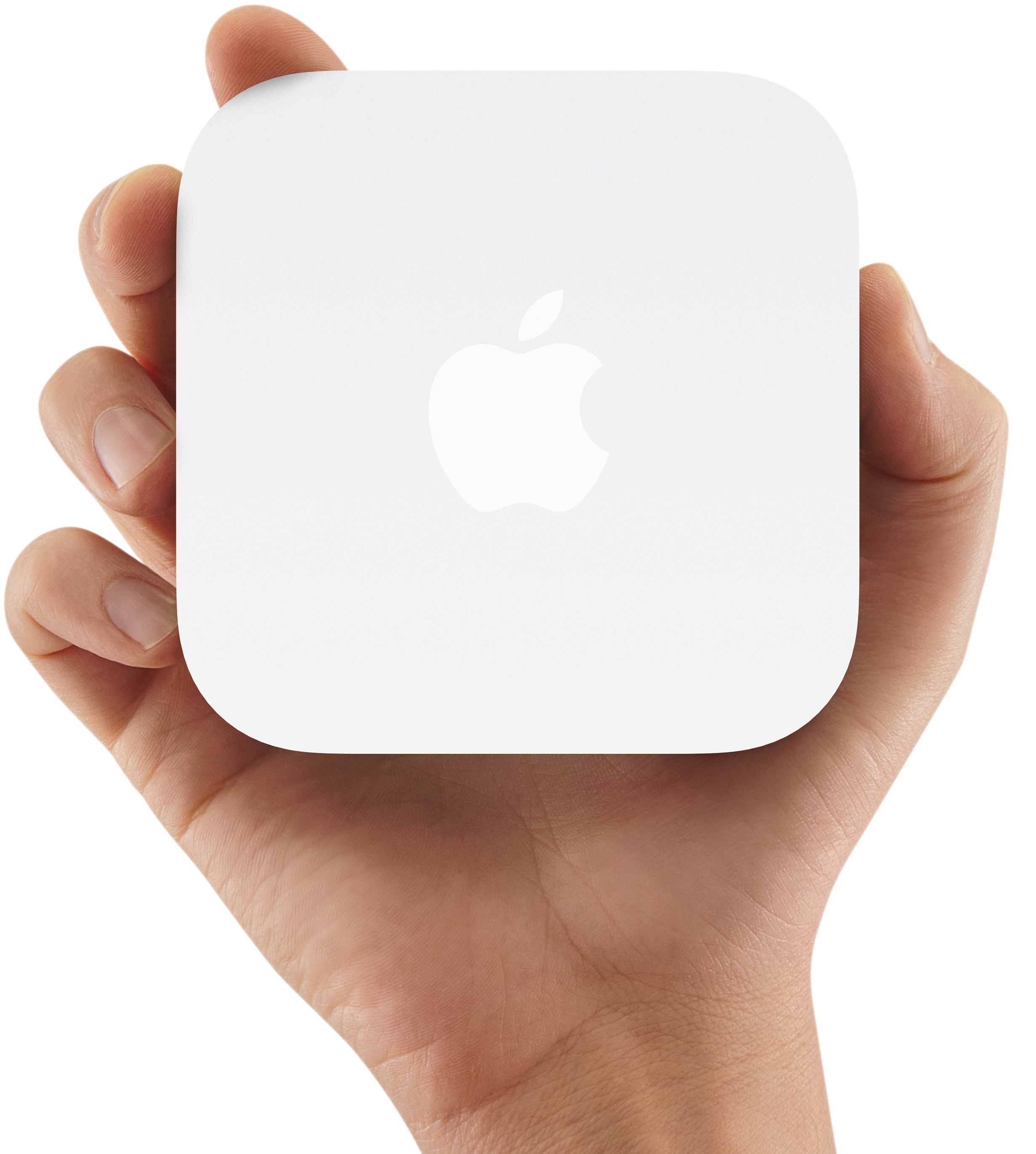
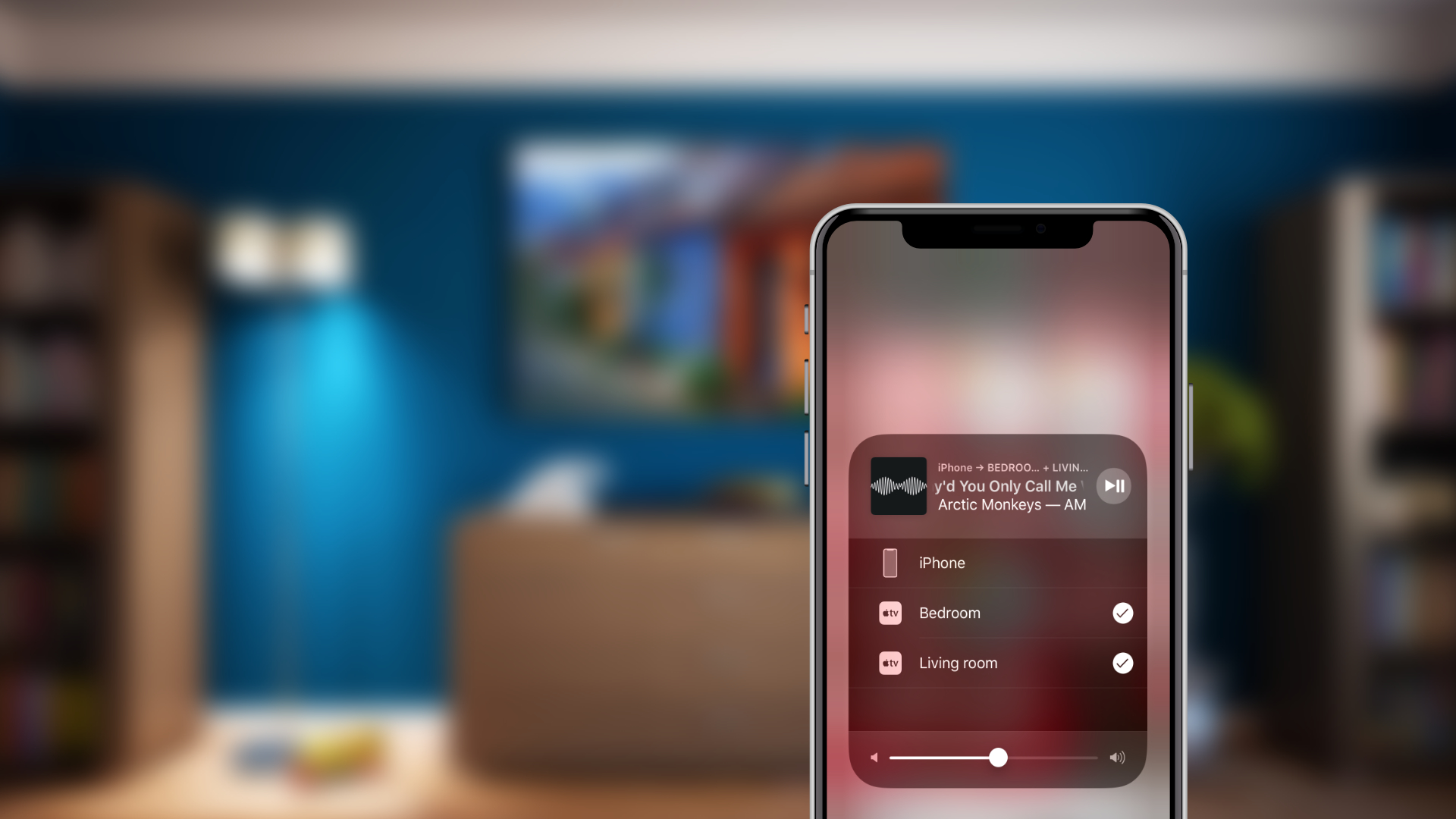
Developers and public beta testers who installed the iOS 11.4 beta are noticing that Apple's AirPort Express wireless base station is showing up in the Home app as AirPlay 2 speakers.
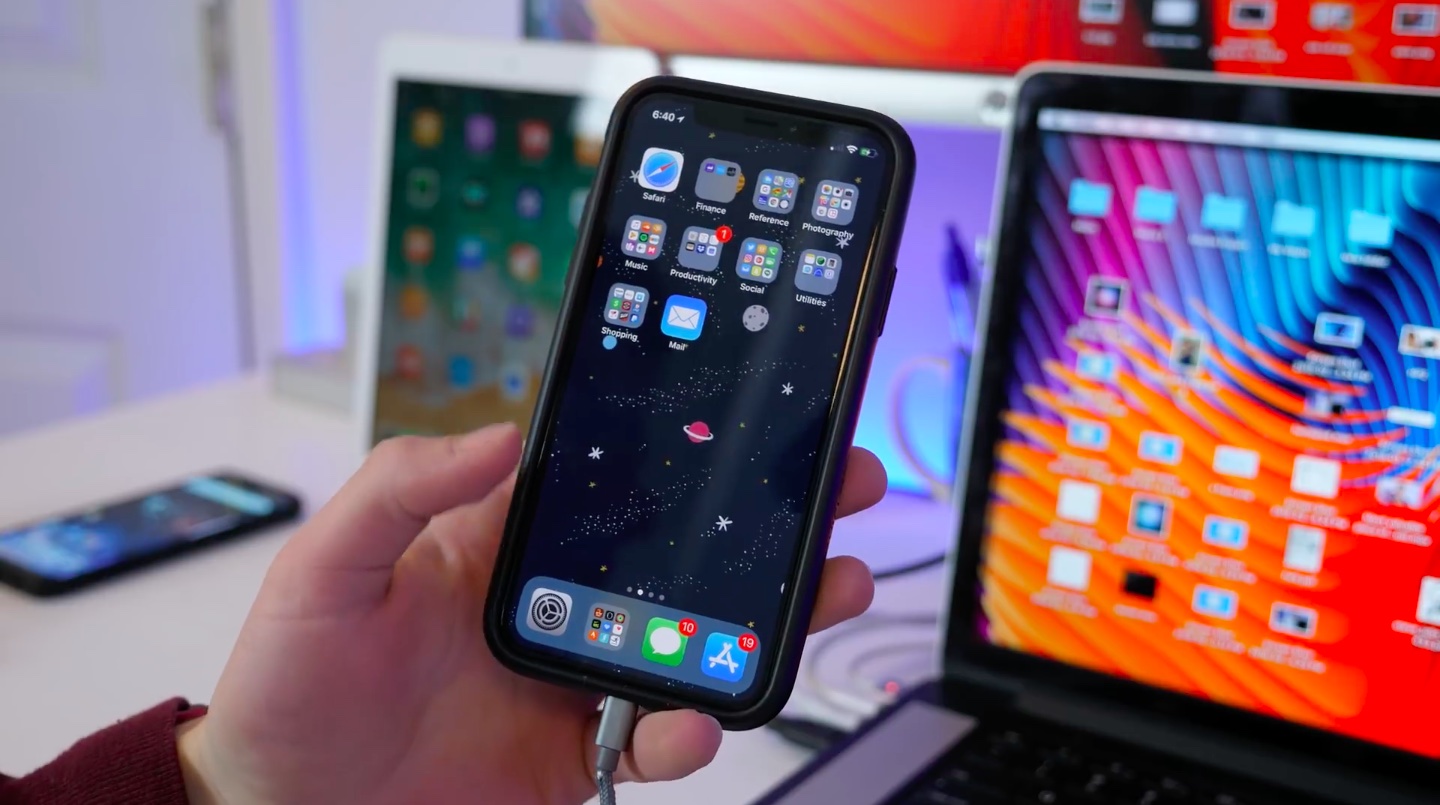
Apple yesterday seeded first developer-only betas of iOS 11.4, tvOS 11.4 and watchOS 4.3.1, with the iOS and tvOS betas reinstating a pair of missing features that we were promised at WWDC back last summer: AirPlay 2 and Messages in iCloud.
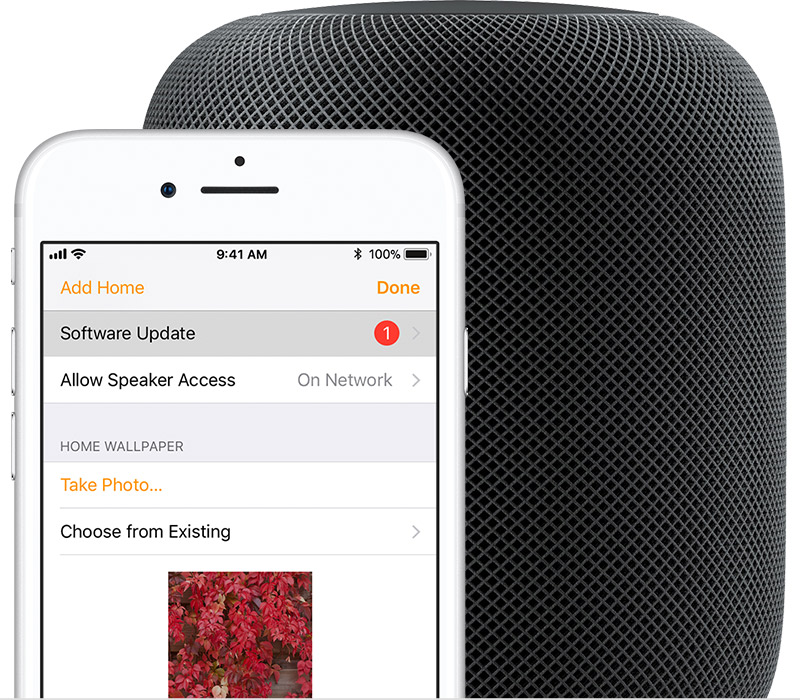
Apple's Siri-driven speaker has received its first public software update since launch.
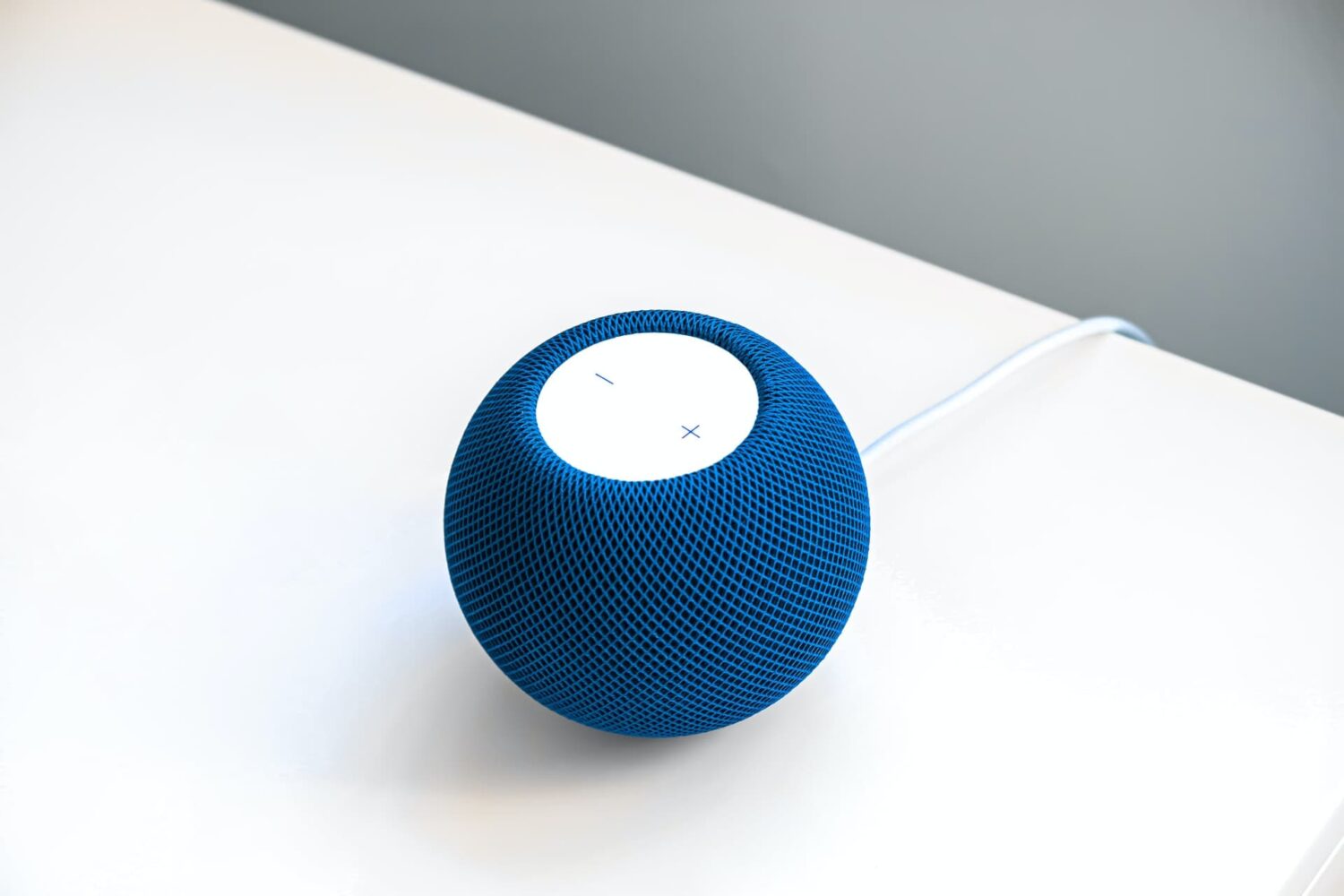
Like other Apple devices, your HomePod permits you to set custom alarms.
You can create multiple alarms using just your voice, optionally add some context to them, if you like, and more. Your Siri speaker will signal you when one of your created alarms goes off.
Siri on HomePod allows you to create as many alarms as you want, manage them, remove ones you no longer need, turn specific alarms on or off, create recurring alarms, and more.
Alarms do not synchronize across multiple devices via iCloud. Any alarms created using your HomePod will not appear on your Mac, iPhone, or other devices, and vice versa.
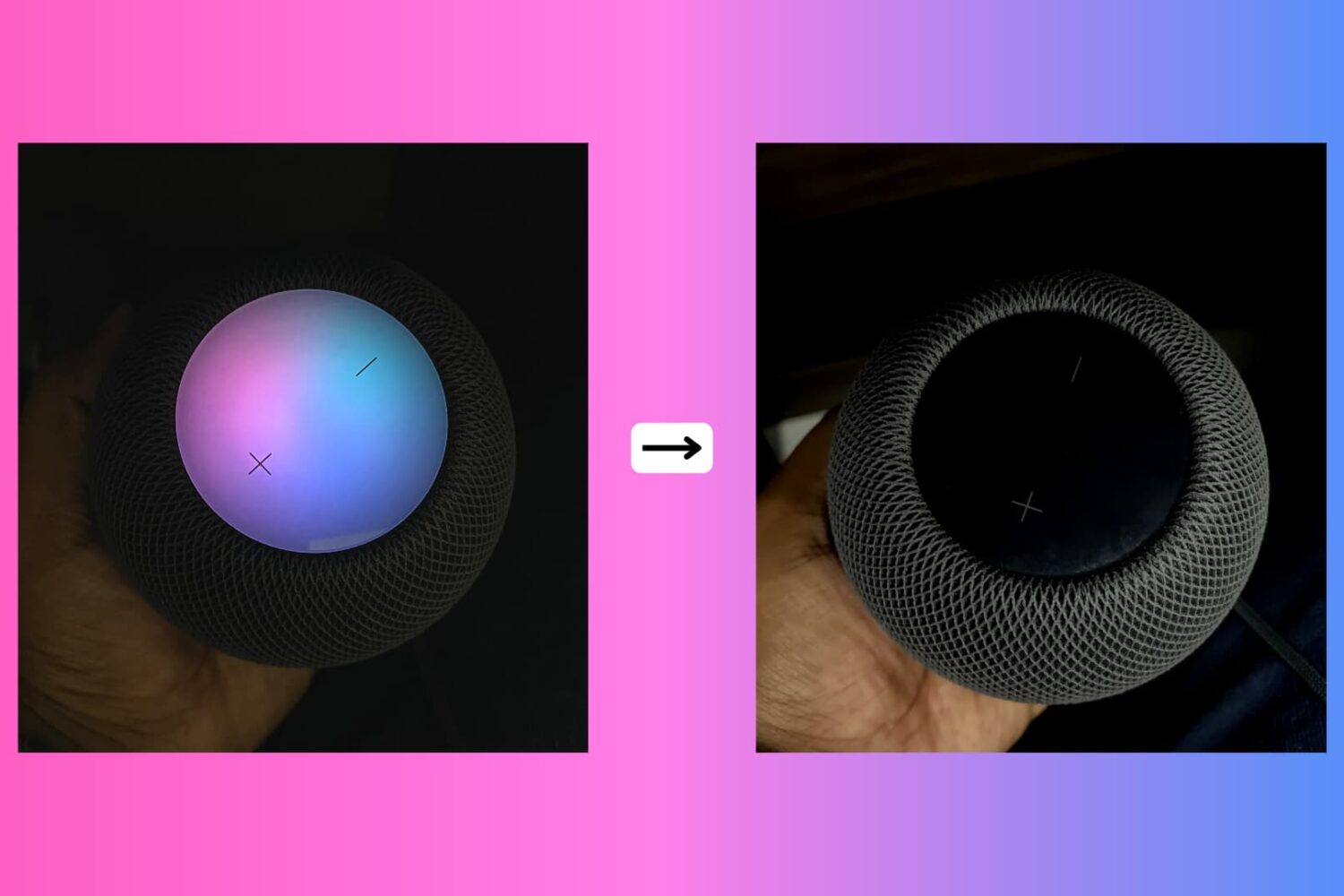
Due to its lack of a screen, HomePod's means of expressing itself are limited to the pulsating, colorful dot on its slick top surface. The design and implementation of the expressive light undoubtedly make for a masterclass in giving an inanimate speaker an air of personality.
While we do have a detailed breakdown of which of HomePod's lights exactly mean what, what we have not done yet is call attention to the fact that the lights can also be shut down - and no, I'm not talking about pulling the plug from the power outlet.
Why would you want your HomePod to become a stale, expressionless object? Well, perhaps you don't want your HomePod to emit as much light in the dark or prefer the look of a sleek black or white speaker sans the play of colors on top! Whatever floats your boat, each to their own, you get the gist. Maybe you just appreciate knowing that there is the option without ever seriously contemplating depriving HomePod of its quirky LED.
Whatever the reason you might decide to neuter your HomePod, there is a simple switch to do (and undo) just that.
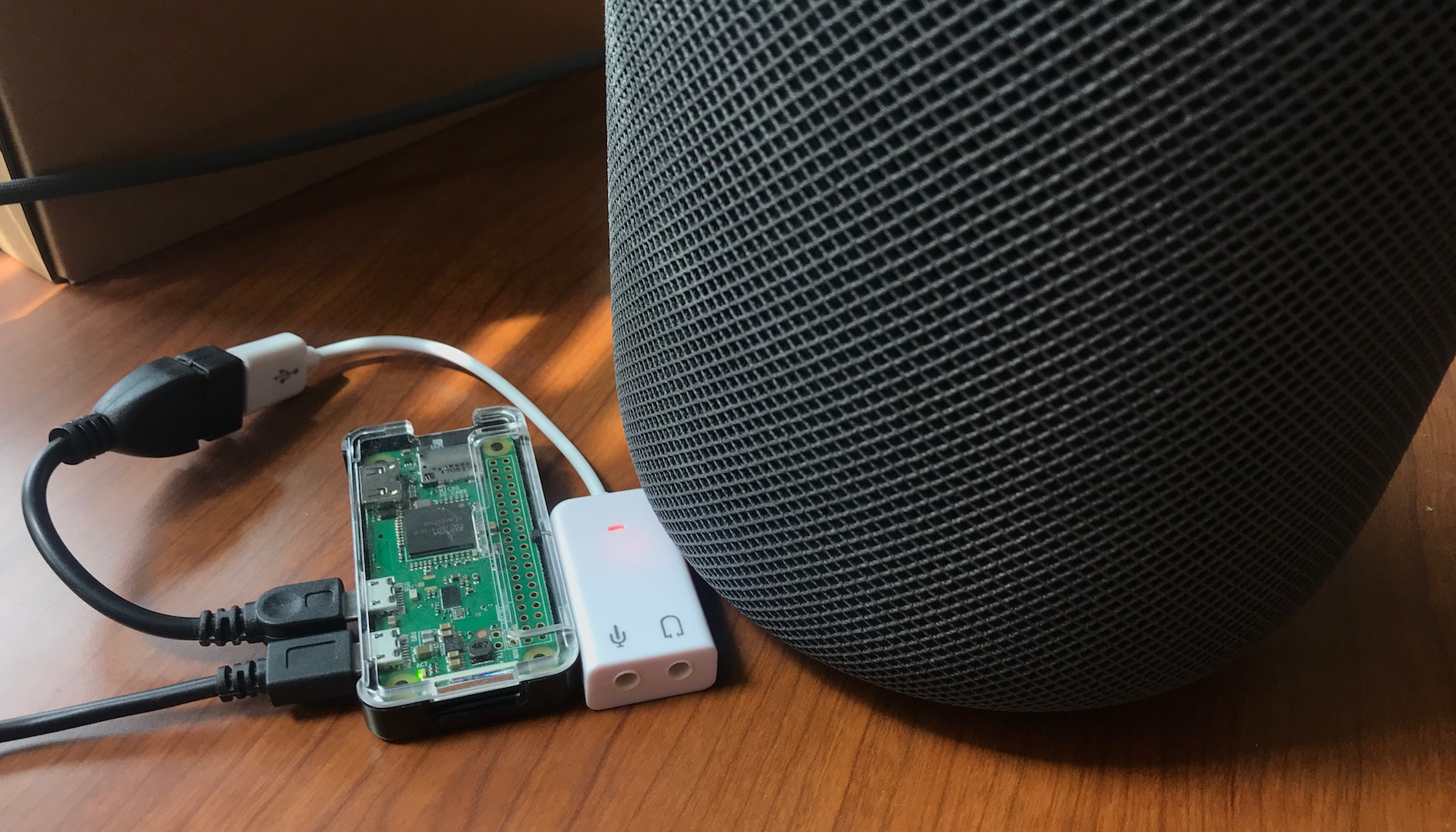
As you're probably aware, HomePod has great sound quality so it's a shame that the speaker is currently limited to playing audio from Apple Music or AirPlay clients like an iPhone or iPad.
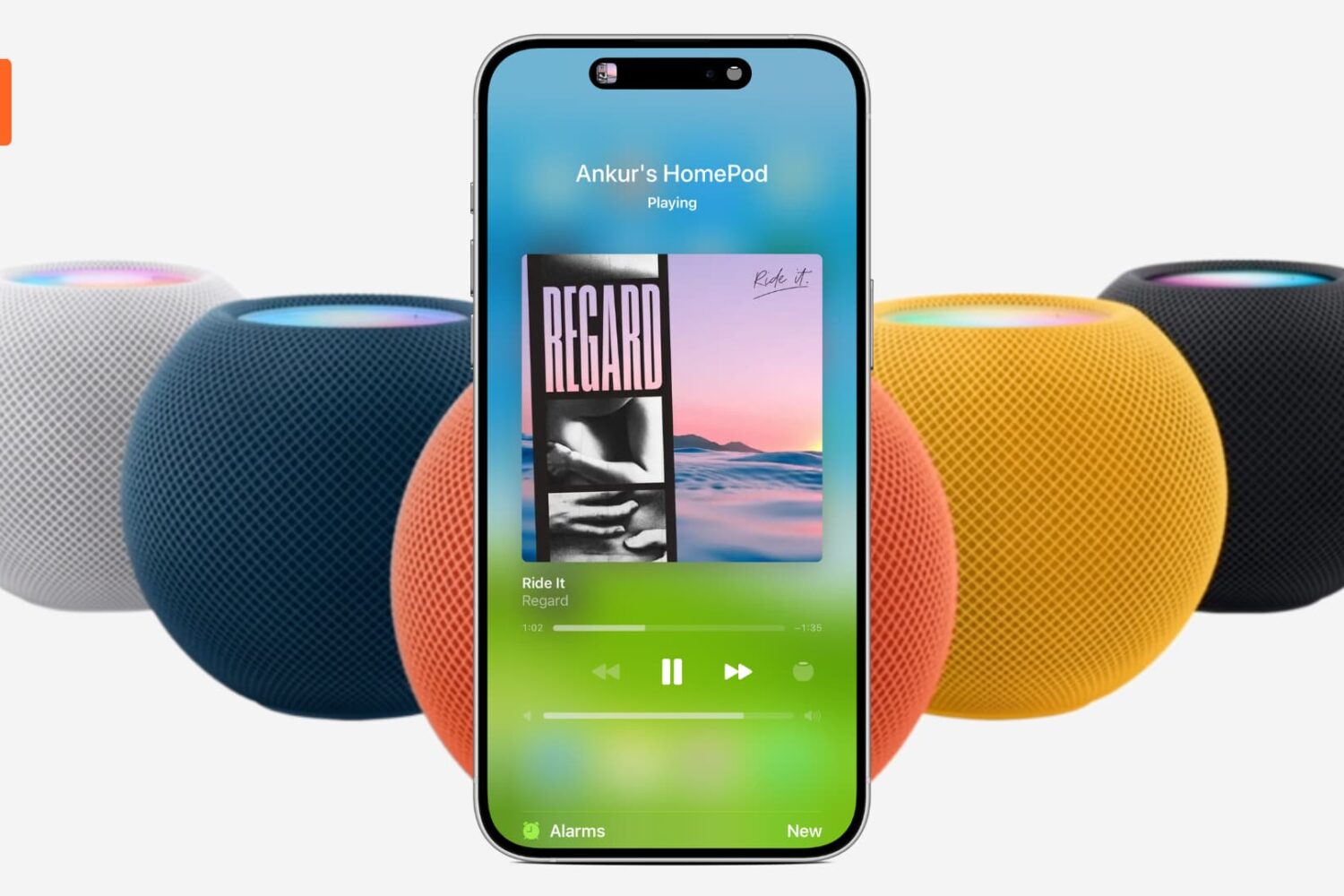
Learn about all the different ways to pause and resume music playback on your HomePod using your voice, its top touch surface, or your iPhone.
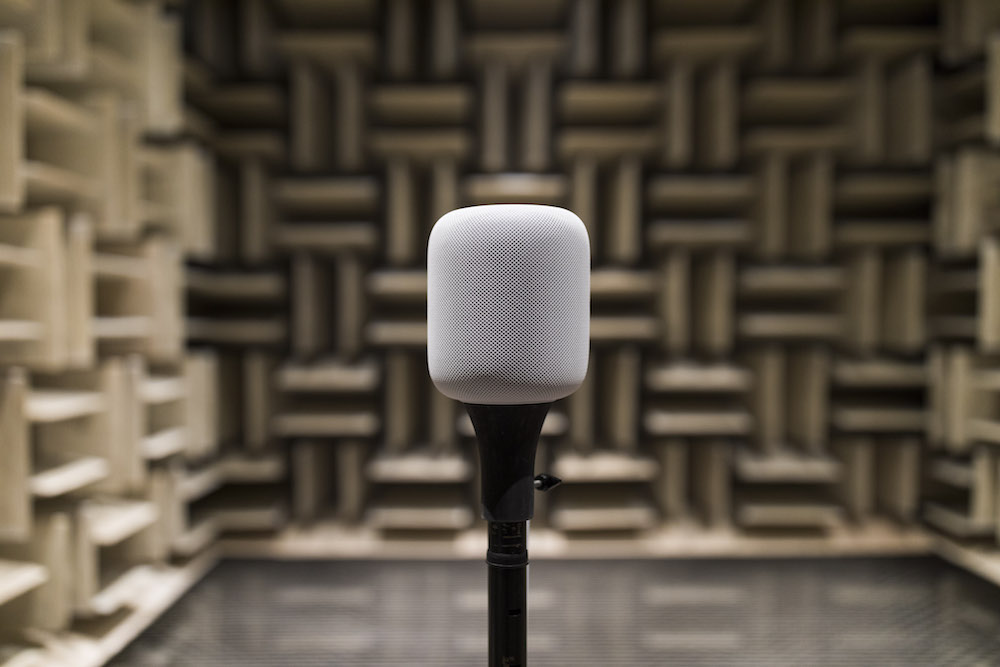
You set up your new HomePod for the first time by bringing it near an iPhone or iPad, which prompts Apple's handy Automatic Setup feature to transfer settings such as saved Wi-Fi passwords and your Apple Music subscription information from your iOS device to your new HomePod.
If you would like to associate a different Apple Music account with your HomePod than the one you're currently using on your iPhone, iPad, or Mac, you can do that with just a few taps. We'll show you how to change the Apple Music account just for your HomePod.
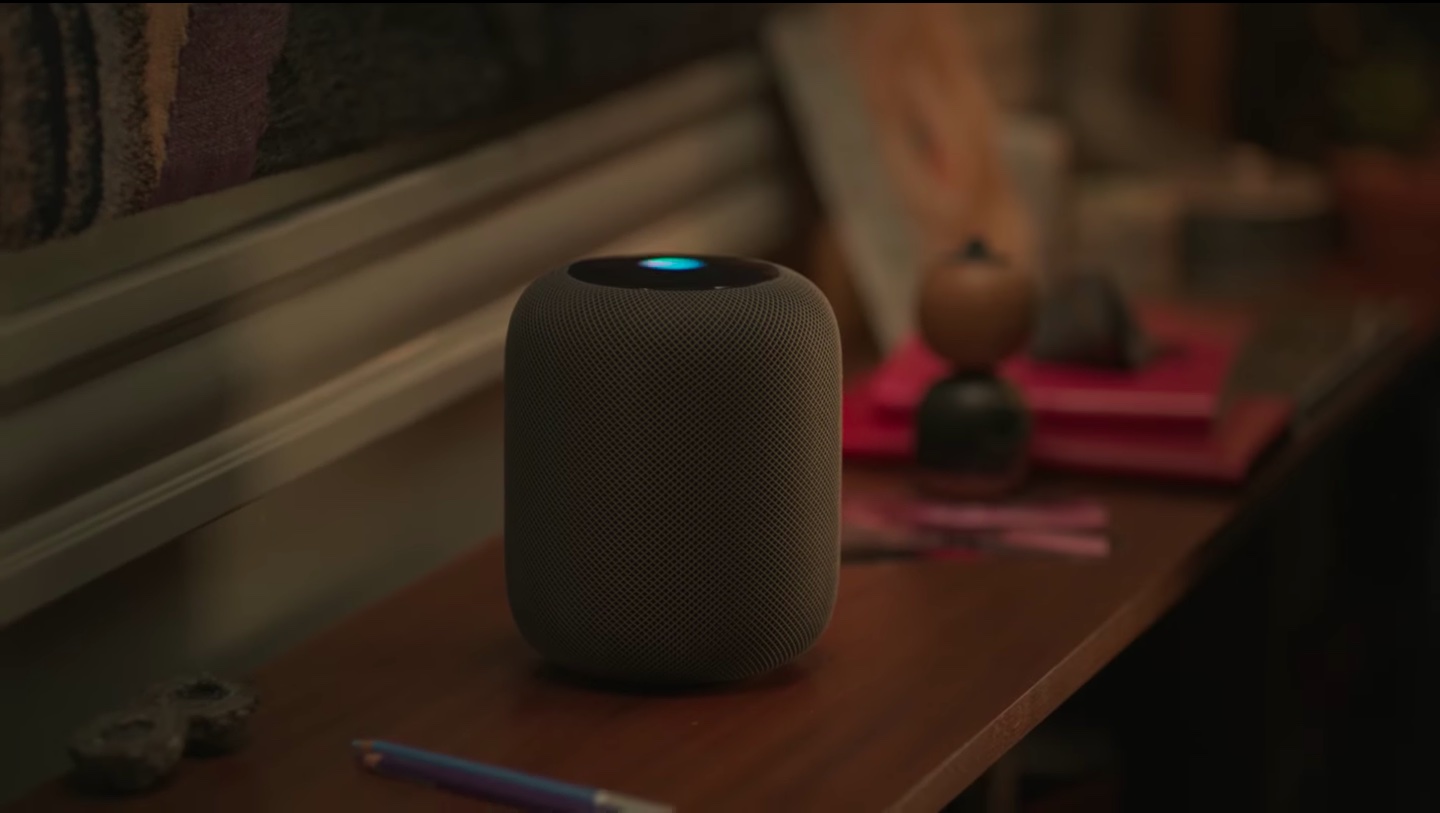
Learn how to change the name of the room your HomePod is kept in using the Home app on your iPhone, iPad, or Mac.