HomePod

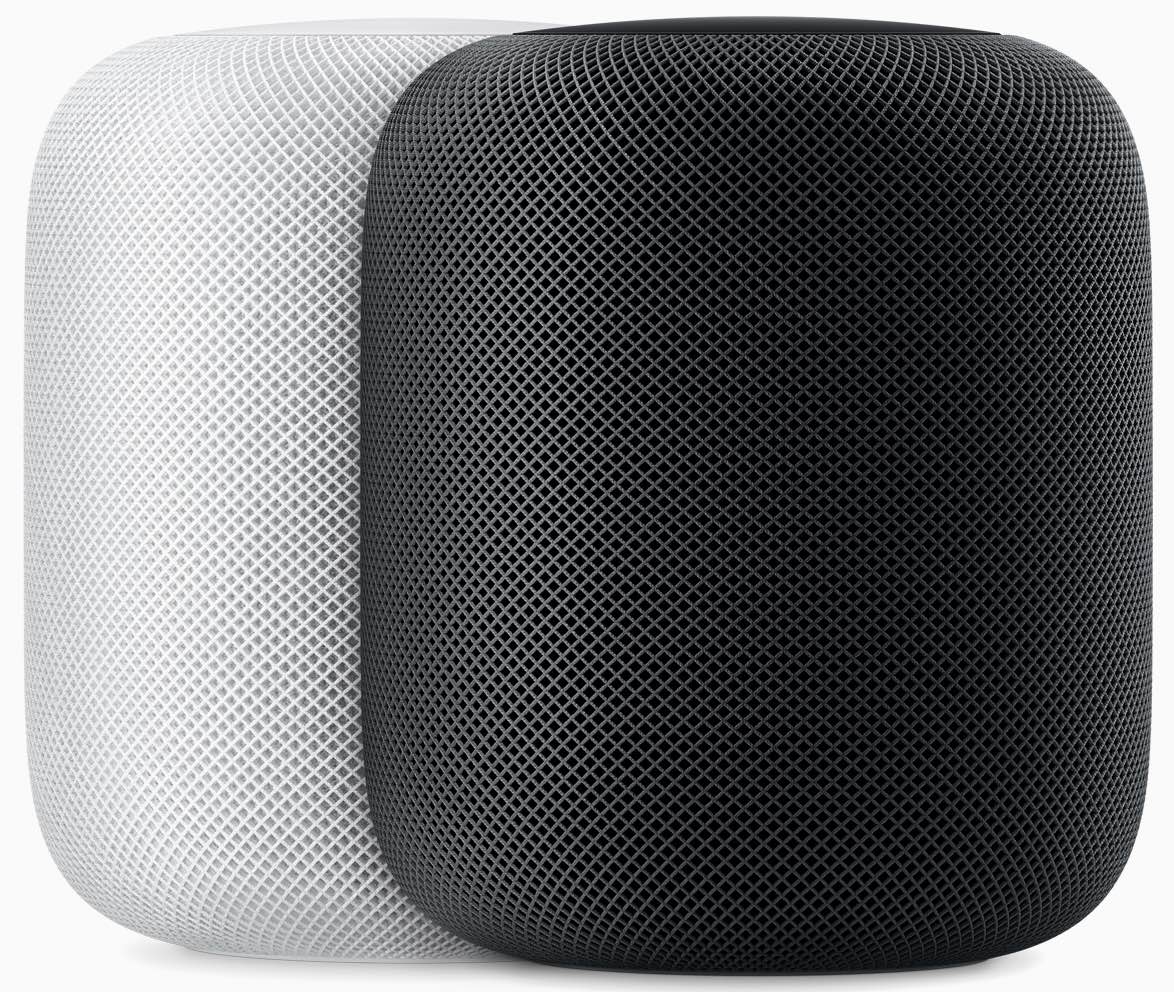
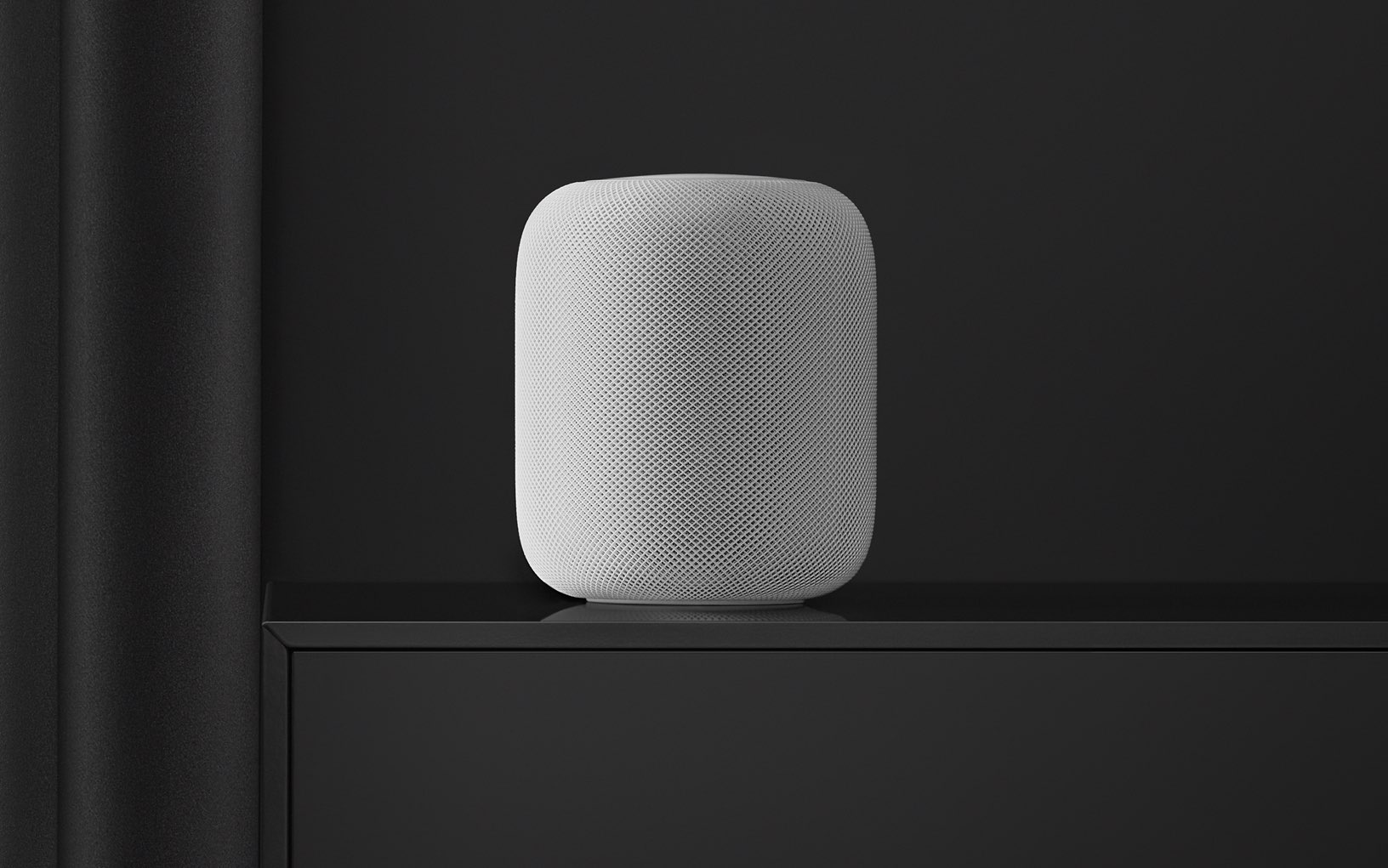
Stay up-to-date on the latest HomePod news, and learn how to get the most out of your device with our comprehensive tutorials. From initial set up to advanced features, we’ve got you covered!

List of AirPlay 2 Siri voice commands for controlling multiple speakers
HomePod

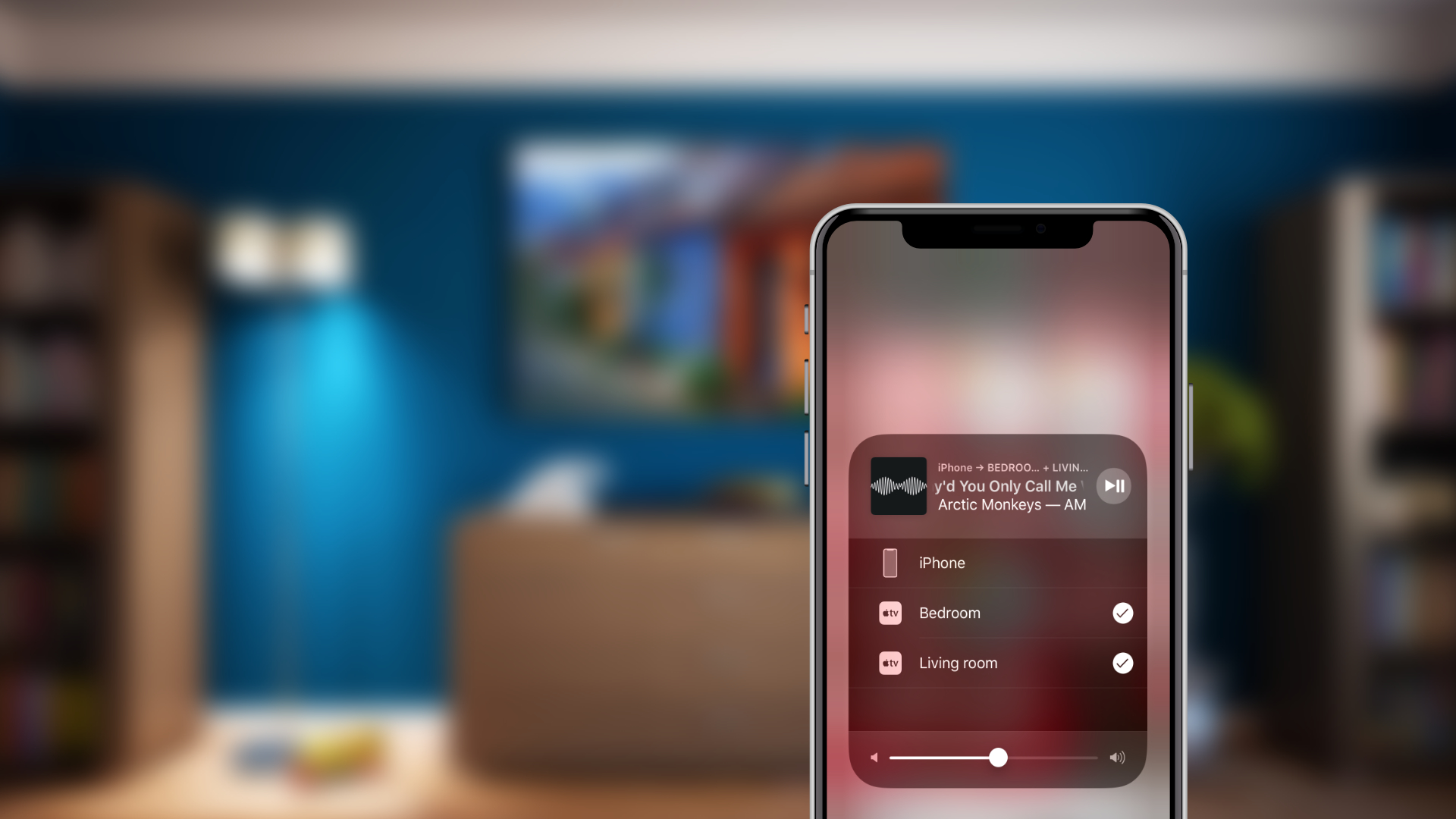
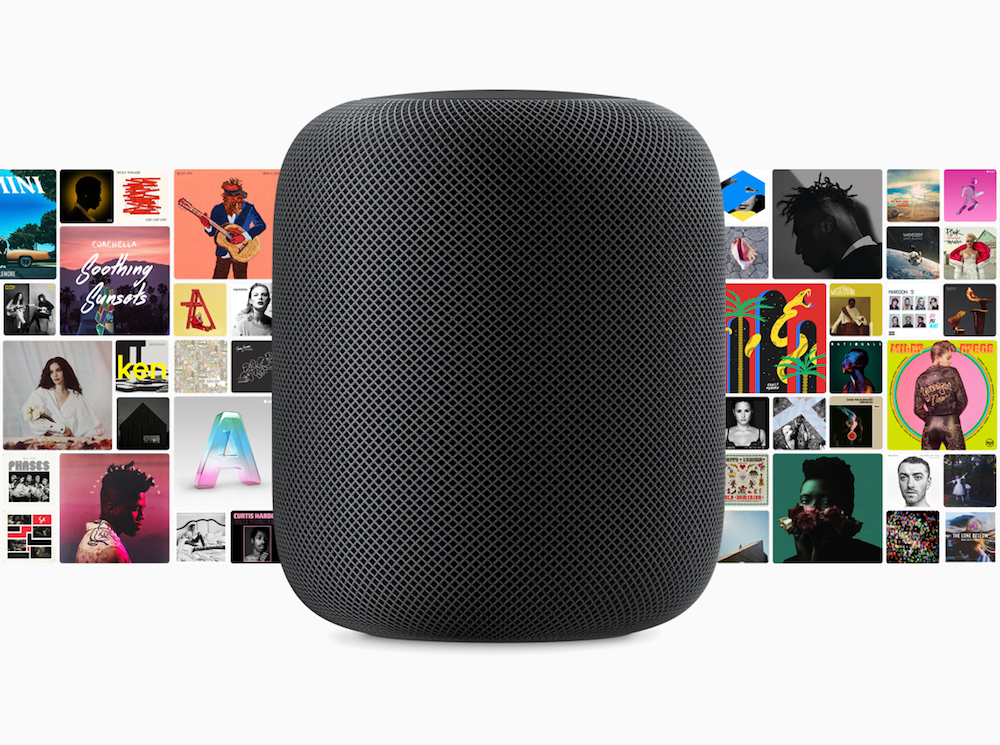
AirPlay 2 brings the ability to control audio across multiple speakers from your HomePod, iPhone, iPad or Apple TV. You can use voice commands to do things like play music in a particular room, play different songs on different speakers, enjoy a playlist on all or just specific speakers, continue playing a track on another speaker and more. Here's our list of the best AirPlay 2 Siri voice commands that are specific to multi-room audio support.

How about a $250 Beats Siri speaker?

Beats Pill

Has price kept you from buying a HomePod? At what price point would you consider ditching Google or Amazon and buying a smart speaker from Apple? What about $250? That's the price one Apple analyst predicts Apple will charge for a new Beats-branded speaker that could be announced at next week's Worldwide Developers Conference (WWDC). 

Google, not Amazon now leads smart speaker market

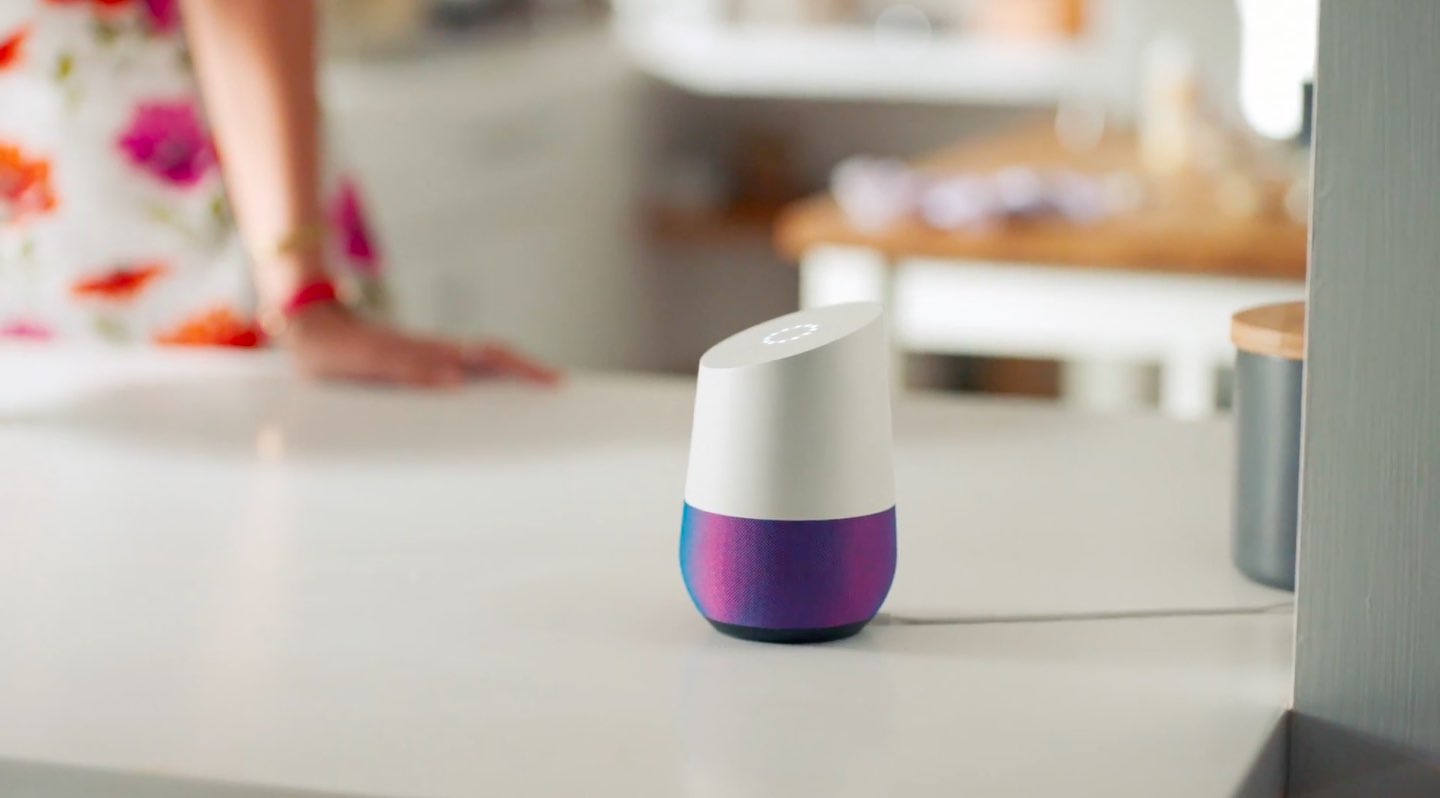
Google Home

There's a new leader in the growing smart speaker market. During the first quarter of 2018, Google overtook Amazon for the top spot. Meanwhile, Apple's nowhere to be found in the new Canalys survey of the top smart speaker producers in the world, suggesting it might be awhile before the HomePod maker makes a mark in the emerging product category.

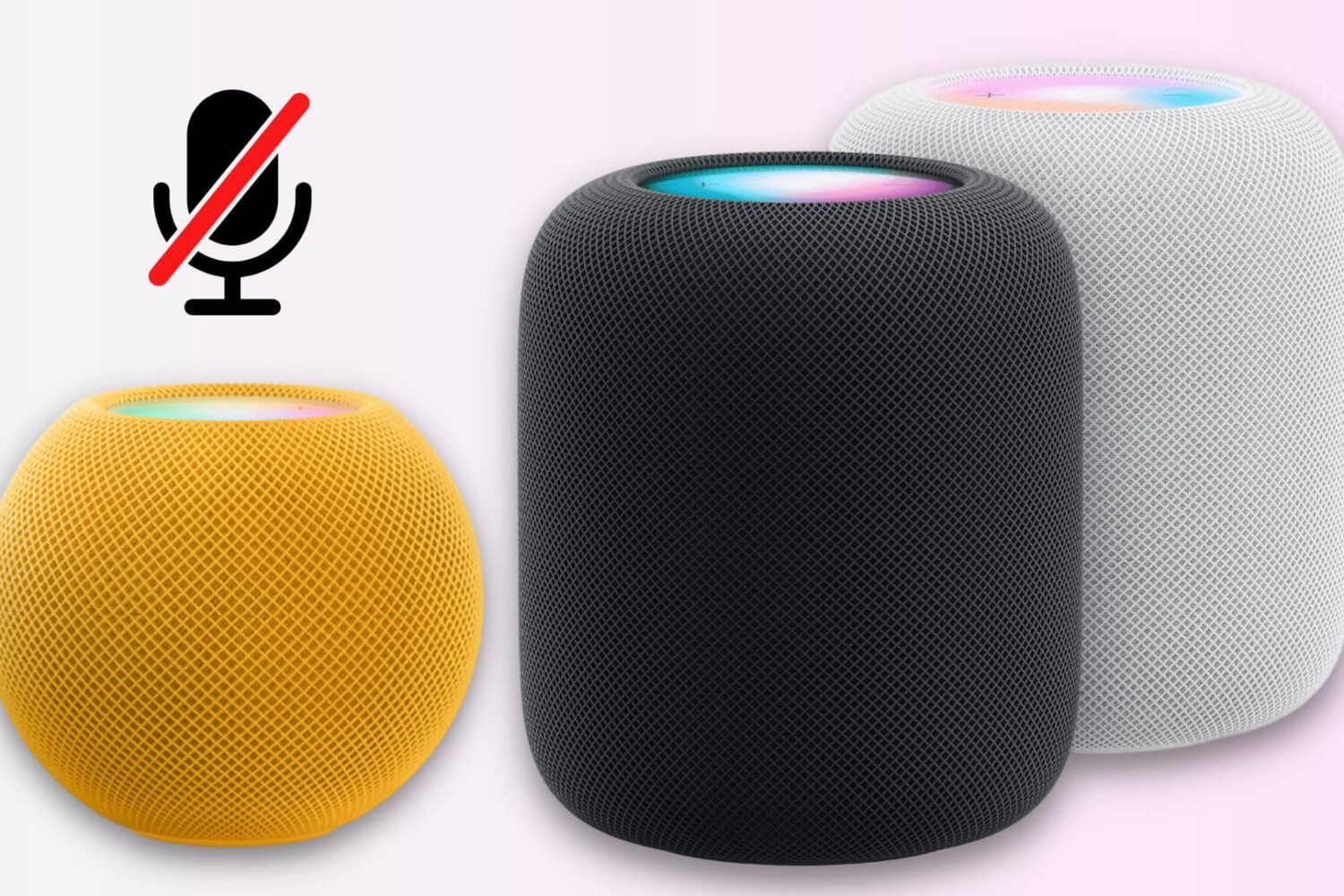
How to turn off your HomePod microphone

Turn off Hey Siri on HomePod

Unlike many other smart speakers, there is no physical switch to mute the HomePod’s microphone.

However, you can disable the always-on “Hey Siri” feature using the iPhone Home app or by asking the speaker. This turns off the microphone at the software level and stops it from always listening in on you.