If you are an Apple Watch owner that enjoys closing Activity rings to win challenges, there is a new one coming on June 21.
Celebrate International Day of Yoga on June 21 with a new Apple Watch Activity Challenge
If you are an Apple Watch owner that enjoys closing Activity rings to win challenges, there is a new one coming on June 21.
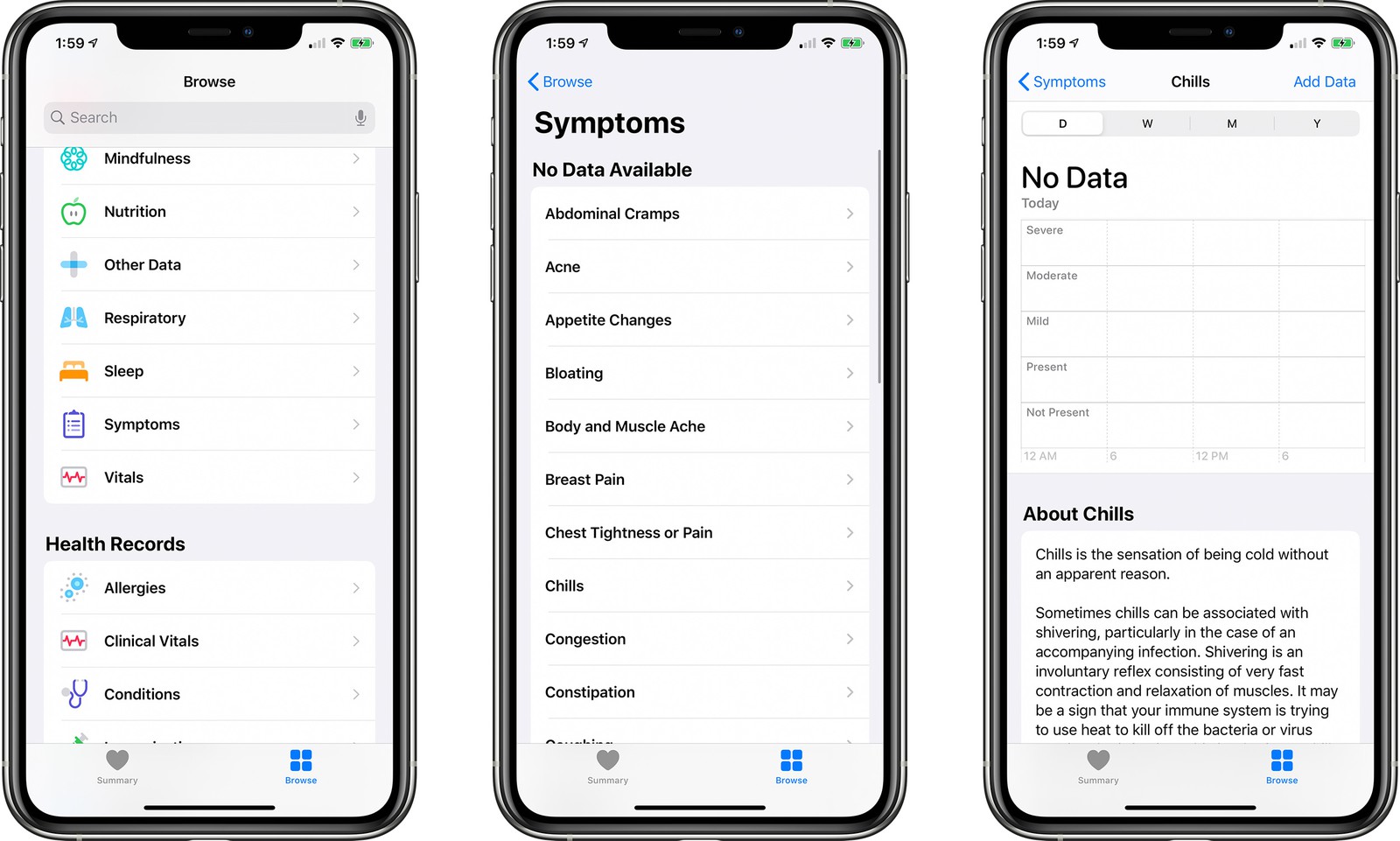
Along with adding a new toggle to manage automatic downloads and installation of new iOS software, the latest iOS 13.6 beta has revealed a new addition for the stock Health app.
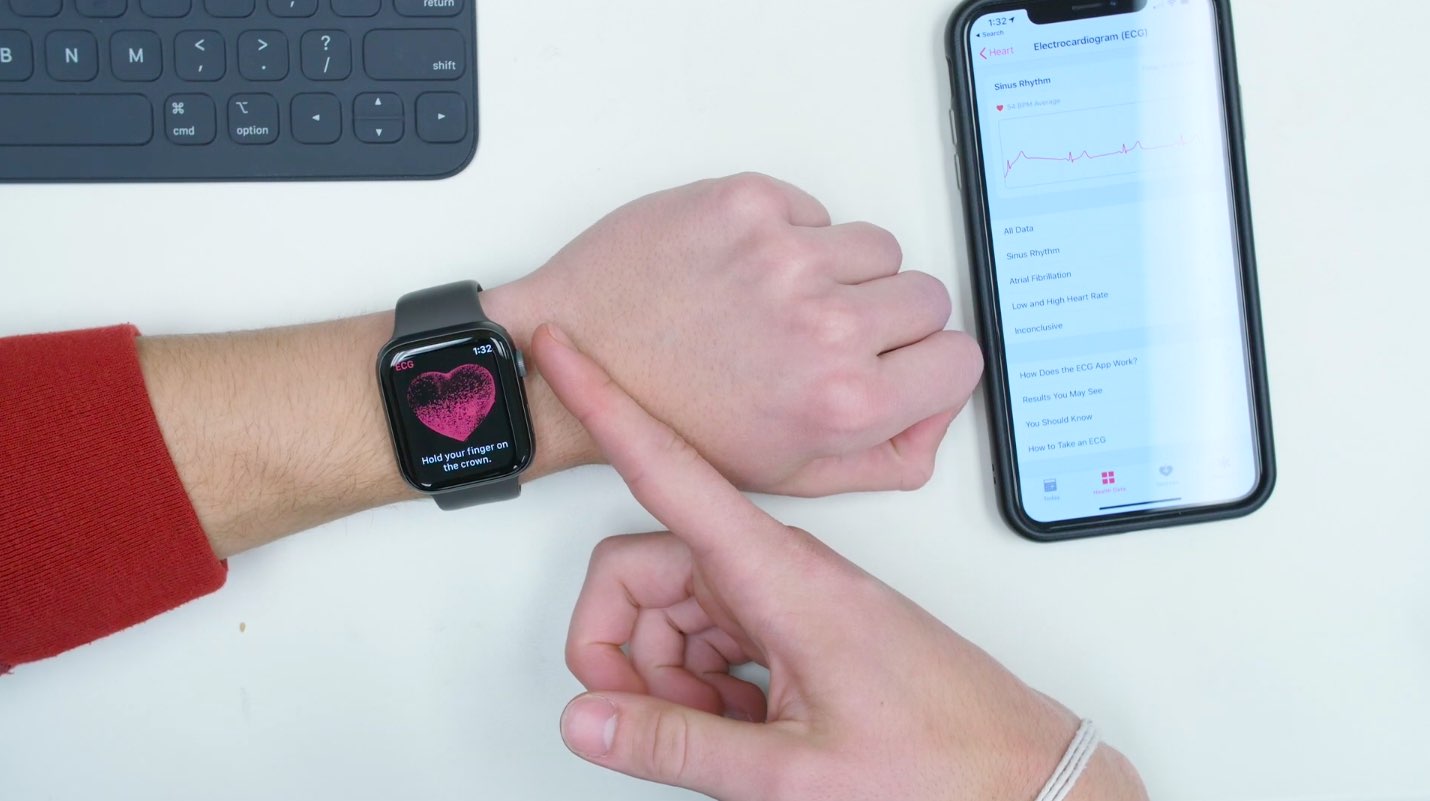
Recent government filings indicate that the useful ECG feature found on the Apple Watch Series 4 and newer could launch in Japan and Brazil next.
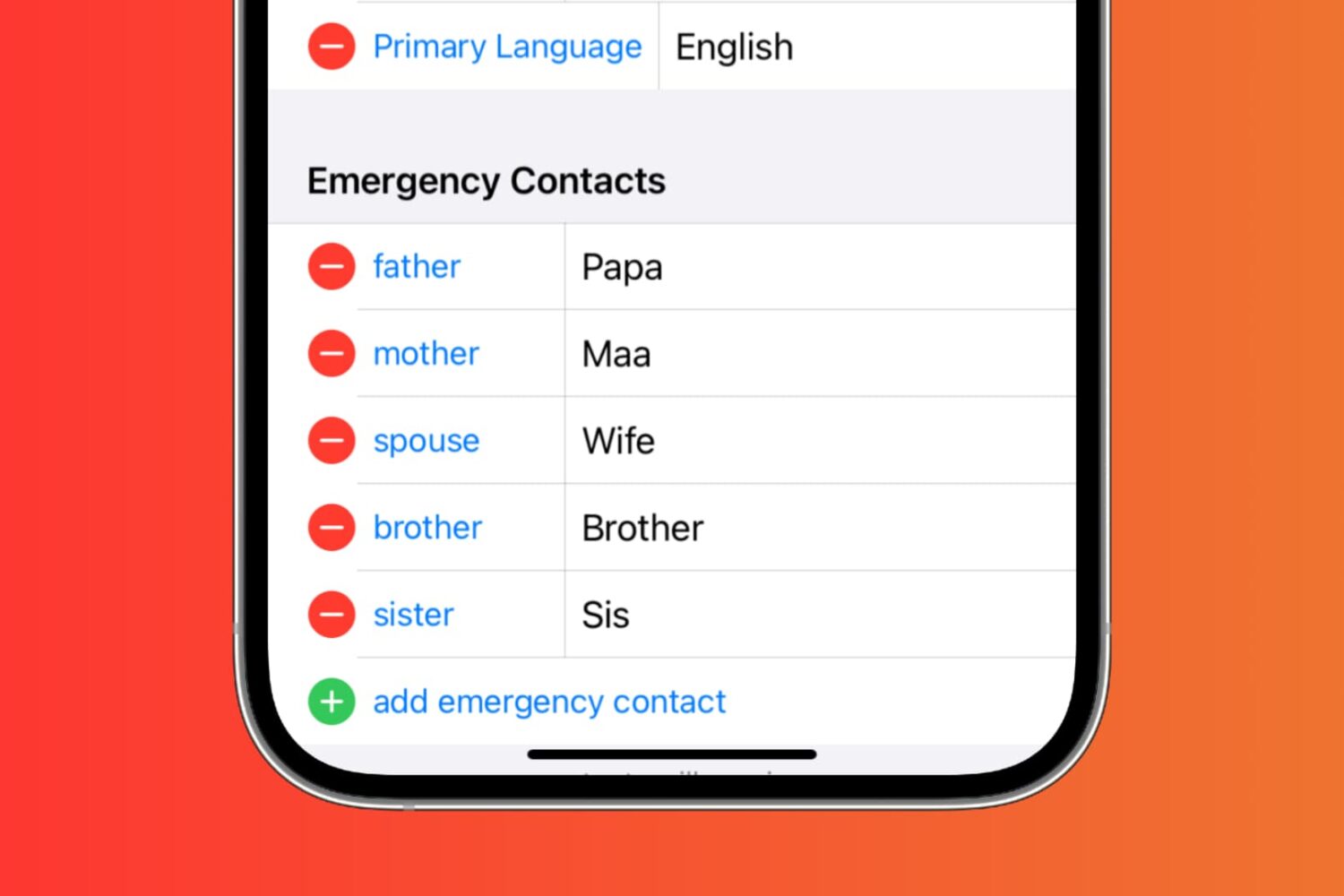
In this tutorial, we’ll show you how to set up emergency contacts on your iPhone. Since it only takes a minute or two, it’s worth your time. Hopefully, you’ll never need to use them, but if you do, they’ll be ready.
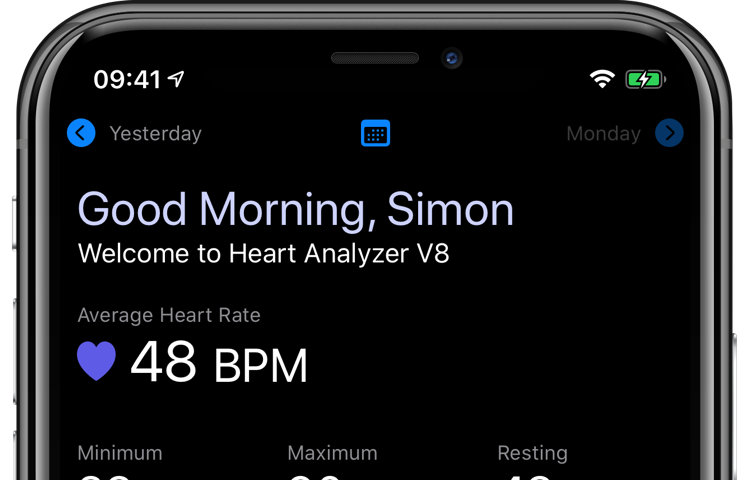
Following its previous major update in November 2019 that overhauled its Apple Watch app, the heart-tracking software Heart Analyzer was today bumped to version 8.0, bringing a completely redesigned experience in the iPhone app along with several new features.
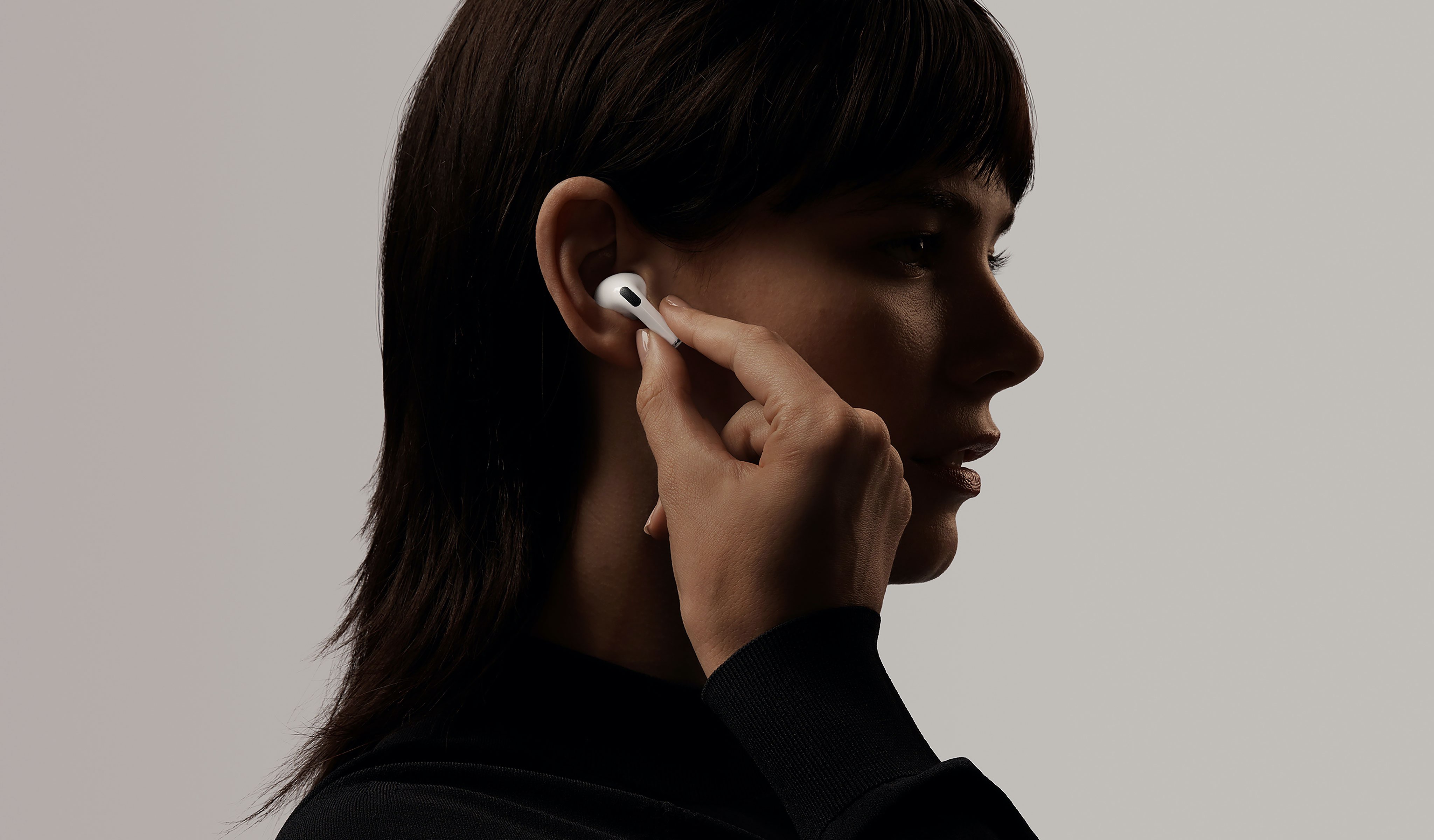
A pair of future AirPods incorporating health features via ambient light sensors could be on the way in the 2021 or 2022, according to a new report.

The next Apple Watch Activity challenge will celebrate the upcoming World Environment Day.

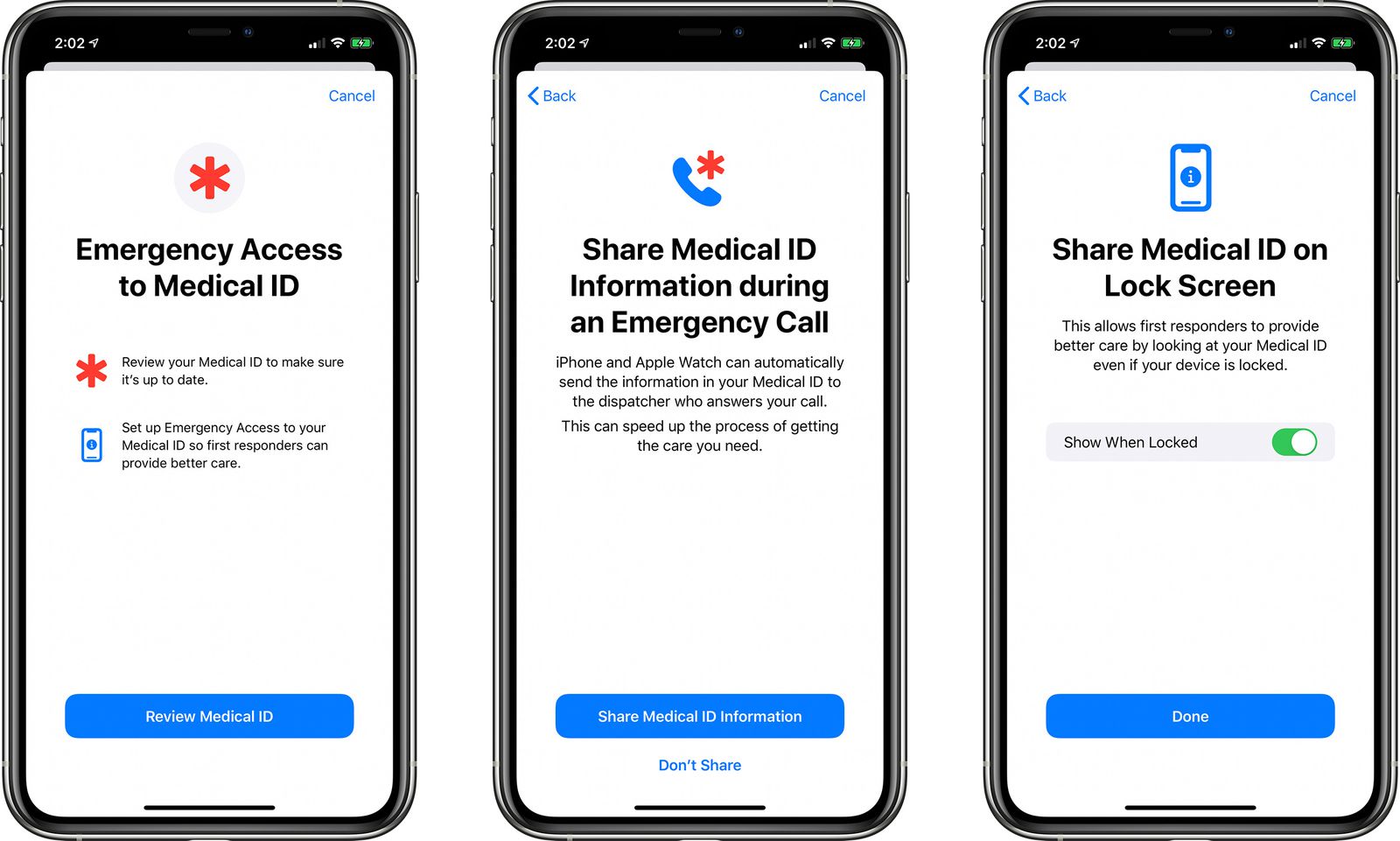
Learn how to have your iPhone and Apple Watch automatically share your Medical ID with emergency services, giving them useful information about you to ensure better and speedier help.
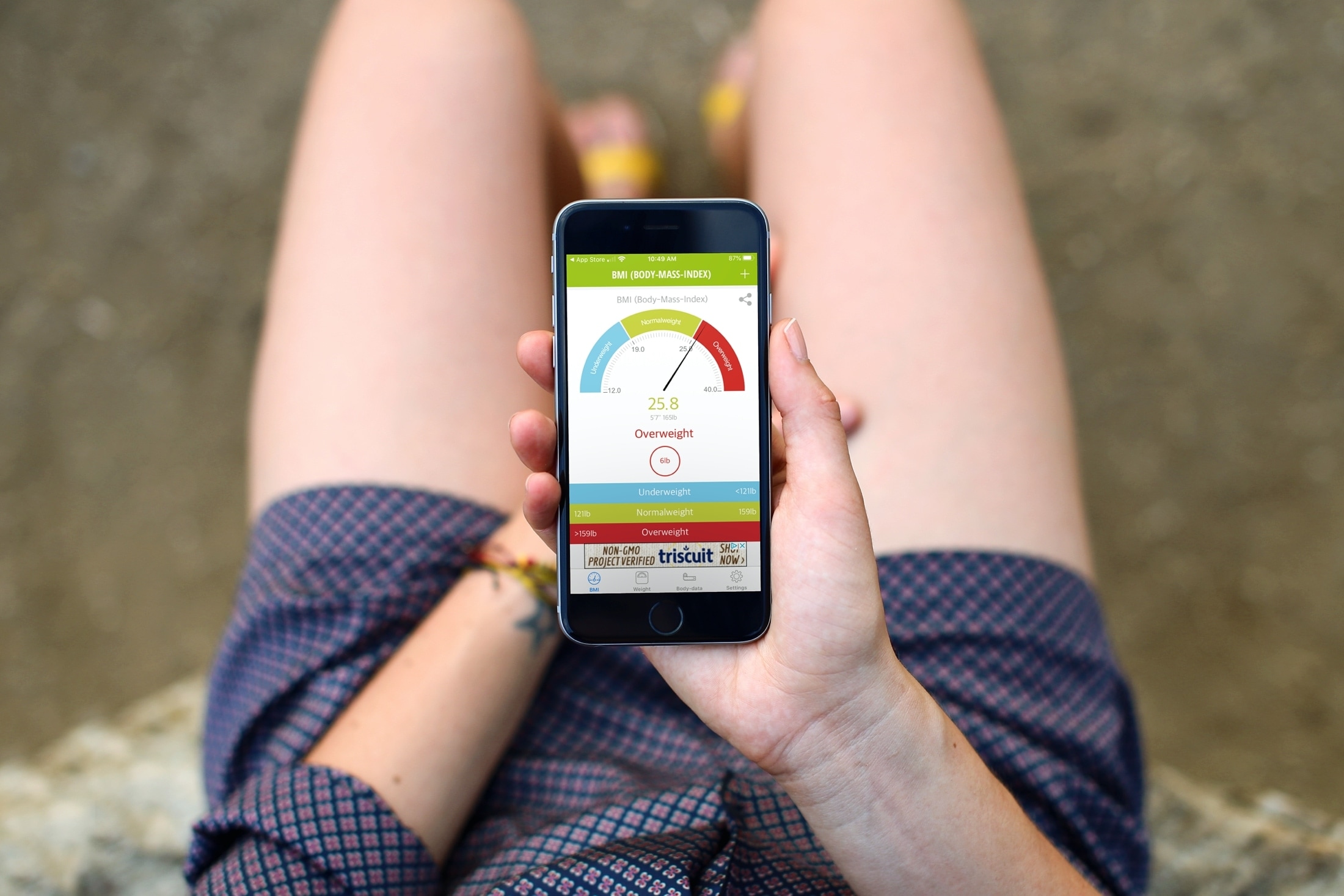
Not sure if you’re overweight, underweight, or just right? Using a Body Mass Index (BMI) calculator, you can see exactly that. Enter a few details and then check to see if your current weight is on target. You can also use the calculator find out what the normal weight is for your height and (sometimes) your age.
Some are simple BMI calculators while others offer extra features. So if you’re ready, here are the best free BMI calculator apps for iPhone and iPad.
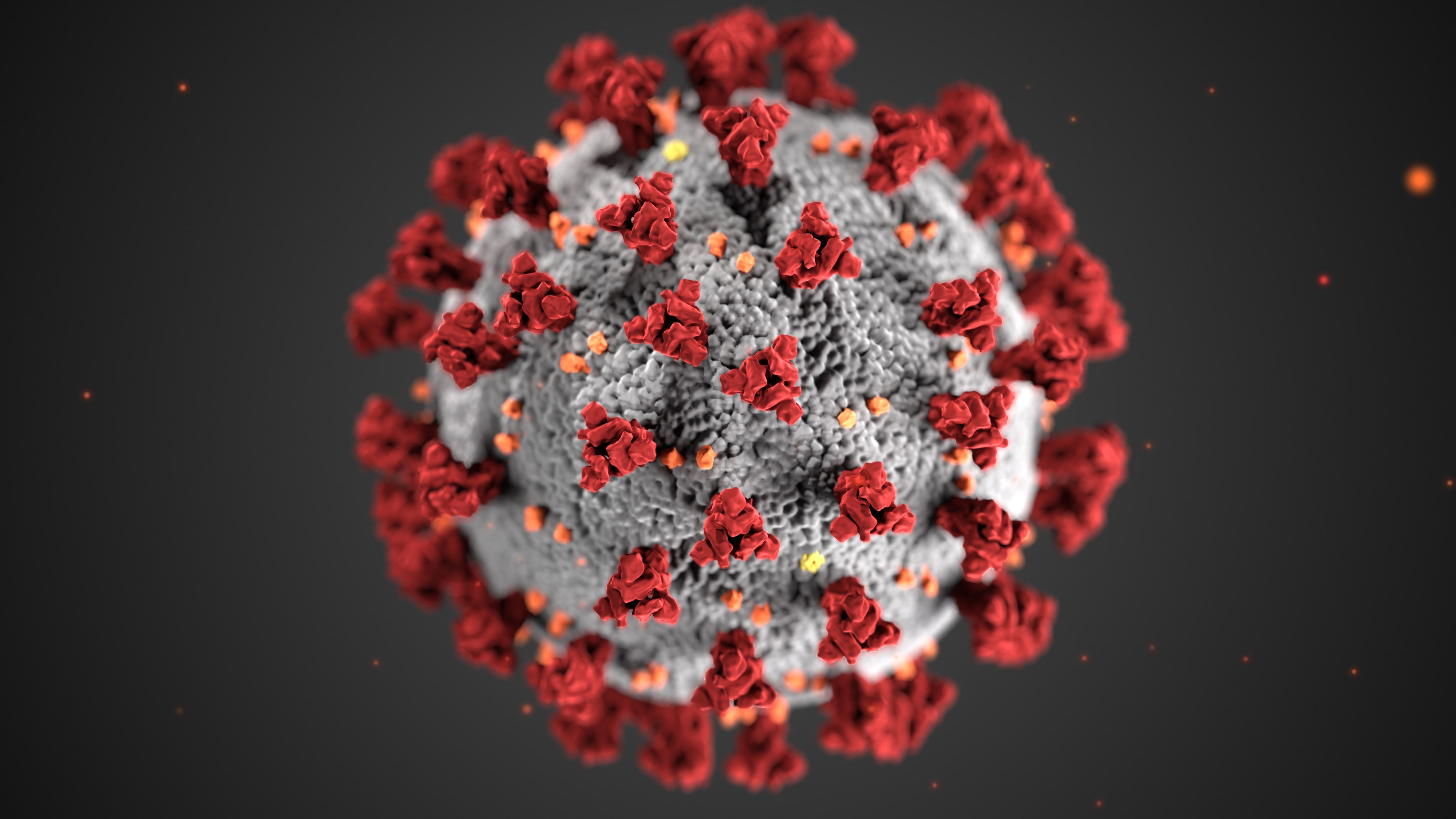
The COVID-19 exposure notification in iOS 13.5 informs you whether you may have contracted the coronavirus by coming into contact with someone who's been diagnosed with COVID-19. This secure, private contact-tracing technology works in tandem with apps from public health authority developers that are installed on your device. If you'd rather opt-out, however, follow along with our step-by-step tutorial that teaches you how to disable the COVID-19 exposure notification at the system level to stop exposure logging and contact-tracing via Bluetooth.
On Wednesday, Apple seeded the fourth developer beta of iOS 13.5, and now that the pre-release software is out in the wild new discoveries are being made.
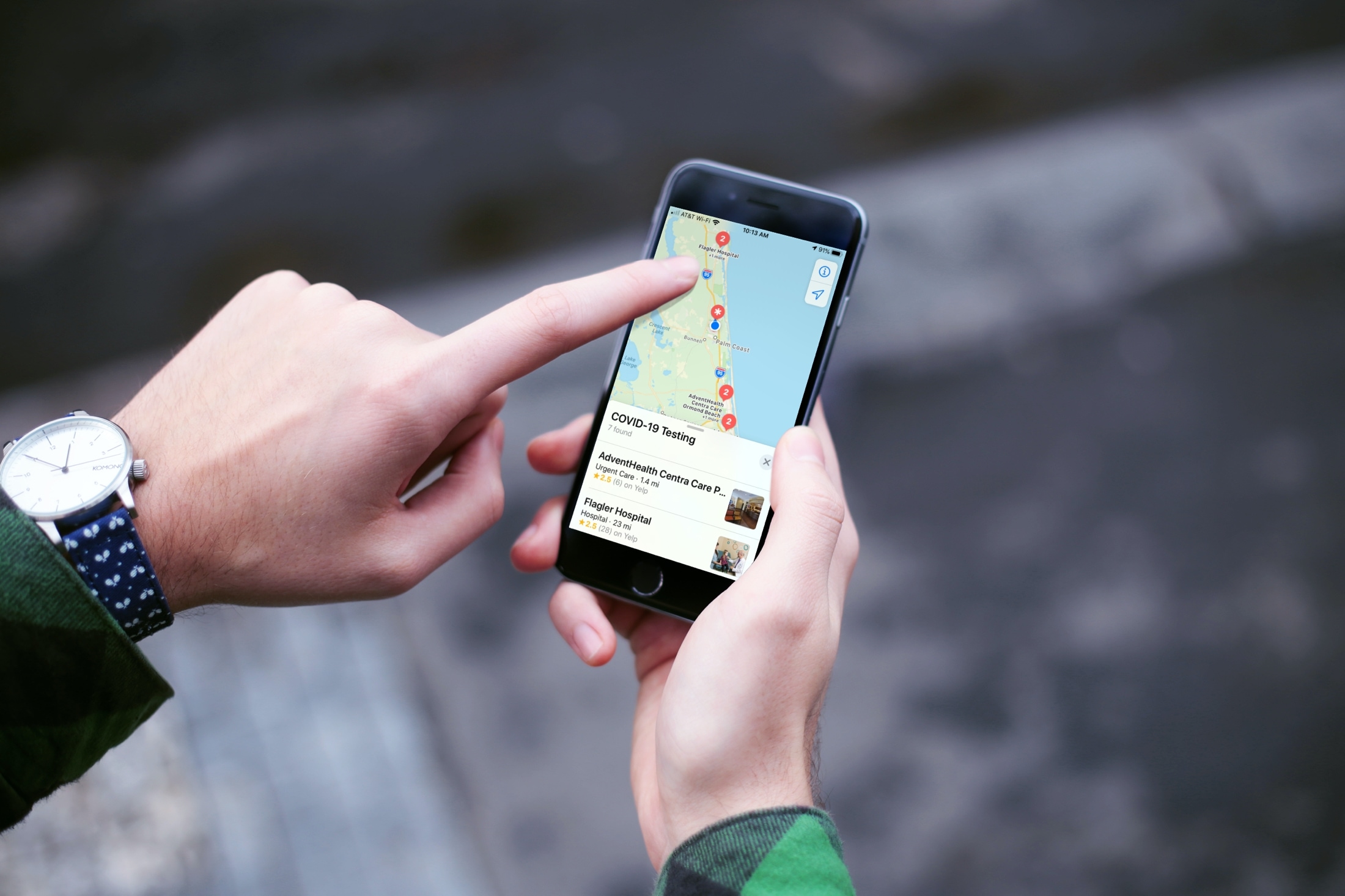
If you or someone you know is showing symptoms of coronavirus and feel a test is needed, there is a super handy way to find COVID-19 testing locations.
Using the Apple Maps app, you can find COVID-19 testing spots quickly and easily, here’s how.