Learn how to create Collections and Smart Collections in Font Book on Mac, which are ideal when you quickly need a specific group of fonts.
How to create Font Book Collections and Smart Collections on Mac
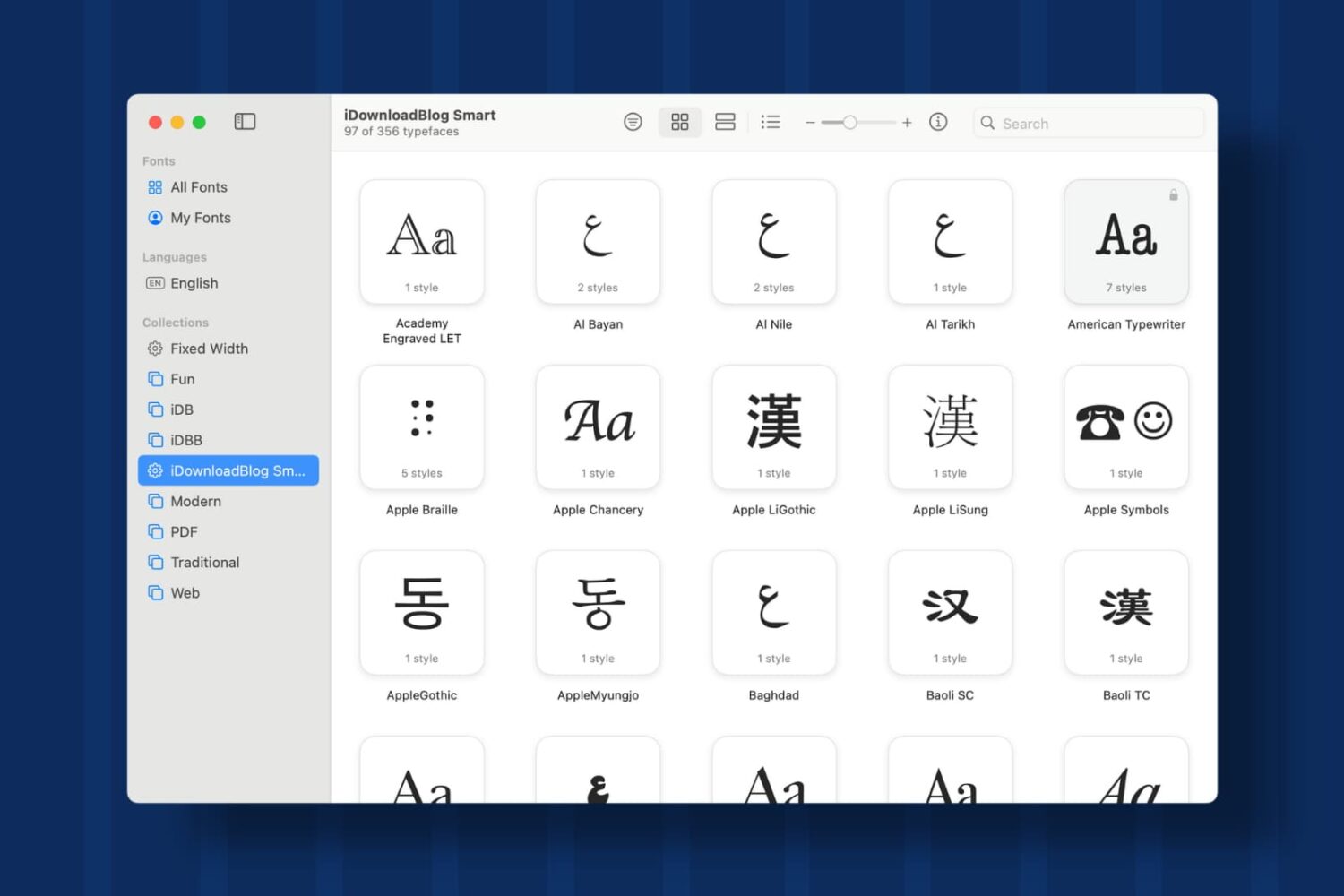
Learn how to create Collections and Smart Collections in Font Book on Mac, which are ideal when you quickly need a specific group of fonts.
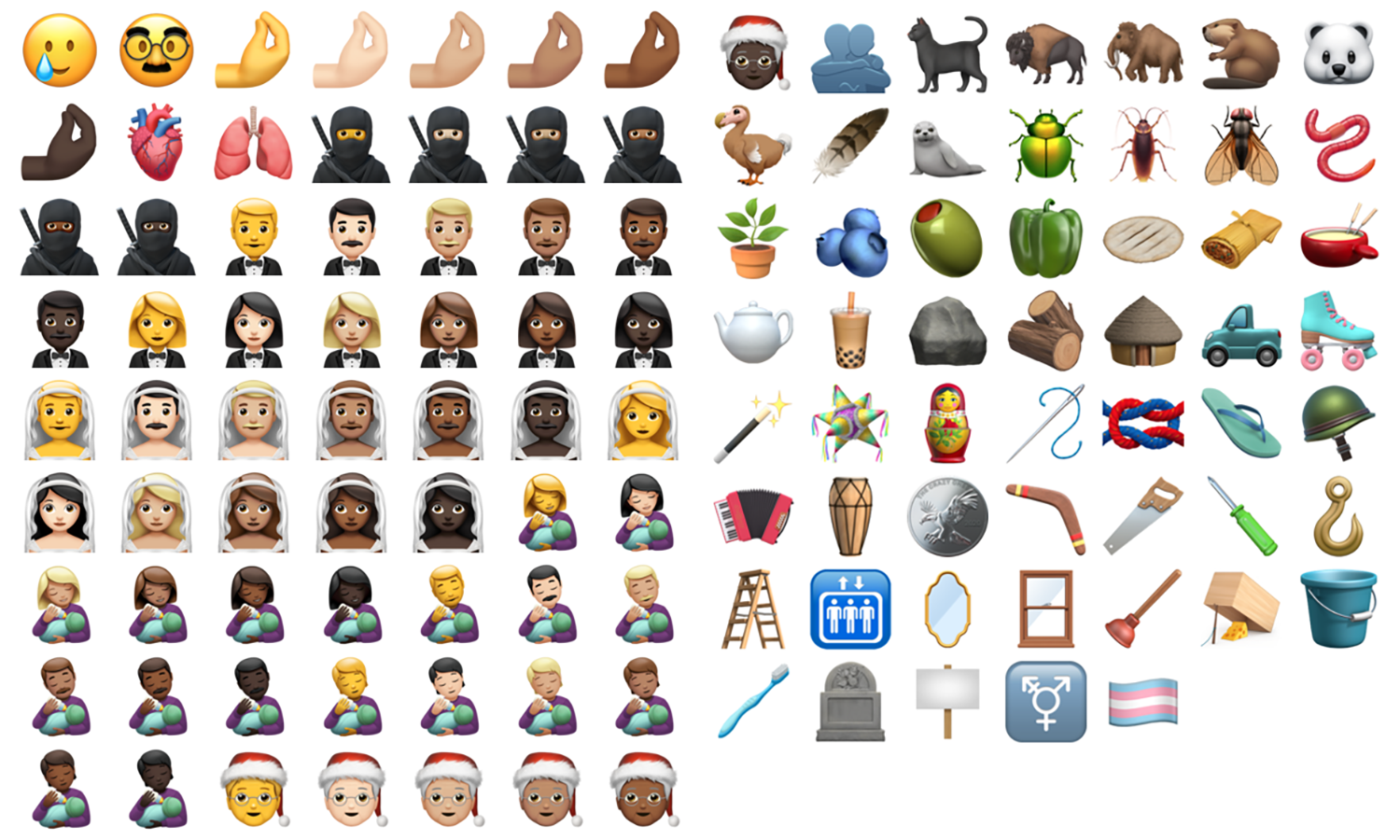
The last few iOS point releases had been all quiet on the emoji front, but iOS and iPadOS 14.2 brought over 100 novelties to users, including such ragers as "Pinched Fingers" (that emphatic gesture which often accompanies a hackneyed impression of an Italian), "Bubble Tea", "Ninja", and "Tamale" (at last!). Whilst stock users will have to update to iOS 14.2 to make use of these little beauties, jailbroken users don't have to, thanks to developer Poomsmart.
Choosing between losing your jailbreak by updating to iOS 14.2, or being unable to spam your friends with the Dodo emoji, is thankfully not necessary. We'll show you how to get the best of both worlds.
Learn how to change the font size and font style on your Kindle Paperwhite to enjoy a more comfortable book-reading experience.

Learn how to apply bold, italics, title, heading, bullet, numbered list, and other formatting options using quick styles in the Apple Notes app on your iPhone or iPad.
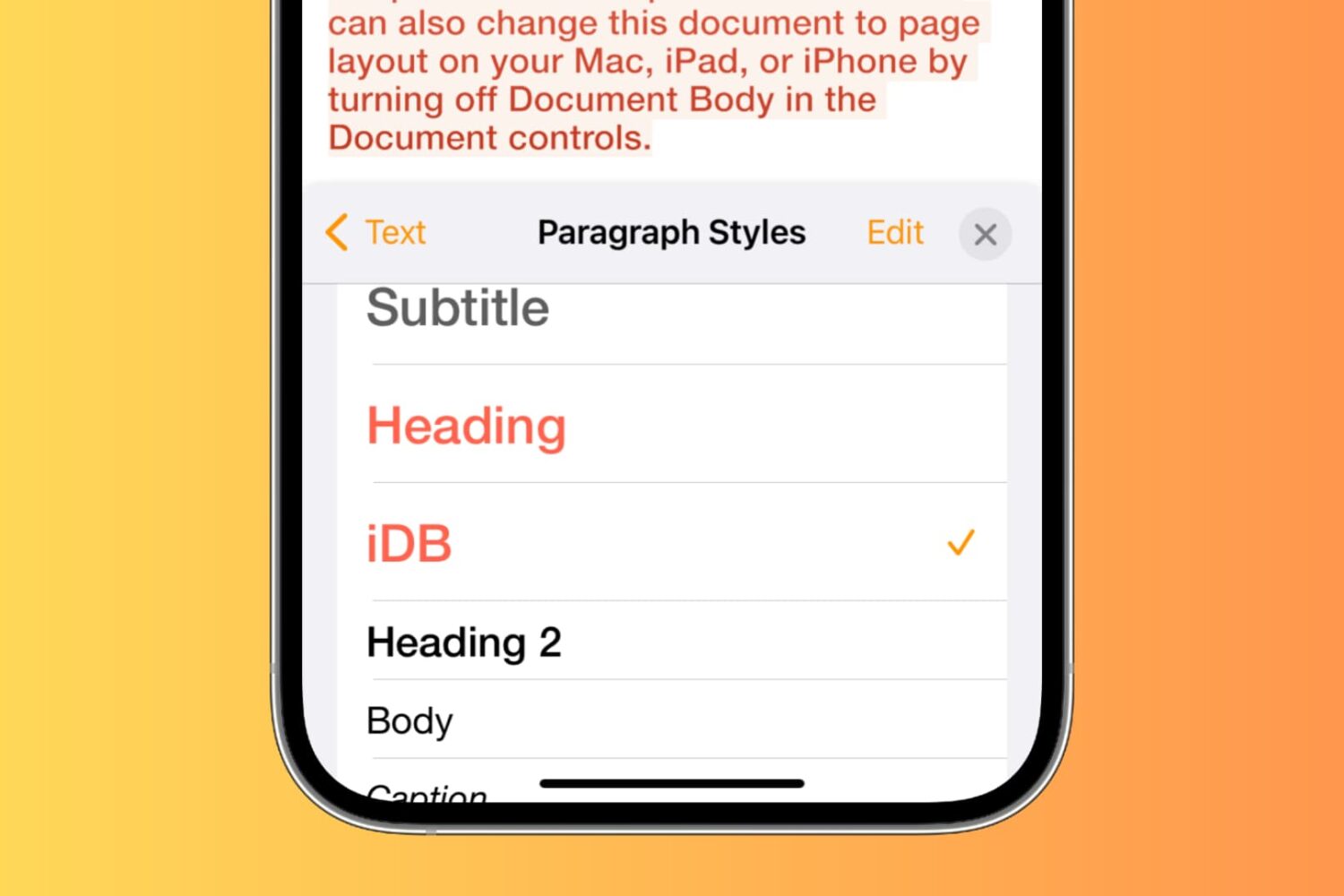
This tutorial shows you how to edit paragraph styles or create a new one in Pages, Numbers, or Keynote, on Mac, iPhone, and iPad.
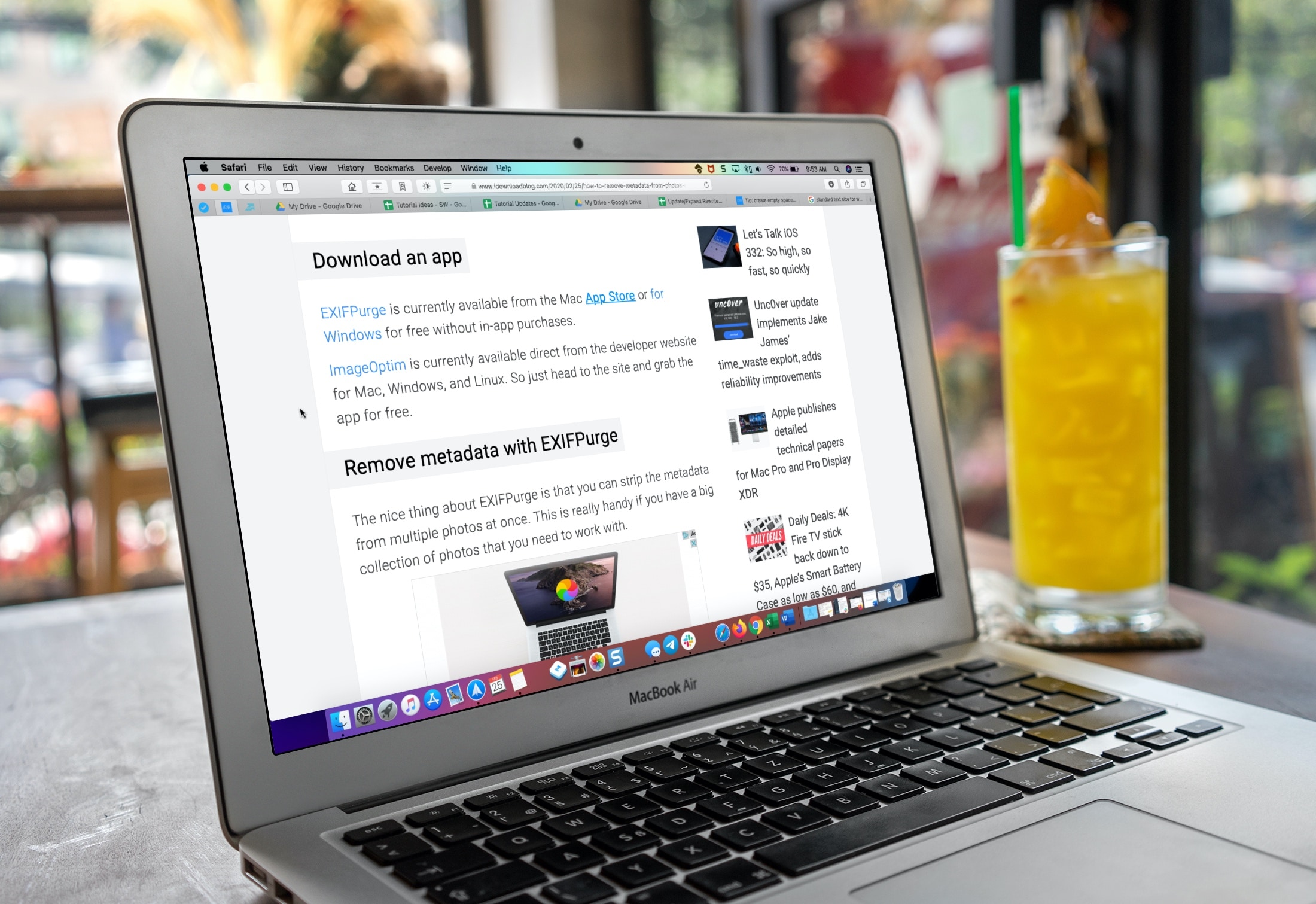
Learn how to make the text bigger in Safari for every website to see things more clearly when browsing the web on your iPhone, iPad, and Mac.
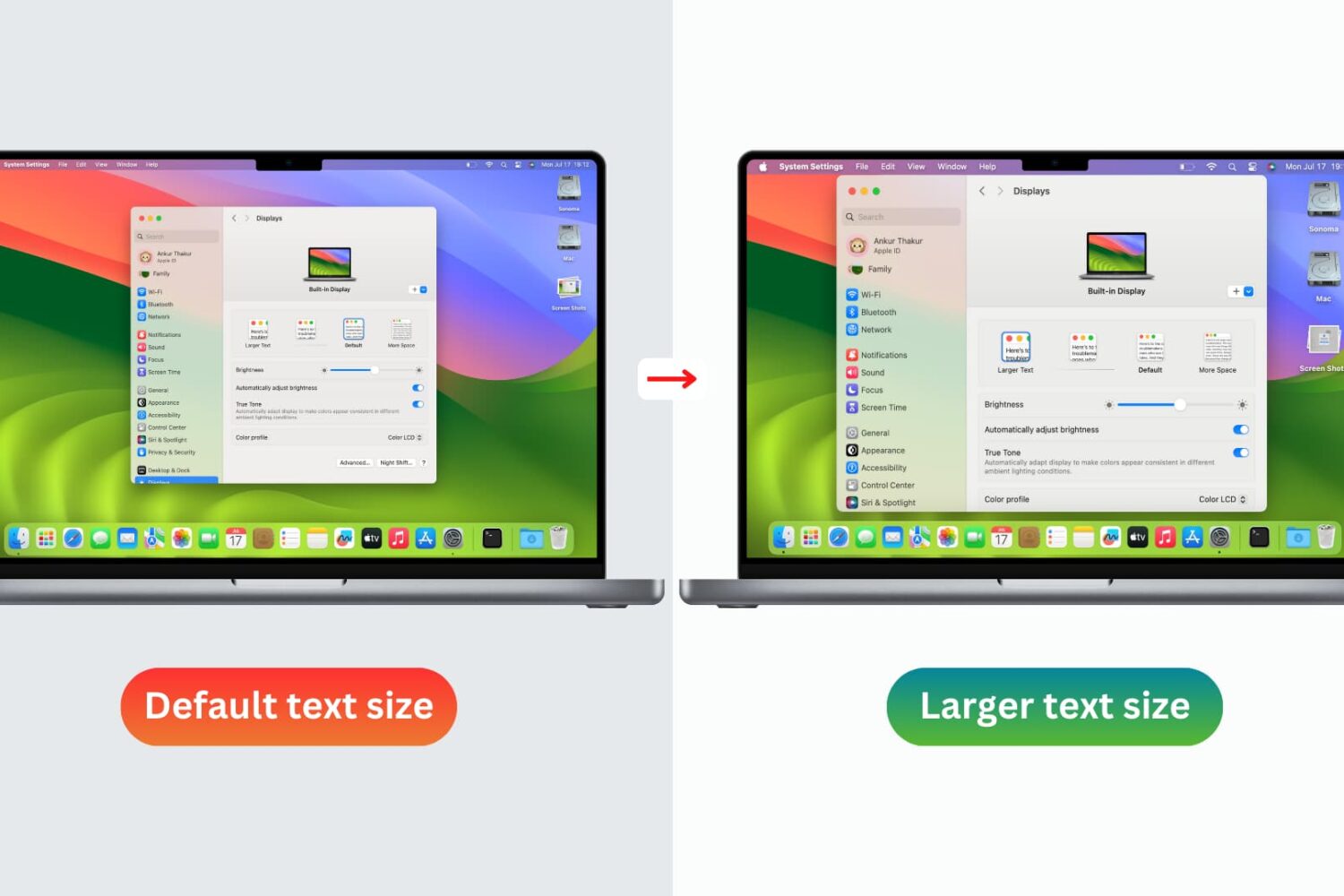
You don’t need to strain your eyes or grab your reading glasses to see items on your screen more clearly. Use these built-in options to increase the font size on your Mac and enjoy a more comfortable computing experience.

If you have an Apple Watch, then you’ve undoubtedly noticed that it sports an entirely different system font than your iPhone does. Typically, you’d need to install performance-impacting or battery-guzzling add-ons to change your system font, but with a new and free jailbreak tweak called Compactor by iOS developer Jamie Bishop, you can bring the Apple Watch’s native font to your iPhone without these ill side-effects.
As depicted in the screenshot examples above, the Apple Watch’ system font, also known as SF Compact, is both smaller and more legible than the iPhone’s native system font.
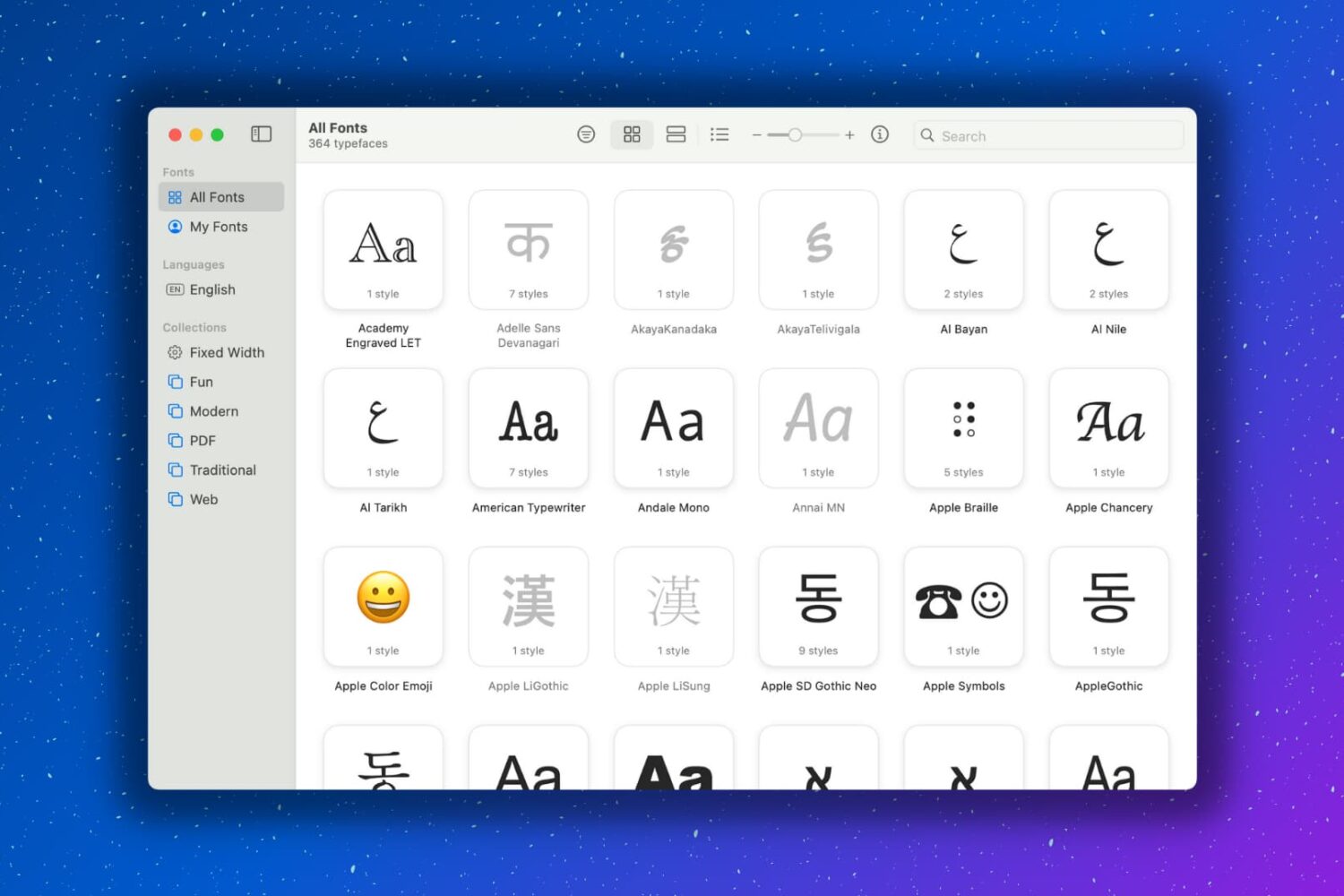
Having extra fonts available on your Mac is awesome. You might be composing a document that you want to have a special look. Or maybe you like using unique font styles for taking notes. Whatever the case may be, you can certainly find fonts on the internet and install them, which is super easy. But you might not realize that your Mac has cool fonts tucked away that you can use.
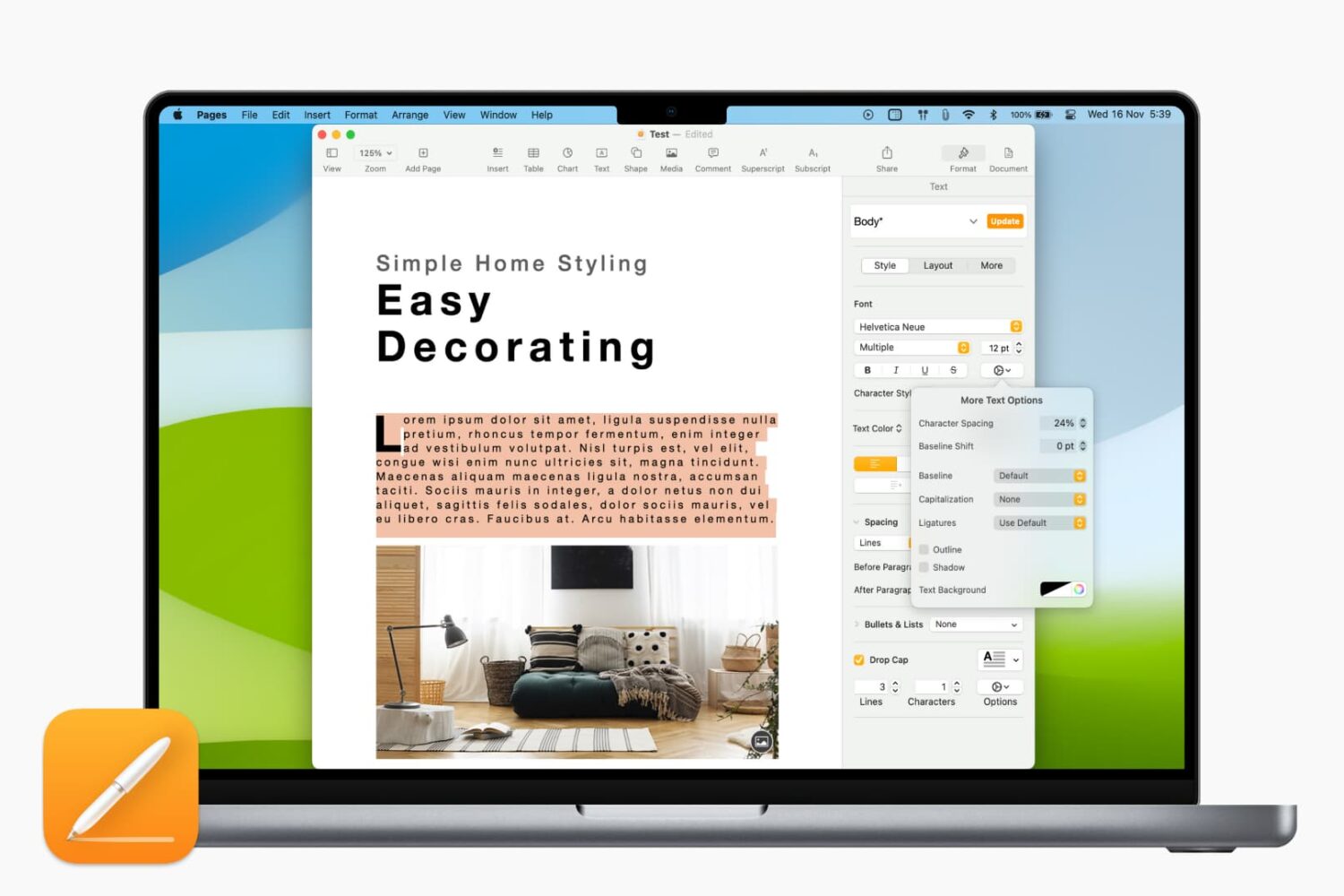
Learn how to adjust the character spacing to make text stand out in a Pages document on your Mac.
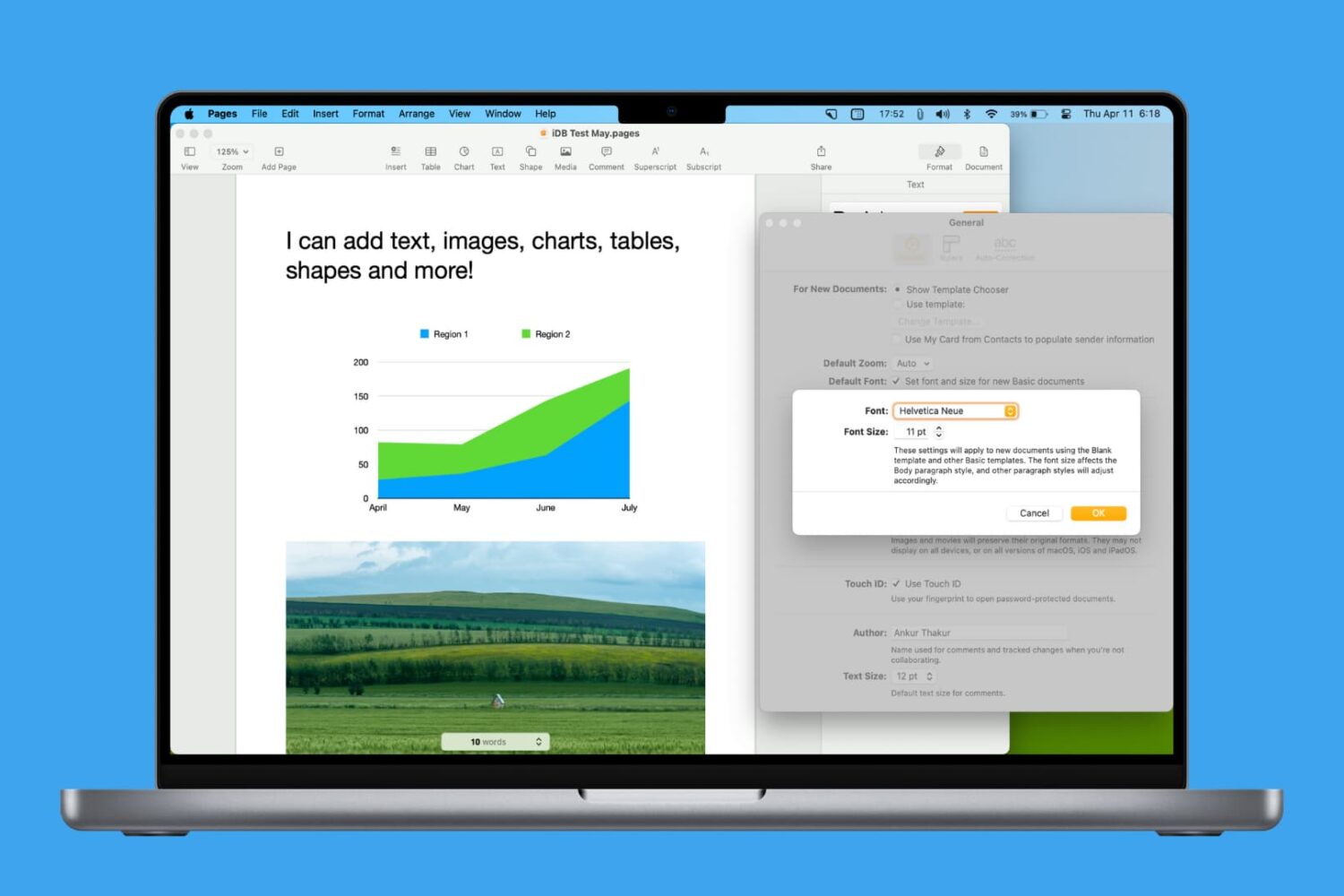
Learn how to personalize your Pages documents by setting another default font on your Mac.

Learn how to download, install, use, and manage custom fonts on your iOS device to create rich typographic experiences that fit specific moods and styles and give your documents a distinct personality.