In this piece, we’ll help you troubleshoot several Apple Watch issues if your smartwatch seems to experience problems and doesn’t work as intended.
What to do when your Apple Watch isn’t turning on or working right

In this piece, we’ll help you troubleshoot several Apple Watch issues if your smartwatch seems to experience problems and doesn’t work as intended.
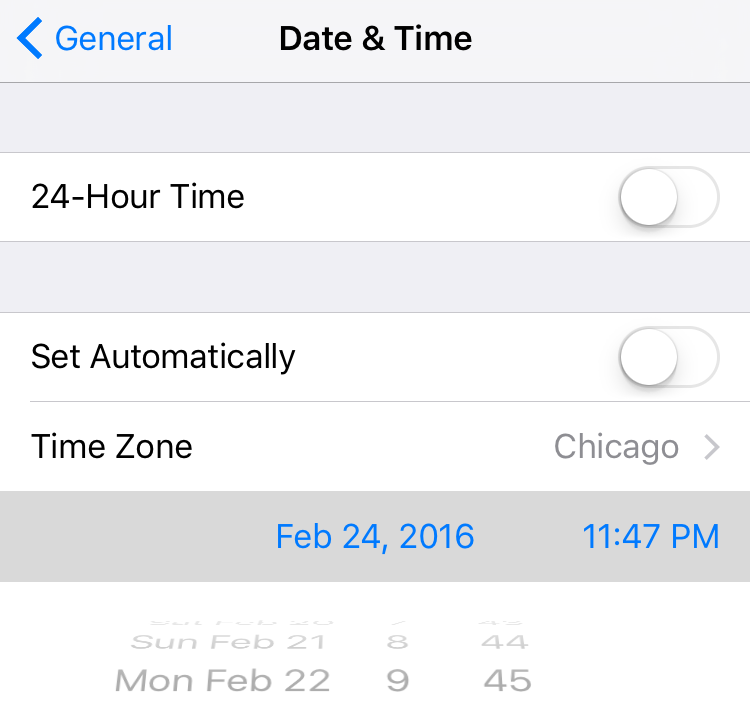
The iOS 9.3 beta released earlier this week includes a fix for the 'January 1, 1970' bug that has been bricking devices, reports MacRumors. The site points to its forums, where multiple users found that their devices stuck in boot loops were able to be restored to working order via an update to beta 4.
The fix is two-fold. Folks with the beta installed say that you can no longer move the time on December 31, 2000 past 7 p.m.—disabling the bug entirely, since this prevents you from scrolling back to 1970. And as mentioned above, the new firmware can also unbrick devices affected by the glitch.

In this article, we cover the most common AirDrop issues and how to fix them on your iPhone, iPad, and Mac.
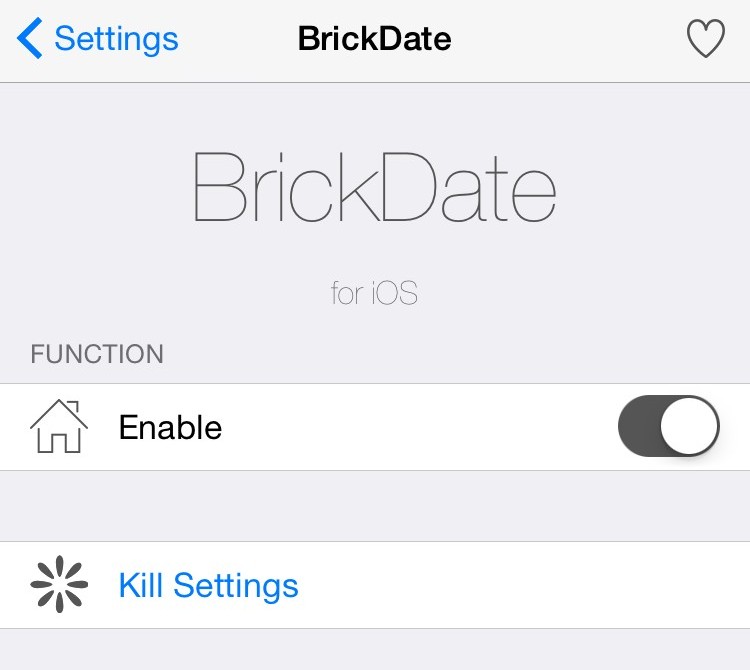
A recent bug discovered in the iOS firmware where setting your date back to a certain point in time could brick your device has been getting quite the coverage all across the internet as of late.
With so many people now having knowledge of the problem, the risk has never been greater than it is right now that someone with malicious intent could grab your iPhone while you're not looking and set your date back to the dangerous date to brick your device on you.
Fortunately, a new free jailbreak tweak called BrickDate is available in Cydia that can protect you from having your date changed to the dangerous date.

It's happened many times to me before, and I can relate to those that it happens to – you're trying to be quiet in the middle of class or in the middle of a meeting for work, and all of a sudden you hear a random noise and then Siri starts blabbering.
Siri says "I didn't quite get that," or "Sorry, I missed that."
In this tutorial, we'll show you how to solve this problem once and for all.

In this troubleshooting guide, we walk you through all the potential solutions to fix Touch ID problems on your Mac, iPad, or iPhone and make the fingerprint scanner work again to unlock the device, autofill passwords, authenticate purchases, and more.

Have you experienced an annoying hiccup in the App Store where it shows that one or more apps need updating but you can't actually apply the updates? Or perhaps the App Store's icon on your iPhone, iPod touch or iPad's Home screen is showing a badge even though you've just successfully downloaded all app updates?
I first noticed this odd behavior back in the summer and thought it was a temporary problem that would get fixed soon, but it persisted. As it turns out, this is a caching issue that can be easily circumvented with a simple, cool trick.
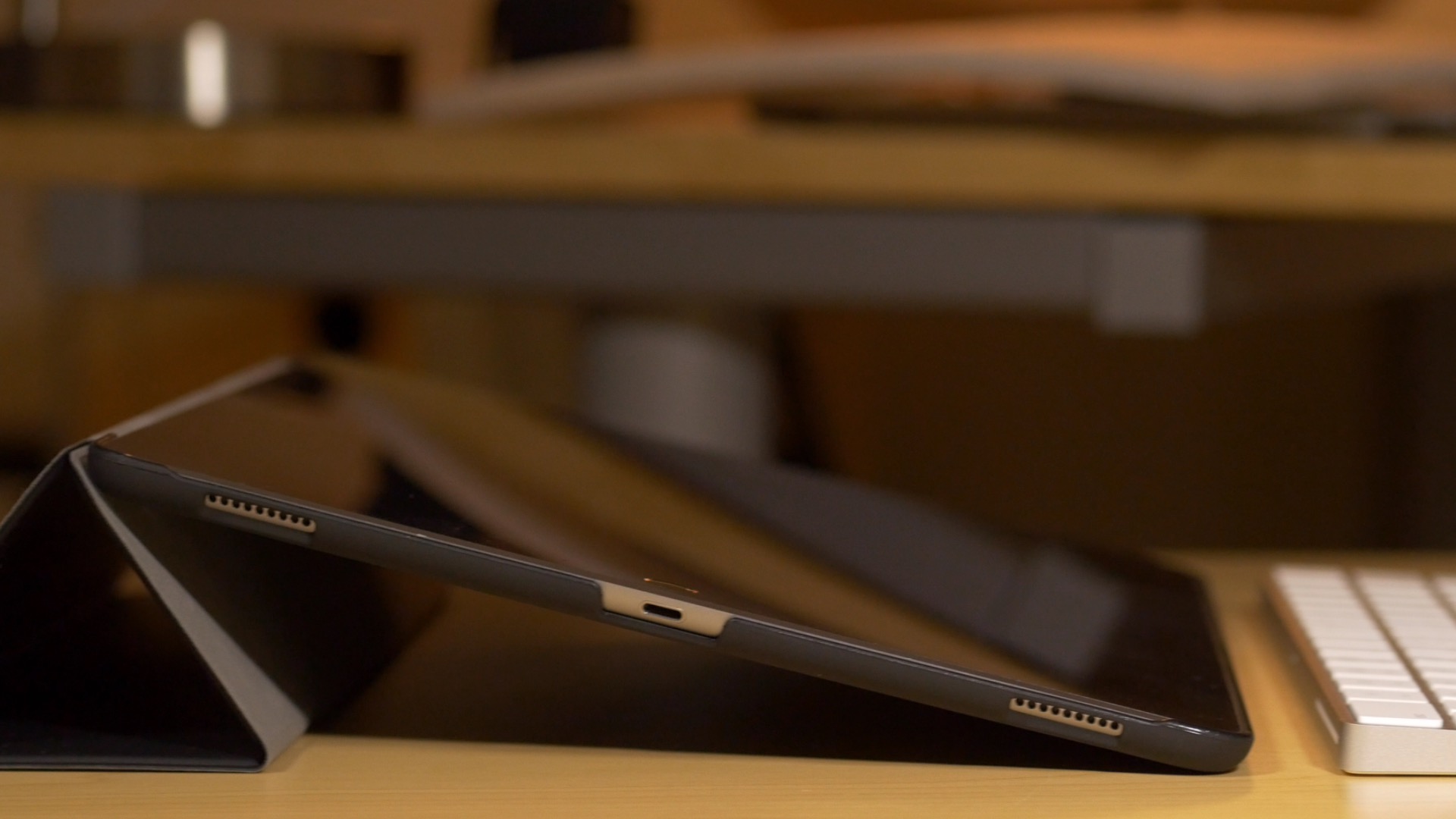
If you're an iPad Pro owner, then you've likely run into the situation where the device gets stuck at an unresponsive black screen. This generally happens after fully charging the device, and it requires a force restart to bring the tablet back to life.
Obviously, this is a pretty big annoyance for anyone who picks up their iPad and wants to begin using it immediately. I've run into the issue about half a dozen times since I got my iPad Pro, and and each time is just as annoying as the last.
Fortunately, it looks as if Apple might be making some headway when it comes to fixing the issue. As first spotted by MacRumors, Apple has updated its support document for the issue, and states that updating the iPad Pro to iOS 9.2 or later may remedy the issue.
Let's face it; everyone experiences buyer's remorse from time to time, which results in a change of heart about a purchase. Then there are those occasions when you regret changing your mind about changing your mind. That's what recently happened to me after I requested an App Store refund for an app that I later realized I actually wanted and needed.
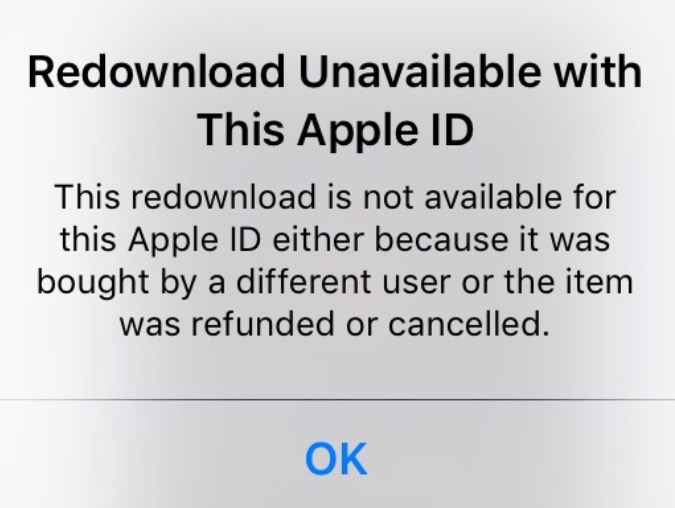
Oddly, I encountered a weird error telling me that since I had previously requested a refund for the app, I could no longer purchase it again. That makes no sense. Why would Apple not want to take my money just because I had requested a prior refund?
The error reads "This redownload is not available for this Apple ID either because it was bought by a different user or the item was refunded or cancelled."
Whatever the reason for the error, after searching Google, it's obvious that I'm not the first to encounter this issue. The good news is that fixing the Redownload Unavailable with This Apple ID error is very easy to do...
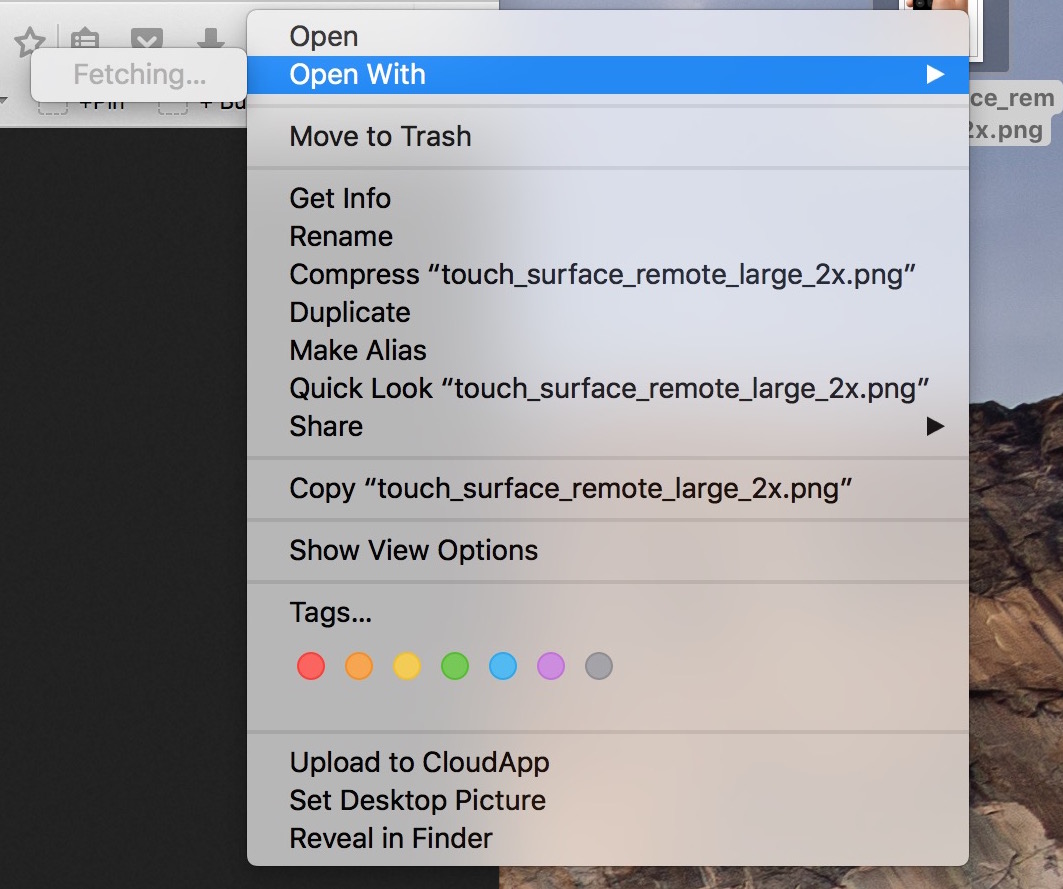
In my mind, computers are always supposed to work the way they should. And because they are computers, I shouldn't have to wait for them to process basic tasks. That's all in my mind of course, because in reality, things don't always go the way they should.
A perfect example of that is the Open With menu you get when right clicking on a file. Sometimes, for no apparent reason, my iMac will spend several seconds "fetching" the applications that can be used to open that specific file type.
Like with most things computer-related, the fix is pretty simple.

I had this issue for a while on my MacBook Air where there would constantly be a progress bar below the LaunchPad icon. Typically, this progress bar means something is downloading, but after checking, I couldn't find anything being installed on my Mac, so I figured the problem had to be deeper than that. In this post, I will share with you a few things you can try if you are facing the same issue.
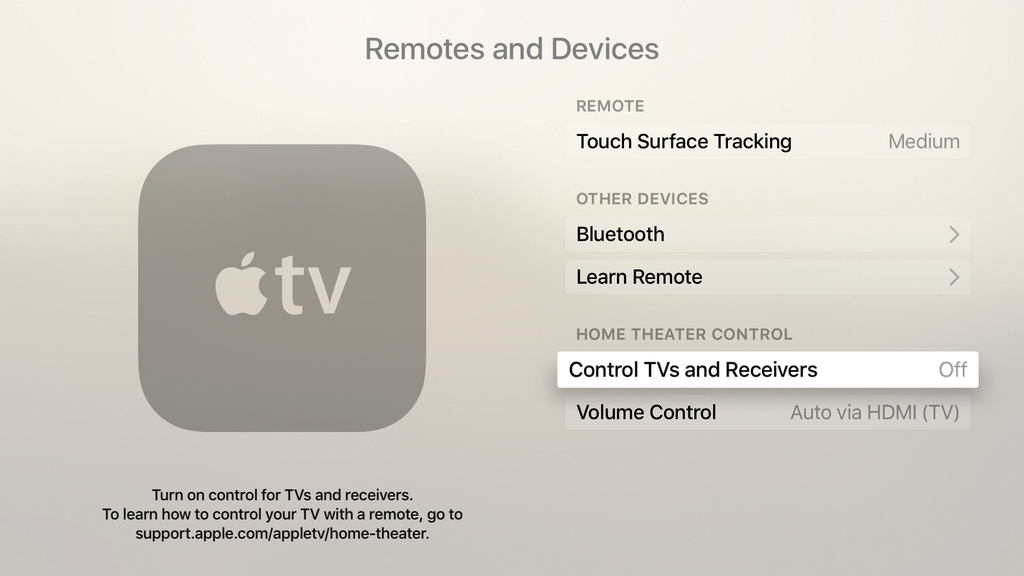
Strange things started happening to my TV since first plugging in my new Apple TV a couple weeks ago, and while I didn't immediately connect the dots, it quickly became apparent that the new device was the culprit. After a bit of digging and a lot of commonsense, I figured out my problems and how to fix them. As often, the solution was just at the click of a button.