Fix

App Store acting up and not showing updates correctly? Try this workaround…

Have you experienced an annoying hiccup in the App Store where it shows that one or more apps need updating but you can't actually apply the updates? Or perhaps the App Store's icon on your iPhone, iPod touch or iPad's Home screen is showing a badge even though you've just successfully downloaded all app updates?

I first noticed this odd behavior back in the summer and thought it was a temporary problem that would get fixed soon, but it persisted. As it turns out, this is a caching issue that can be easily circumvented with a simple, cool trick.
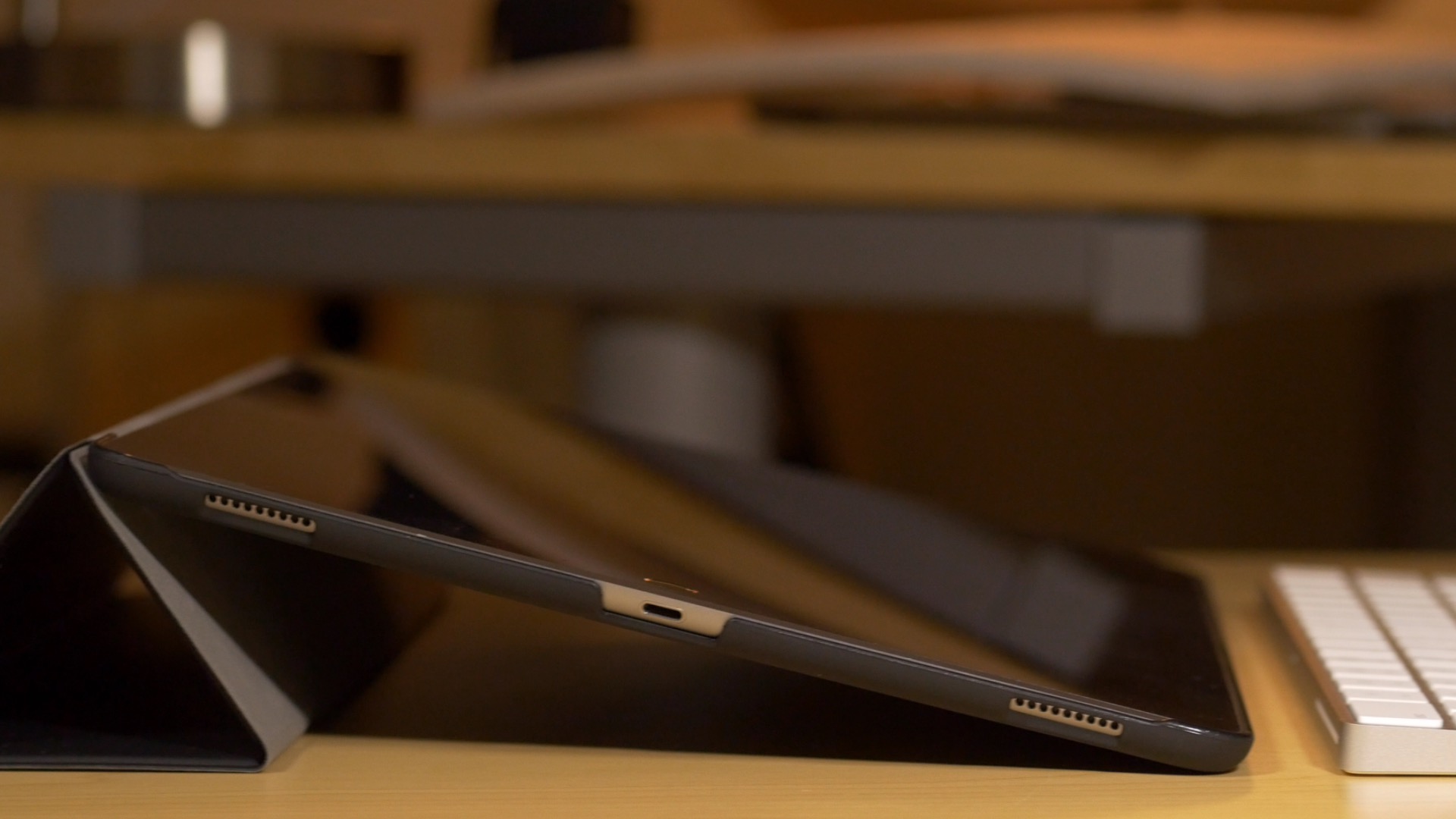
Apple: updating iPad Pro to iOS 9.2 might help fix unresponsiveness

If you're an iPad Pro owner, then you've likely run into the situation where the device gets stuck at an unresponsive black screen. This generally happens after fully charging the device, and it requires a force restart to bring the tablet back to life.

Obviously, this is a pretty big annoyance for anyone who picks up their iPad and wants to begin using it immediately. I've run into the issue about half a dozen times since I got my iPad Pro, and and each time is just as annoying as the last.

Fortunately, it looks as if Apple might be making some headway when it comes to fixing the issue. As first spotted by MacRumors, Apple has updated its support document for the issue, and states that updating the iPad Pro to iOS 9.2 or later may remedy the issue.

How to fix the ‘Redownload Unavailable’ error in the App Store

Let's face it; everyone experiences buyer's remorse from time to time, which results in a change of heart about a purchase. Then there are those occasions when you regret changing your mind about changing your mind. That's what recently happened to me after I requested an App Store refund for an app that I later realized I actually wanted and needed.

Oddly, I encountered a weird error telling me that since I had previously requested a refund for the app, I could no longer purchase it again. That makes no sense. Why would Apple not want to take my money just because I had requested a prior refund?

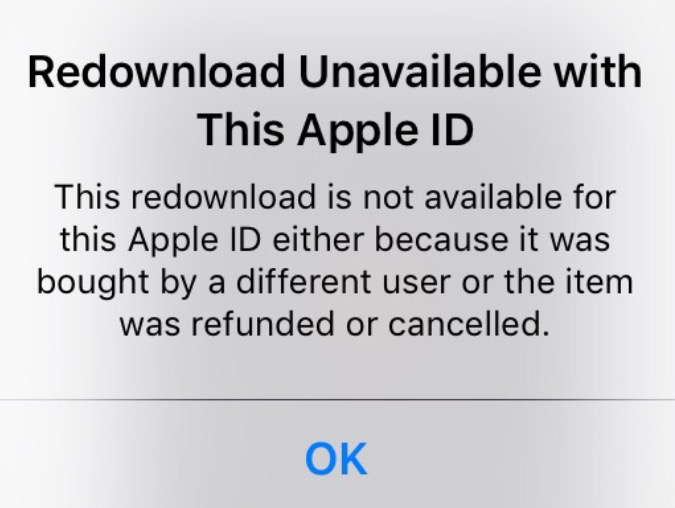
The error reads "This redownload is not available for this Apple ID either because it was bought by a different user or the item was refunded or cancelled."

Whatever the reason for the error, after searching Google, it's obvious that I'm not the first to encounter this issue. The good news is that fixing the Redownload Unavailable with This Apple ID error is very easy to do...

Fix “Fetching” delay when selecting “Open With” on Mac

In my mind, computers are always supposed to work the way they should. And because they are computers, I shouldn't have to wait for them to process basic tasks. That's all in my mind of course, because in reality, things don't always go the way they should.

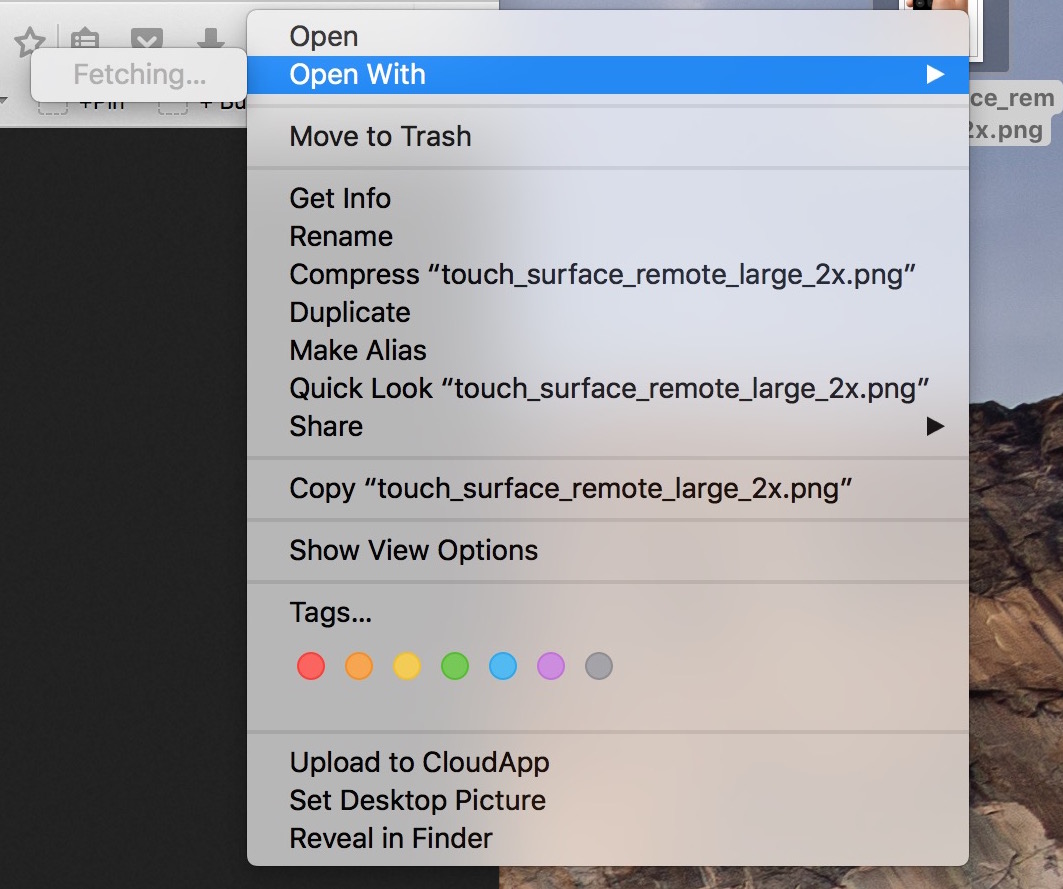
A perfect example of that is the Open With menu you get when right clicking on a file. Sometimes, for no apparent reason, my iMac will spend several seconds "fetching" the applications that can be used to open that specific file type.

Like with most things computer-related, the fix is pretty simple.

Fix: stuck progress bar below LaunchPad icon

I had this issue for a while on my MacBook Air where there would constantly be a progress bar below the LaunchPad icon. Typically, this progress bar means something is downloading, but after checking, I couldn't find anything being installed on my Mac, so I figured the problem had to be deeper than that. In this post, I will share with you a few things you can try if you are facing the same issue.

Read this if your new Apple TV is messing up your TV or receiver

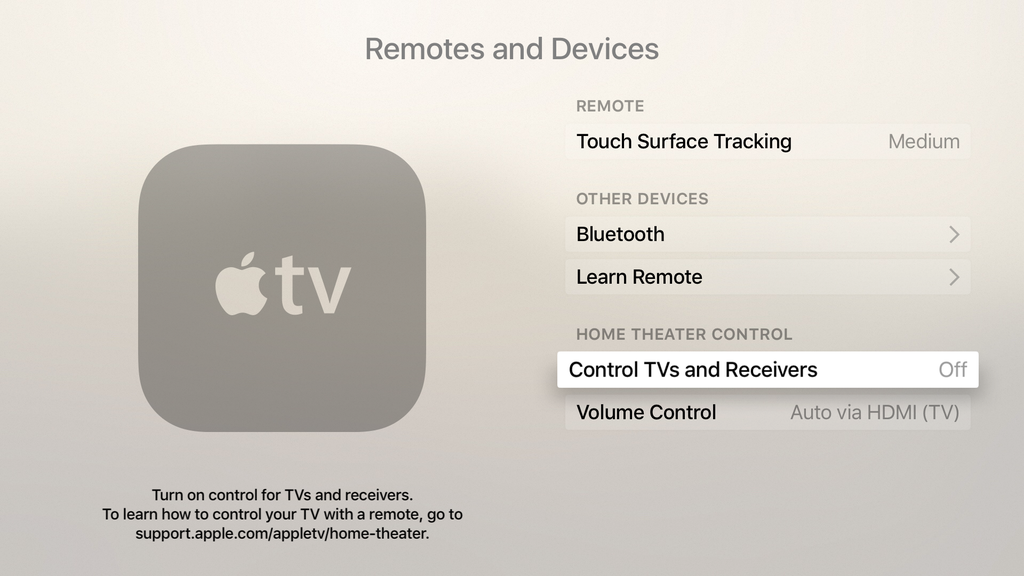
Strange things started happening to my TV since first plugging in my new Apple TV a couple weeks ago, and while I didn't immediately connect the dots, it quickly became apparent that the new device was the culprit. After a bit of digging and a lot of commonsense, I figured out my problems and how to fix them. As often, the solution was just at the click of a button.

Pangu 1.0.1 released to fix issues with the iOS 9 jailbreak

Pangu has released the first update for its iOS 9 jailbreak tool for Windows. Pangu 1.0.1 is now available to all users, and fixes several issues with the tool. If you've been having issues getting the Pangu 1.0.0 to properly launch, or have experienced failed jailbreak attempts, then you should definitely give it another shot with this latest version of Pangu.

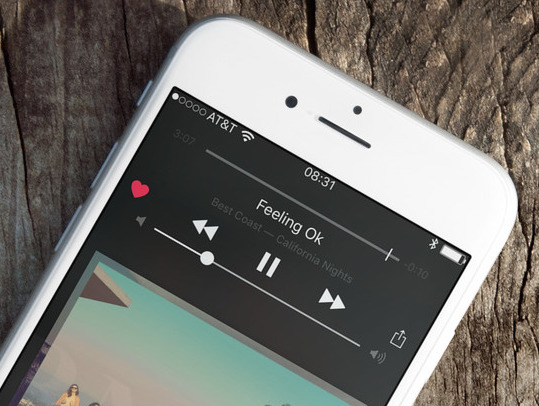
How to get your Likes back in Apple Music after upgrading your iPhone

I woke up this morning to the sad realization that all my Apple Music Likes had disappeared. Hundreds of little red hearts that are supposed to make my Apple Music experience more tailored to my tastes were gone. I didn't really connect the dots right away as I assumed nothing had changed in my set up between my old iPhone 6 and my new iPhone 6s, but as it turns out, a simple tap of a button fixed everything.

Apple releases iOS 9.0.1 containing various bug fixes for Safari, Setup Assistant, alarms, and more

A week after Apple pushed iOS 9 to the public, it has followed up with the release of iOS 9.0.1. As you may have guessed by the version number, iOS 9.0.1 is a bug fix update. All users running iOS 9 should therefore update to iOS 9.0.1 for increased system stability.

Perhaps most notably, we saw several users in our comments talk about failed upgrades, where iOS would freeze when using the Slide to Upgrade feature in the Setup Assistant. That issue should now be solved thanks to iOS 9.0.1.

Apple introduces iSight Camera Replacement Program for iPhone 6 Plus

Apple on Friday launched the iSight Camera Replacement Program for iPhone 6 Plus. In a support document, first spotted by MacRumors, the company says it has discovered that, in some devices, the iSight camera has a component that may fail, causing your photos to look blurry.

The program only applies to the iPhone 6 Plus, and Apple says that a very small percentage of devices has been affected. But if your 6 Plus is producing blurry photos, and has an eligible serial number, the company is offering to replace your handset's rear-facing camera free of charge.

Apple releases OS X 10.10.5 with patch for DYLD bug and other fixes

In addition to iOS 8.4.1, Apple on Thursday also seeded OS X Yosemite 10.10.5, a free update for Macs. The release comes after two developer betas and a month of testing, and you can find it in the Updates tab of the Mac App Store.

Most notably, the update features a patch for the DYLD privilege escalation bug that was discovered earlier this month. Apple says in the release notes that the software includes fixes for both Mail and Photos apps, as well as QuickTime.