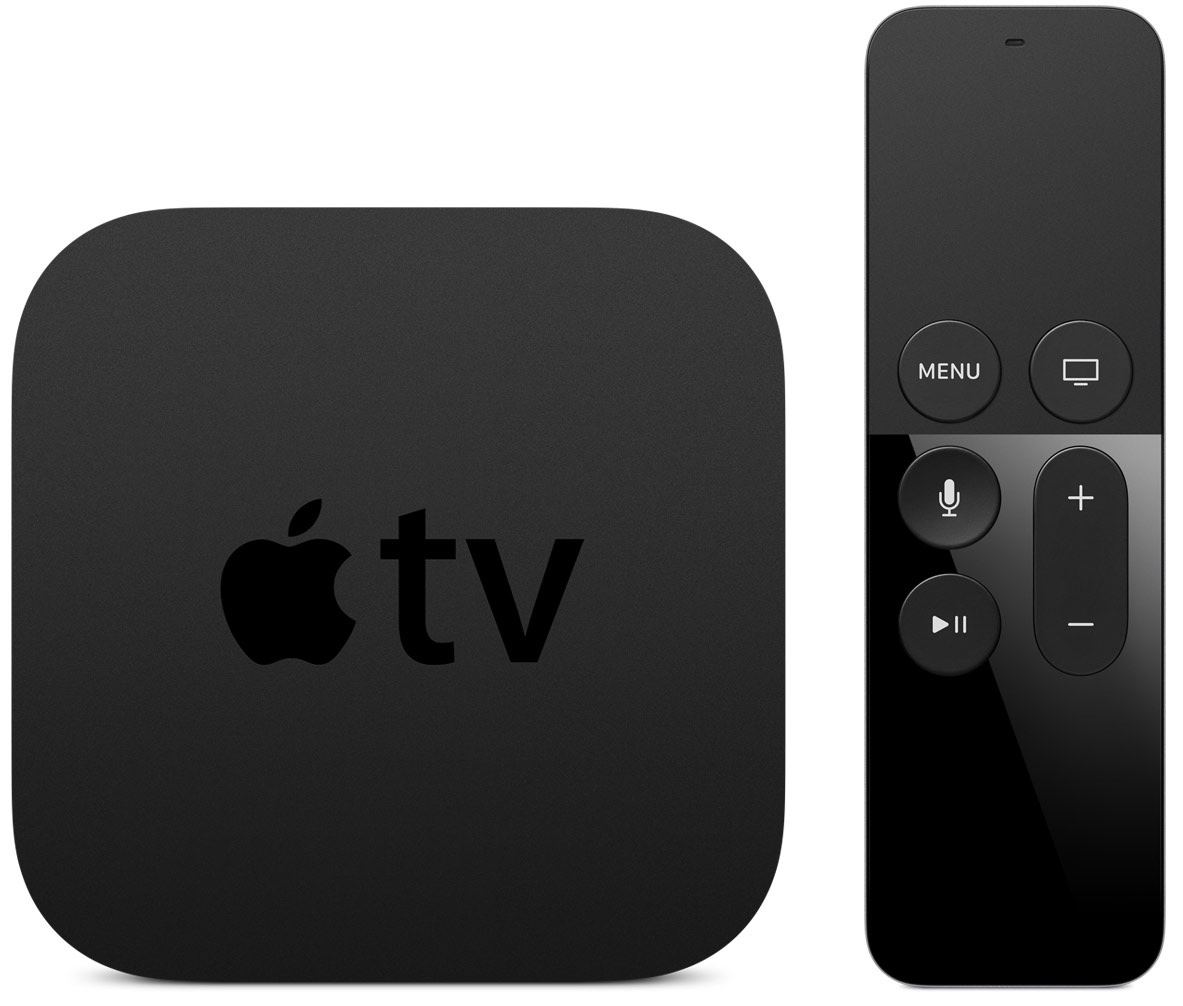
Electronic Arts' and Firemonkeys' Real Racing 3 has amassed over a hundred million downloads across iOS and Android platforms thus far. Yet, up until today this premium game was not available as a native app for the new Apple TV—despite the fact that rival Gameloft's Asphalt 8 is one of the most downloaded Apple TV games. A new update to the free-to-play racing game, now available in the App Store, changes all that with native support for the Apple TV.
What's more, the Apple TV game gives players the ability to race each other in a split-screen 'Party Play' mode. In addition, this version of Real Racing 3 sports newly added Daytone 500 content across platforms so you can drive the NASCAR Sprint Cup cars and race your opponents on the all-new Daytona International Speedway track.