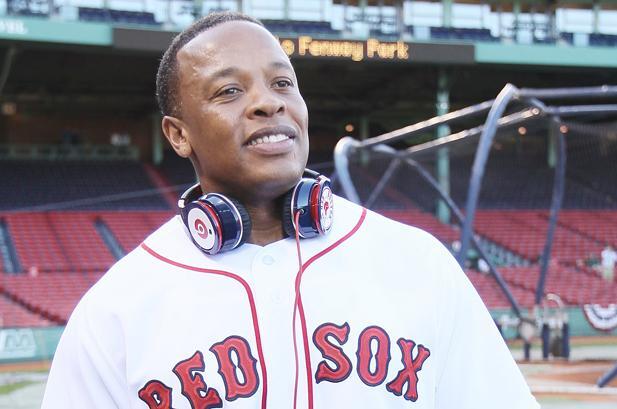
Apple has decided to back its first ever scripted television series that will star one of its own executives, Beats co-founder and rapper Dr. Dre (real name Andre Young). According to The Hollywood Reporter, the top-secret project is dubbed “Vital Signs”. The production is reportedly “being bankrolled by Apple”.
The series will be likely distributed via Apple Music although the report doesn't make it clear if the iTunes Store will also carry the show so that Apple TV owners could stream it.
“The first season will roll out all at once, regardless of venue, a la Netflix,” sources told the publication, adding that Apple is said to be “very bullish on the project.”