Apple

How to quickly get your answers from a website you’ve searched before in Safari

In addition to finding all occurrences of a word within any webpage, Apple's Safari browser for the iPhone, iPod touch, iPad and Mac includes a nifty little feature called Quick Website Search which lets you get your answers from within a specific website as long as you've used its search box before.

Safari keeps tracks of the webpages as you surf the web so you can later find anything within a previously visited website, right from the Smart Search field.

In this tutorial, you'll learn how to leverage Safari's Quick Website Search feature to search within a website.

Tim Cook and Jony Ive talk watches, fashion and iSpaceship in Vogue interview

Apple's boss Tim Cook and Jony Ive, its Chief Design Officer charged with blue sky thinking, have discussed several topics of interest in a new interview published in the March 2016 edition of the Vogue magazine.

The two executives talked the synergy between Apple and fashion, the Apple Watch, partnership with the luxury French brand Hermes and the upcoming flying saucer-shaped Campus 2 building, Apple's future headquarters.

How to select Siri voices for VoiceOver, Speak Screen and Speak Selection features

I'm not hearing impaired but that doesn't prevent me from taking advantage of certain VoiceOver features on my iPhone. For instance, I sometimes use Speak Selection to get iOS to read a book to me as I'm surfing the web, or doing something else.

Being a non-native English speaker, I also rely on that feature to have my iPhone read aloud words and phrases whenever I'm unsure about their correct pronunciation, which is a lot of help—especially with the adjustable pitch and speaking rate.

Starting with iOS 8, a number of options for the Siri voices you can use for the VoiceOver, Speak Screen and Speak Selection features became available. This tutorial explains how to choose a voice for Speak Screen and Speak Selection and adjust voices for VoiceOver.

How to use Gmail without an @gmail address

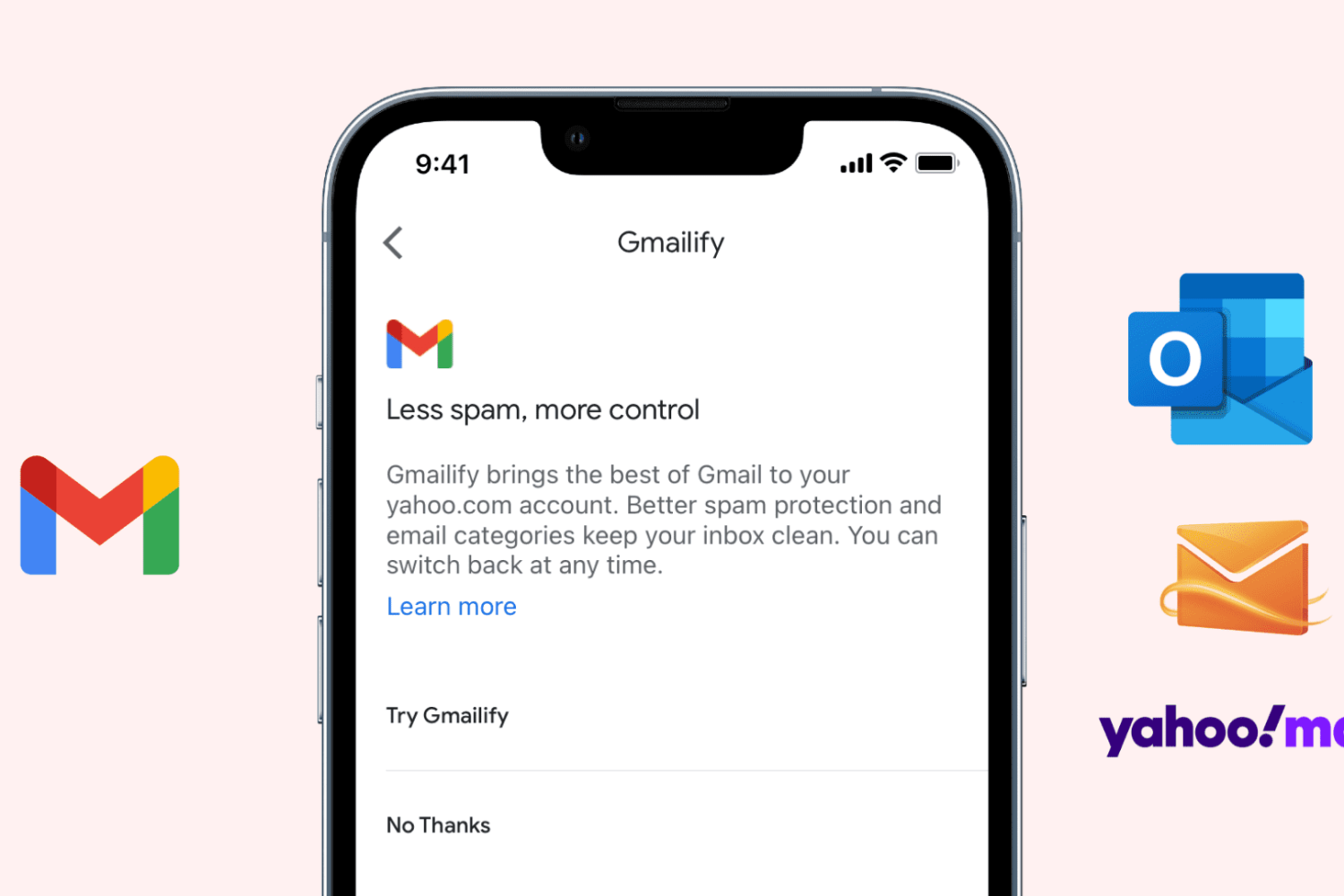
Set up Gmailify on iPhone

Gmail is the most popular email service, offering excellent features like spam protection, automatic email sorting (Social, Updates, Promotions), advanced search, and more. Contrary to popular belief, you can use these features on your existing non-Gmail email service, thanks to a feature called Gmailify.

This tutorial shows you how to link your non-Gmail account with Gmail via Gmailify on iPhone and iPad.

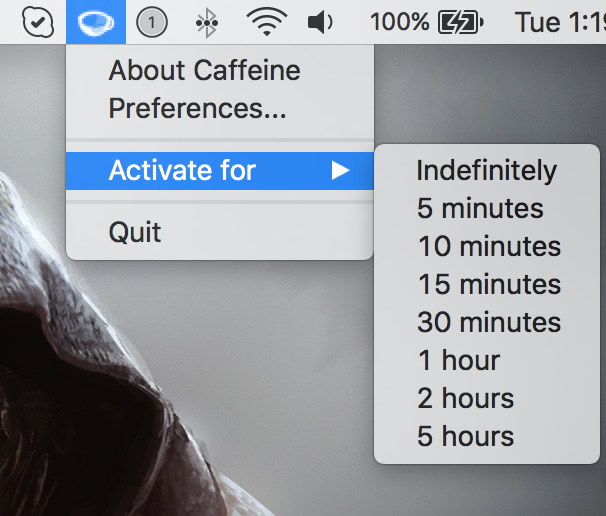
Here are two Caffeine alternatives for keeping your Mac awake

Yesterday, my colleague Anthony ran an informative tutorial that does a good job covering two ways to keep your Mac from sleeping, dimming or showing a screensaver: one is based on a little bit of Terminal magic and the other involves using a free of charge utility, called Caffeine.

As easy to use as Caffeine is, it suffers from not having been updated in years so it has some issues with OS X Yosemite and El Capitan.

Its icon, for example, is not Retina-compatible and looks odd in Yosemite's dark mode. That said, I want to share with you a pair of apps that one-up Caffeine at its own game.

Pre-register for Miitomo, Nintendo’s first smartphone app

Back in October 2015, Nintendo announced its inaugural smartphone app for iOS and Android, Miitomo. Today, the Japanese gaming giant has opened up pre-registrations on its website for the forthcoming app. Signing up requires you to create a Nintendo Account so you can be notified when Miitomo launches in the App Store.

Creating a Nintendo Account ahead of Miitomo's launch will also net you Platinum Points for the My Nintendo rewards program, which is scheduled to go live alongside the Miitomo app.

How about the tiniest game of pong for your Apple Watch?

Meet the tiniest game of pong for your Apple Watch, created by developer Matt Wiechec and aptly named A Tiny Game of Pong. Available free in the App Store for a limited time, this minimalist game lets you push your paddle back-and-forth across the display by turning the responsive Digital Crown.

You can play in the Classic or endless Arcade mode, track your high score and rank on Game Center, personalize the game to your liking with ten theme colors and, of course, you can also play A Tiny Game of Pong on your iPhone.

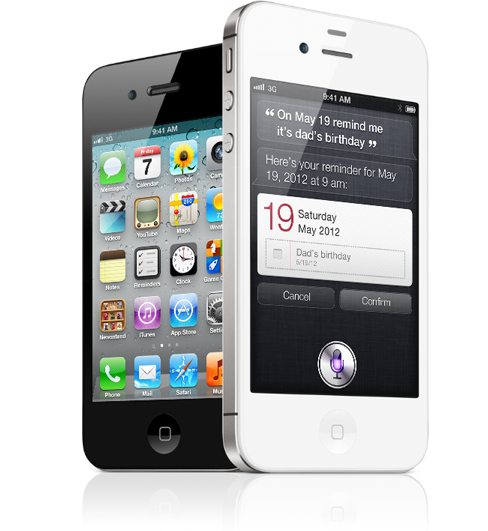
Apple removes iPhone 4s and iPhone 5c from sale in India as iPhone 5se launch looms

In India, Apple has stopped selling the iPhone 4s, which debuted in the fall of 2011, as well as the unapologetically plastic iPhone 5c, The Economic Times reported Tuesday. In withdrawing its most affordable handsets from the 1.25 billion people country—the world’s third market for smartphones and the fastest-growing smartphone market in the world—Apple is looking to boost its average selling price and profitability “which have been under strain in the country lately,” stated the report.

Apple vehemently opposes FBI request to create iPhone backdoor in San Bernardino court case

Apple is vehemently opposing the FBI's request to create a backdoor in iOS that would permit authorities to access encrypted data on the iPhone used by one of the San Bernardino shooters. In an open letter to all customers posted on the company's website, CEO Tim Cook acknowledges that Apple believes that the FBI's intentions are good and makes note of the fact that his company has done “everything that is both within our power and within the law” to help the authorities.

“But now the U.S. government has asked us for something we simply do not have, and something we consider too dangerous to create,” he wrote. “They have asked us to build a backdoor to the iPhone.”

Judge orders Apple to help FBI recover data from San Bernardino shooter’s iPhone

A federal judge on Tuesday ordered Apple to help investigators access encrypted data on the iPhone used by one of the San Bernardino shooters, reports NBC News. The ruling says that the Cupertino firm must provide "reasonable technical assistance" to the FBI in recovering data from the handset.

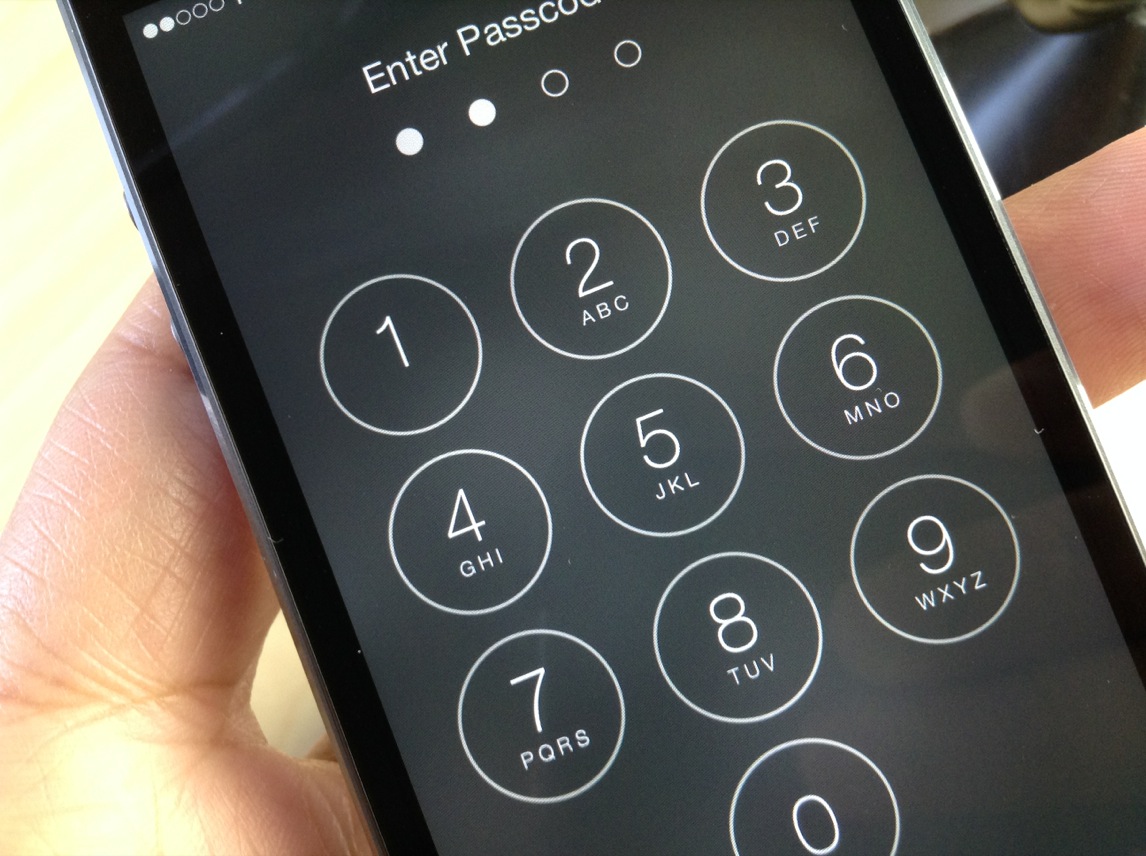
More specifically, the device is an iPhone 5c that belongs to Syed Farook, who with his wife Tashfeen Malik murdered 14 people in San Bernardino, California last year. The phone is locked with a passcode, and prosecutors say data found in Farook's iCloud account suggests it could contain evidence.

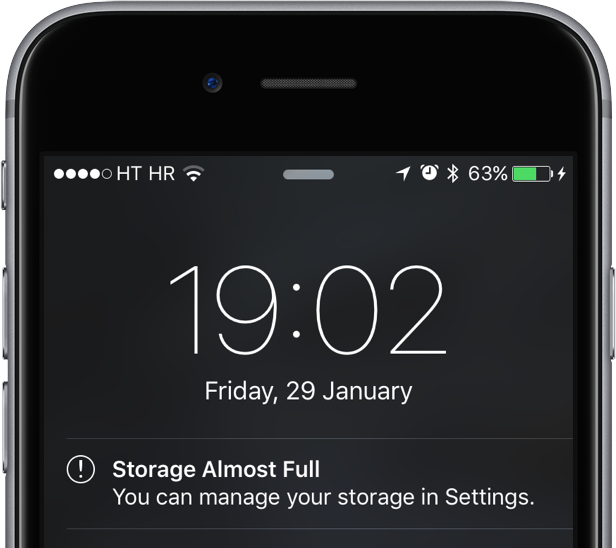
How to decrease ‘Other’ storage on iPhone or iPad

The infamous 'Other' storage section displayed in iTunes after connecting an iPhone, iPod touch or iPad to a computer is definitely one of the pain points for users mainly because it keeps increasing on its own.

'Other' storage is a combination of system settings, caches and various files that iOS stores temporarily to speed up system performance and minimize your dependency on network connectivity.

This all happens automatically and without any intervention on part of the user. That said, software can (and will) break and so these files may not get cleaned out properly. And when that happens, a large amount of storage will be lumped into the 'Other' category. The good news is, your proactiveness in dealing with this issue should pay off.

It's actually fairly easy to recover your usable storage lost to 'Other' space hogs by specifically targeting certain items. In this post, we'll lay out a few different techniques to decrease 'Other' storage on your iPhone or iPad.

How to open ZIP files on iPhone using the Notes app

Although neither Apple's Safari nor Google's Chrome browser can extract files from ZIP archives on iOS, it has been discovered that Apple's Notes app lets users view the contents of ZIP files by taking advantage of iOS's built-in file attachment viewers.

Starting with iOS 9, Notes has received several new features, among them support for adding content to a new or existing note through iOS's multi-purpose Share menu in apps like Safari, Maps, Pages and more.

As it turns out, you can also use iOS's Share menu in conjunction with the “Open In” feature to add a downloaded ZIP file to a note on your iPhone, iPod touch or iPad.