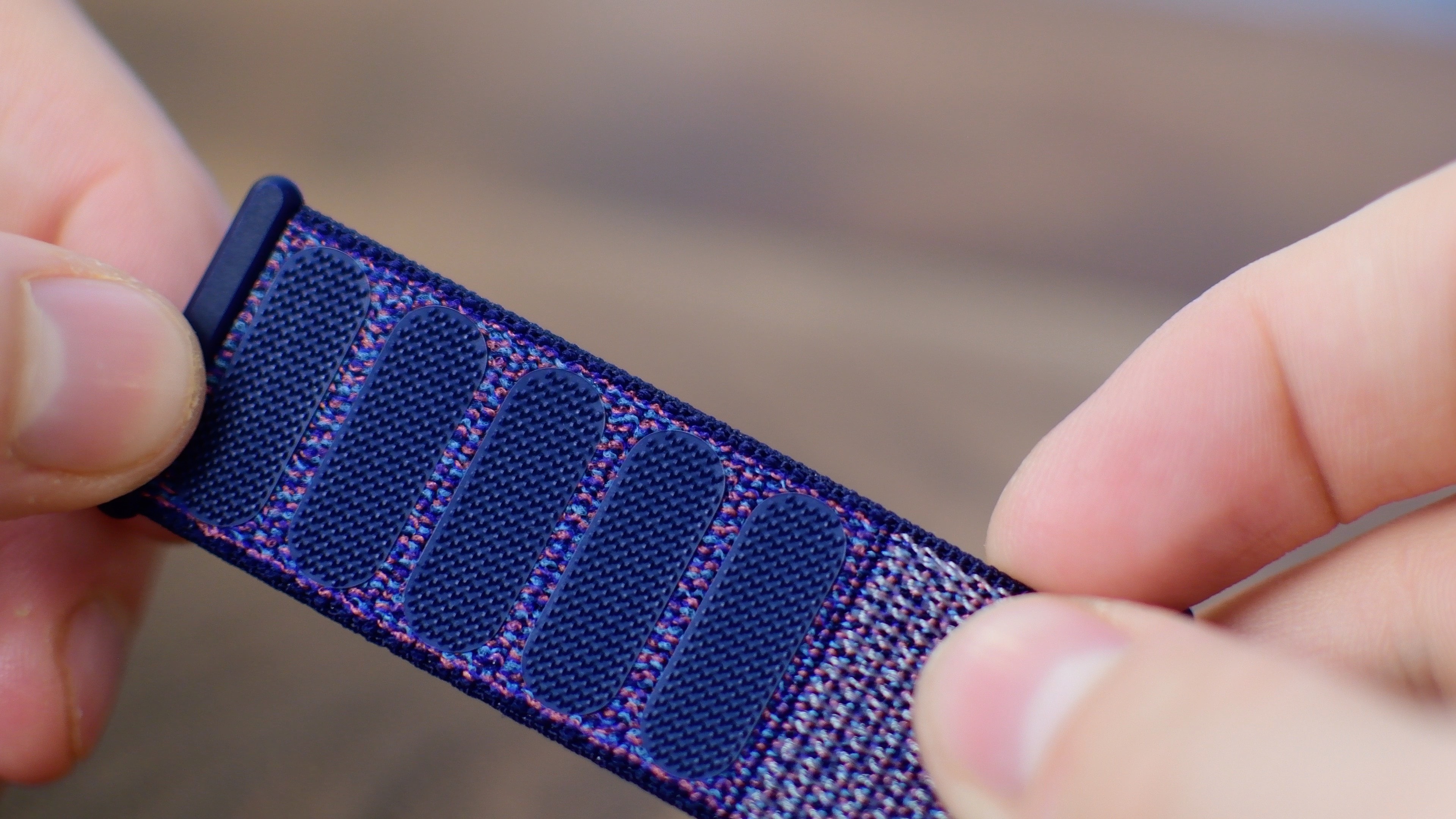
Something peculiar seems to have happened with the first-party Sport Loop band style for Apple Watch because those cool-looking straps have gotten a lot shorter in the last year.
The curious case of Apple’s shrinking Sport Loop band
Stay up-to-date on the latest Apple Watch news, and learn how to get the most out of your device with our comprehensive tutorials. From updates to features to troubleshooting tips, we’ve got you covered.
Something peculiar seems to have happened with the first-party Sport Loop band style for Apple Watch because those cool-looking straps have gotten a lot shorter in the last year.
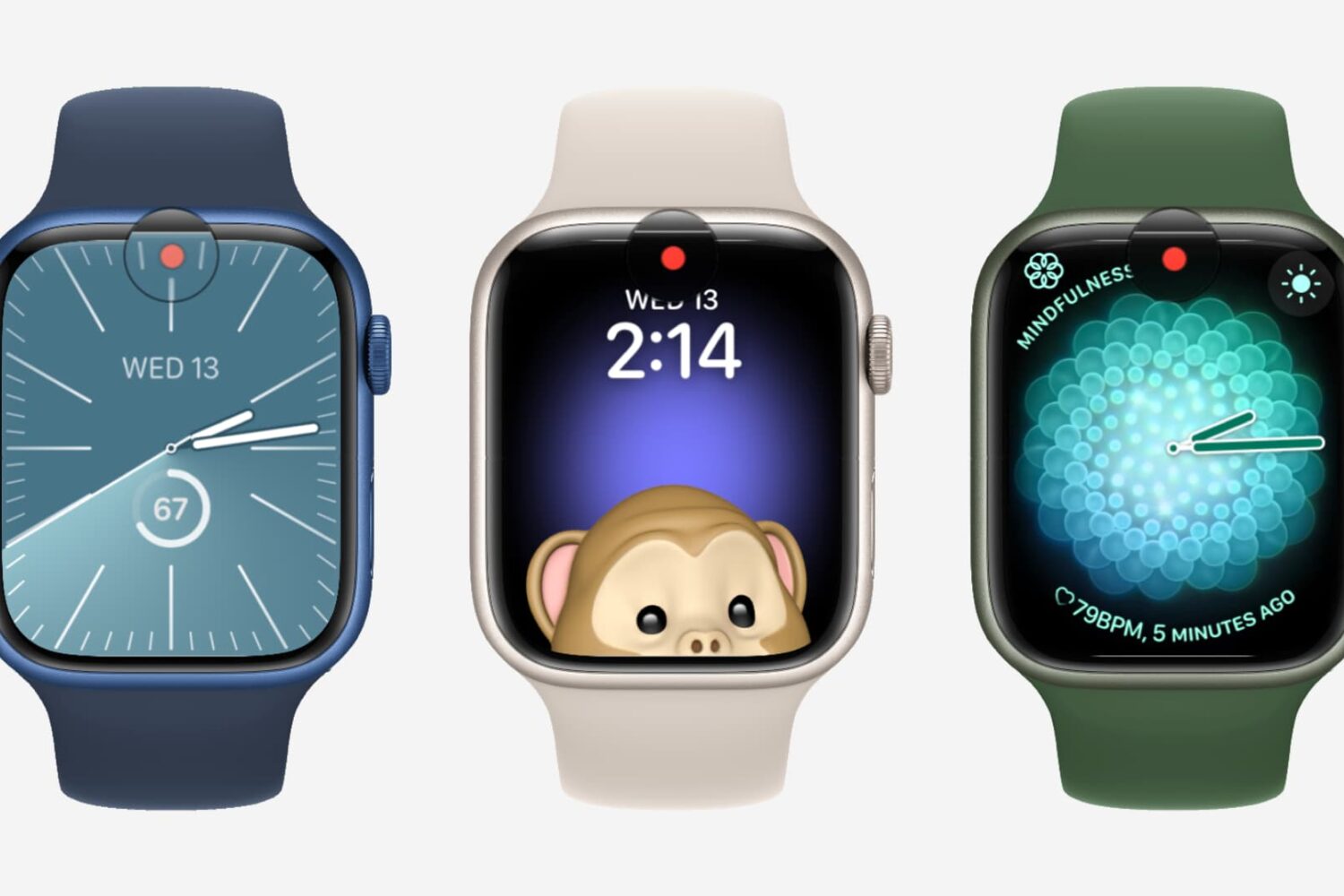
watchOS puts a little red dot on your watch face to indicate you have unread Apple Watch notifications, but you can easily disable it in settings.
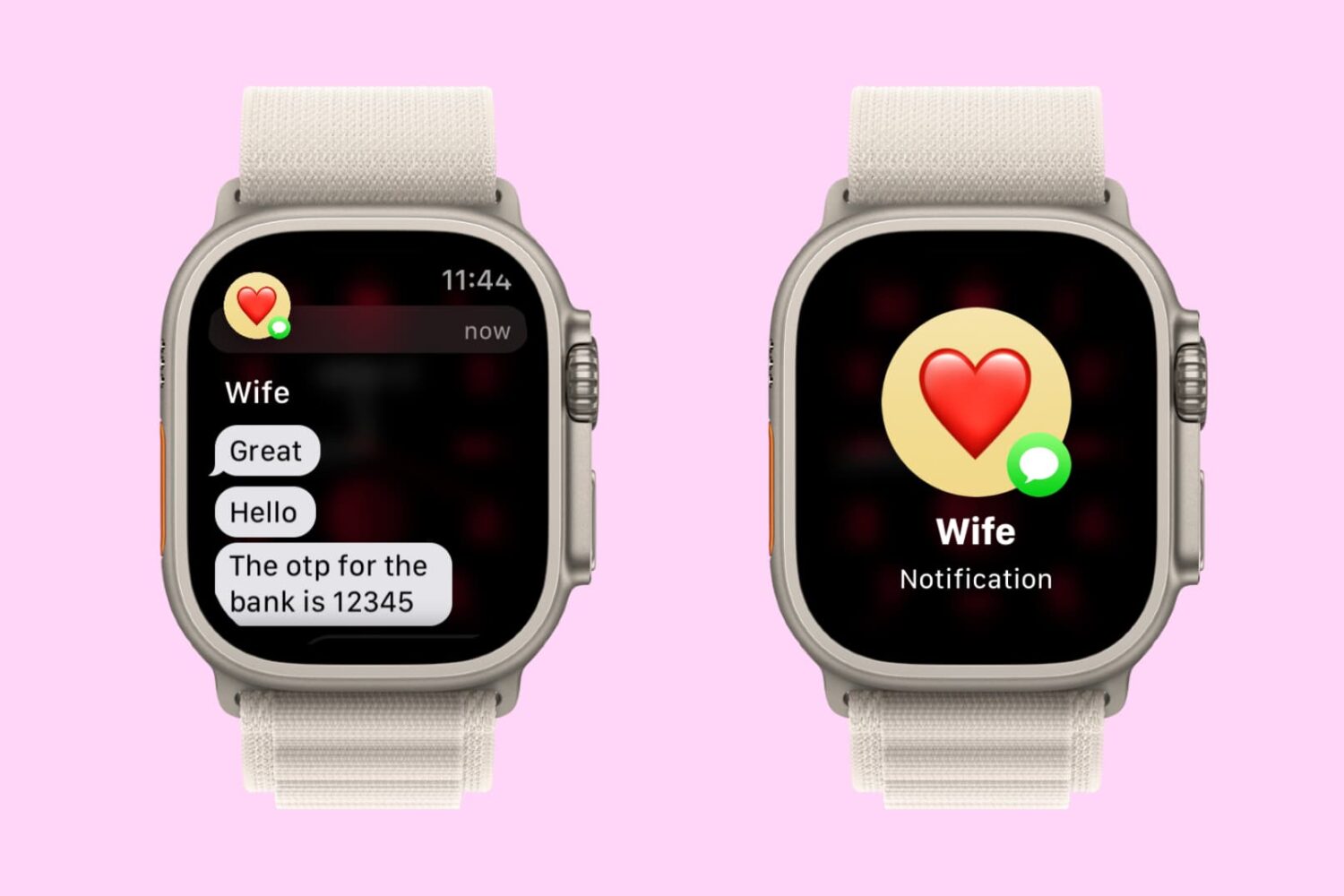
Learn how to configure your Apple Watch to show the full notification only when you tap it, instead of when you raise your wrist, for more privacy.
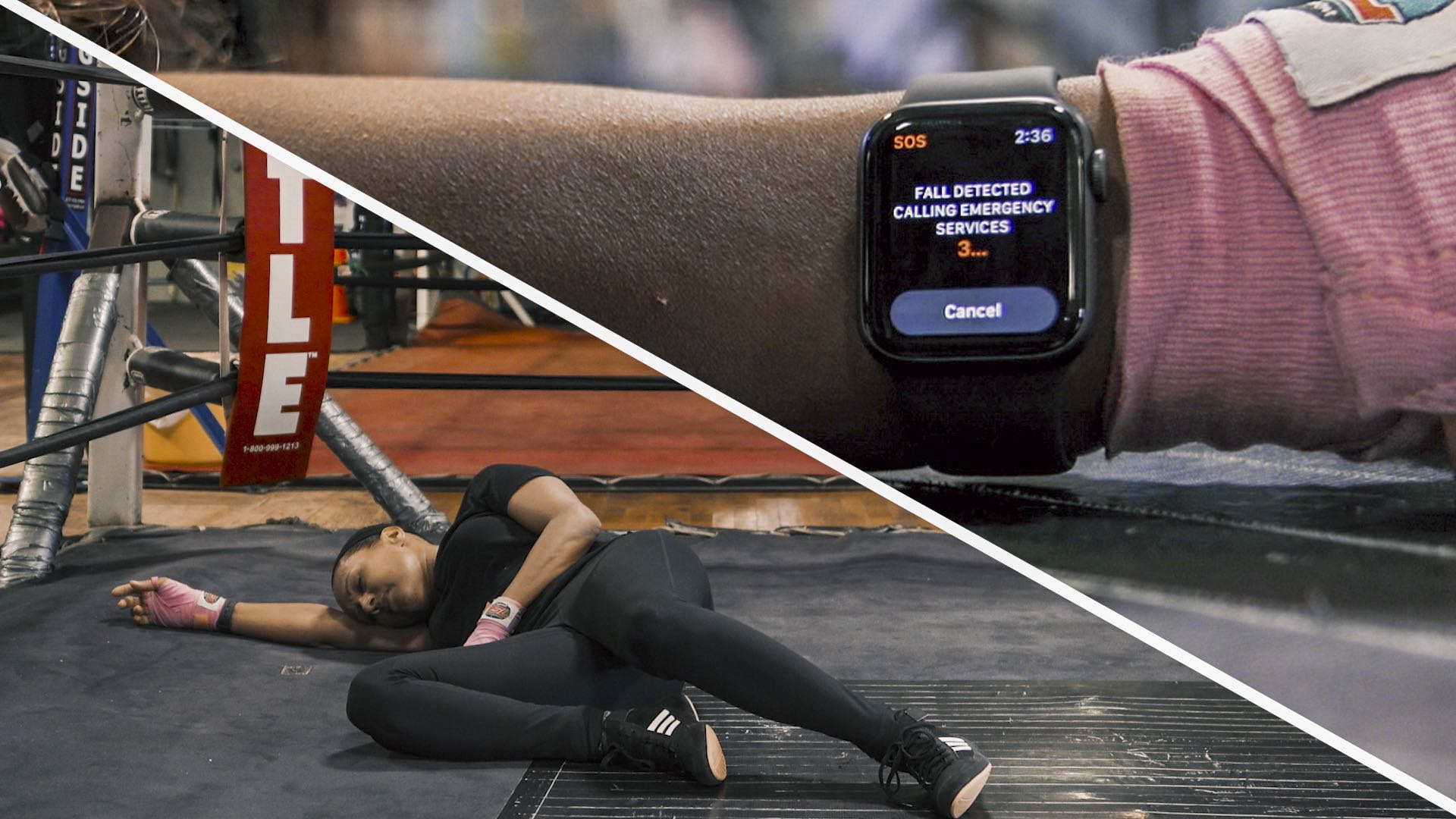
In this life-saving tutorial, we’ll share how to turn on the fall detection feature on your Apple Watch to notify emergency contacts and services if you ever suffer a hard fall.
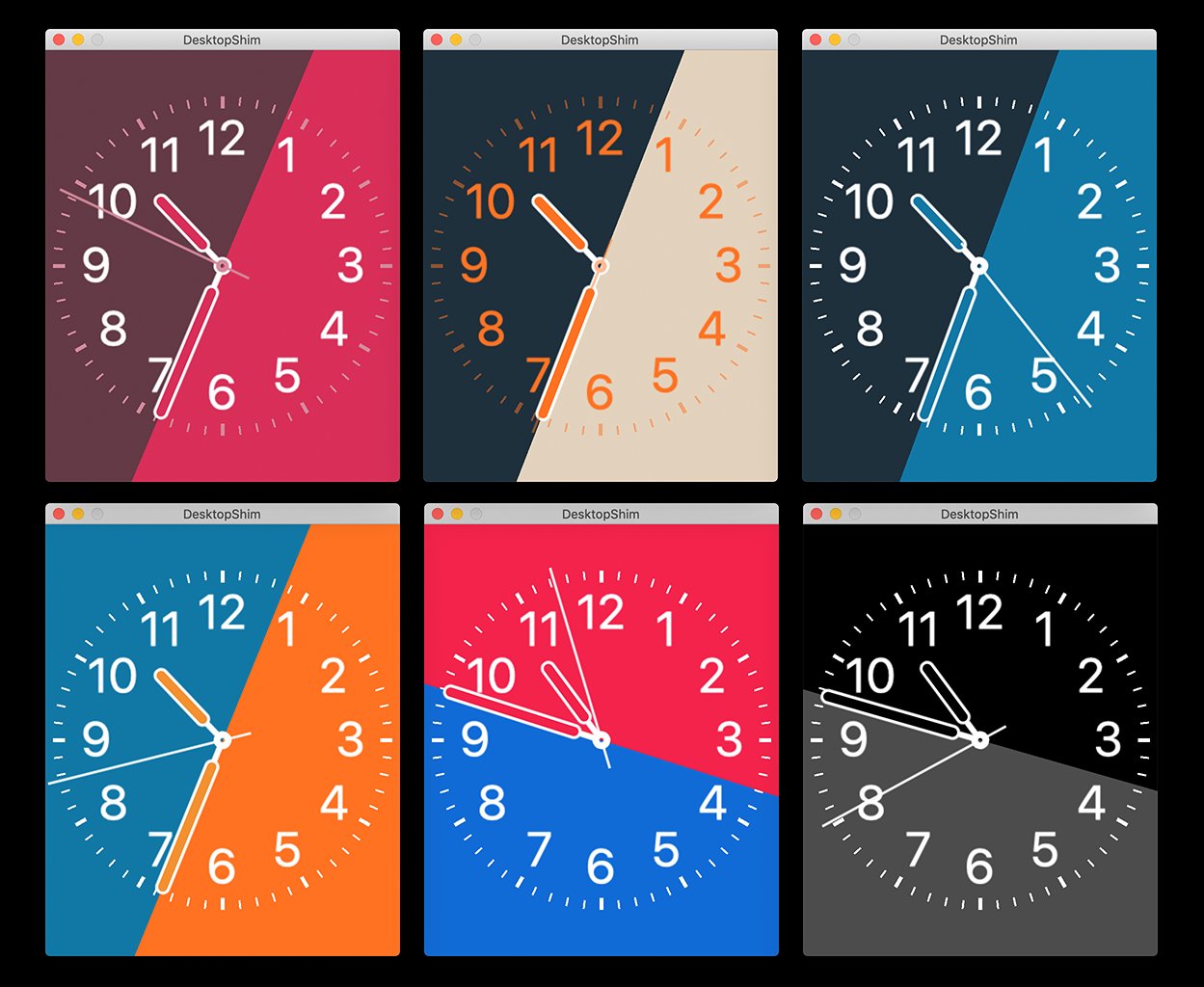
Third-party Apple Watch faces still haven't arrived. Despite this, there's now a way to create customized watch faces using the graphics rendering and animation tool, SpriteKit.
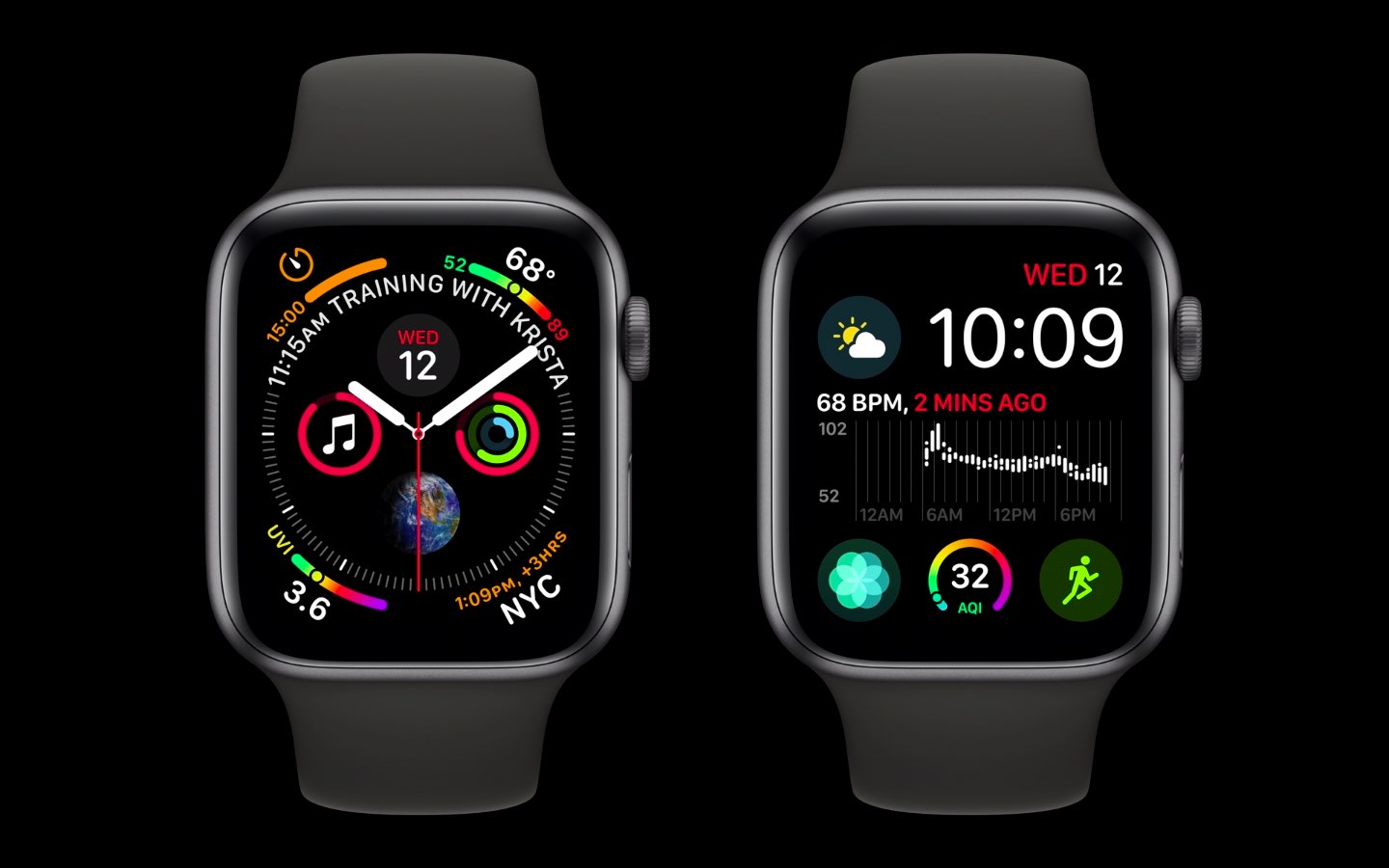
Some Apple Watch Series 4 owners have experienced an issue causing the watch to crash or reboot on its own, which can be chalked up to a daylight saving time bug.
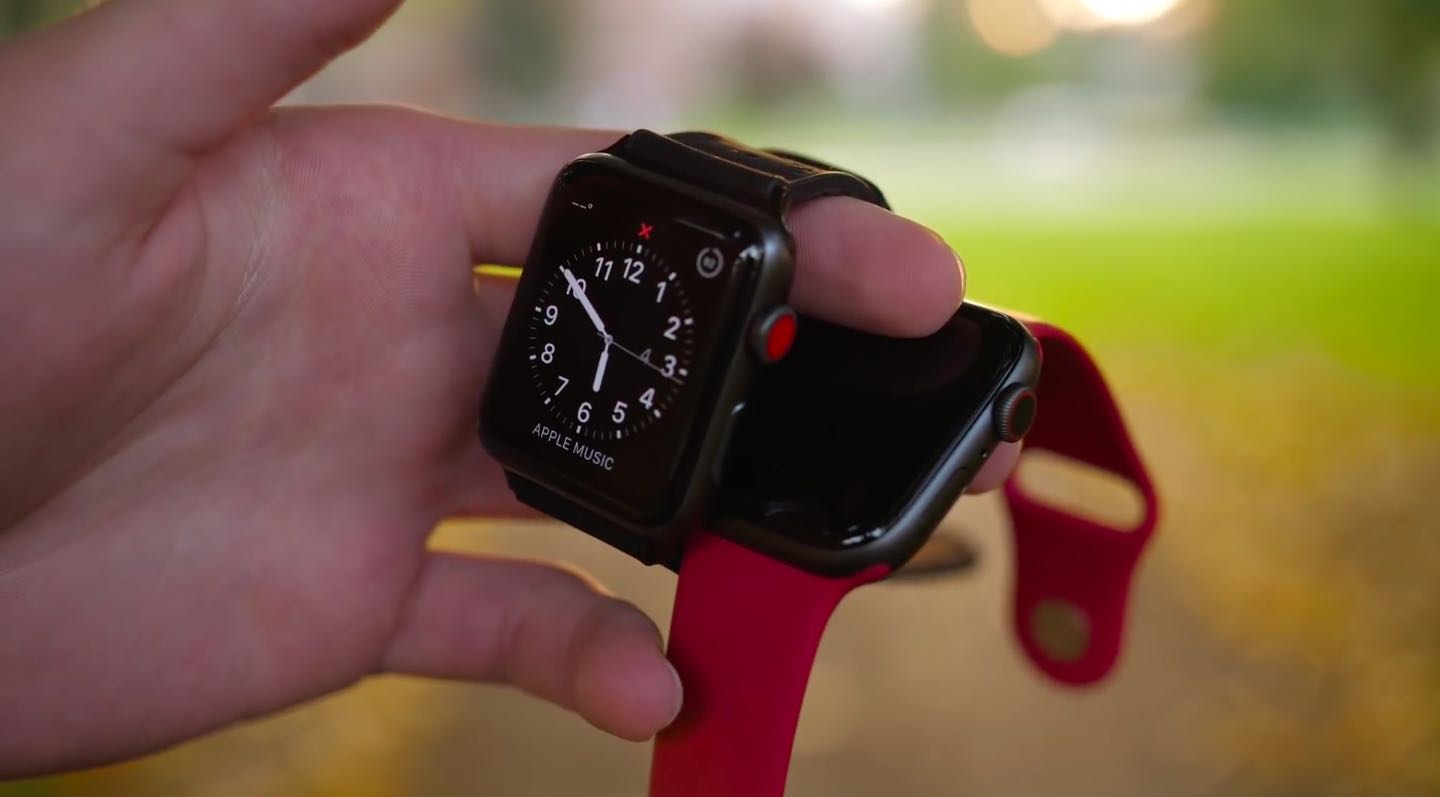
Apple Watch Series 4 is a seriously praised smartwatch for a good reason, but last year's Series 3 is no slouch and it comes with some pretty compelling features. You can get a baseline 38mm aluminum Series 3 with a sport band from Apple right now for as low as $279 versus $399 for a 40mm aluminum Series 4. The new Series 4 watch has been redesigned from top to bottom and offers even better features than the last year's model, but is it worth the extra $120? iDownloadBlog's video editor Harris Craycraft does the comparing for you, boys and girls, in his hands-on video walkthrough of Apple Watch Series 4 vs Series 3.
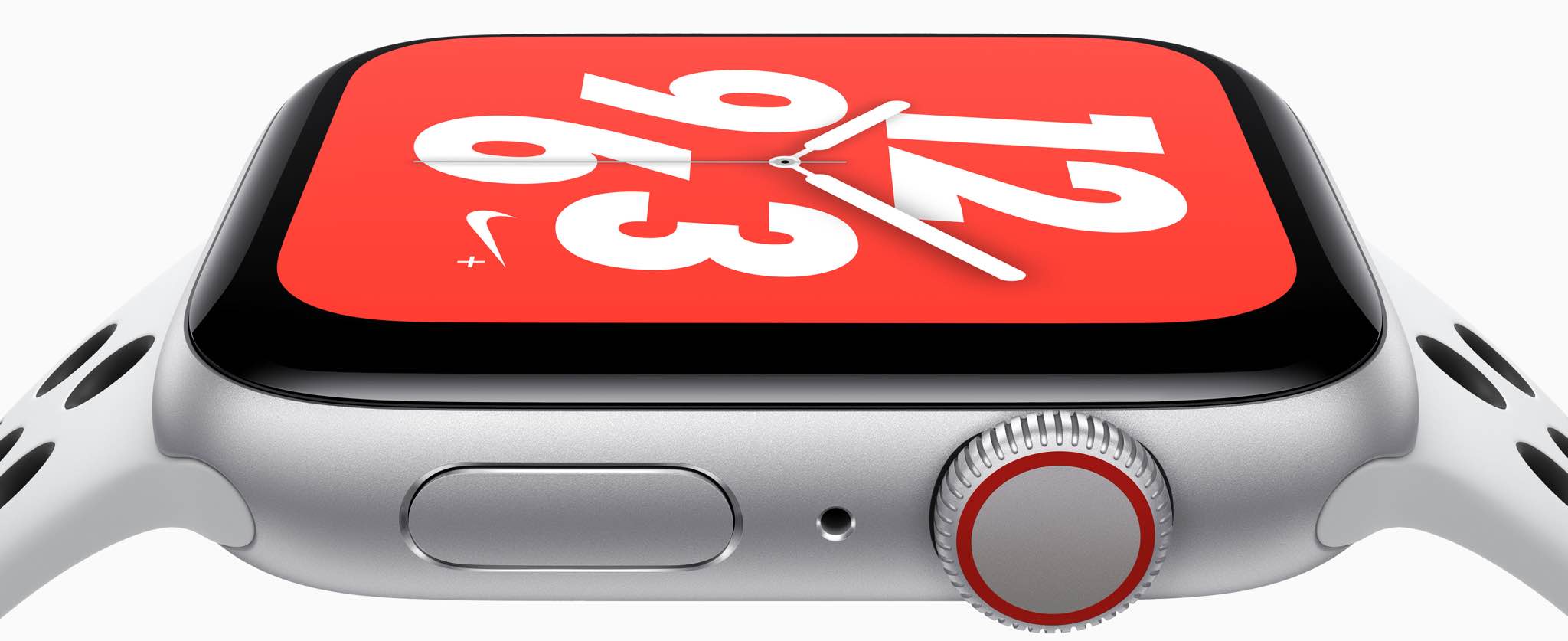
Two weeks after the Apple Watch Series 4 and Apple Watch Hermès arrived in stores, the Nike+ version is set to make its debut. The model arrives in select countries beginning tomorrow, Oct. 5.

Are you still on the fence about buying an Apple Watch and wondering what you can do with it? In this guide, I will share the important things my close friends and I use our Apple Watches for.

Tired of Siri talking back every time you ask for something on your Apple Watch? While it’s very thoughtful of Siri to acknowledge your request, you may not want to hear it. For example, just because you ask Siri to set a timer for 10 minutes doesn’t mean you want to hear a confirmation that the countdown has begun.
You may not be able to disable Siri’s feedback, but you can tweak the settings to quiet Siri down a bit. Here’s how to customize Siri voice feedback on your Apple Watch to lower the volume or completely turn off spoken responses.
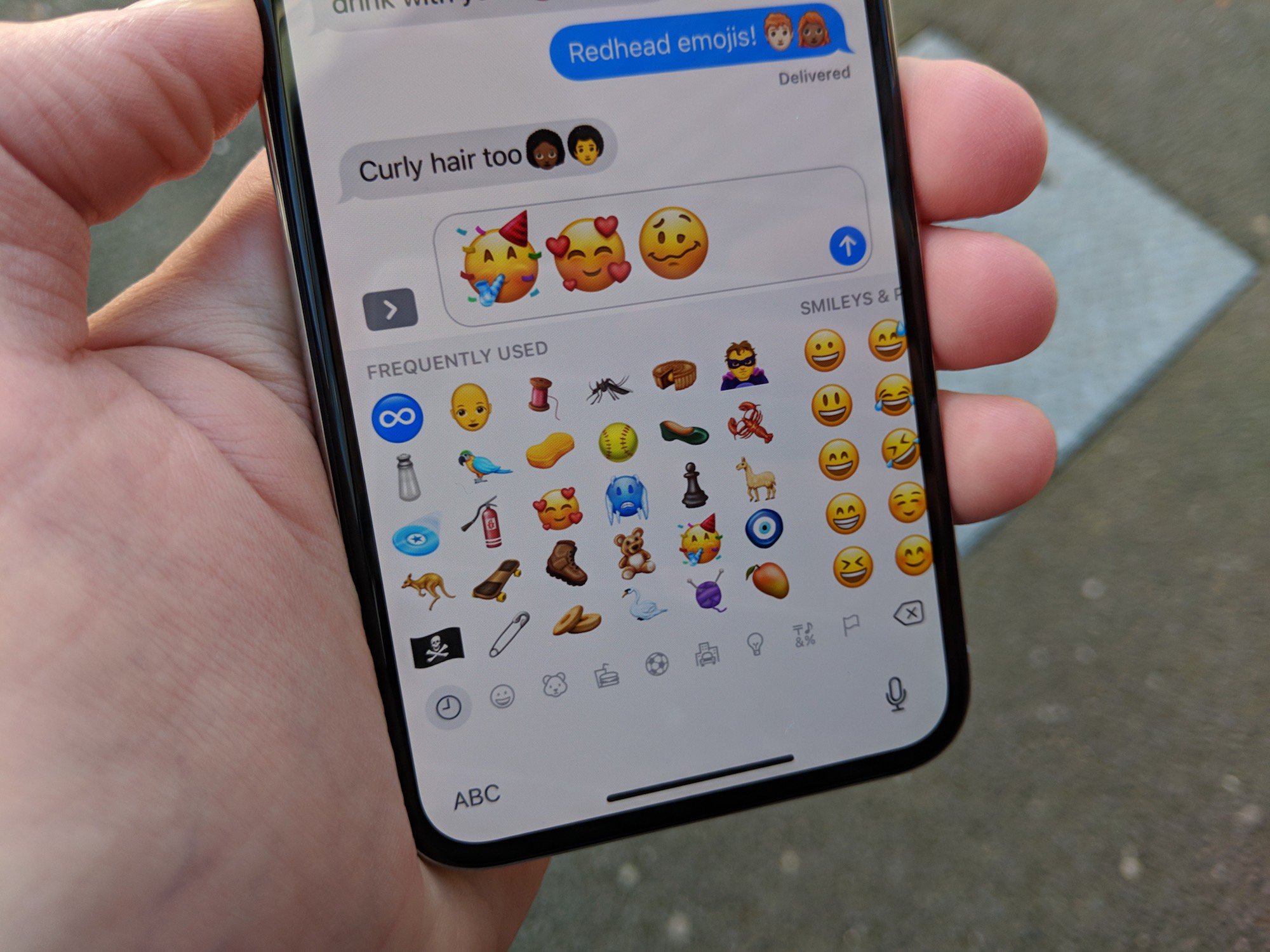
Apple will bring more than 70 new emoji characters to iPhone, iPad and iPod touch with an upcoming iOS 12.1 software update, plus watchOS and macOS. Today, the Cupertino giant previewed some of the new emoji sets coming to your Apple devices, including new characters with red hair, gray hair and curly hair, a fresh new emoji for bald people, more emotive smiley faces and additional emoji characters representing animals, sports and food.
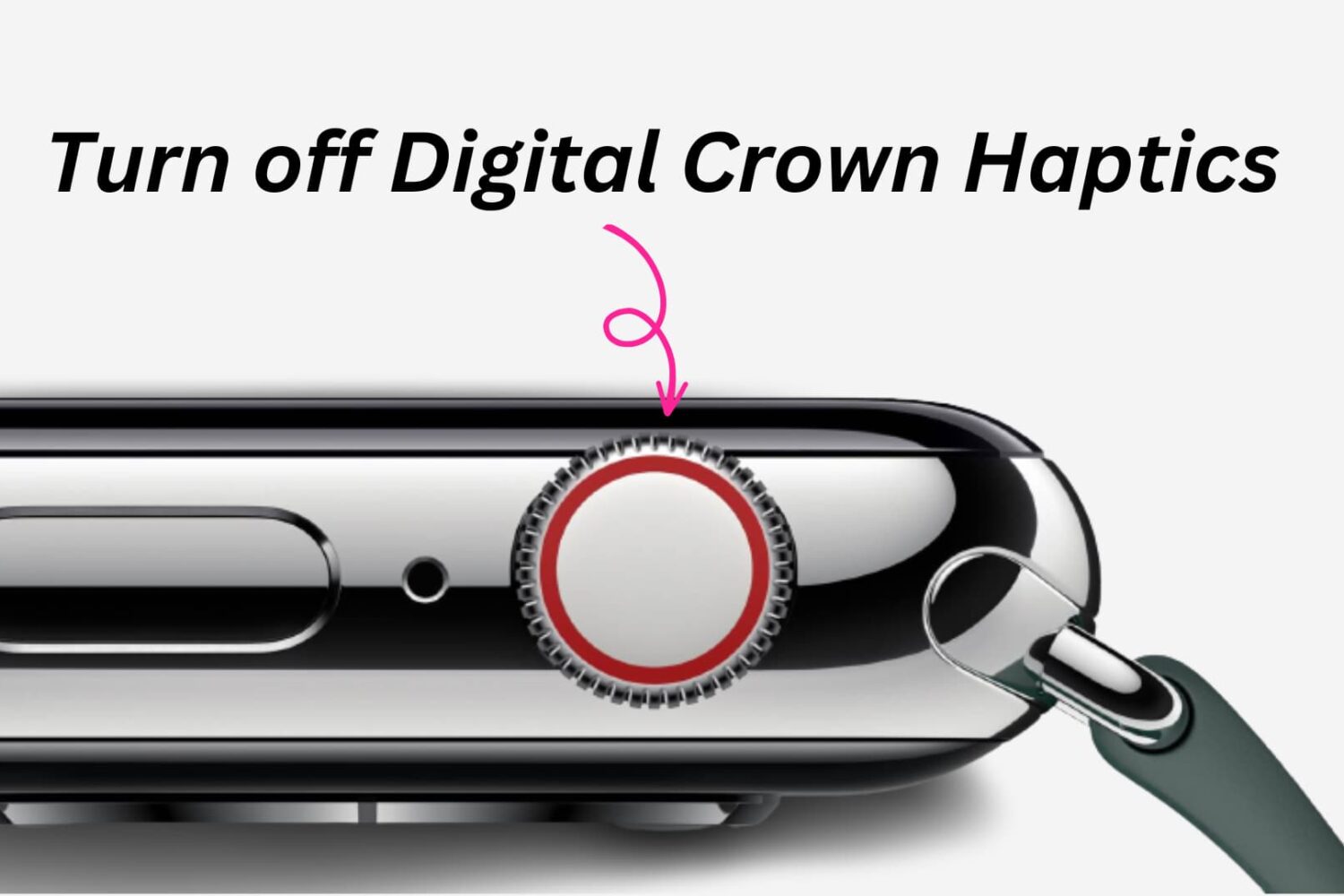
Learn how to turn off haptic vibration when rotating the Digital Crown on your Apple Watch to disable tactile feedback when scrolling and extend battery life.