Apple Watch

Stay up-to-date on the latest Apple Watch news, and learn how to get the most out of your device with our comprehensive tutorials. From updates to features to troubleshooting tips, we’ve got you covered.

The best Apple Watch apps for students to plan their schedule

Apple Watch Apps for Student Planning

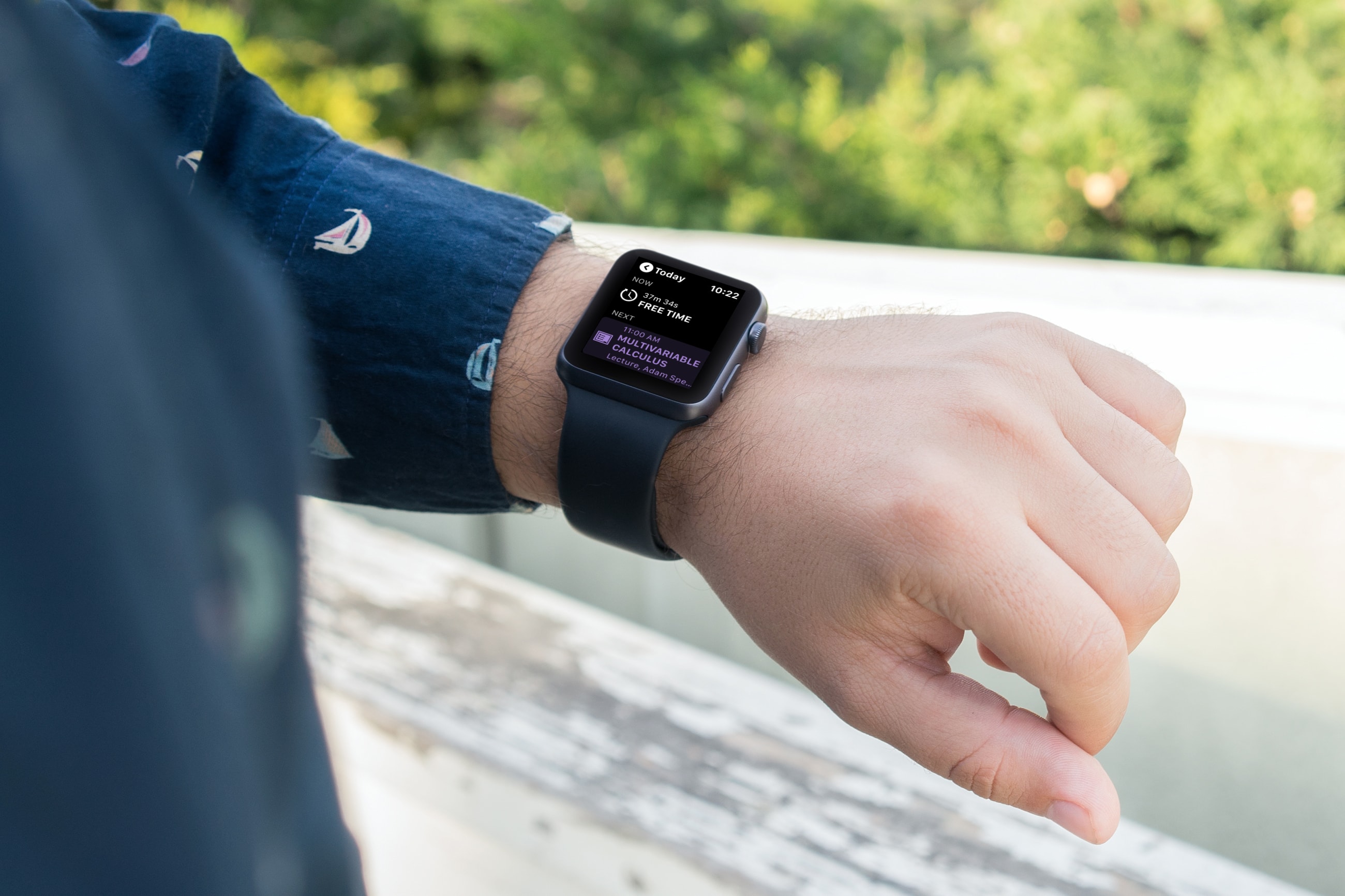
When it’s time for school to start up again, it’s important for students to plan their day and schedule their week. And there’s no handier way to do it than with apps for Apple Watch. With the wearable and right apps on your wrist, you can see which class starts when, what assignments are due, and when free time begins.

Here are some of the best Apple Watch apps for students to plan their schedule.

The best free Apple Watch to-do list apps

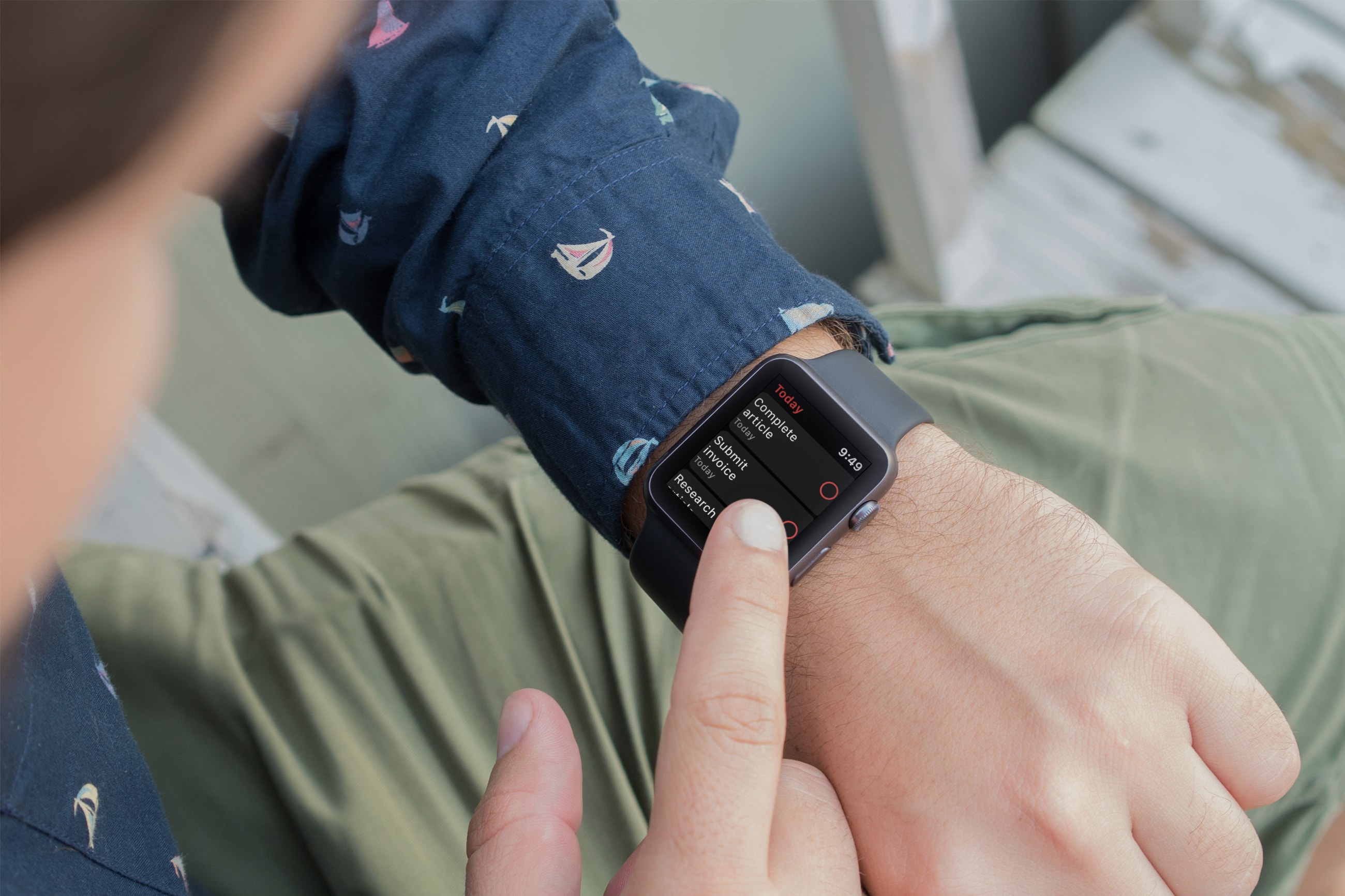
Apple Watch to-do list apps - Todoist

Using an app to keep track of tasks is one of the most useful ways to use your devices. And if you own an Apple Watch, being to see your to-dos and mark them as complete is really convenient. There are plenty of task list tools on the App Store and many work with your Apple Watch, but which ones don’t cost a fortunate and are worth the effort?

These are three of the best free Apple Watch to-do list apps for getting things done.

Six reasons watchOS 6 is amazing

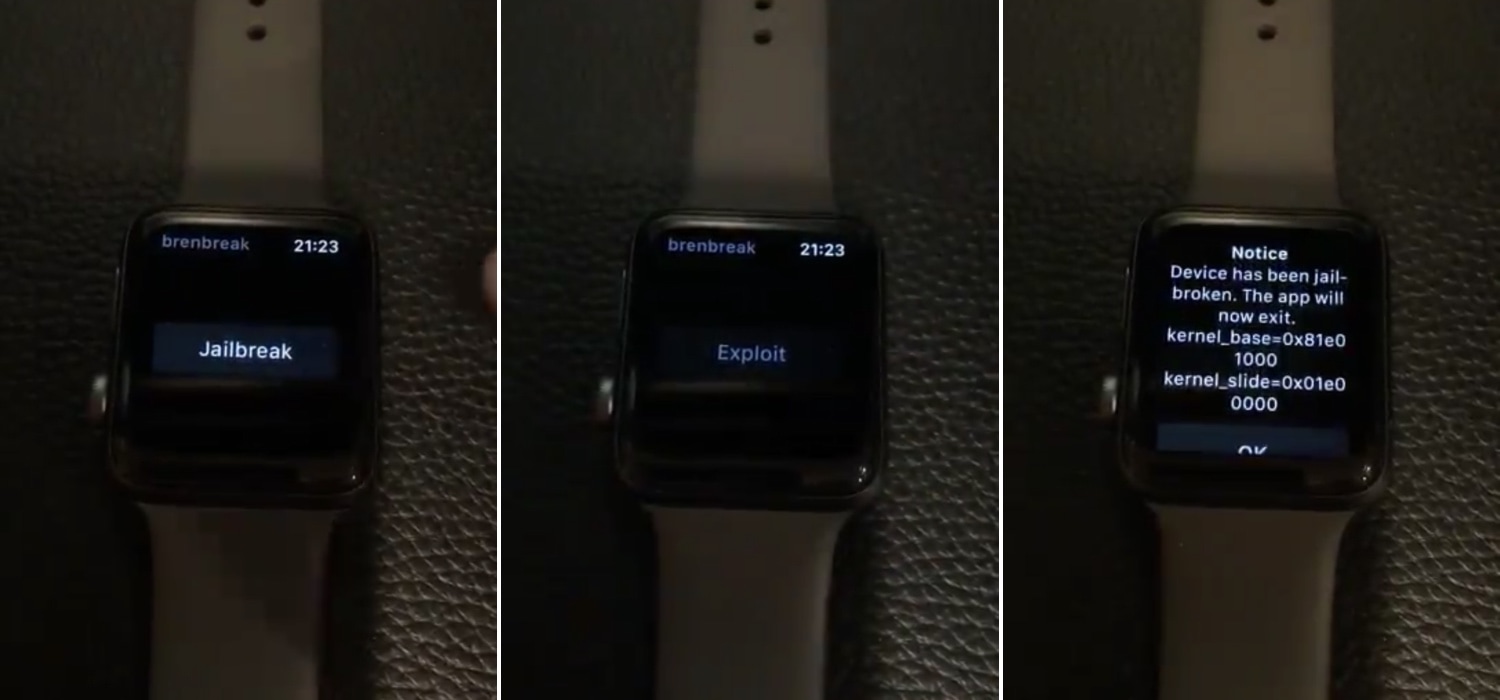
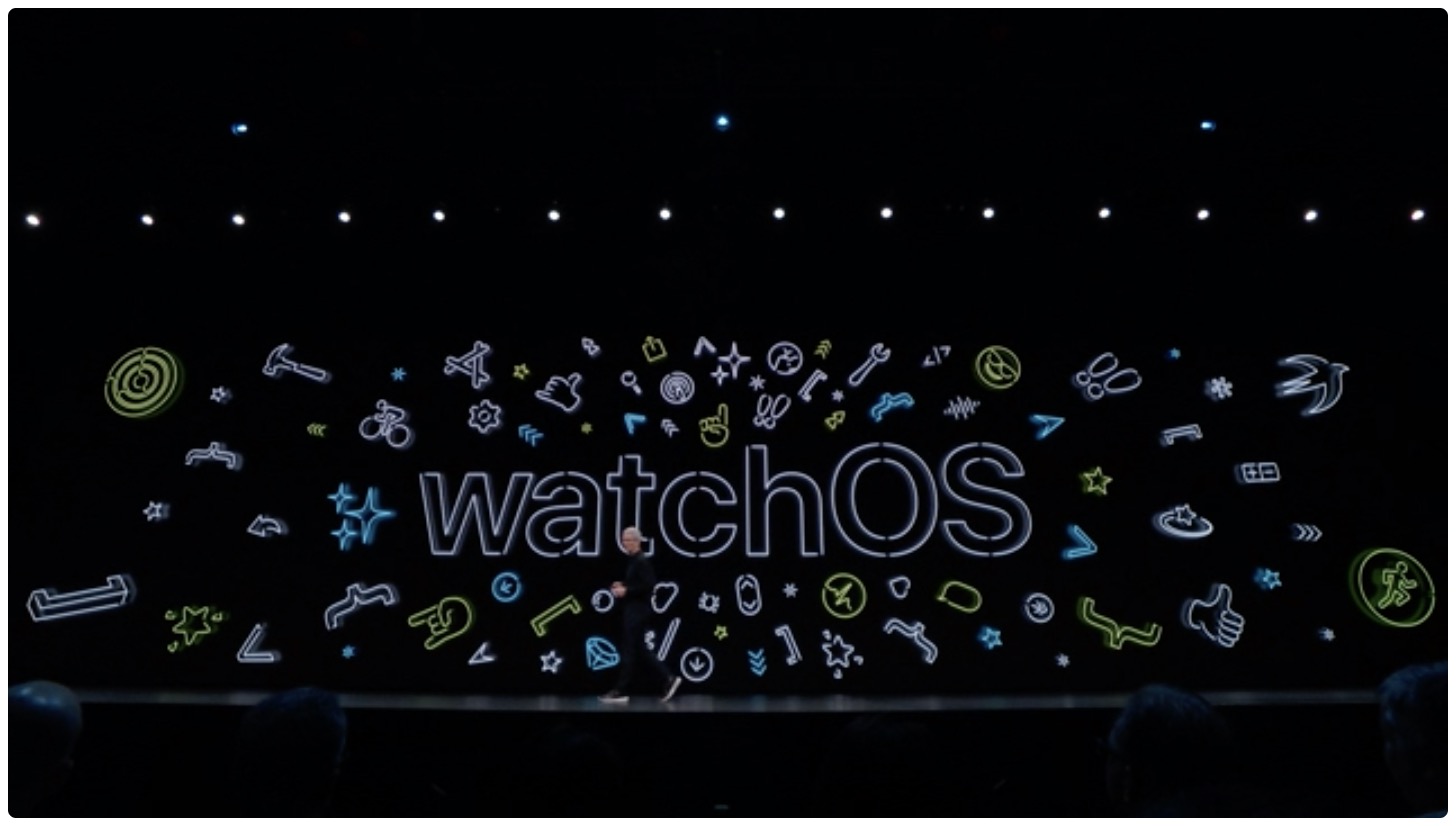
Unveiled at WWDC 2019, the watchOS 6 software update makes your Apple Watch better and more independent than it's been ever before. Here are iDownloadBlog's six reasons why watchOS 6 is amazing and how it makes your Apple Watch closer to being its own product.

Honey brings the Apple Watch’s Home screen experience to your iPhone

If you own an iPhone and an Apple Watch, then you know that each device’s Home screen functions in a different way. iOS' Home screen is optimized for a larger display, while watchOS' is optimized for a smaller display; but if you have a soft spot for how the Apple Watch’s Home screen works and fancy the same experience on your iPhone, then today's your lucky day because you'll no longer need to settle.

Enter Honey, a newly-released jailbreak tweak by iOS developer Blake Boxberger that ports the Apple Watch’s Home screen experience to iOS devices. As you’ll notice in the screenshot examples above, Honey can be configured to work in several different ways and lets you experience what you love about your Apple Watch right on your iPhone or iPad.

How to set up and send money with Apple Cash

Pay with Apple Pay Siri

For the fastest way to loan money to a friend or pay them back after borrowing some yourself, you can use Apple Cash, formerly named Apple Pay Cash. Once you set it up, you can send money to your contacts or request money from them via the Messages app. The service has been around for a while, but there are still many who haven’t taken it for a spin yet.

If you fall into this category, this tutorial shows you how to set up and send money with Apple Cash.