Apple Watch

Stay up-to-date on the latest Apple Watch news, and learn how to get the most out of your device with our comprehensive tutorials. From updates to features to troubleshooting tips, we’ve got you covered.

LongScreen now supports combining Apple Watch screenshots

One of my favorite screenshot managing apps on iOS, LongScreen, has been updated to support Apple Watch screenshots. This means that you can now combine multiple Apple Watch screenshots into a single screenshot, all on your iPhone.

The app, which is well-known for its ability to combine iPhone screenshots with padding and a cleaned up status bar, is now on version 1.3.

You can purchase LongScreen from the App Store for only $2.99, a price that's totally worth it when you consider the time that you can save from using it.

App Watch: game on

Although I'm not a hardcore gamer, I do my fair share of gaming, largely on my Mac or PC, but iOS has demanded my attention as a gaming platform as well. Console gaming doesn't greatly interest me, however, due to the cost of games and limitation of genres. But I don't mind investing into a gaming PC that I can also use for work, school, and countless other things, and my iPad Air 2 is also great for playing the more graphically intense titles on iOS.

More recently, gaming moved beyond iPads and iPhones to alight on users' wrists with Apple Watch, which is our primary focus in this article. Although the games are very basic, as they should be, many are designed to burn a few minutes while in line or other places where pulling out an iPhone isn't entirely convenient, while others are built exclusively for Apple Watch.

Photos and video of Apple Watch Edition being unboxed

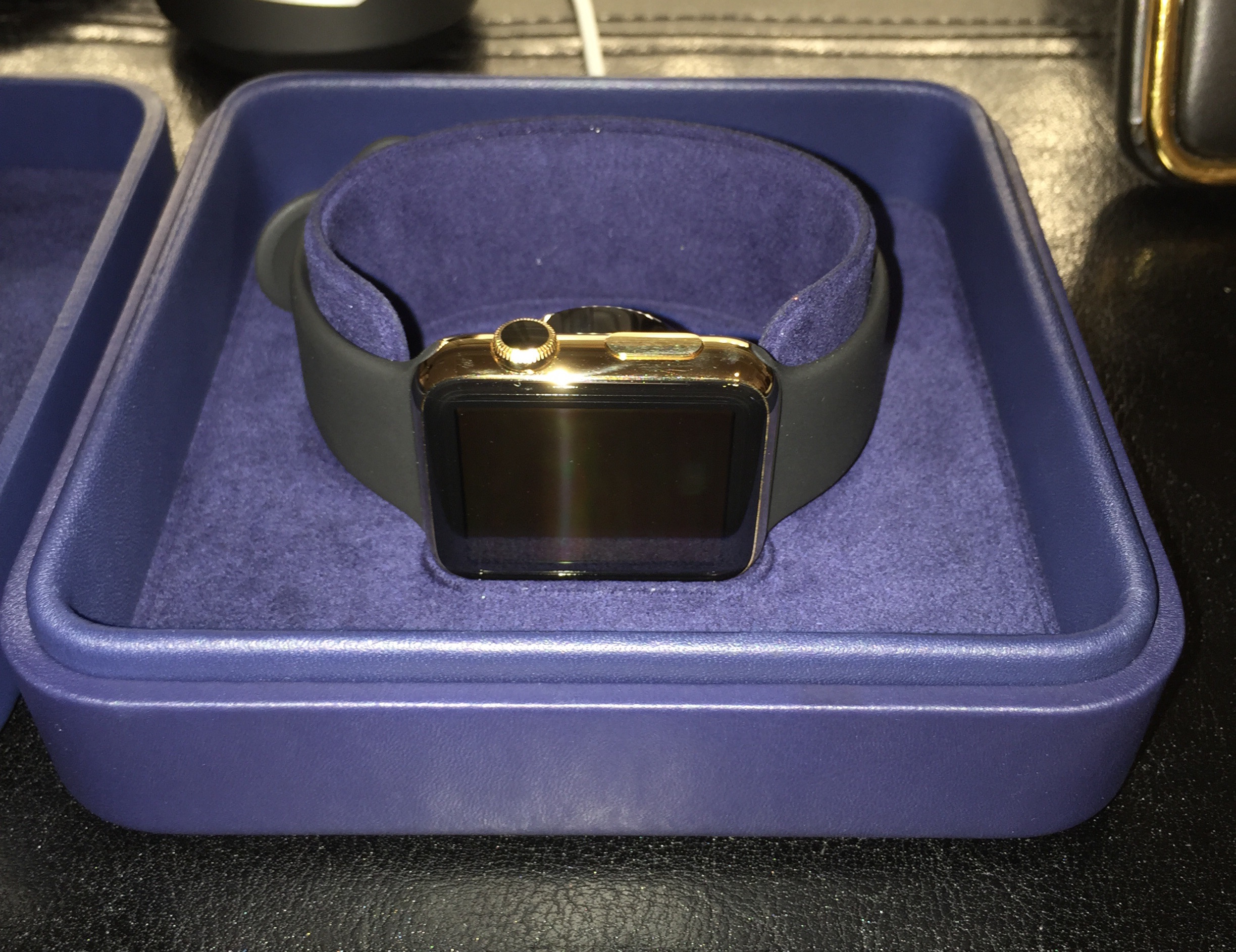
Units of the staggeringly-expensive Apple Watch Edition began shipping this week, and some customers have already started receiving their orders. Yesterday, a user over in this MacRumors forum thread posted a series of photos showing his new golden wearable.

The photos are of a 42mm Yellow Gold Edition with black Sports band. The box looks similar to that of the Stainless Steel Apple Watch, but is dark blue (almost purple) in color and includes a matching cleaning cloth. Check out the images below to see more differences.

How to make Apple Watch play nice with your iPhone on a 5Ghz Wi-Fi network

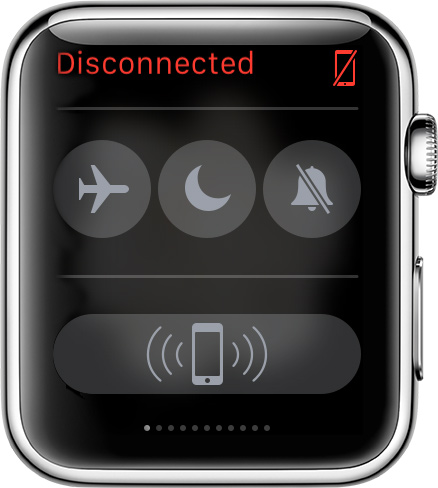
Although not quite new, we reported this morning that Apple Watch can't connect to a 5Ghz Wi-Fi network. It's not a bug or anything. It's just a limitation of the current hardware found in Apple Watch. For those users that are not aware of this limitation, it can cause problems when believing that because you are on a known Wi-Fi network, Apple Watch and iPhone should still be able to connect even if they're out of Bluetooth range.

There is just no way to make your Apple Watch connect to a 5Ghz Wi-Fi network, but there are ways to work around that limitation. I've actually been helping people with that specific issue for a few days now, and because I've seen misinformation going around, I thought it would be best to just get things cleared up and explain how you can have both your iPhone and Apple Watch play nice with each other, even if your iPhone is connected to a 5Ghz network.

Apple Watch doesn’t work with 5Ghz Wi-Fi networks

In addition to Bluetooth, the Apple Watch also relies on Wi-Fi to communicate with its paired iPhone. In fact, the device can provide a number of useful features over Wi-Fi when iPhone isn't in Bluetooth range such as Messages, Siri and more.

It also automatically connects to known Wi-Fi networks that your iPhone, while connected to the Apple Watch over Bluetooth, has connected to before.

However, the Apple Watch won't connect to a 5GHz Wi-Fi network, even if its paired iPhone has previously connected to it, as first noted by French blog iGen.fr.

Slice Intelligence: Apple Watch sales taper off to 30,000 units per day

Slice Intelligence, an opt-in service that scans receipts of two million online shoppers' inboxes, estimated Friday that Apple Watch sales have cooled off and currently stand at or below 30,000 daily units in the United States, following the launch day spike that saw an estimated 1.5 million U.S. pre-orders of the wrist-worn device.

As noted by Quartz tech editor Dan Former, that suggests that Apple Watch orders fell sharply after the first day and haven’t grown since.

Users report less consistent heart rate readings after updating to Watch OS 1.0.1

In addition to fixing performance issues and a number of problems related to the accuracy of fitness tracking, the first software update for the Apple Watch seem to have introduced an unintended bug.

The affected owners have flocked to Apple Support Communities and MacRumors' forums to report that the device is now capturing their heart rate readings less frequently than before after updating to Watch OS 1.0.1.

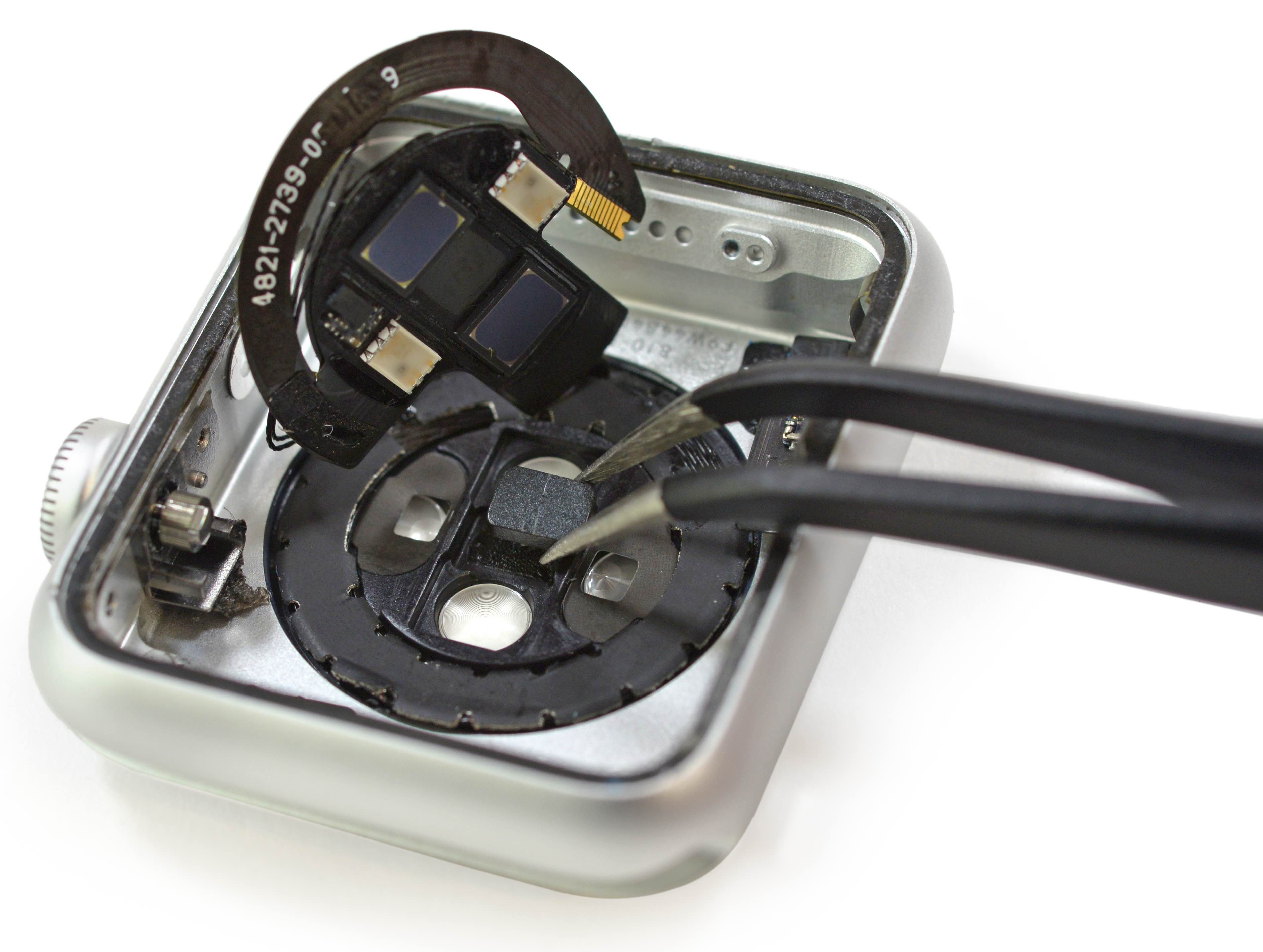
Apple says the device's heart rate sensor should capture heart rates every ten minutes throughout the day — even more frequently during workouts — but there are now noticeably larger gaps of time between data, some as long as an hour or more.

How to use glances as app shortcuts

Glances are the quick information summaries of apps that are accessible by swiping up from the bottom of the watch face on your Apple Watch. In a previous post we told you all about glances, how to use configure them and how to use them.

But there's an additional thing that you should know about glances that is proving to be extremely useful for Apple Watch users. You see, a glance can be used as a direct shortcut to the app that it represents.

In this post, which is a part of our larger Apple Watch guide, we'll show you how to use glances as app shortcuts on your Apple Watch.