Apple Watch

Stay up-to-date on the latest Apple Watch news, and learn how to get the most out of your device with our comprehensive tutorials. From updates to features to troubleshooting tips, we’ve got you covered.

Todoist launches Apple Watch app with Inbox, Today view, Projects, Filters and Labels

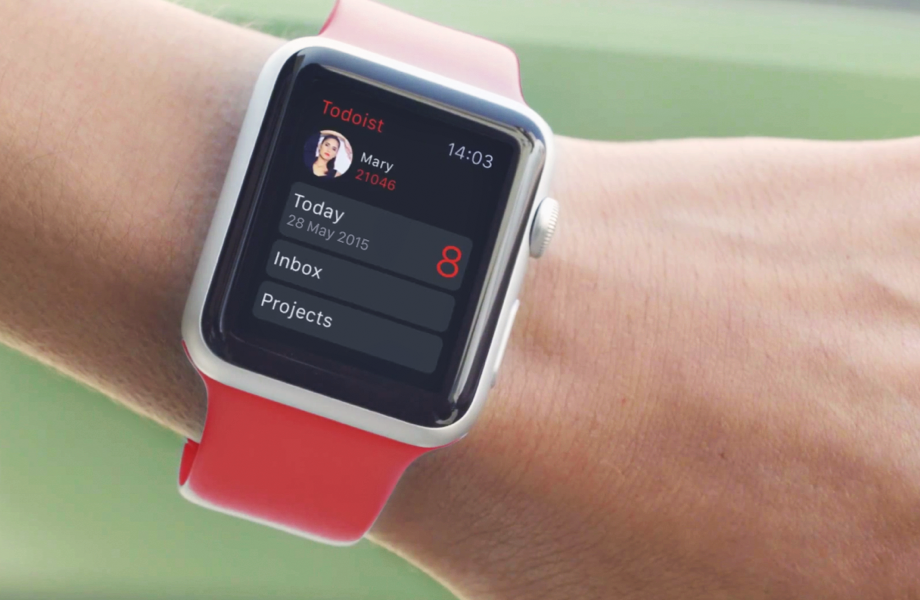
Todoist, the advanced to-do list and task manager for iOS and OS X, is now available for the Apple Watch. The app delivers a number of powerful features for managing tasks to your wrist, including Inbox, Today view, Projects, Filters and Labels. A Glance view gives you a quick overview of your upcoming tasks.

You can also respond to rich notifications with natural language processing. The main app provides more details related to your tasks and projects, allowing you to review tasks and projects, create new ones using dictation and much more.

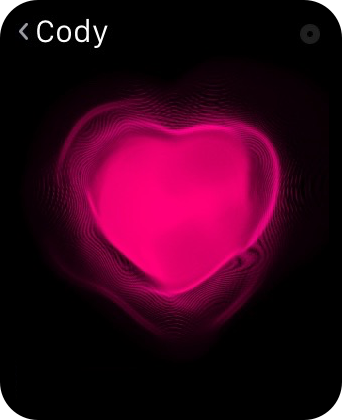
How to use Digital Touch to send sketches, taps, and heartbeats on Apple Watch

The Digital Touch features available on Apple Watch are some of the device's most personal qualities. With it, you can do things like send sketches, taps, and yes, even your heartbeat, to friends. These three aspects make up the whole of the highly touted Digital Touch feature-set on Apple Watch. In this post, we'll break down how to send sketches, taps, and heartbeats with ease.

How to track stocks on your Apple Watch

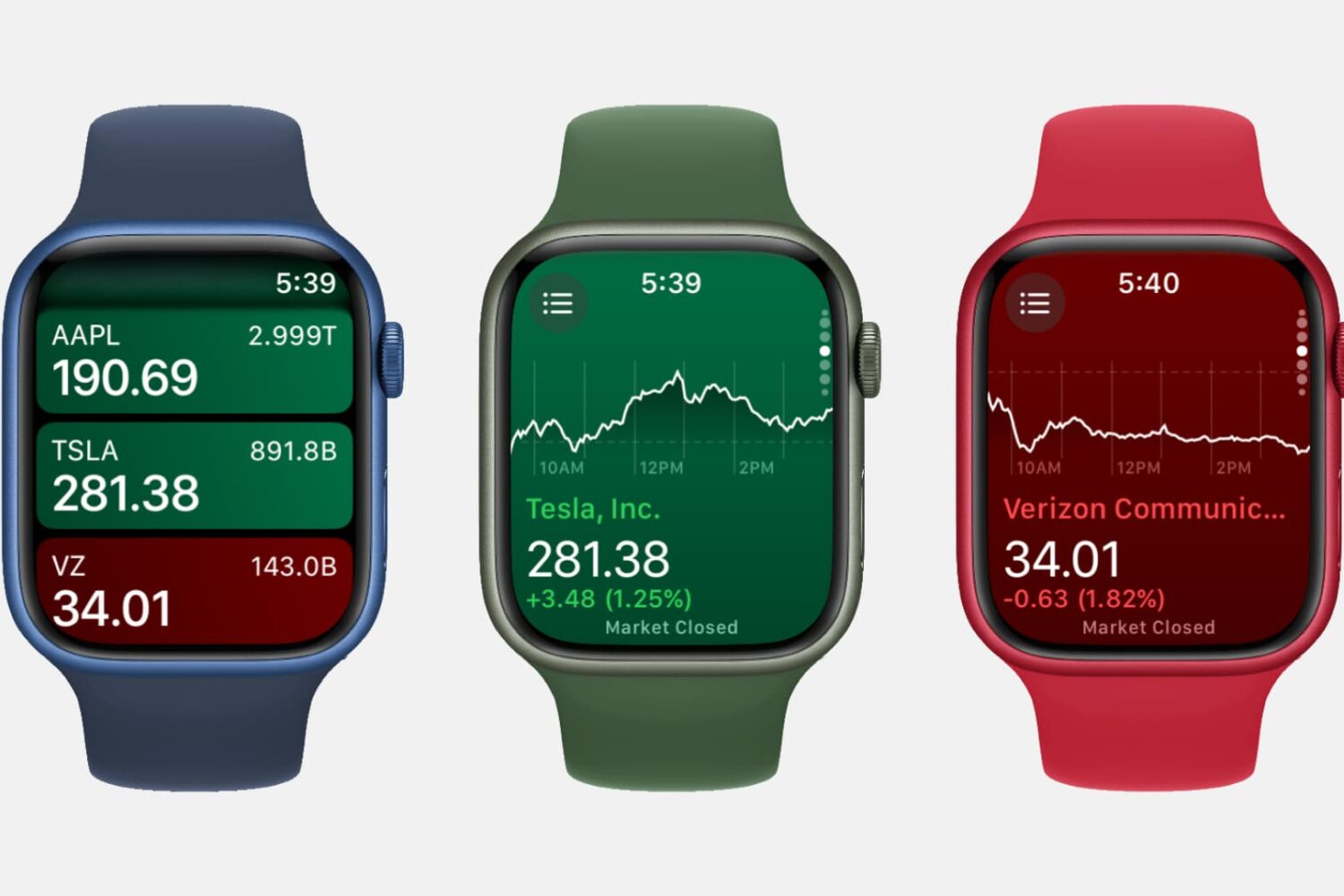
Three Apple Watch mockups showing the Stocks app

Featuring a built-in Stocks app and the ability to check on a stock via Siri, the Apple Watch is a great tool for quickly garnering info on the stocks that interest you, allowing you to keep track of your favorite companies’ financials right from your wrist.

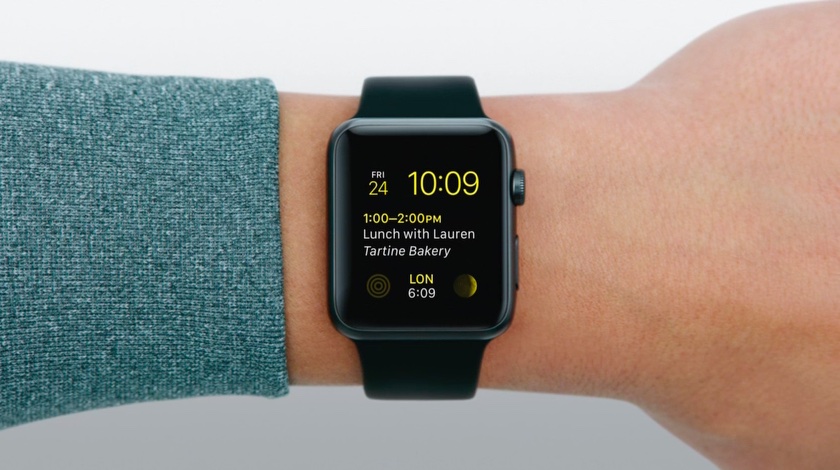
I survived my first day without my Apple Watch

Yesterday I did something I haven't done before. I forgot to put my Apple Watch on when I left the house for work. That meant being about 14 hours without my watch. over half a day with no wearable notifications, or fitness tracking, or quick replies to messages. For the first time since April 24th, I was Apple Watchless.

And I was kind of pleased.

How to use your Apple Watch stopwatch like a pro

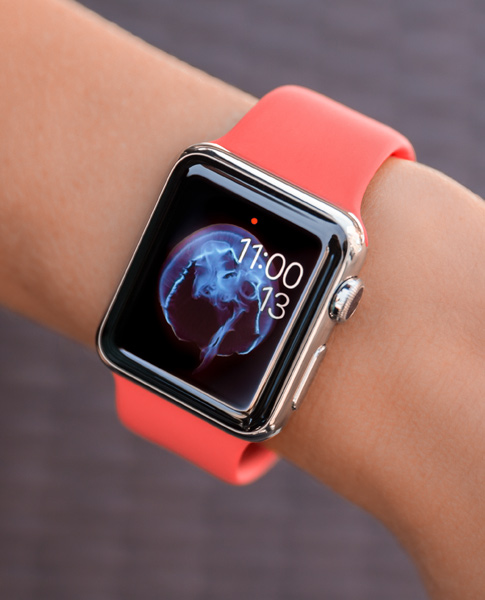
Stopwatch on Apple Watch

The Apple Watch, as you might have guessed, is really good at timekeeping. Unsurprisingly, it comes bundled with a stopwatch function that works as both a full-fledged app and a watch face complication. In this post, which is a continuation of our Apple Watch tips series, we'll show you how to get the most out of the stopwatch functionality on your Apple Watch.

Apple confirms native apps with direct access to Apple Watch sensors arriving this fall

In announcing WatchKit and an accompanying SDK for developing apps for the Apple Watch, the Cupertino firm originally said in a November 2014 press release that “starting later next year, developers will be able to create fully native apps” for the wrist-worn device.

As Apple's op-chief Jeff Williams joined journalists Walt Mossberg and Kara Swisher on stage at Recode Conference earlier this morning, we got our official confirmation that native watch apps are indeed arriving this fall.

Apple Watch reportedly has onboard hardware for measuring blood oxygen saturation

Currently, your Apple Watch learns about calories you burn by applying some math magic to your heart rate readings and values obtained from its sensors.

The method provides reasonably accurate estimates of resting/active calories. However, even more precise calorie-burning readings could come soon if Apple decides to enable the hardware feature which can reportedly measure oxygen levels in your blood.

As an iFixit teardown has identified, the Apple Watch heart rate sensor has onboard hardware for detecting blood oxygen saturation.

Are your Apple Watch resting calories all over the place?

Calories on Apple Watch

According to numerous posts over at Apple Support Communities, as well as a huge thread on MacRumors' forum, an unknown subset of Apple Watch owners are complaining about their resting calories in the Activity and Workout apps being all over the place.

As opposed to active calories burned when working out or performing basically any other activity other than breathing and lying in bed, your body needs resting calories to sustain itself and digest food when you're reclining with your muscles relaxed.

In other words, resting calories are burned when you're doing absolutely nothing aside from being alive.

Apple Watch Edition booklet details Force Touch implementation, manufacturing process and more

Recent photos and video depicting an Apple Watch Edition being unboxed provide an interesting insight into engineering that went into the creation of force sensing on the wrist-worn device, with details that go well beyond Apple's rather scarce description on the Technology section of the Apple Watch mini-site.

As you know, not only does the Apple Watch display respond to touch-based gestures like tapping and swiping, it also uses Force Touch technology to respond to the pressure of your finger.

Now, gold Apple Watch Editions ship with a rather informative booklet that mostly deals with Apple's manufacturing process. In addition, this booklet sheds more light on the implementation of Force Touch technology and other hardware features of the devices such as sapphire screen protection, Apple's smallest speaker yet and more.

Poll: has Apple Watch software update made your favorite apps more responsive?

Last week saw the release of Apple's first software update for the Apple Watch.

Among other changes, the flurry of enhancements in Watch OS 1.0.1 include performance improvements related to both Apple's stock apps and third-party applications you download from the App Store.

Unlike stock apps that run directly on the device, third-party ones run as WatchKit extensions on your iPhone and are then streamed off the phone to your wrist. That's why opening Twitter, Instagram, CalcBot, or any other third-party app for that matter, takes a frustratingly long time to load vs. native apps.

In that regard, Watch OS 1.0.1 should have changed things for the better, but has it? If you own an Apple Watch, and have updated to Watch OS 1.0.1, do your favorite apps now load faster than before?