Apple Watch

Stay up-to-date on the latest Apple Watch news, and learn how to get the most out of your device with our comprehensive tutorials. From updates to features to troubleshooting tips, we’ve got you covered.

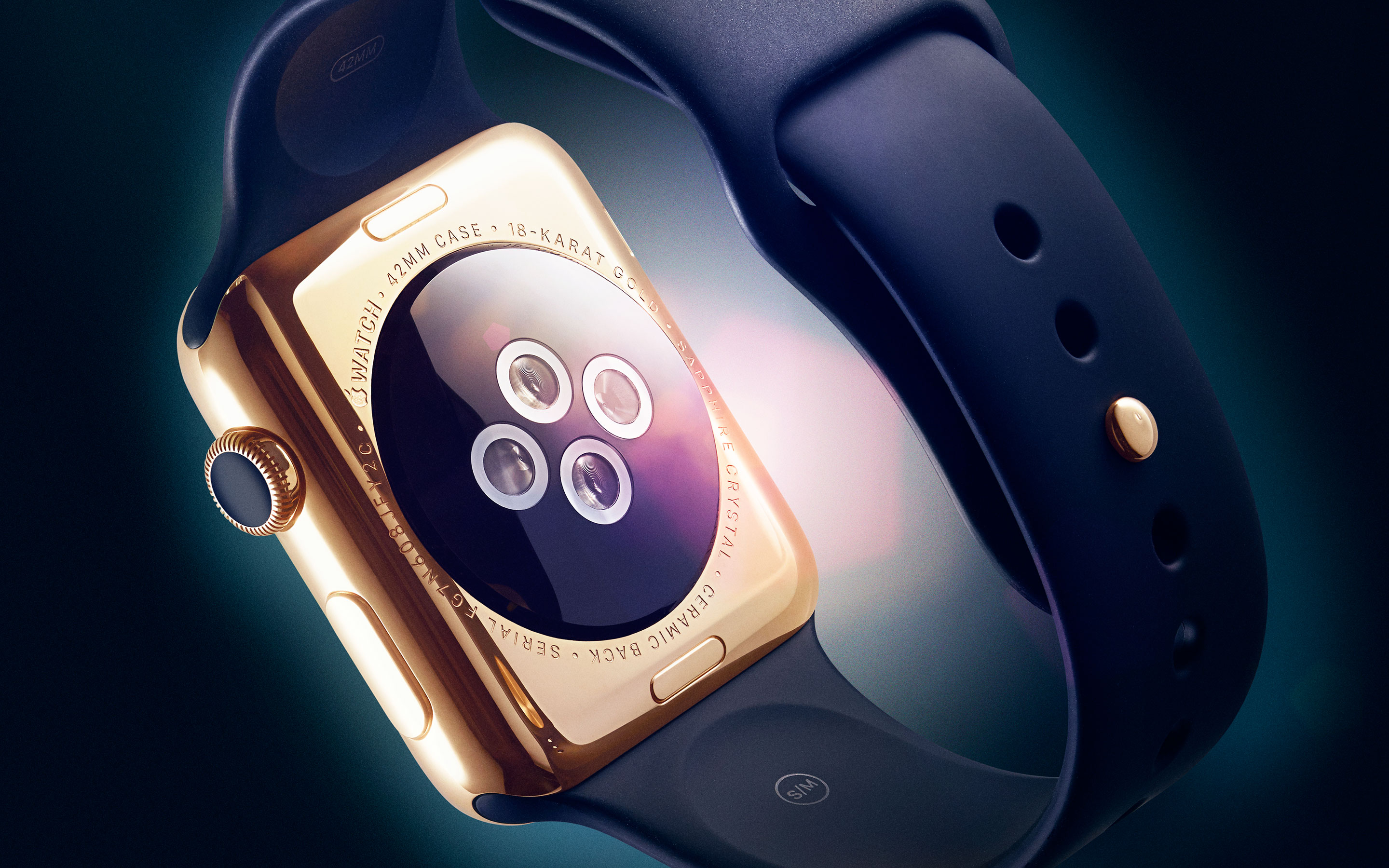
Apple Watch availability expanding to seven more countries on June 26

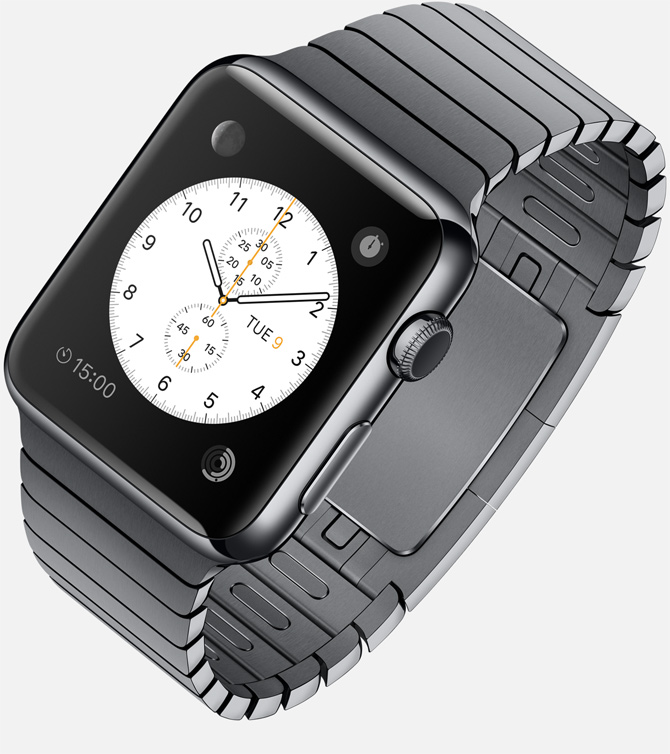
The Apple Watch will be arriving to an additional seven countries beginning Friday, June 26, the company confirmed Thursday in a media release.

Customers in Italy, Mexico, Singapore, South Korea, Spain, Switzerland and Taiwan will be able to buy the device beginning June 26 from the Apple Online Store, Apple’s retail stores and select Apple Authorized Resellers.

In addition, the Cupertino firm has announced limited in-store availability of the wearable device.

Camera+ for iPhone unveils Apple Watch remote app and selfie widget button

If Camera+ by Taptaptap is your daily driver when it comes to iPhone photography, you must have been yearning for a companion Apple Watch app, right? I know I have. Tankfully, today's update saw to that.

Camera+ 6.3 for iPhone adds a pair of interesting improvements. The first, as I mentioned, is a companion app for your Apple Watch for controlling Camera+ on your iPhone remotely, similar to the device's built-in Camera Remote application.

The other addition enhances the app's widget, injecting a handy selfie widget button into iOS 8's Notification Center.

Rumor roundup: 4″ iPhone in 2016, Apple Watch in-store availability at WWDC and more

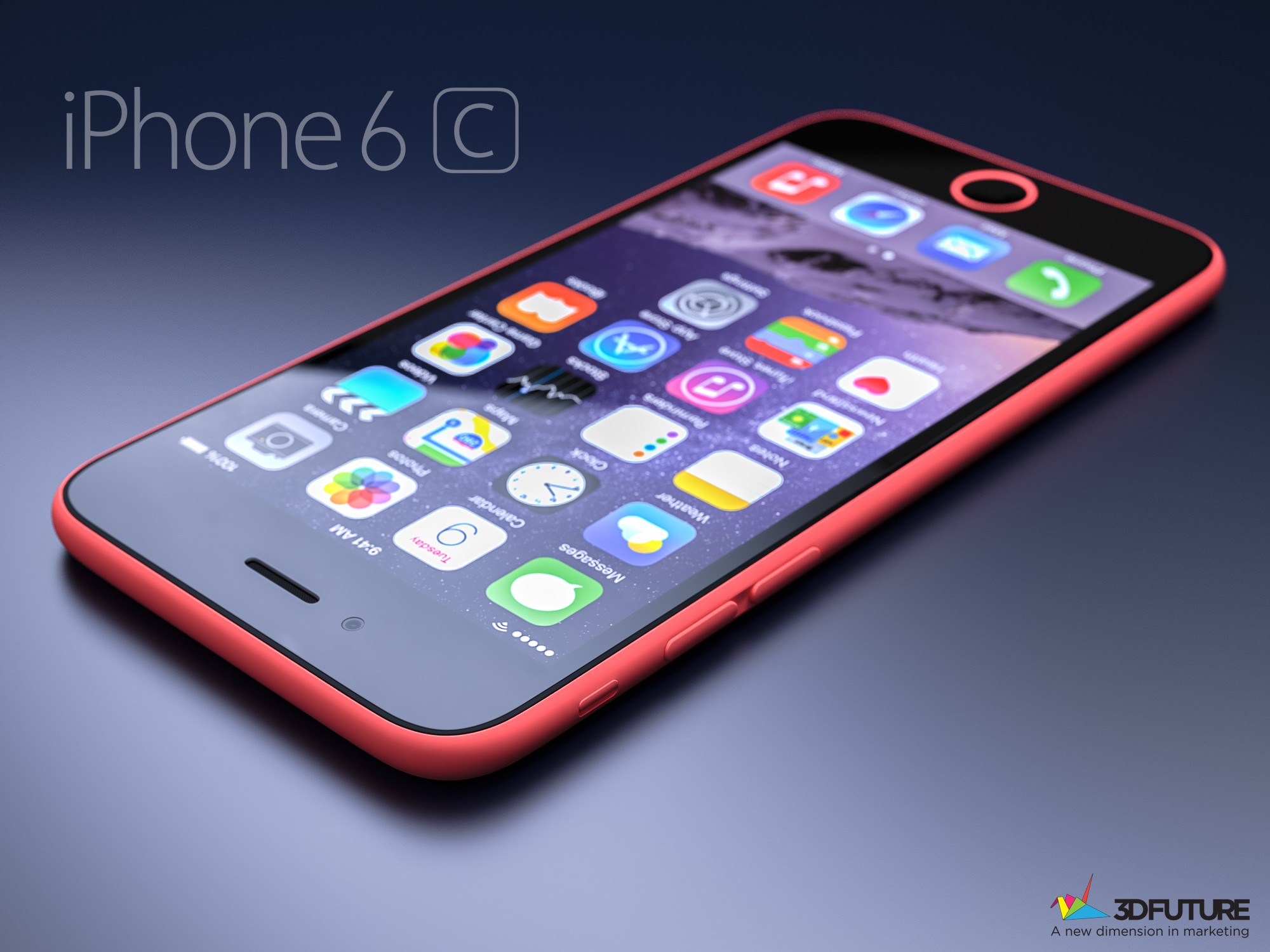
A trio of supply chain reports out of Asia are making the rounds this morning. The first rumor suggests that one of a future-generation iPhones is a four-inch handset that should be released in Q1 2016.

The second report claims that Apple will formally announce walk-in purchases for its wearable device at its Worldwide Developers Conference next week.

And the third story informs us that an Apple and Samsung supplier is investing $260 million in a production facility to churn out 3D curved glass, suggesting the faint possibility of sapphire-protected screens on some iOS devices.

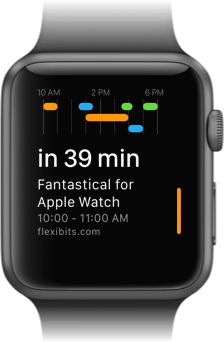
Fantastical for Apple Watch launches with dictation, reminders, customizable glance and more

Developer Flexibits has made a name for itself with Fantastical, an award-winning calendar replacement for the iPhone, iPad and Mac. Today, an important update to the iPhone app was pushed, bringing out a newly-added WatchKit extension so you can at last run Fantastical on your wrist!

This update is available to all existing users of Fantastical for iPhone at no additional cost.

You must be wondering what took them so long, right? I mean, Flexibits was among rare developers without an Apple Watch app in time for the device's April 2015 launch.

“We want to understand precisely what problem we're solving,” Flexibits co-founder Michael Simmons tells me via a Skype chat.

The net result of their undertaking is arguably the fastest and friendliest calendar experience on the wrist and that's saying a lot given Fantastical competes with Apple's stock Calendar app which comes preloaded on the wearable device.
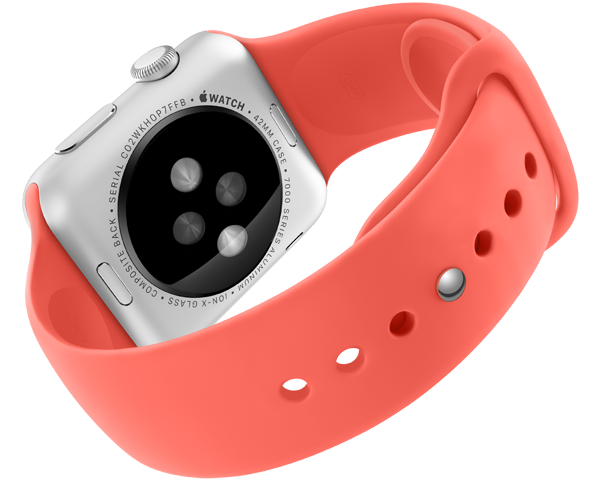
Apple preparing to sell Apple Watch in stores, no online reservation needed

The Apple Watch has not been available for walk-in customers since its April 24 launch as high demand and poor yields forced Apple to adopt an online-only reservation system with optional try-on appointments.

Now 9to5Mac is reporting that you won't need to pre-reserve your unit online as the firm will soon permit end-to-end sales in its brick-and-mortar stores.

As we reported, CEO Tim Cook told retail employees during his May 2015 trip to China that the wearable device would be available for walk-in purchases in June. In addition to buying the device in-store, customers will be allowed to reserve models not yet in stock.

App Watch: power pack

I like to think of myself as a power user when it comes to my apps and devices, and although that term isn't always applicable, I’ve spent hours in Workflow trying to craft recipes that will save me precious seconds later on, and I enjoyed doing so if for nothing other than the self-satisfaction when I get to run a handmade workflow and watch it perform beautifully.

Today’s App Watch has a couple power user apps to help streamline your day (and an app to make you a powerful user), and I hope, once we're done, you’ll be as excited as I am to use these apps in the future.

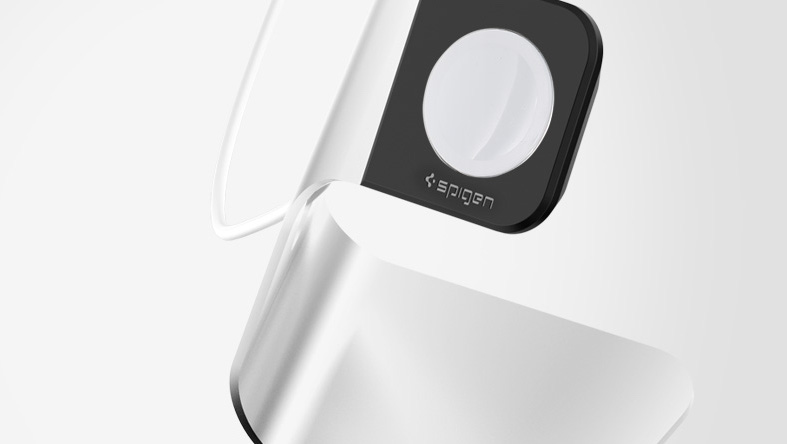
Spigen Apple Watch Stand: an elegant and affordable charging solution

Spigen has been on the forefront of Apple Watch accessories since the device was first available a little over a month ago. The company rapidly came up with a line of cases for Apple Watch, and they also made a stand that represents an affordable yet elegant solution for your desk or night stand.

In a brief review of the Spigen Apple Watch Stand, I'll share with you what I like and don't like about this simple accessory.

Readdle launches Spark, gorgeous iPhone and Apple Watch email app to tame your inbox

Ukrainian developer Readdle, the maker of some of the finest productivity apps for the iPhone and iPad, today launched its most ambitious project yet, a personalized email client for the iPhone and Apple Watch conceived to help you deal with your inbox faster.

The app is called Spark, it looks neat and offers a number of compelling features, like quick replies, powerful search, fast signatures, smart notifications, attachments, cloud services support, email-to-PDF conversion, a WatchKit extension to check important messages on the wrist with an Apple Watch app and a glance, and much more.

How to snooze or dismiss an iPhone alarm from Apple Watch

Since some of the features on Apple Watch and iPhone are mirrored between each other, one may think that Alarm clocks set on Apple Watch would appear on the iPhone and vice versa. This is only somewhat true.

As it turns out, Alarms set on Apple Watch do not appear on iPhone and alarms set on iPhone do not appear on Apple Watch. Sort of.

Confused? In this post, we clarify the way that Alarm clocks work between the Apple Watch and iPhone.

How to manage reminders on Apple Watch

If you've been looking for an official Reminders app for the Apple Watch, your search has been in vain. That's because there simply isn't an app dedicated to Reminders on the Apple Watch like there is on the iPhone.

That doesn't mean that the Apple Watch is incapable of both managing reminders and setting reminders. Actually, with the help of Siri, it's easy to set up reminders on Apple Watch.

Take a glance at this latest entry into our full Apple Watch tutorial for a look at how to effectively set and manage reminders on the small screen.