Check out this sure shot way to find out if your Apple Watch has internet connectivity or not.
How to know whether your Apple Watch is connected to the internet or not
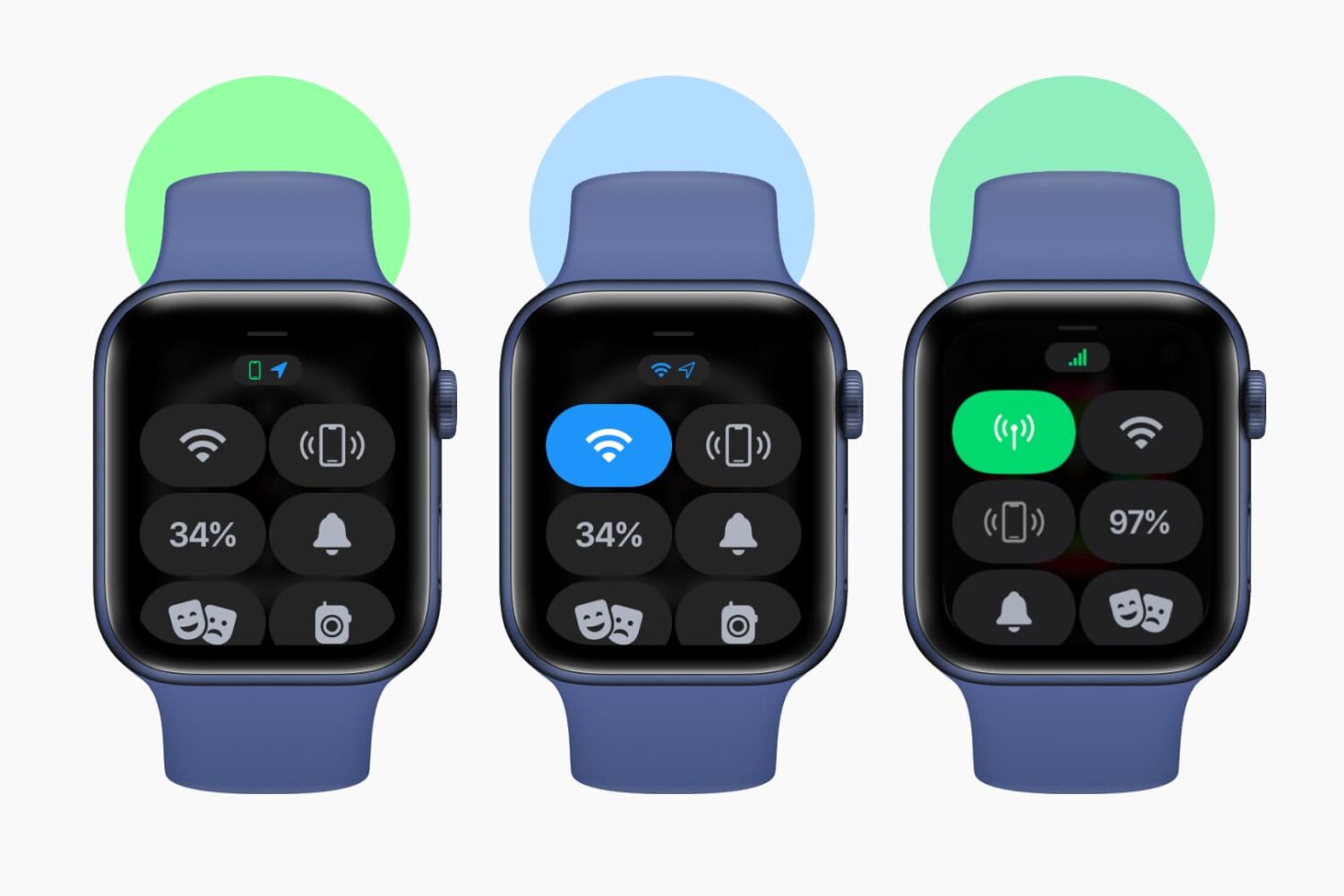
Stay up-to-date on the latest Apple Watch news, and learn how to get the most out of your device with our comprehensive tutorials. From updates to features to troubleshooting tips, we’ve got you covered.
Check out this sure shot way to find out if your Apple Watch has internet connectivity or not.

Power Reserve mode allows you to use certain features when the battery is low or the device is completely turned off. It runs your device on low energy until the battery is fully depleted, letting you access features like Apple Pay that don't require the operating system to be up and running. In this guide, we're going to explore how Power Reserve works, see which devices support this handy feature and learn what you can do with it.
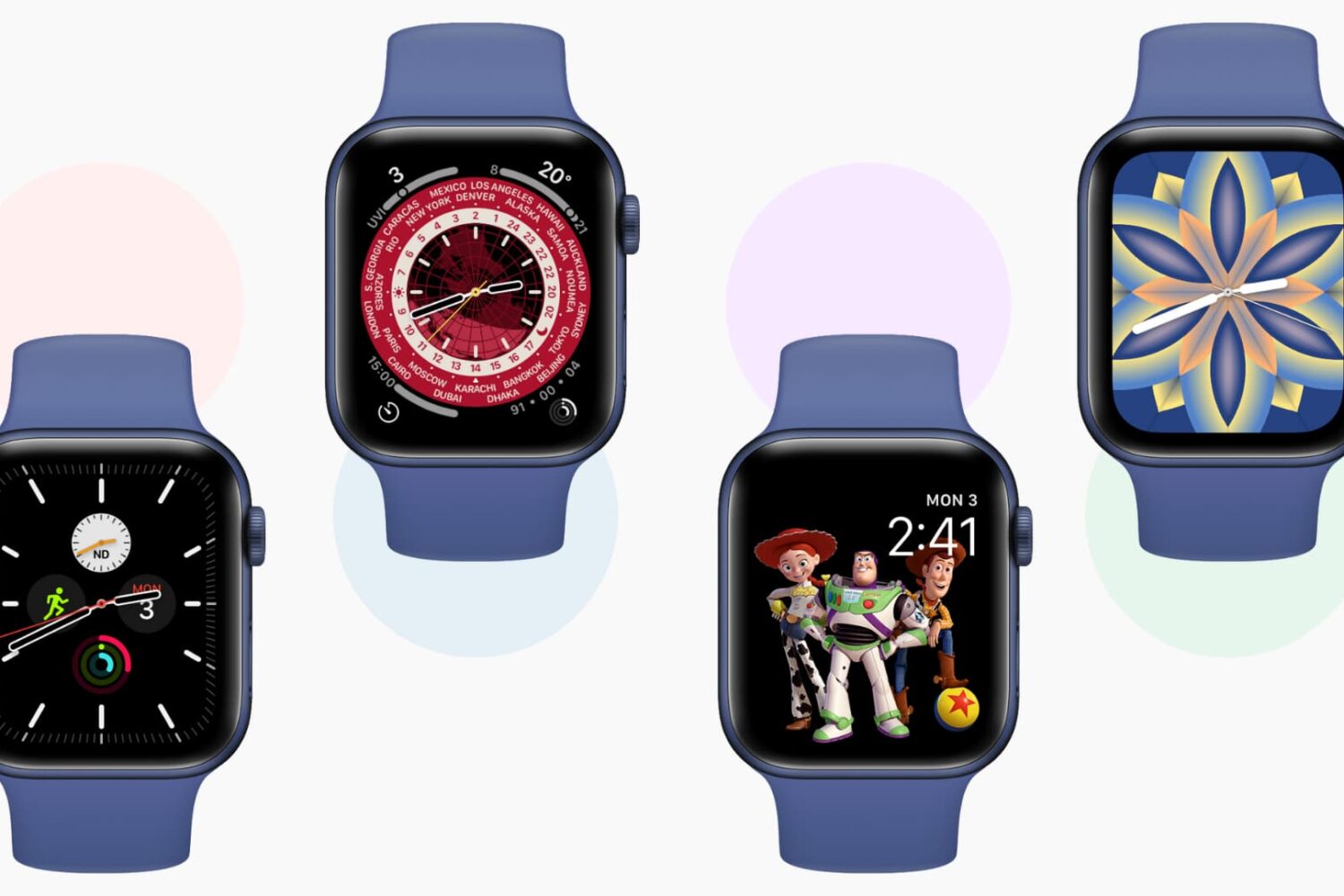
Learn how to add, edit, change, manage, and delete watch faces directly from your Apple Watch or iPhone to keep the look fresh and suitable for different occasions.
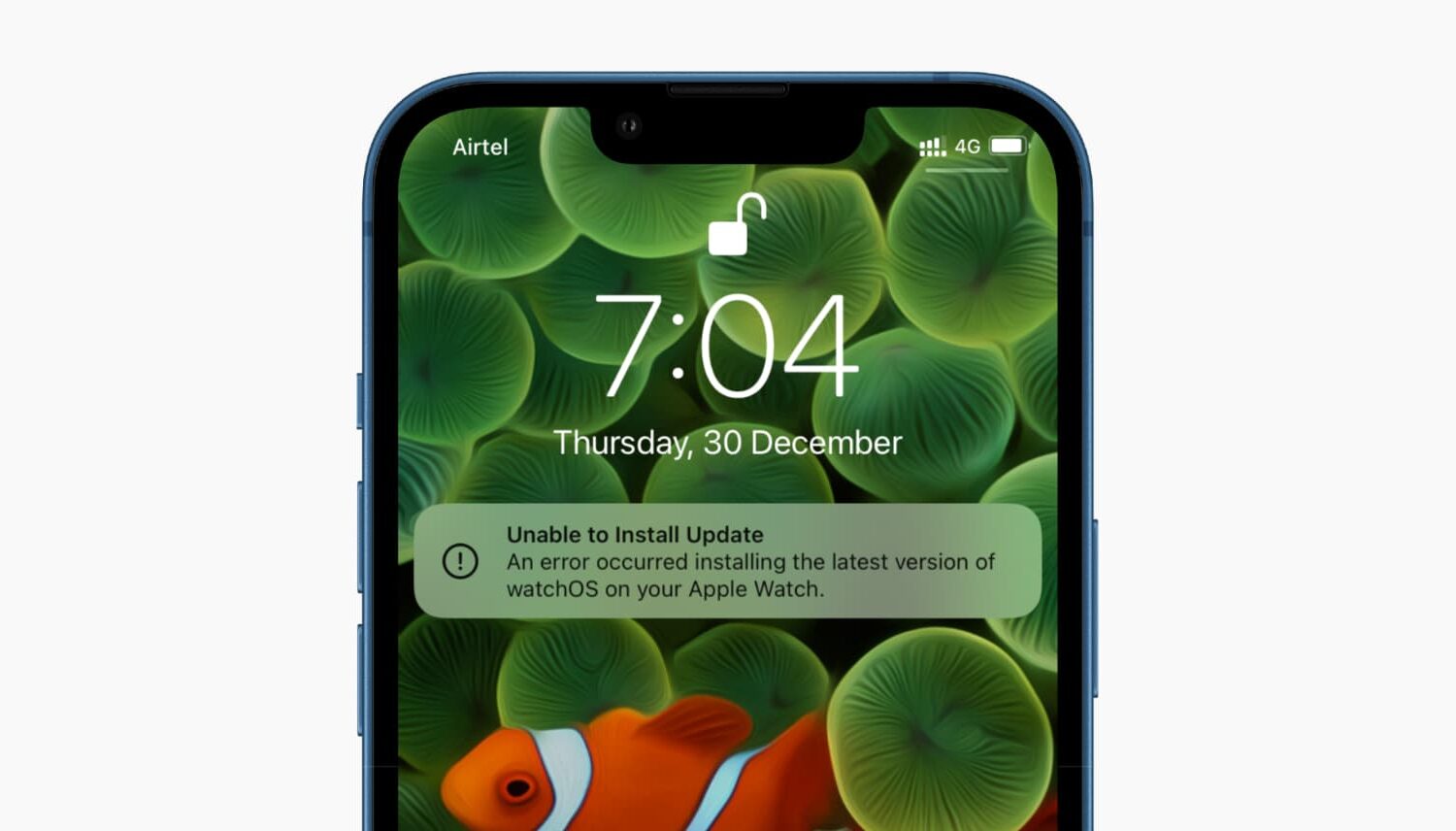
Check out these solutions if your Apple Watch update fails and you’re unable to download and install the latest version of watchOS 27.
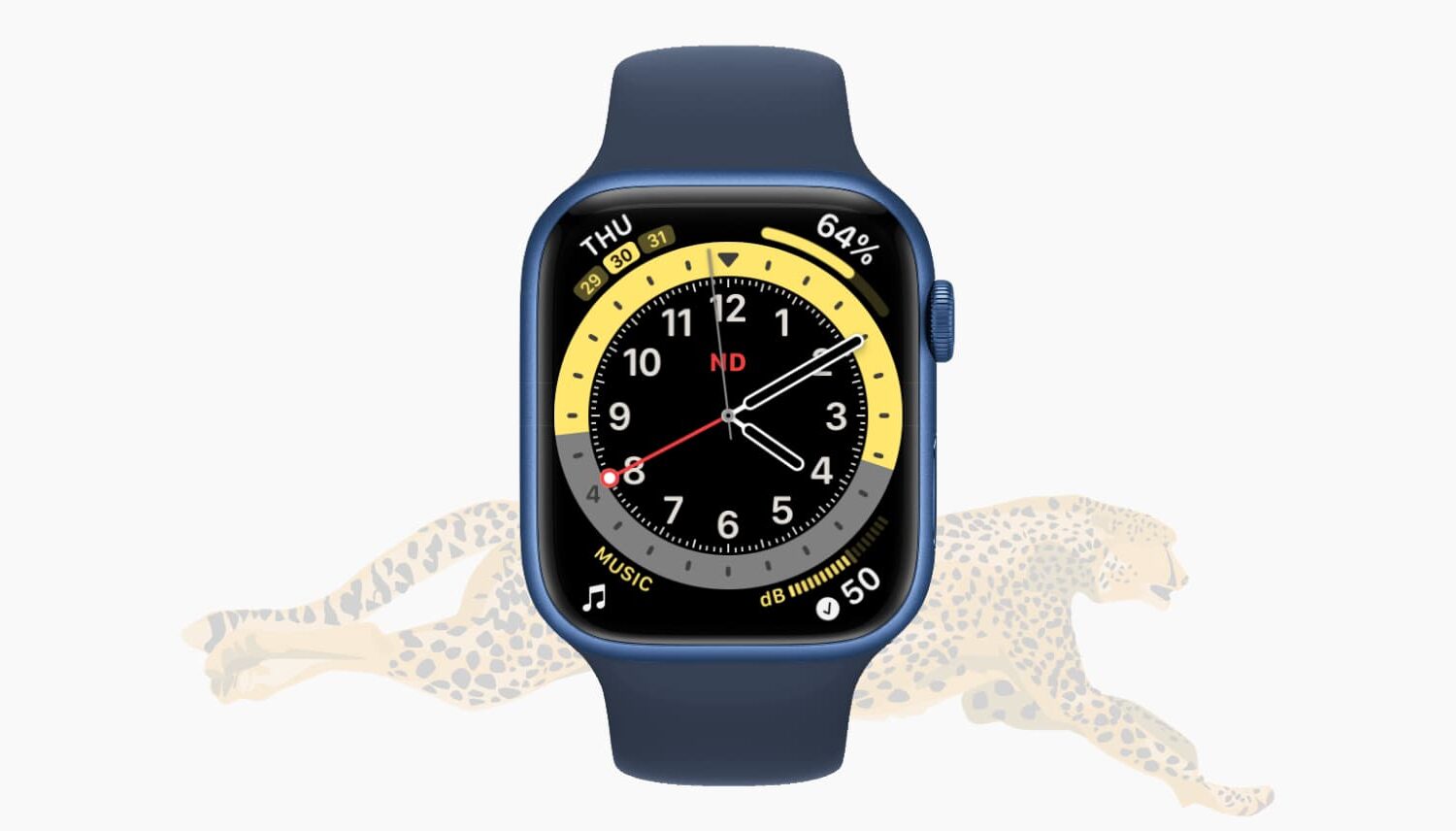
In this guide, we cover several reasons your Apple Watch is slow and share some handy tips to fix it, making your experience faster.

Learn how to fix your Apple Watch if it is stuck or frozen on the Apple logo screen.
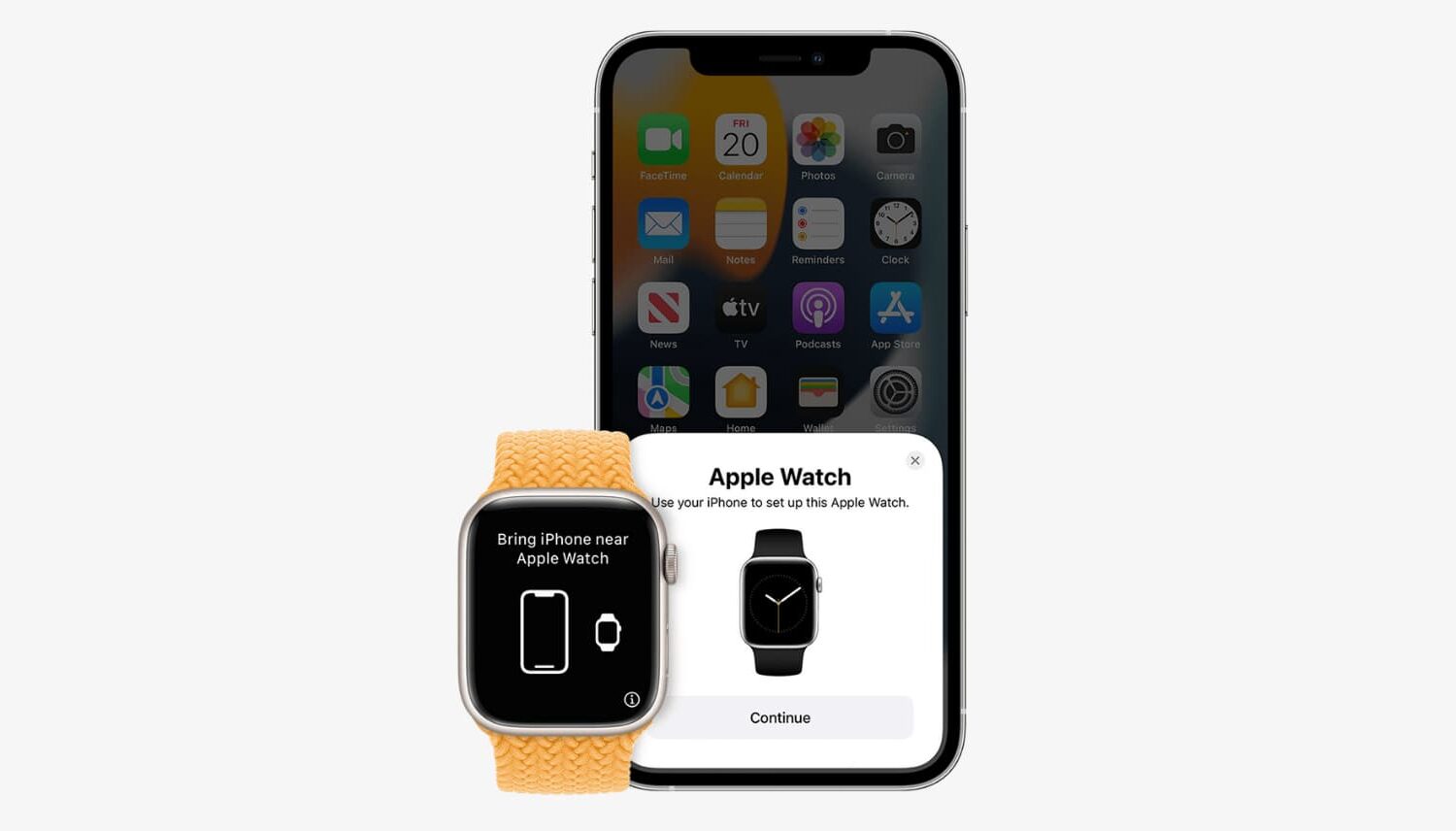
Learn about three ways to unpair your Apple Watch from its paired iPhone. Unpairing the Apple Watch is equivalent to erasing it. And after you do this, you’ll have to set up your Apple Watch again.
Unable to use apps on your Apple Watch? Check out how to fix apps not opening, crashing, or freezing on your watch.
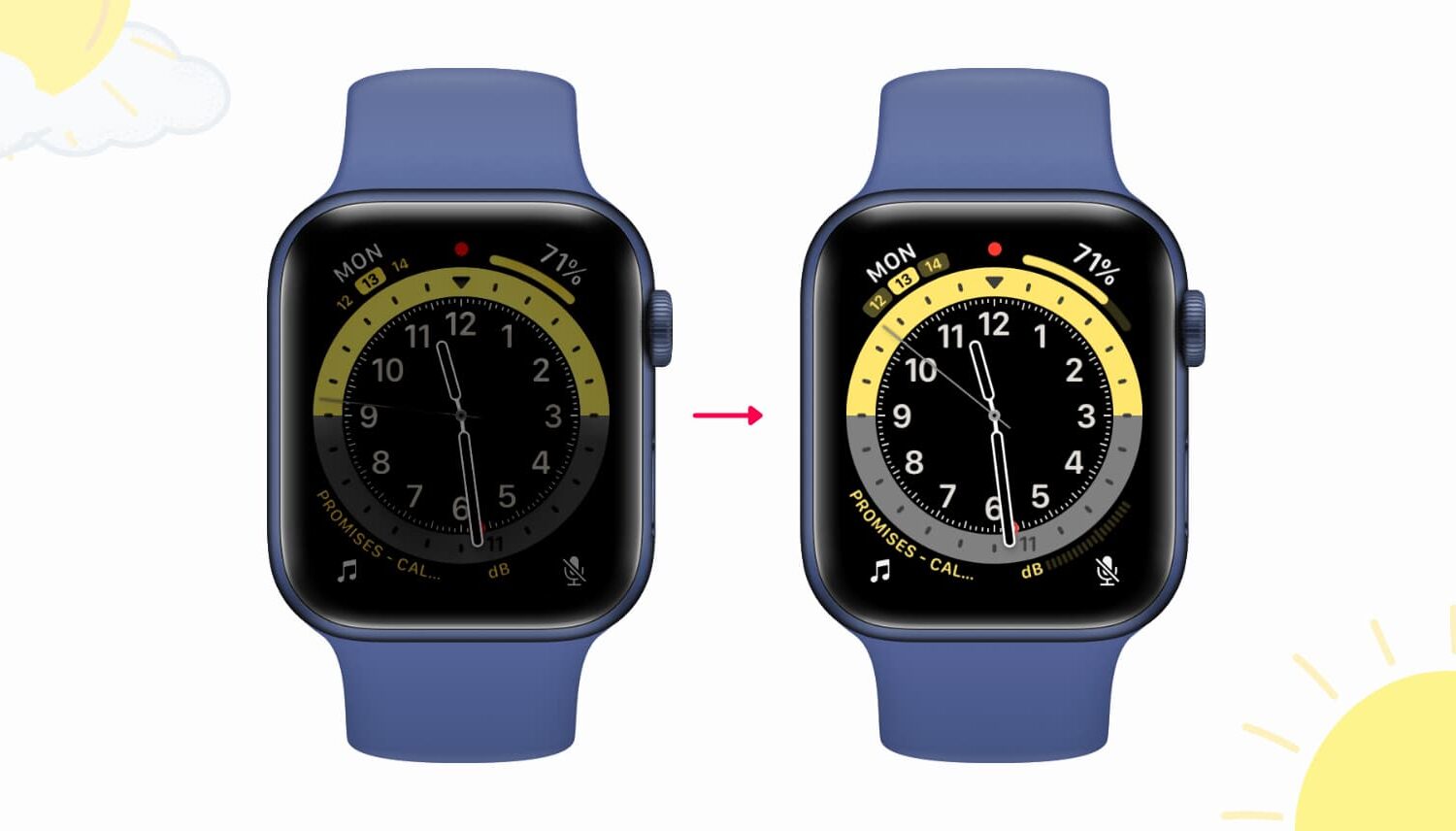
Find out why your Apple Watch screen is too dim and learn about some quick ways to make the display brighter again.
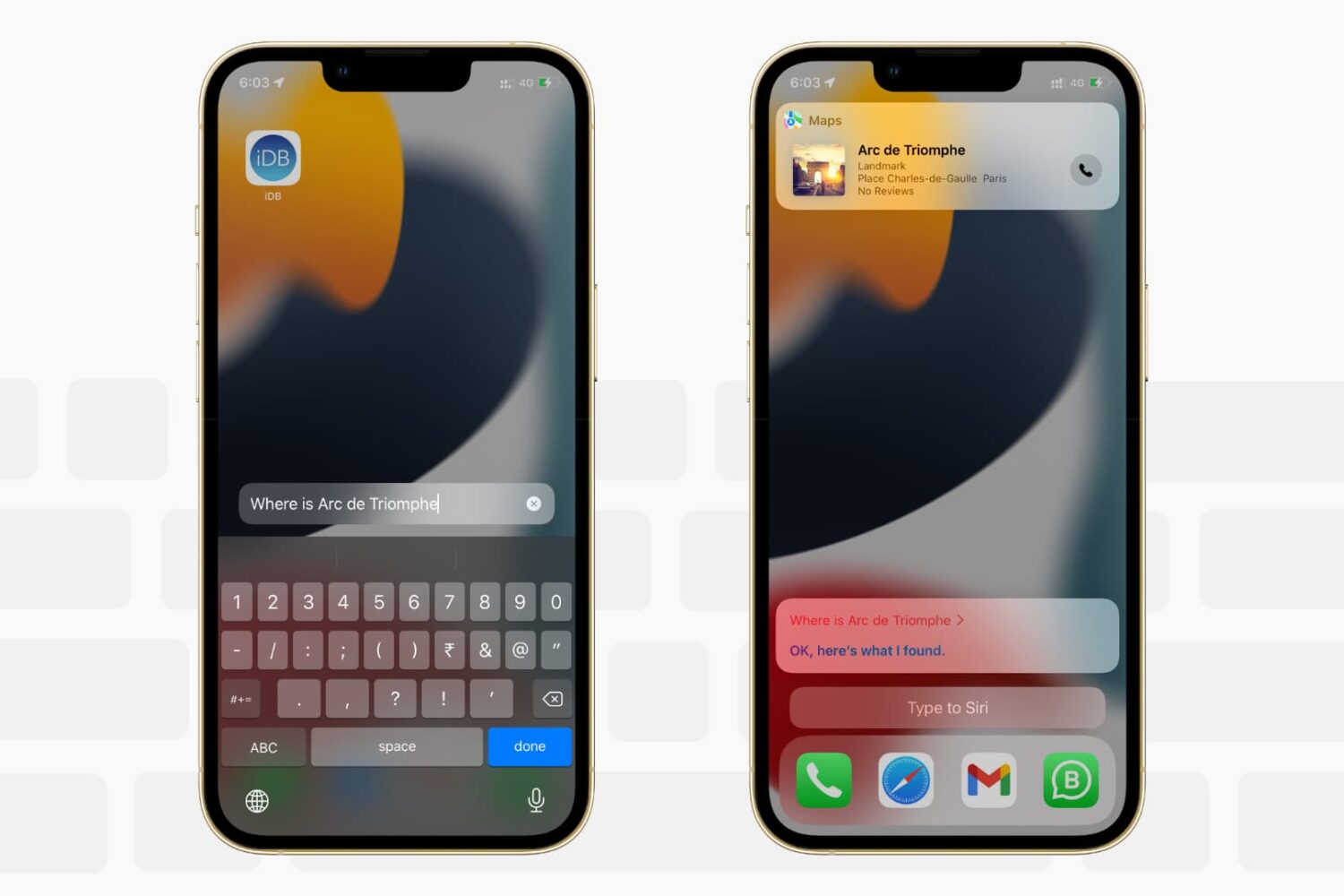
Want to write to Siri instead of speaking to it? In this tutorial, we’ll show you how to type to Siri instead of speaking, making it easier to communicate discreetly with Apple’s virtual assistant on iPhone, iPad, Mac, Apple Watch, and Apple TV.

Learn how to manually or automatically update apps on your iPhone, iPad, and Apple Watch to keep them running smoothly.
Learn how to force-close apps on your Apple Watch to fix unresponsive apps and improve performance.