The global spread of the coronavirus and COVID-19, the disease it causes, continues. And yet another Apple employee has tested positive.
Apple employee at the Culver City office has tested positive for coronavirus
The global spread of the coronavirus and COVID-19, the disease it causes, continues. And yet another Apple employee has tested positive.

There is no denying that streaming music is wildly popular these days, with it being the go-to option for most music listeners these days. So it's no surprise that Apple Music has secured yet another multiyear deal with the biggest record labels.

Spotify has a lot of content to sift through on a regular basis, so the company has designed to refresh the homepage in an effort to make finding your favorites even easier.
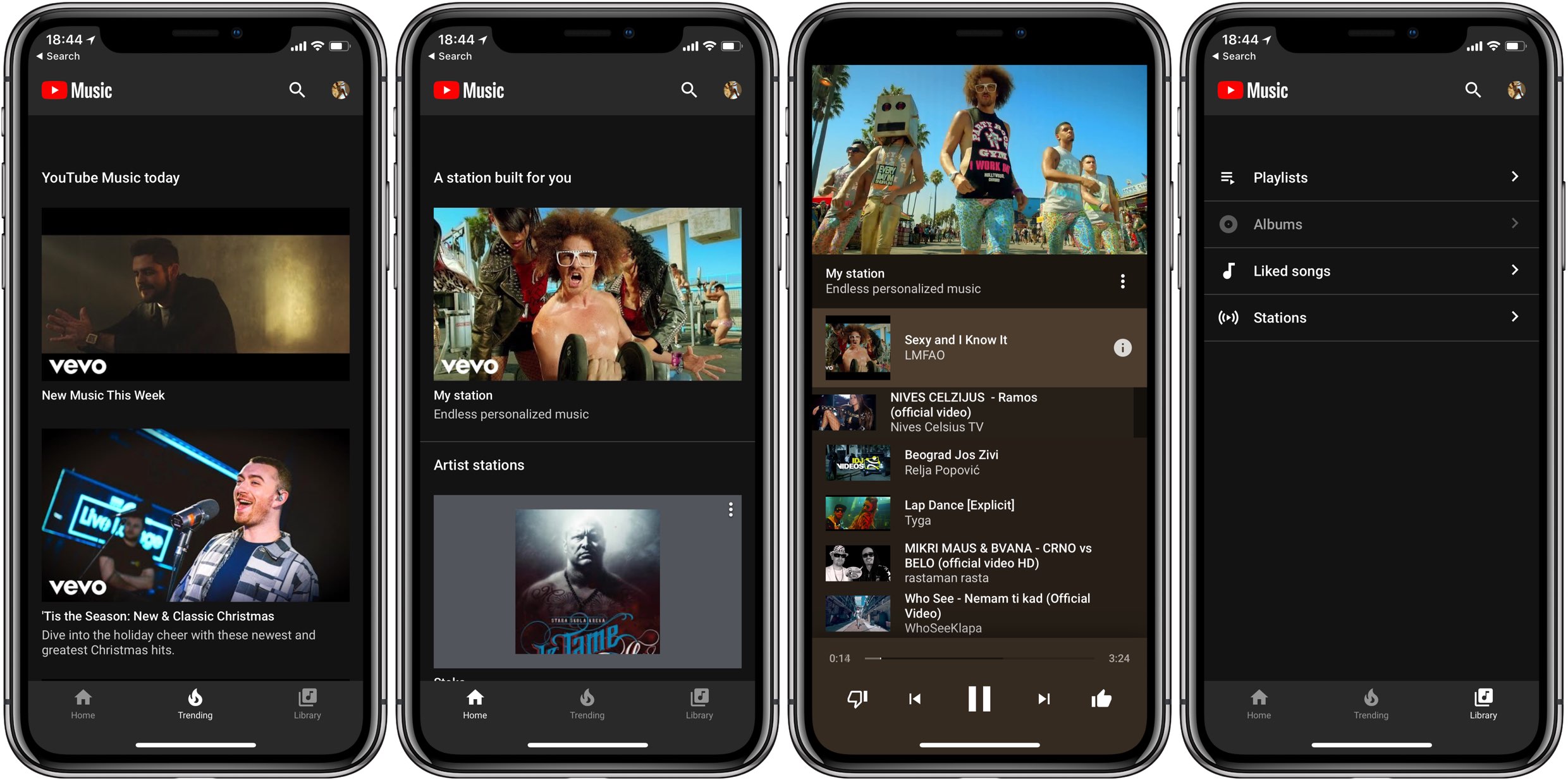
YouTube Music is rolling out an all-new design for its player page, giving listeners a more enhanced experience.

Spotify has made some big changes to the iOS app, bringing in three new changes.
Streaming has taken over the music industry, and it has become the go-to option for the majority of people in the United States to listen to the music they want to listen to.
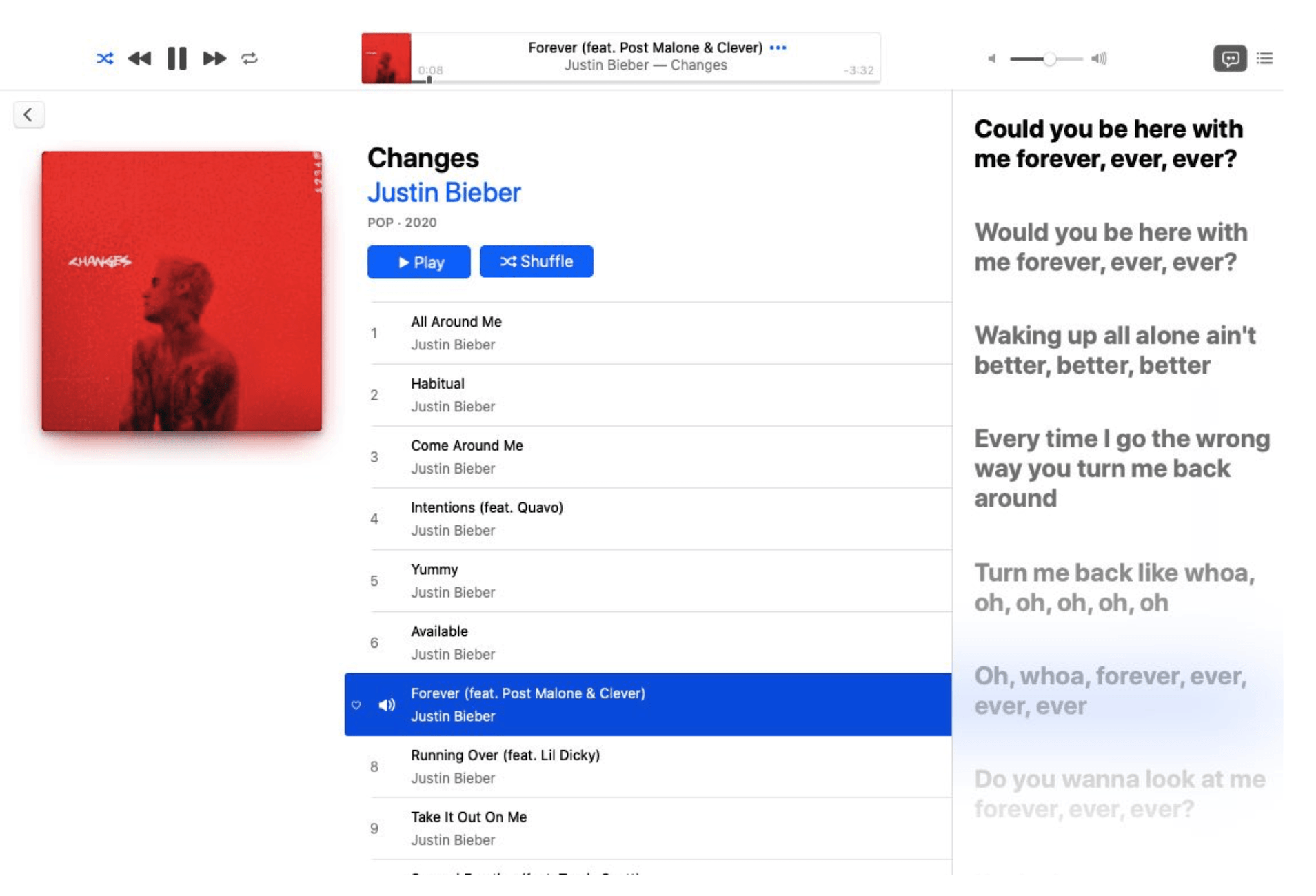
Beta 2 of the upcoming macOS Catalina 10.15.4 update that dropped yesterday has brought the fun time-synced lyrics feature which debuted on iOS 13 to the Mac platform.

Apple Music has a lot going for it, with millions of paid subscribers using the service every day. But sometimes it can be pretty cluttered, too.
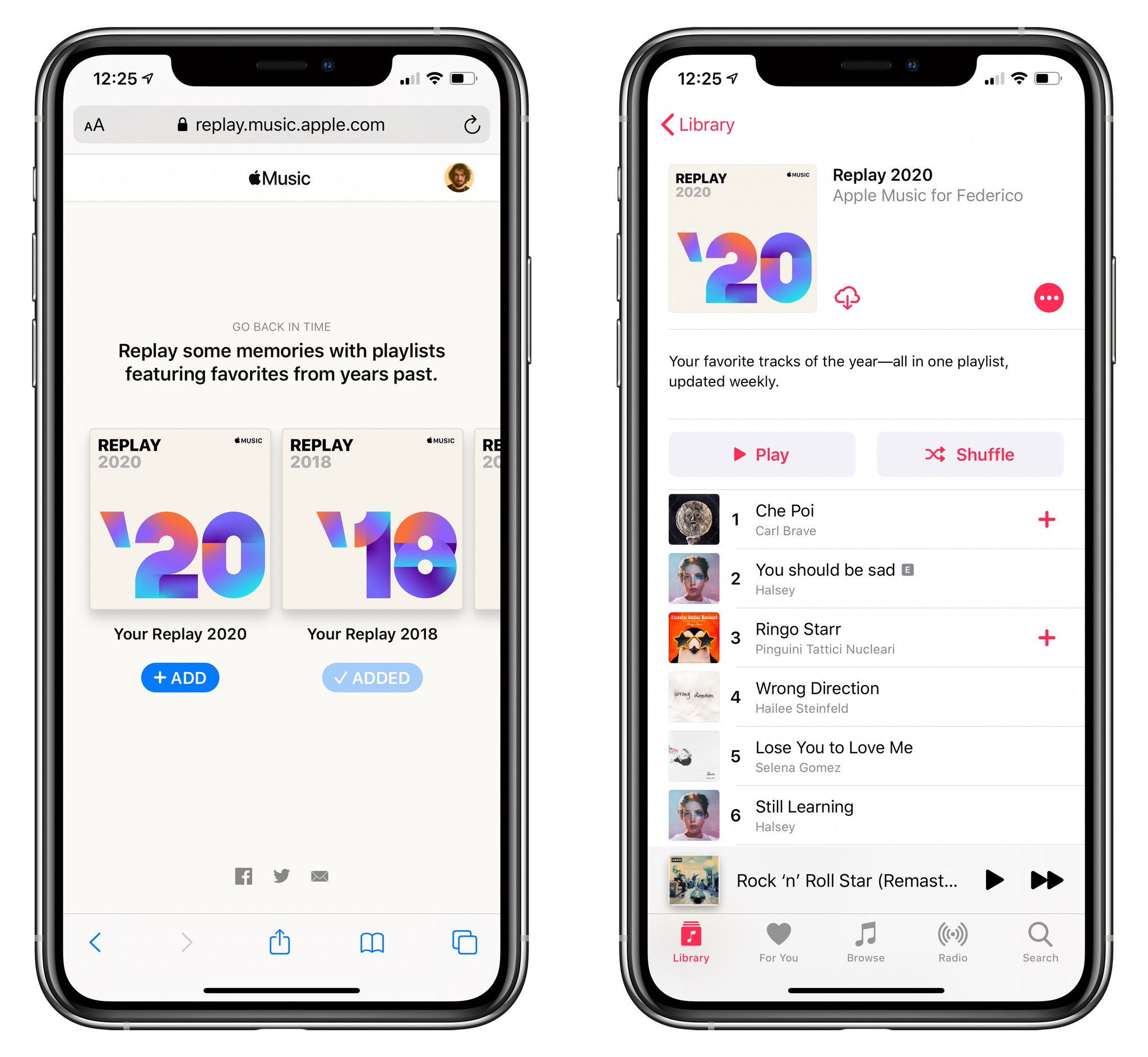
Last November, Apple Music launched special Replay playlists built around users' personal favorites, with playlists designated for each year of membership. Today, the company launched the Replay 2020 playlist that will be updated on a weekly basis until the year is over.

Learn how to turn off repeat mode in the Apple Music app on your iPhone or iPad if you don’t want to continue listening to the same song or queue of songs.

Songwriters are getting a bit of a boost on the Spotify platform, with the streaming service announcing a new way to bring their names, and music, to the forefront.

In this handy tutorial, we show you how to add songs to your Apple Watch from your iPhone, manage the synced music, and see how much space it’s taking on the wearable.