If you drive a CarPlay-enabled vehicle and you have a jailbroken iPhone, then you’d be doing yourself a serious injustice if you didn’t already own the CarBridge jailbreak tweak by iOS developer leftyfl1p.
If you drive a CarPlay-enabled vehicle and you have a jailbroken iPhone, then you’d be doing yourself a serious injustice if you didn’t already own the CarBridge jailbreak tweak by iOS developer leftyfl1p.
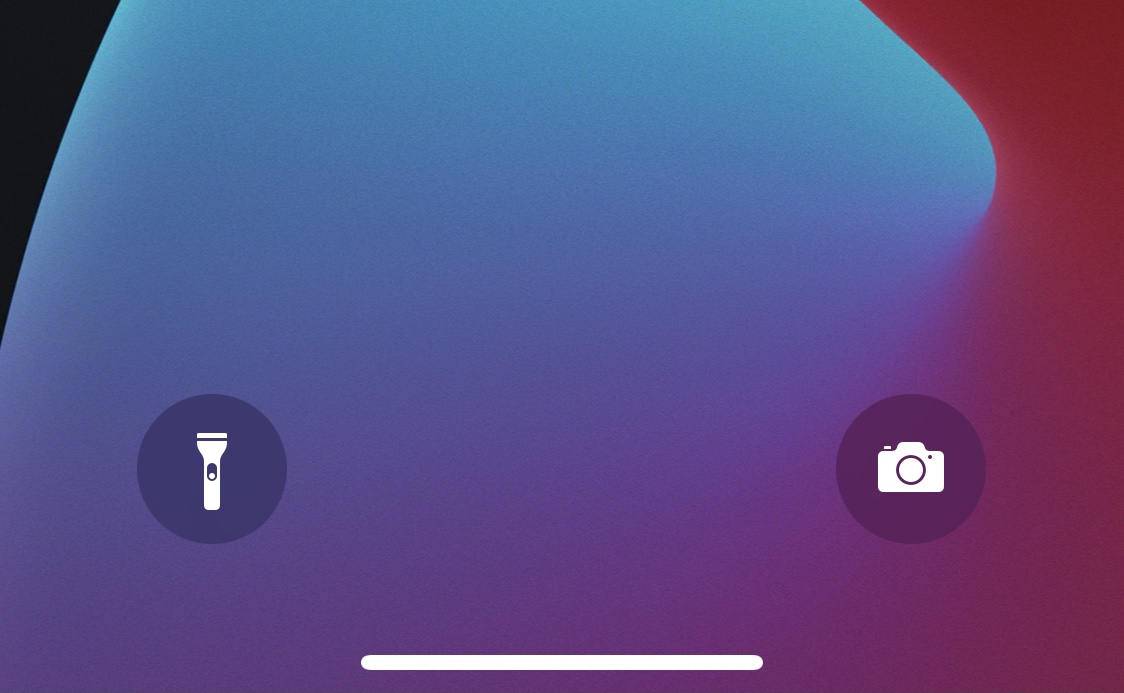
We’ve shown off several jailbreak tweaks recently that completely disable the Lock Screen’s Quick Action buttons or hide them out of view, but for anyone who actually does make use of them, iOS developer NoisyFlake is out with a new add-on that can make using them a little easier.

If you use the YouTube app to enjoy video content on your iPhone or iPad, then you might have noticed (either accidentally or intentionally) that you can now pinch to zoom on the video playback.

Videos on your iPhone sporting seizure-inducing flashing lights and stroboscopic effects can be dimmed automatically to prevent headaches and other health issues.
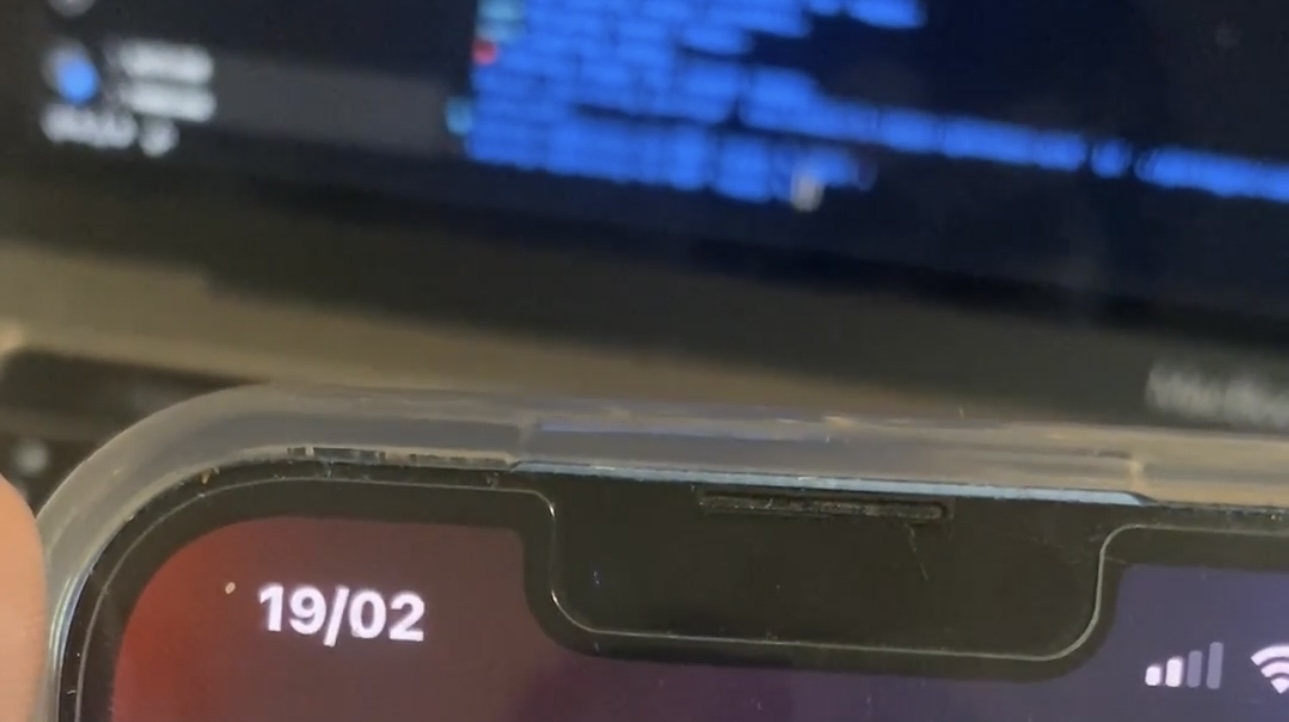
Sometimes you want to check the date really quick without leaving the app you’re in, and while you could to do that by swiping down to look at Notification Center, iOS developer b4db1r3 is out with a new and free jailbreak tweak called Tappy that just seems more convenient.

There are occasionally times when you need to find an app’s bundle ID, especially if you use jailbreak tweaks that require this information for customizations to work. But there’s no easy way for an end user to find this information.
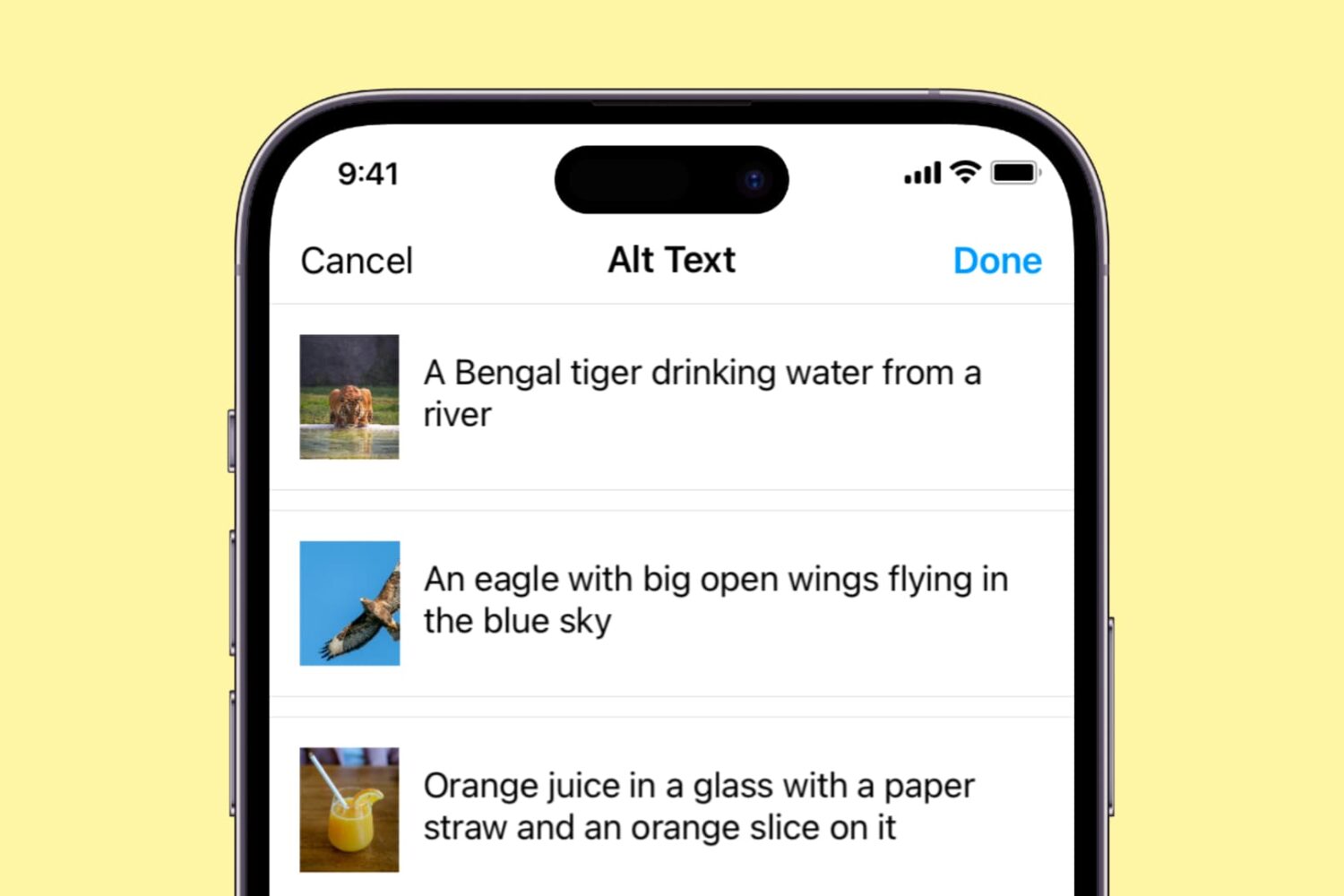
Learn how you can write custom alt text descriptions for your Instagram photos in order to make them more accessible and discoverable.
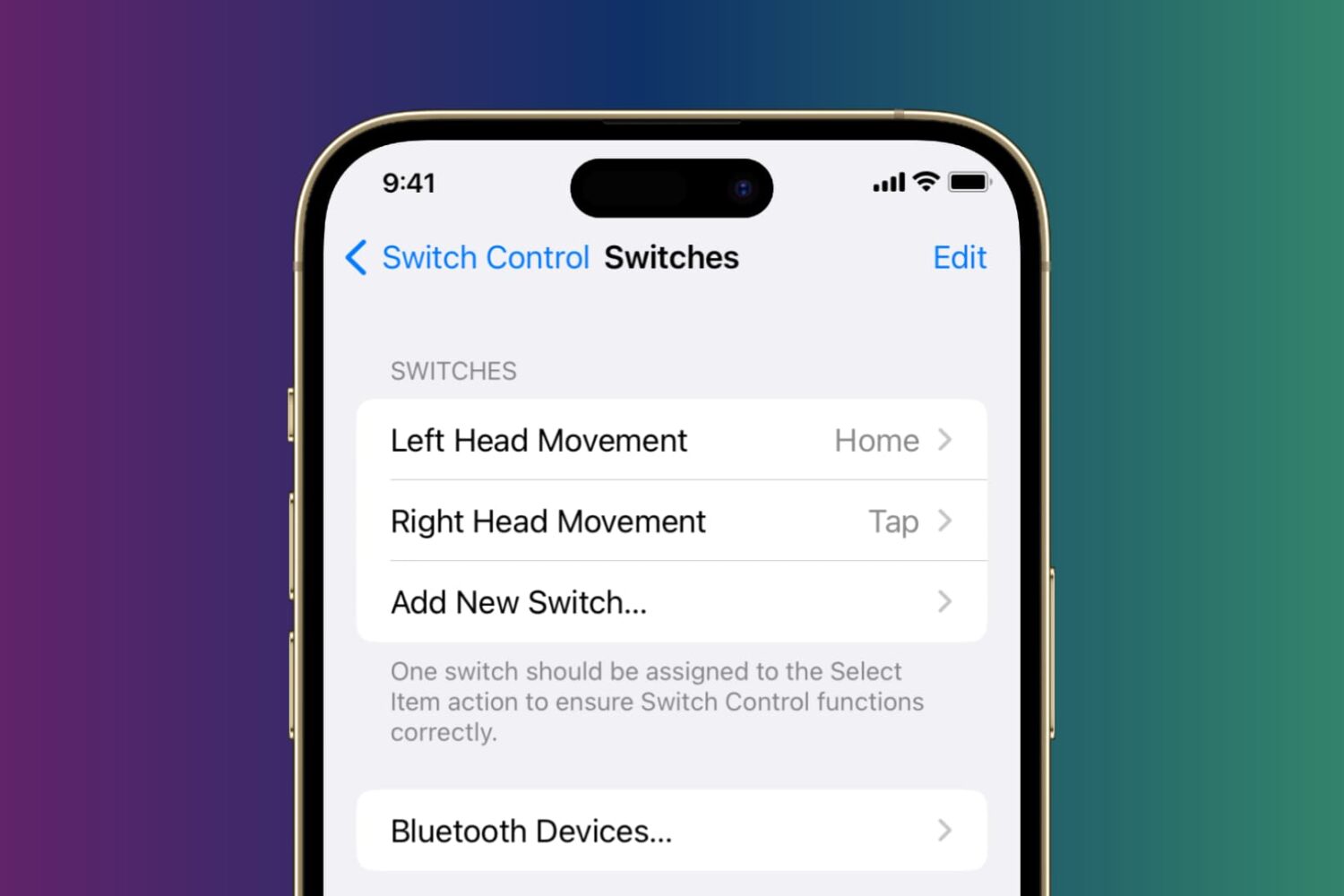
Learn how to control your iPhone or iPad using head tilts and hand pinch gestures by enabling the Switch Control accessibility feature.
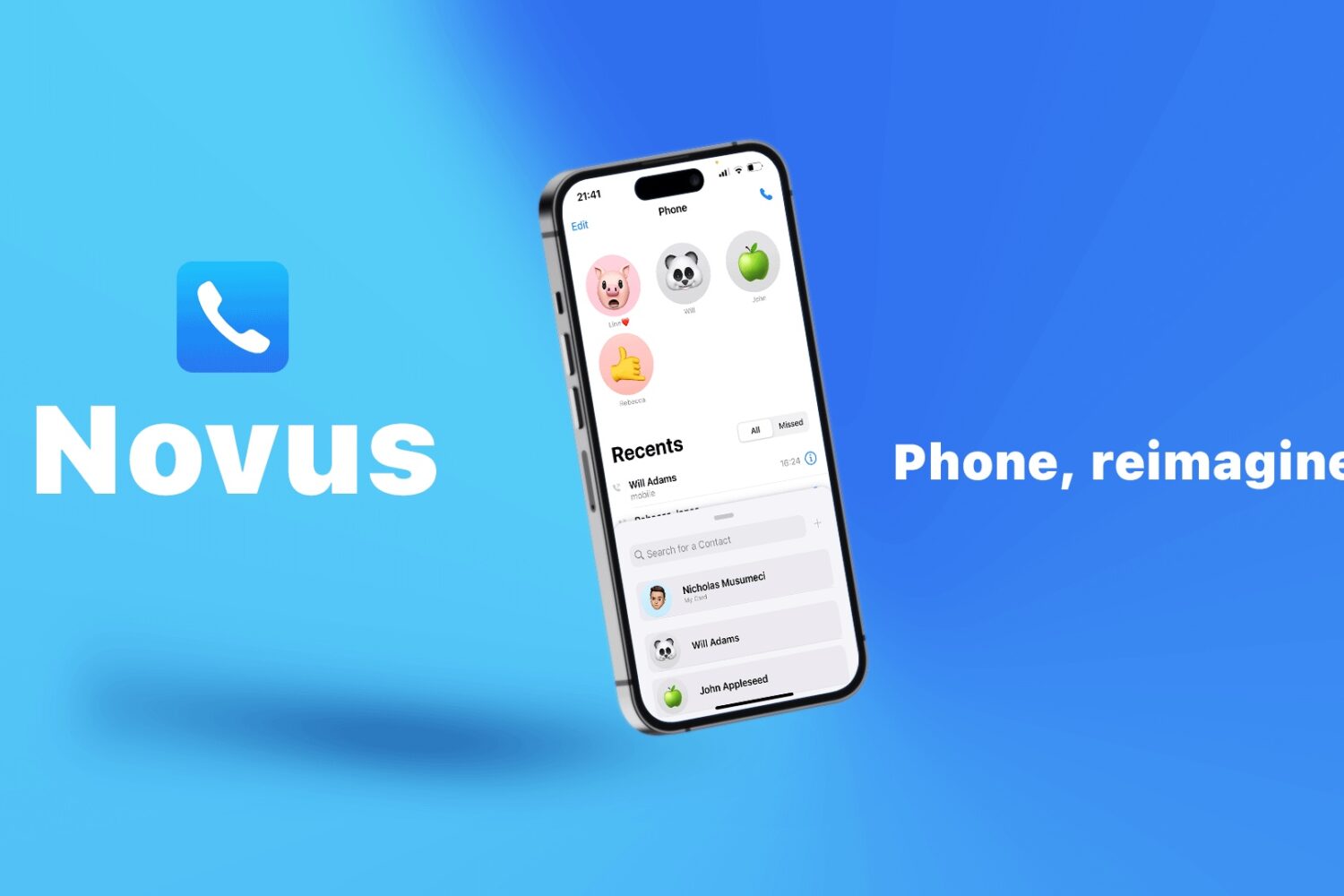
Apple has done amazing things to bring the iPhone’s native apps inline with the latest design trends, but the Phone app is starting to show its age. In fact, it hasn’t received any aesthetic facelifts in quite a while, which is why the jailbreak community often tries to make its own improvements.
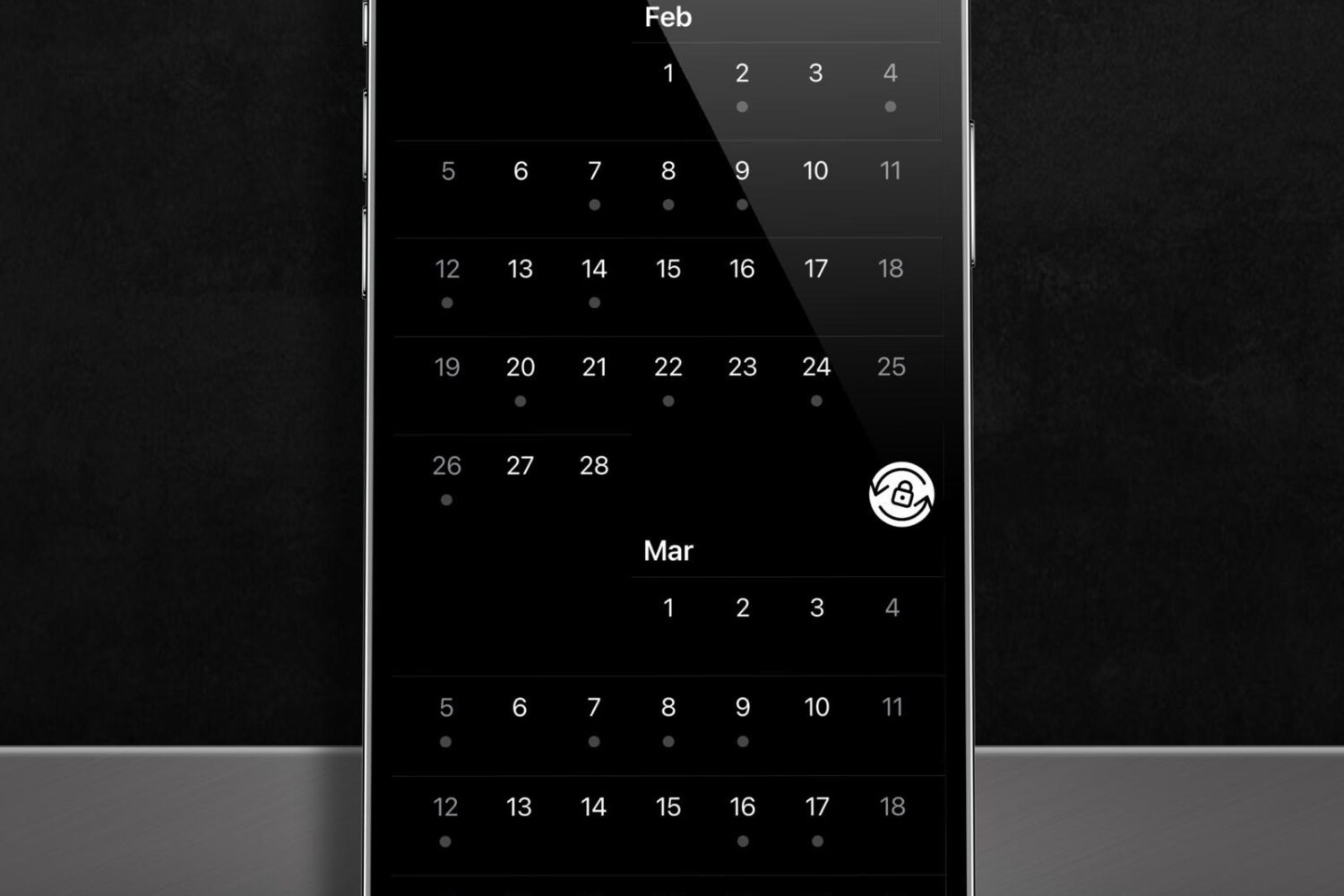
Many people take advantage of their iPhone’s rotation lock feature to keep their device’s display from rotating into landscape orientation when the handset is moved to a sideways position. It’s a useful feature, but under certain circumstances, it can also get in the way of productive iPhone usage.
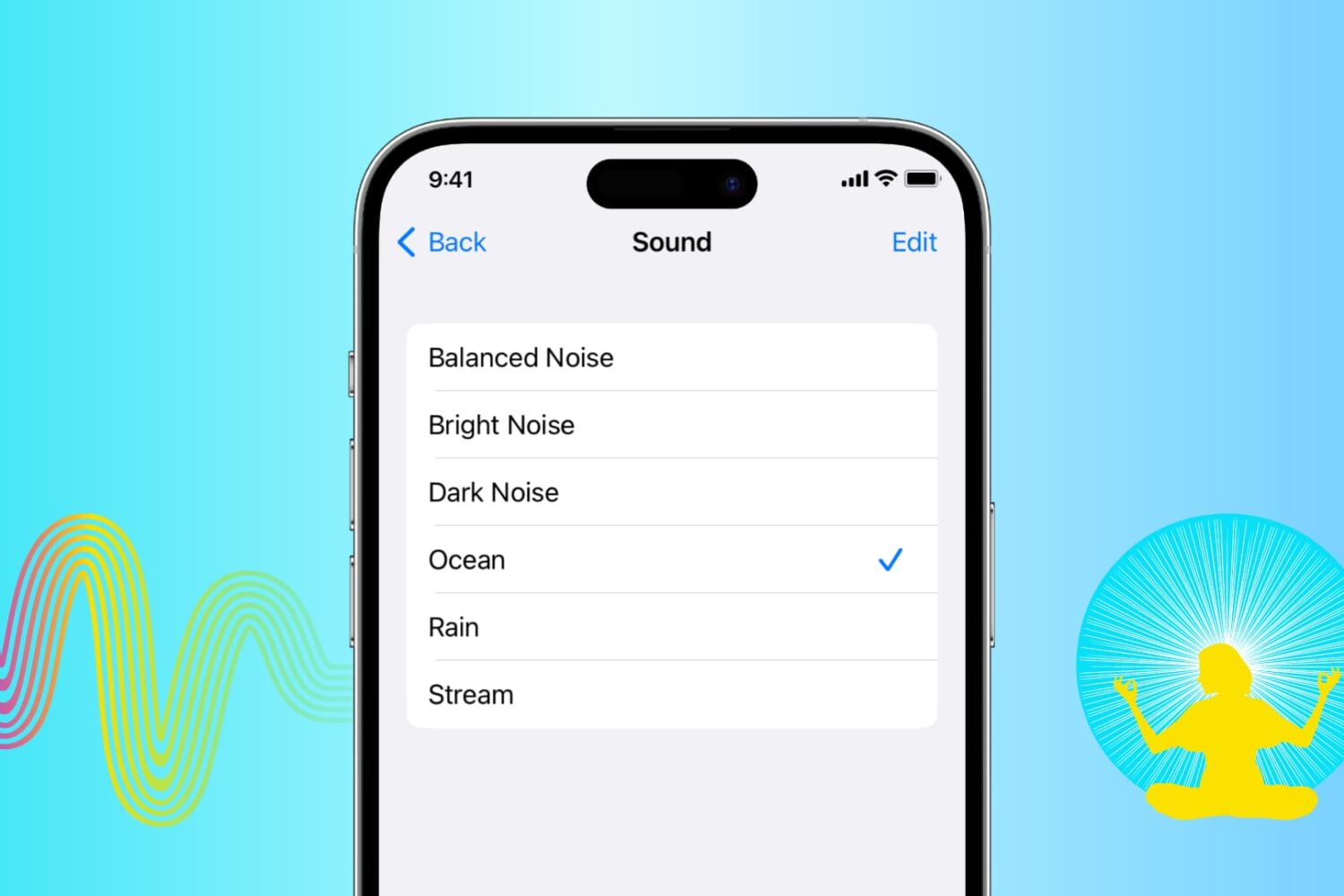
Learn how to play soothing sounds of nature or relaxing white noise right on your iPhone, iPad, or Mac without downloading extra third-party apps.

Custom Accessibility Mode makes the iPhone more approachable for inexperienced users by letting you replace the home screen with huge icons, turn on simple controls in apps, disable hardware features such as the volume buttons and more.