Accessibility

Perseus lets mask-wearing jailbreakers unlock their iPhone with an Apple Watch

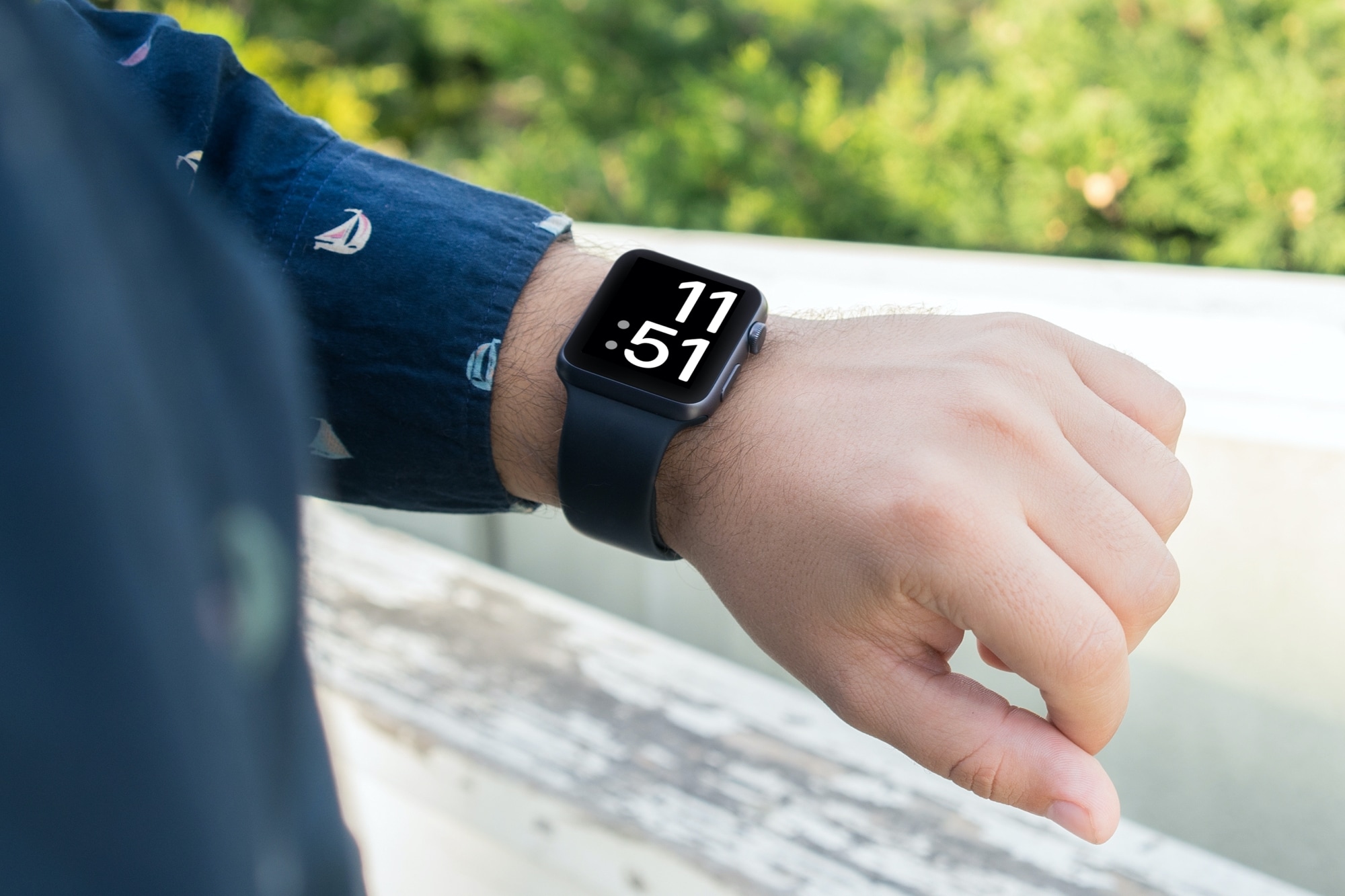
In case you haven’t already heard, Apple recently seeded iOS 14.5 beta to developers with a new feature that permits mask-donning users to more easily unlock their iPhone with Face ID, granted they’re wearing an unlocked Apple Watch. Without this feature, anyone wearing a mask would fail the native Face ID authentication method, compelling users to manually enter their passcode to unlock their device or to approve Apple Pay transactions or App Store purchases.

Given the gravity of just how frustrating it can be to be unable to use Face ID when governments around the world impose mask mandates while in public in an effort to curb the spread of COVID-19, it should come as no surprise that this feature received tons of praise from would-be users. On the other hand, jailbreakers would be stuck with older versions of iOS that don’t natively support the new authentication feature; at least, until now that is…

Jailbreakers can enhance their access to iOS’ clipboard history with Copypasta

One of the more popular jailbreak tweak categories we’ve witnessed over the past couple of years would be those that create clipboard managers for the iPhone and iPad platforms. As it would seem, Apple’s simple cut/copy and paste solution isn’t suitable enough for serious multitaskers who cut or copy several things at a time before pasting them into another interface.

Of all the recent clipboard manager tweak releases that I remember, Copypasta by iOS developer Nepeta left an impression on me because of its ease of usability, aesthetically pleasing interface, and lack of a price tag. The tweak was originally designed for jailbroken iOS 11 and 12 devices, but it never received an update for iOS 13; that is, until now.

Backtrix back-ports iOS 14’s Back Tap feature to jailbroken iOS 13 handsets

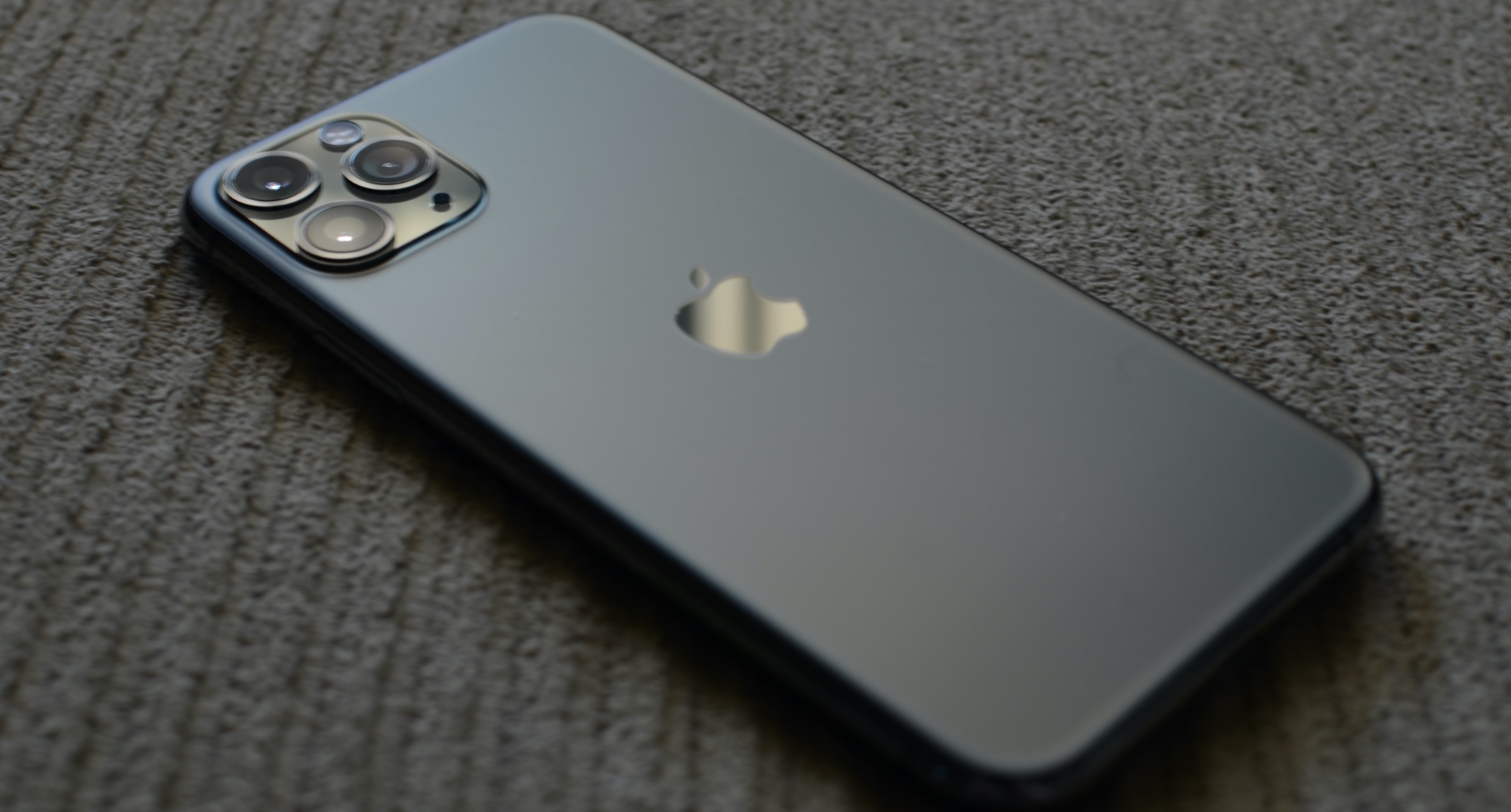
iPhone 11 Pro

iOS 14 introduced an incredibly handy accessibility feature dubbed Back Tap, which grants iPhone users the ability to tap twice and/or three times on the back of their handset to invoke an action of their choosing.

Notably, this feature isn’t present on iOS 13, despite the fact that iOS 13-compatible handsets come equipped with the same accelerometer-based hardware that makes this possible.

FreePIP enhances Picture in Picture mode on any jailbroken iPhone or iPad

Picture in Picture mode is a handy feature that iPhone and iPad owners can fall back on whenever they find themselves in a situation where they’d like to continue watching a video while pursuing another task on their device at the same time.

Picture in Picture mode isn’t without its shortcomings, however. For example, it doesn’t work with every app, and users may feel limited by the mini player’s usability while multitasking. That’s one reason why a new and free jailbreak tweak called FreePIP by iOS developer Soh Satoh might appeal to some users.

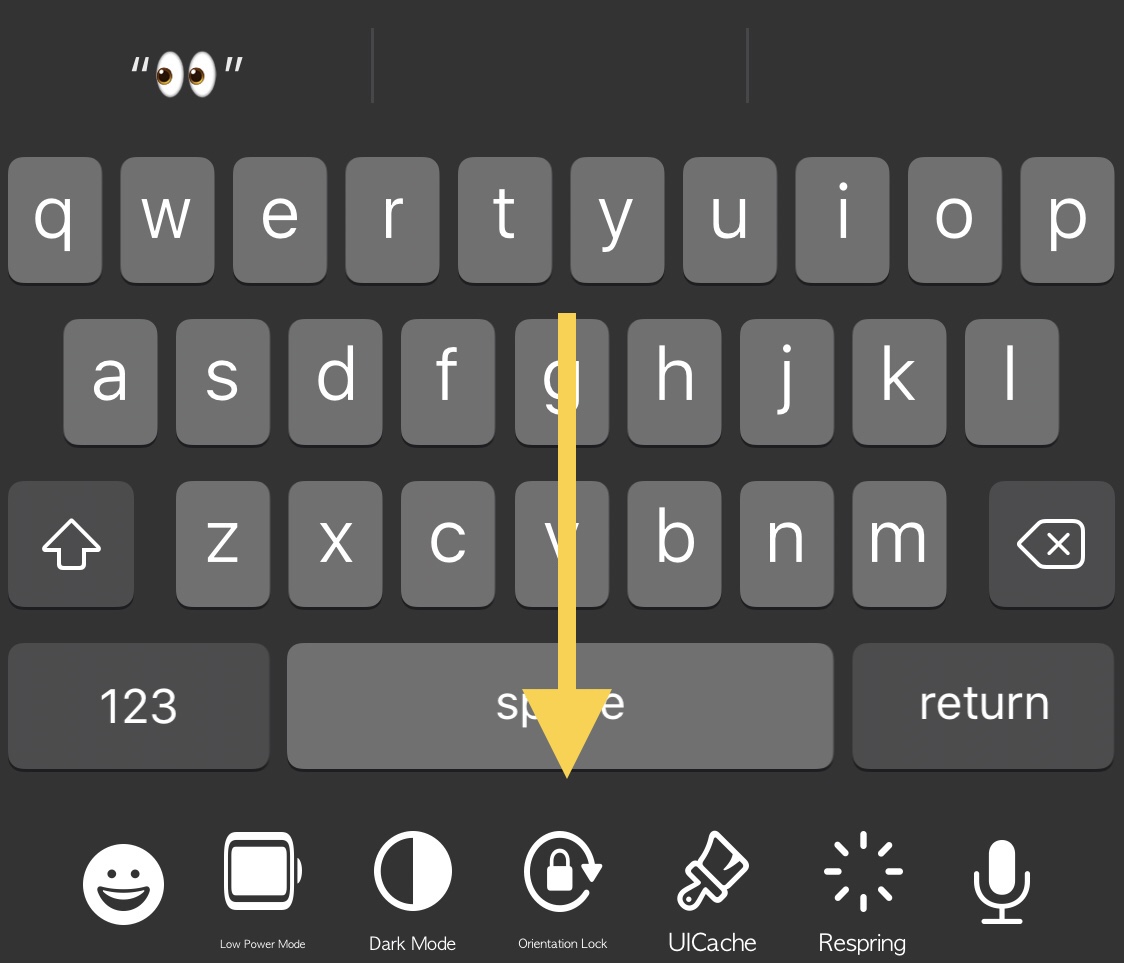
KBAppDock upgrades the stock keyboard on jailbroken iPhones

The keyboard is one of the most frequently-used interfaces on any iPhone, and that’s not just because it’s useful for texting, but also because it’s the one tool you use whenever you browse the web, jot down notes or reminders, or search the App Store for your favorite apps, among other things.

While it’s certainly possible to download third party keyboards from the App Store to replace iOS’ native keyboard interface, you’d be hard pressed to find anything nearly as powerful as what can be had with a jailbreak tweak. That’s because jailbreak tweaks often let you keep Apple’s wonderful native keyboard while still enabling you to augment it in ways that Apple otherwise wouldn’t permit on a stock handset.

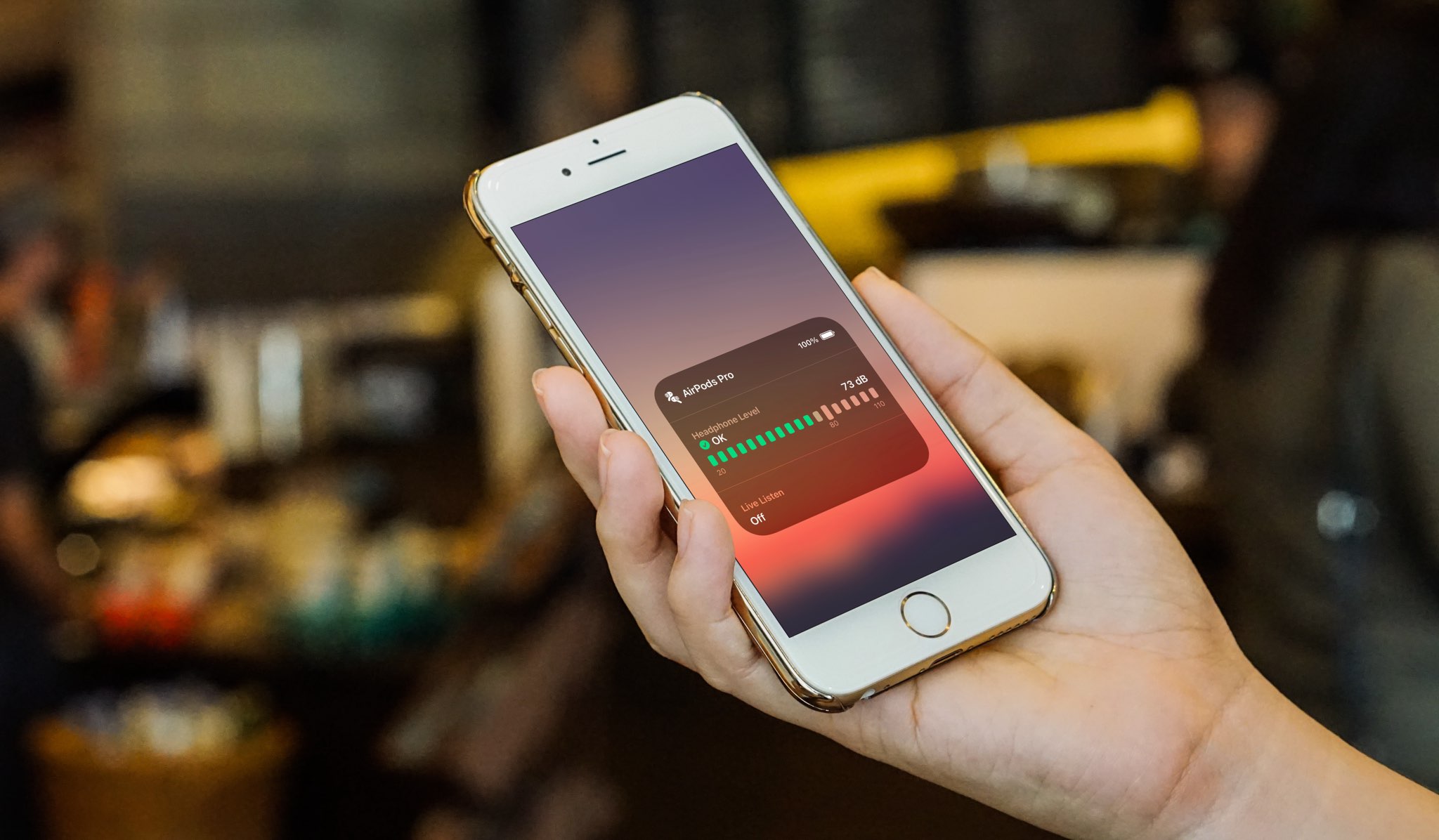
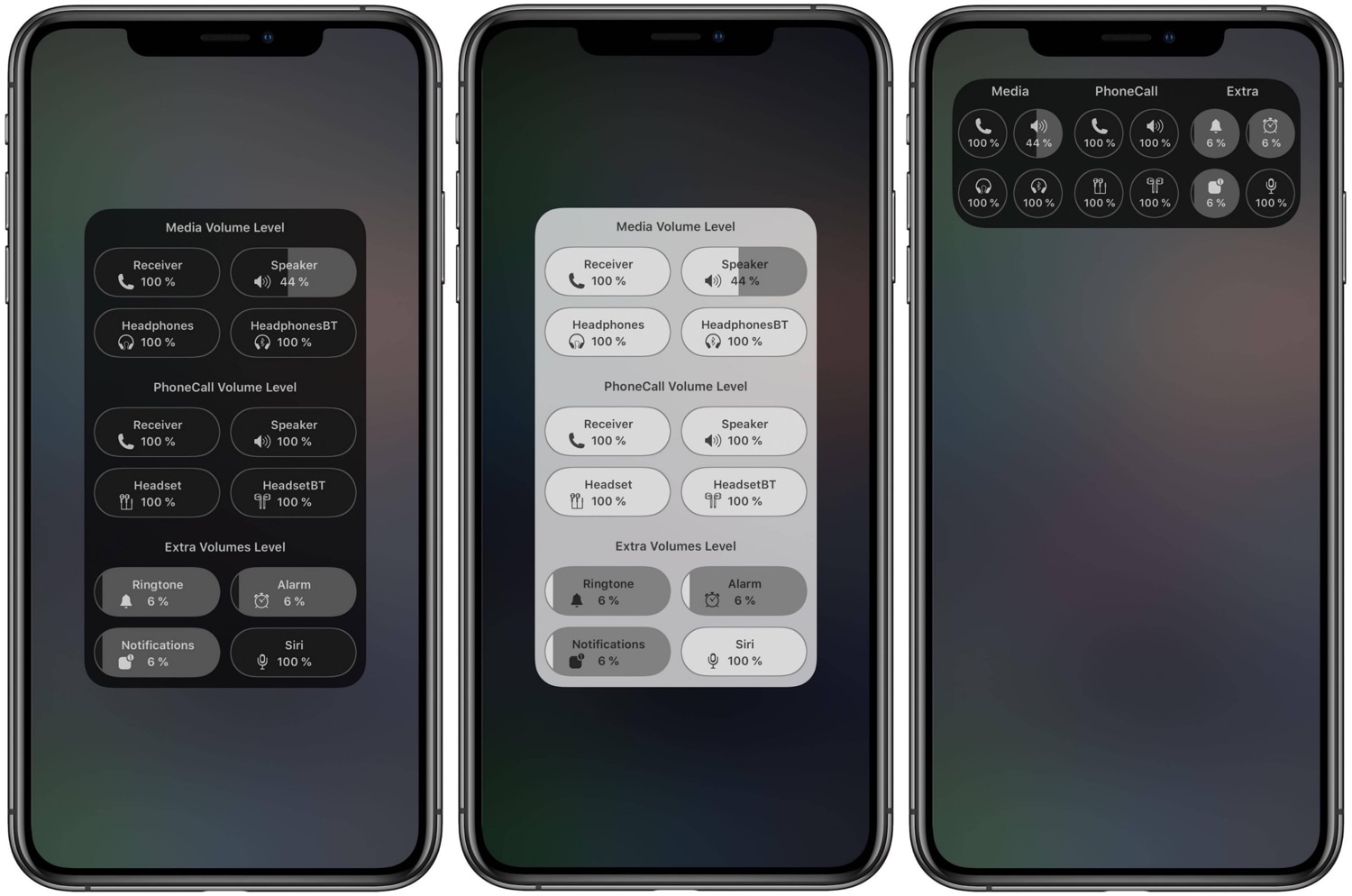
SmartVolumeMixer2 offers seamless control over all your iPhone’s different volume levels

Depending on your surroundings, you might fine-tune your handset’s volume level so that you can hear music, videos, or even voice messages and phone calls. In most cases, we do this by pressing the volume up or down buttons on the side of the device, or perhaps by opening Control Center and dragging the slider to a comfortable listening level.

What many people don’t know, however, is that iOS & iPadOS play host to several different volume level settings. One of those controls your media playback volume, while another controls your phone call volume. You also have individual volume levels for connected Bluetooth devices, notification sounds, and even Siri’s voice.

7+ tips to make it easier to see or read your Mac screen

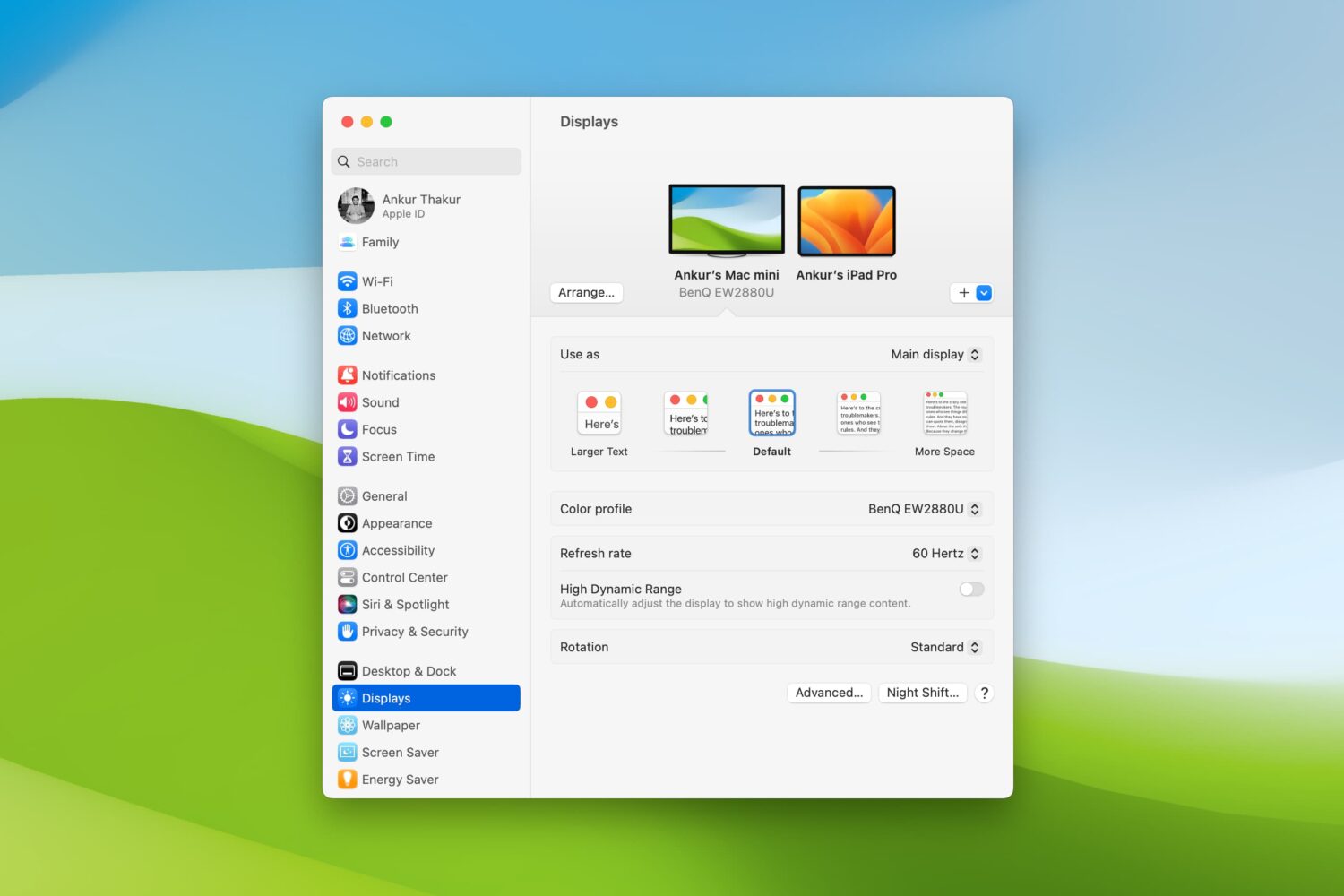
Displays settings on Mac

Are there times when you sit down to work on your Mac and struggle to see items on the screen? Whether it’s the app icons on your desktop, text in emails or webpages, or simply your mouse pointer, there are ways to improve your screen space.

You should never have to strain to read or see what’s on your computer screen. So, we’ll show you several adjustments you can make to improve your Mac experience.

Social Composer lets jailbreakers update social media and share messages from anywhere in iOS

Social media has become such an integral part of peoples’ day to day lives that you’d be hard-pressed to find anyone without an app from this category on their smartphone or tablet. Be it Facebook, Instagram, Snapchat, Twitter, or something else not listed here, the simple fact is many make use of these online tools in an effort to keep in touch with one another when they’re otherwise out of touch.